
AI Leeftijdsfilter voor Realistisch Gezichtsveroudering
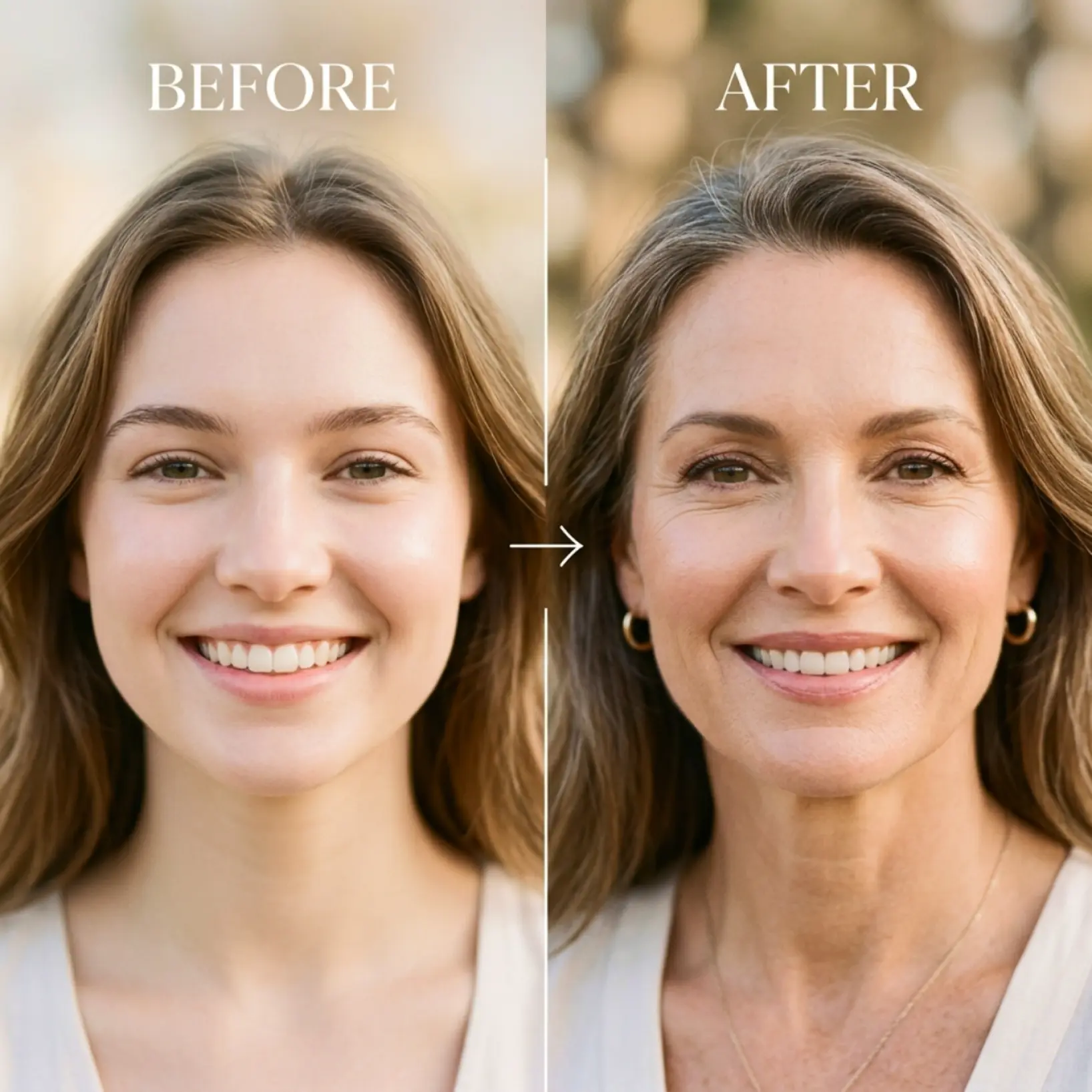
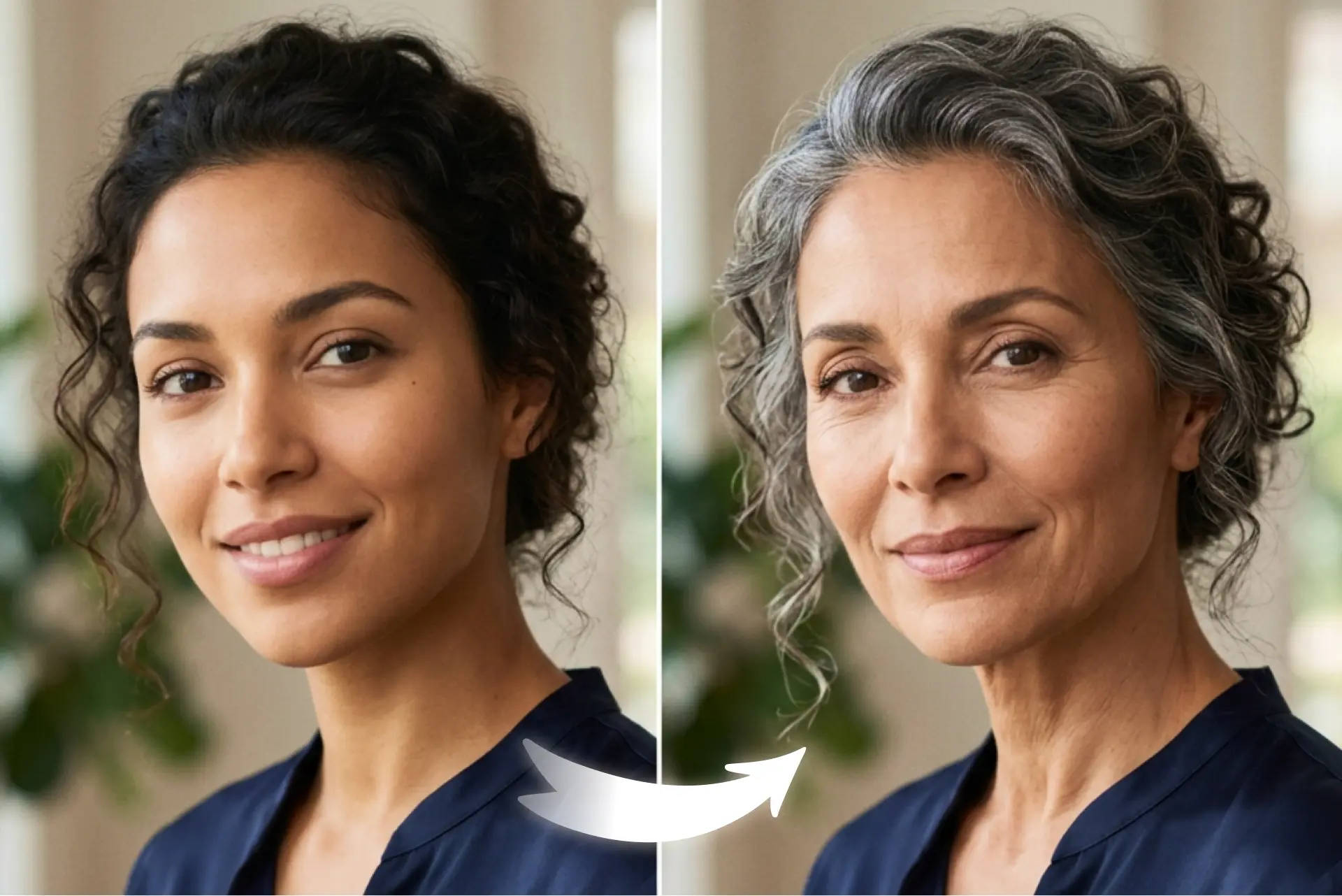
Upload een portret en verken natuurlijk uitziende leeftijdsprogressie over 6 levensfasen. Vergelijk je origineel met het AI-gegenereerde resultaat en regenereer wanneer je wilt !
Hoe het werkt
Upload je foto
Kies een duidelijk portret van je apparaat om de leeftijdsprogressievoorvertoning te starten
Kies een leeftijd
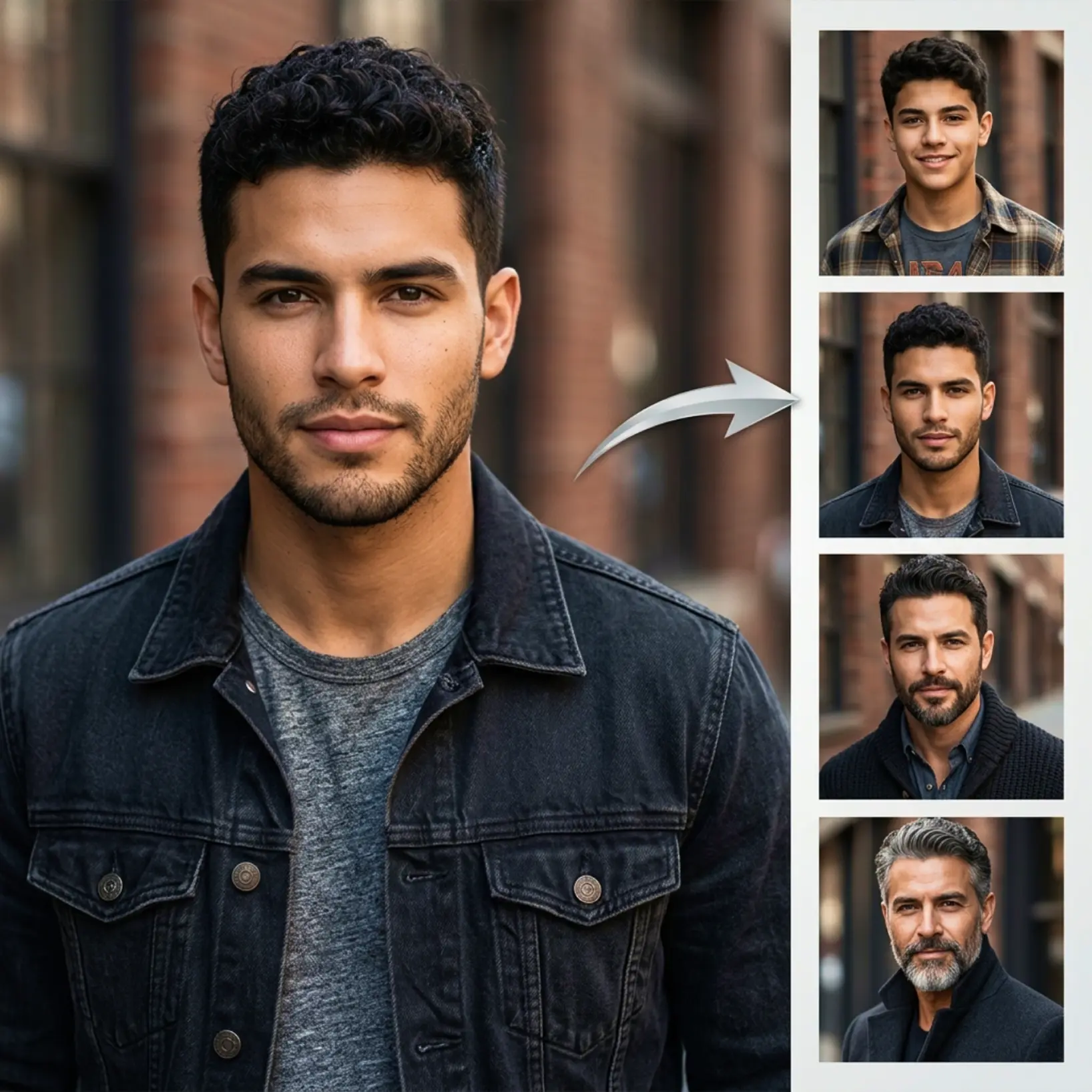
Kies een van de 6 leeftijdsopties om te zien hoe je gezicht verandert met de tijd
Vergelijk het resultaat
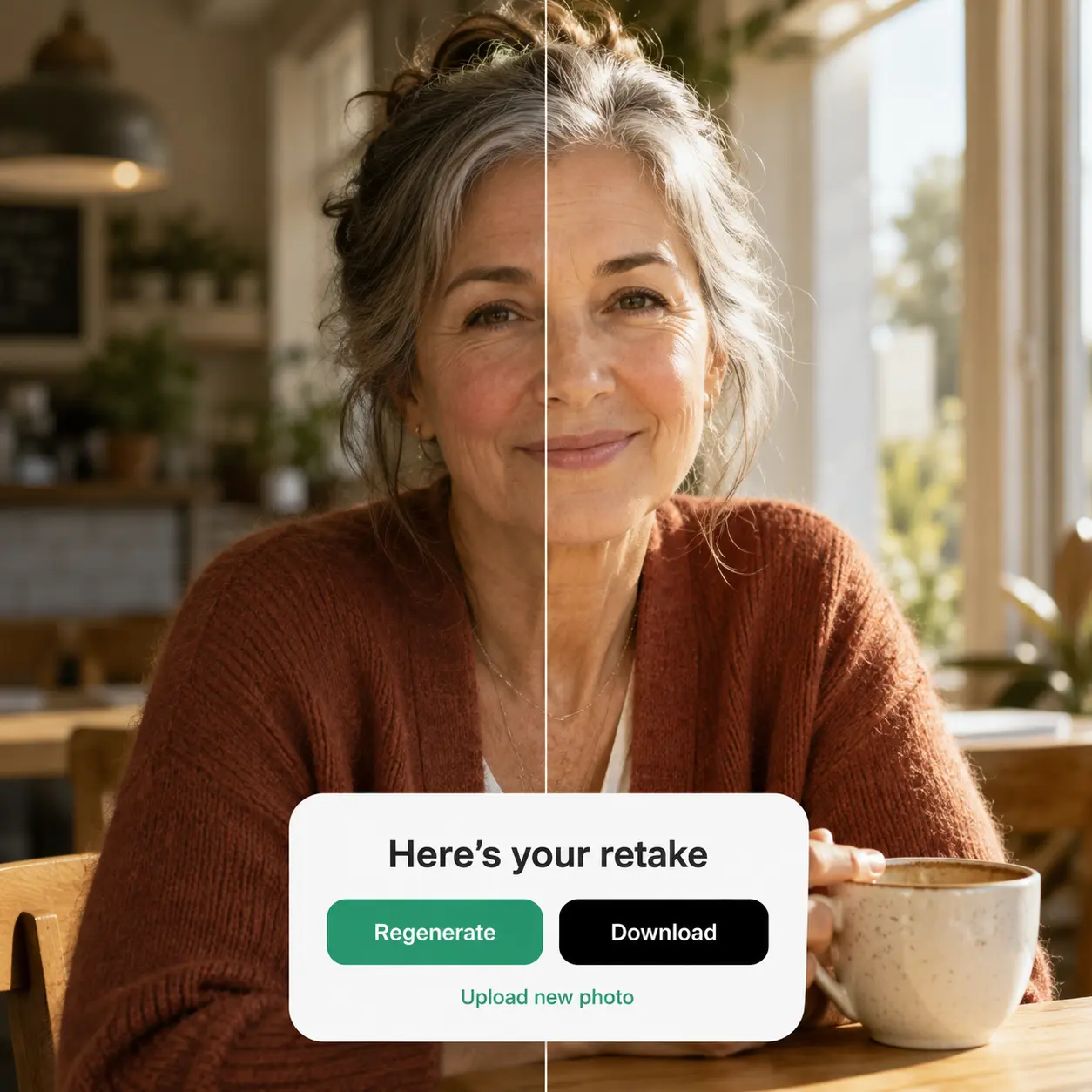
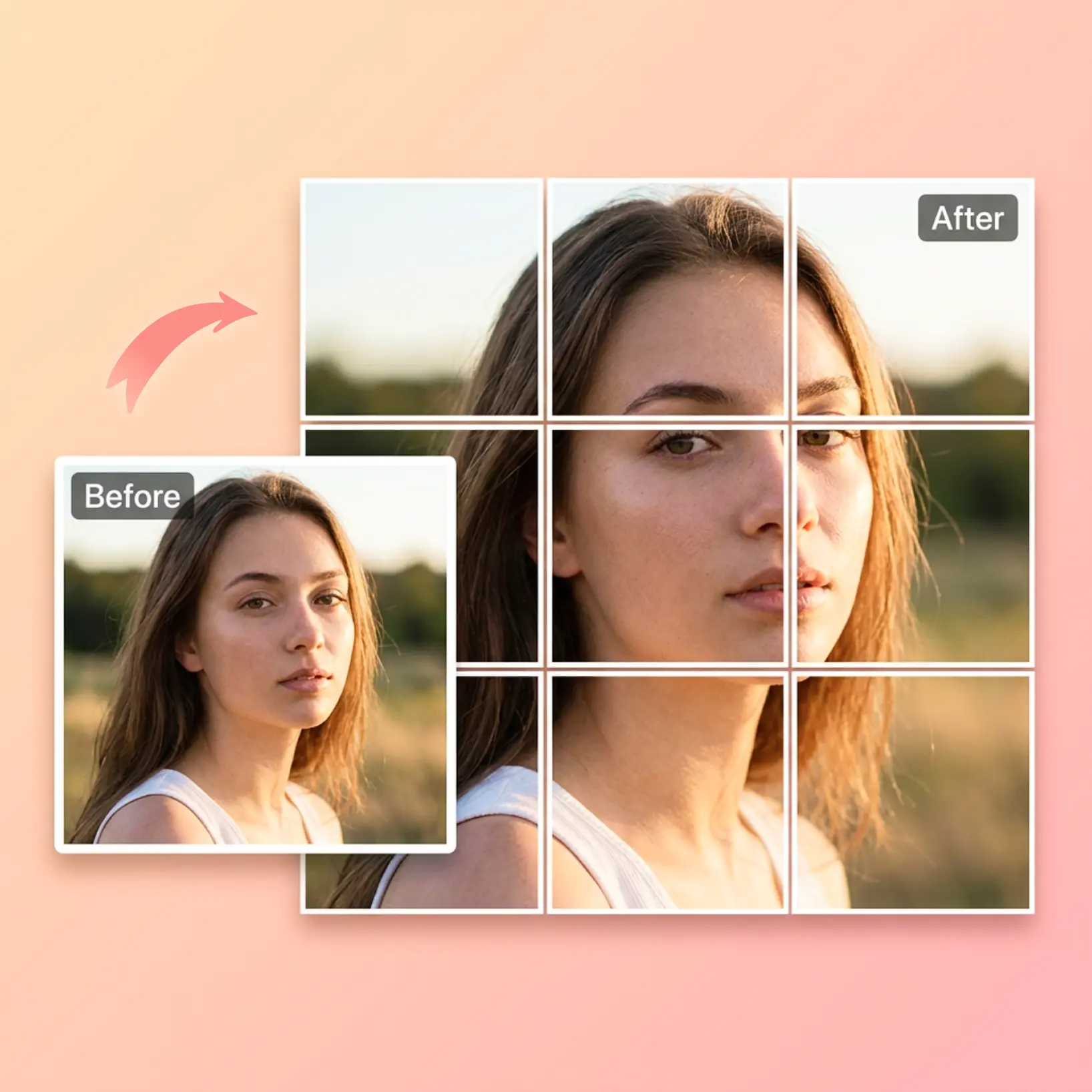
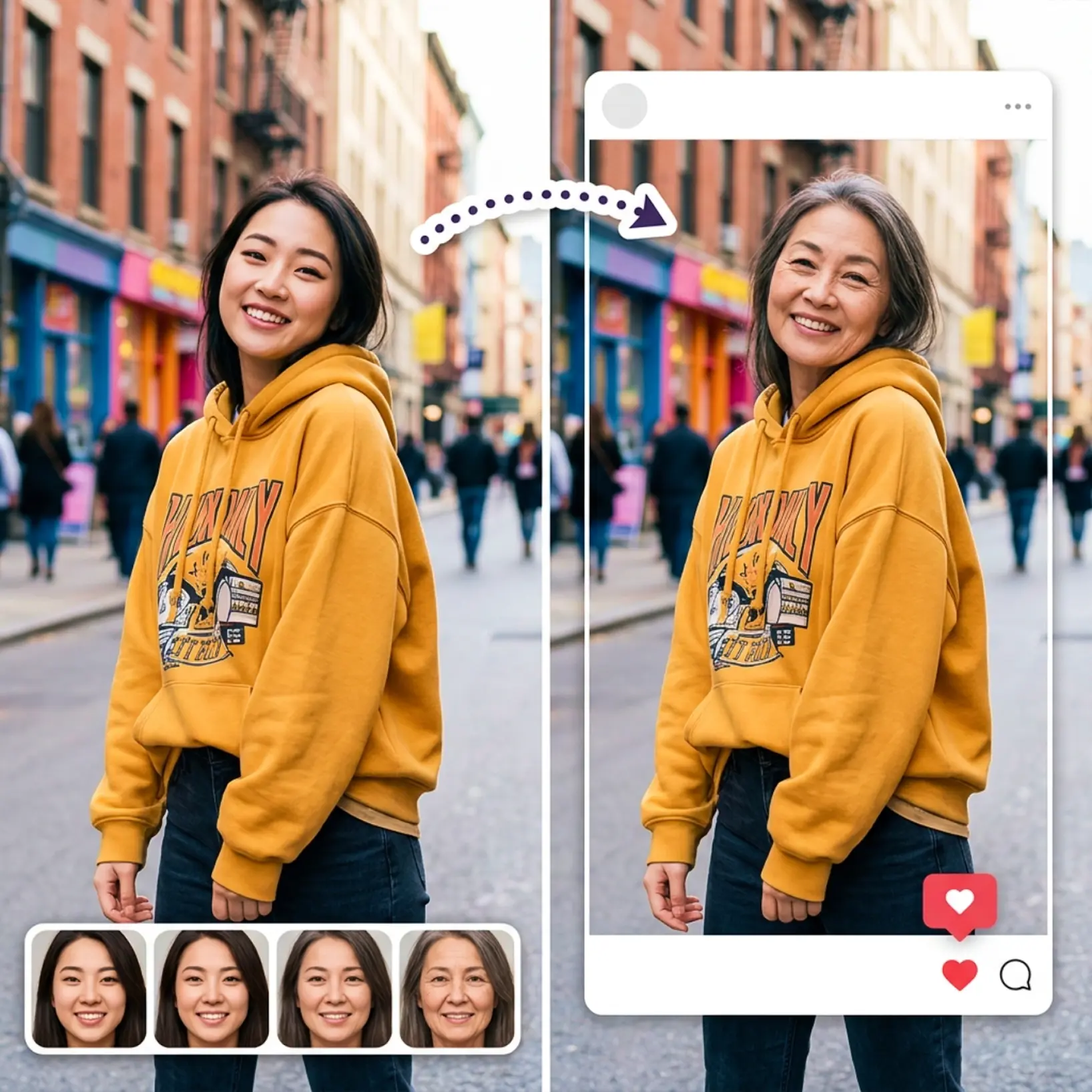
Bekijk je originele afbeelding naast het AI-gegenereerde leeftijdsprogressieresultaat
Regenereer wanneer je wilt
Probeer een andere leeftijdsoptie en maak een nieuwe versie met één tik

Sluit je aan bij miljoenen over de hele wereld
Wie kan profiteren van het AI Leeftijdsfilter?
- 🔹
Sociale mediagebruikers — Genereer een opvallende voor-en-na post met één portret. Het ouderdomsfilter levert kant-en-klare deelbare resultaten op.
- 🔹
Nieuwsgierige gebruikers — Ontdek hoe je gezicht er uit zou kunnen zien in verschillende levensfasen met een eenvoudig verouderingsfilter. Geen ervaring nodig.
- 🔹
Vrienden en entertainment zoekenden — Pas het oudegezikhtsfilter toe op een groepsfoto en vergelijk de resultaten samen. Een snelle, gedenkwaardige manier om plezier te hebben met AI.
- 🔹
Makers van content — Produceer opvallende visuals met een AI leeftijdsprogressie-effect in seconden. De zij-aan-zij resultatenweergave maakt het gemakkelijk om boeiende content vast te leggen.
- 🔹
Mobiele gebruikers — Upload vanaf je telefoon, selecteer een leeftijd en bekijk resultaten direct. Snelle verwerking en een één-tik regenereer-knop maken de ervaring vloeiend op elk apparaat.
Veelgestelde vragen
Wat is Lift AI Leeftijdsfilter?
Lift AI Leeftijdsfilter is een creatieve tool die een enkel portret transformeert naar ouder uitziende versies met behulp van kunstmatige intelligentie. Het past een natuurlijk uitziend ouderdomseffect toe over meerdere levensfasen.
Hoe werkt Lift AI Leeftijdsfilter?
Upload een duidelijk portret en selecteer vervolgens een van de 6 leeftijdsopties. Lift verwerkt de afbeelding en past een AI-gegenereerd verouderingsfilter toe op je gezicht. Het resultaat verschijnt naast je originele foto.
Kan ik verschillende leeftijdsopties kiezen?
Ja. Lift AI Leeftijdsfilter bevat 6 leeftijdsopties, zodat je een voorbeeld kunt bekijken van verschillende oudere versies van hetzelfde portret en de resultaten gemakkelijk kunt vergelijken.
Wat zie ik na de generatie?
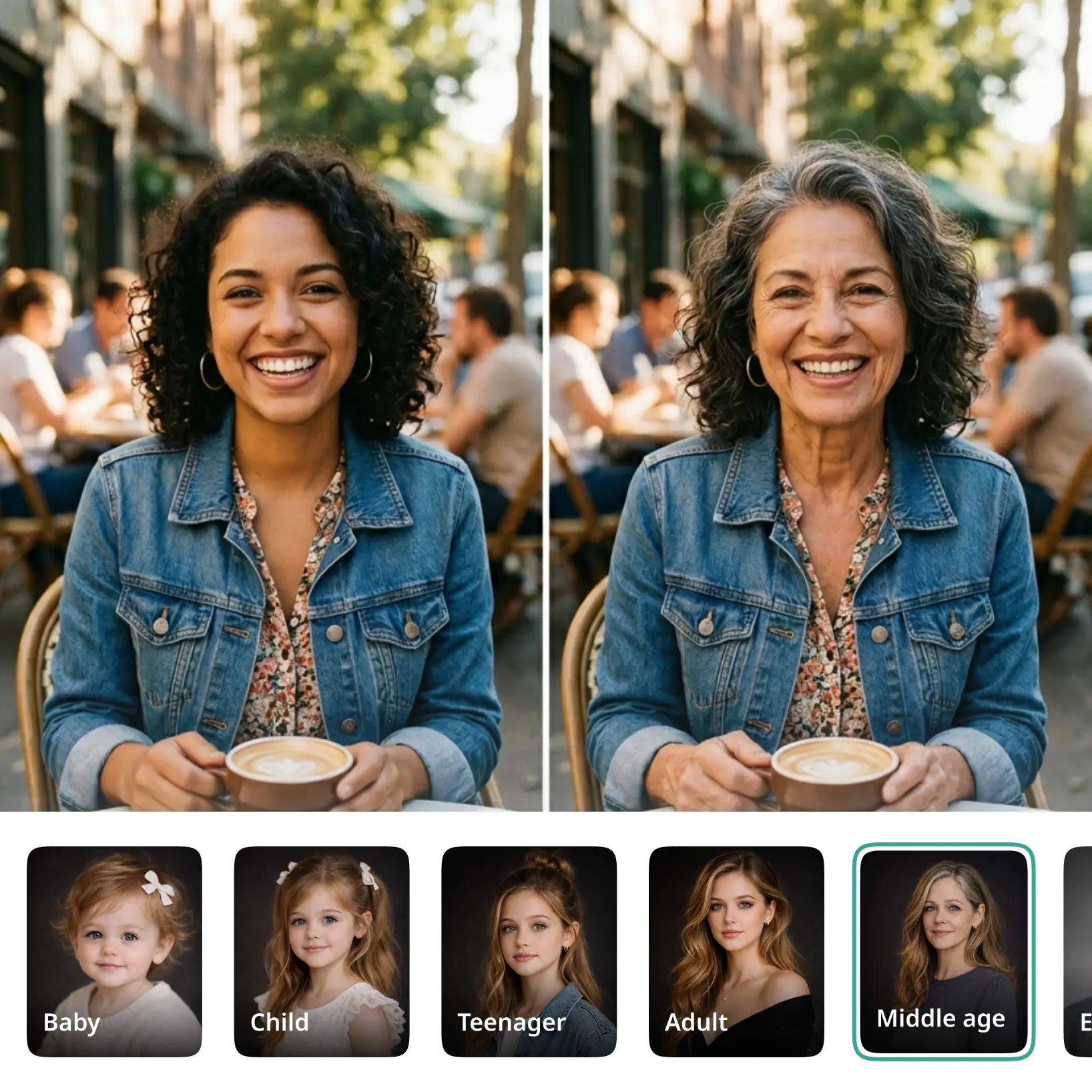
Nadat het resultaat klaar is, toont Lift je originele foto naast de gegenereerde leeftijdsprogressieafbeelding, zodat je beide versies in één weergave kunt vergelijken.
Hoe kan ik mijn Lift Pro-abonnement opzeggen?
Je kunt je proefperiode of abonnement opzeggen via je accountinstellingen of door contact op te nemen via support@liftapp.ai. Opzeggen stopt de automatische verlenging; je toegang blijft actief tot het einde van de huidige periode.
Waarom Lift AI Leeftijdsfilter opvalt
Hoogwaardige resultaten
AI-aangedreven technologie levert elke keer visuals op professioneel niveau
Intelligente rendering
AI past het effect aan op de scène en het onderwerp voor optimale resultaten
Cross-platform ondersteuning
Beschikbaar op iOS, Android en Web voor naadloze toegang
Budget-vriendelijk
Bespaar op dure ontwerpers met een betaalbare en intuïtieve tool