
AI Age Progression: See Your Face at Any Age
Upload one portrait and explore how your face transforms across different life stages. Choose an age, generate a result, and compare side by side.

How it works
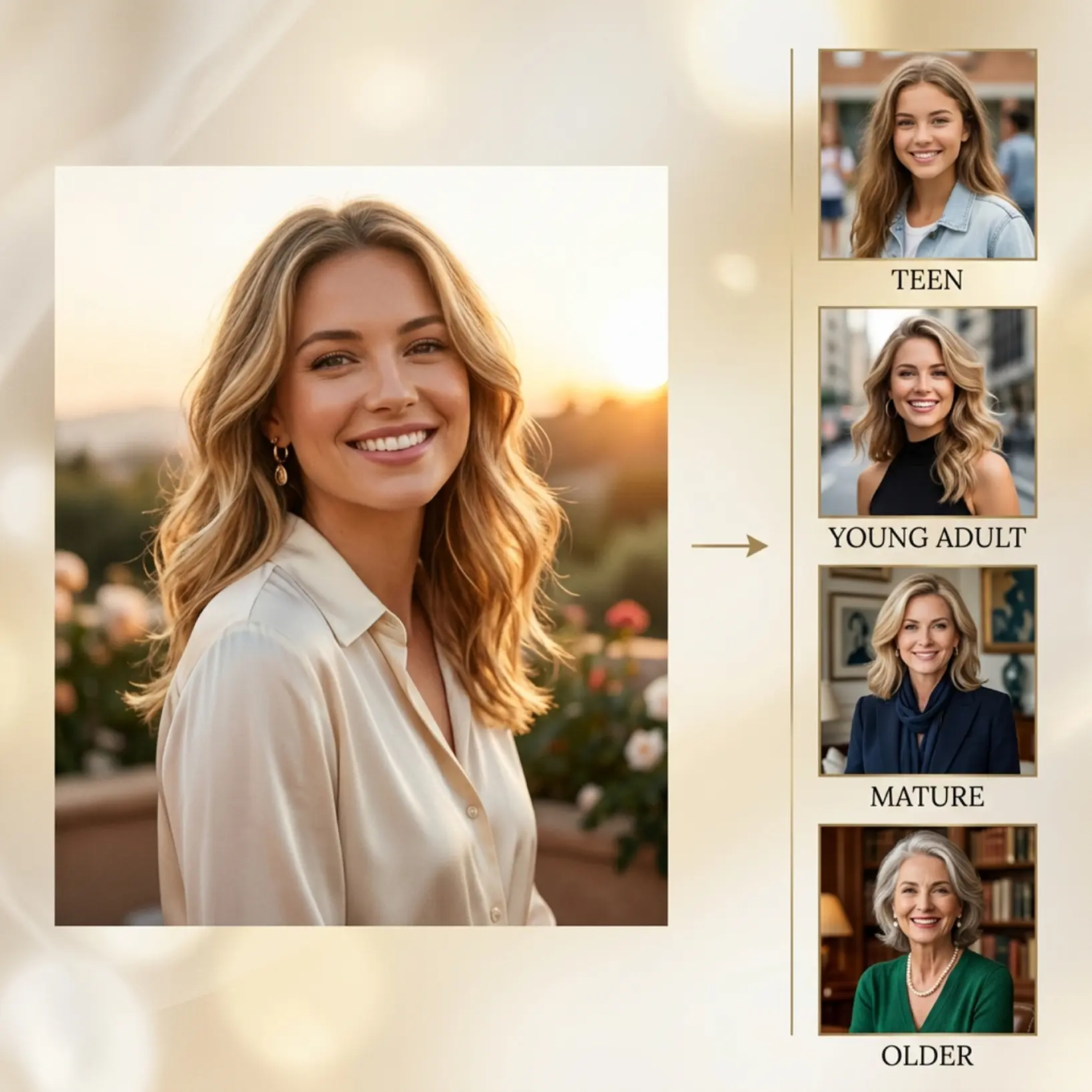
Upload your photo
Choose a clear portrait from your device to start the age progression preview
Choose an age
Pick one of 6 age options to see how your face changes over time
Compare the result
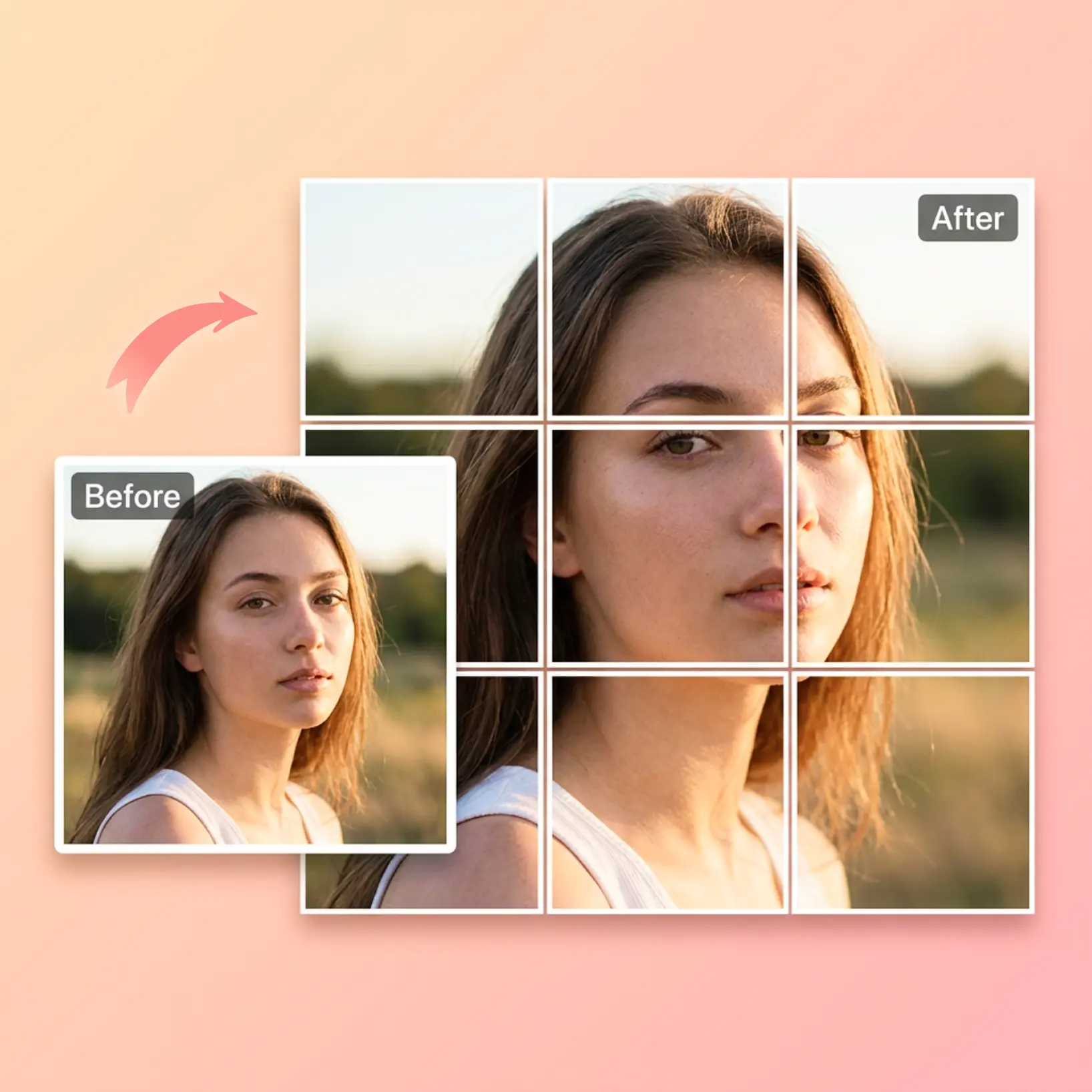
View your original image next to the AI-generated age progression result
Regenerate anytime
Try another age option and create a new version with one tap

Join millions around the globe
Who can benefit from AI Age Progression?
- 🔹
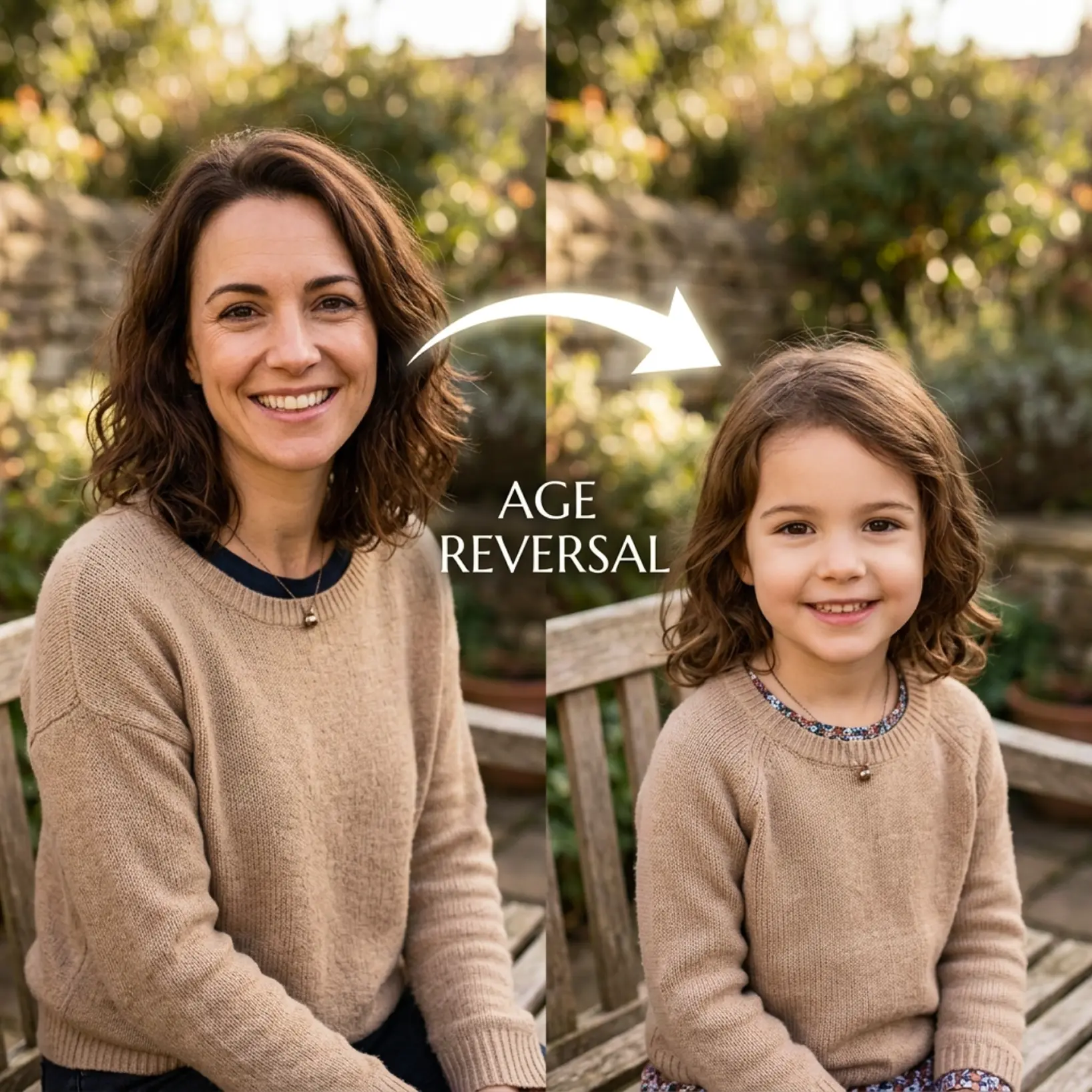
Social media users — Generate compelling before-and-after age progression photos to share across platforms. Side-by-side comparisons drive strong engagement and are easy to post.
- 🔹
Curious users — Preview how your face might look at different life stages with a simple upload. Try multiple age options to explore different outcomes without any commitment.
- 🔹
Friends & entertainment seekers — Run age progressions on group photos and compare results together. The instant side-by-side view makes it easy to laugh, share, and revisit.
- 🔹
Content creators — Produce eye-catching AI aging visuals for reels, thumbnails, or concept posts. Six age stages give you variety without extra shoots or editing time.
- 🔹
Mobile users — Upload a photo, select an age, and get a result in seconds from any device. The Regenerate button lets you try a fresh version without starting over.
Frequently asked questions
What is Lift AI Age Progression?
Lift AI Age Progression is a visual feature that transforms a single uploaded portrait into older-looking versions using AI. It lets you explore how a face might appear across different life stages, with results generated in seconds.
How does Lift AI Age Progression work?
Upload a clear portrait, then select one of 6 age options from the on-screen control. Lift generates an aged version of the face and displays it alongside your original photo for an instant side-by-side comparison.
Can I choose different age options?
Yes. Lift AI Age Progression includes 6 age options, so you can preview different older versions of the same portrait and compare the results easily.
Can I download the results without a watermark?
Absolutely. All images generated or edited in Lift can be exported without watermark when you're on the Pro plan. Download them in high-res PNG or JPG — ready for social media, print, ads, or e-commerce.
How much does AI Age Progression tool cost?
Lift is subscription-based (monthly or yearly) for unlimited exports. New users can preview the full workflow before purchasing. You'll see a preview in the browser and pay only if you decide to download the high-res file.
Why Lift's AI Age Progression stands out
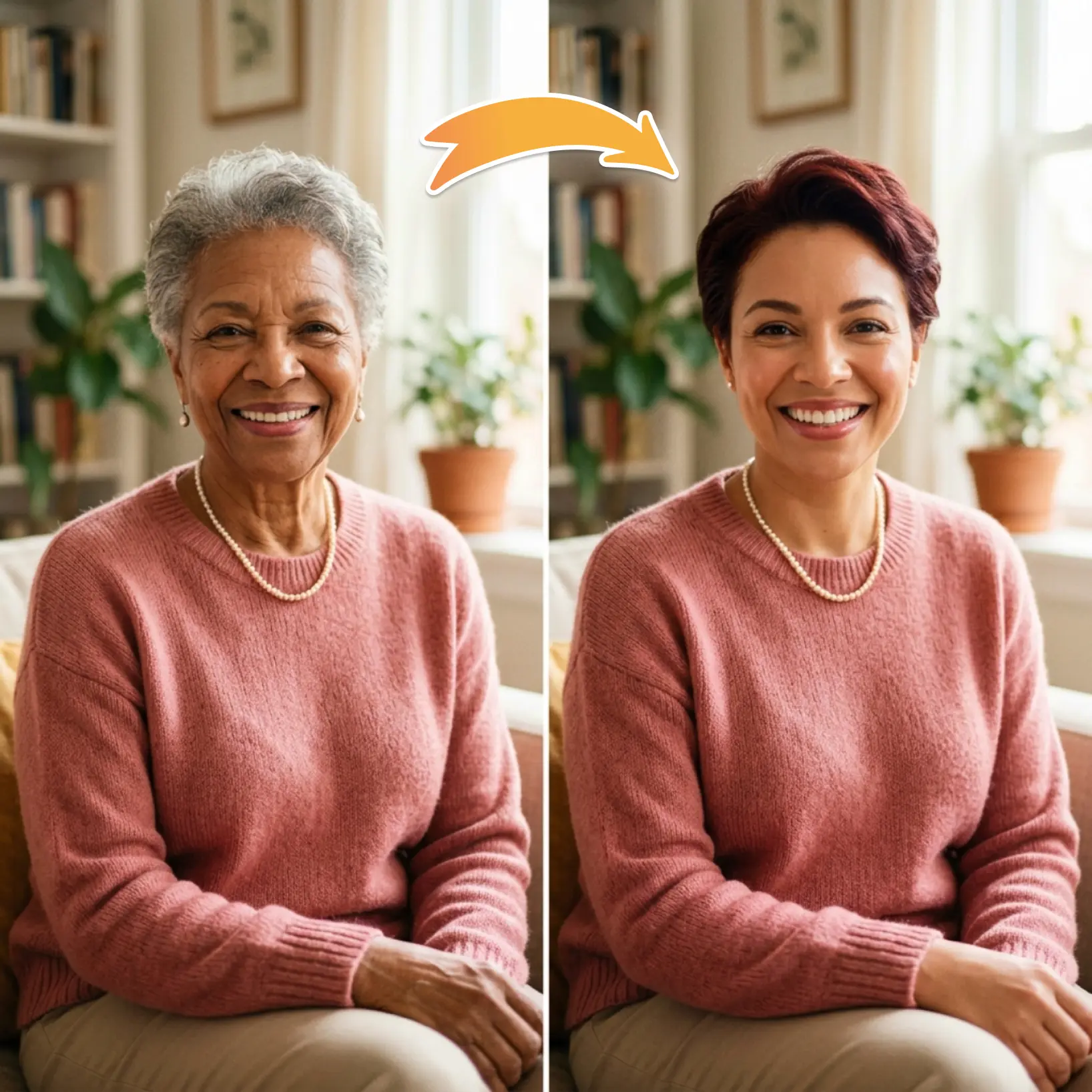
High-quality results
AI-powered technology delivers professional-grade visuals every time
Intelligent rendering
AI tailors the effect to the scene and subject for optimal results
Cross-platform support
Available on iOS, Android, and Web for seamless access
Budget-friendly
Save on costly designers with an affordable and intuitive tool