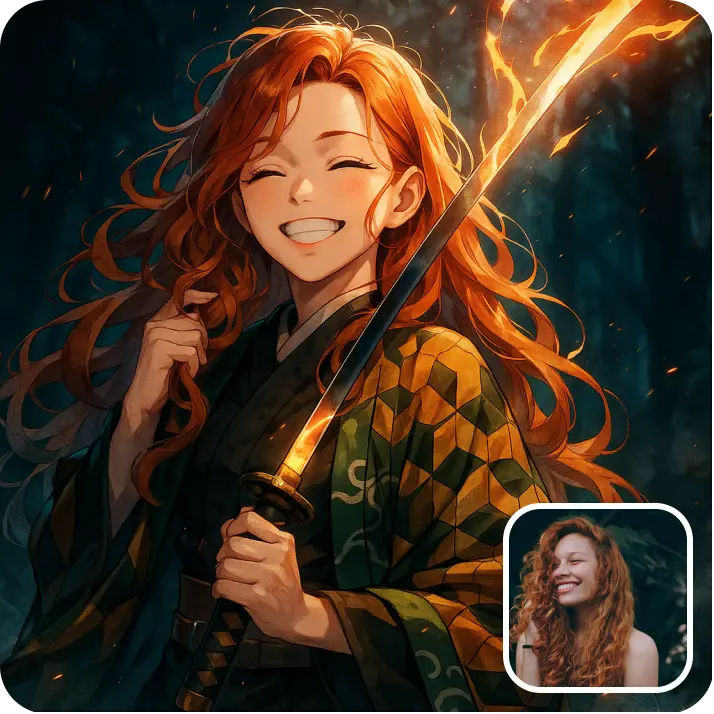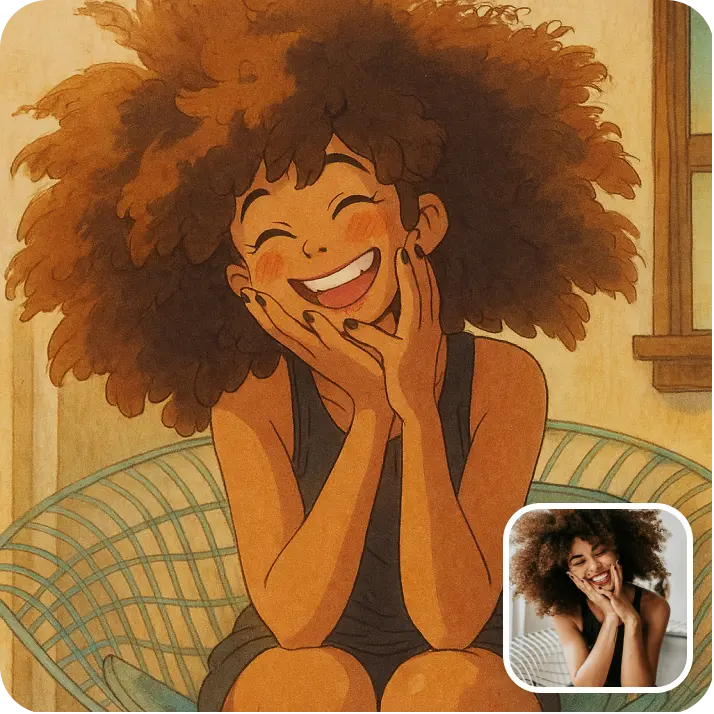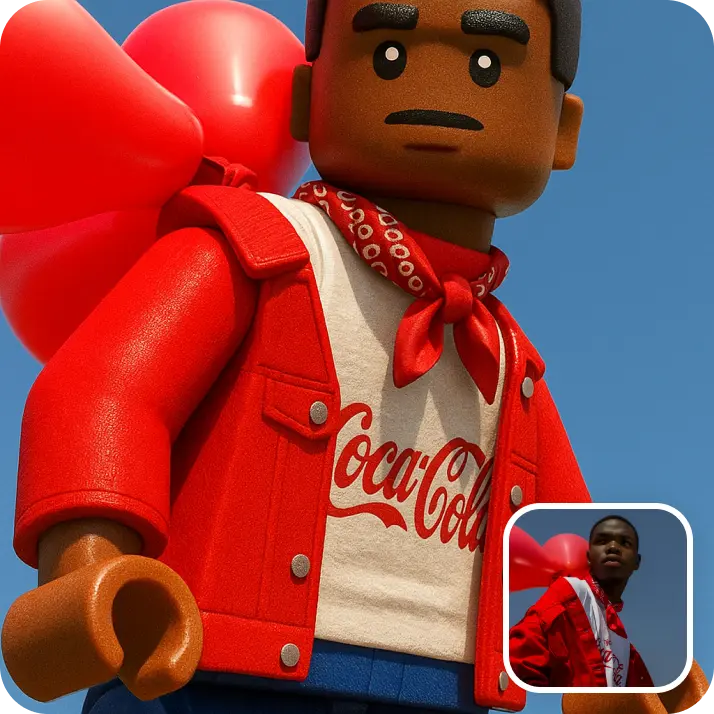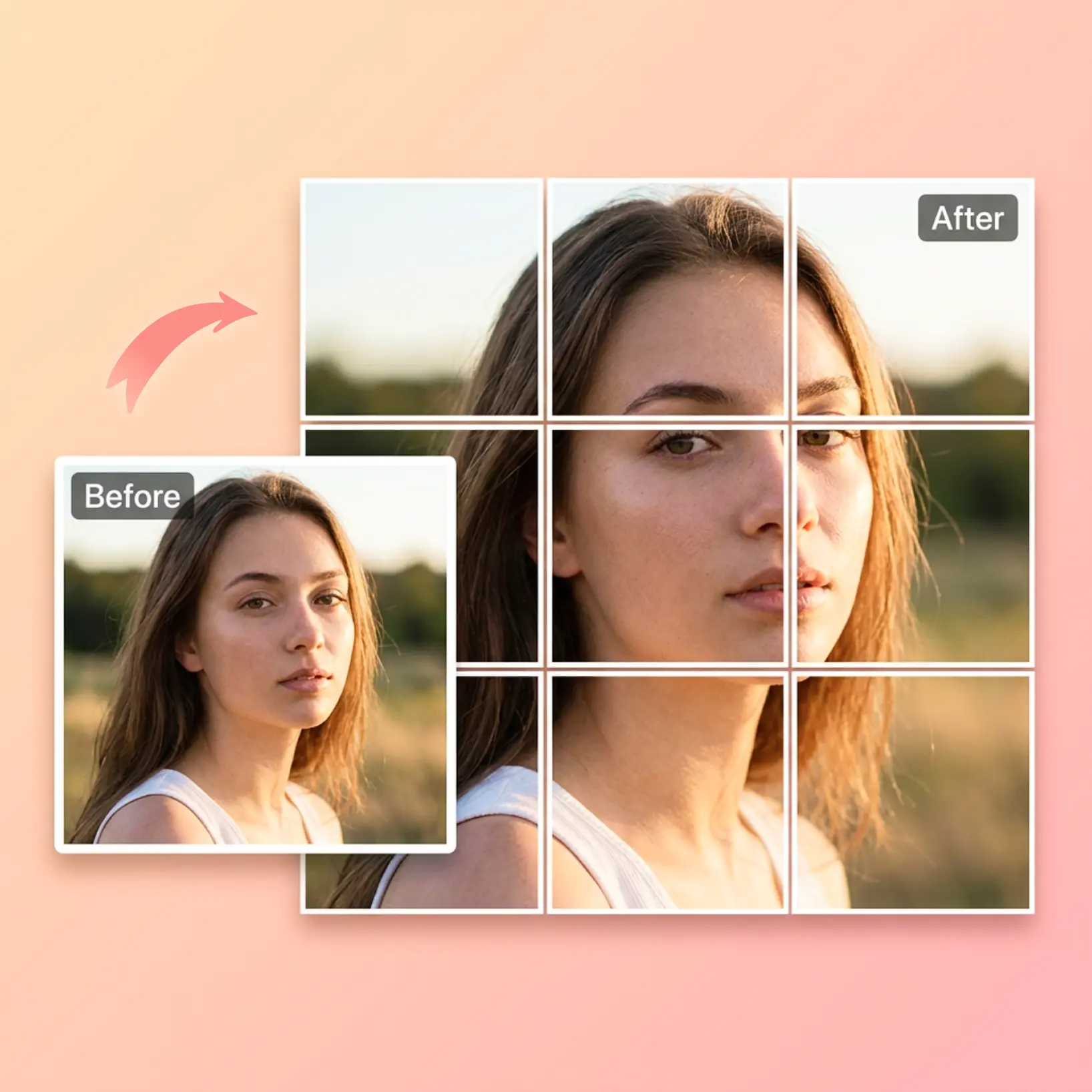

AI Image Combiner: Merge Two Photos Into One Scene
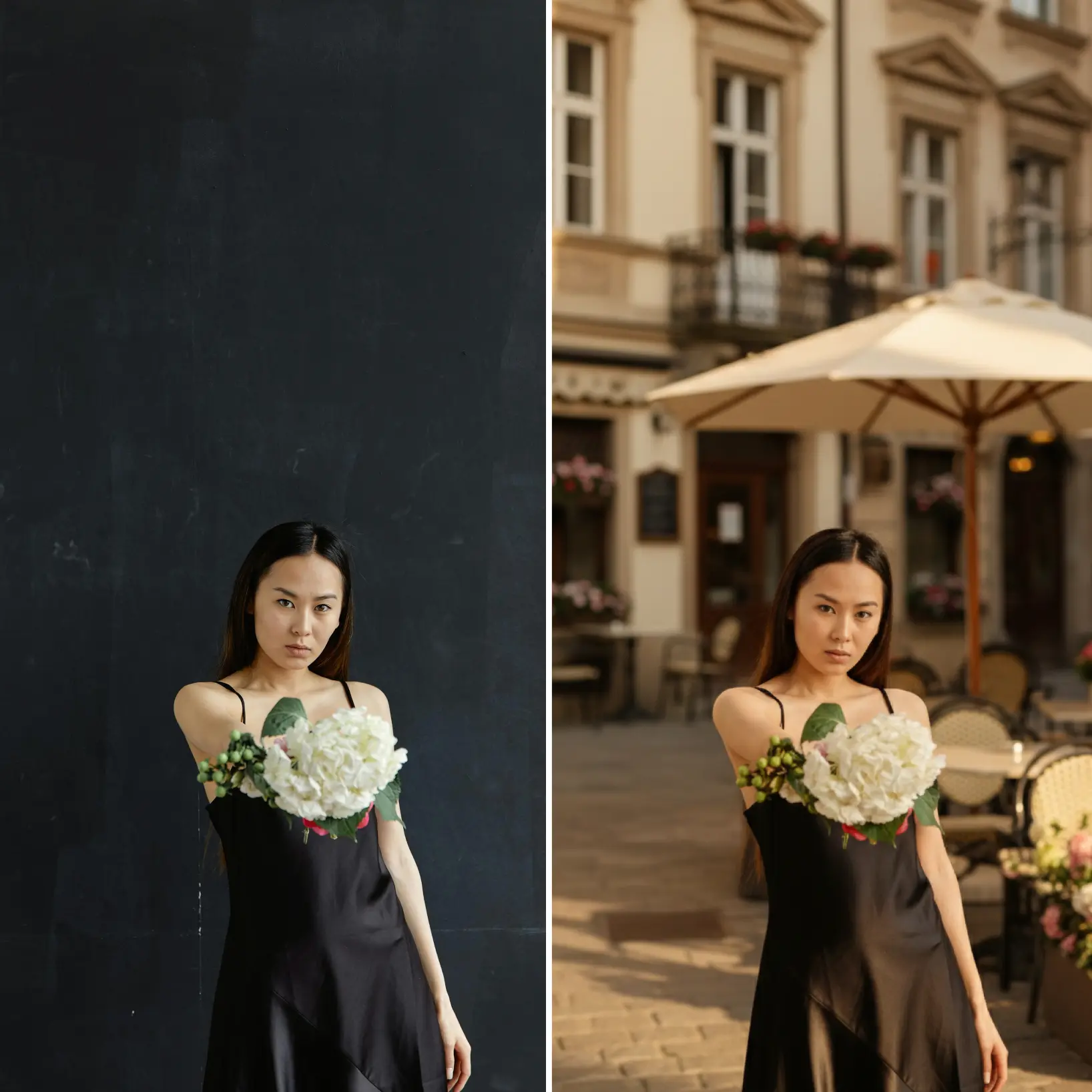
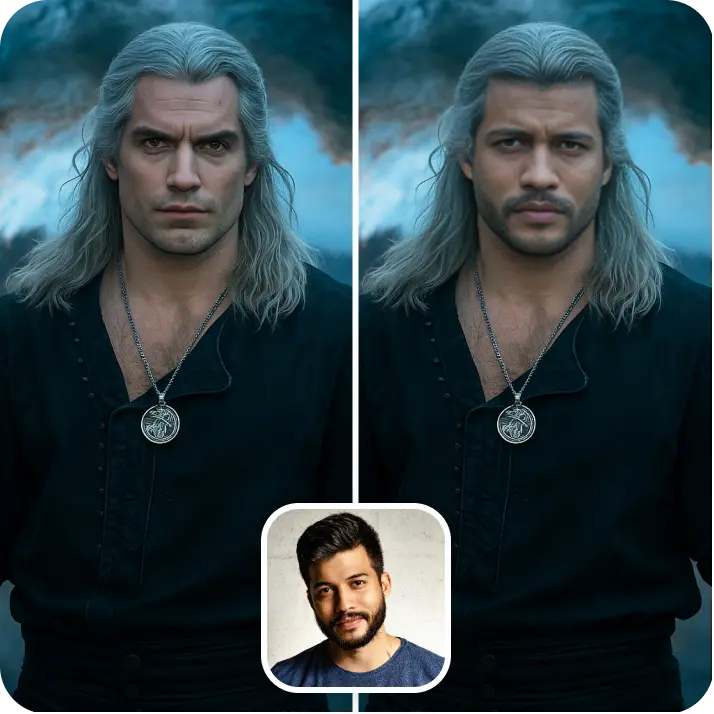
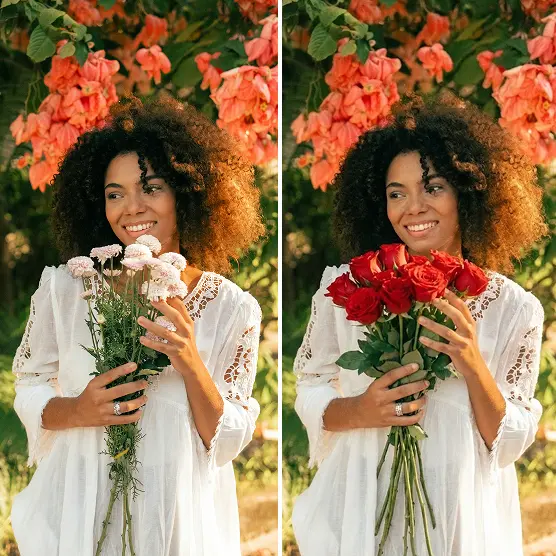
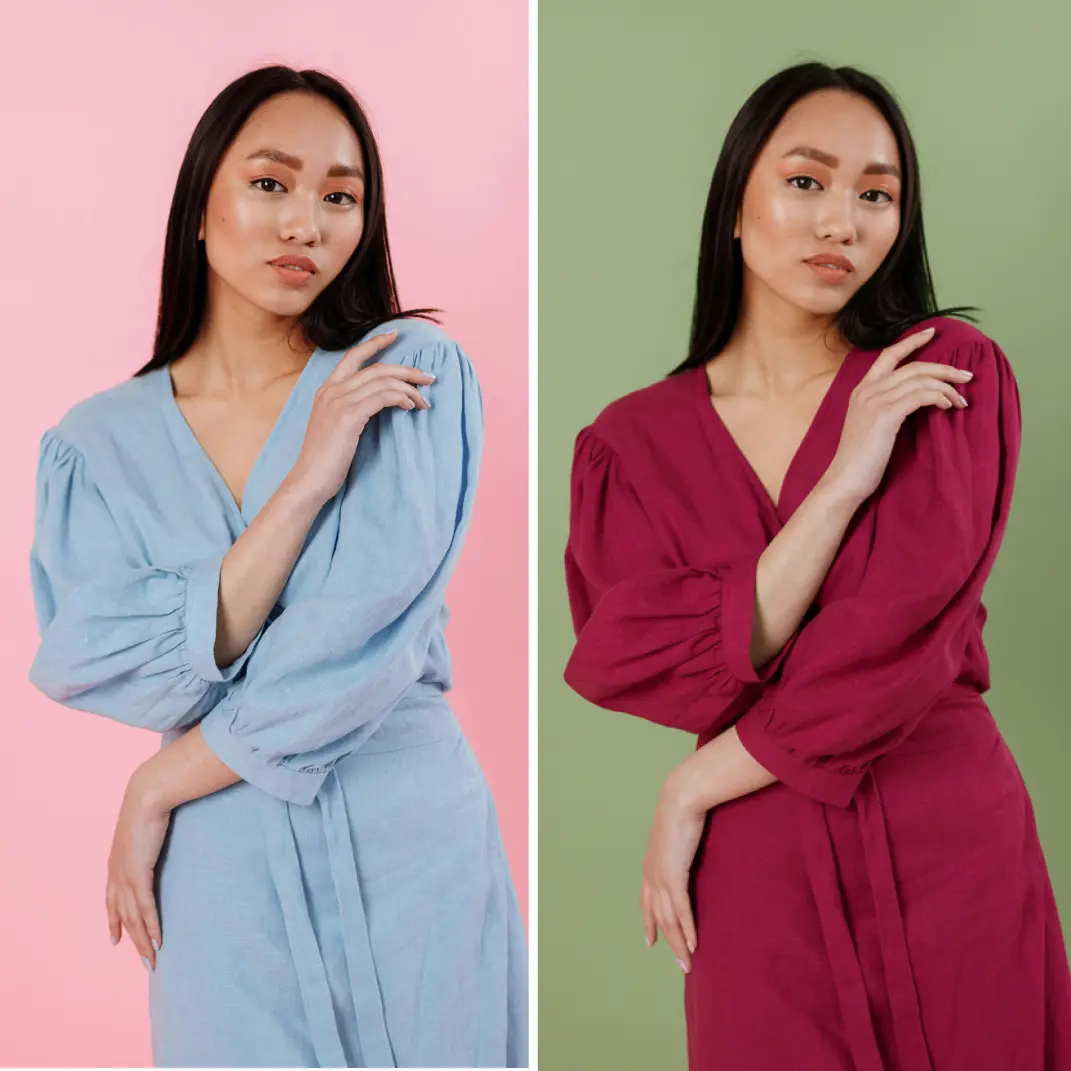
Upload two photos, pick a preset style or write a prompt, and let AI combine them into one image. Regenerate variations any time — free to try!


How it works
Upload two photos
Select the two source images you want to merge directly from your device
Choose a style or prompt
Pick a preset look or type your own instructions to guide the combination
Generate the result
AI blends both images into one cohesive scene within seconds
Download or Regenerate anytime
Save the merged image to your device, or update the photos or style and tap Regenerate for a new version

Trusted by millions around the globe
Join thousands of users who edit faster, create better visuals, and grow their content with AI
Who can benefit from the AI Image Combiner?

- 🔹
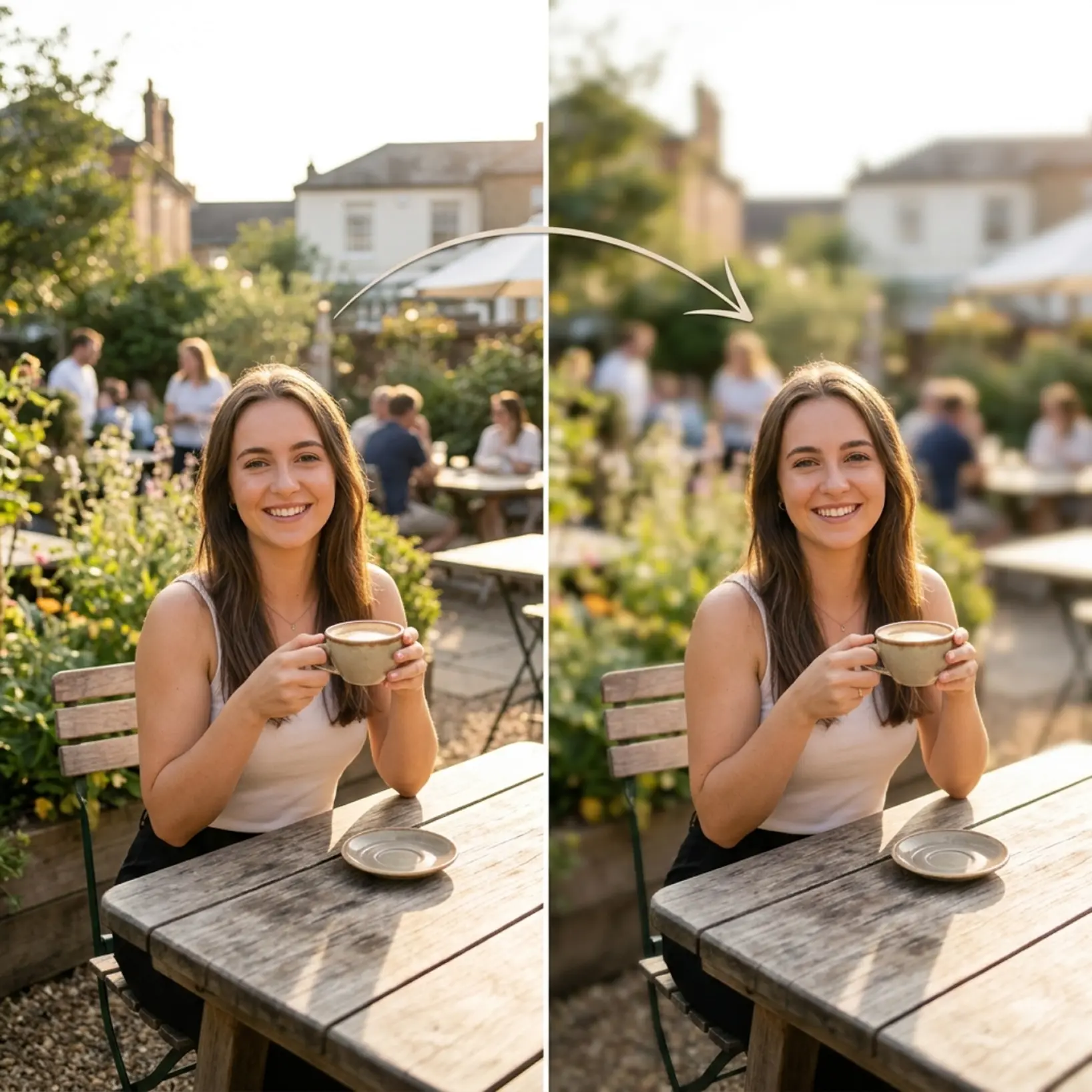
Social media users — Combine two photos into a single eye-catching post in seconds. The original-versus-result format gives you instant share-ready content for any feed.
- 🔹
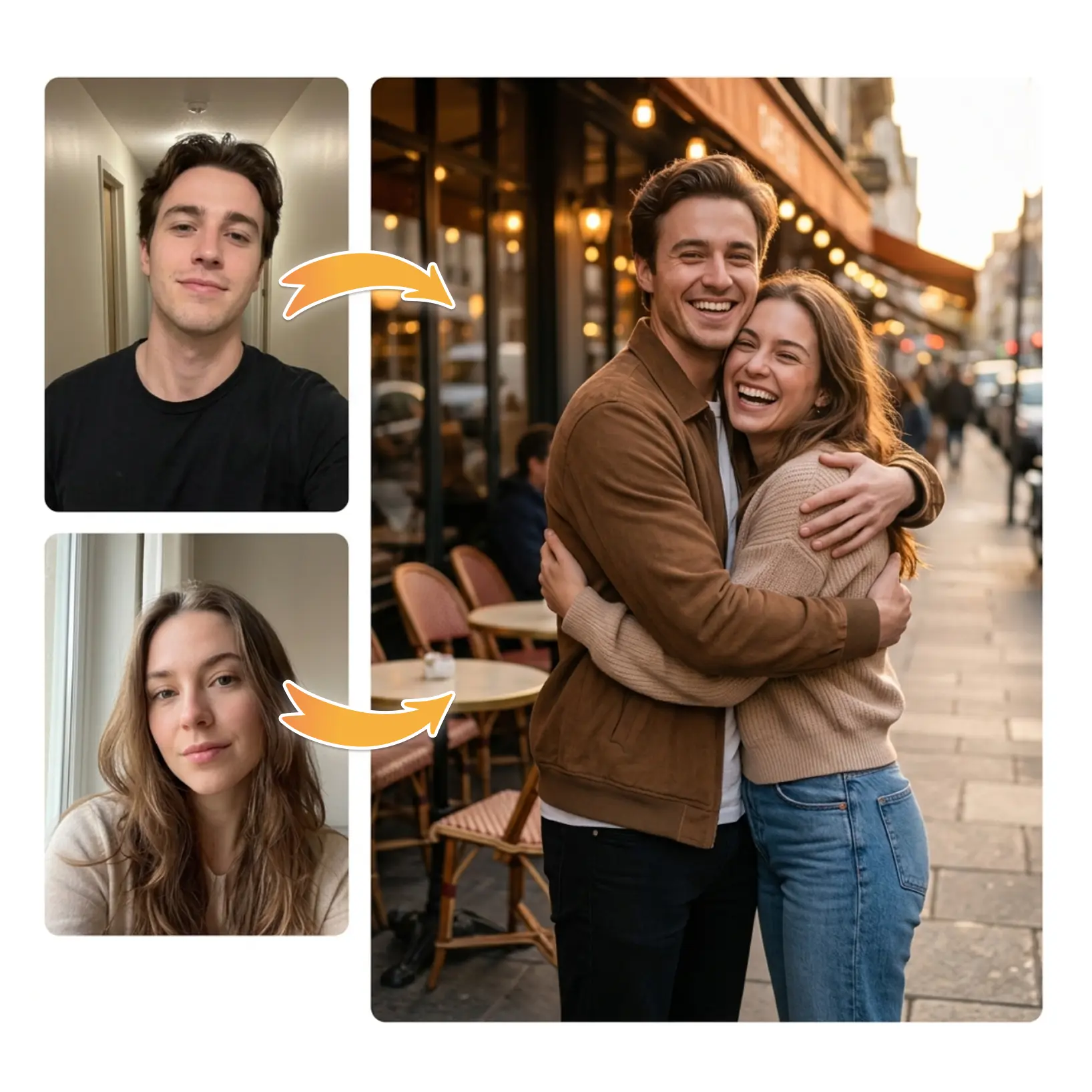
Couples & long-distance friends — Merge two solo selfies into one shared scene with a single prompt. Recreate moments together no matter how far apart you are.
- 🔹
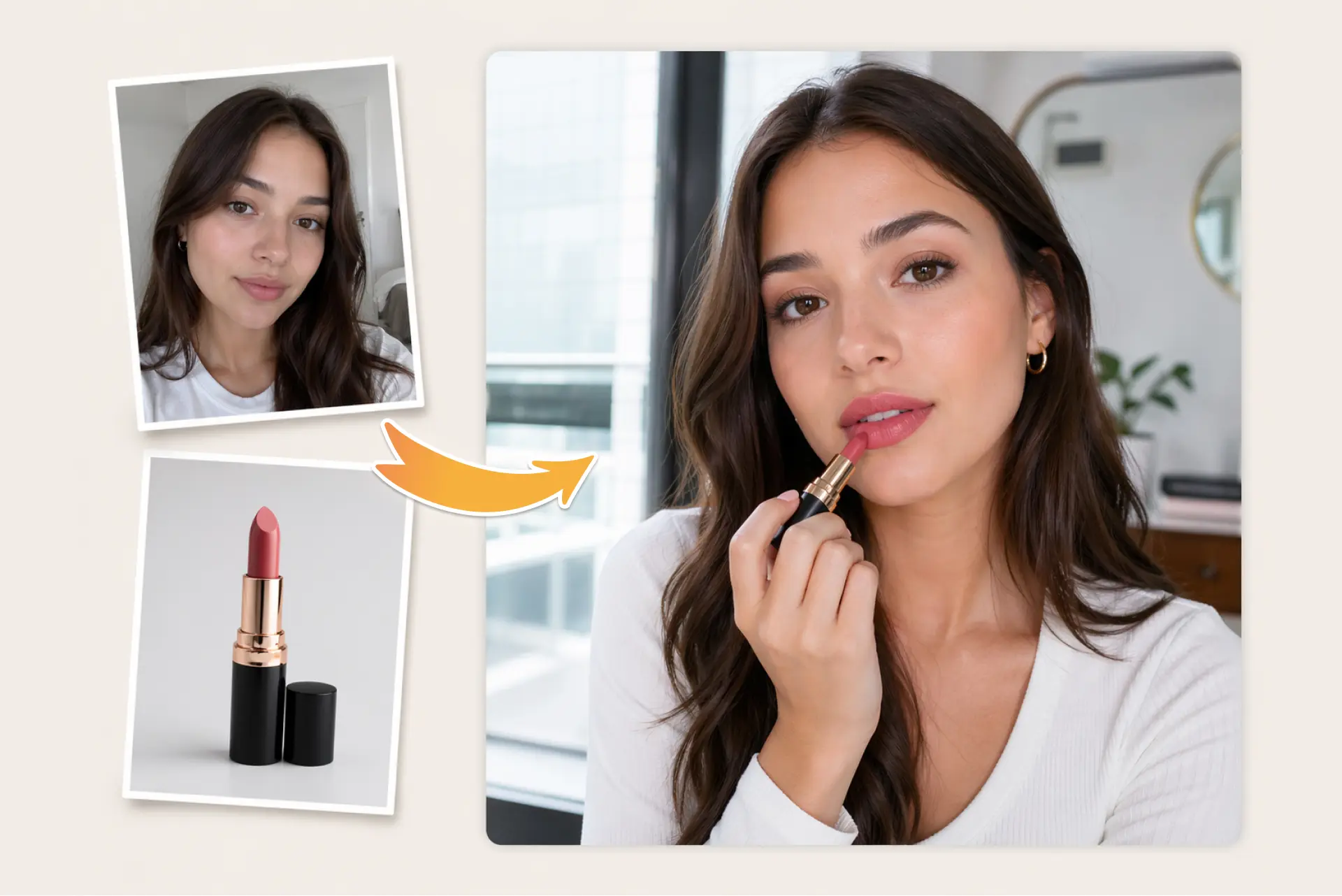
Online shoppers — Drop in a portrait and a product shot to preview lipstick, accessories, or outfits on yourself. Test multiple looks before deciding what to buy.
- 🔹
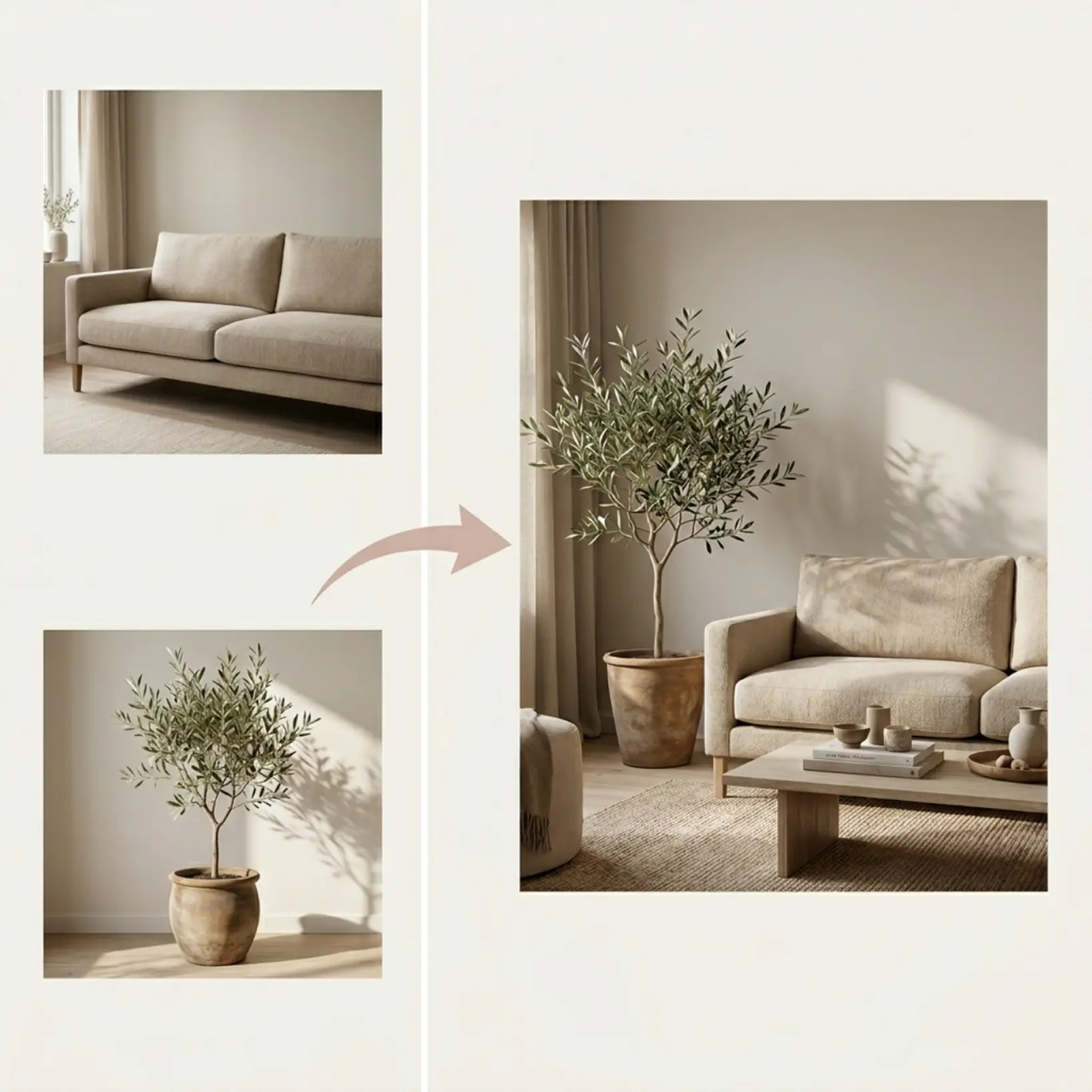
Content creators — Produce concept visuals, mockups, and themed posts by combining two source images. The regenerate loop saves hours of manual editing per asset.
- 🔹
Mobile users — Upload, pick a preset, and view the merged result on any device in seconds. The Regenerate button keeps the workflow fluid without restarting the upload.
Frequently asked questions
What is the Lift AI Image Combiner?
Lift AI Image Combiner is a tool that merges two uploaded photos into one AI-generated scene. Choose a preset style or write a custom prompt, and the result appears in seconds.
How does the Lift AI Image Combiner work?
Upload two photos, select a style or type your own prompt, and tap Generate. Lift blends both images into a single result that you can download to your device or regenerate with new inputs at any time.
Can I write my own prompt to combine the photos?
Yes. Alongside the preset styles, the tool accepts free-form instructions so you can describe exactly how the two images should be combined.
Can I download the results without a watermark?
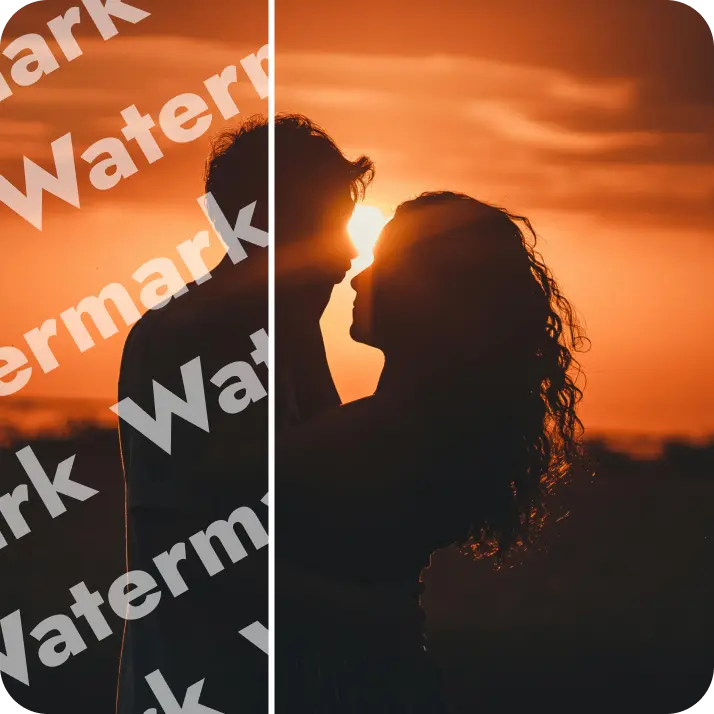
Absolutely. All images generated or edited in Lift can be exported without watermark when you're on the Pro plan. Download them in high-res PNG or JPG — ready for social media, print, ads, or e-commerce.
Can I use the AI Image Combiner for free?
Lift is subscription-based (monthly or yearly) for unlimited exports, but new users can test the full workflow for free. You'll see a preview in the browser and pay only if you decide to download the high-res file.
Why Lift's AI Image Combiner stands out
High-quality results
AI-powered technology delivers professional-grade visuals every time
Intelligent rendering
AI tailors the effect to the scene and subject for optimal results
Cross-platform support
Available on iOS, Android, and Web for seamless access
Budget-friendly
Save on costly designers with an affordable and intuitive tool