
AI Photo Editor Online
Transform your photos in seconds with AI editing. Remove backgrounds, erase objects, enhance images, and apply stunning filters — no design skills required.
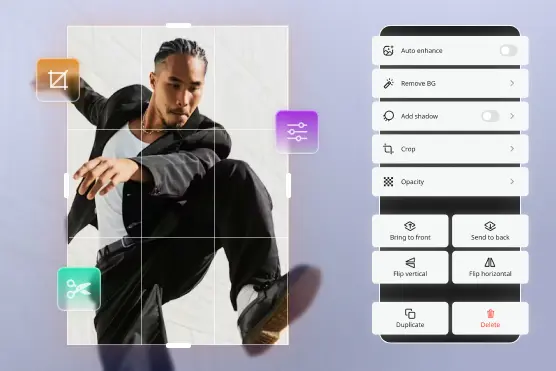
How Lift AI Photo Editor Works
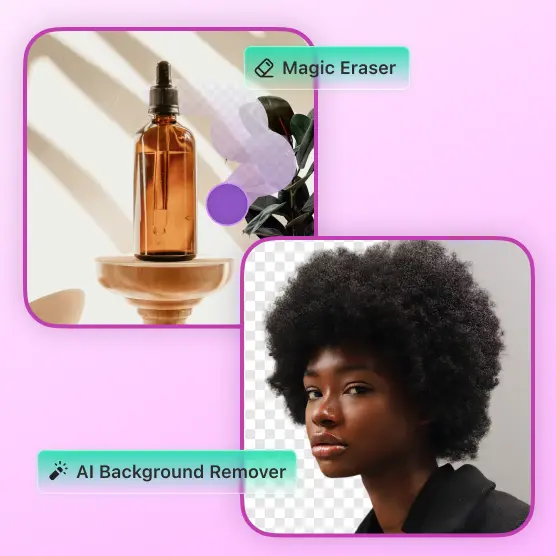
Upload your image
Import any photo from desktop, mobile, or Lift's media library
Select your edit
Pick from background removal, object eraser, upscaling, AI headshots, or creative filters
Enhance with AI
Let Lift clean up backgrounds, fix lighting, and add effects automatically
Download or share
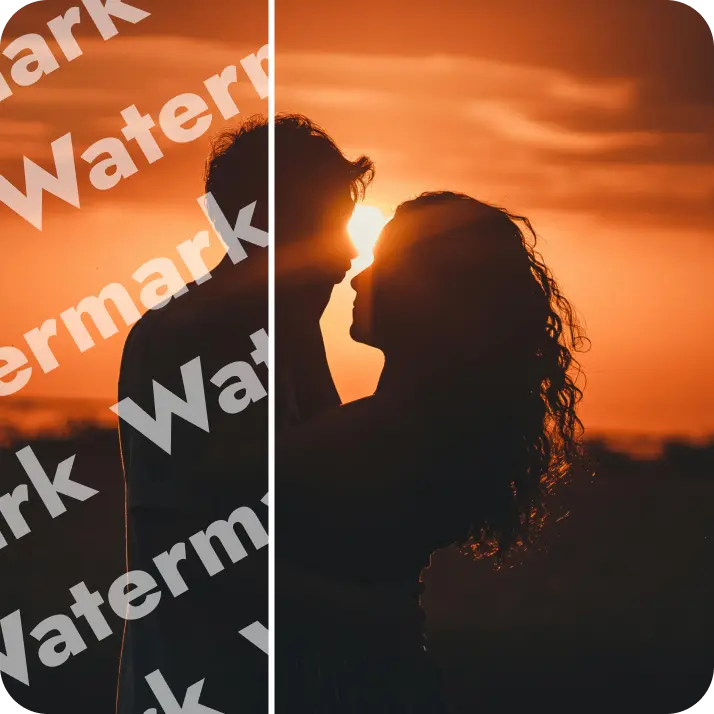
Export watermark-free PNG/JPG files ready for social, ads, or e-commerce
Fine-tune or Go Full AI — Powerful Editing Tools for Every Need











Join millions around the globe
Who can benefit from Lift AI Photo Editor?
- 🔹
Content Creators & Influencers — Produce scroll-stopping Instagram posts, YouTube thumbnails, and TikTok content quickly with AI filters, background edits, and collage tools that boost engagement and grow your audience
- 🔹
E-commerce & Online Sellers — Create professional product photos with clean backgrounds, enhanced colors, and perfect aspect ratios for Amazon, Shopify, or Etsy listings that drive conversions and build customer trust
- 🔹
Marketing Teams & Advertisers — Design eye-catching ad creatives, social media campaigns, and promotional materials with auto-enhancement, object removal, and custom filters — all without expensive design software
- 🔹
Job Seekers & Professionals — Generate polished AI headshots for LinkedIn profiles, CVs, and professional portfolios that make a strong first impression on recruiters and clients
- 🔹
Everyday Users — Anyone can transform personal photos effortlessly. Fix imperfections, enhance vacation photos, remove photobombers, or create fun edits for sharing with friends and family — no Photoshop skills required
Frequently asked questions
What is Lift AI Photo Editor?
Lift AI Photo Editor is a powerful online tool that uses AI to transform your images instantly. It offers professional features like background removal, object erasing, image upscaling, AI headshot generation, and creative filters — all without requiring design skills or expensive software.
How does Lift work for both generating and editing images?
Simply upload your photo and choose from AI-powered editing features. Our advanced AI algorithms automatically analyze your image and apply professional-grade enhancements in seconds. The entire process runs in the cloud, so there's no software to download or manual editing needed — just instant, high-quality results.
What photo editing features does Lift offer?
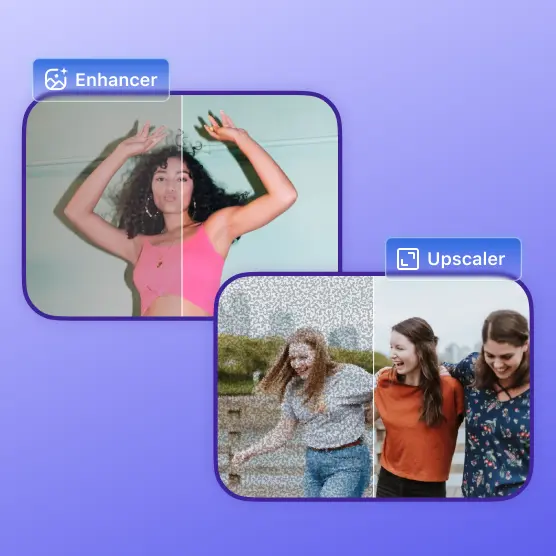
Lift includes a complete suite of AI-powered editing tools: background removal for clean cutouts, object eraser to remove unwanted elements, image upscaling for higher resolution, AI headshot generator for professional portraits, and creative filters to enhance your photos. All features work together seamlessly for comprehensive photo editing.
Can I download my edited photos without a watermark?
Absolutely. All images edited in Lift can be exported without watermarks when you're on the Pro plan. Download them in high-resolution PNG or JPG format — ready for social media, print, advertising campaigns, or e-commerce listings.
How can I cancel my Lift Pro Subscription?
You can cancel your trial or subscription through your account settings or by contacting support@liftapp.ai. Cancellation stops automatic renewal, while access remains active until the end of the current period.
Why Lift AI Photo Editor stands out
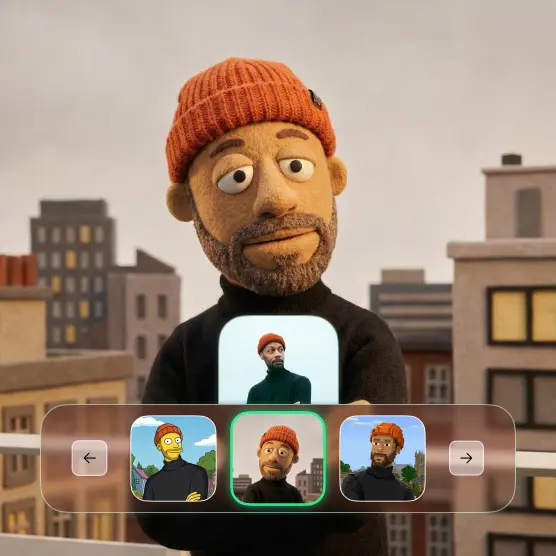
High-quality results
AI-powered technology delivers professional-grade visuals every time
Intelligent rendering
AI tailors the effect to the scene and subject for optimal results
Cross-platform support
Available on iOS, Android, and Web for seamless access
Budget-friendly
Save on costly designers with an affordable and intuitive tool

