
Barcode Generator
Pick a barcode type, enter your product code or text, and get an instant, scannable barcode ready to download. Try Lift now!
How it works
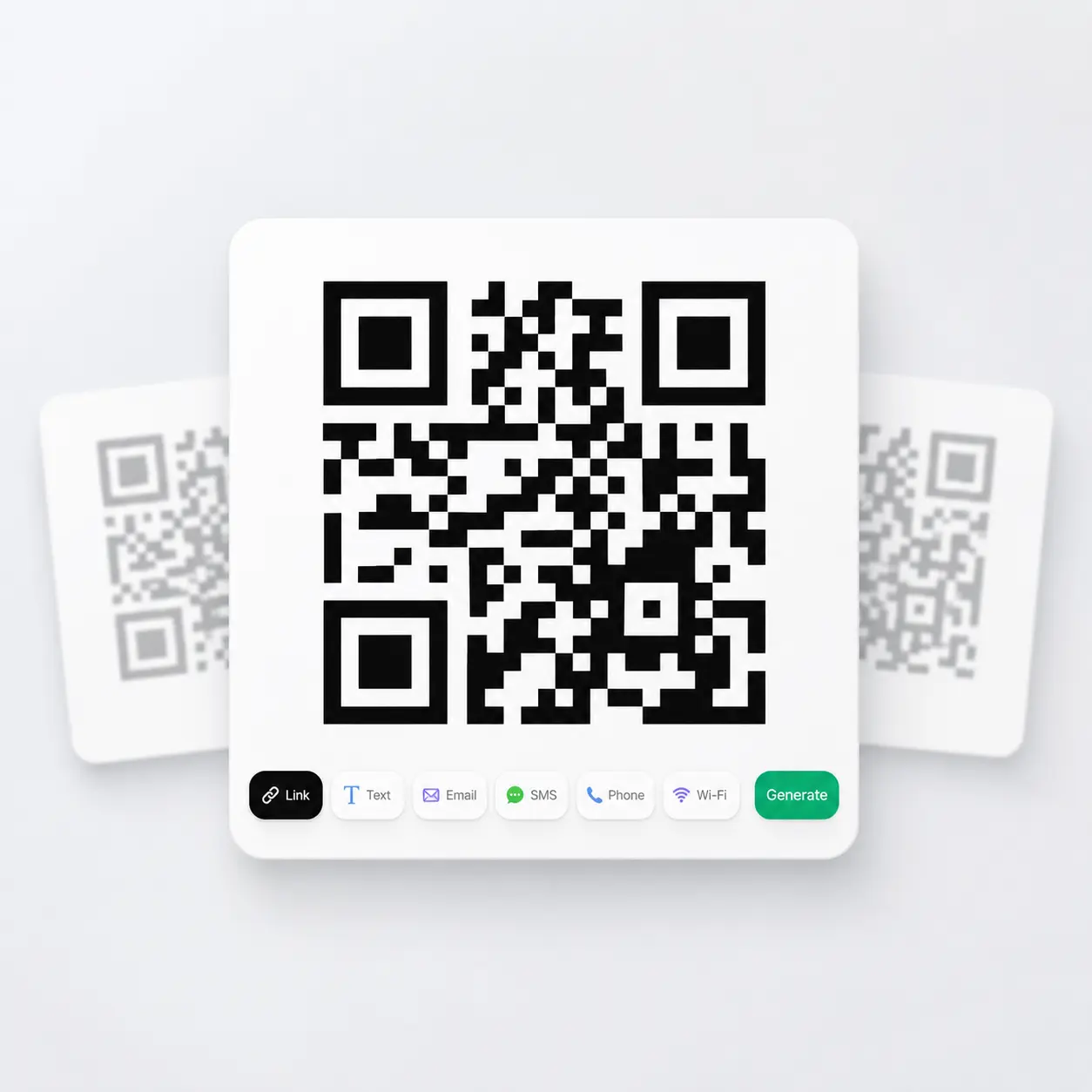
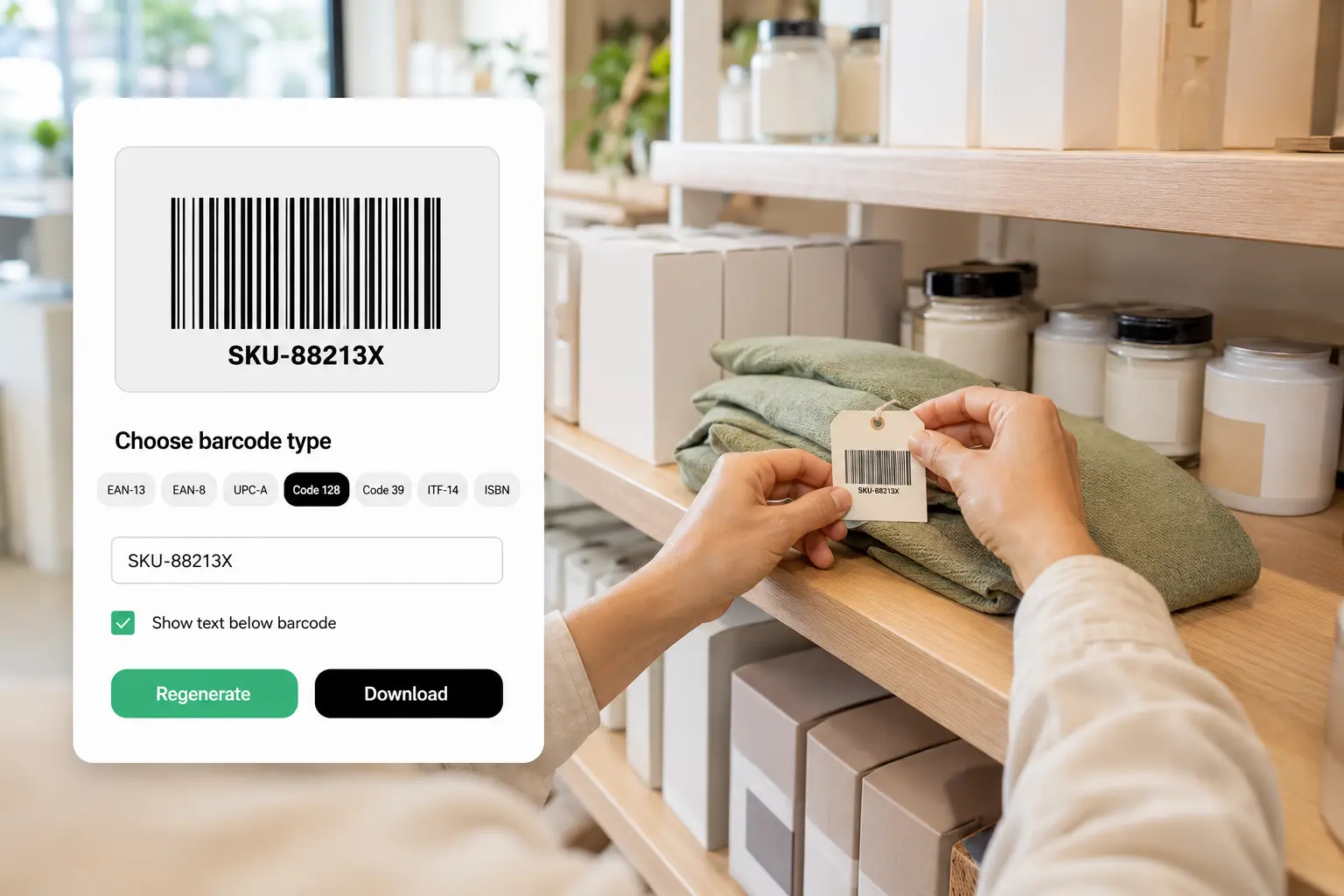
Choose your barcode type
Select the barcode format you need and switch tabs without losing your entries.
Enter your barcode data
Type in the digits or text your chosen format requires, and Lift checks the length and characters as you go.
Generate your barcode
Tap Generate and Lift turns your data into a clean, scannable barcode in moments.
Download, adjust, or regenerate
Toggle the number display, download the barcode as an image, or tap Regenerate anytime your details change.

Join millions around the globe
Who can benefit from the Lift Barcode Generator?
- 🔹
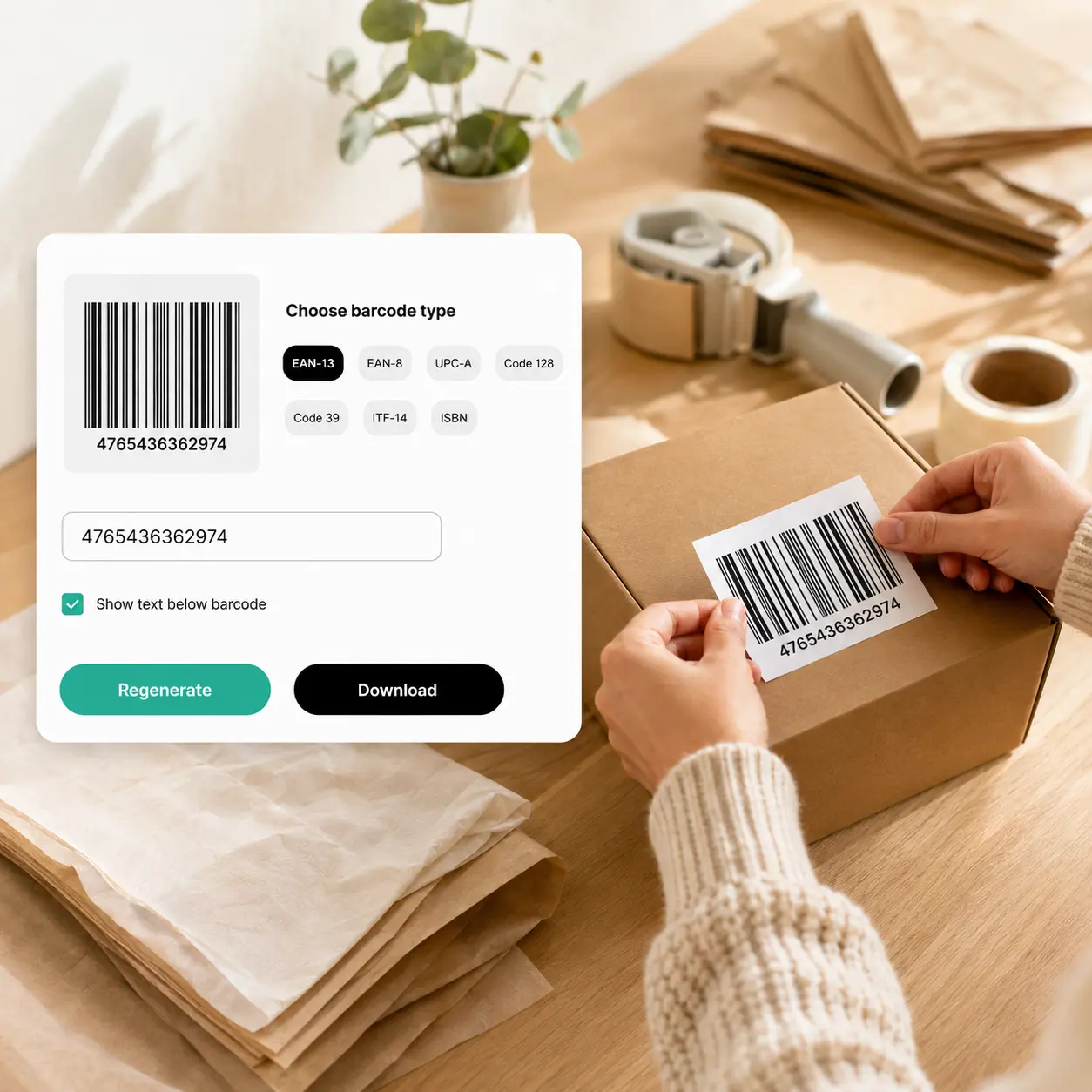
E-commerce sellers — Get a valid product code for a marketplace listing or price tag. Enter your number on the UPC-A or EAN-13 tab and download a barcode ready for your storefront or packaging.
- 🔹
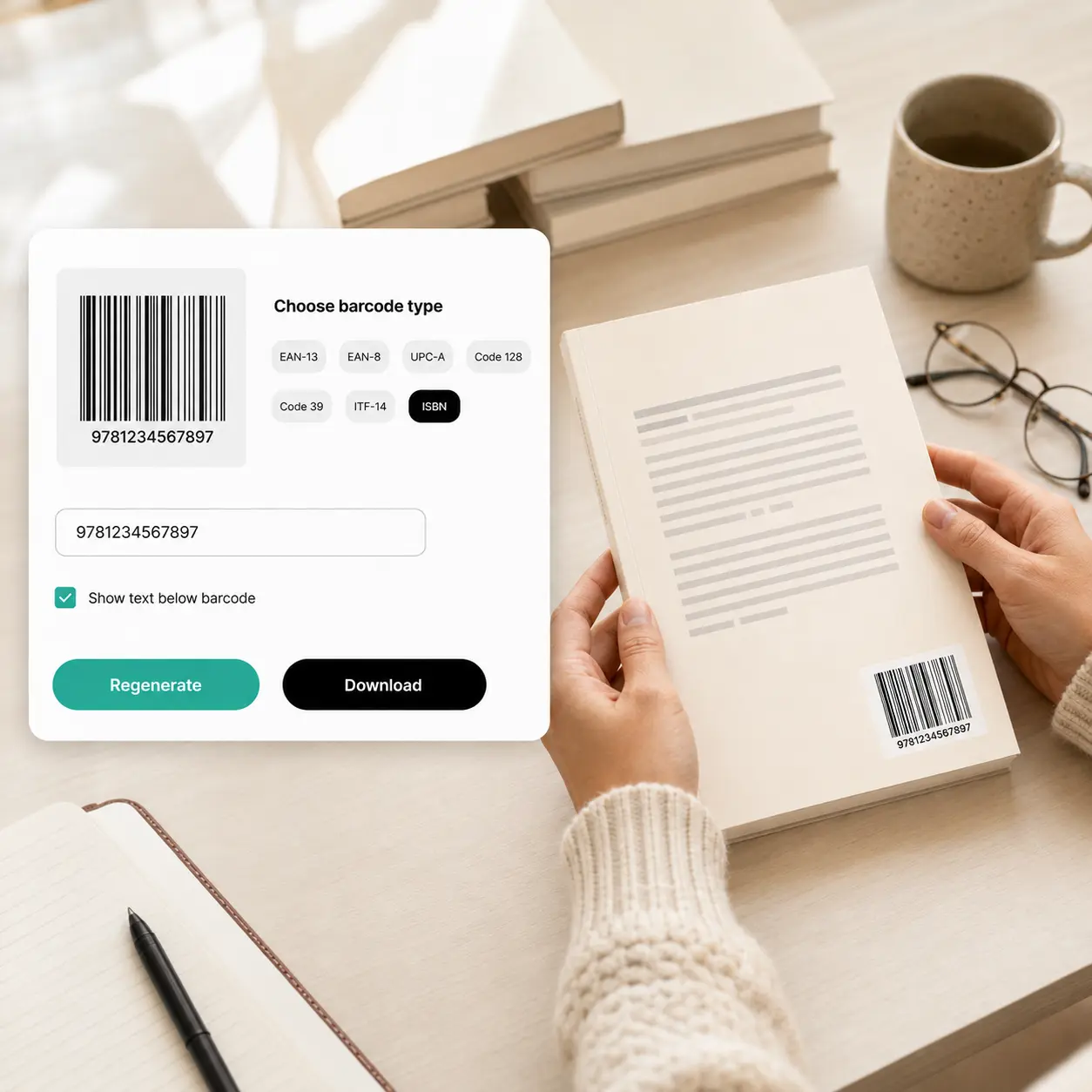
Authors & self-publishers — Turn your book's ISBN into the barcode required on a back cover. Enter it on the ISBN tab and download a print-ready barcode.
- 🔹
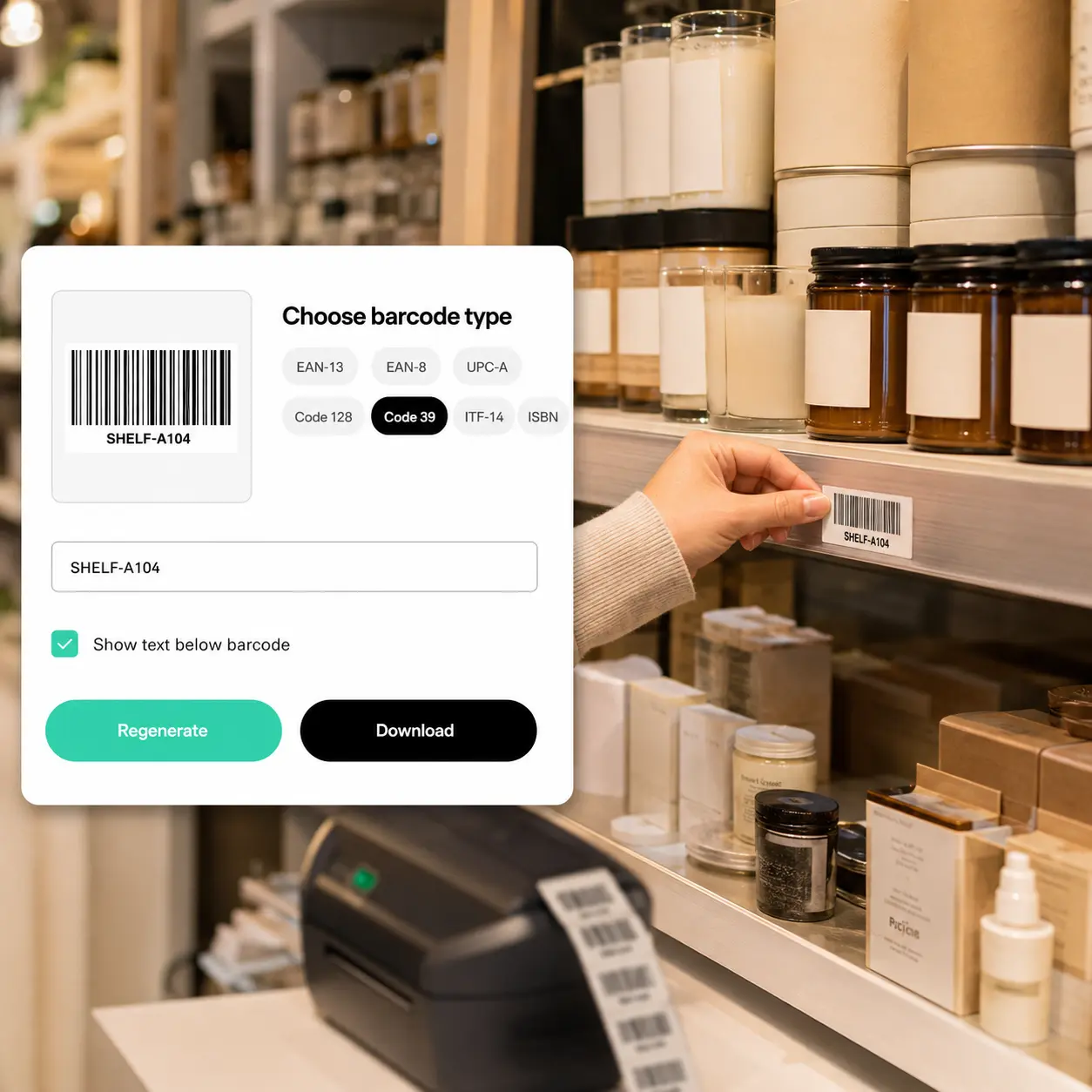
Small business & retail owners — Label your own products or shelves with a custom SKU. Enter your code on the Code 128 or Code 39 tab and print the barcode straight onto packaging or price tags.
- 🔹
Warehouse & shipping teams — Mark cartons and pallets for fast, reliable scanning. Enter your case code on the ITF-14 tab and generate a barcode built for high-volume handling.
- 🔹
Packaging & label designers — Drop a real, working barcode into a mockup before it goes to print. Enter any code on the tab matching your target format and download it instantly.
Frequently asked questions
What is the Lift Barcode Generator?
The Lift Barcode Generator turns product codes, book numbers, or custom text into a scannable barcode, including EAN-13, EAN-8, UPC-A, UPC-E, Code 128, Code 39, ITF-14, and ISBN.
How does the Lift Barcode Generator work?
Choose a barcode format, enter the required digits or text, and tap Generate to create your barcode. Once it's ready, download the image or tap Regenerate to make a new version.
What barcode formats can I create with Lift?
Lift supports several barcode formats — EAN-13, EAN-8, UPC-A, UPC-E, Code 128, Code 39, ITF-14, and ISBN. Each format has its own field rules, so your barcode is valid for the standard you need.
Can I edit or regenerate my barcode after creating it?
Yes. Switch back to any tab, update your details, and tap Regenerate to create a new barcode instantly. Your entries stay saved so you can adjust and try again.
Is it safe to enter my product or barcode data in Lift?
Yes — Lift processes the information you enter, including product codes and text, securely and uses it only to generate your barcode.
Why Choose the Lift Barcode Generator
High-quality results
AI-powered technology delivers professional-grade visuals every time
Intelligent rendering
AI tailors the effect to the scene and subject for optimal results
Cross-platform support
Available on iOS, Android, and Web for seamless access
Budget-friendly
Save on costly designers with an affordable and intuitive tool