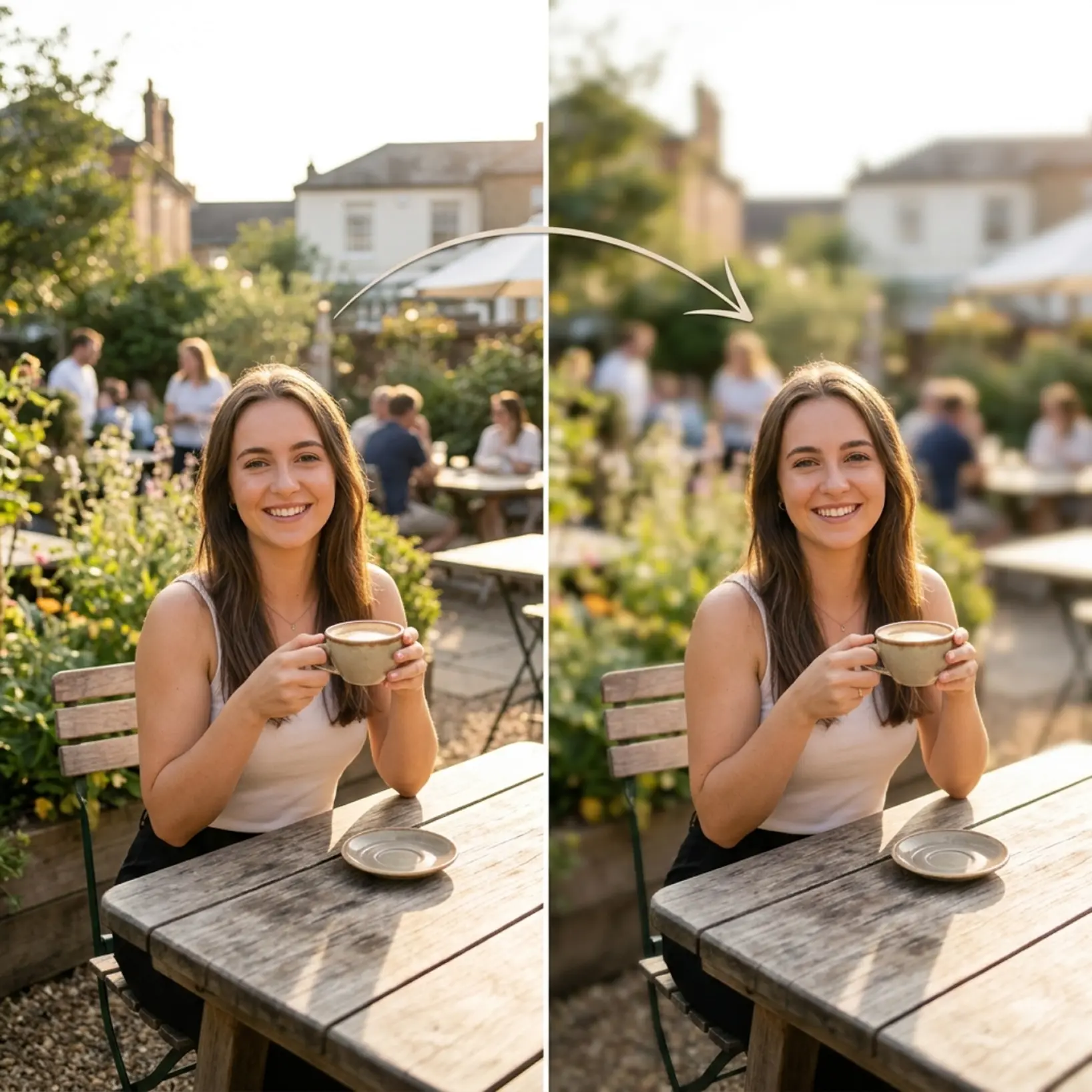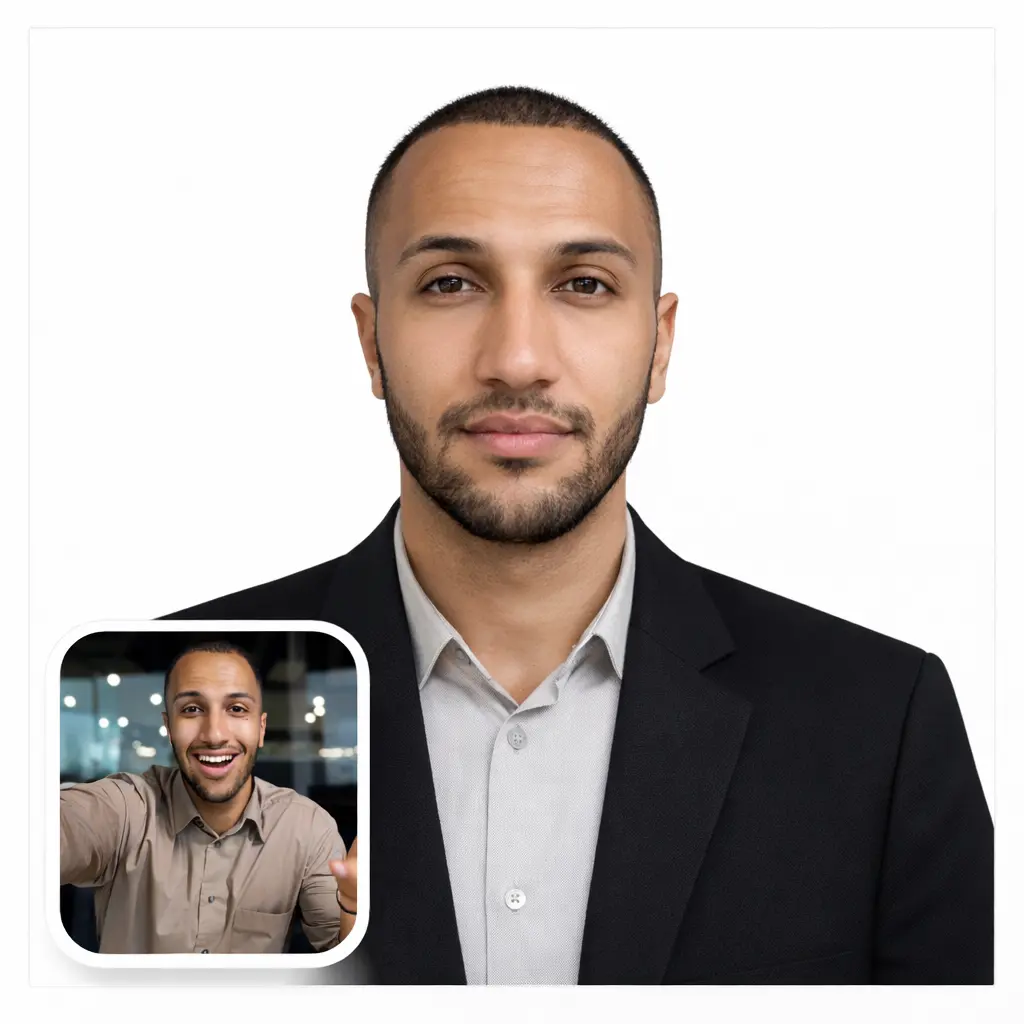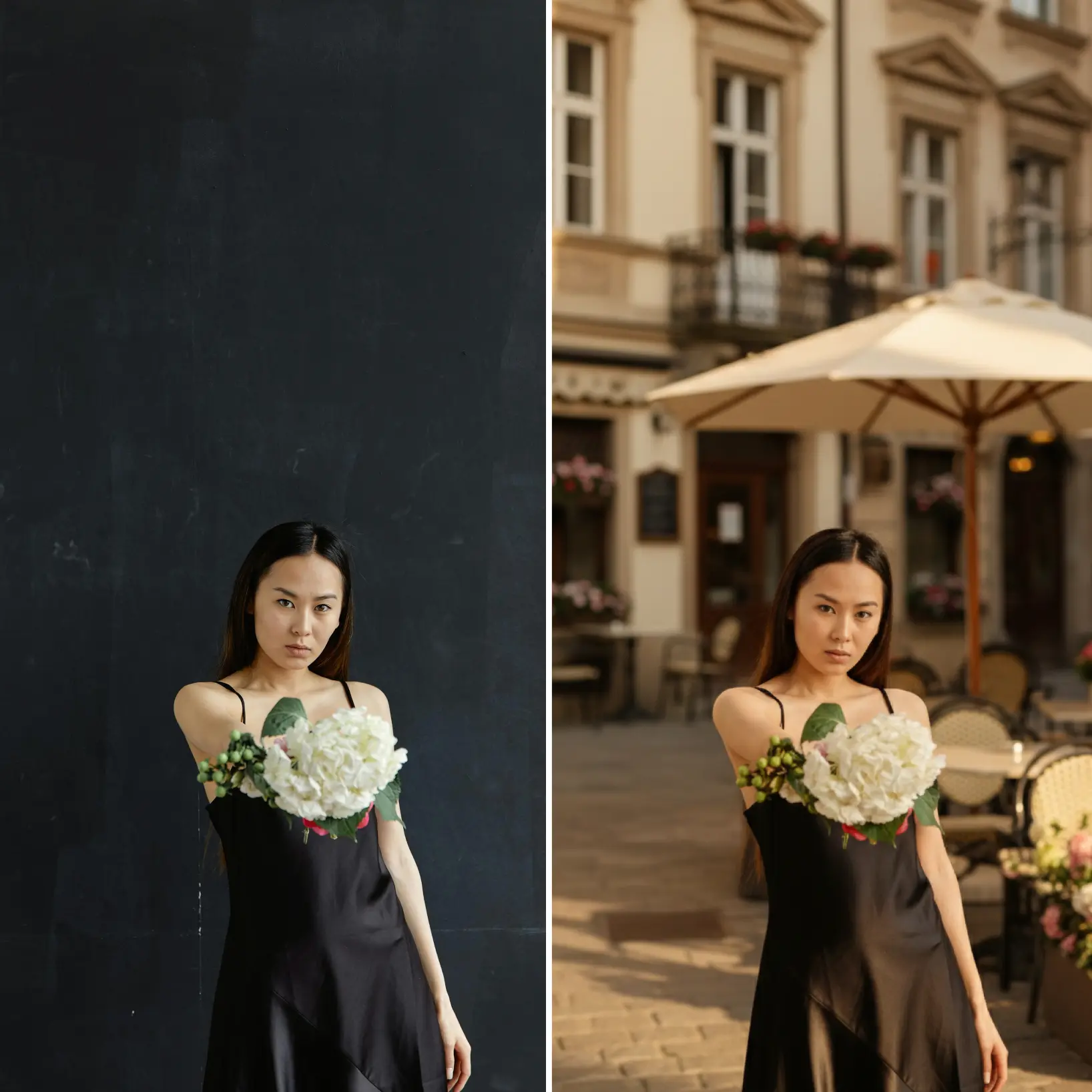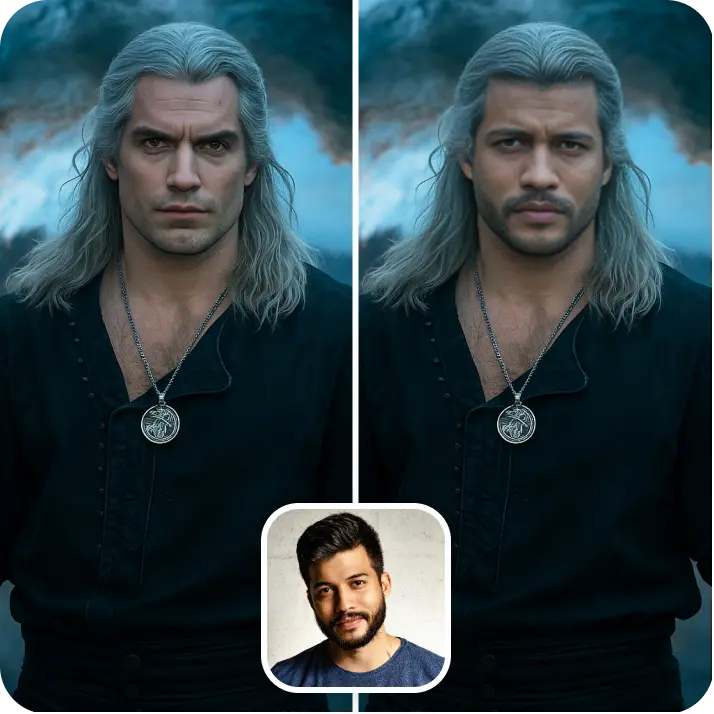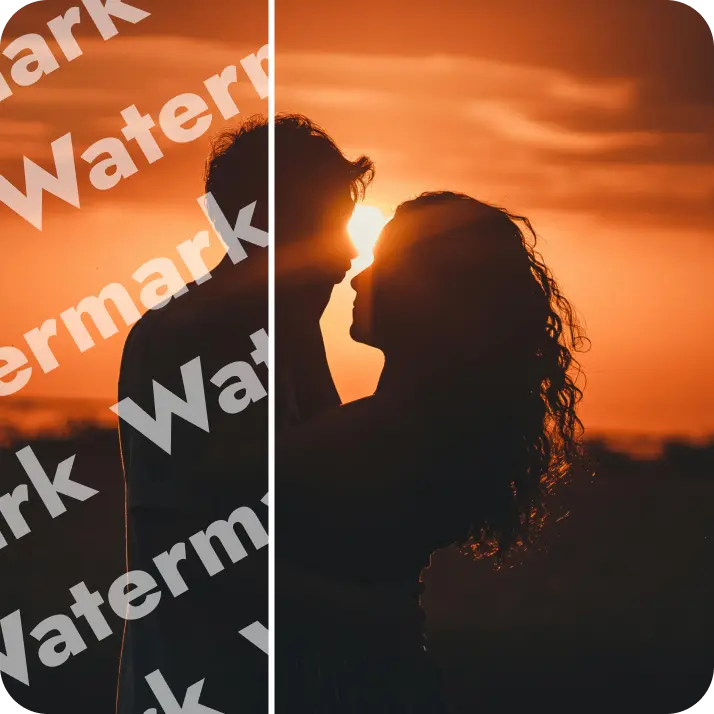

Adicione um efeito de desfoque a qualquer foto
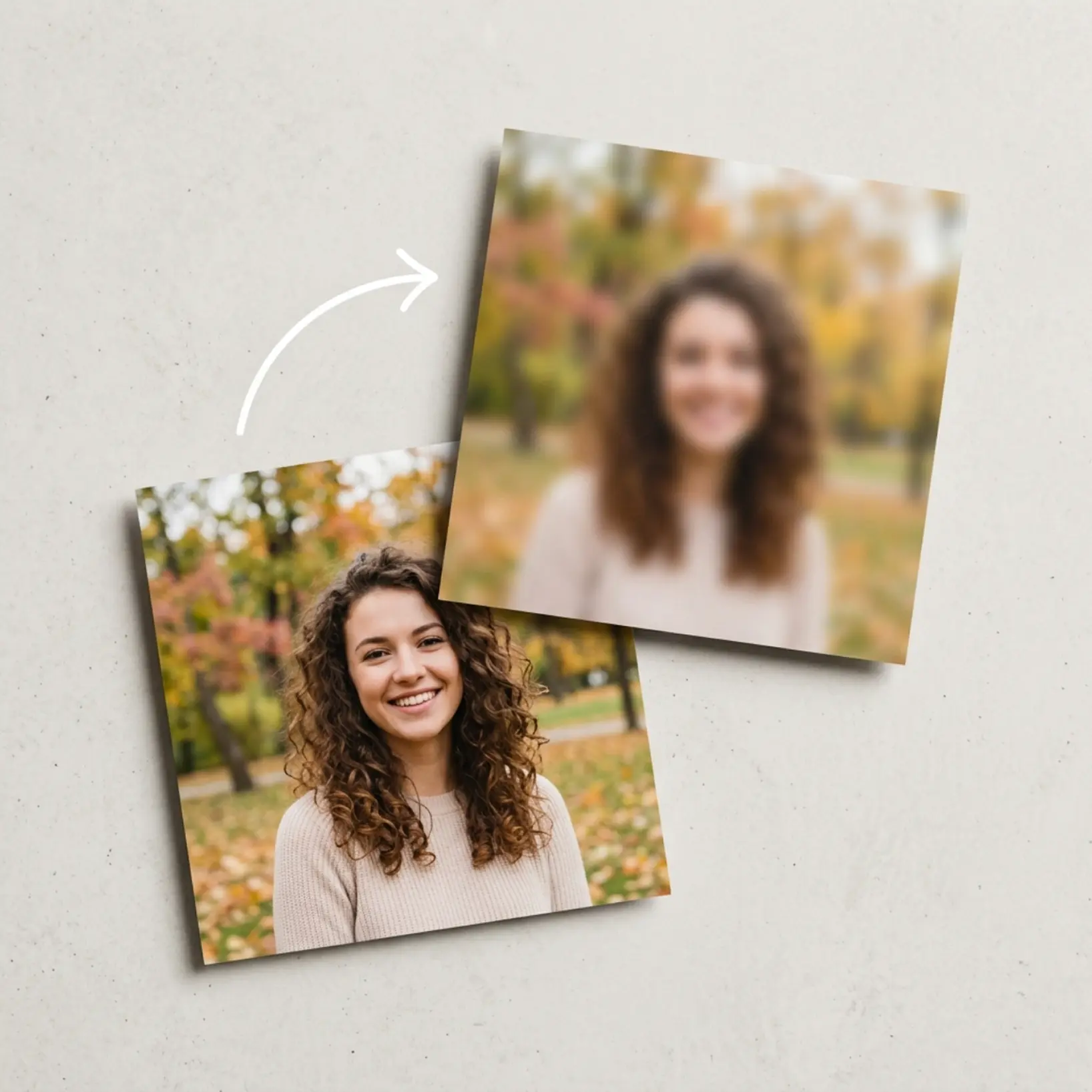
Aplique efeitos de desfoque suaves e profissionais em areas selecionadas — fundos, objetos ou regioes desenhadas a mao — sem nenhuma experiencia de edicao.

Como funciona
Faca upload da sua imagem
Escolha uma foto do seu dispositivo ou tire uma usando o aplicativo Lift
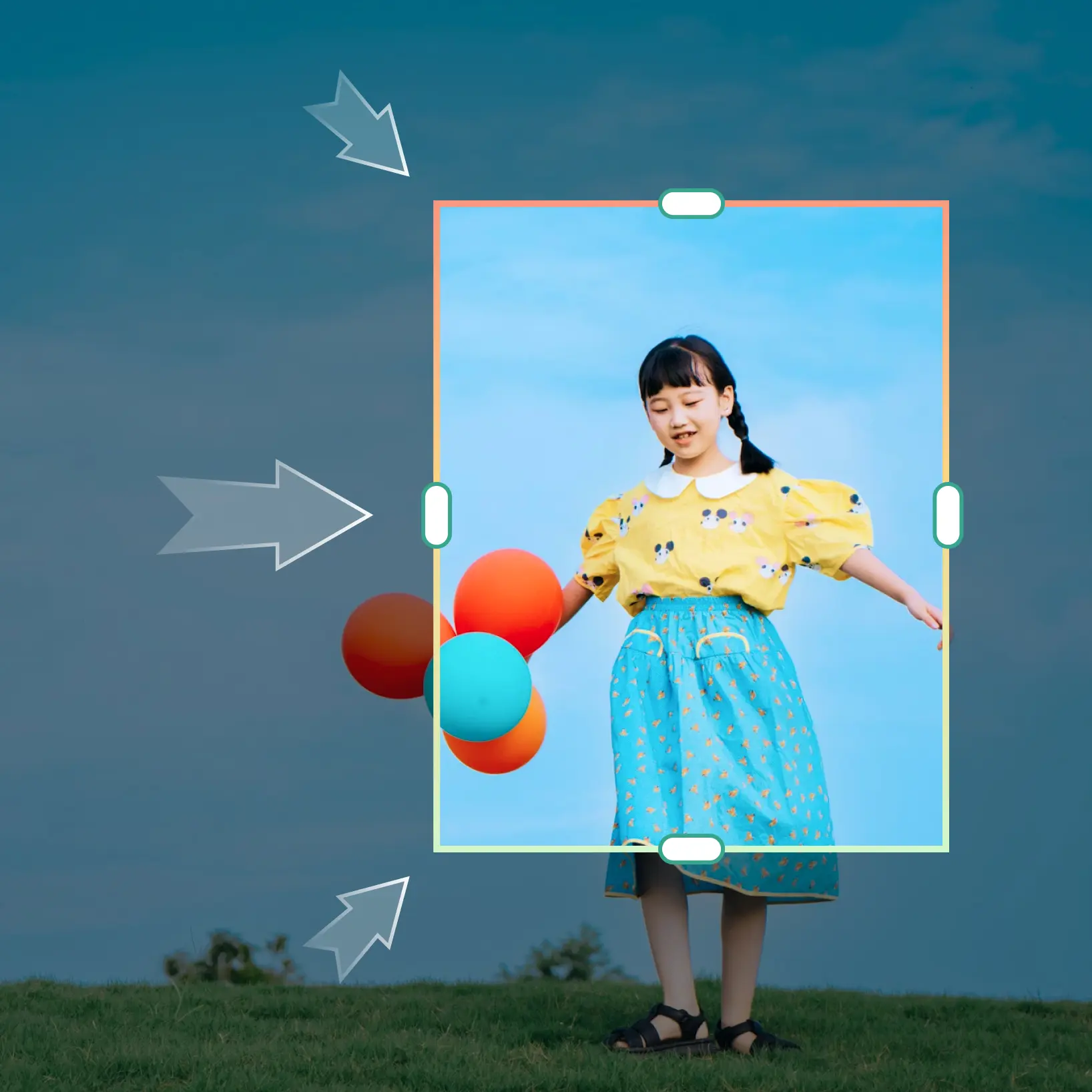
Selecione a area alvo
Escolha uma selecao predefinida — fundo, objeto ou forma personalizada — ou use o pincel manual para direcionar qualquer regiao com precisao
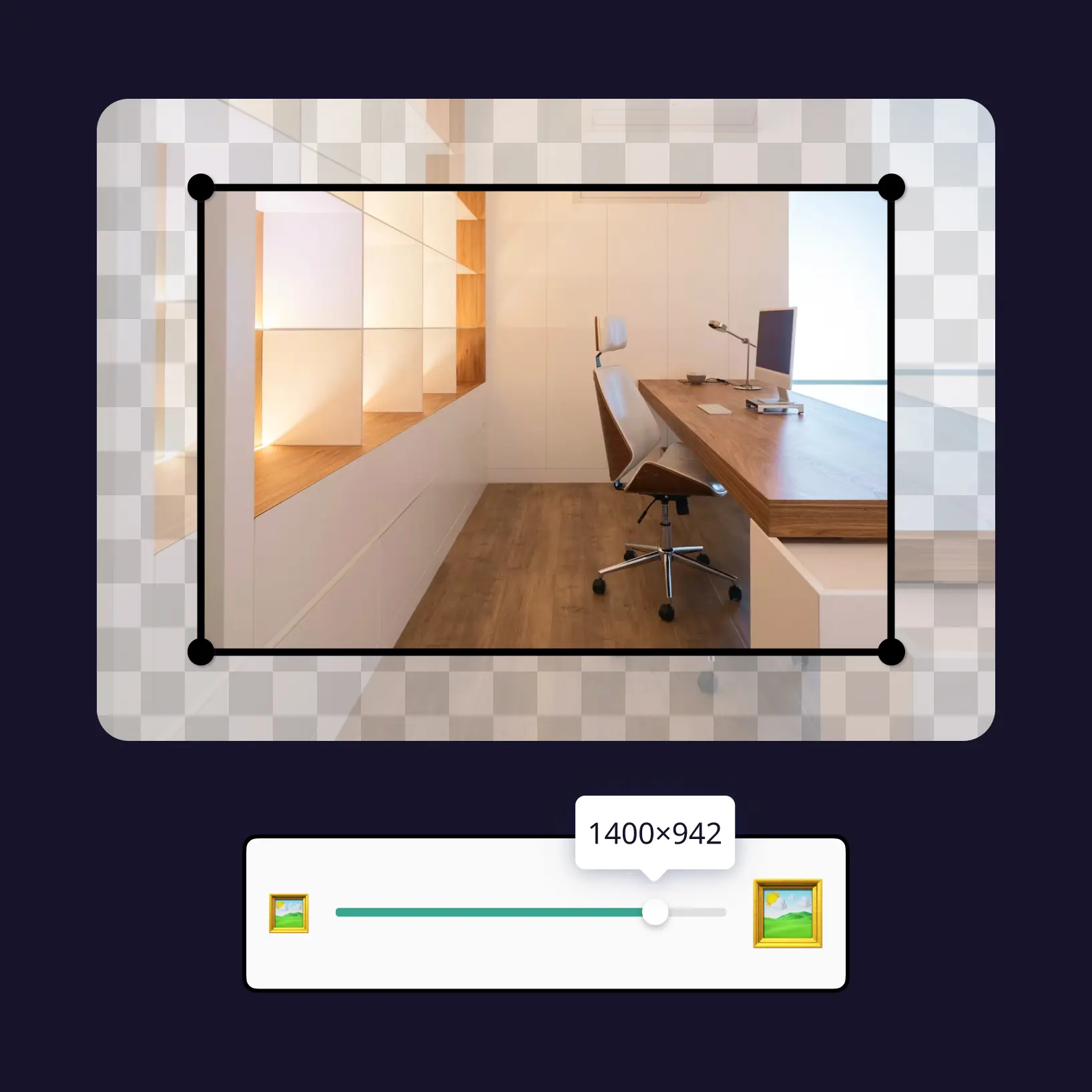
Ajuste a intensidade do desfoque
Controle a forca do efeito de desfoque com um controle deslizante simples ate que o resultado parecas exatamente certo
Baixe e use
Baixe sua imagem ou publique diretamente nos seus feeds de midia social

Junte-se a milhões em todo o mundo
Quem pode se beneficiar dos efeitos de desfoque?

- 🔹
Criadores de conteudo — Direcione a atencao do espectador para o seu sujeito aplicando um efeito de foto borrada em fundos distrativos em posts e miniaturas
- 🔹
Profissionais de marketing e SMM — Produza visuais de produtos limpos com efeitos de desfoque controlados que eliminam o ruido visual
- 🔹
Pequenos empresarios — Crie imagens de produtos polidas suavizando fundos movimentados sem contratar um fotografo profissional
- 🔹
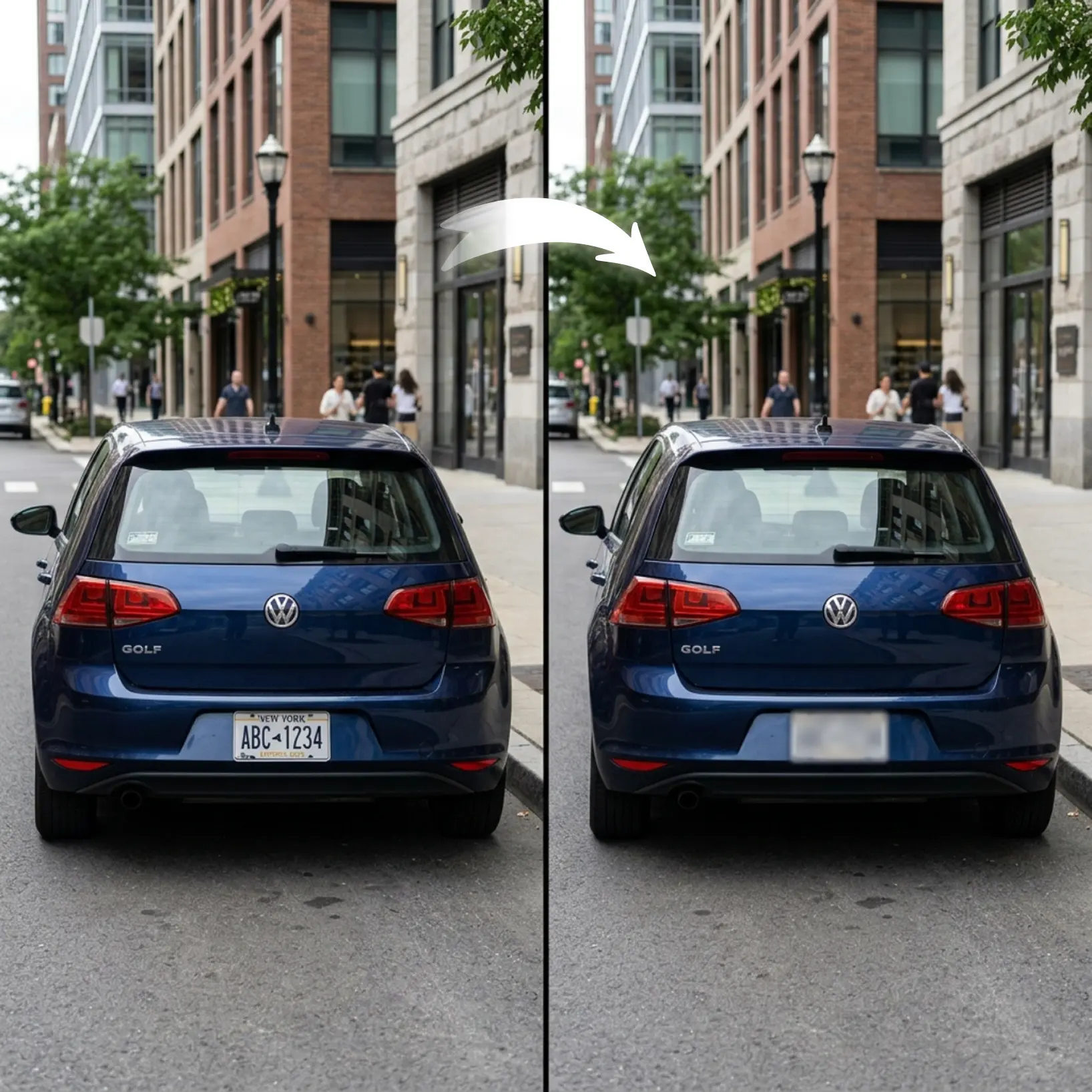
Usuarios preocupados com privacidade — Oculte detalhes sensiveis em capturas de tela e fotos antes de publicar ou compartilhar online
- 🔹
Usuarios casuais — Aplique um filtro de foto borrada em qualquer imagem sem habilidades de edicao
Perguntas frequentes
O que e o Lift Efeito de Desfoque?
O Efeito de Desfoque da Lift permite aplicar um efeito de desfoque suave e ajustavel em qualquer regiao selecionada de uma foto. Sem necessidade de experiencia em design.
Como funciona a Ferramenta de Efeito de Desfoque Lift?
Faca upload da sua foto, selecione a regiao que deseja suavizar, defina a intensidade do desfoque. A IA refina as bordas para um resultado natural.
Vai preservar cabelo, bordas e detalhes finos?
Sim. A ferramenta usa deteccao avancada de bordas para preservar elementos delicados como cabelo, pelo e texturas suaves para resultados naturais.
Posso baixar os resultados sem marca dagua?
Com certeza. Todas as imagens editadas no Lift podem ser exportadas sem marca dagua no plano Pro em PNG ou JPG de alta resolucao.
Como posso cancelar minha assinatura do Lift Pro?
Você pode cancelar seu teste ou assinatura nas suas configurações da conta ou entrando em contato pelo support@liftapp.ai. O cancelamento interrompe a renovação automática, e o acesso permanece ativo até o fim do período atual.
Por que o efeito de desfoque do Lift se destaca
Resultados de alta qualidade
A tecnologia com IA entrega visuais de nivel profissional todas as vezes
Renderizacao inteligente
A IA adapta o efeito a cena e ao sujeito para resultados otimos
Suporte multiplataforma
Disponivel no iOS, Android e Web para acesso sem interrupcoes
Economico
Economize em designers caros com uma ferramenta acessivel e intuitiva