
Blur Any Image — Online Blur Tool
Add blur to photos, conceal sensitive details, or soften backgrounds with precision. No software, works on any device — Try it!
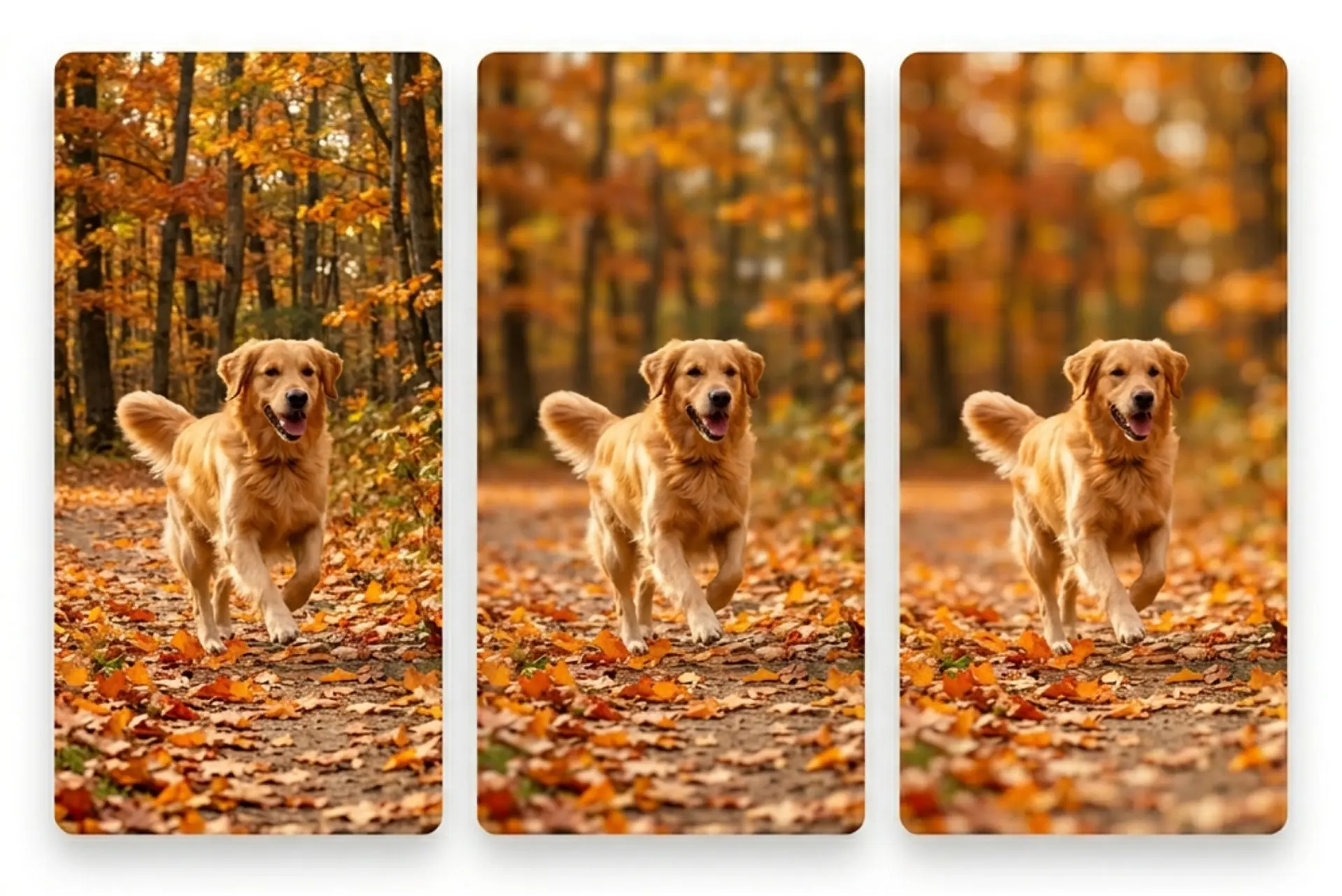
How it works
Upload your image
Choose a photo from your device or take one using Lift's app
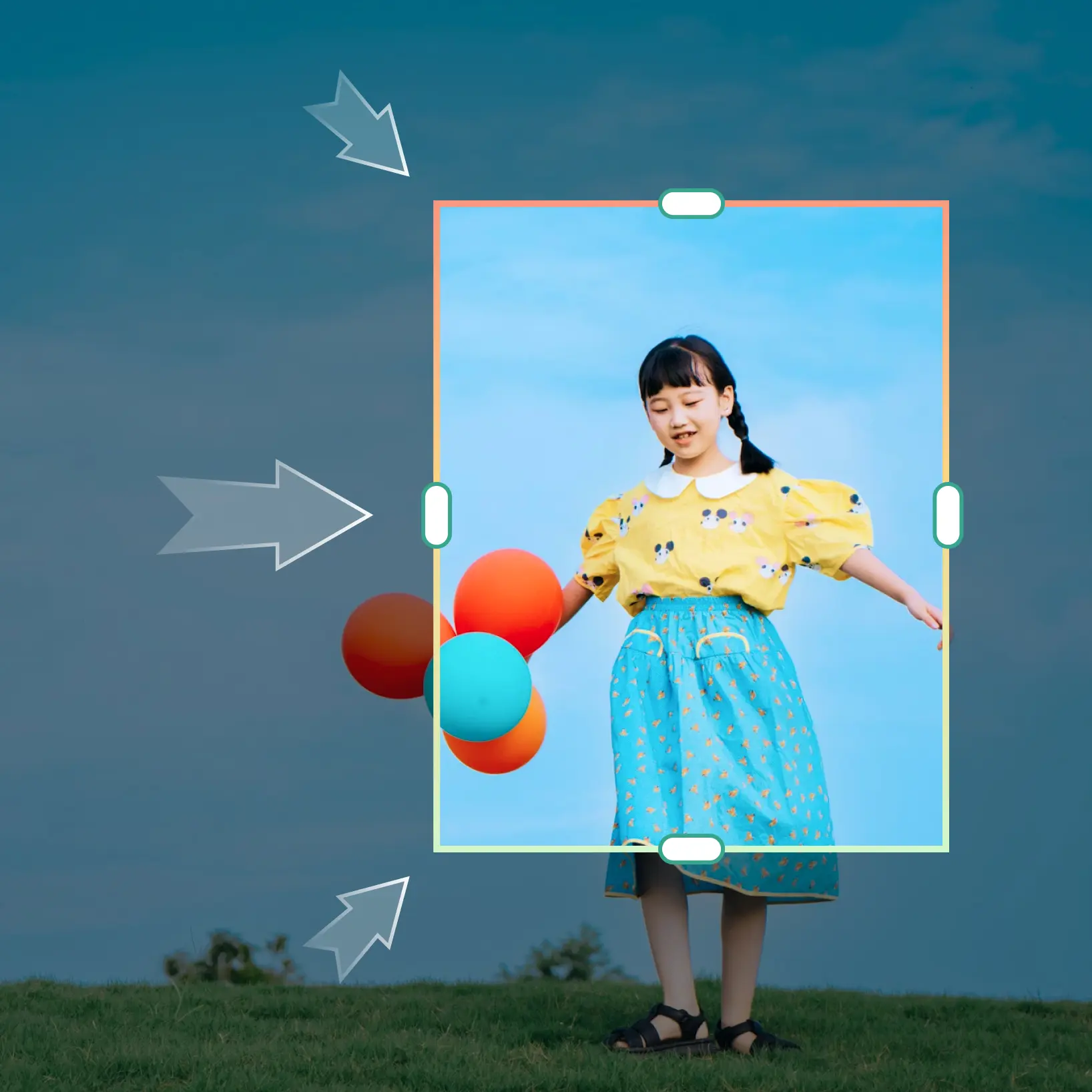
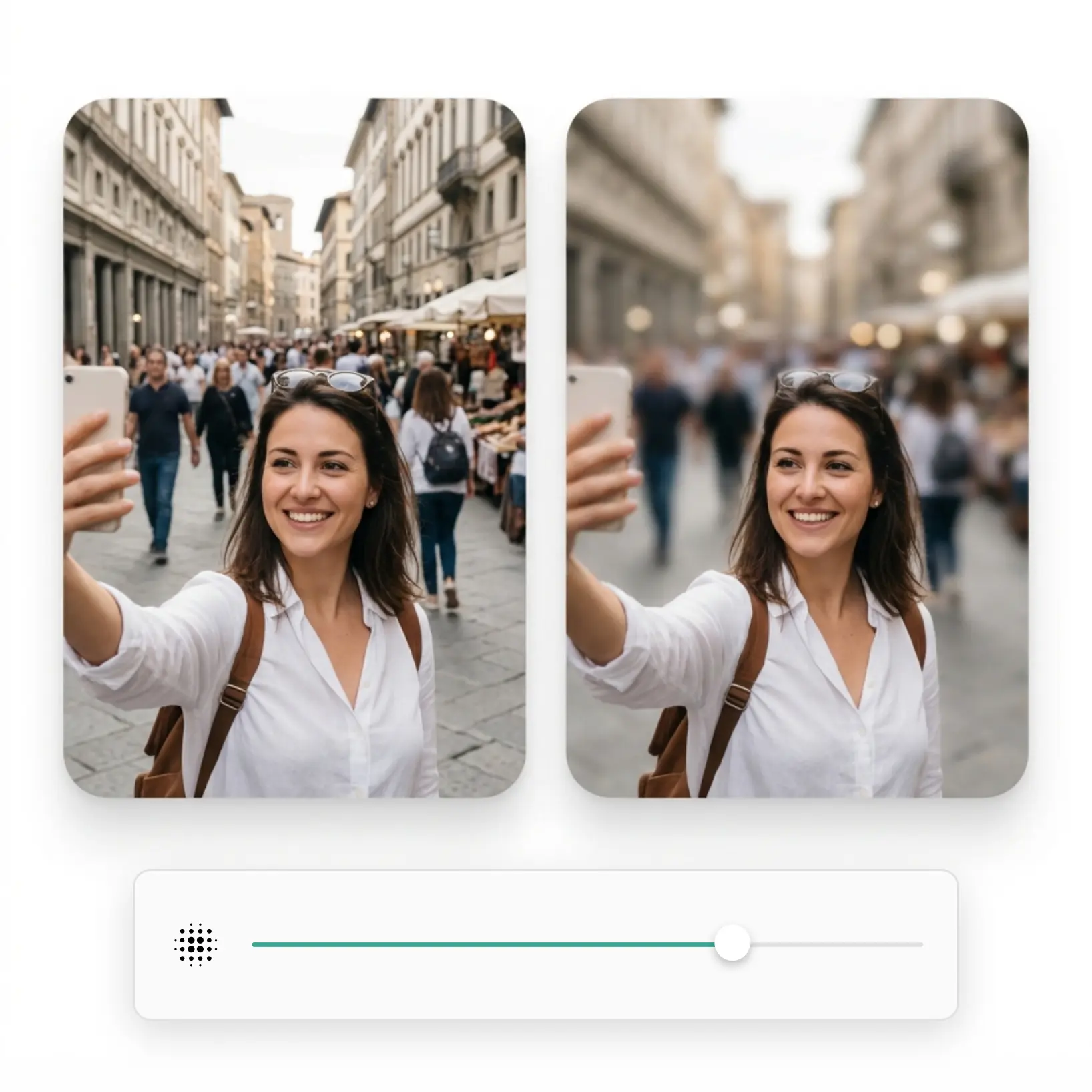
Select the area to blur
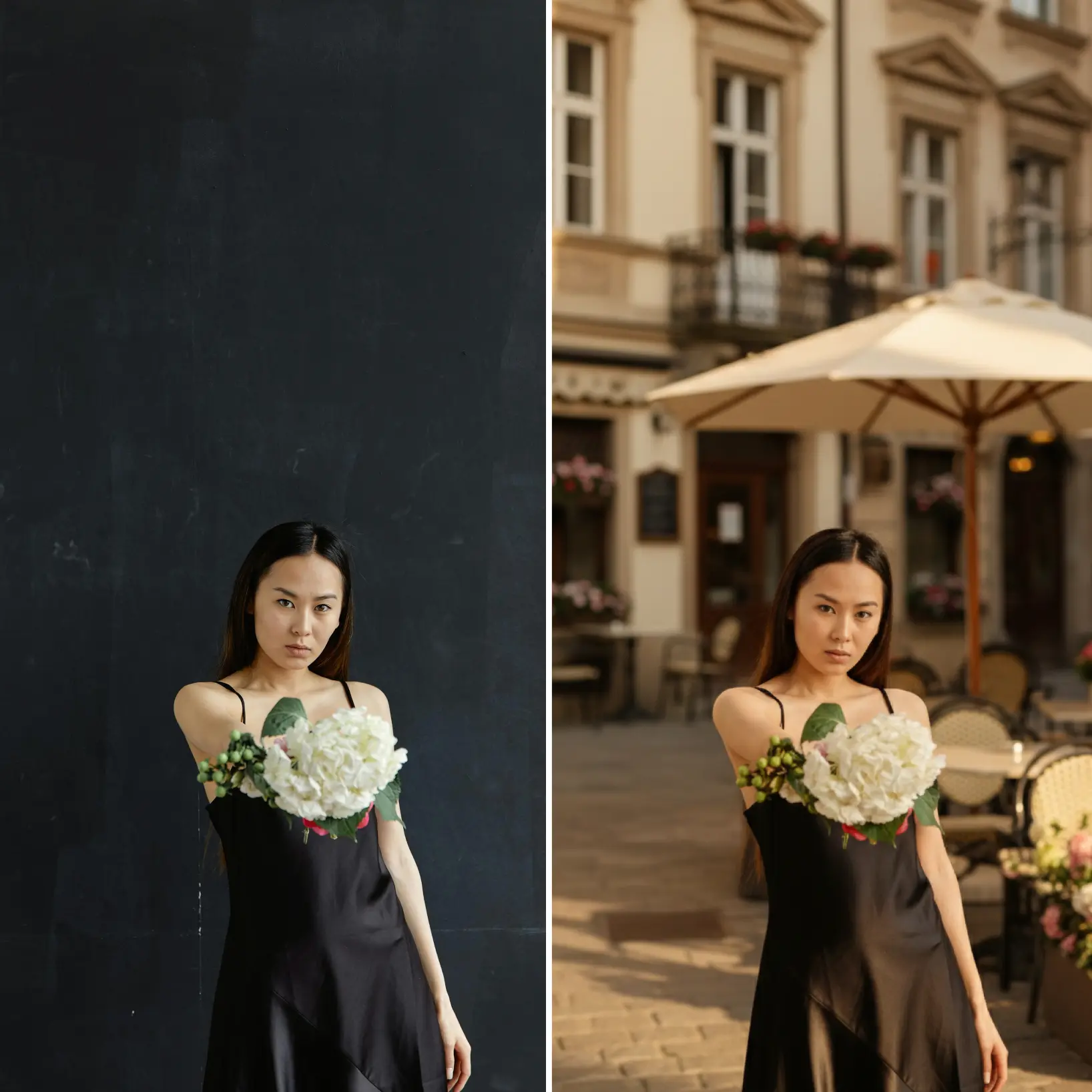
Target the background, a specific object, or use the manual brush to blur any portion of the image
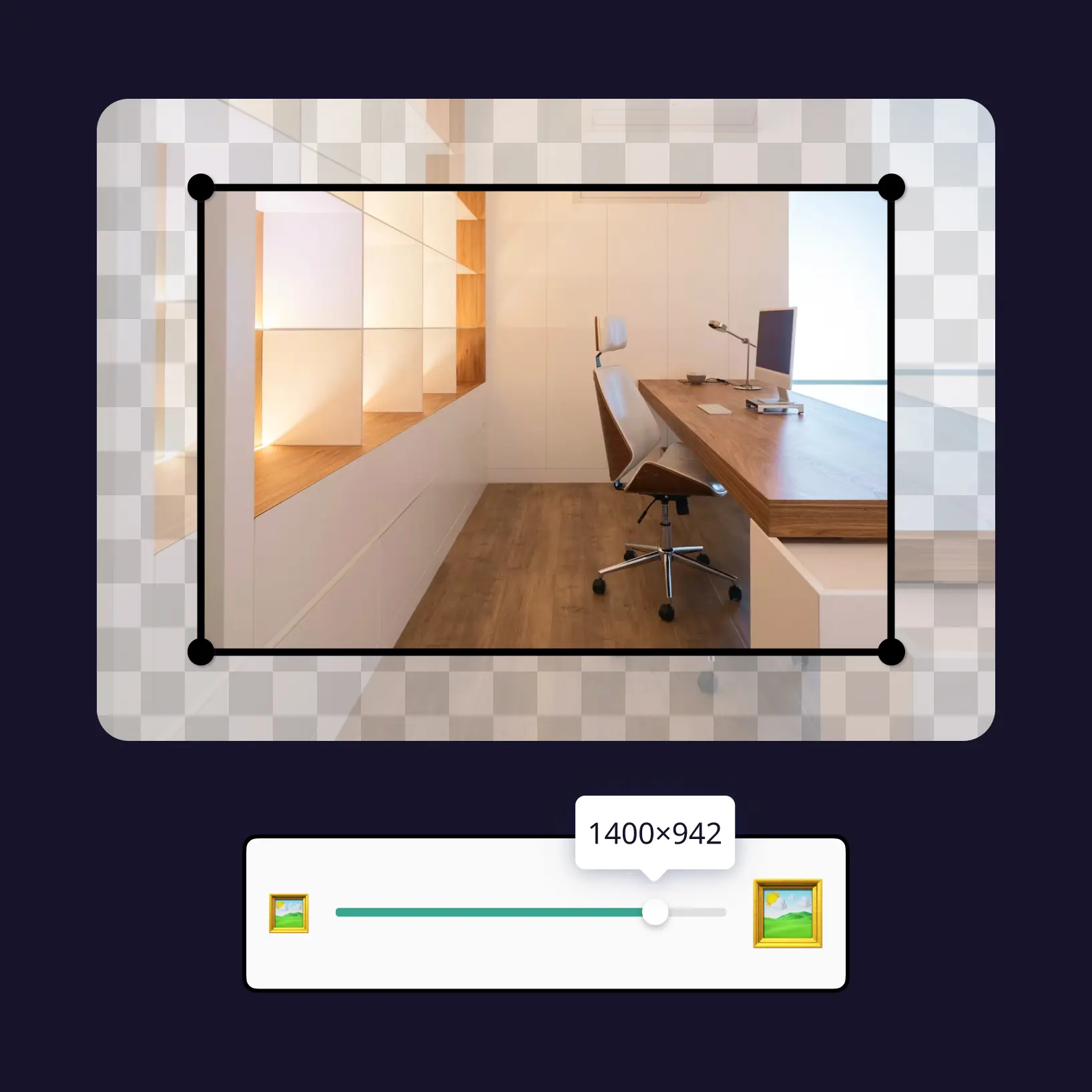
Adjust blur intensity
Use the slider to control blur strength — from a subtle softening to a full blur across the selected area
Download and use
Download your image or publish it straight to your social feeds

Join millions around the globe
Who can benefit from Lift's blur tool?

- 🔹
Content creators — Direct audience attention by blurring backgrounds and creating visual depth in photos
- 🔹
Marketers & SMM managers — Remove distracting elements from product visuals by blurring specific areas of a photo
- 🔹
Small business owners — Produce polished, professional images without hiring a designer or purchasing desktop software
- 🔹
Privacy-Conscious Users — Blur sensitive details in screenshots, documents, or personal photos before sharing online
- 🔹
Casual Users — Blur your photo online in seconds with no editing experience or technical knowledge required
Frequently asked questions
What is Lift's blur image tool?
Lift's blur image tool lets you selectively blur any part of a photo — background, specific objects, or freehand regions using a manual brush. It runs entirely in the browser, requires no software installation, and works across all major image formats.
How does Lift's blur tool work?
Upload your photo, choose the area to blur — background, a specific object, or a custom region — then set the blur intensity using the slider. Once you're satisfied with the result, download the image in full resolution.
Will it keep hair, edges, and fine details?
Yes. Lift's blur image tool uses advanced edge detection to preserve delicate elements like hair, fur, shadows, and soft textures — so you get clean, natural-looking results without manual touch-ups.
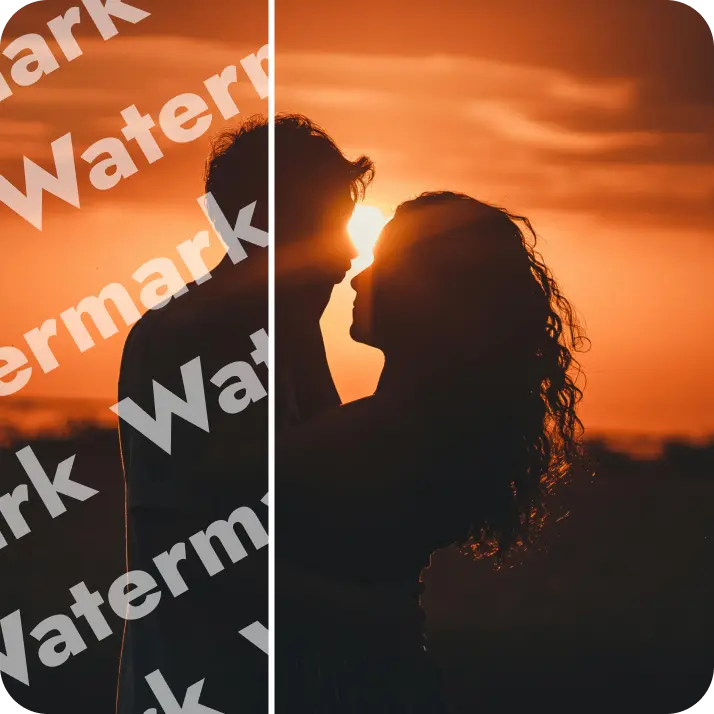
Can I download the results without a watermark?
Absolutely. All images generated or edited in Lift can be exported without watermark when you're on the Pro plan. Download them in high-res PNG or JPG — ready for social media, print, ads, or e-commerce.
Why Lift's blur tool stands out
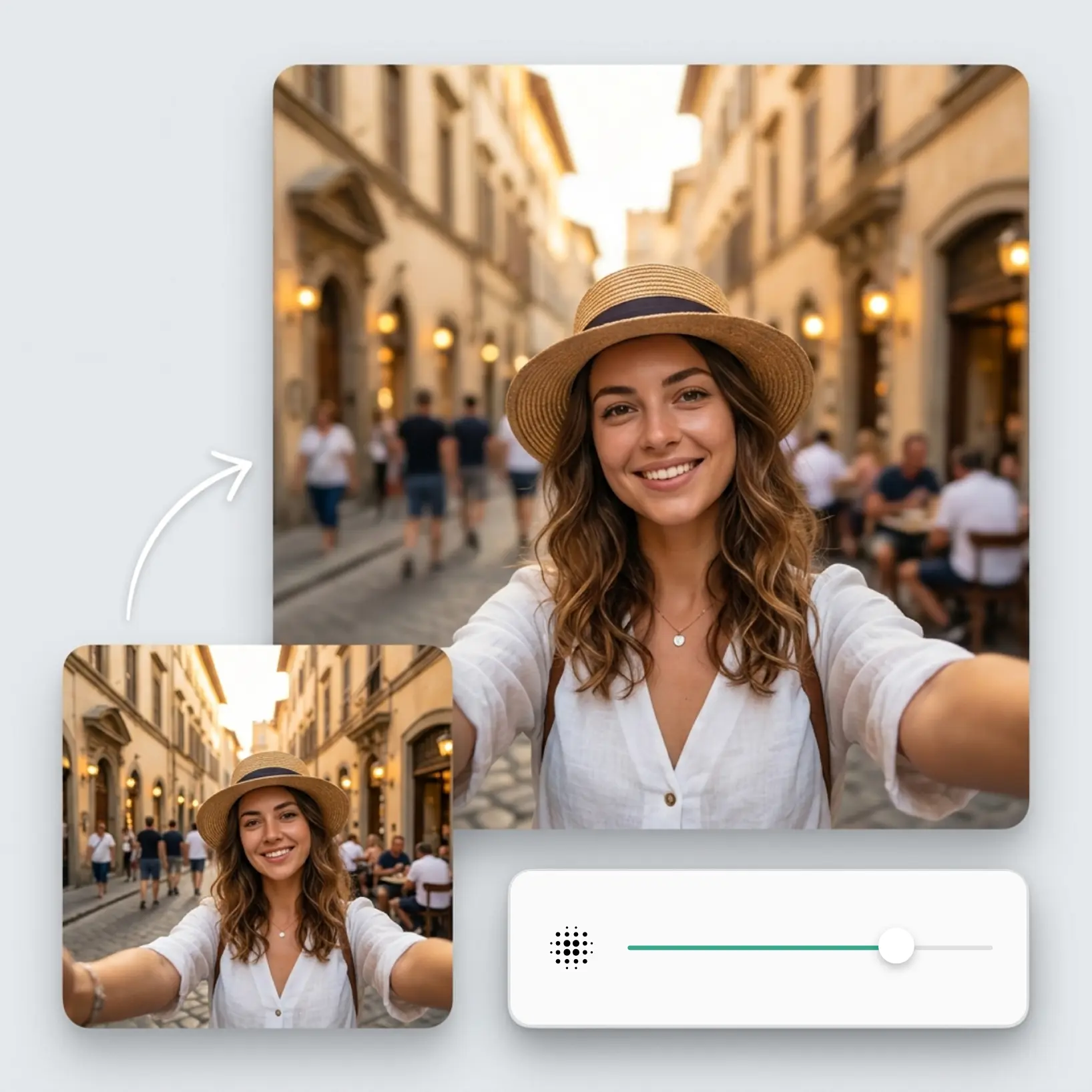
High-quality results
AI-powered technology delivers professional-grade visuals every time
Intelligent rendering
AI tailors the effect to the scene and subject for optimal results
Cross-platform support
Available on iOS, Android, and Web for seamless access
Budget-friendly
Save on costly designers with an affordable and intuitive tool