
Éditeur d'arrière-plan IA en ligne
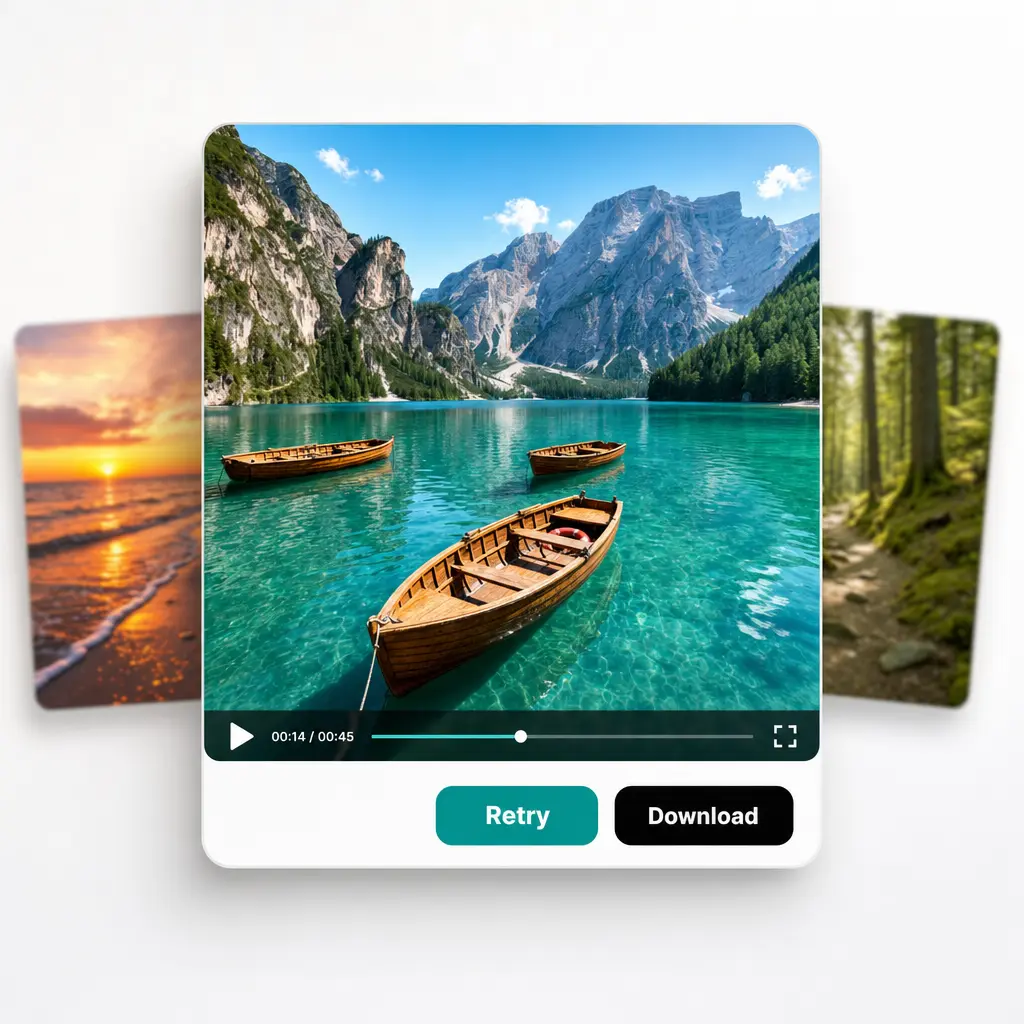
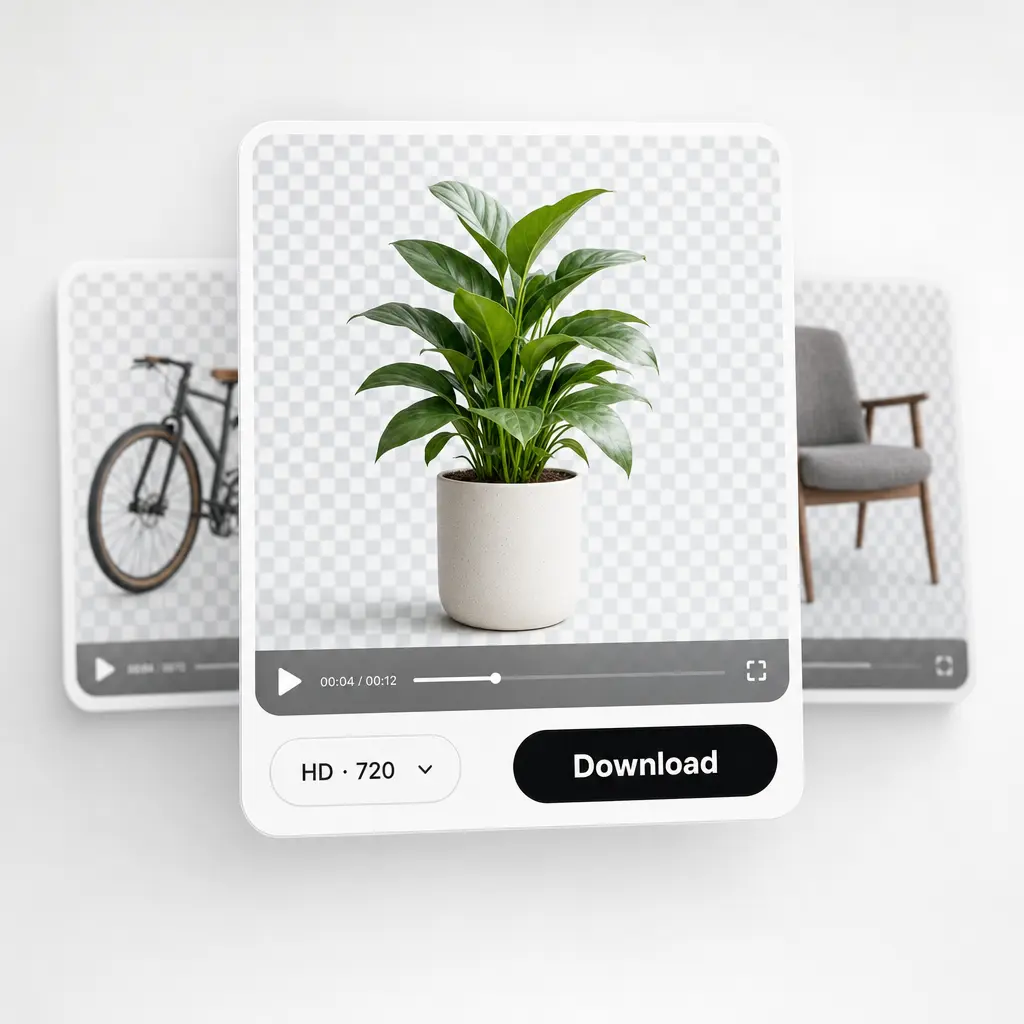
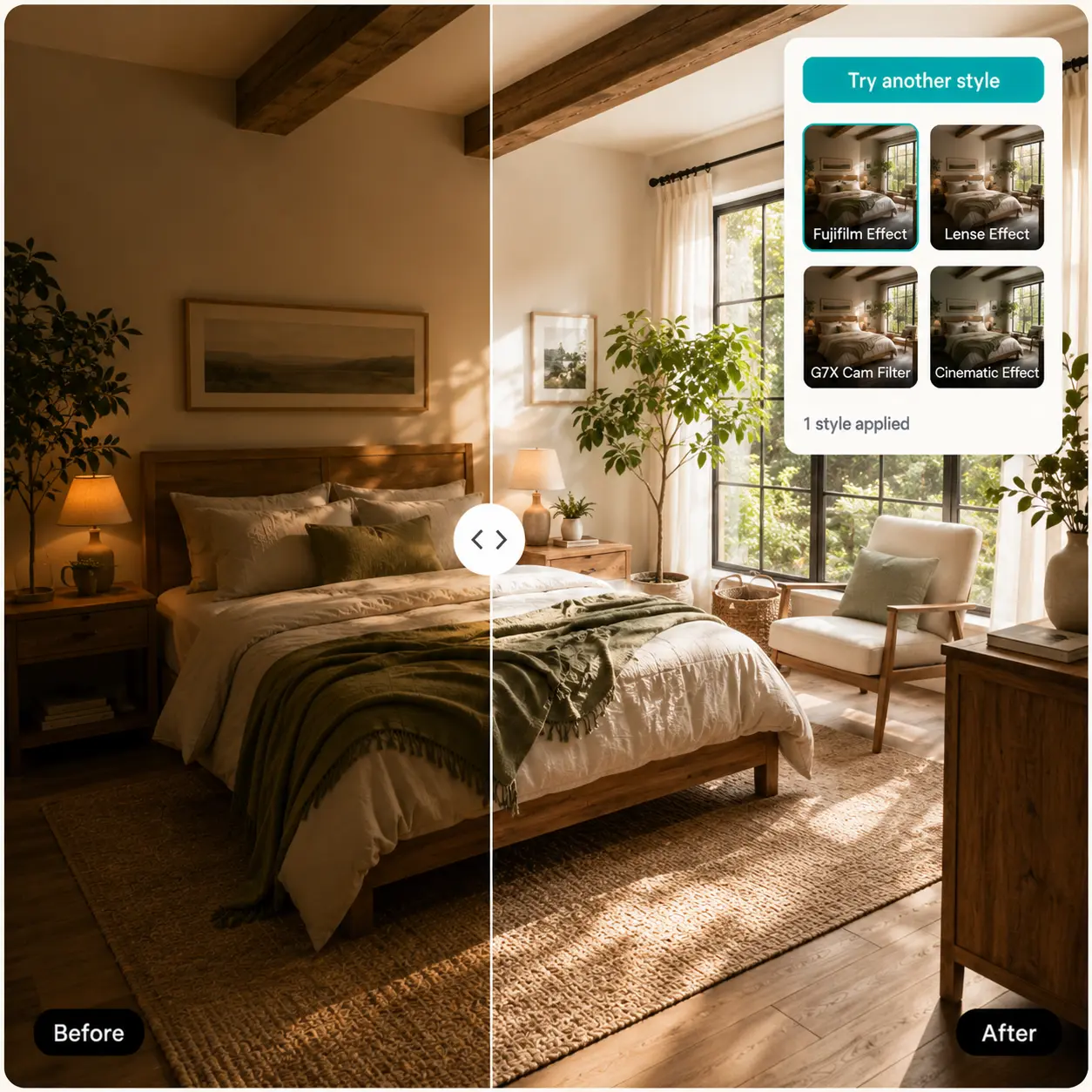
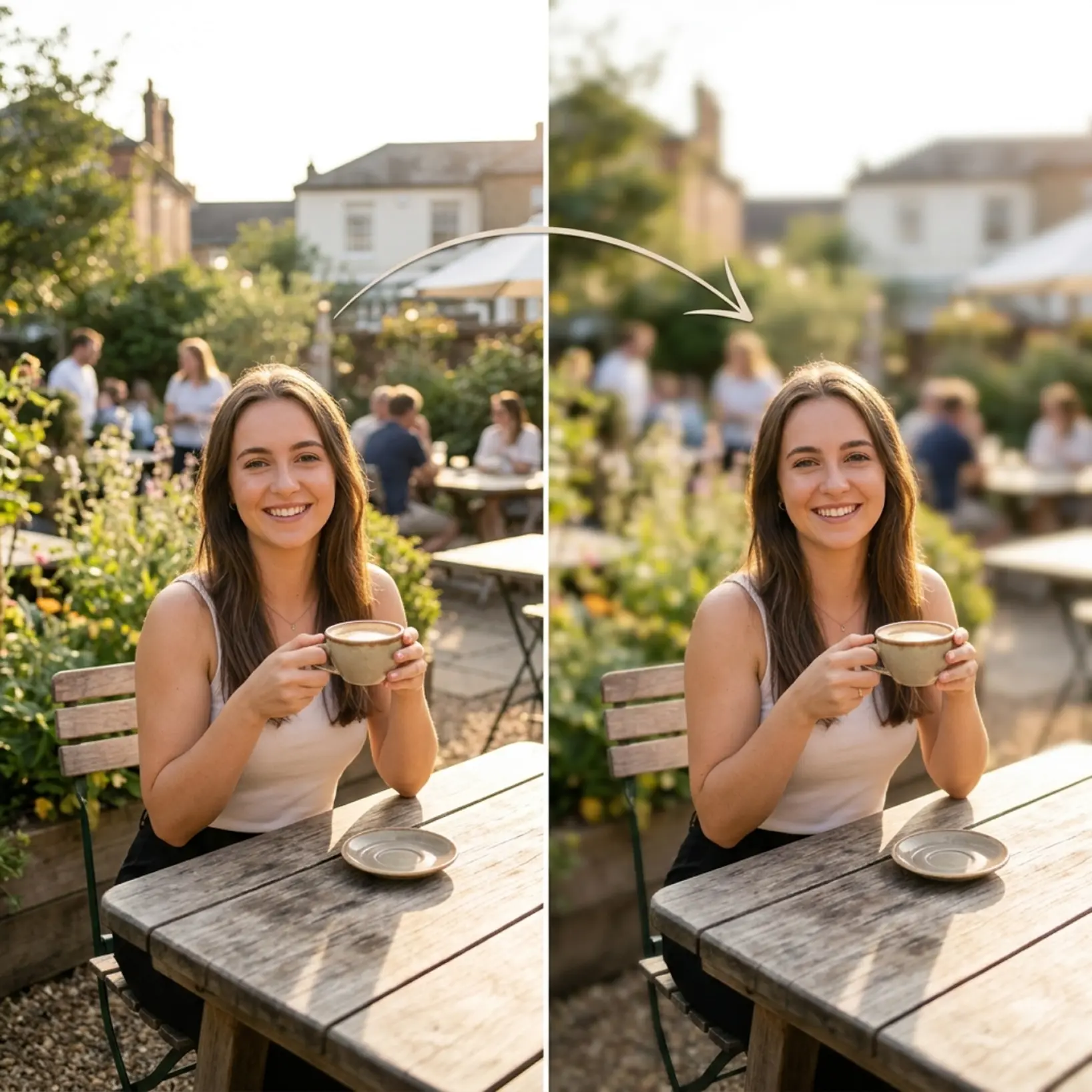
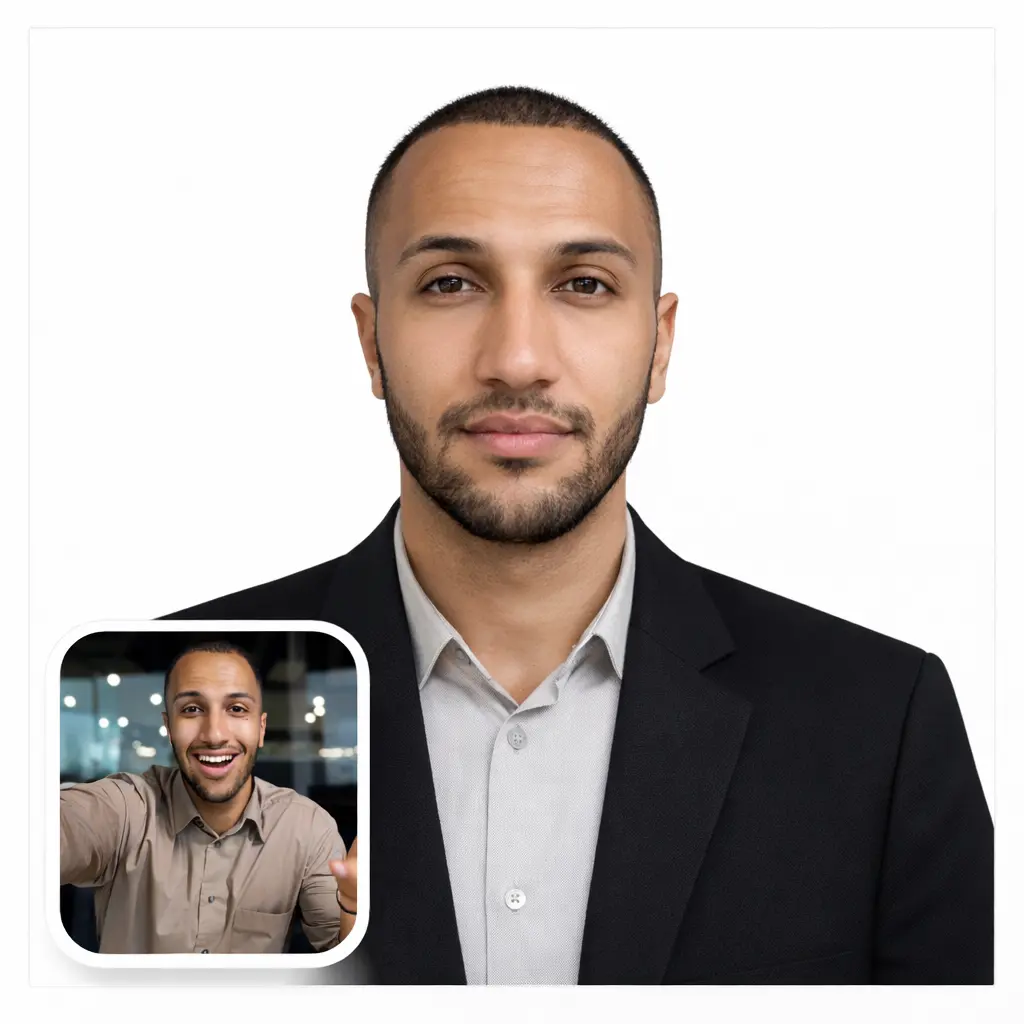
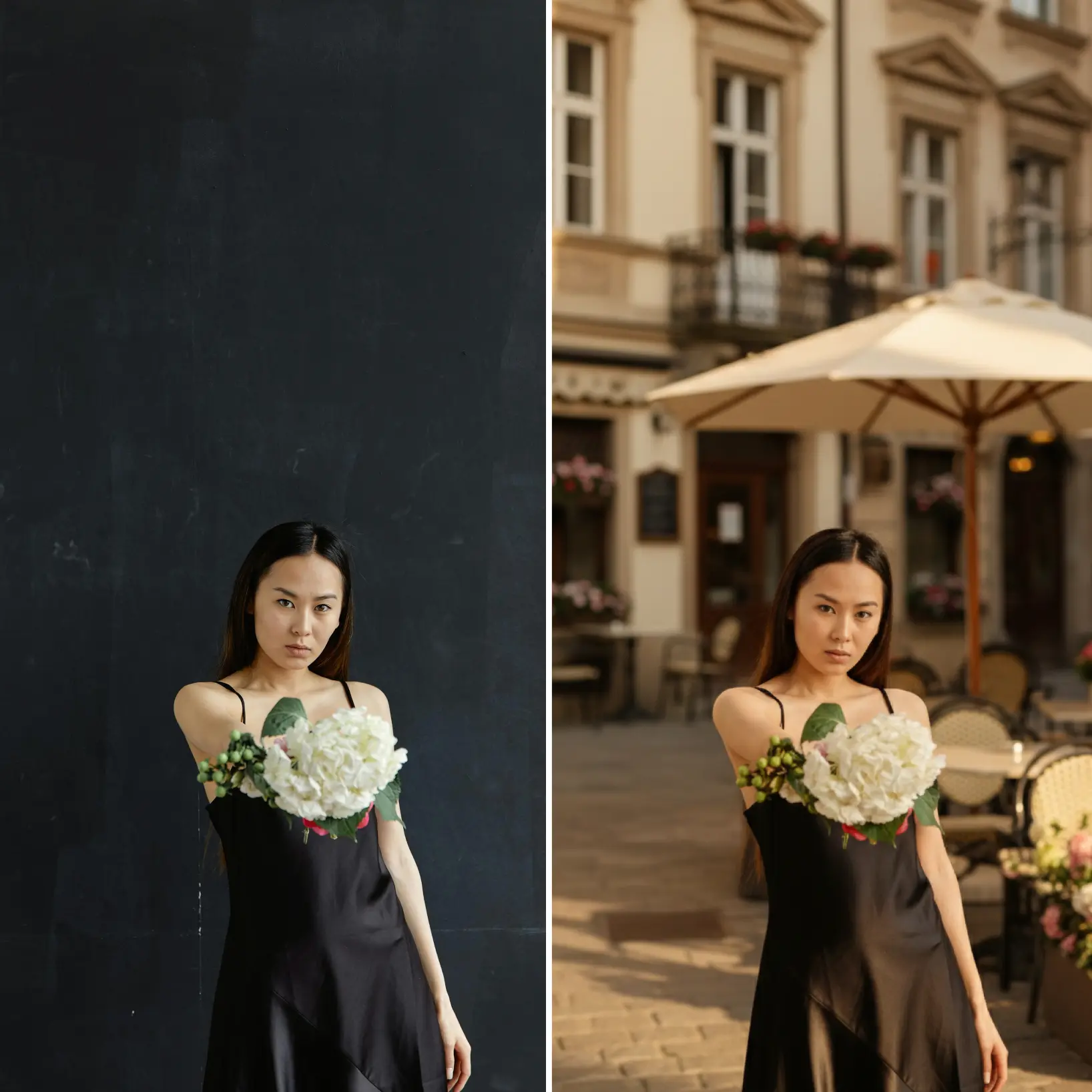
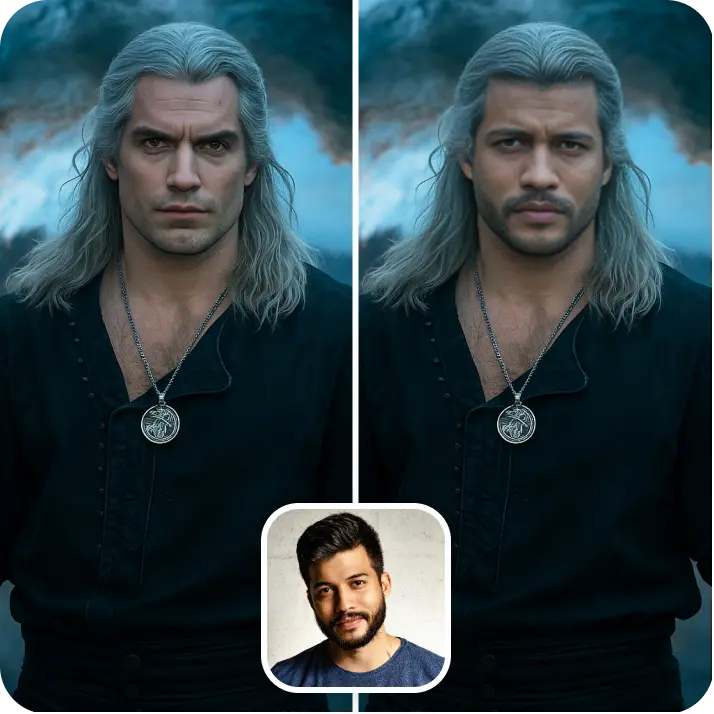
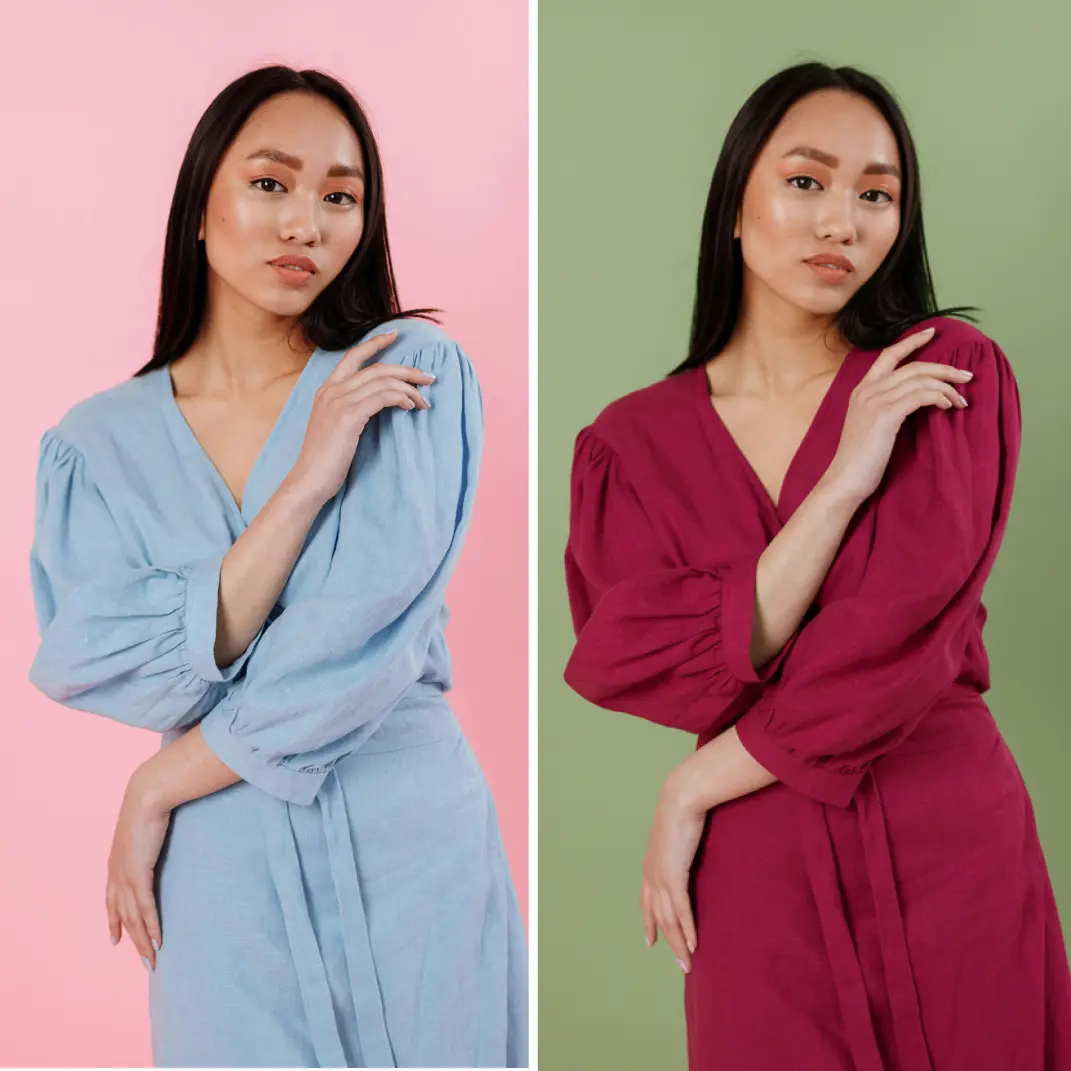
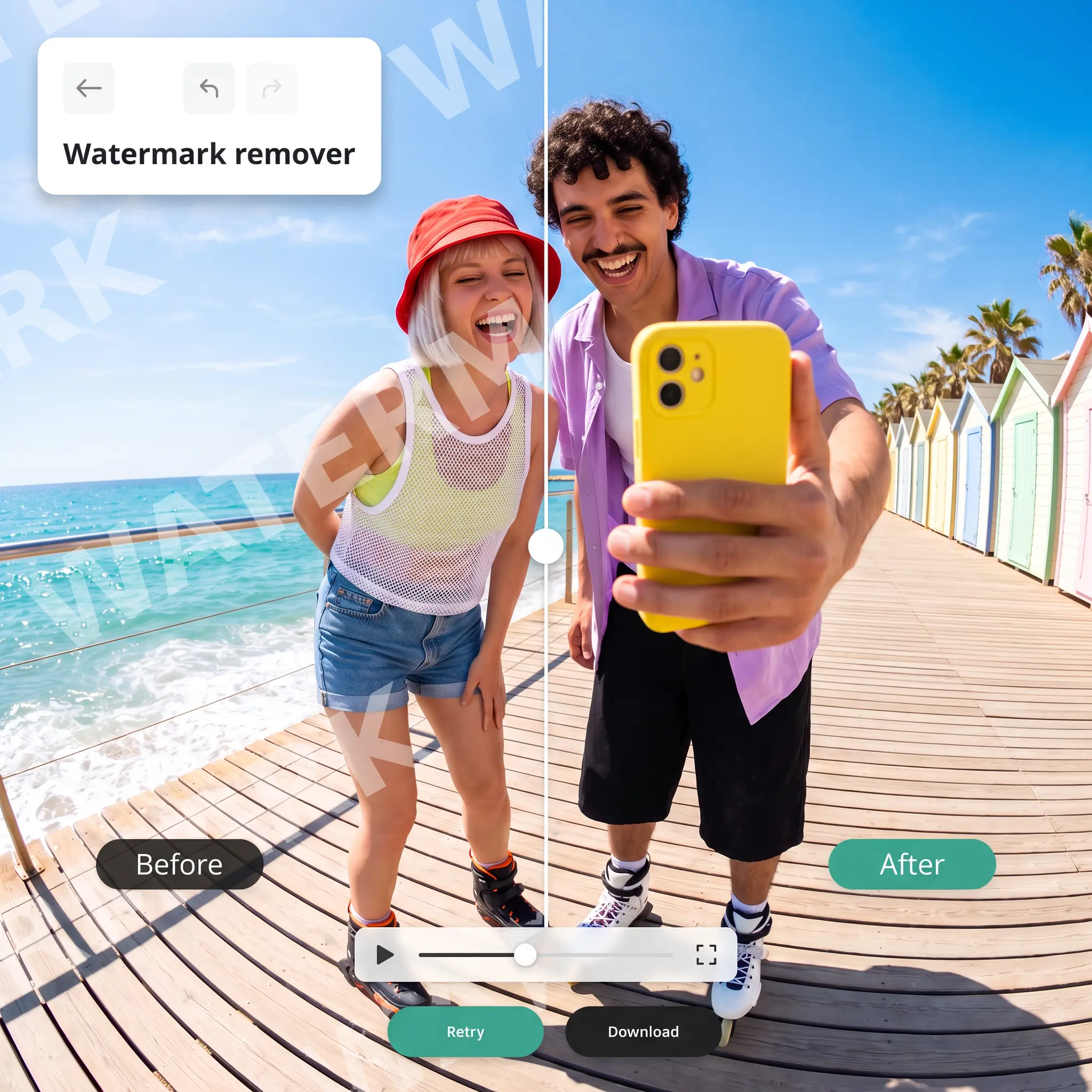
Changez les arrière-plans pour n'importe quelle scène en secondes. Obtenez un arrière-plan professionnel pour les photos de produits, portraits et projets créatifs, sans filigrane'utilisateurs.

Comment ça marche

Téléchargez votre image
Choisissez une photo depuis votre appareil ou prenez-en une avec l'application Lift
Laissez l'IA faire le travail
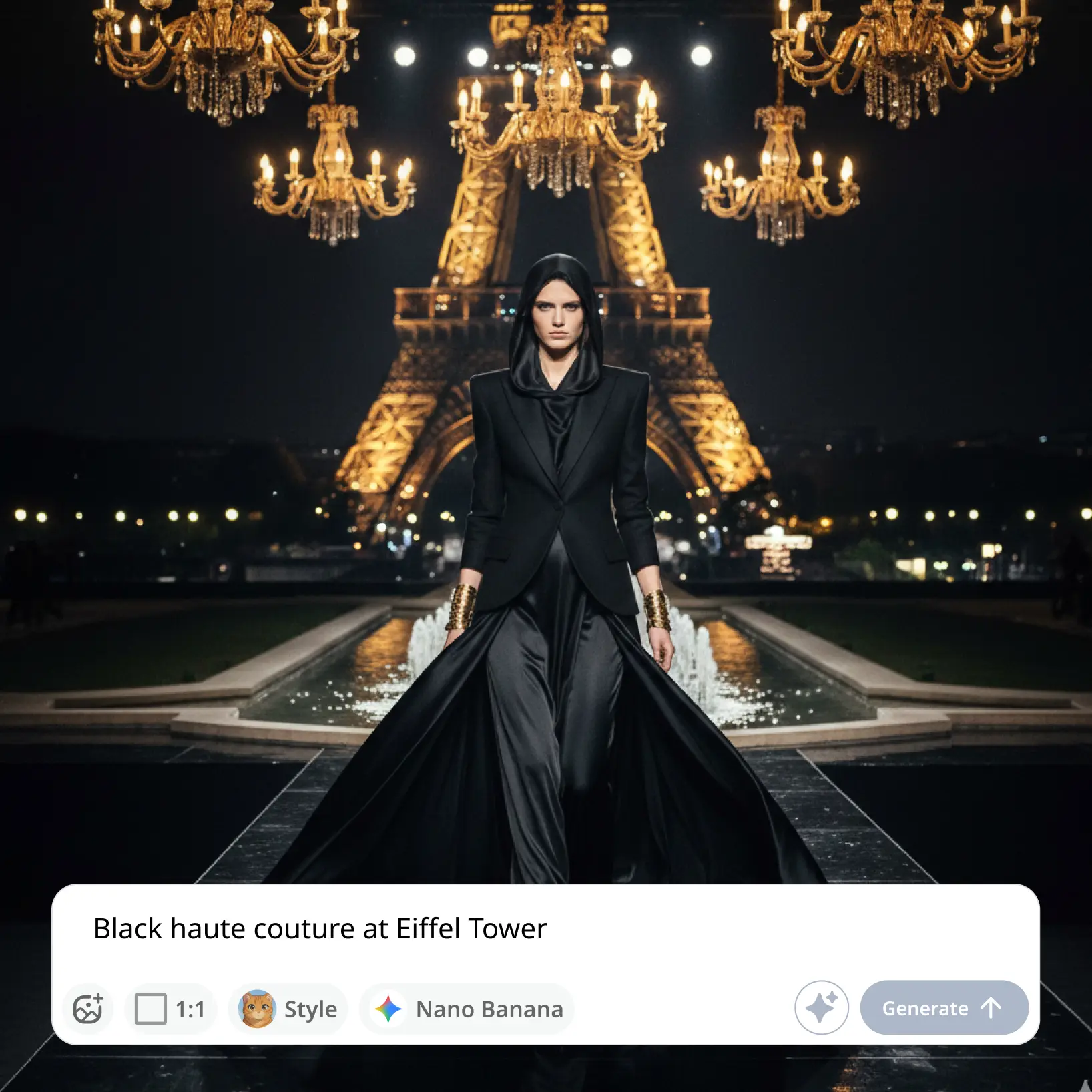
Regardez Lift modifier l'arrière-plan automatiquement
Personnalisez les ajustements
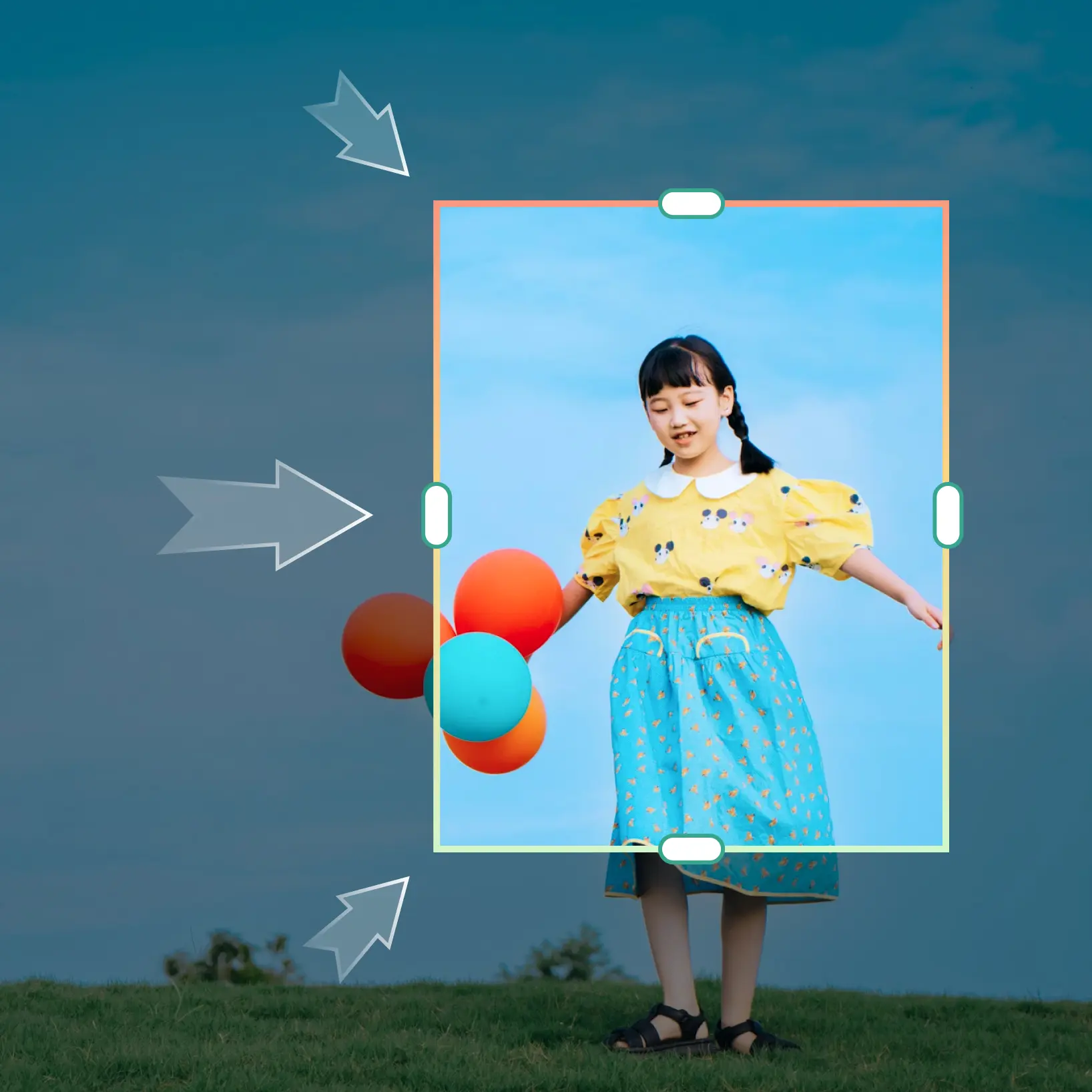
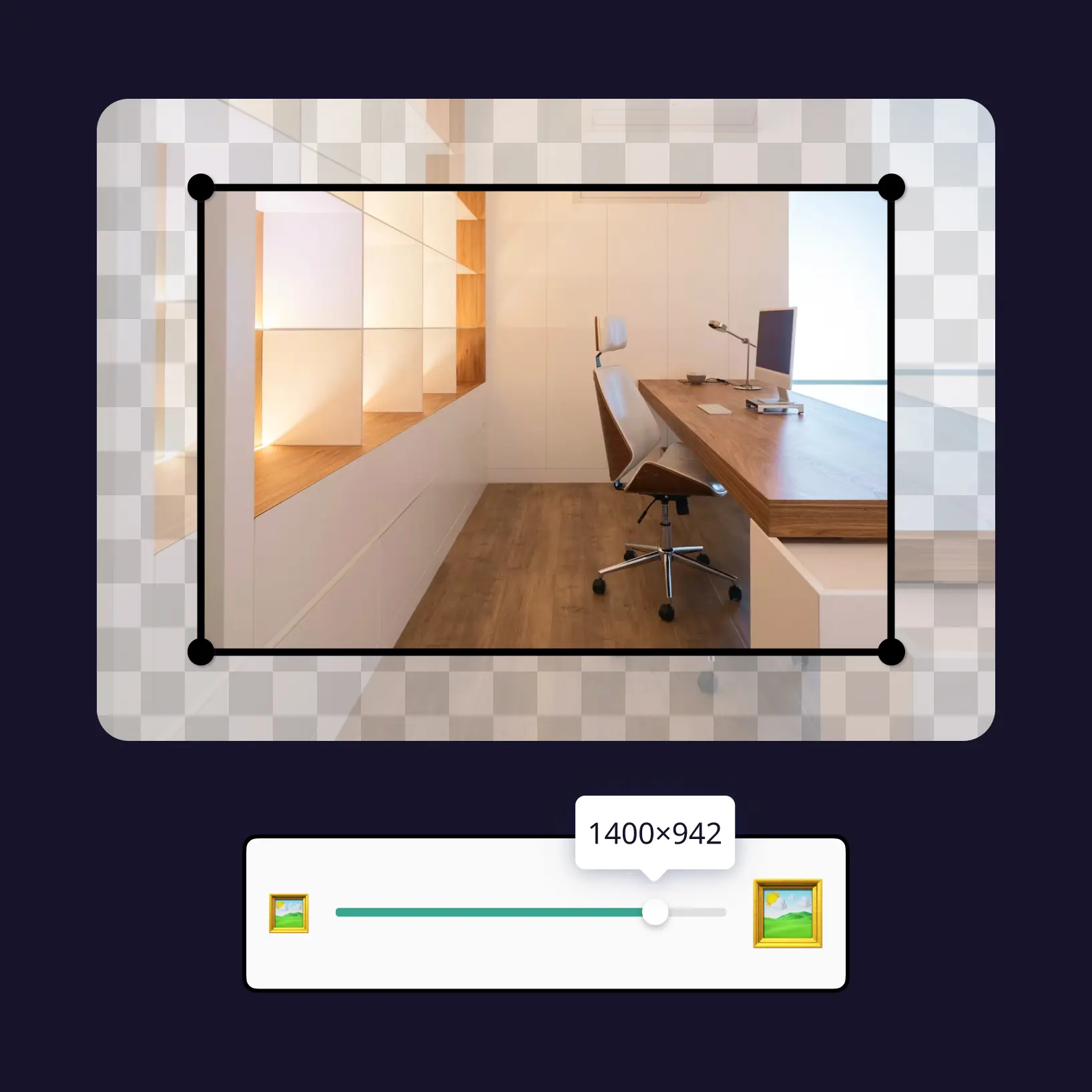
Affinez votre image avec des outils d'édition faciles à utiliser
Téléchargez et utilisez
Téléchargez votre image ou publiez-la directement sur vos réseaux sociaux

Rejoignez des millions de personnes dans le monde
Qui peut bénéficier de l'éditeur d'arrière-plan ?

- 🔹
Petits entrepreneurs — Créez des photos de produits professionnelles sans studios ou photographes coûteux. Générez instantanément des arrière-plans propres et de marque pour renforcer la confiance et les taux de conversion.
- 🔹
Créateurs de contenu — Changez les arrière-plans rapidement pour correspondre aux tendances, esthétiques et campagnes. Gardez vos visuels Instagram, TikTok et YouTube cohérents et accrocheurs.
- 🔹
Marketeurs et managers SMM — Faites évoluer la production visuelle pour les annonces, bannières et pages d'atterrissage. Testez plusieurs styles d'arrière-plan depuis une image sans coûts de production supplémentaires.
- 🔹
Freelancers — Livrez des visuels prêts pour les clients sans compétences avancées en design. L'IA gère le remplacement d'arrière-plan en secondes, vous permettant de vous concentrer sur la direction créative.
- 🔹
Étudiants et éducateurs — Créez des visuels soignés pour des présentations, projets et publications sociales. Aucune courbe d'apprentissage requise — obtenez des résultats professionnels immédiats.
Questions fréquemment posées
Qu'est-ce que l'éditeur d'arrière-plan IA de Lift ?
L'éditeur d'arrière-plan IA de Lift est un outil en ligne premium qui remplace instantanément les arrière-plans de photos par des scènes générées par l'IA avec une précision au pixel près — idéal pour les photos de produits, photos de profil ou design graphique.
Comment fonctionne l'éditeur d'arrière-plan IA de Lift ?
Téléchargez simplement votre photo dans l'outil d'éditeur d'arrière-plan de Lift. Notre IA détecte automatiquement le sujet et remplace l'arrière-plan en secondes — aucune expérience en retouche photo nécessaire. Téléchargez jusqu'à 20 images modifiées avec des arrière-plans professionnels.
Conservera-t-il les cheveux, les bords et les détails fins ?
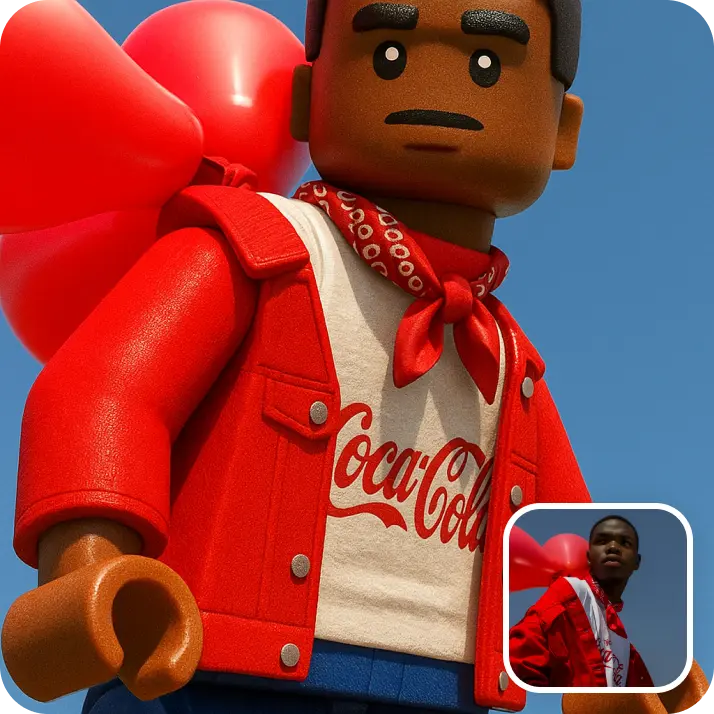
Oui. L'éditeur d'arrière-plan IA de Lift utilise une détection avancée des contours pour préserver les éléments délicats comme les cheveux, la fourrure, les ombres et les textures douces — vous obtenez ainsi des modifications propres et naturelles sans retouches manuelles.
Puis-je télécharger les résultats sans filigrane ?
Absolument. Toutes les images générées ou éditées dans Lift peuvent être exportées sans filigrane avec le plan Pro. Téléchargez-les en PNG ou JPG haute résolution — prêtes pour les réseaux sociaux, l'impression, les publicités ou l'e-commerce.
Comment annuler mon abonnement Lift Pro ?
Vous pouvez annuler votre essai ou votre abonnement dans vos paramètres du compte ou en écrivant à support@liftapp.ai. L'annulation met fin au renouvellement automatique ; l'accès reste actif jusqu'à la fin de la période en cours.
Pourquoi l'éditeur d'arrière-plan IA de Lift se distingue

Résultats de haute qualité
La technologie alimentée par l'IA offre des visuels de qualité professionnelle à chaque fois
Rendu intelligent
L'IA adapte l'effet à la scène et au sujet pour des résultats optimaux
Support multiplateforme
Disponible sur iOS, Android et Web pour un accès transparent
Économique
Économisez sur les designers coûteux avec un outil abordable et intuitif