
Minimiser la Taille des Photos en Ligne
Minimisez la taille des photos en ligne sans perte de qualité. Optimisez les images instantanément pour des téléchargements plus rapides'utilisateurs. Essayez le minimiseur de taille de photo de Lift maintenant !
ou glissez-déposez ici
JPG, PNG, WEBP, HEIC, HEIF, TIFF, BMPMax - 20MB
JPG, PNG, WEBP, HEIC, HEIF, TIFF, BMPMax - 20MB
Comment ça marche
Téléchargez votre image
Déposez votre image dans notre minimiseur de photos.
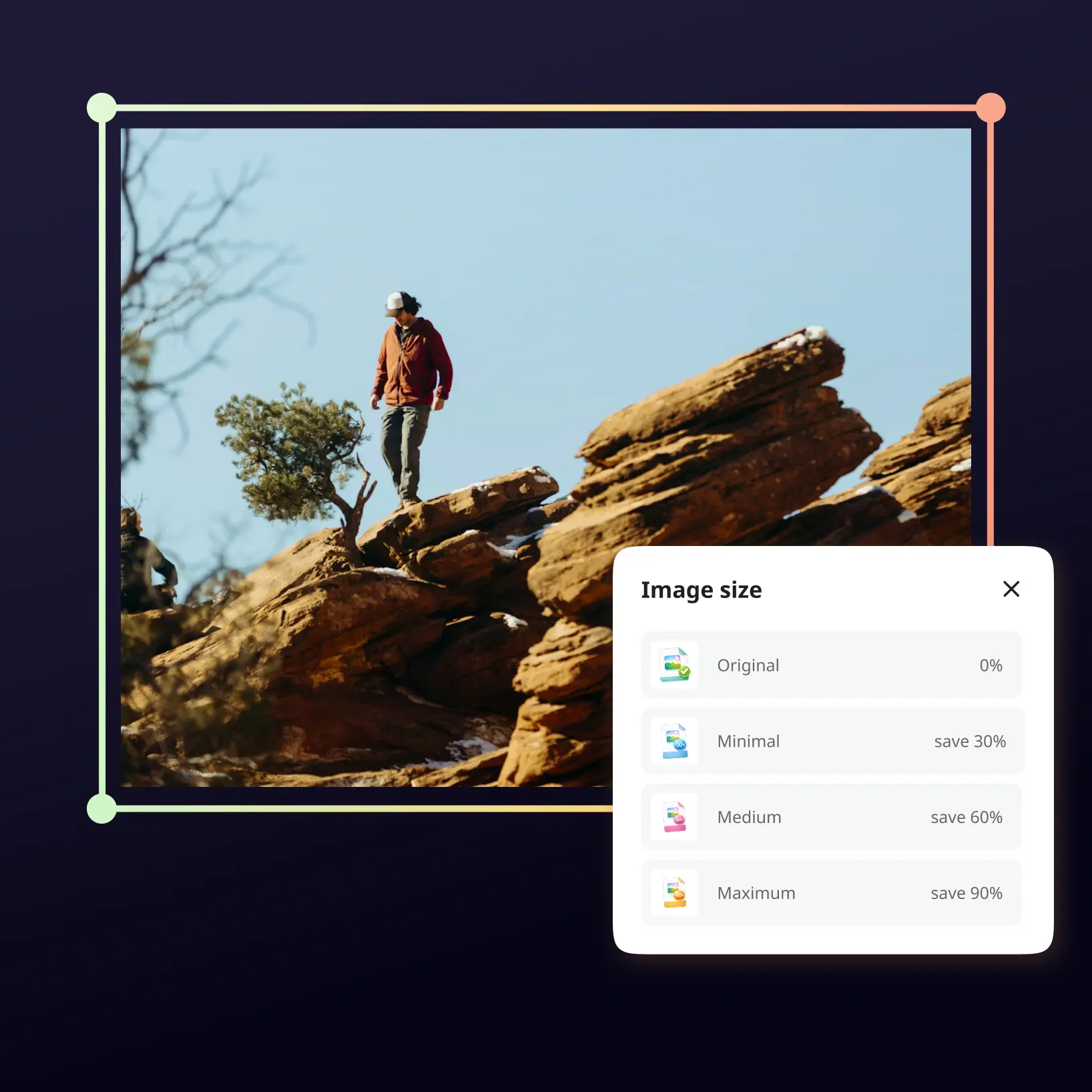
Sélectionnez la taille souhaitée
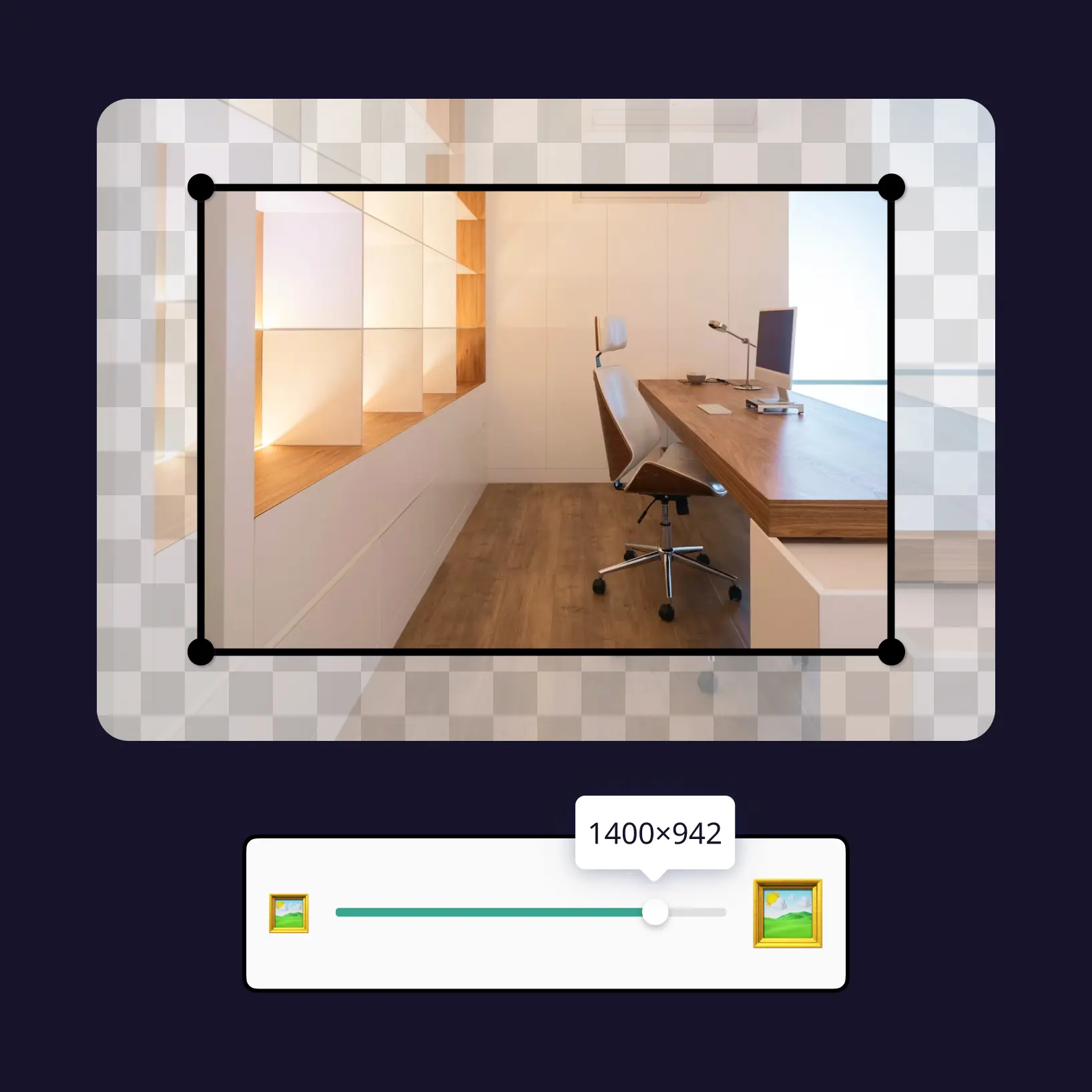
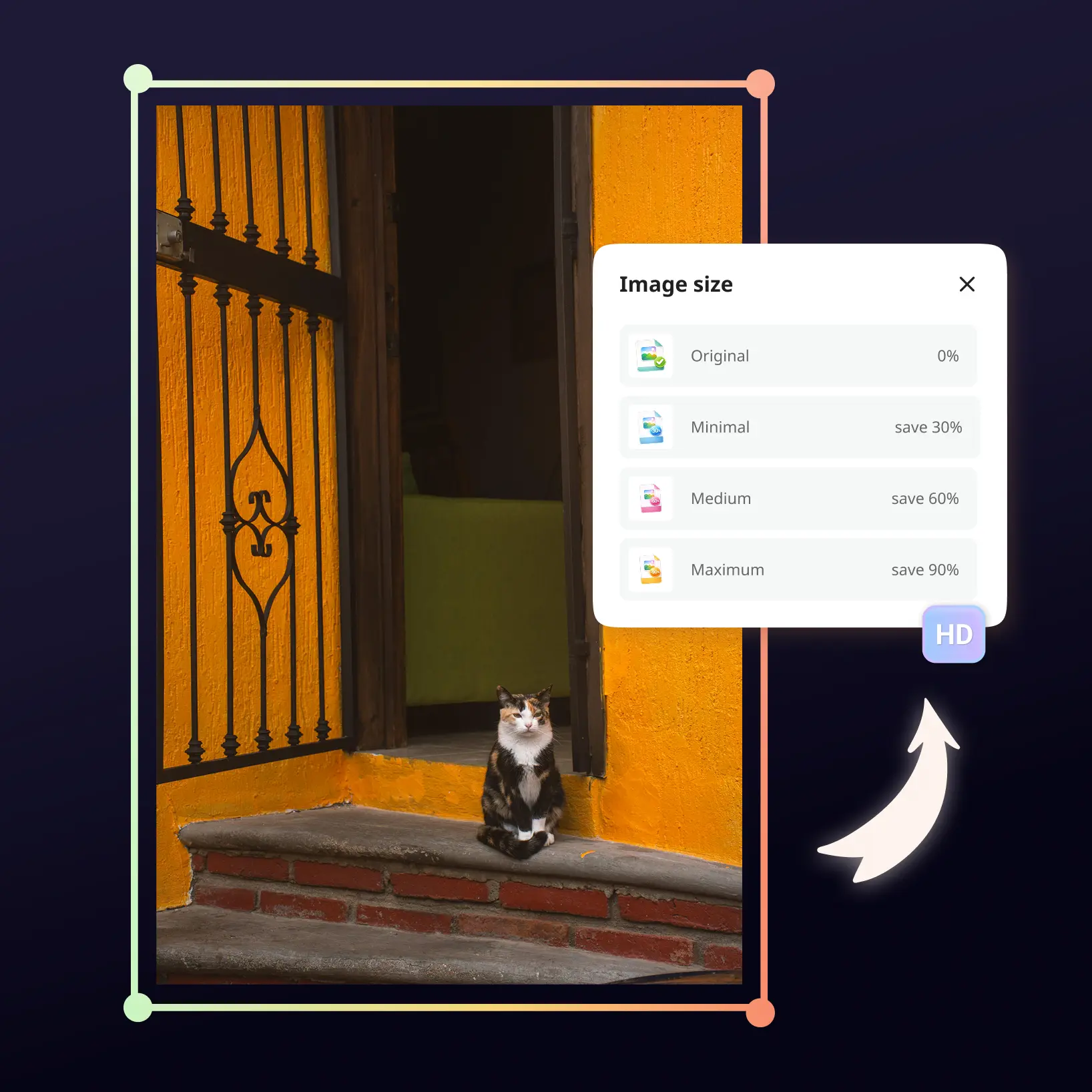
Choisissez votre taille cible pour minimiser les images tout en maintenant la qualité.
Téléchargez l'image minimisée
Obtenez votre image optimisée instantanément — taille de fichier réduite, même qualité nette, prête à l'emploi.

Rejoignez des millions de personnes dans le monde
Questions fréquemment posées
Comment fonctionne le Minimiseur de Photos de Lift ?
Le Minimiseur de Photos de Lift utilise des algorithmes avancés pour minimiser les tailles de fichiers tout en maintenant la qualité visuelle. Téléchargez simplement votre photo, sélectionnez le niveau de taille souhaité ou les dimensions cibles, et téléchargez votre image optimisée — le tout en quelques secondes sans compétences en édition.
La minimisation affecte-t-elle la qualité de l'image ?
La technologie d'optimisation intelligente de Lift préserve la qualité tout en réduisant significativement les tailles de fichiers. Vous pouvez choisir entre différents niveaux de taille — pour une utilisation web, une optimisation légère offre des résultats optimaux sans différence visible par rapport à l'original.
Quels formats d'image prenez-vous en charge ?
Lift prend en charge tous les principaux formats d'image, notamment JPEG/JPG, PNG, BMP, TIFF, WEBP et HEIC. Téléchargez n'importe quel format et minimisez-le à la taille souhaitée — pour les sites web, les réseaux sociaux ou les pièces jointes d'e-mail.
Est-ce sécurisé — stockez-vous mes images ?
Oui, complètement sécurisé. Vos images sont traitées en toute sécurité et automatiquement supprimées de nos serveurs immédiatement après le traitement. Nous ne stockons, ne partageons ni n'accédons jamais à vos fichiers — votre confidentialité est notre priorité.
Comment annuler mon abonnement Lift Pro ?
Vous pouvez annuler votre essai ou votre abonnement dans vos paramètres du compte ou en écrivant à support@liftapp.ai. L'annulation met fin au renouvellement automatique ; l'accès reste actif jusqu'à la fin de la période en cours.
Pourquoi le Minimiseur de Photos de Lift se distingue
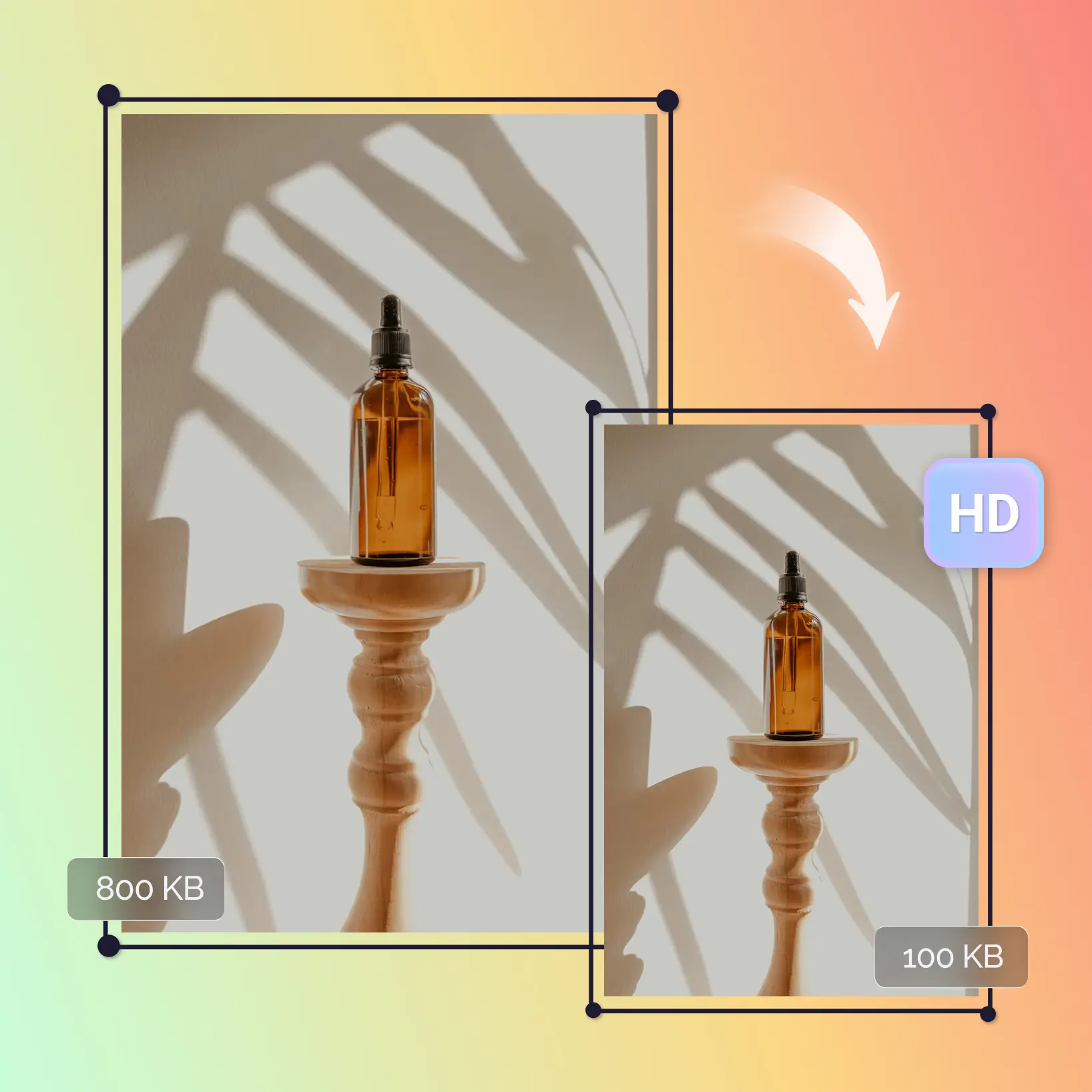
Fichiers plus petits, même qualité
Minimisez les images grâce à des algorithmes avancés qui réduisent la taille des fichiers tout en préservant la netteté, la clarté et la précision des couleurs — aucune perte de qualité visible.
Compatible avec tous les formats majeurs
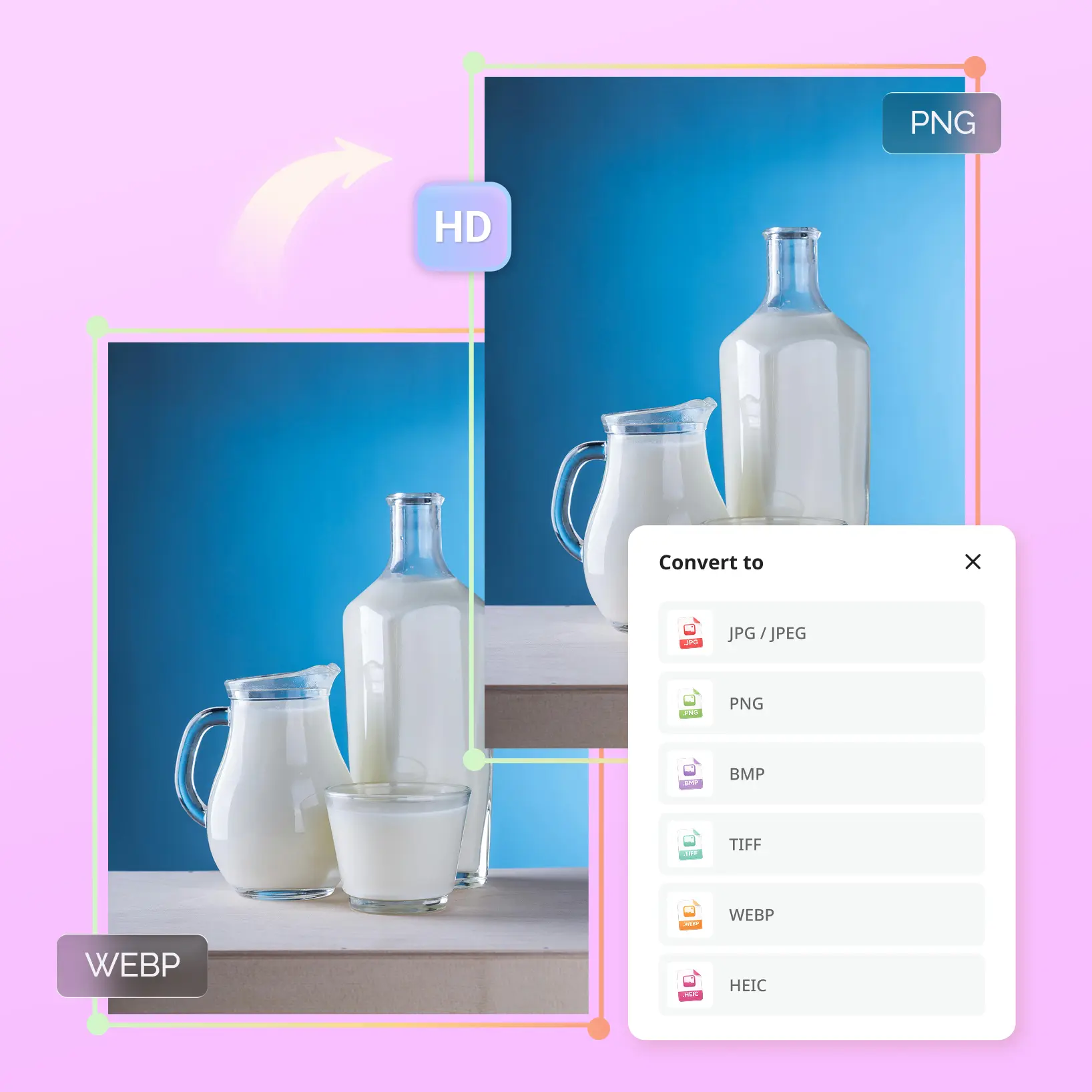
Minimisez les images JPEG, JPG, PNG, BMP, TIFF, WEBP et HEIC en un seul endroit. Parfait pour les photos, les graphiques et les ressources web.
Processus rapide et simple
Déposez votre image, choisissez la taille de fichier souhaitée et téléchargez le résultat optimisé. Aucune configuration, aucune courbe d'apprentissage — juste une optimisation instantanée.
Privé et sécurisé
Aucune inscription requise, pas de stockage de fichiers, pas de filigranes. Vos images sont traitées en toute sécurité et supprimées immédiatement après le téléchargement.
En ligne et compatible avec tous les appareils
Utilisez le minimiseur d'images directement dans votre navigateur sur ordinateur ou mobile. Aucune installation de logiciel — minimisez les images n'importe quand, n'importe où.