
Grok Imagine AI Image Generator
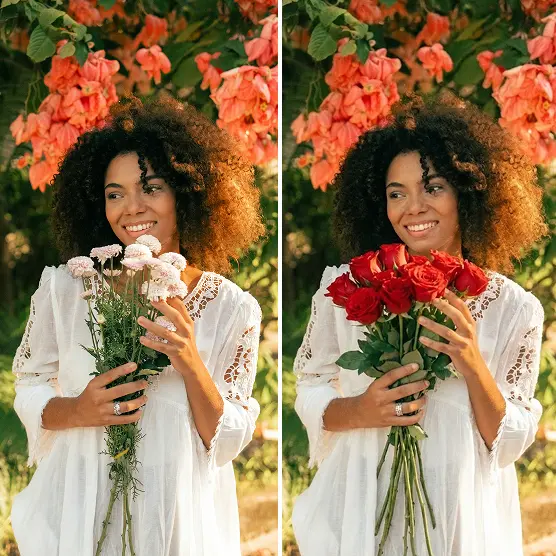
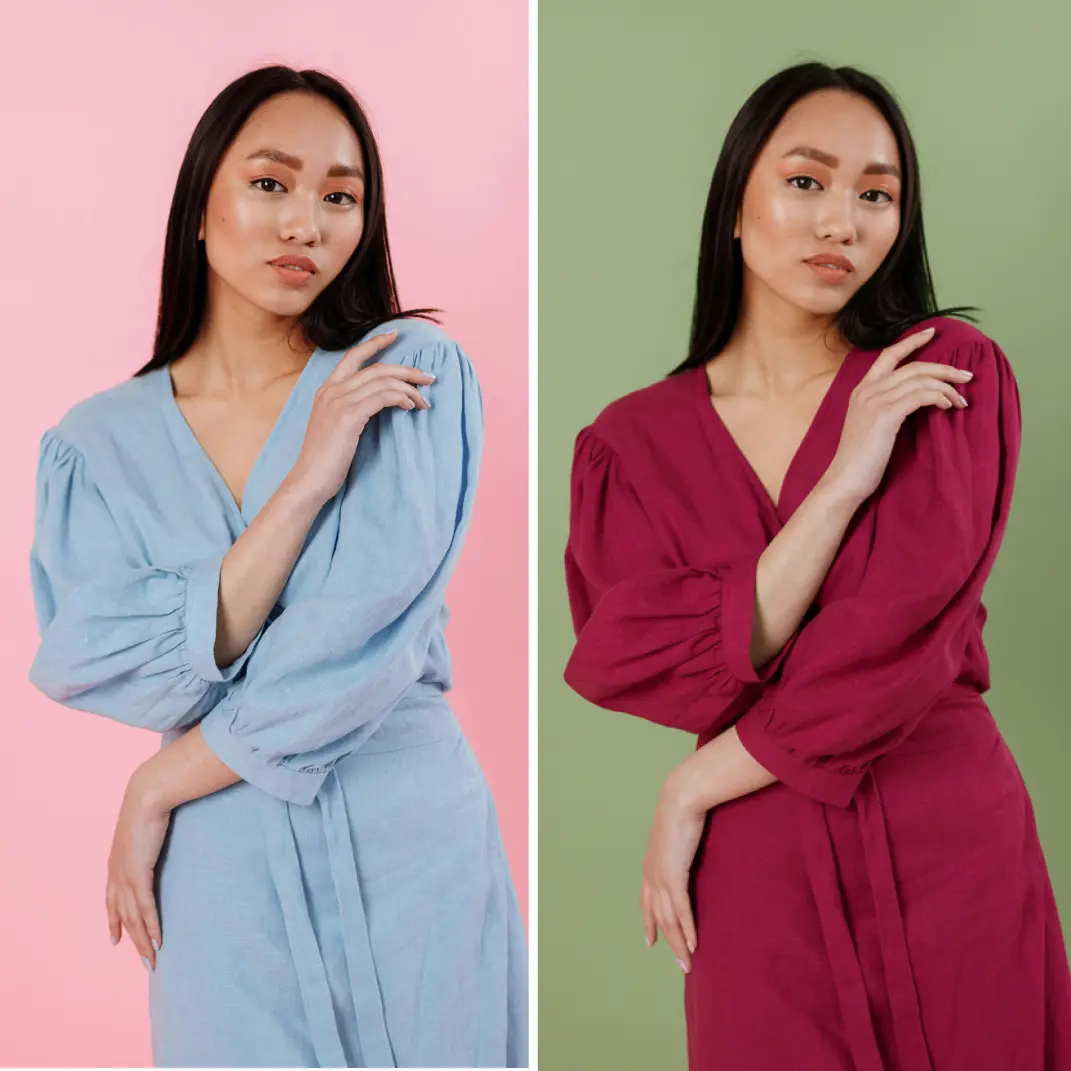
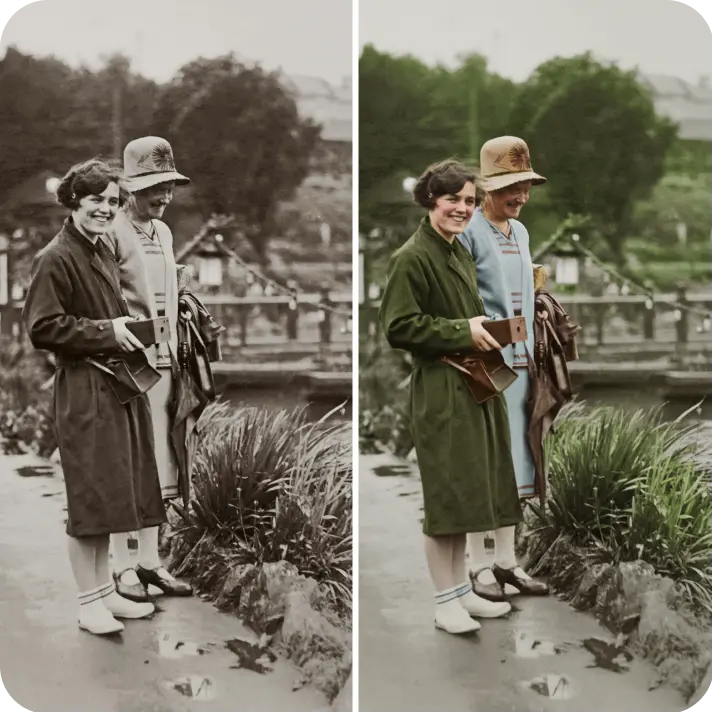
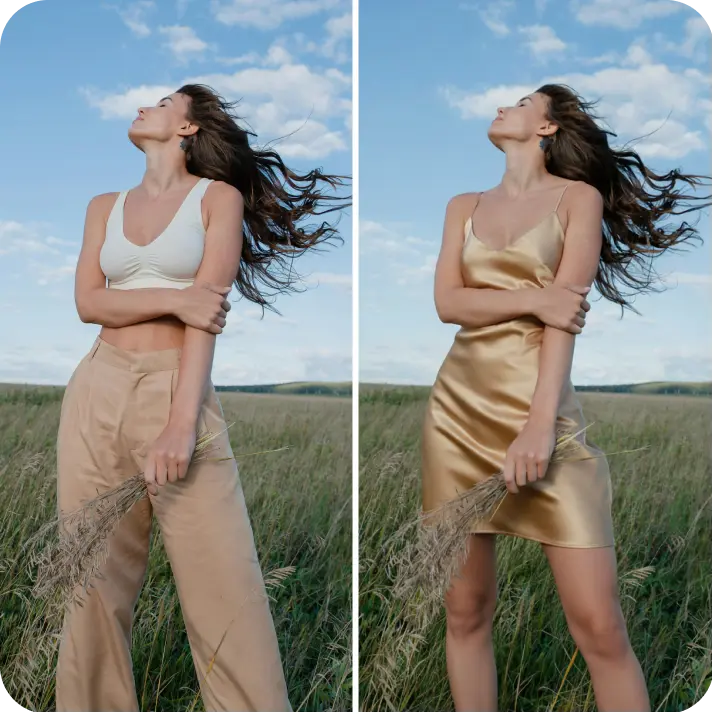
Created with Grok Imagine, a model by xAI. Describe your idea and Lift generates it using Grok Imagine — strong prompt-following, clean in-image text, and easy follow-up edits. Try Lift today!
⭐️Join millions around the globe⭐️All-in-one tool for making content
How it works
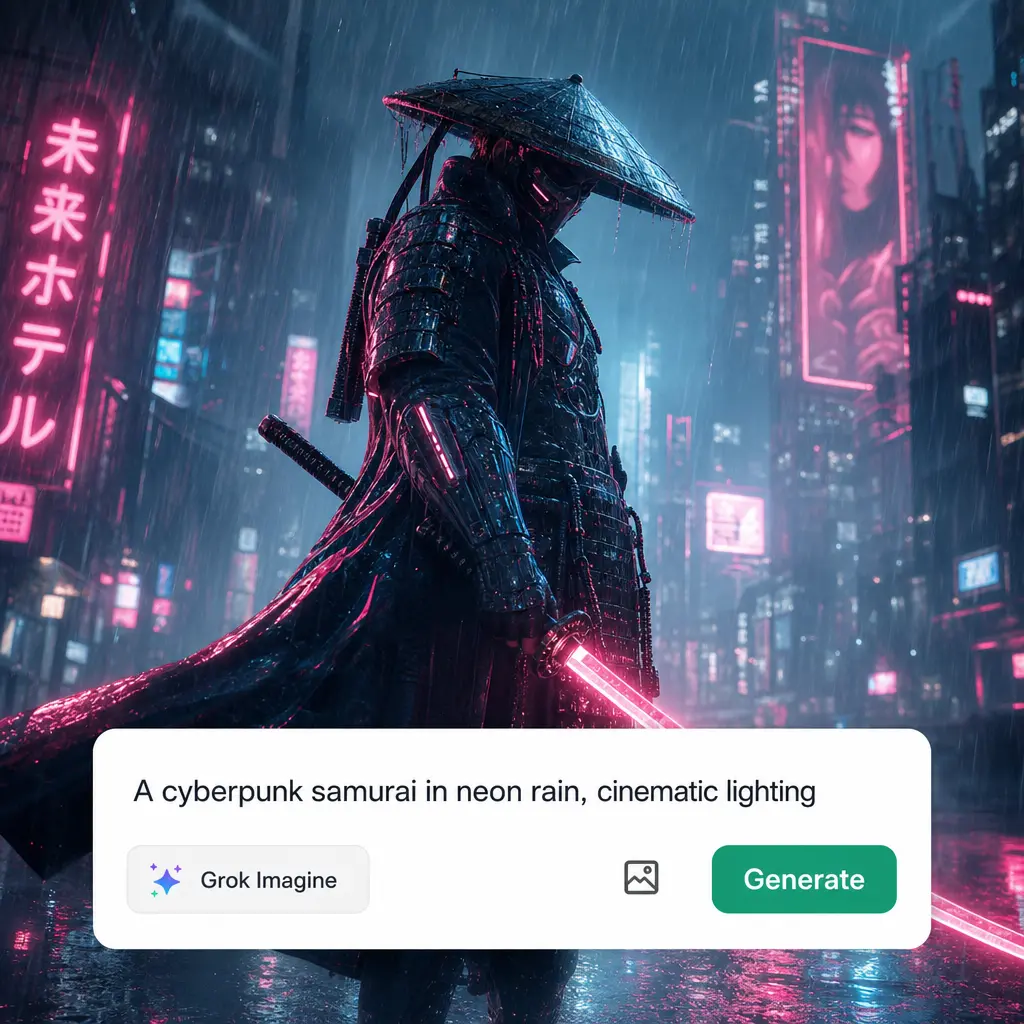
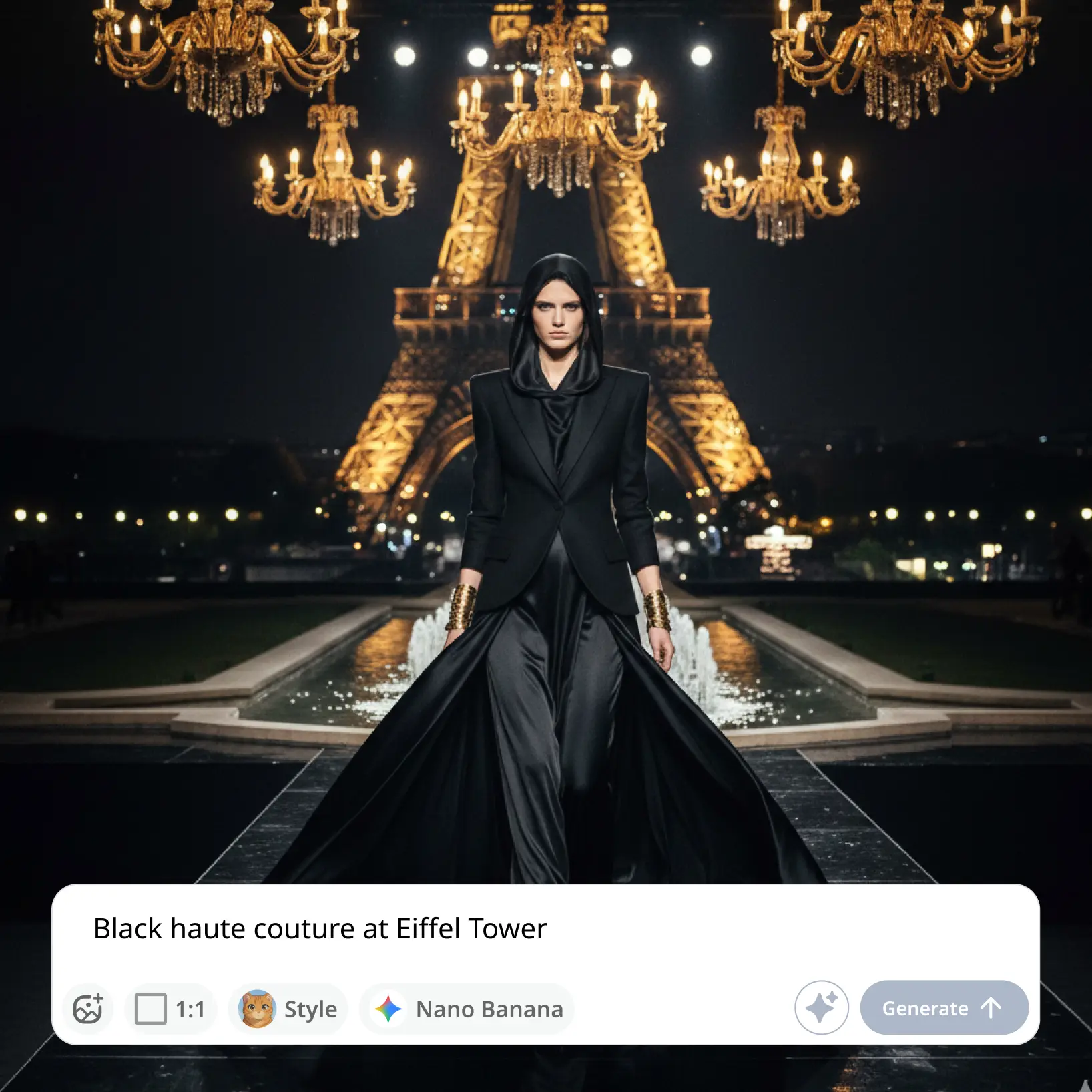
Describe Your Image
Type what you want to see — a scene, a poster, a product shot, anything you can put into words.
Choose Style, Ratio, And Model
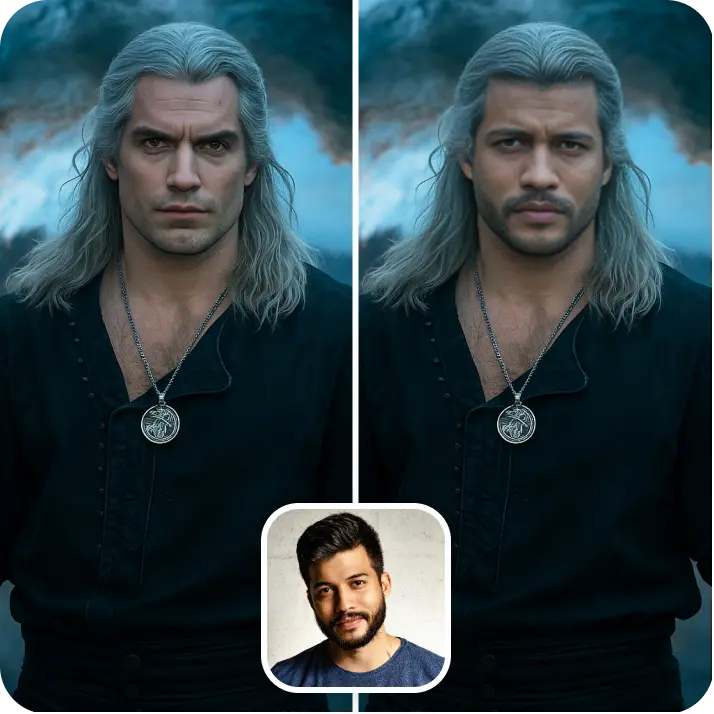
Select a visual style, set your preferred aspect ratio, and pick an AI model — or optionally upload a reference image to guide the generation.
Let The AI Do The Work
Watch as Grok Imagine transforms your text prompt into a unique, high-quality AI-generated image automatically.
Download And Use
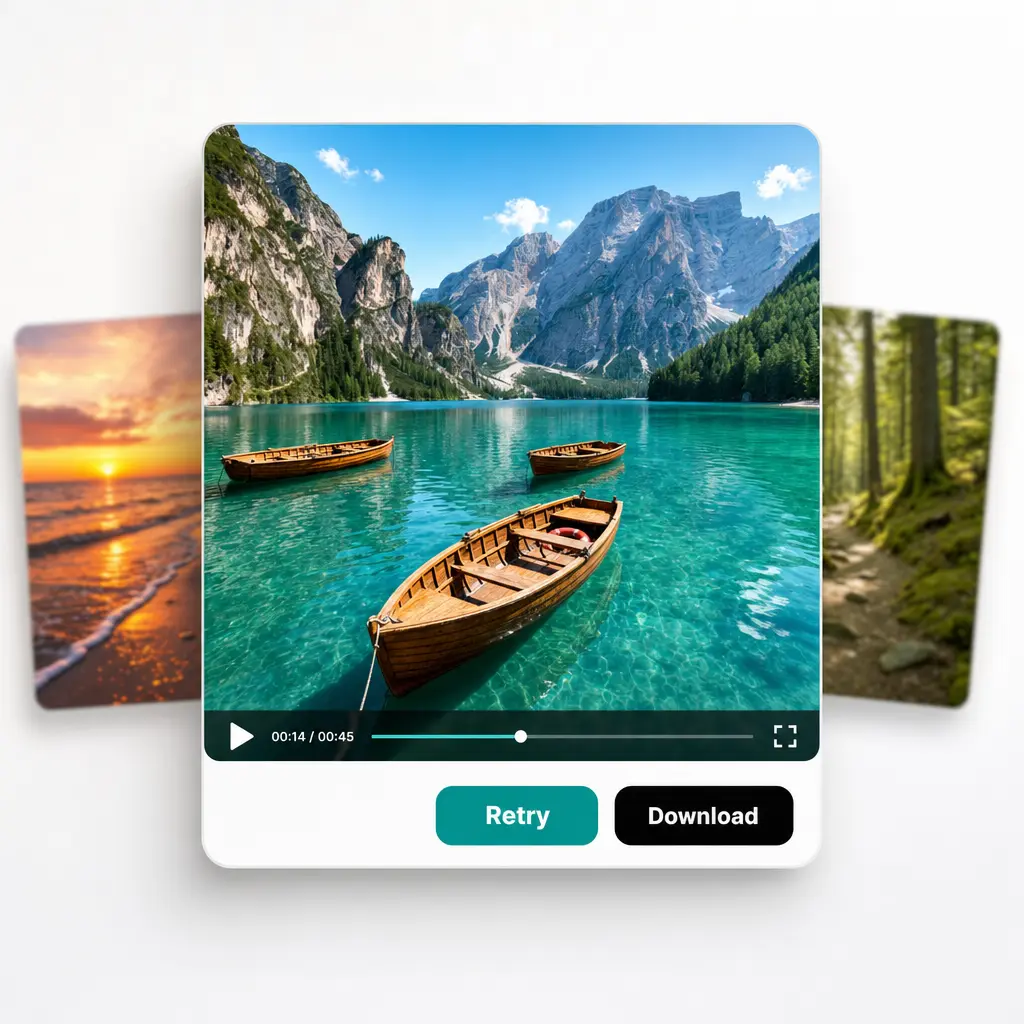
Download your image or publish it straight to your social feeds.

Join millions around the globe
Who can benefit from the Grok Imagine?
- 🔹
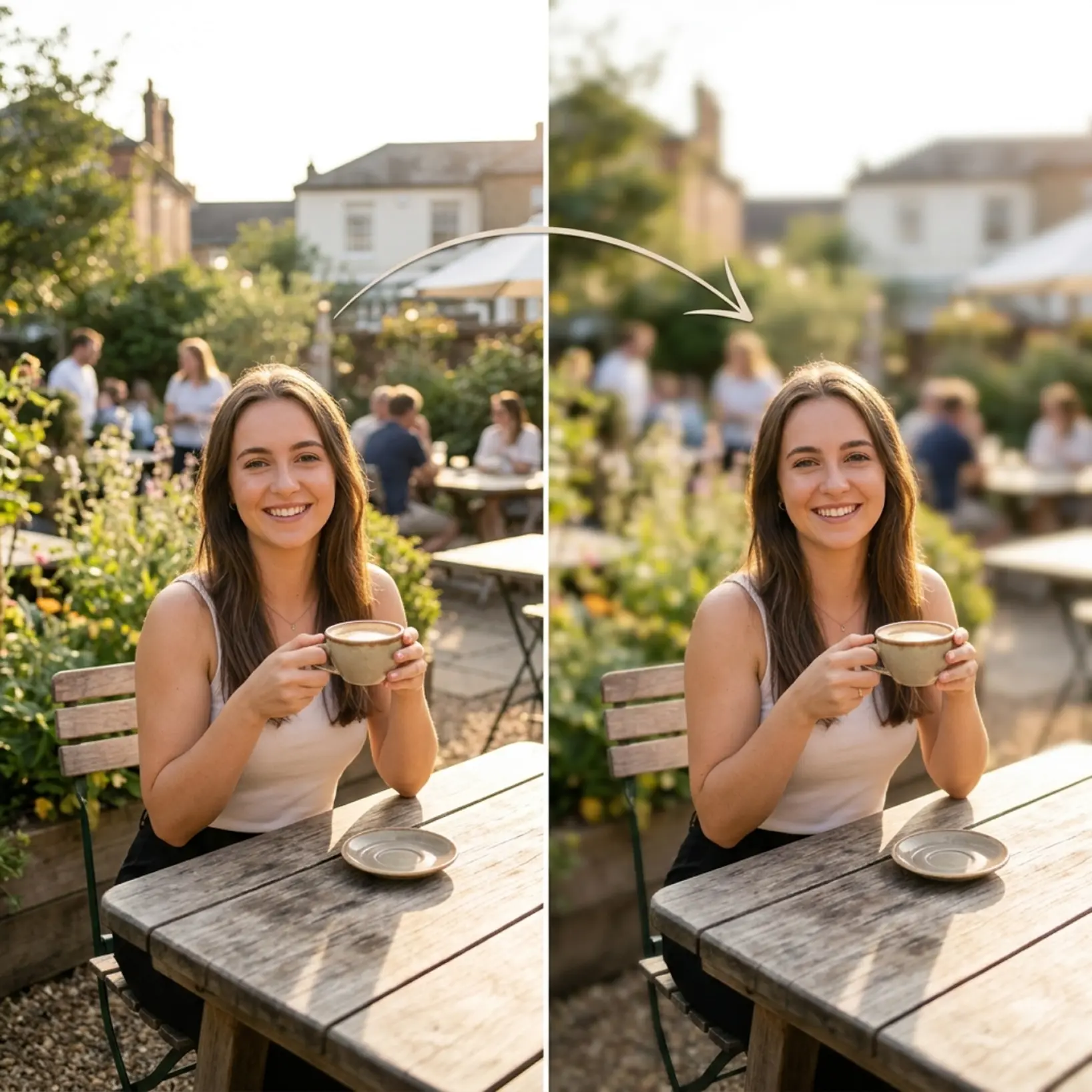
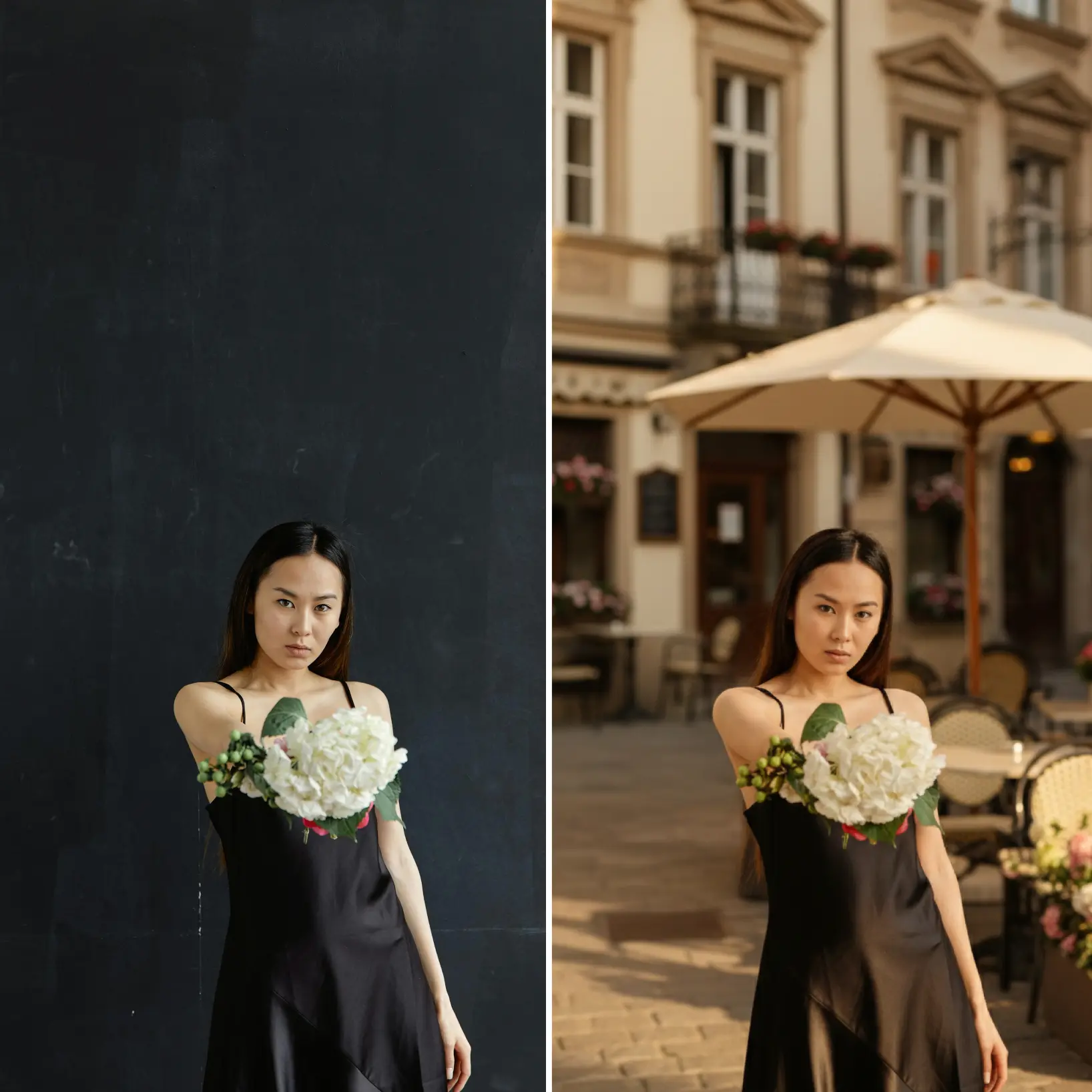
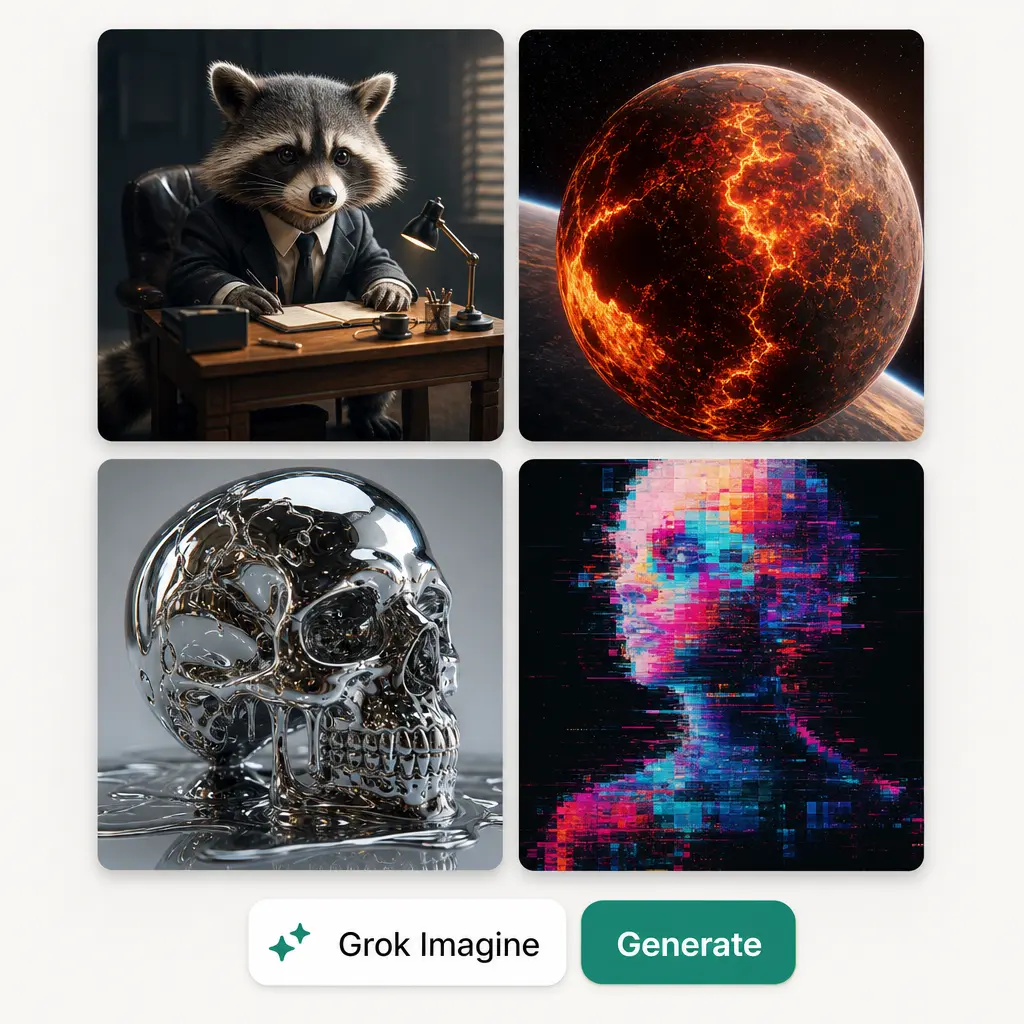
Social ad iterators — A single generated image rarely nails the brief right away. Grok Imagine remembers what it just made, so a follow-up request like changing the background builds on that result instead of starting the prompt over.
- 🔹
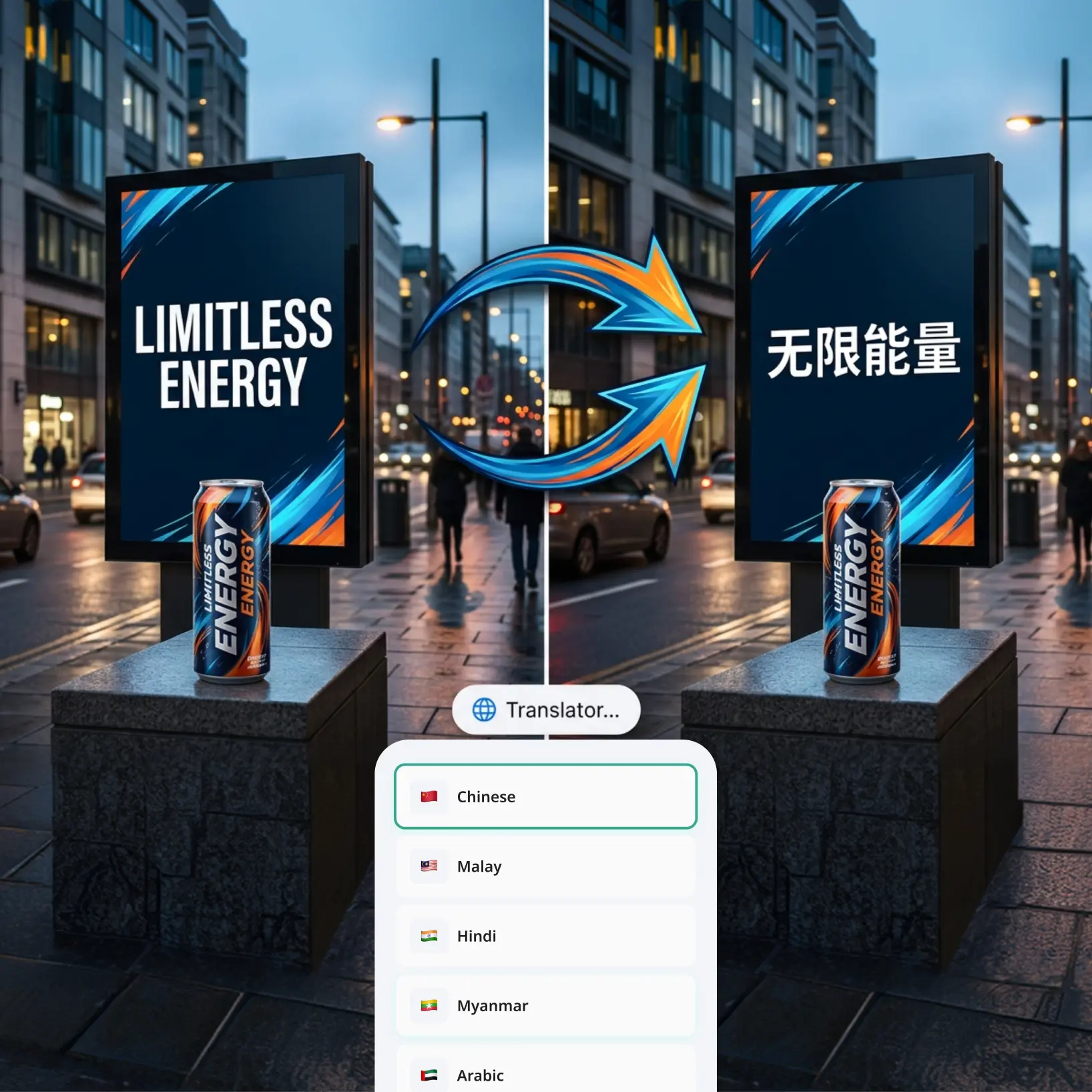
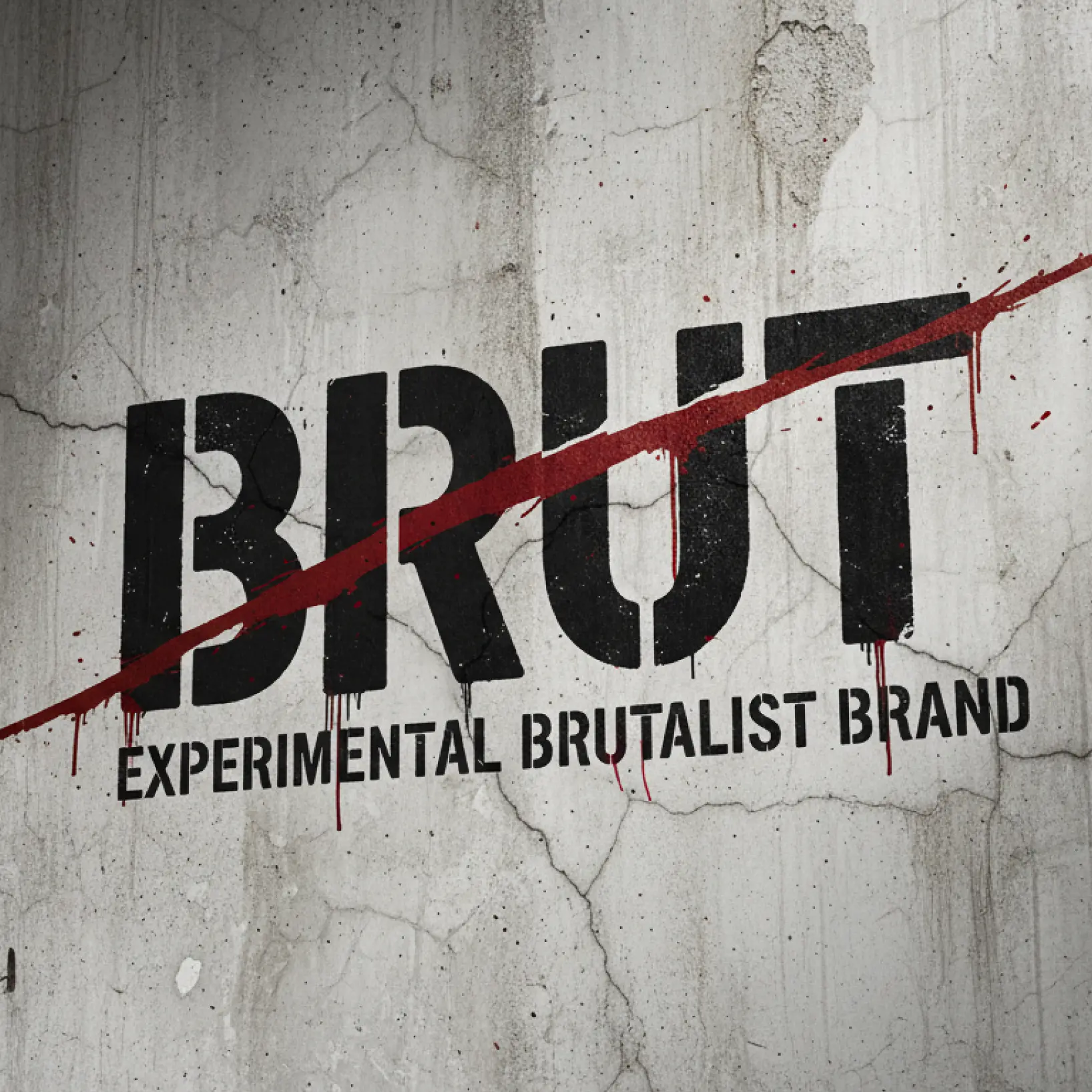
Meme & caption-graphic creators — Text dropped into a generated image often comes out warped or misspelled. Grok Imagine follows detailed prompts closely and keeps on-image text clean, even through a follow-up edit.
- 🔹
Content creators & bloggers — Blog headers, thumbnails, and social graphics need a distinct look fast. Describe the mood and layout you want and get a finished visual without a design tool.
- 🔹
Small business owners — Flyers, menus, and promo graphics with your own business name and details come together from a single description, no design software required.
- 🔹
Educators & presenters — Custom illustrations and diagrams for slides or course material can be generated to match a specific description instead of being pieced together from stock art.
Frequently asked questions
What is Grok Imagine?
Grok Imagine is an AI image model known for strong prompt-following, clean in-image text, and easy conversational edits like style changes or background swaps. Lift uses it to turn a written prompt into a finished image.
How does Lift AI Image Generator work?
Simply enter your text prompt in Lift's AI image generator, then choose your preferred style, ratio, and model. Optionally upload a reference image to guide the generation. Hit Generate and receive a unique AI-created picture in seconds — no design experience needed.
Can I use a different AI model besides Grok Imagine?
Yes. Lift's image generator supports a range of AI models, so you can switch between them anytime and choose whichever fits your project best.
Can I download the results without a watermark?
Absolutely. All images generated or edited in Lift can be exported without watermark when you're on the Pro plan. Download them in high-res PNG or JPG — ready for social media, print, ads, or e-commerce.
Is it safe to upload my photos to Lift?
Yes — Lift processes your photos securely and uses them only to generate your results.
How can I cancel my Lift Pro Subscription?
You can cancel your trial or subscription through your account settings or by contacting support@liftapp.ai. Cancellation stops automatic renewal, while access remains active until the end of the current period.
Why Choose the Grok Imagine AI Image Generator by Lift
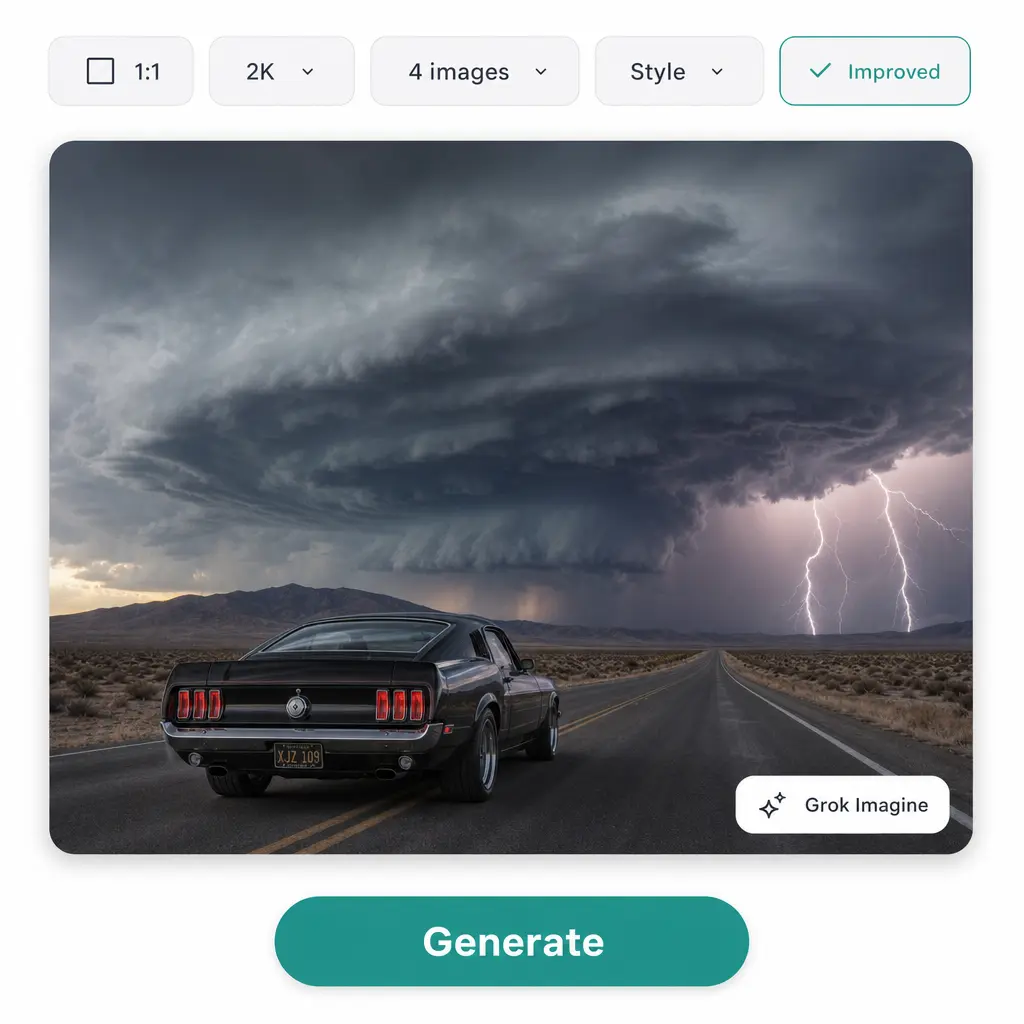
High-quality results
AI-powered technology delivers professional-grade visuals every time
Intelligent rendering
AI tailors the effect to the scene and subject for optimal results
Cross-platform support
Available on iOS, Android, and Web for seamless access
Budget-friendly
Save on costly designers with an affordable and intuitive tool