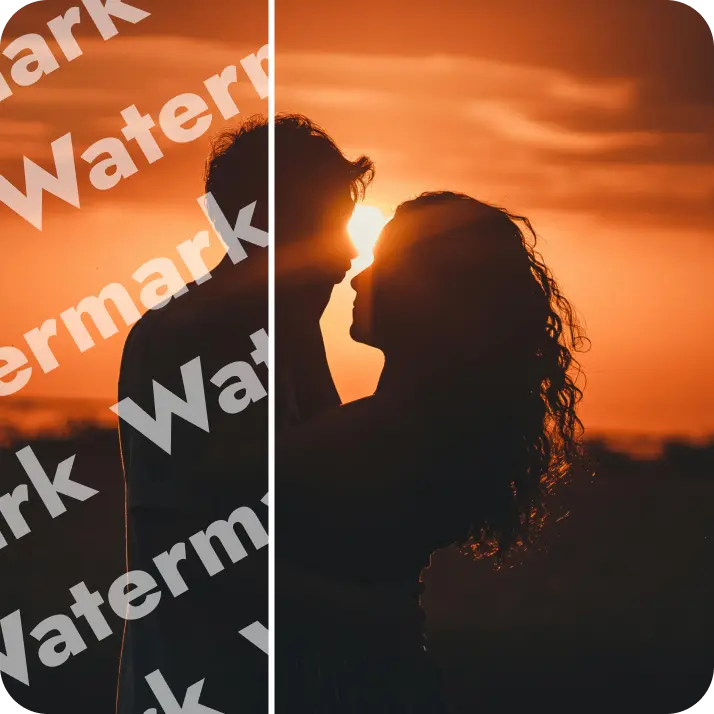

Split Any Image Into Equal Grid Tiles
Open your photo, set the grid, and divide it into perfectly equal parts — all in seconds. Preview the layout live, then download every tile as a ZIP with one click. Try for free!
or drag and drop here
JPG, PNG, WEBPMax - 20MB
JPG, PNG, WEBPMax - 20MB


How it works
Upload your photo
Choose a photo from your device or take one using Lift's app to start the splitting process.
Set your grid
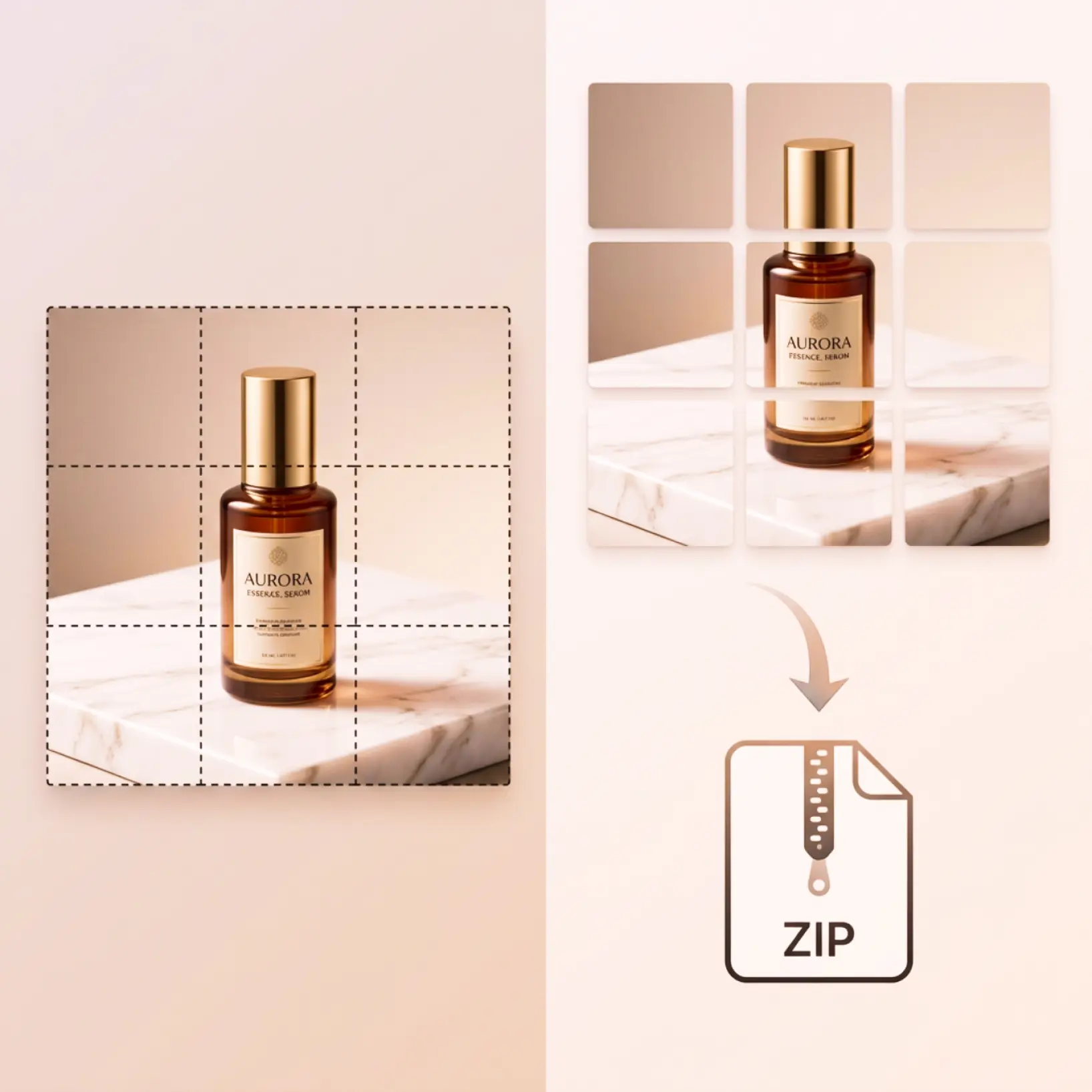
Use the Rows and Columns controls to define your grid. The dotted overlay updates in real time on your photo — no guessing required.
Split the image
Click Split. Your photo is divided into equal tiles and displayed as individual images in a clean grid layout.
Download all parts
Click Download ZIP to save every tile in one archive. Need a different grid? Adjust the settings and split again at any time.

Trusted by millions around the globe
Join thousands of users who edit faster, create better visuals, and grow their content with AI
Who can benefit from Image Splitter?
- 🔹
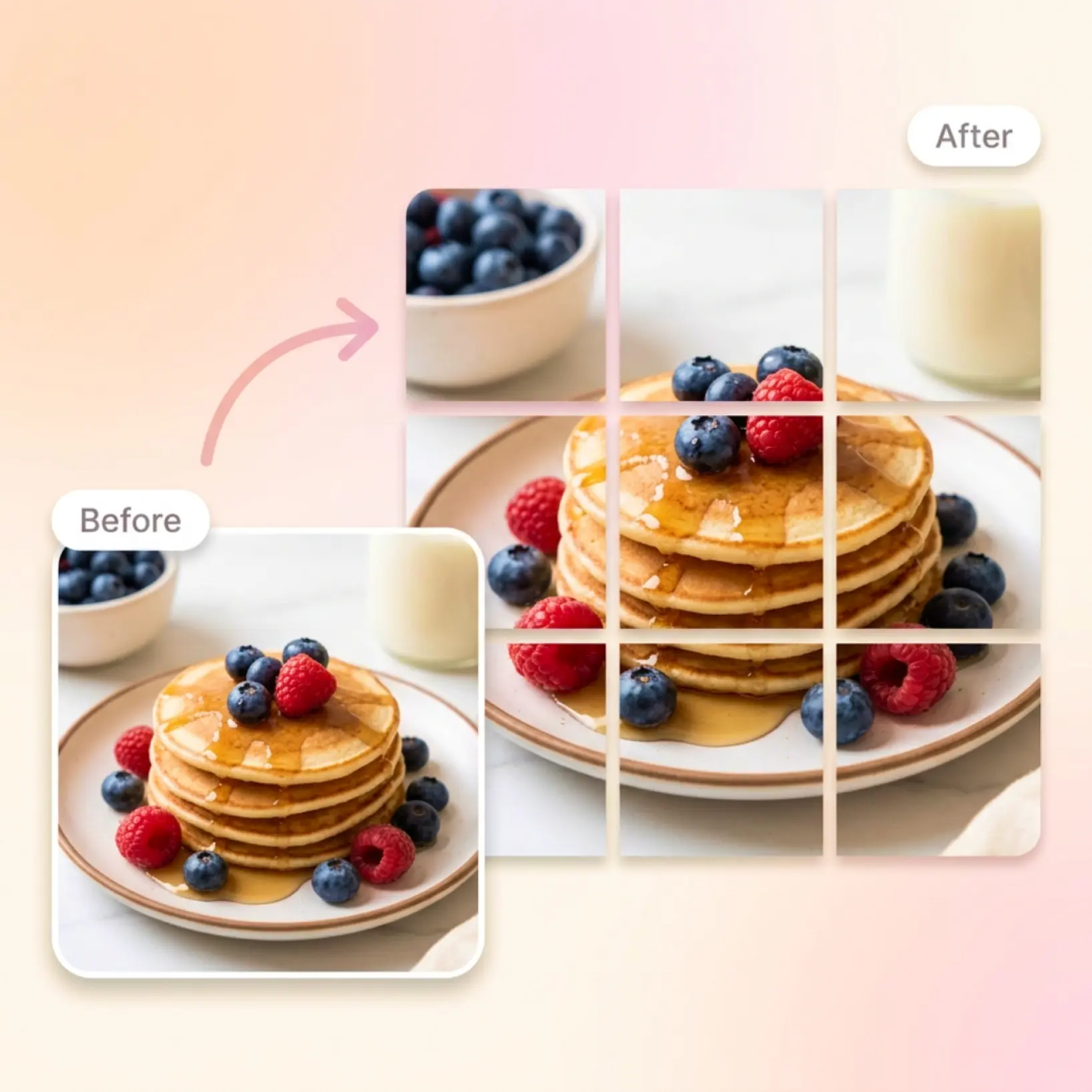
Instagram users — Split a single photo into a seamless 3×3 or 3×4 grid and post each tile as a separate image. Your profile feed becomes one connected mosaic.
- 🔹
Content creators — Prepare multi-panel carousel posts by slicing one image into individual parts. Each tile posts as a separate slide for a polished, cohesive sequence.
- 🔹
Designers — Generate precisely equal tiles for multi-panel layouts or print-ready assets. Every part is cut to the exact same dimensions, ready to place in your project.
- 🔹
Mobile users — Set rows and columns with a tap, preview the result instantly, and download all tiles in one ZIP — no desktop app or technical knowledge needed.
- 🔹
Everyday users — Divide any photo into equal parts online without installing software. Upload, set your grid, split, and download in under a minute.
Frequently asked questions
What is Lift Image Splitter?
Lift Image Splitter is a photo splitting tool built into the Lift editor. It divides any photo into equal grid tiles based on the number of rows and columns you set. The result is a set of perfectly matched parts you can download as a ZIP archive.
How does Lift Image Splitter work?
Simply upload your photo from your device, adjust the grid using "–" and "+" buttons, click Split to generate the tiles, and Download ZIP to save them all at once.
Can I choose how many parts to split my image into?
Yes. Lift Image Splitter lets you set both Rows and Columns independently using "–" and "+" controls, so you can split your photo into any grid size you need.
Can I preview the grid before splitting?
Yes. As soon as you open the Split modal, a grid is drawn over your photo. It updates in real time with every Rows or Columns change — before you click Split.
Can I use Lift Image Splitter for free?
Lift is subscription-based (monthly or yearly) for unlimited exports, but new users can test the full workflow for free. You'll see a preview in the browser and pay only if you decide to download the high-res file.
Why use Lift Image Splitter
High-quality results
Achieve studio-quality images without the need for complex tools
Intelligent rendering
AI tailors the effect to the scene and subject for optimal results
Cross-platform support
Available on iOS, Android, and Web for seamless access
Budget-friendly
Save on costly designers with an affordable and intuitive tool