
Image to Video AI
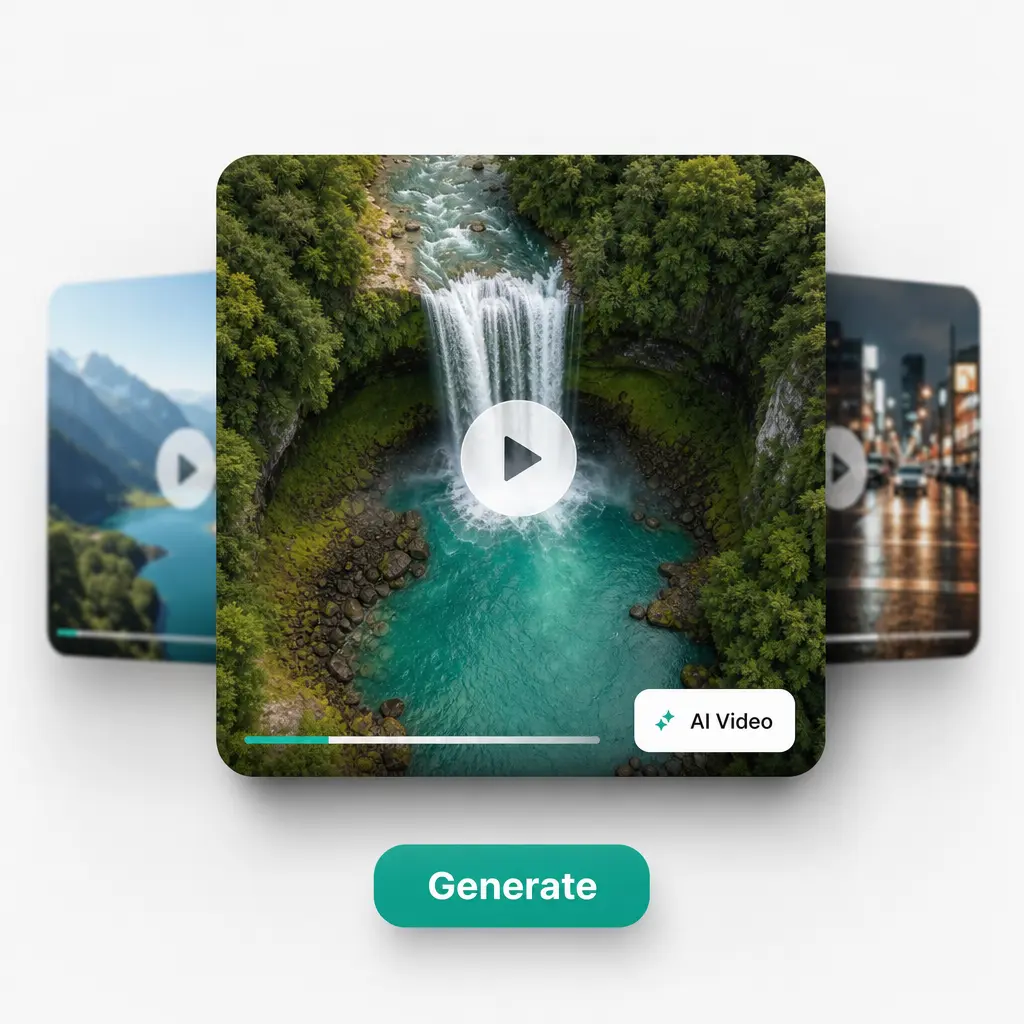
Upload a photo, describe the motion you want, and let AI bring it to life — set the first and last frame for full control over the clip. Try Lift today!

How it works
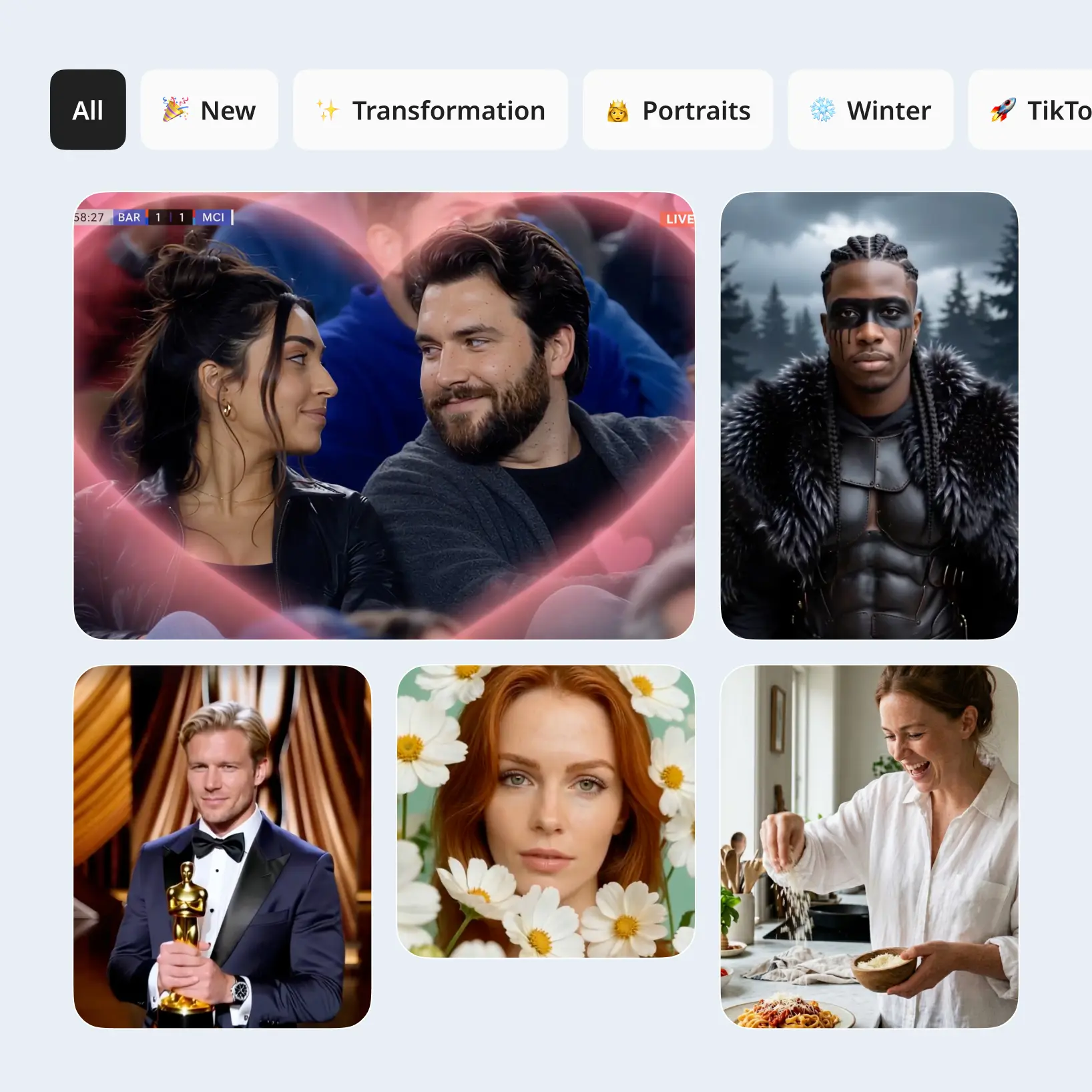
Upload Your Image
Add the photo you want to animate as the start frame — and optionally an end frame or a reference image for extra control.
Describe The Motion
Write a prompt that tells the AI how your picture should move, or tap Improve Prompt for a more detailed description.
Pick A Model And Settings
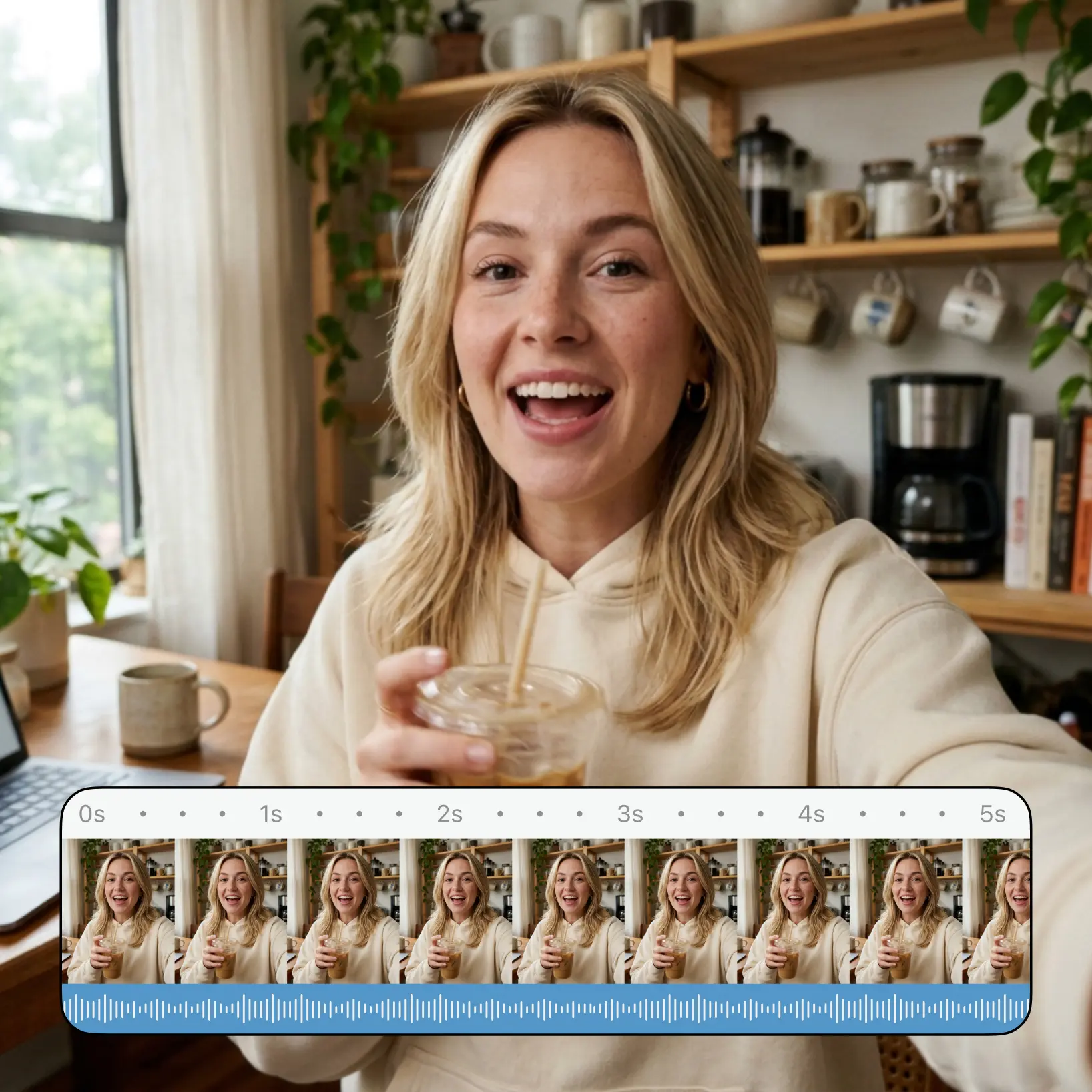
Choose an AI video model and set the aspect ratio, resolution, duration, and audio to match where your clip will live.
Download And Use
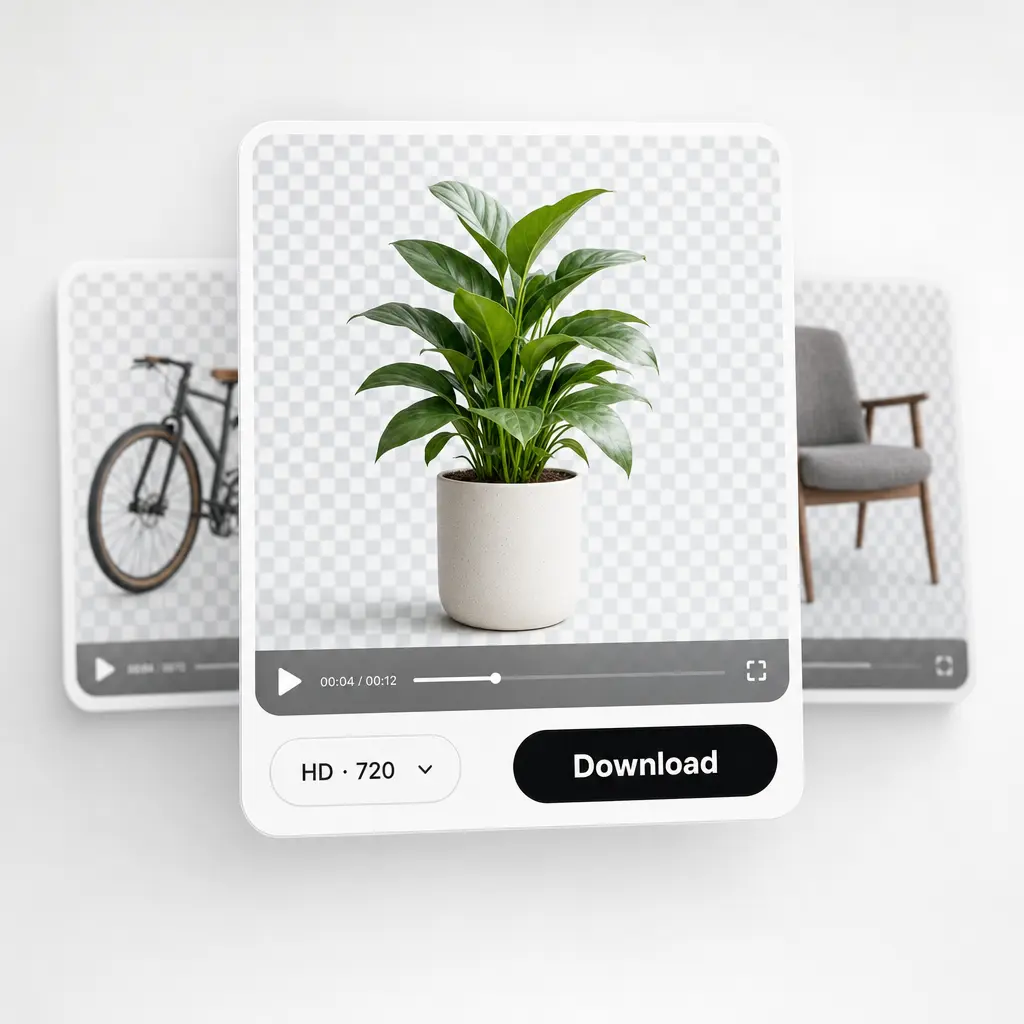
Download your video or publish it straight to your social feeds.

Join millions around the globe
Who can benefit from Image to Video AI?
- 🔹
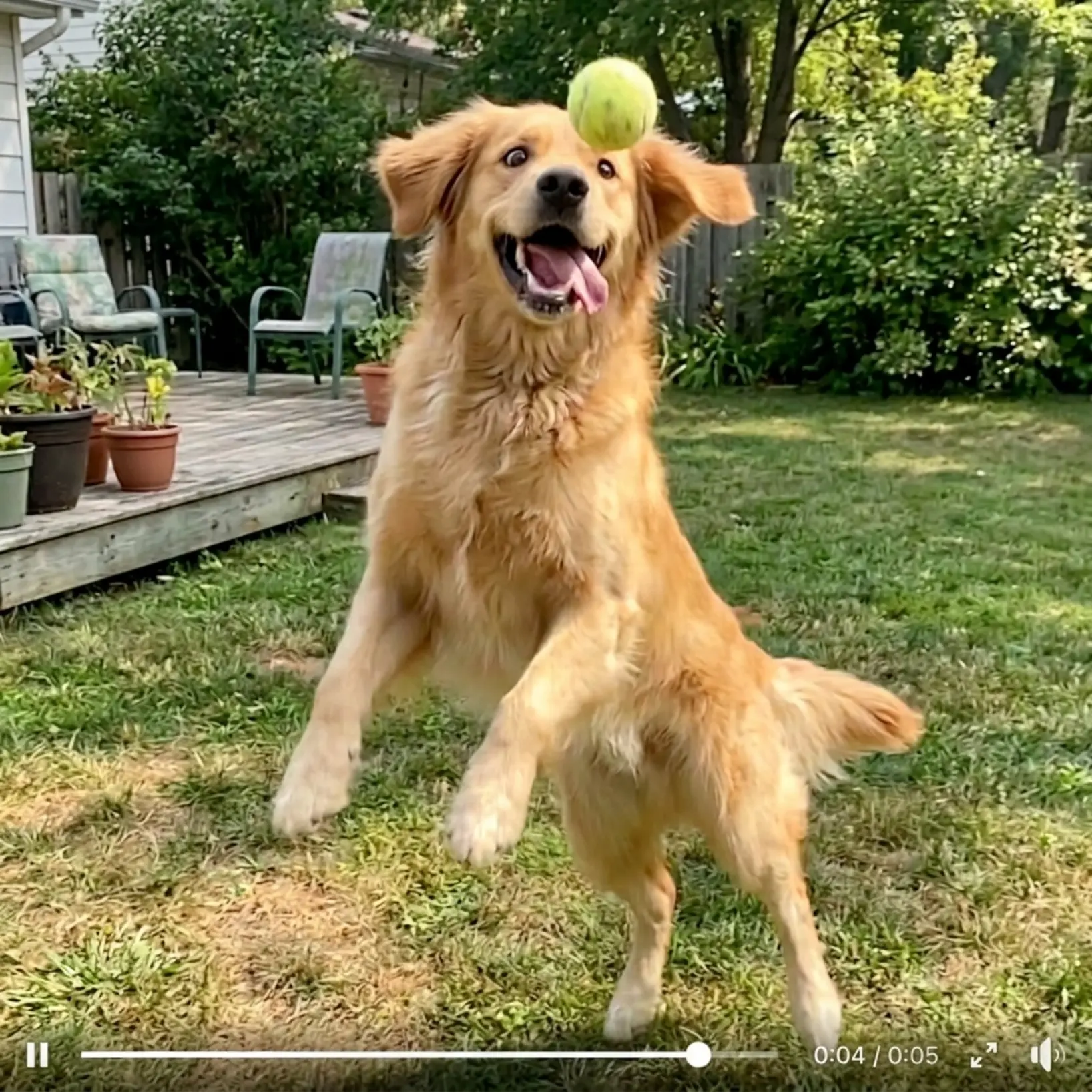
Content creators — Give still shots a second life. One good photo becomes a moving post for Instagram, TikTok, or YouTube — no reshoots, no editing apps.
- 🔹
E-commerce sellers — Turn product stills into dynamic clips that show texture, angle, and detail — motion sells what a flat image only suggests.
- 🔹
Memory keepers & families — Bring favorite pictures to life: a birthday, a wedding, an old family photo that suddenly moves again.
- 🔹
Marketers & SMM managers — Stretch one photoshoot into a whole set of animated creatives. Change the prompt, not the budget.
- 🔹
Photographers & visual artists — Add motion to portraits and landscapes to create cinemagraph-style pieces that stand out in any portfolio.
Frequently asked questions
What is Lift Image to Video AI?
Lift Image to Video AI is a premium online tool that turns a still picture into a short video. Your photo sets the scene, your prompt directs the motion, and a lineup of leading AI video models handles the animation.
How does Lift Image to Video AI work?
Upload your picture as the start frame, describe how it should move, and choose a model and settings. Hit Generate and your image comes back as a moving clip in moments — no editing experience needed.
Can I control how the video starts and ends?
Yes. Set your photo as the start frame and add a second image as the end frame — the AI animates the transition between them, so you decide exactly where the clip begins and where it lands.
Can I download the results without a watermark?
Absolutely. All videos generated in Lift can be exported without watermark when you're on the Pro plan. Download them in high resolution — ready for social media, ads, or presentations.
Is it safe to upload my photos to Lift?
Yes — Lift processes your photos securely and uses them only to generate your results.
How can I cancel my Lift Pro Subscription?
You can cancel your trial or subscription through your account settings or by contacting support@liftapp.ai. Cancellation stops automatic renewal, while access remains active until the end of the current period.
Why Lift Image to Video AI stands out
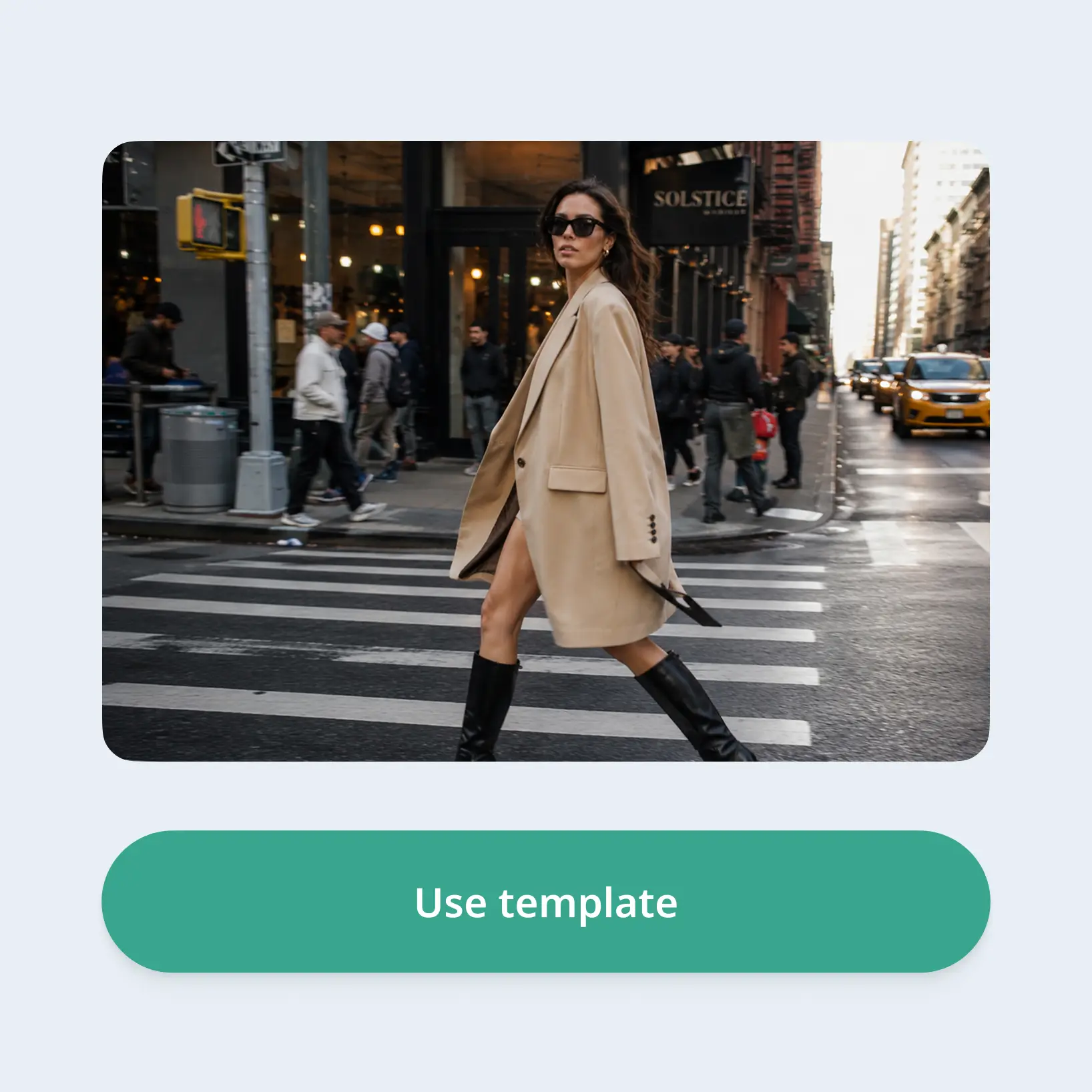
High-quality results
AI-powered technology delivers professional-grade visuals every time
Intelligent rendering
AI tailors the effect to the scene and subject for optimal results
Cross-platform support
Available on iOS, Android, and Web for seamless access
Budget-friendly
Save on costly designers with an affordable and intuitive tool