
Instagram Downloader
Paste a link to any Instagram post, or Reel and save the media to your device, carousels included. Try Lift now!


How it works
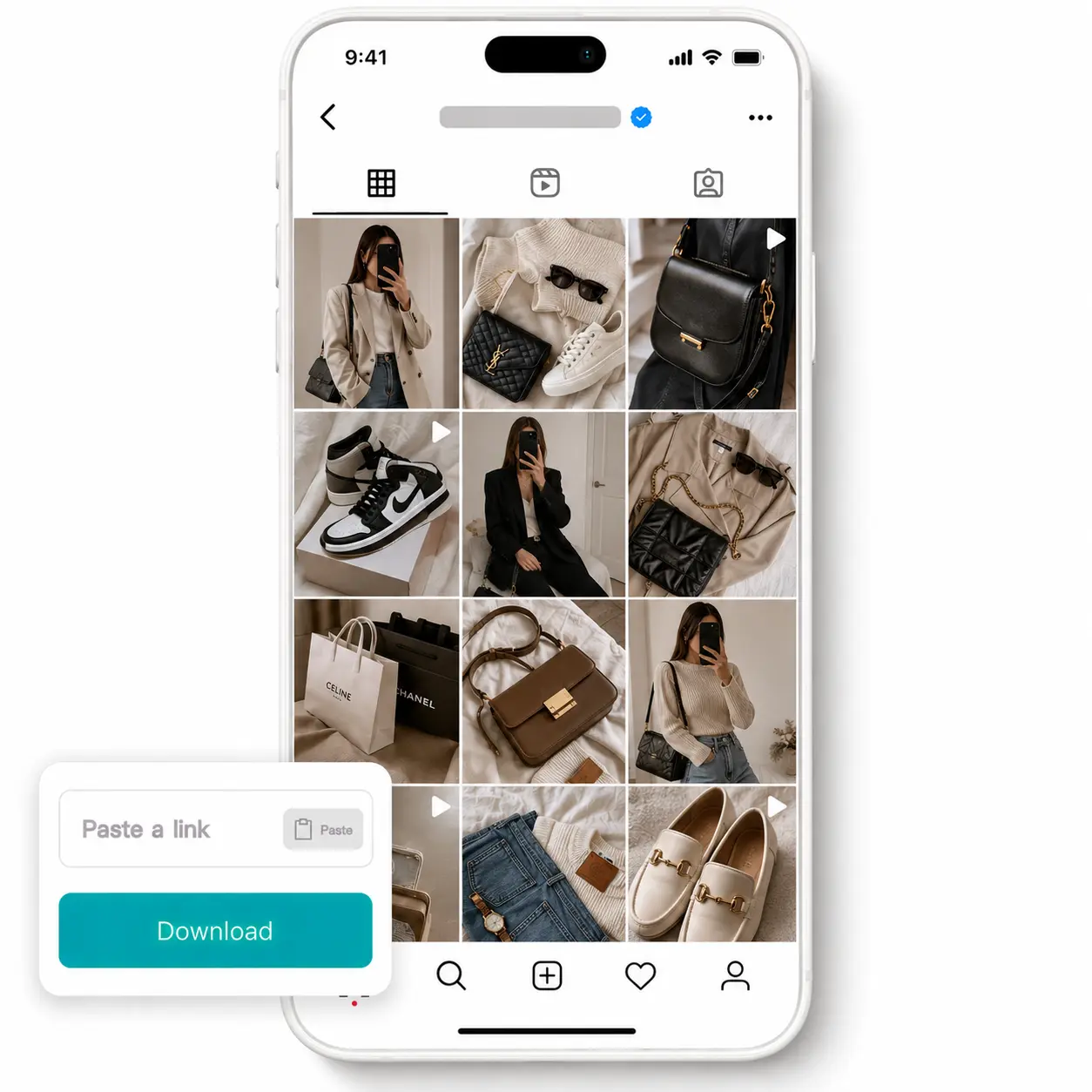
Copy any Instagram link
Open the post, or Reel on Instagram, then copy its URL to your clipboard.
Paste it into the field
Open the Lift Instagram downloader, tap Paste inside the input field, and the link drops in automatically.
Tap Download to process
Hit the Download button and Lift validates the link, then prepares every media file for export.
Save files to your device
Photos, videos, and Reels save straight to your gallery — carousels download as a complete set.

Trusted by millions around the globe
Join thousands of users who edit faster, create better visuals, and grow their content with AI
Who can benefit from the Instagram Downloader?
- 🔹
Content creators — Collect reference posts and trending Reels to fuel moodboards, content calendars, and idea libraries. Lift saves the full media file, so inspiration stays available whenever they need it.
- 🔹
Social media managers — Archive competitor posts and high-performing campaigns for benchmarking and reporting. Lift handles full carousels in one tap, so no slide gets cropped or missed.
- 🔹
Influencers & creators — Back up your own posts and Reels before they get lost to algorithm shifts or account issues. Lift downloads the original media at full quality, ready for re-posting.
- 🔹
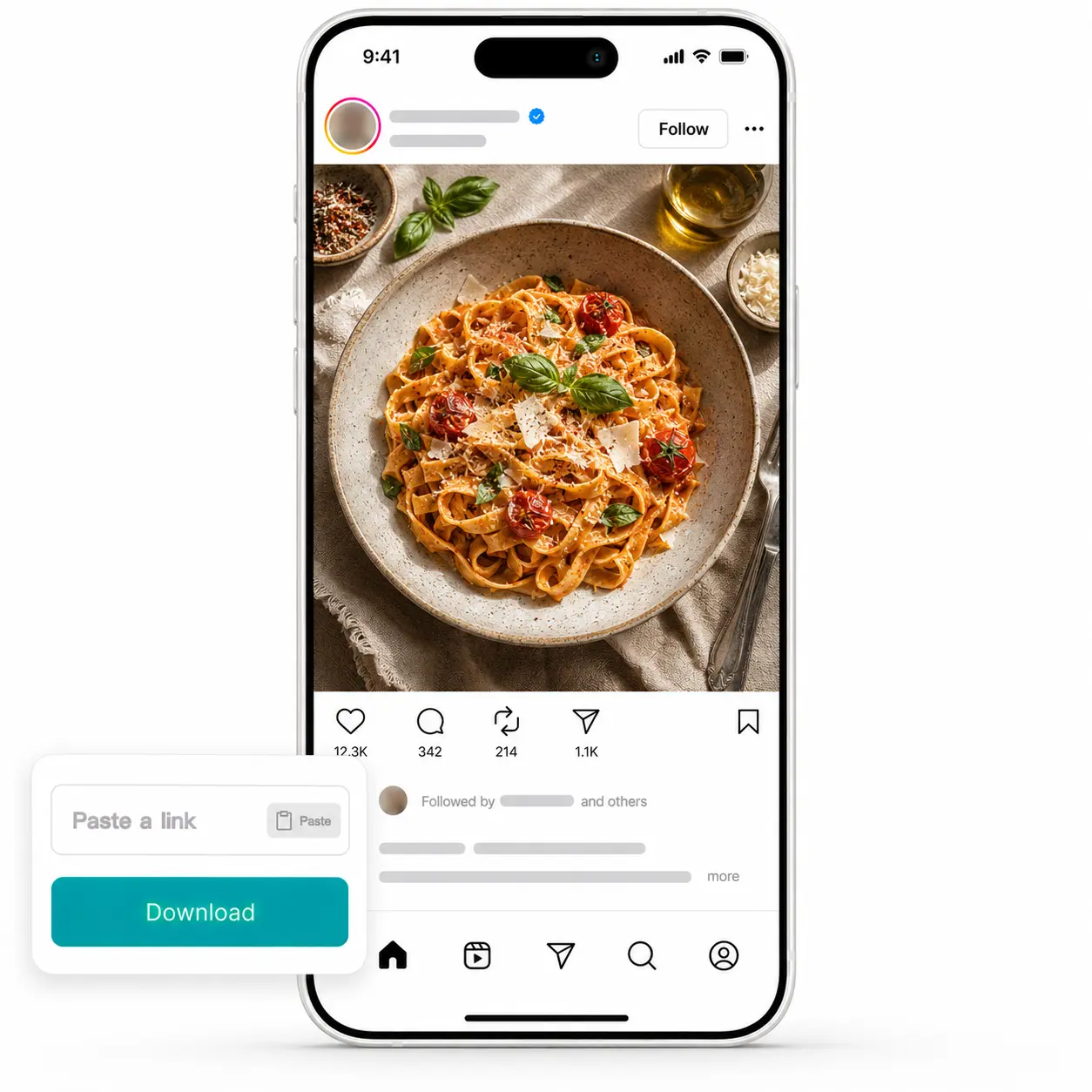
Travel & lifestyle enthusiasts — Save fashion looks, recipes, and travel spots from posts you want to revisit offline. Lift keeps every photo and clip in your gallery, organized alongside the rest of your library.
- 🔹
Students & researchers — Collect visual references and case studies for presentations, theses, and creative projects. Lift downloads both photo and video assets in their native formats, ready for citing.
Frequently asked questions
What is the Lift Instagram Downloader?
The Lift Instagram Downloader is a tool that turns any Instagram post, video, or Reel link into a downloadable file. Paste a URL, tap Download, and the media saves straight to your device.
How does the Lift Instagram Downloader work?
Copy a link from Instagram, paste it into the input field, and tap Download — Lift validates the URL and prepares the media. Photos, videos, and full carousel posts then save to your device in their original quality.
What kinds of Instagram content can I download with Lift?
Lift supports public posts (photos and videos), Reels, and full carousel posts. Stories, Highlights, and full profile archives are not supported.
Can I download the results without a watermark?
Absolutely. All images generated or edited in Lift can be exported without watermark when you're on the Pro plan. Download them in high-res PNG or JPG — ready for social media, print, ads, or e-commerce.
How can I try the Lift Instagram Downloader?
Lift includes a 7-day trial that gives new users full access to the workflow. After the trial, your plan continues on a regular subscription — manage or cancel it anytime from your account.
Why Lift Instagram Downloader
High-quality results
AI-powered technology delivers professional-grade visuals every time
Intelligent rendering
AI tailors the effect to the scene and subject for optimal results
Cross-platform support
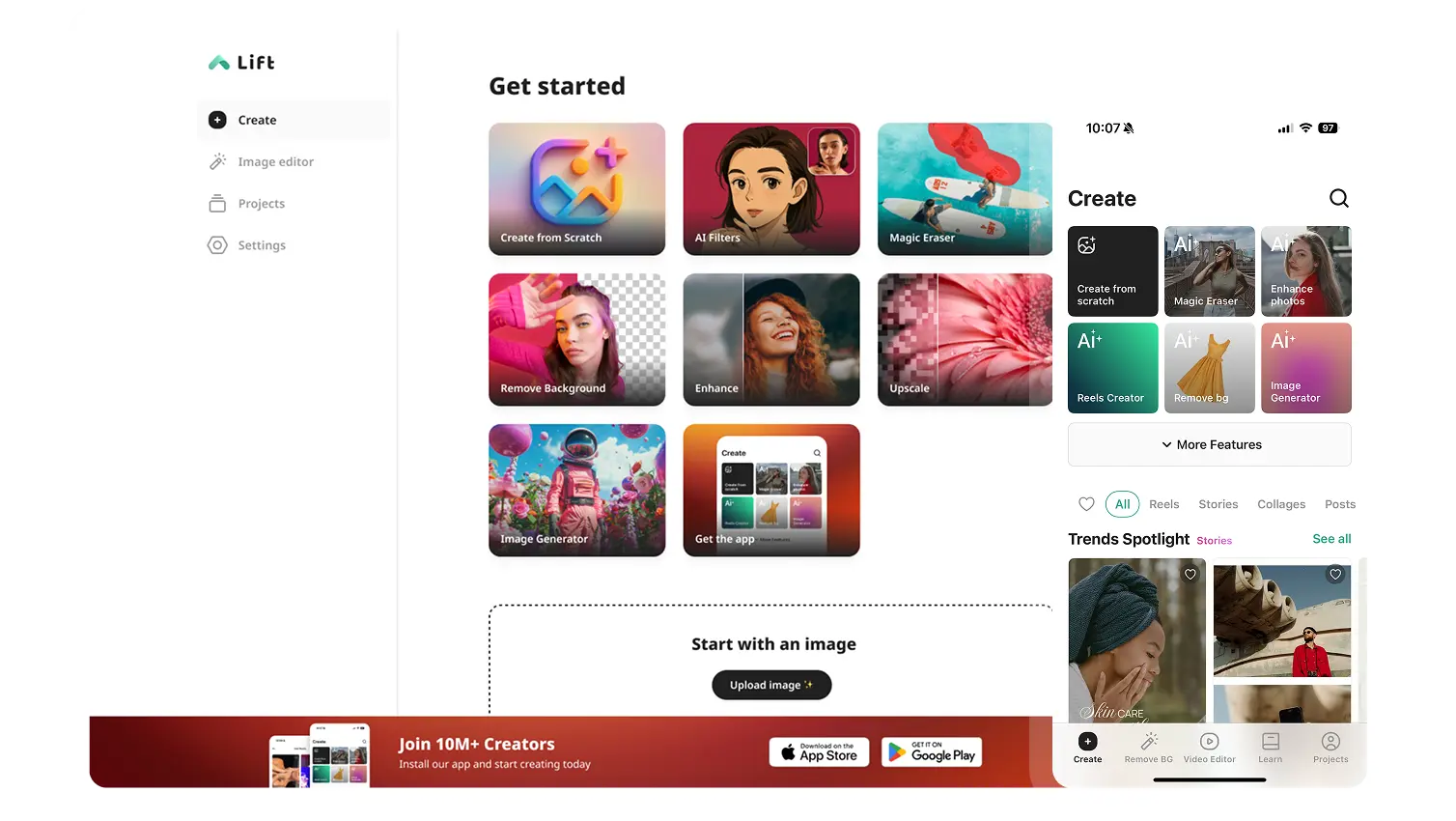
Available on iOS, Android, and Web for seamless access
Budget-friendly
Save on costly designers with an affordable and intuitive tool