
Pikseluj dowolny fragment obrazu natychmiast
Wybierz twarz, obiekt, tlo lub narysuj niestandardowy obszar — Lift stosuje precyzyjne pikselowanie tam, gdzie tego potrzebujesz, bez umiejetnosci projektowania.
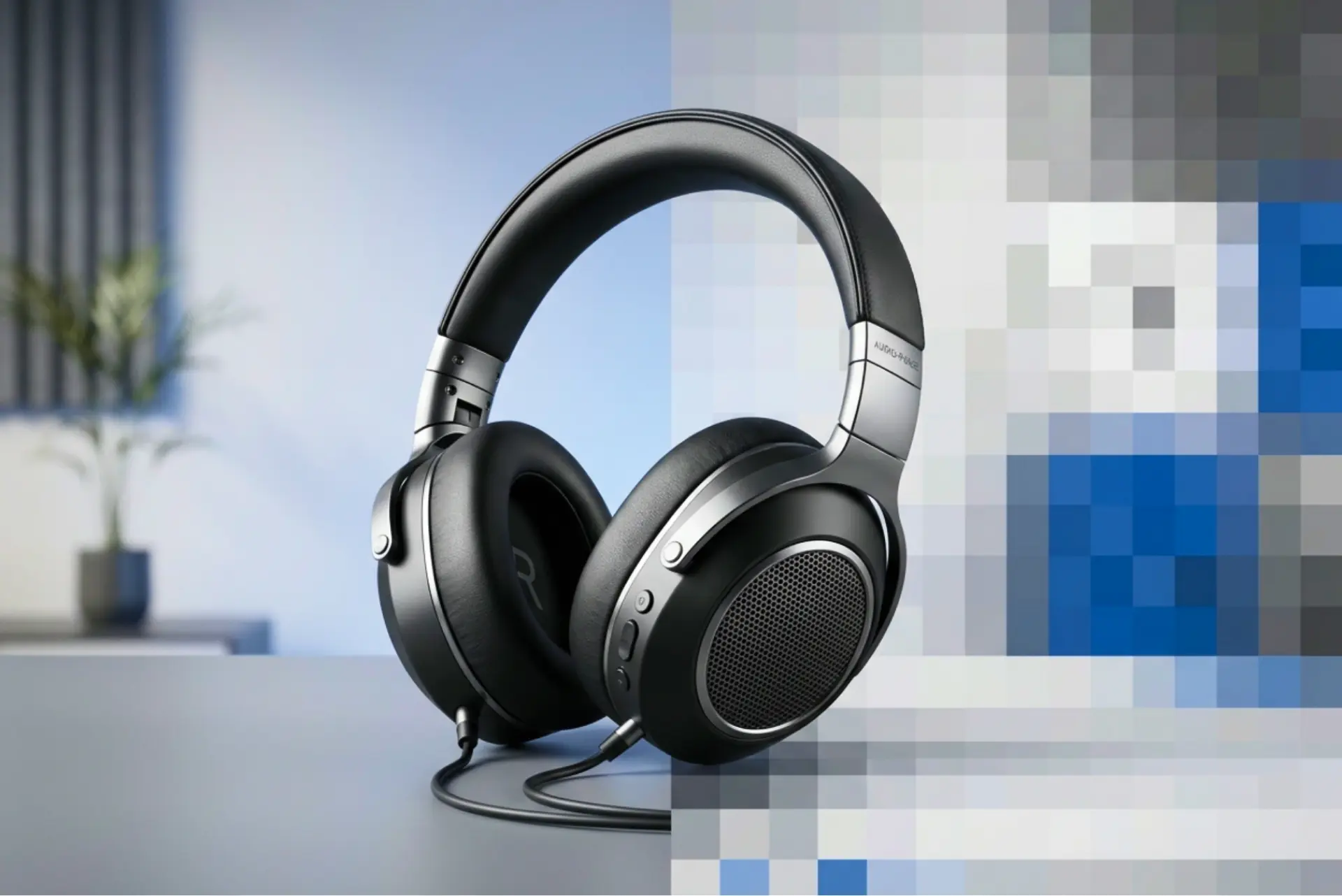
Jak to dziala
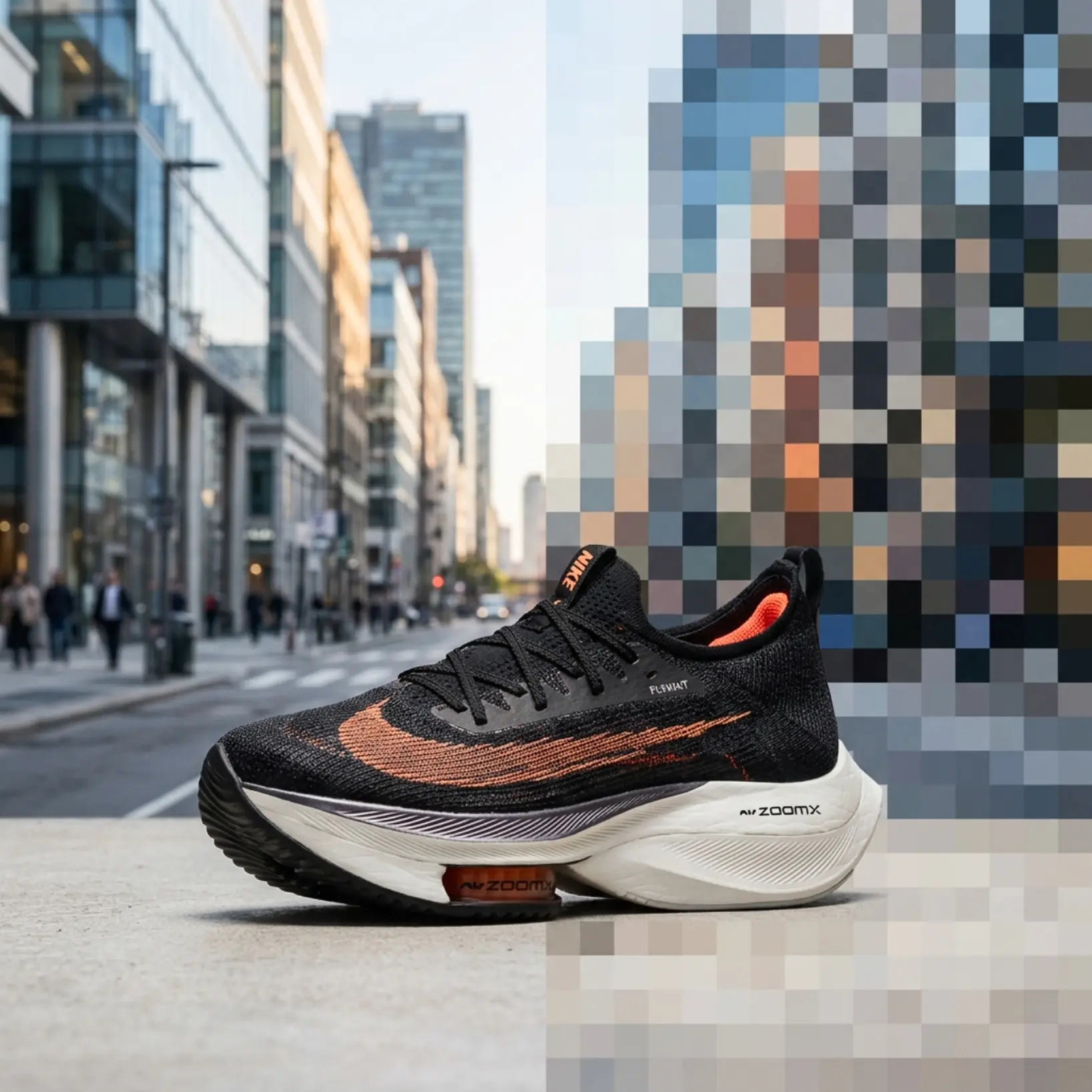
Przeslij swoj obraz
Wybierz zdjecie z urzadzenia lub zrob je aplikacja Lift
Wybierz obszar do pikselowania
Wybierz twarz, tlo, konkretny obiekt lub uzyj recznego pedzla, aby zdefiniowac niestandardowy region
Dostosuj intensywnosc pikselowania
Kontroluj sile efektu. Zwieksz intensywnosc, aby calkowicie ukryc szczegoly, lub zmniejsz ja dla subtelnego efektu
Pobierz i uzywaj
Pobierz obraz lub opublikuj go bezposrednio w mediach spolecznosciowych

Dołącz do milionów na całym świecie
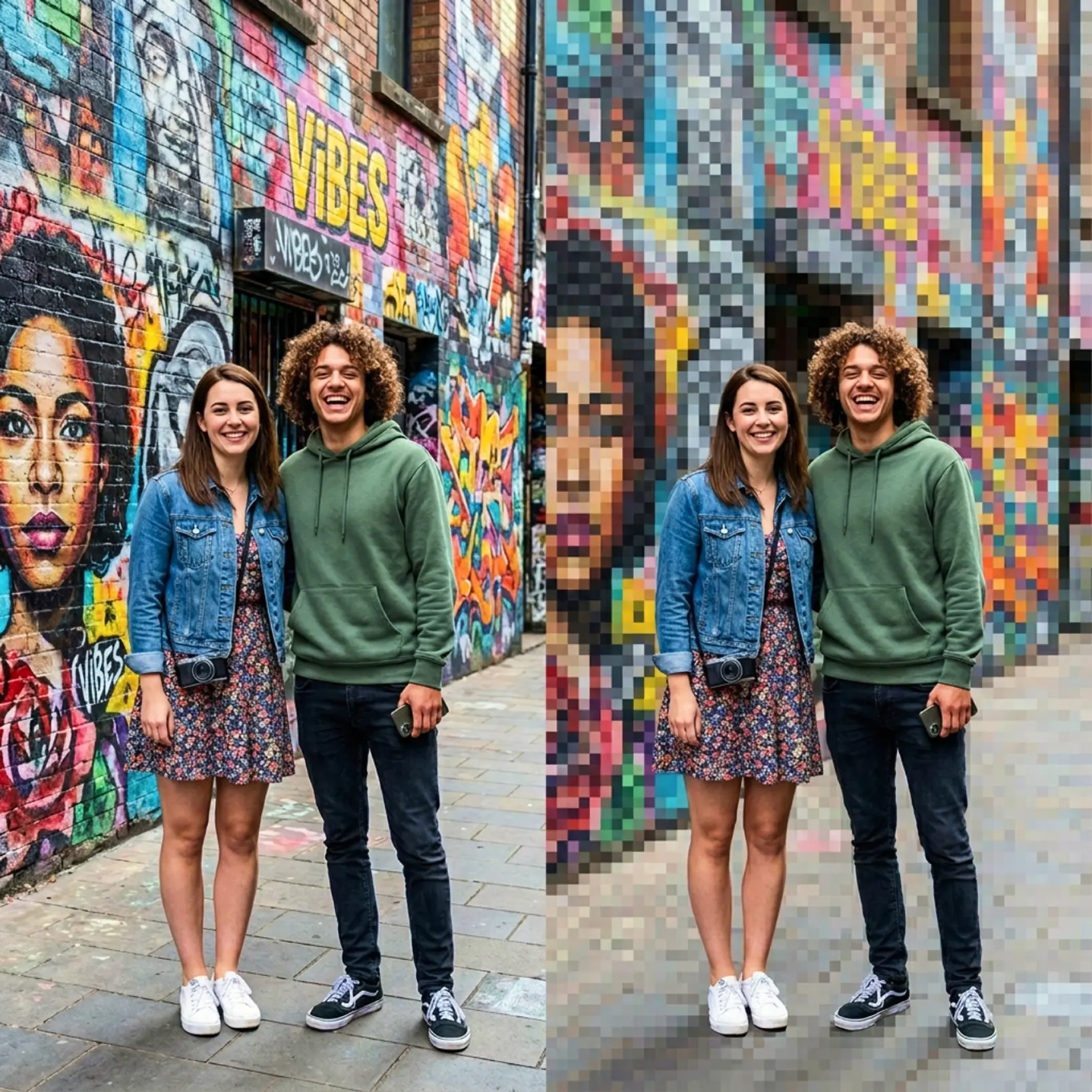
Kto moze skorzystac z narzedzia do pikselowania Lift?
- 🔹
Tworcy tresci — Kontroluj hierarchie wizualna, pikselujac rozpraszajace tla lub drugoplanowe obiekty
- 🔹
Marketerzy i menedzerowie SMM — Usun elementy niezgodne z marka lub wrazliwe z wizualizacji produktow przed publikacja
- 🔹
Mali przedsiebiorcy — Tworzenie czystych, profesjonalnych obrazow do ofert bez zlecania projektantowi
- 🔹
Uzytkownicy dbajacy o prywatnosc — Pikseluj tablice rejestracyjne, adresy, twarze lub inne identyfikowalne szczegoly przed udostepnieniem
- 🔹
Zwykli uzytkownicy — Napraw niejasne obszary obrazu bez wczesniejszego doswiadczenia w edycji
Czesto zadawane pytania
Czym jest narzedzie do pikselowania obrazow Lift?
Narzedzie Lift pozwala pikselowac pelne zdjecie lub konkretny obszar — taki jak twarz, tlo lub obiekt — za pomoca selekcji wspomaganej AI lub recznego pedzla.
Jak dziala pikselowanie Lift?
Przeslij zdjecie, wybierz obszar docelowy — za pomoca automatycznego wykrywania lub recznego pedzla. Dostosuj rozmiar bloku pikseli, podejrzyj wynik w czasie rzeczywistym i pobierz.
Czy wlosy, krawedzie i drobne szczegoly zostana zachowane?
Tak. Narzedzie uzywa zaawansowanego wykrywania krawedzi dla naturalnych i czystych wynikow.
Czy moge pobrac wyniki bez znaku wodnego?
Absolutnie. W planie Pro eksportuj bez znaku wodnego w wysokiej rozdzielczosci PNG lub JPG.
Jak mogę anulować subskrypcję Lift Pro?
Okres próbny lub subskrypcję możesz anulować w ustawieniach konta albo pisząc na adres support@liftapp.ai. Anulowanie zatrzymuje automatyczne odnawianie, a dostęp pozostaje aktywny do końca bieżącego okresu.
Dlaczego narzedzie do pikselowania Lift wyroznia sie

Wysokiej jakosci wyniki
Technologia oparta na AI dostarcza profesjonalnej jakosci wizualizacje za kazdym razem
Inteligentne renderowanie
AI dostosowuje efekt do sceny i tematu dla optymalnych wynikow
Wsparcie wieloplatformowe
Dostepne na iOS, Android i Web dla bezproblemowego dostepu
Przyjazny dla budzetu
Oszczedzaj na kosztownych projektantach dzieki przystebnemu i intuicyjnemu narzedziu