
Konwerter obrazu na tekst
Wyodrębnij tekst z dowolnego obrazu w sekundy. Uzyskaj podpowiedzi, szczegółowe opisy, listy obiektów i podsumowania, bez znaku wodnego.
Jak to działa
Prześlij swój obraz
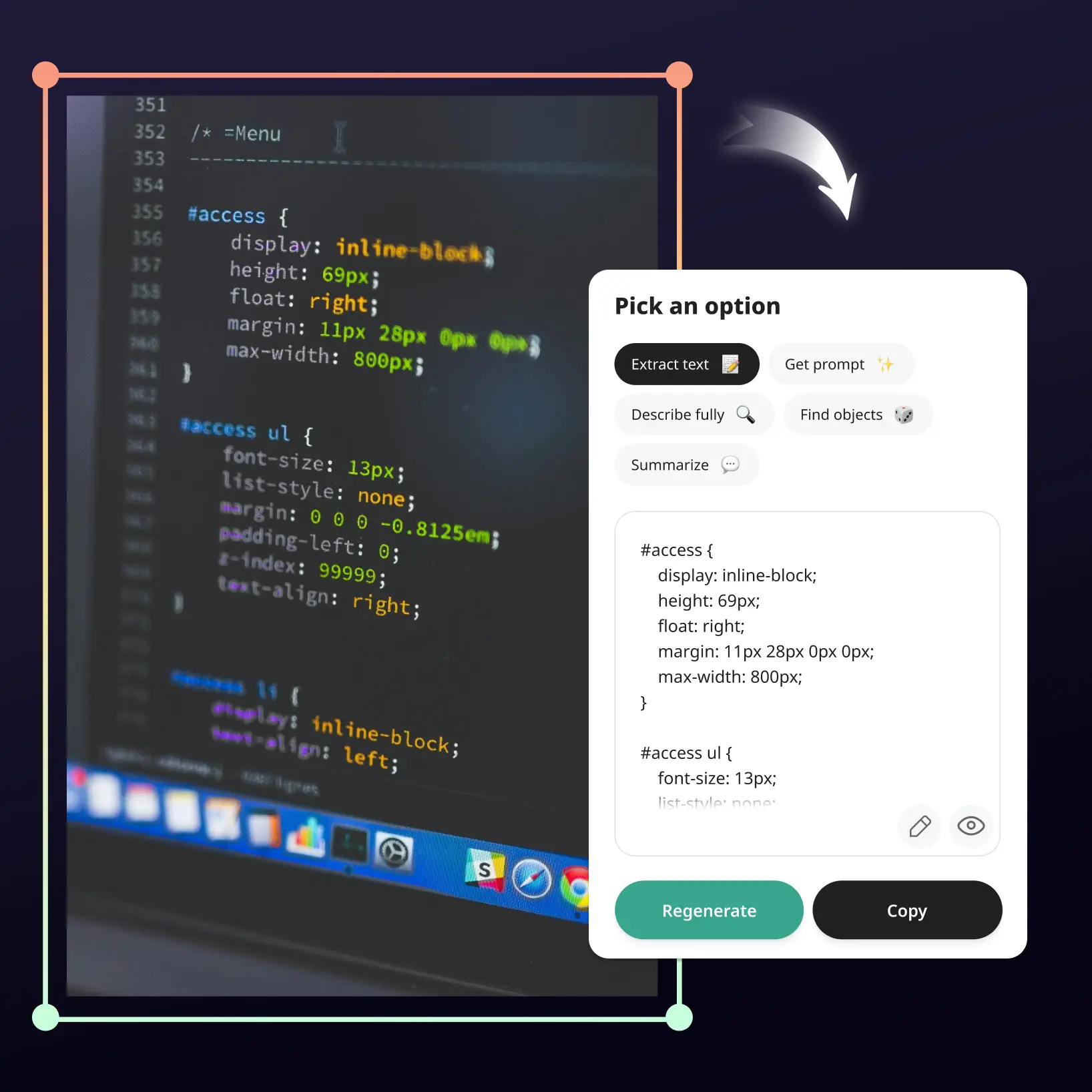
Prześlij zdjęcia dokumentów, odręcznych notatek, opakowań produktów lub dowolnych wizualizacji z tekstem.
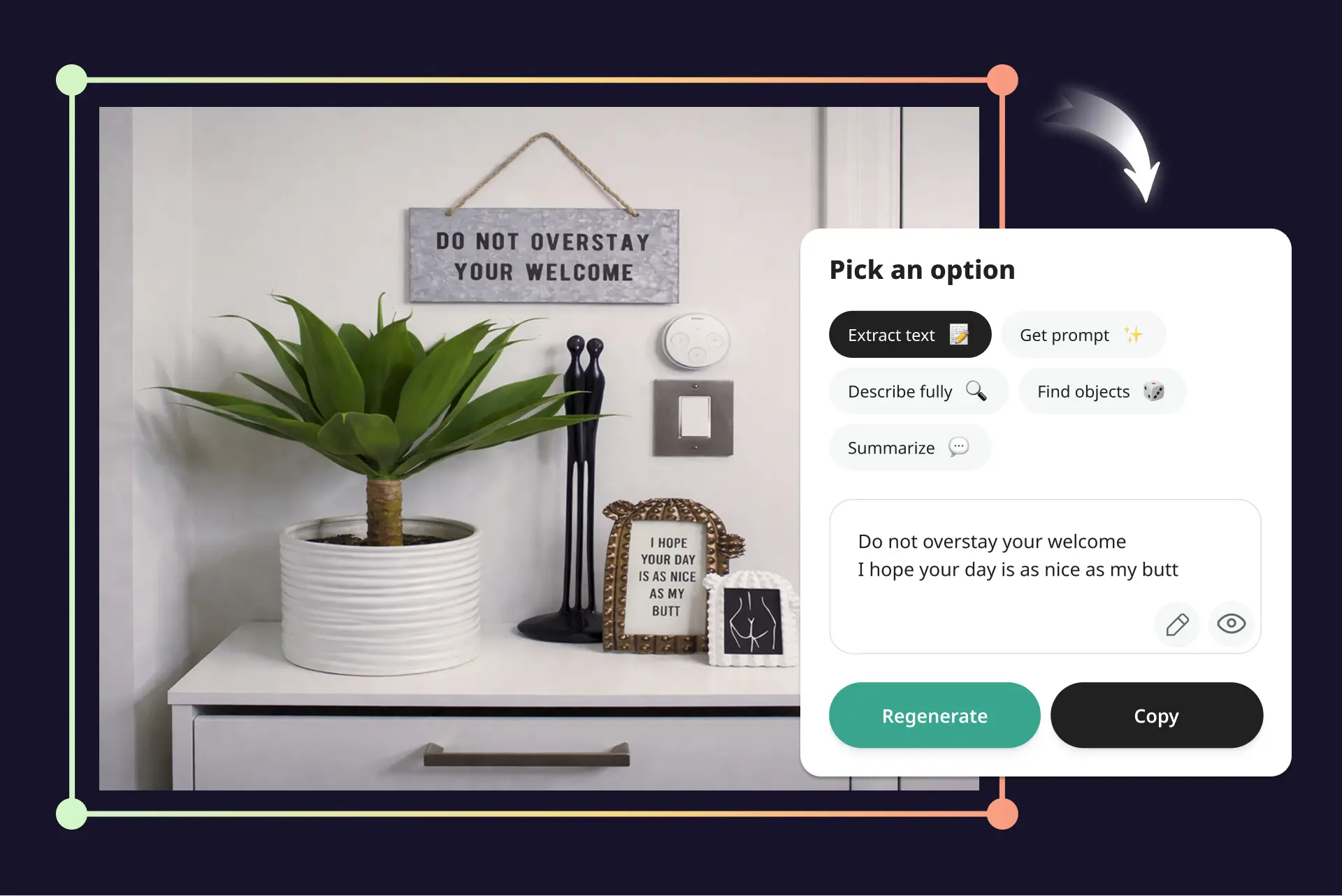
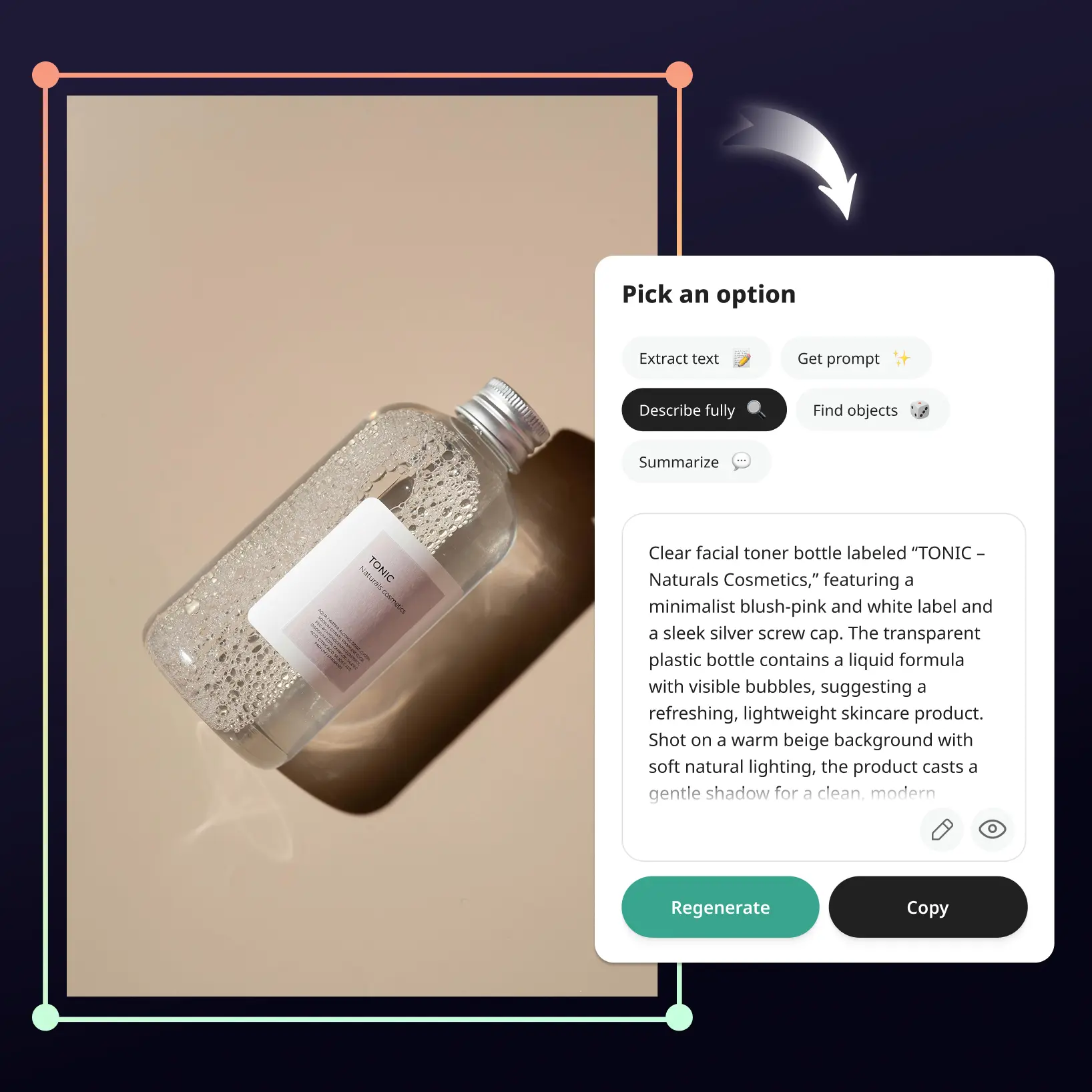
Wybierz opcję
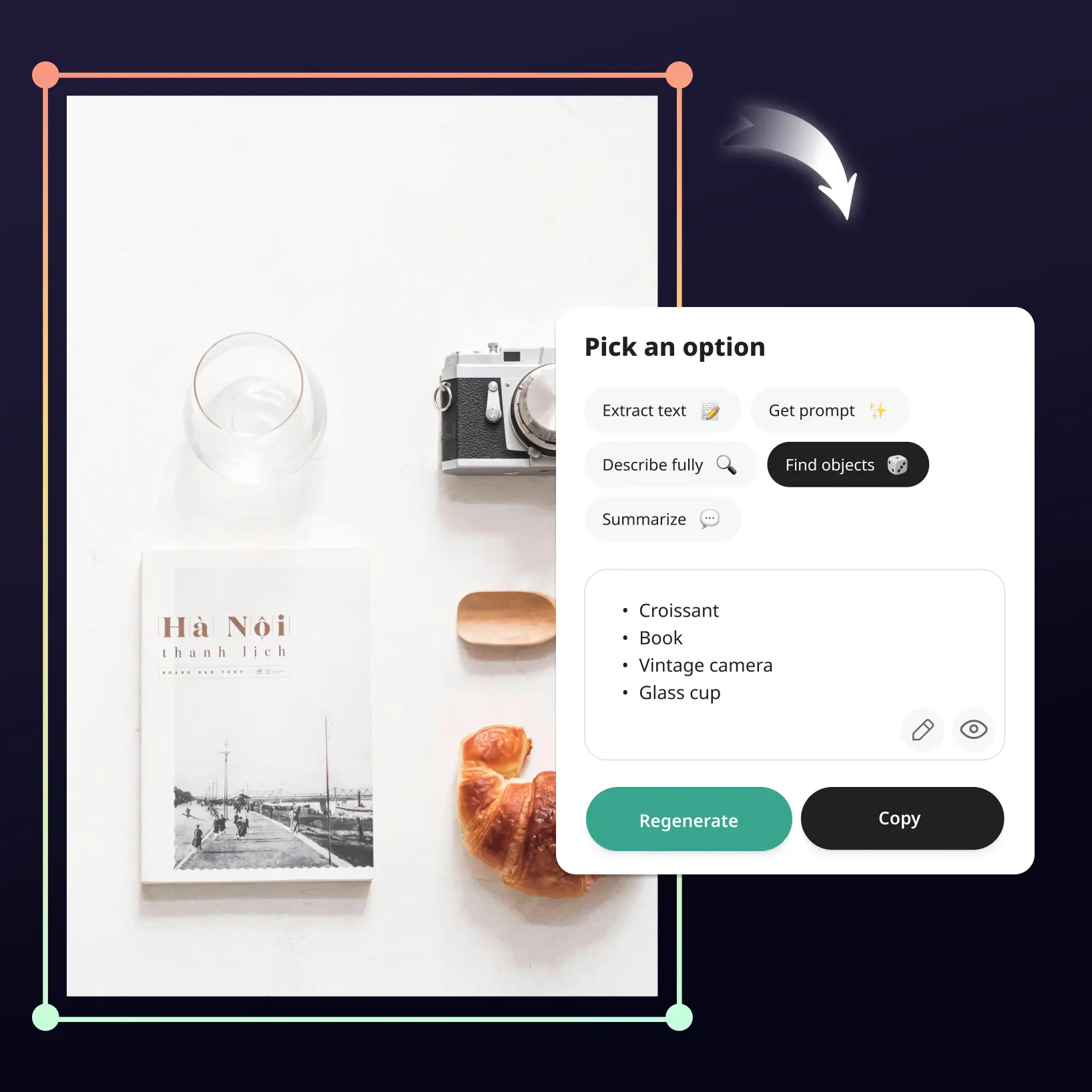
Wybierz spośród 5 potężnych opcji: Wyodrębnij tekst, Uzyskaj podpowiedź, Opisz w pełni, Znajdź obiekty lub Podsumuj.
Uzyskaj wynik natychmiast
Obserwuj, jak AI skanuje i odczytuje obraz w sekundy.
Kopiuj, edytuj lub generuj ponownie
Użyj wyniku od razu — skopiuj wyodrębniony tekst, edytuj dane wyjściowe według swoich potrzeb lub generuj ponownie, aby uzyskać alternatywną wersję.

Dołącz do milionów na całym świecie
Kto może skorzystać z konwertera obrazu na tekst?
- 🔹
Menedżerowie mediów społecznościowych — Natychmiast generuj podpisy, teksty alt i podsumowania obrazów z dowolnych wizualizacji. Konwertuj obrazy na tekst do postów, kalendarzy treści i planowania mediów społecznościowych w kilku kliknięciach.
- 🔹
Sprzedawcy e-commerce — Wyodrębnij tekst z opakowań produktów i zdjęć, aby przyspieszyć tworzenie ofert na platformach handlowych. Identyfikuj obiekty na obrazach i generuj ustrukturyzowane opisy do katalogów Amazon, Etsy i sklepów online.
- 🔹
SEO i marketerzy cyfrowi — Skaluj optymalizację obrazów za pomocą opisów, tagów alt i metadanych generowanych przez AI ze zdjęć. Zamień każdy obraz w tekst bogaty w słowa kluczowe, aby zwiększyć widoczność w wyszukiwarkach bez ręcznego wysiłku.
- 🔹
Studenci i profesjonaliści — Wyodrębnij tekst ze zrzutów ekranu, zeskanowanych dokumentów, slajdów i odręcznych notatek w sekundy. Szybko podsumowuj treści wizualne do zadań, badań i materiałów do nauki.
- 🔹
Twórcy AI i projektanci — Generuj dokładne podpowiedzi z obrazów referencyjnych, aby odtworzyć lub dopracować wizualizacje za pomocą narzędzi AI. Analizuj kompozycję obiektów i uzyskaj szczegółowe analizy obrazów do napędzania swojego następnego projektu kreatywnego.
Najczęściej zadawane pytania
Jak działa konwerter obrazu na tekst Lift?
Lift używa OCR zasilanego AI i analizy obrazów do odczytywania i interpretowania Twojego zdjęcia. Wystarczy przesłać zdjęcie, a następnie wybrać opcję — Wyodrębnij tekst, Uzyskaj podpowiedź, Opisz w pełni, Znajdź obiekty lub Podsumuj. AI skanuje obraz w sekundy i dostarcza wynik, który możesz natychmiast skopiować, edytować lub wygenerować ponownie.
Czy rozpoznaje tekst odręczny?
Tak. Narzędzie AI do konwersji obrazu na tekst Lift obsługuje OCR dla tekstu odręcznego, w tym notatek, listów i dokumentów pisanych ręcznie. Wyniki mogą się różnić w zależności od czytelności pisma odręcznego, ale narzędzie precyzyjnie obsługuje większość czytelnych treści odręcznych.
Czy obsługuje wiele języków?
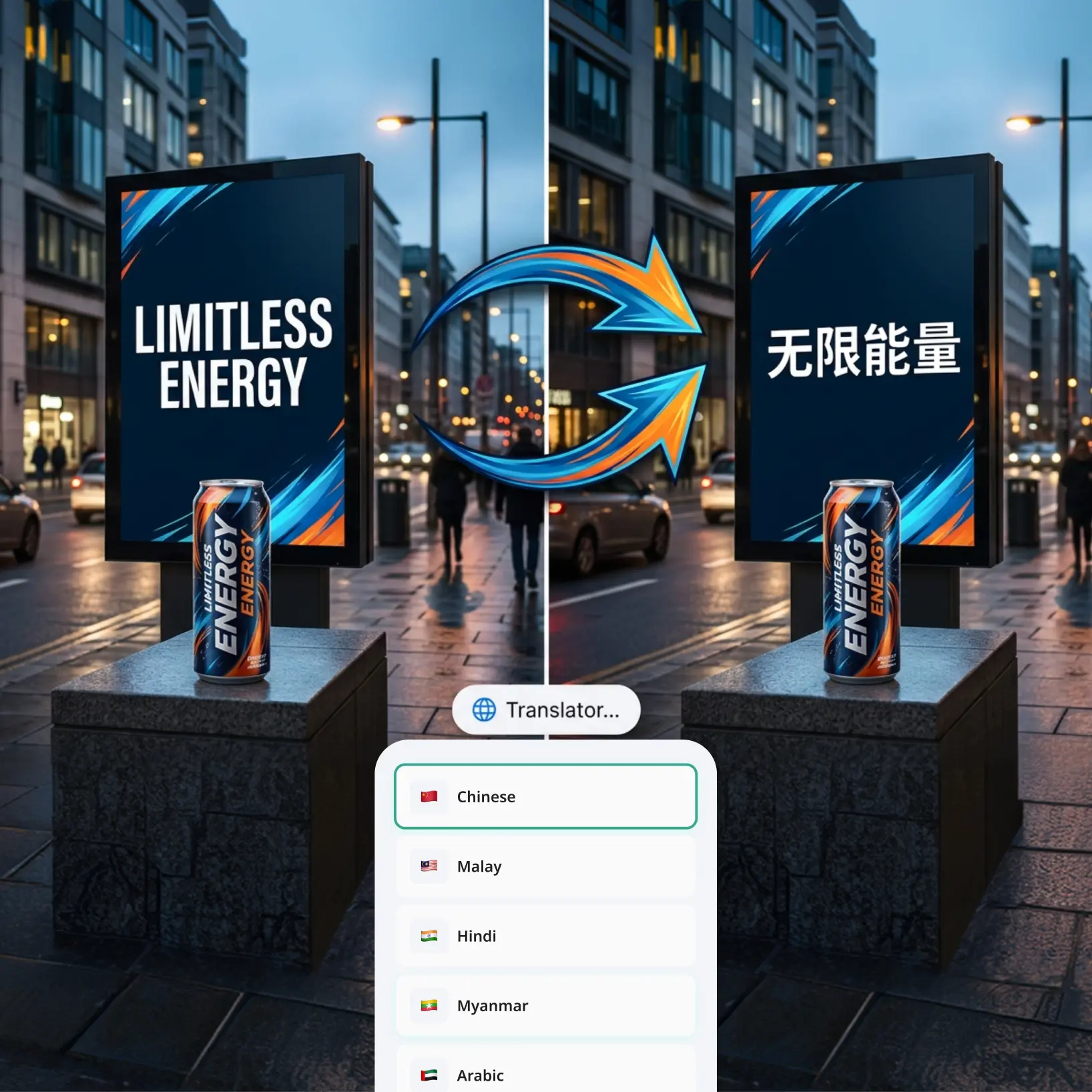
Tak. Konwerter obrazu na tekst może rozpoznawać i wyodrębniać tekst z obrazów w wielu językach. Wystarczy przesłać swoje zdjęcie, a AI wykryje i przekonwertuje tekst niezależnie od języka użytego na obrazie.
Czy jest bezpieczny — czy przechowujecie moje obrazy?
Tak, całkowicie bezpieczny. Twoje obrazy są bezpiecznie przetwarzane i automatycznie usuwane z naszych serwerów natychmiast po kompresji. Nigdy nie przechowujemy, nie udostępniamy ani nie uzyskujemy dostępu do Twoich plików — Twoja prywatność jest naszym priorytetem.
Jak mogę anulować subskrypcję Lift Pro?
Okres próbny lub subskrypcję możesz anulować w ustawieniach konta albo pisząc na adres support@liftapp.ai. Anulowanie zatrzymuje automatyczne odnawianie, a dostęp pozostaje aktywny do końca bieżącego okresu.
Dlaczego konwerter obrazu na tekst Lift wyróżnia się
Wysokiej jakości wyniki
Technologia zasilana AI dostarcza wizualizacji o jakości profesjonalnej za każdym razem
Inteligentne renderowanie
AI dostosowuje efekt do sceny i tematu dla optymalnych wyników
Wsparcie wielu platform
Dostępne na iOS, Android i Web dla bezproblemowego dostępu
Przystępna cena
Oszczędzaj na kosztownych projektantach dzięki przystępnemu i intuicyjnemu narzędziu