
QR Code Generator for Links, Text, and Wi-Fi
Pick a content type, enter your link, text, contact details, or Wi-Fi credentials, and get an instant, scannable QR code. Try Lift now.
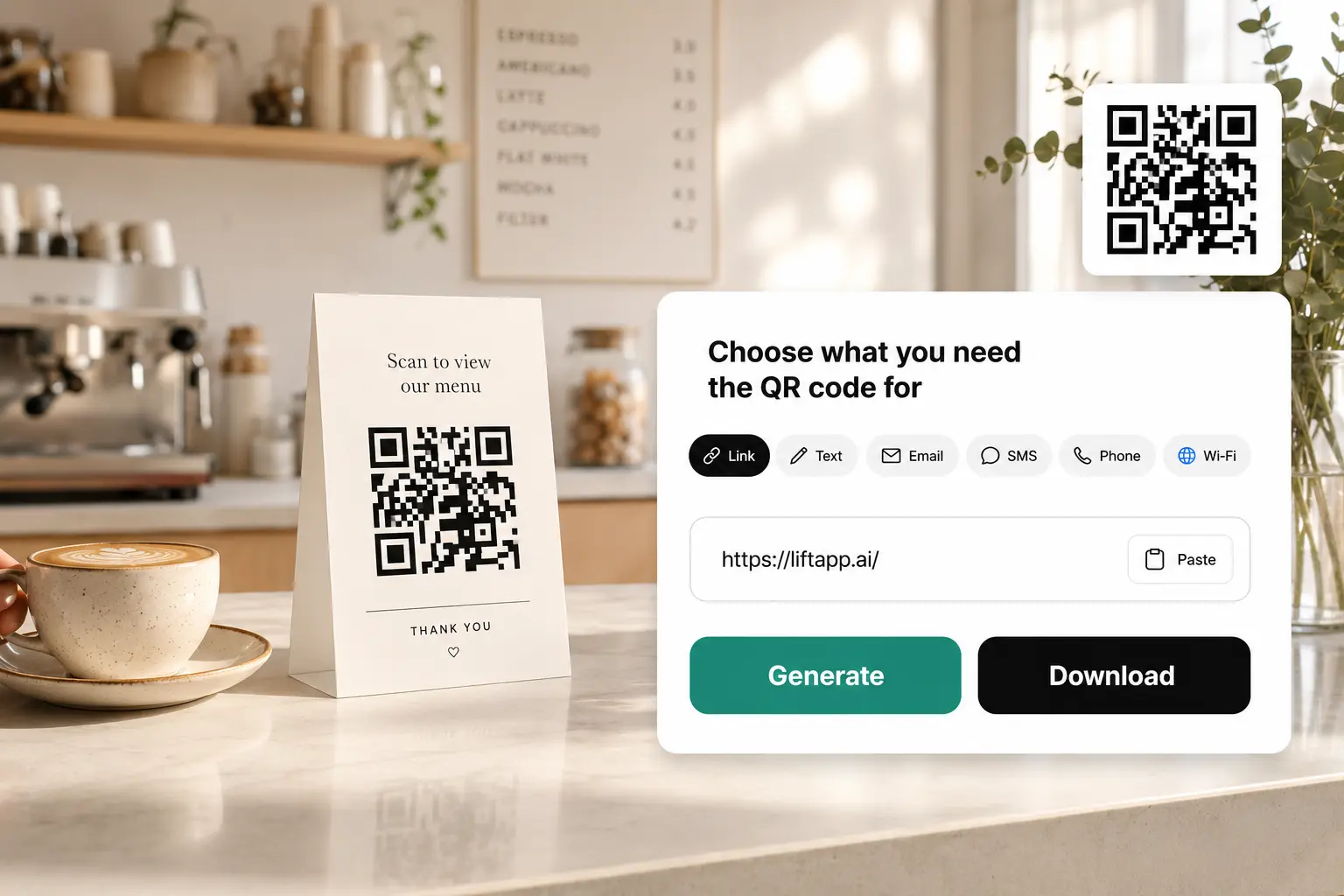
How it works
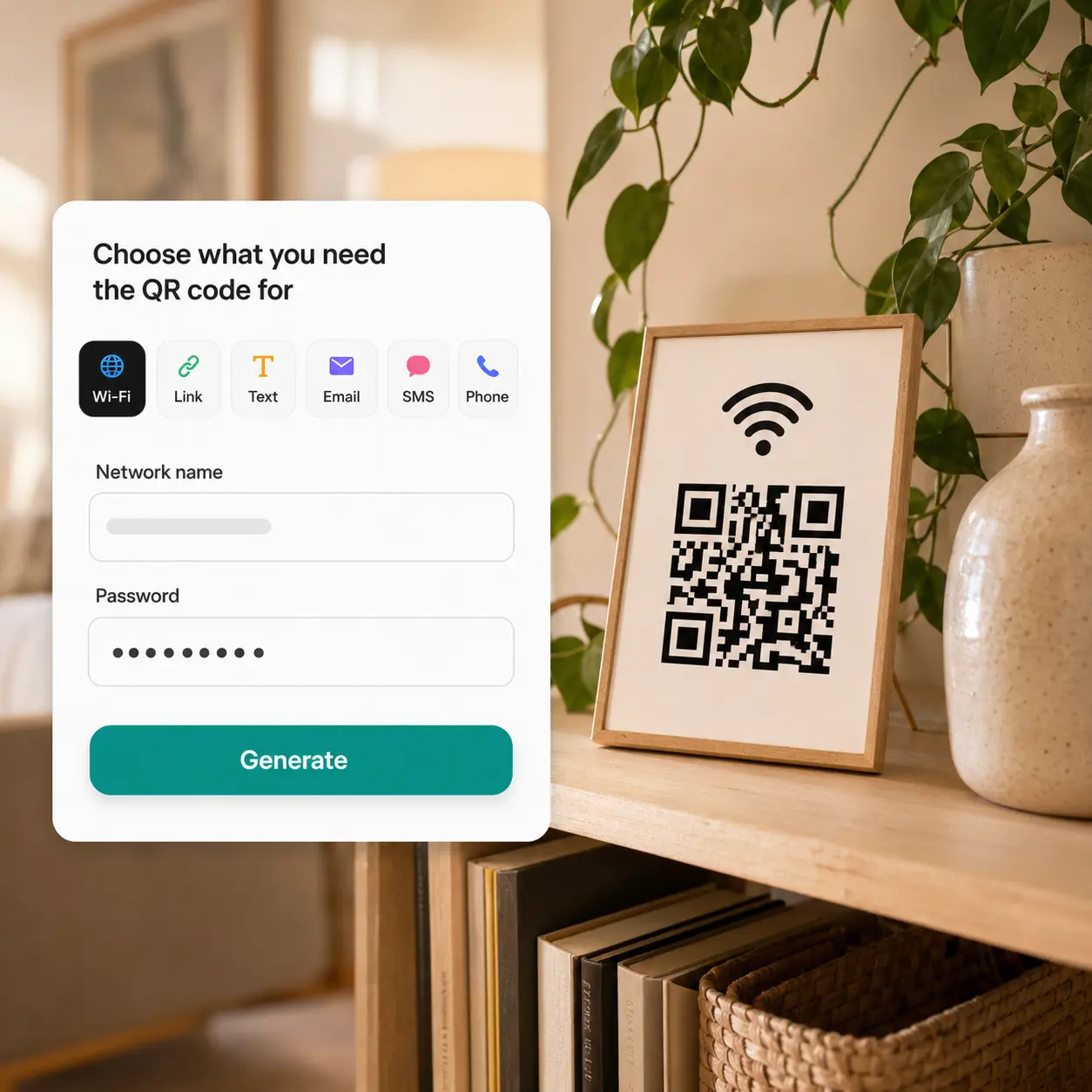
Choose your QR type
Select Link, Text, Email, SMS, Phone, or Wi-Fi and keep entries saved across tabs.
Add your content details
Fill in the required fields for that type, like a link, message, or Wi-Fi credentials.
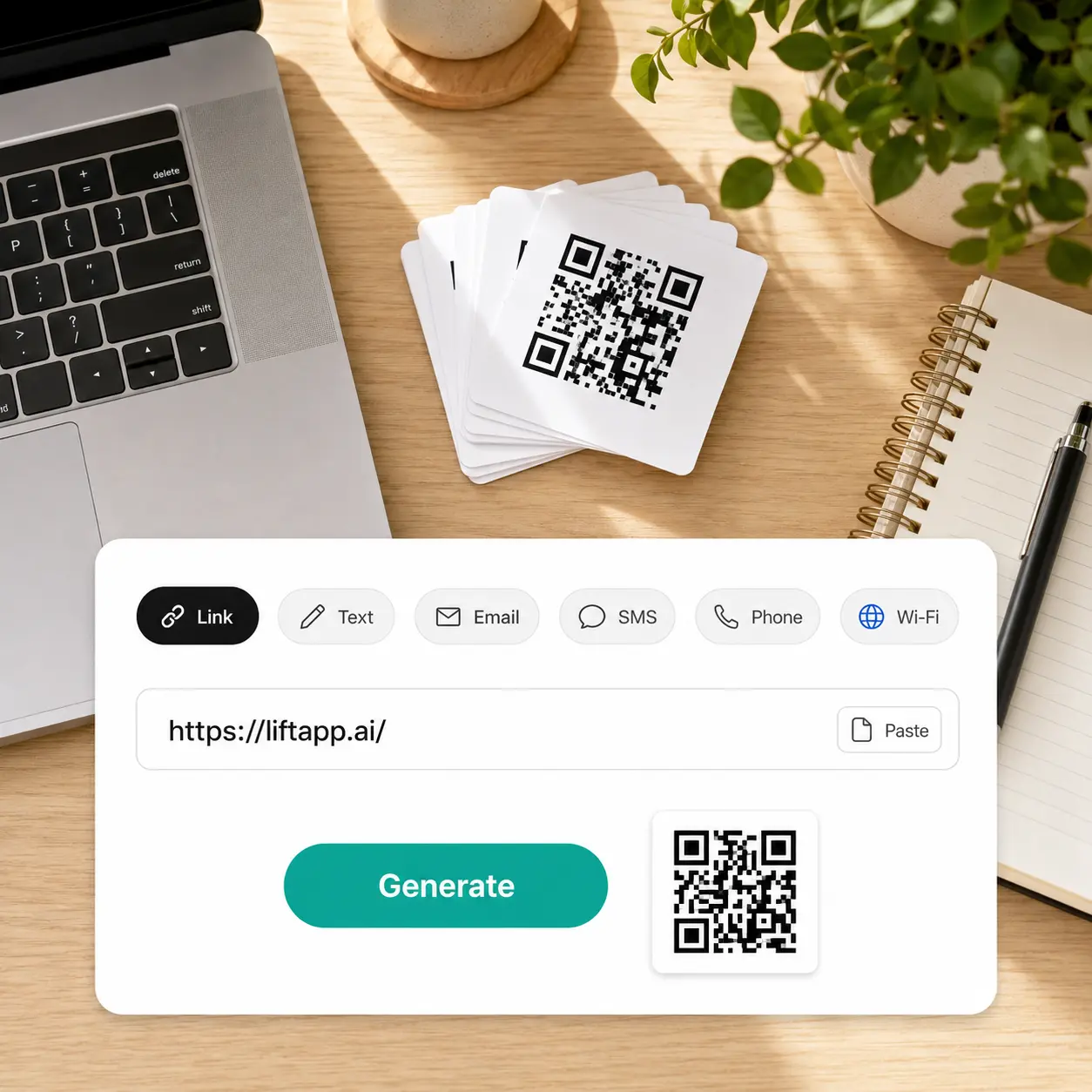
Generate your QR code
Lift creates a scannable QR code once every required field is complete.
Download or regenerate anytime
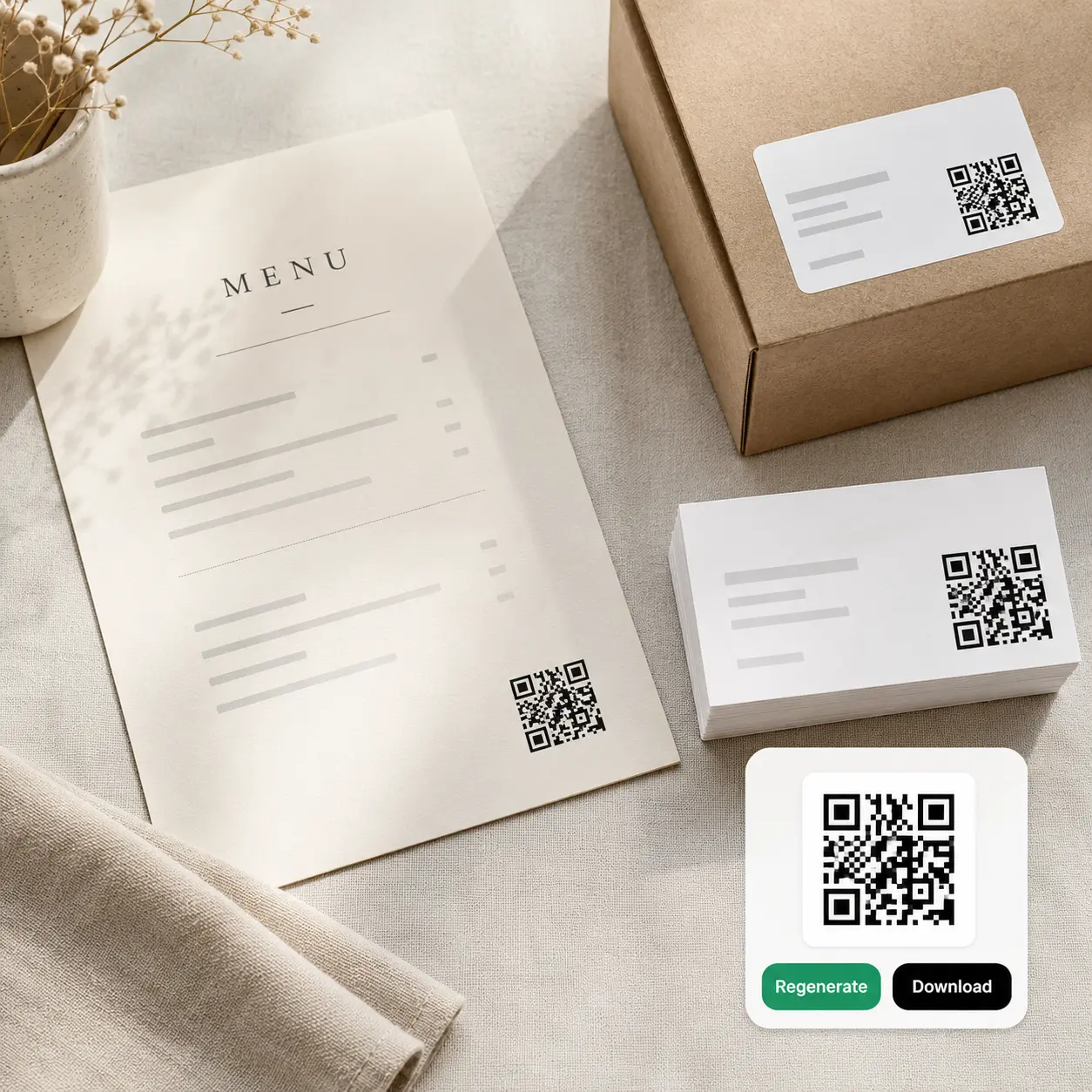
Save the PNG or tap Regenerate to create a new code instantly.

Join millions around the globe
Who can benefit from the Lift QR Code Generator?
- 🔹
Small business owners — Turn a link to your menu, store, or product page into a printable code. Generate it from the Link tab and download a ready-to-print PNG in seconds.
- 🔹
Event organizers — Send guests straight to an RSVP inbox without printing an email address. Enter the address and message on the Email tab and add the code to invitations or posters.
- 🔹
Hosts & landlords — Let guests join your Wi-Fi without reading out a password. Fill in the network name and password on the Wi-Fi tab, then print the code near the router.
- 🔹
Job seekers — Let recruiters call you straight from a resume or business card without saving a number. Enter your number on the Phone tab and place the generated code on printed materials.
- 🔹
Content creators — Give fans a one-tap way to text you for exclusive drops or updates. Fill in your number and message on the SMS tab, then post the code on stories or packaging.
Frequently asked questions
What is the Lift QR Code Generator?
The Lift QR Code Generator turns links, text, contact details, or Wi-Fi credentials into a scannable QR code. It supports six content types: Link, Text, Email, SMS, Phone, and Wi-Fi.
How does the Lift QR Code Generator work?
Choose a content type, fill in the required fields, and tap Generate to create your QR code. Once it's ready, download the PNG or tap Regenerate to make a new version.
What types of QR codes can I create with Lift?
Lift supports six QR code types: Link, Text, Email, SMS, Phone number, and Wi-Fi network. Each type has its own fields, so the code always matches the content you enter.
Can I edit or regenerate my QR code after creating it?
Yes. Switch back to any tab, update the details, and tap Regenerate to create a new code instantly. Your previous entries stay saved so you can adjust and try again.
Is it safe to enter my Wi-Fi password or personal details in Lift?
Yes — Lift processes the information you enter, including Wi-Fi credentials, securely and uses it only to generate your QR code.
Why Lift's QR Code Generator stands out
High-quality results
AI-powered technology delivers professional-grade visuals every time
Intelligent rendering
AI tailors the effect to the scene and subject for optimal results
Cross-platform support
Available on iOS, Android, and Web for seamless access
Budget-friendly
Save on costly designers with an affordable and intuitive tool