
Text to Speech Online
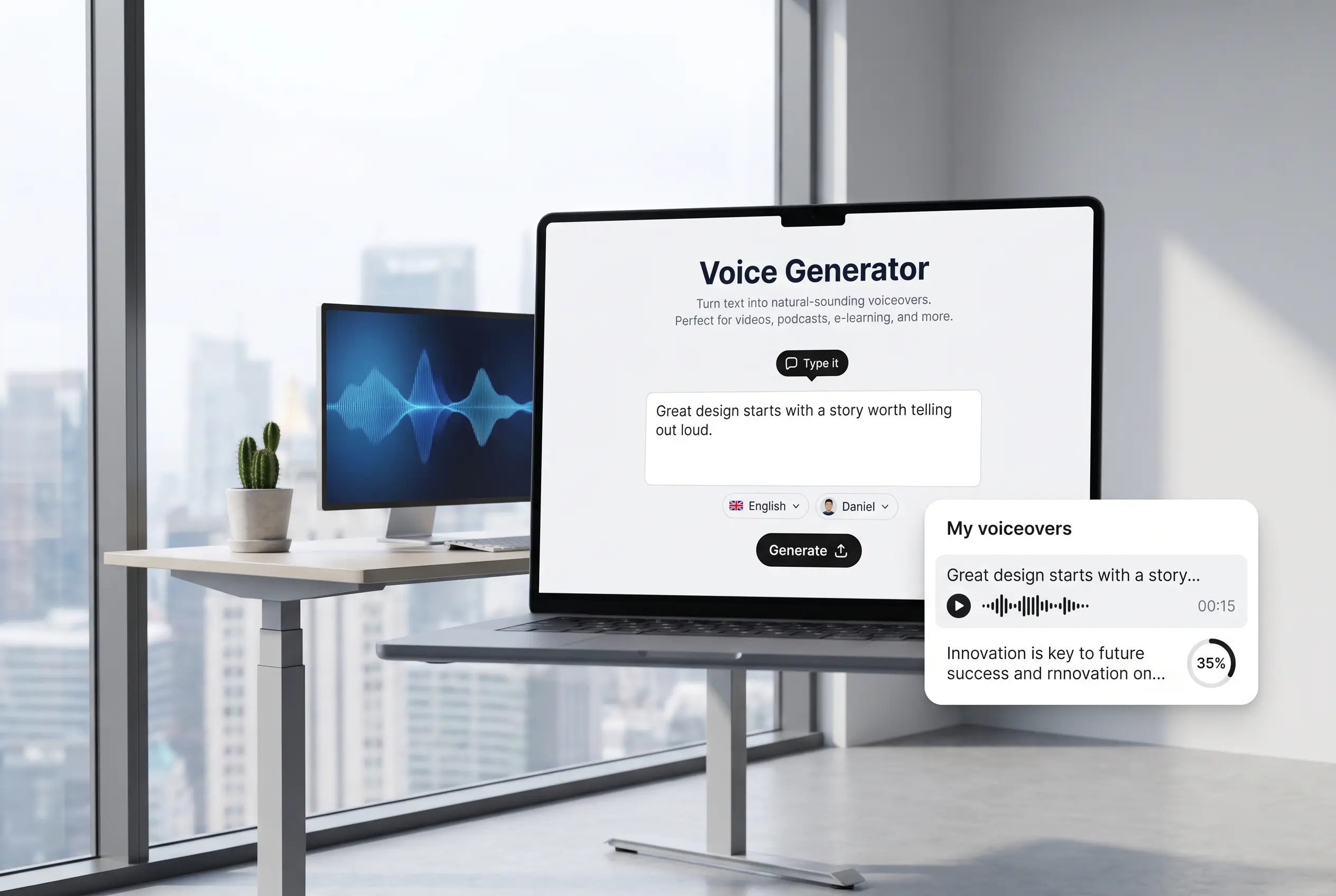
Type or paste any text, choose a language and a realistic voice, and download the spoken audio file. Create yours now.
How it works
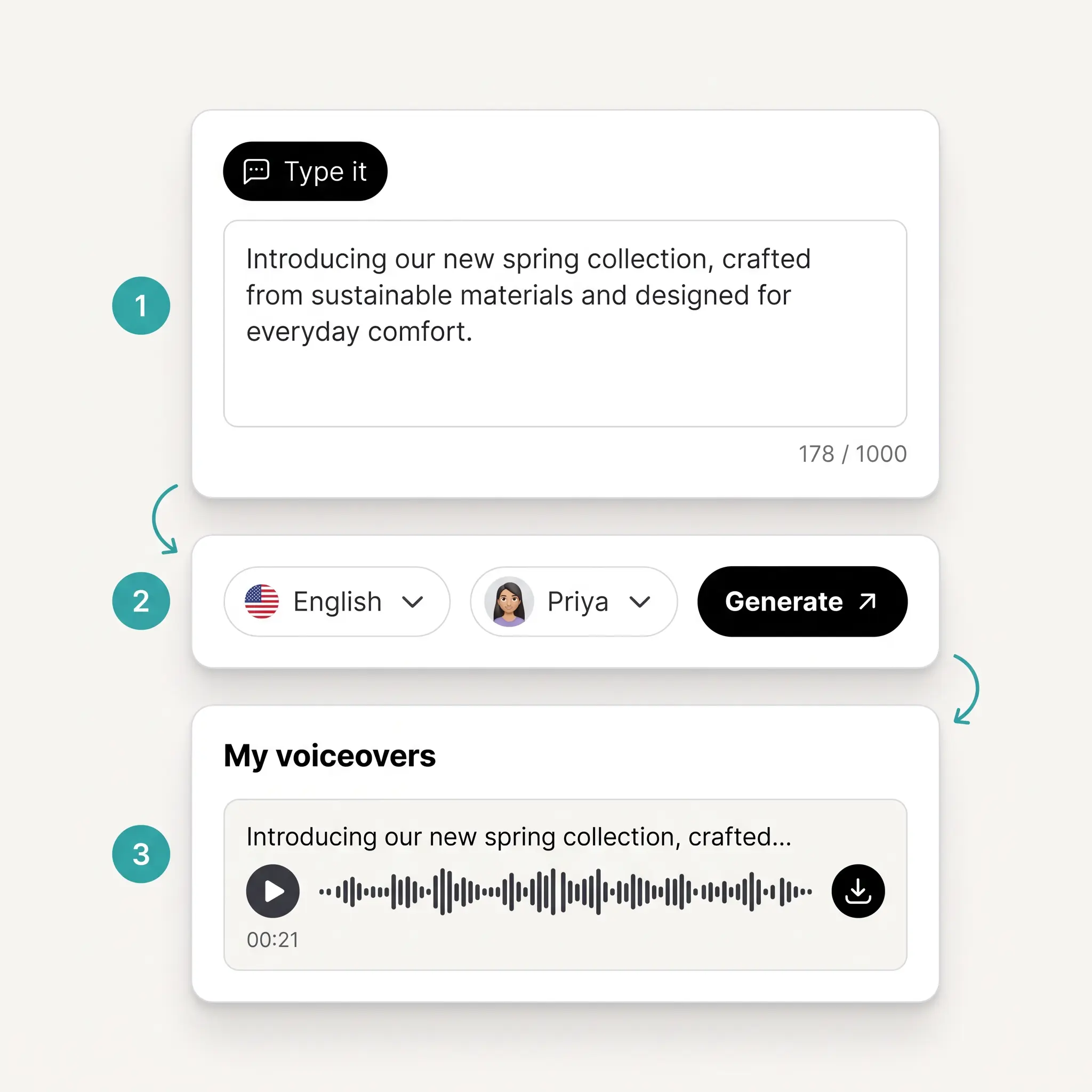
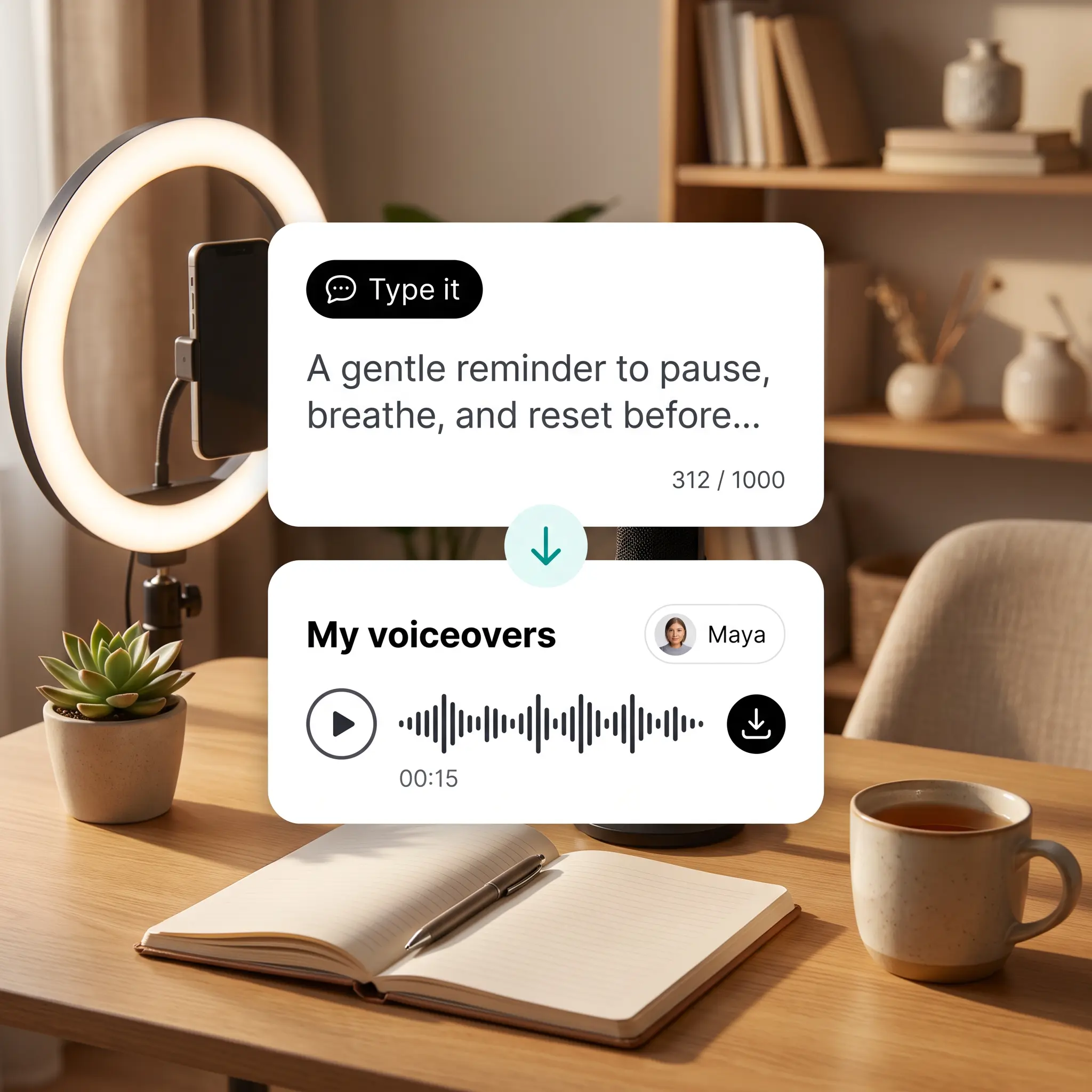
Type or Paste Your Script
Enter the text you want voiced, from a short line to a full paragraph of narration.
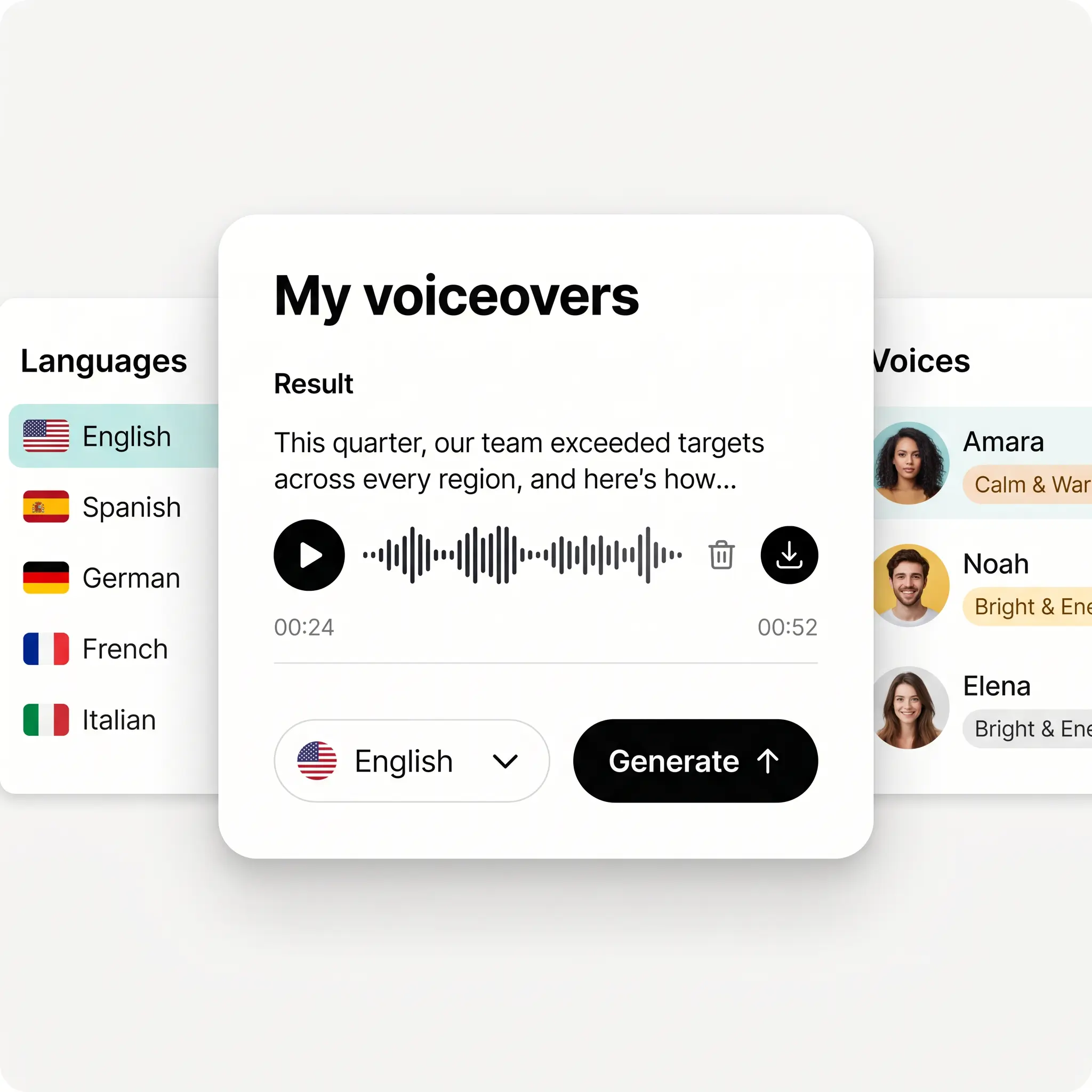
Choose a Language and Voice
Pick a language, then preview voices by name and mood to find the right fit for your script.
Generate Your AI Voiceover
Tap Generate and Lift voices your script with the language and speaker you selected.
Play, Download, or Regenerate
Listen back in My voiceovers, download the audio, or open a result to regenerate it.

Join millions around the globe
Who can benefit from text to speech?
- 🔹
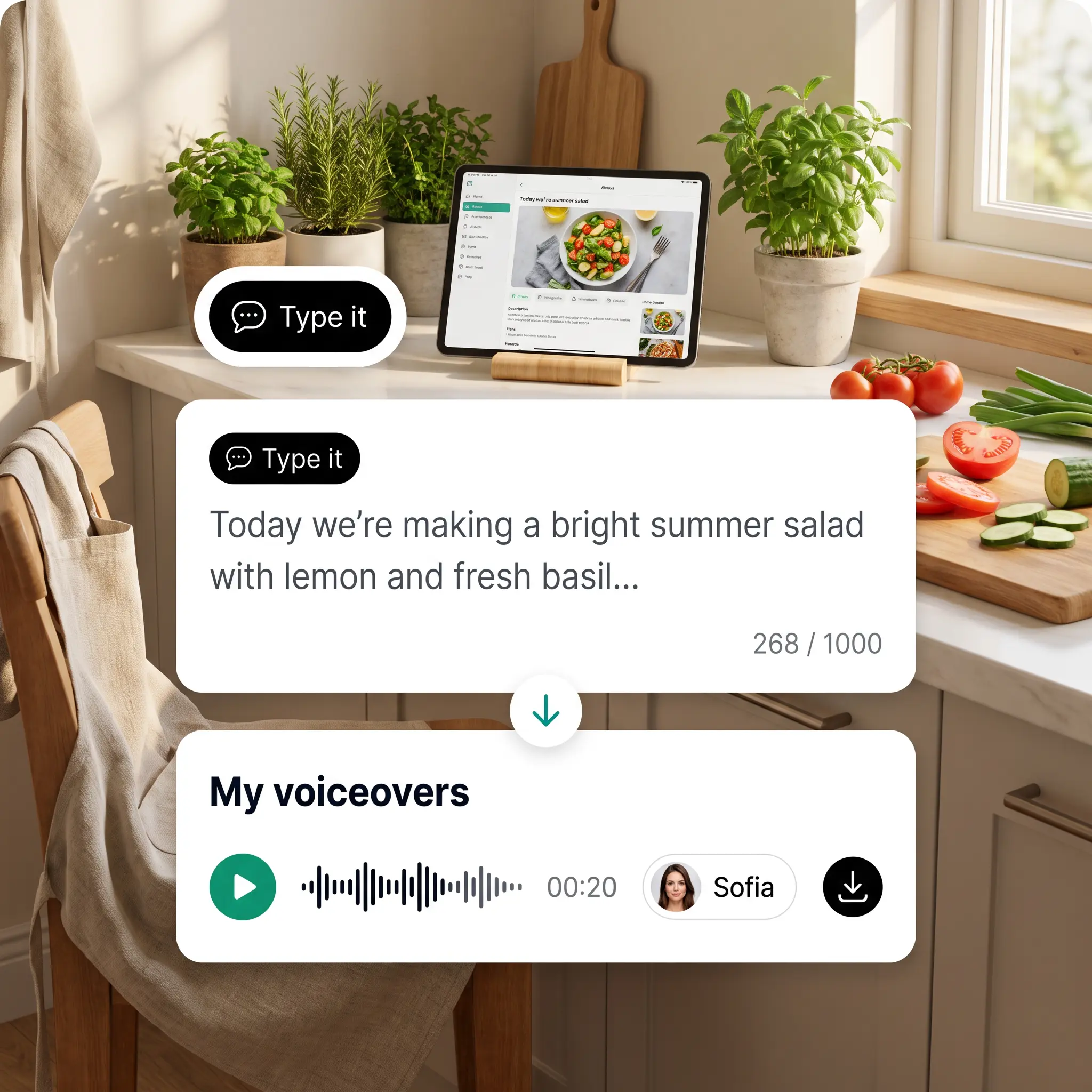
Short-video creators — Add a polished voice over to reels and shorts by typing the lines instead of recording them.
- 🔹
Online educators — Narrate lesson intros and explainer clips in your learners' language by switching the language setting.
- 🔹
Small business owners — Voice product promos and ad spots with professional AI voices, without booking studio time or talent.
- 🔹
Wellness creators — Turn breathing exercises and meditation scripts into guided audio using a calm, warm voice.
- 🔹
Language learners — Hear how phrases sound by typing them, choosing the target language, and replaying the result.
Frequently asked questions
What is Lift Text to Speech?
Lift Text to Speech turns written text into spoken audio in the language and voice you choose. Use it to create voiceovers for short clips, lessons, promos, and personal projects.
How does Lift Text to Speech work?
Type or paste your script, then choose a language and preview the voices to pick one. Tap Generate, and your voiceover appears in My voiceovers, ready to play, download, or regenerate.
Can I hear a voice before generating my voiceover?
Yes — every voice has a short audio preview that matches the language you select. Each voice also shows a mood description, so you can match its tone to your script.
What languages can I create a voiceover in?
Lift supports a wide range of languages — pick one from the popular list or search the full list by name. For the most natural result, write your script in the language you select.
Can I choose between male and female voices?
Yes — filter the voice list by gender or browse all voices at once. Pick the one whose tone suits your script, and switch to another anytime for your next voiceover.
How can I cancel my Lift Pro Subscription?
You can cancel your trial or subscription through your account settings or by contacting support@liftapp.ai. Cancellation stops automatic renewal, while access remains active until the end of the current period.
Why choose Lift text to speech
High-quality results
AI-powered technology delivers professional-grade visuals every time
Intelligent rendering
AI tailors the effect to the scene and subject for optimal results
Cross-platform support
Available on iOS, Android, and Web for seamless access
Budget-friendly
Save on costly designers with an affordable and intuitive tool