
AI Text to Video Generator
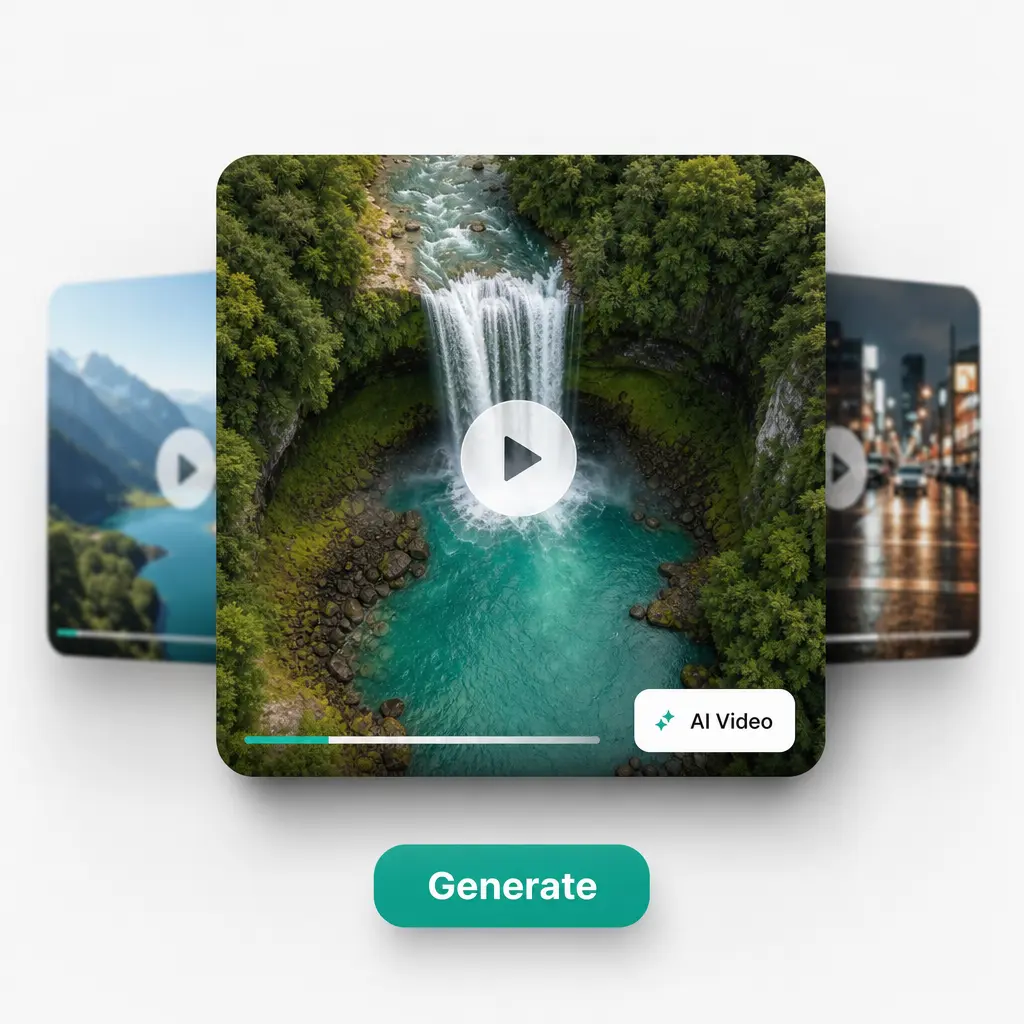
Type what you imagine and watch it become a moving scene. Leading AI models turn any text prompt into a unique, share-ready video. Try Lift today!
How it works
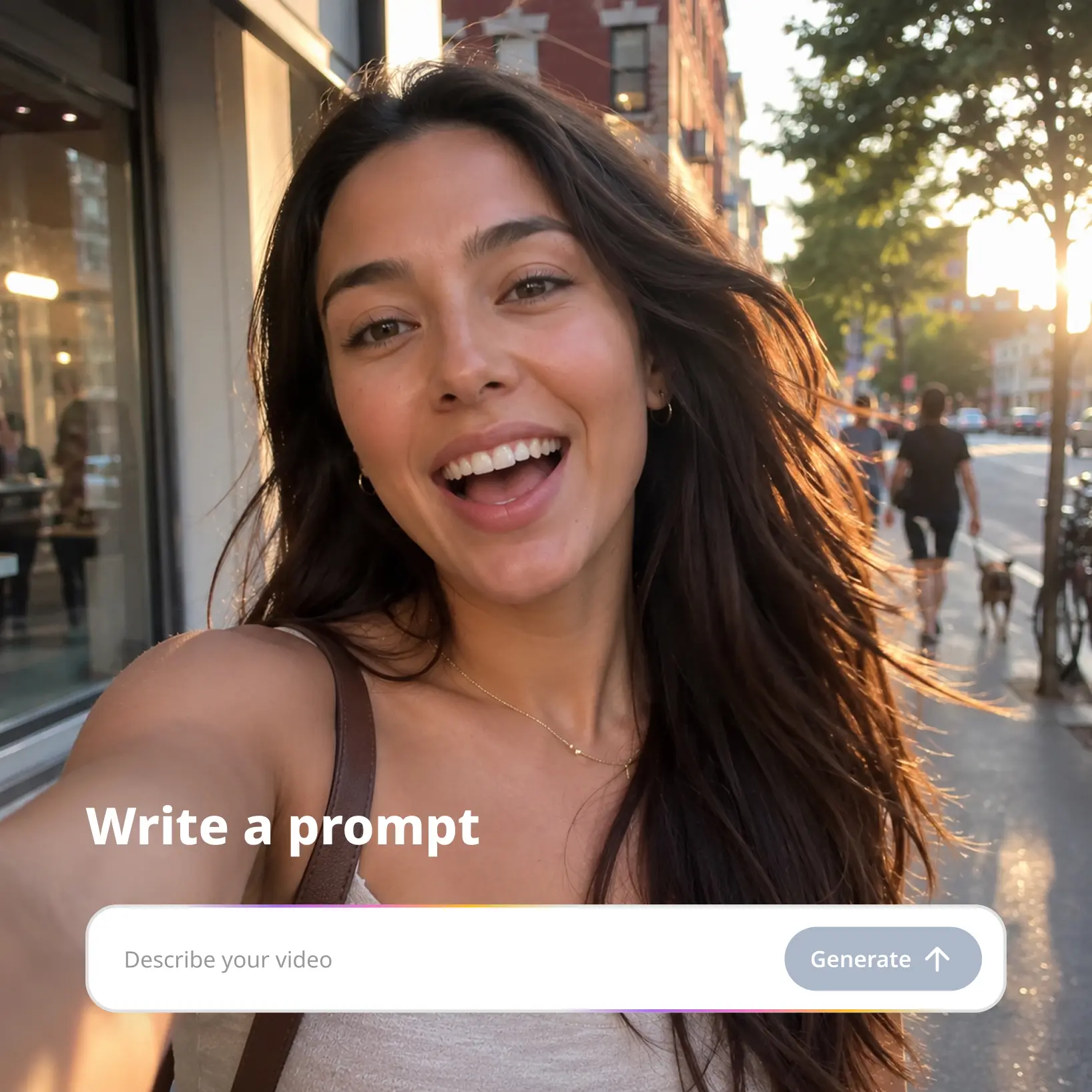
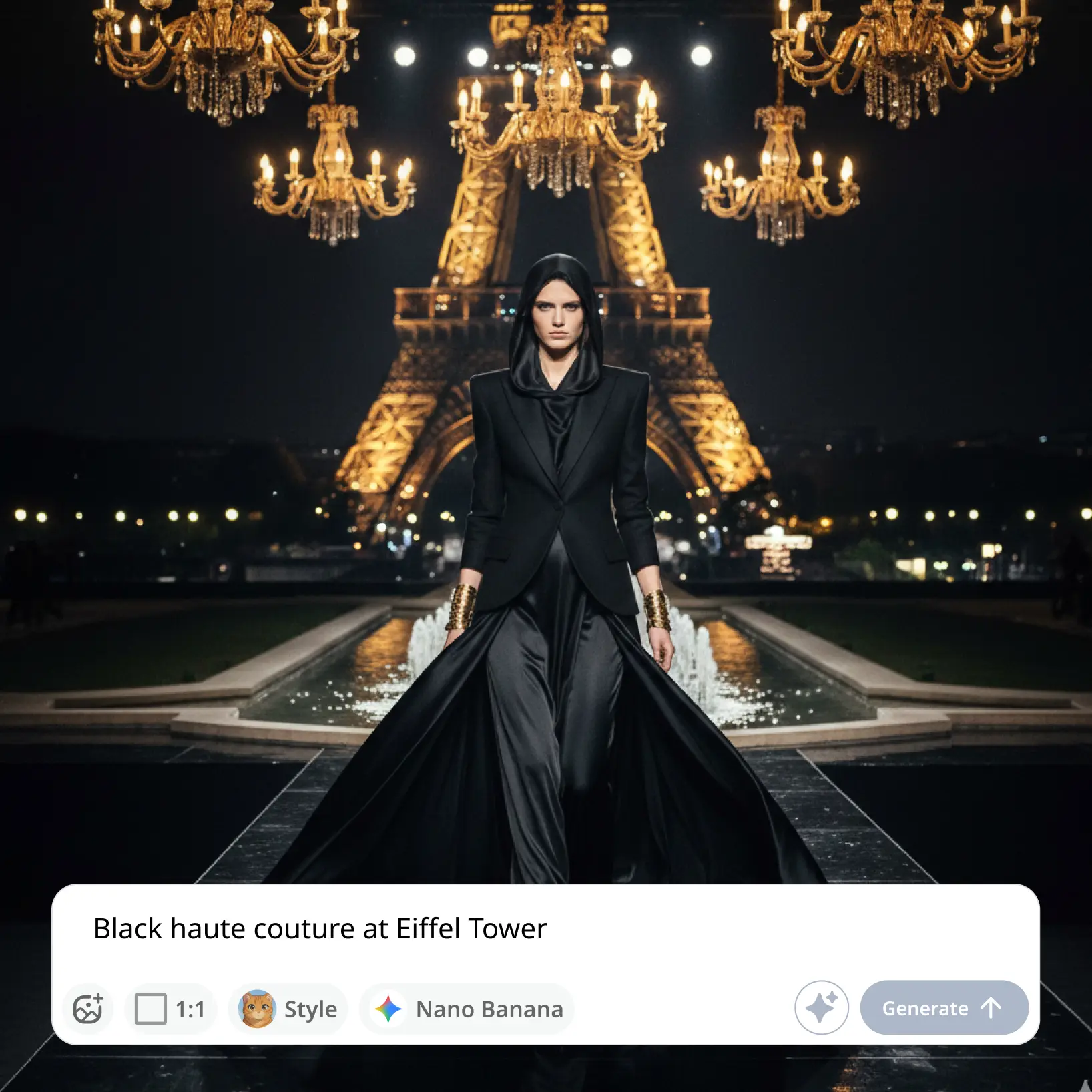
Type Your Text Prompt
Describe the video you want in your own words, in any language — a scene, an ad concept, a story moment.
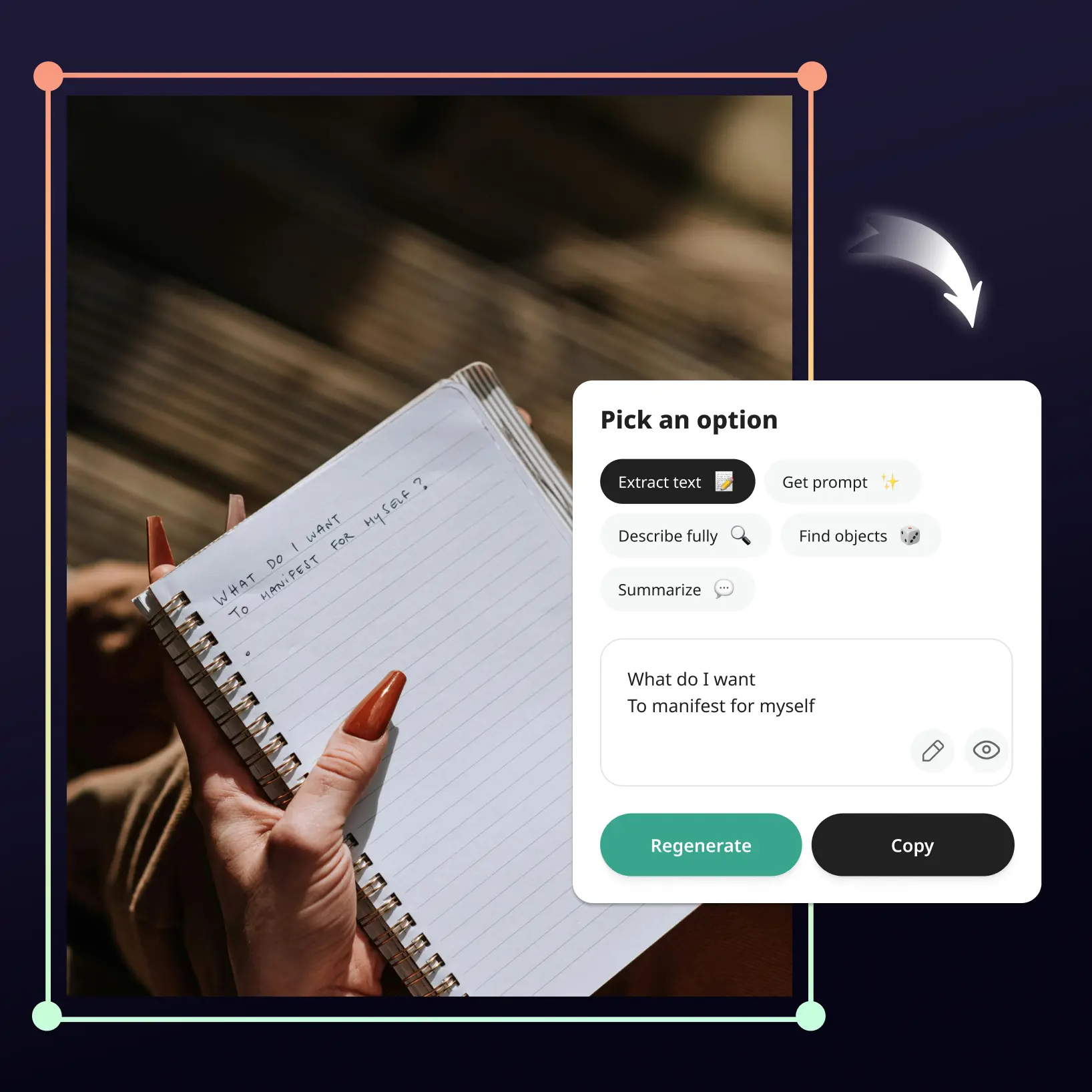
Improve Your Prompt
Tap Improve Prompt and AI expands your text into a richer description for a more cinematic result.
Choose A Model And Settings
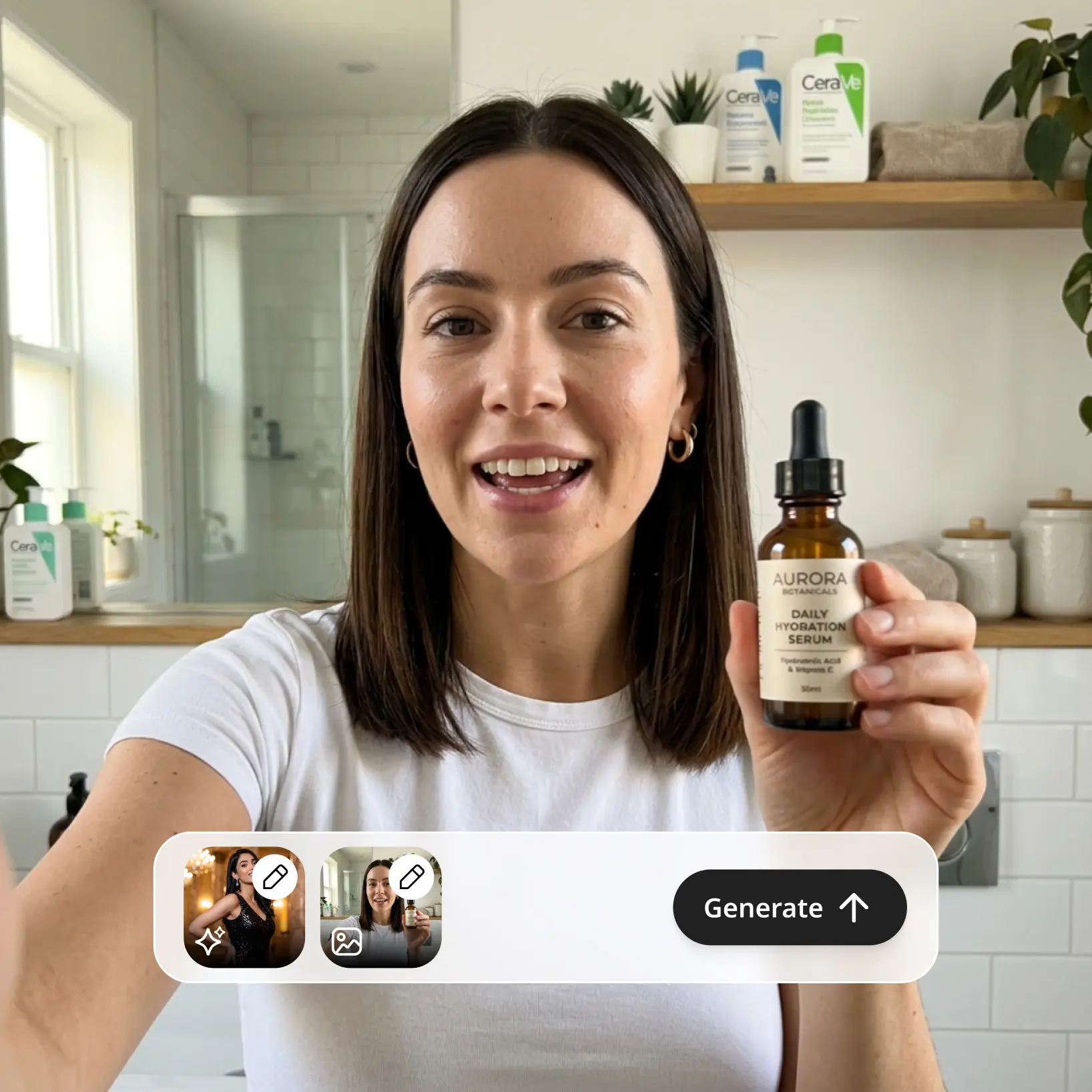
Pick an AI video model, then set the aspect ratio, resolution, duration, and audio — or add a reference image to guide the look.
Download And Use
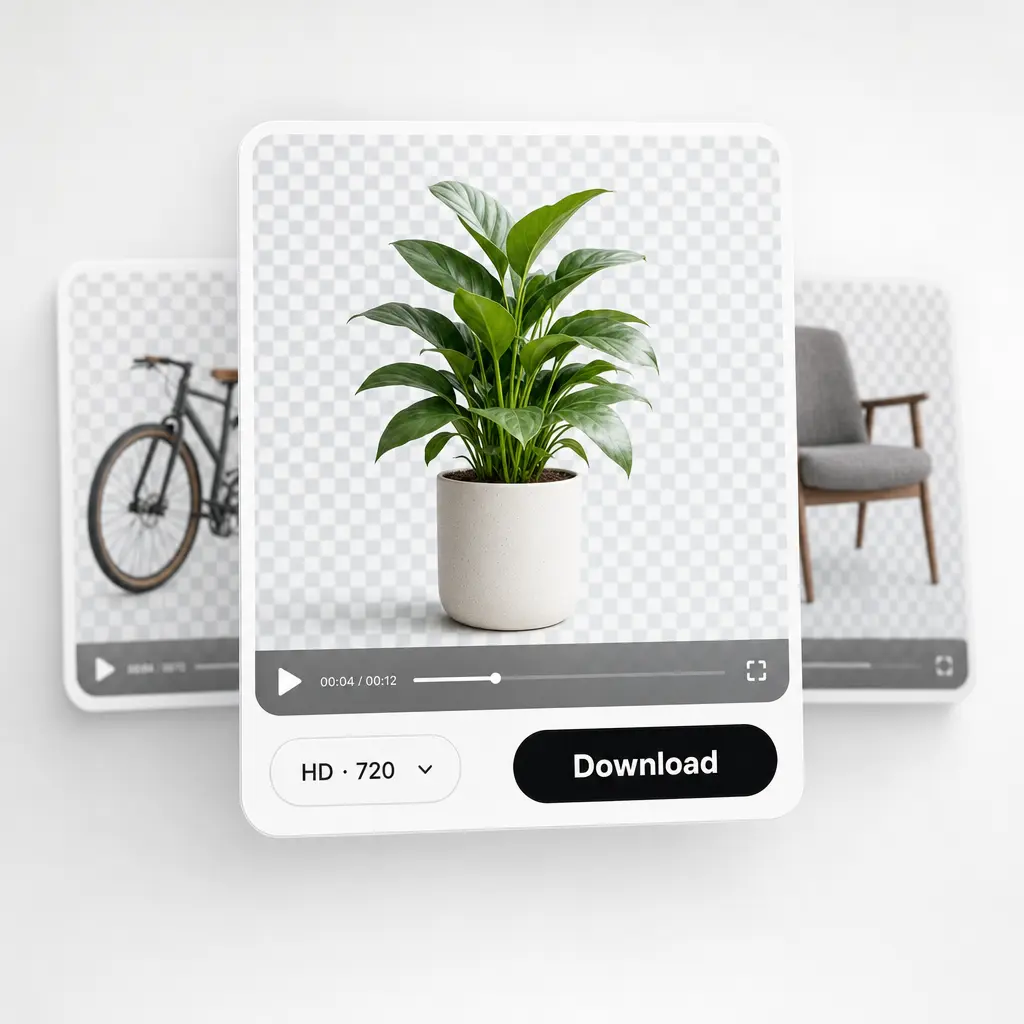
Download your video or publish it straight to your social feeds.

Join millions around the globe
Who can benefit from AI Text to Video Generator?
- 🔹
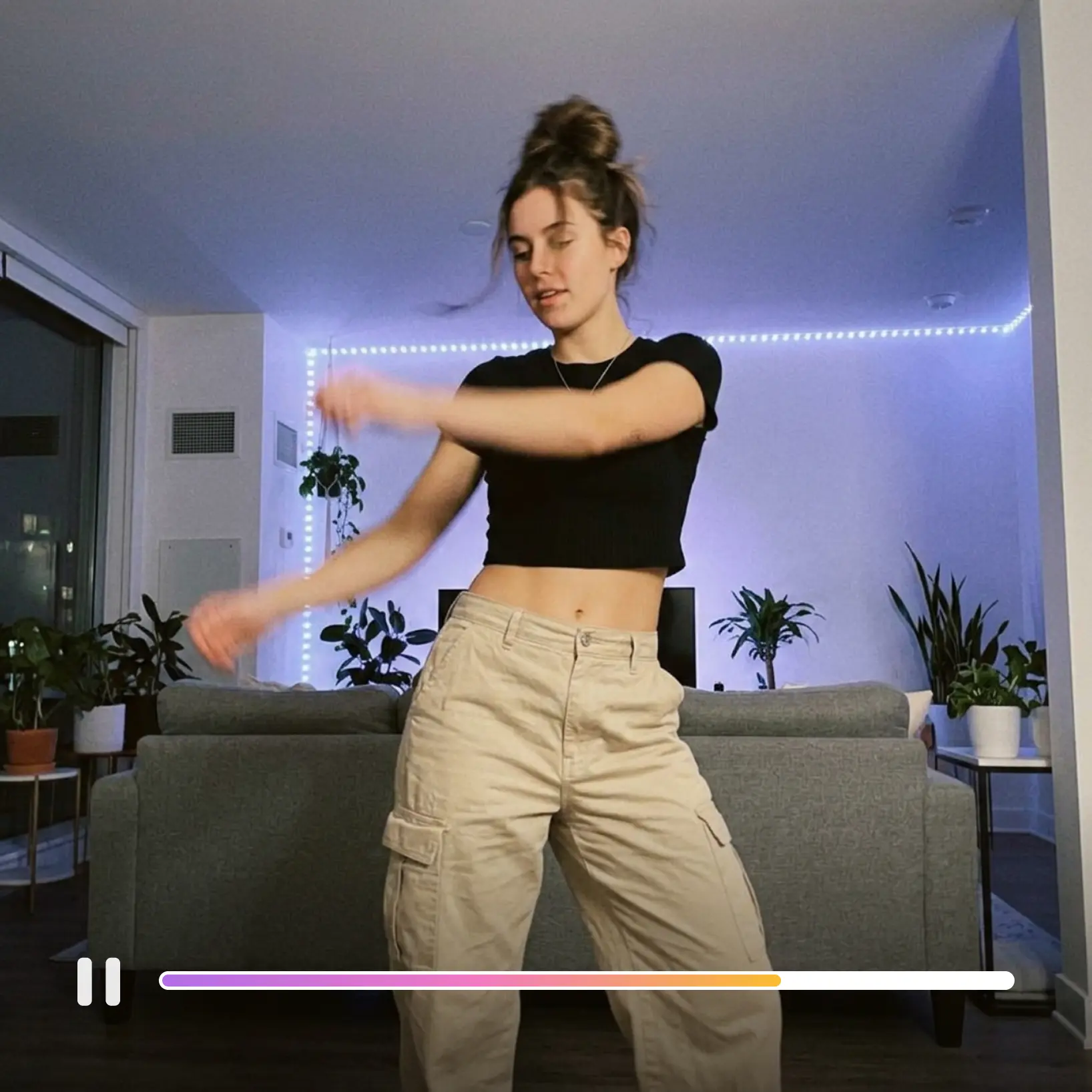
Content creators — Go from idea to finished clip in one sitting. Generate scroll-stopping videos for Instagram, TikTok, and YouTube without cameras or editing software.
- 🔹
Marketers & SMM managers — Script an ad concept in a sentence and see it on screen minutes later. Iterate on messaging by rewriting the prompt, not reshooting.
- 🔹
Writers & storytellers — Turn scenes from your stories into moving visuals for trailers, teasers, and social posts. If you can write it, you can watch it.
- 🔹
Educators & explainers — Illustrate processes and ideas that are hard to film with custom clips generated from a plain description.
- 🔹
Casual creators — Birthday greetings, inside jokes, dream scenes — type the idea and share the result, no skills required.
Frequently asked questions
What is Lift Text to Video AI?
Lift Text to Video AI is a premium online tool that converts a written prompt into a short video clip. It pairs your words with leading AI video models to render motion, detail, and atmosphere exactly as described.
How does Lift Text to Video AI work?
Type your prompt in the text to video generator, then choose a model and adjust the ratio, resolution, duration, and audio. Hit Generate and get your clip in moments — then Regenerate for a fresh take whenever you want.
How do I write a good prompt for text to video AI?
Describe the subject, the motion, and the mood — camera direction helps too, like a slow zoom or an aerial shot. Short on time? Write a rough idea and tap Improve Prompt to turn it into a detailed description automatically.
Can I download the results without a watermark?
Absolutely. All videos generated in Lift can be exported without watermark when you're on the Pro plan. Download them in high resolution — ready for social media, ads, or presentations.
Is it safe to upload my photos to Lift?
Yes — Lift processes your photos securely and uses them only to generate your results.
How can I cancel my Lift Pro Subscription?
You can cancel your trial or subscription through your account settings or by contacting support@liftapp.ai. Cancellation stops automatic renewal, while access remains active until the end of the current period.
Why Lift Text to Video AI stands out
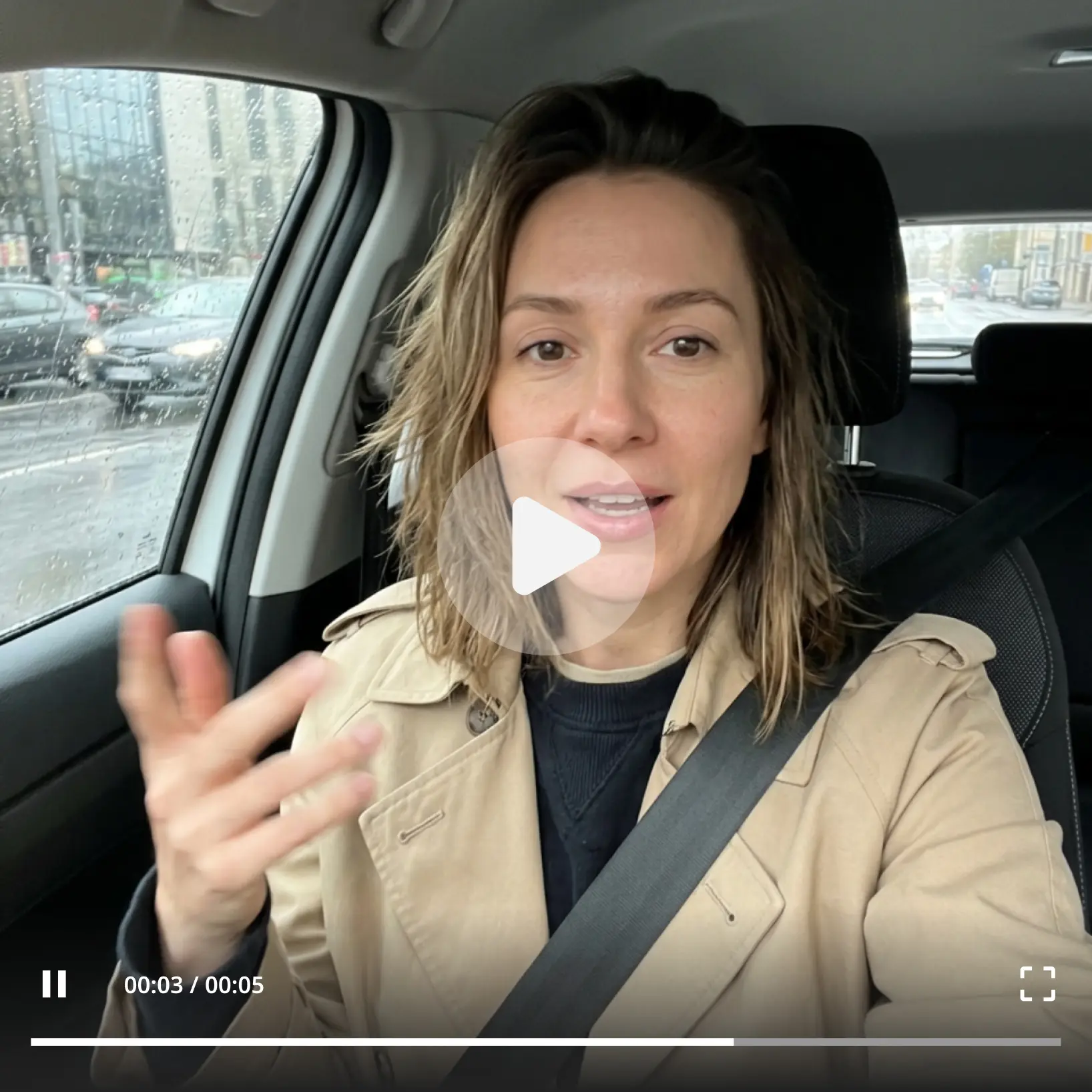
High-quality results
AI-powered technology delivers professional-grade visuals every time
Intelligent rendering
AI tailors the effect to the scene and subject for optimal results
Cross-platform support
Available on iOS, Android, and Web for seamless access
Budget-friendly
Save on costly designers with an affordable and intuitive tool