
เครื่องมือปรับขนาดรูปภาพออนไลน์
เปลี่ยนขนาดรูปภาพใดก็ได้ในไม่กี่วินาที เครื่องมือปรับขนาดรูปภาพออนไลน์
หรือลากและวางที่นี่
JPG, PNG, WEBPMax - 20MB
JPG, PNG, WEBPMax - 20MB
วิธีการทำงาน
อัปโหลดรูปภาพของคุณ
เลือกรูปภาพจากอุปกรณ์ของคุณหรือถ่ายภาพโดยใช้แอป Lift
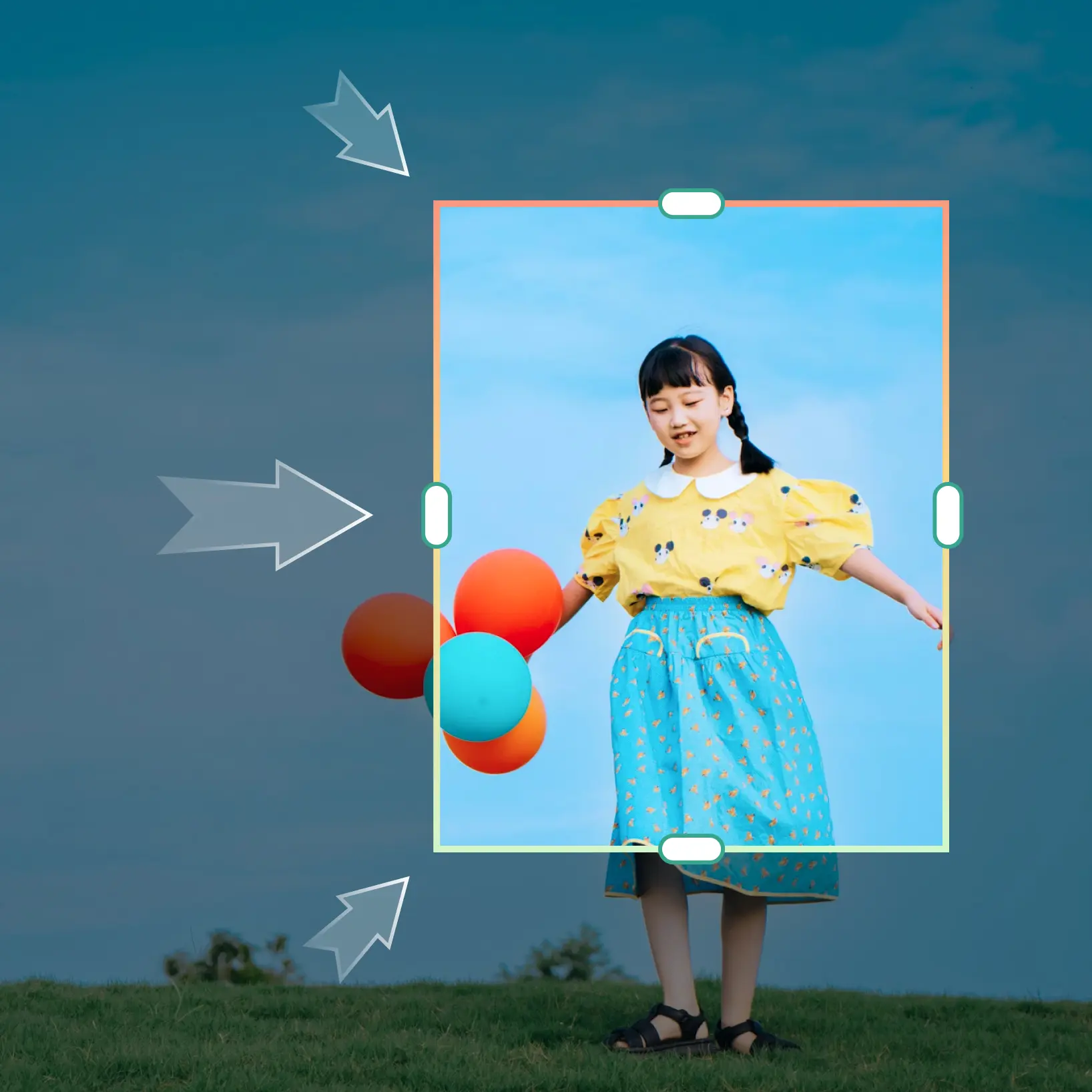
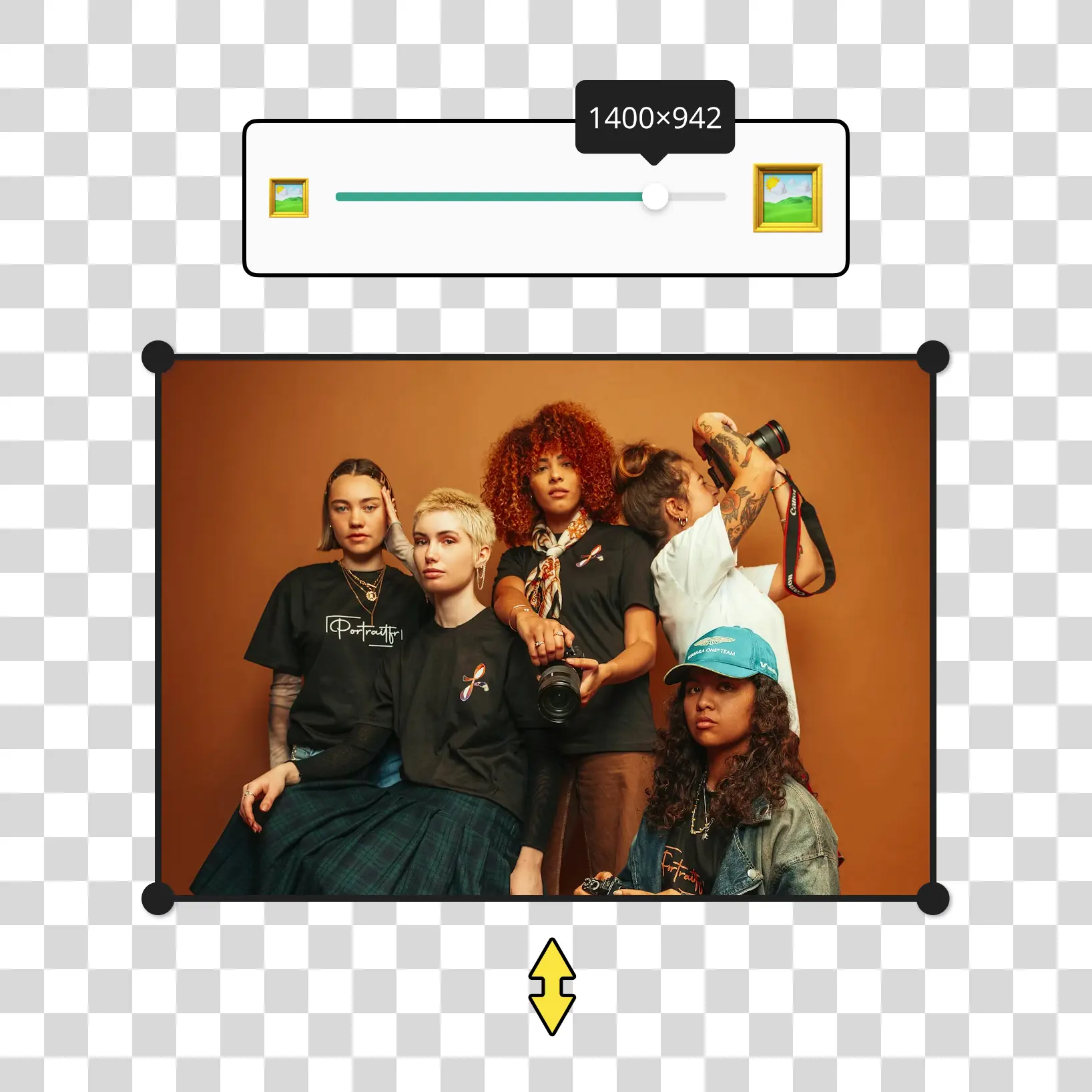
ลากเพื่อปรับขนาด
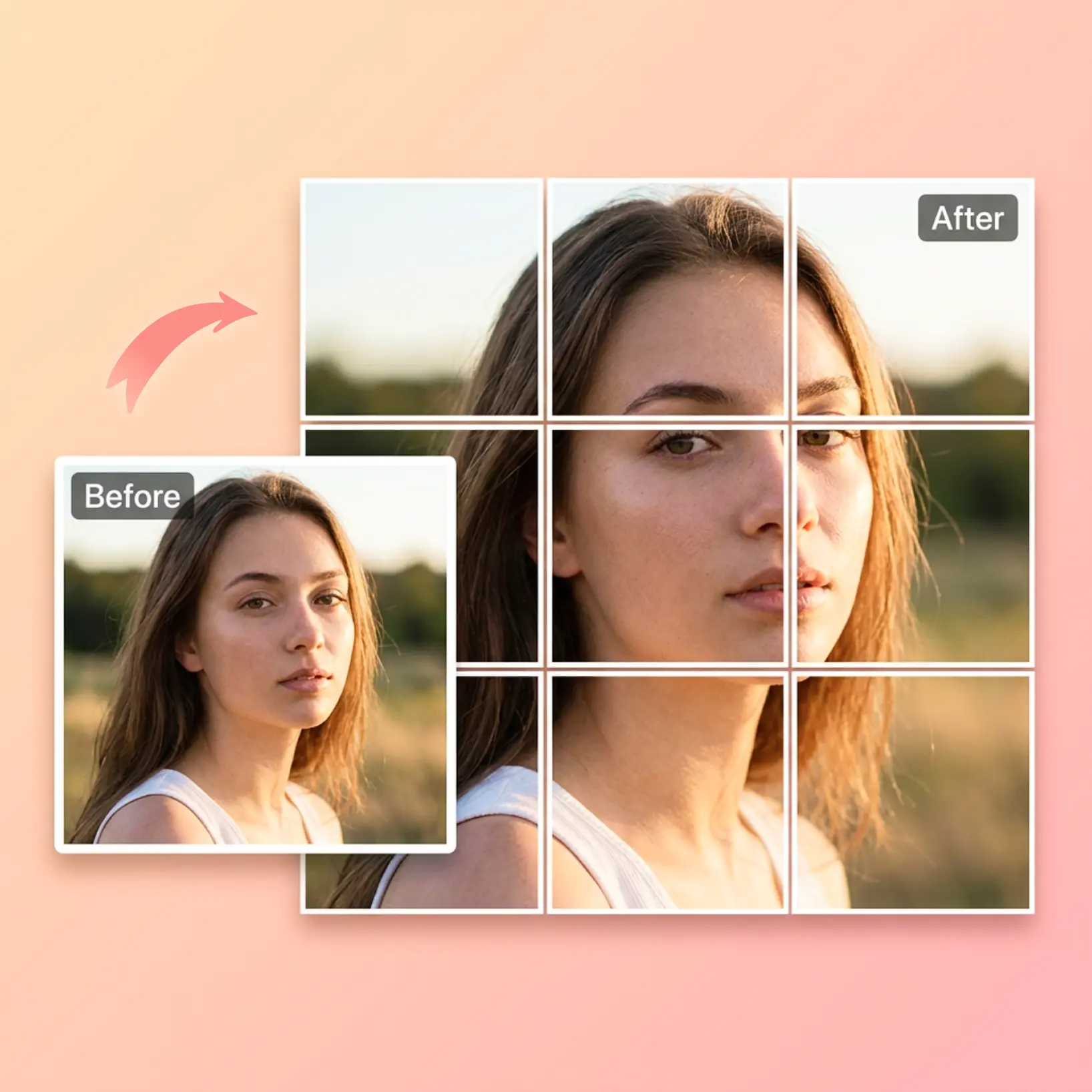
ใช้แถบเลื่อน 'ลากเพื่อปรับขนาด' เพื่อปรับขนาดรูปภาพทันที หรือป้อนขนาดที่กำหนดเองเพื่อการควบคุมเต็มรูปแบบ
ปรับแต่งการตั้งค่า
ปรับแต่งรูปภาพของคุณด้วยเครื่องมือแก้ไขที่ใช้งานง่าย
ดาวน์โหลดและใช้งาน
ดาวน์โหลดรูปภาพของคุณหรือเผยแพร่ไปยังฟีดโซเชียลของคุณโดยตรง

เข้าร่วมกับผู้คนนับล้านทั่วโลก
ใครสามารถได้รับประโยชน์จากเครื่องมือปรับขนาดรูปภาพ?
- 🔹
ผู้ใช้โซเชียลมีเดีย — ปรับขนาดรูปภาพสำหรับโพสต์บน Instagram, TikTok, Facebook และ LinkedIn ในไม่กี่วินาที รับรูปภาพที่มีขนาดเหมาะสมสำหรับสตอรี่ โฆษณา และรูปโปรไฟล์โดยไม่ต้องมีทักษะด้านการออกแบบ
- 🔹
เจ้าของธุรกิจขนาดเล็ก — เปลี่ยนขนาดรูปภาพสำหรับแบนเนอร์เว็บไซต์ รูปภาพอีเมล และโฆษณาแบบชำระเงินที่ตรงตามข้อกำหนดของแพลตฟอร์มอย่างแม่นยำ ประหยัดเวลาและลดต้นทุนด้วยเครื่องมือปรับขนาดรูปออนไลน์ที่รวดเร็วและ
- 🔹
ผู้ขายอีคอมเมิร์ซ — ปฏิบัติตามข้อกำหนดขนาดรูปภาพที่เข้มงวดสำหรับ Amazon, Etsy และ Shopify ได้อย่างง่ายดาย ปรับขนาดรูปภาพสินค้าให้ได้ขนาดที่ต้องการและทำให้แคตตาล็อกพร้อมอัปโหลดอยู่เสมอ
- 🔹
นักศึกษาและผู้เชี่ยวชาญ — ปรับขนาดรูปภาพสำหรับงานนำเสนอ รายงาน ประวัติย่อ และการส่งงานออนไลน์ในไม่กี่คลิก ปรับขนาดรูปภาพให้เหมาะกับข้อจำกัดขนาดใดก็ได้โดยไม่สูญเสียคุณภาพ
- 🔹
ผู้สร้างเนื้อหา — ปรับขนาดรูปภาพอย่างรวดเร็วโดยไม่ต้องเปิด Photoshop หรือซอฟต์แวร์ที่ซับซ้อน ใช้เครื่องมือปรับขนาดรูปภาพที่เรียบง่ายของเราเพื่อปรับขนาดสำหรับภาพขนาดย่อ กราฟิกบล็อก และพอร์ตโฟลิโอดิจิทัลในไม่กี่วินาที
คำถามที่พบบ่อย
เครื่องมือปรับขนาดรูปภาพ Lift คืออะไร?
เครื่องมือปรับขนาดรูปภาพ Lift คือเครื่องมือออนไลน์ที่ให้คุณเปลี่ยนขนาดรูปภาพใดก็ได้ในไม่กี่วินาที คุณสามารถปรับขนาดรูปภาพโดยการลากแถบเลื่อนหรือป้อนขนาดพิกเซลที่แน่นอน เหมาะสำหรับโซเชียลมีเดีย อีคอมเมิร์ซ รูปถ่ายพาสปอร์ต งานนำเสนอ และอื่นๆ อีกมากมาย ไม่จำเป็นต้องติดตั้งซอฟต์แวร์
เครื่องมือปรับขนาดรูปภาพ Lift ทำงานอย่างไร?
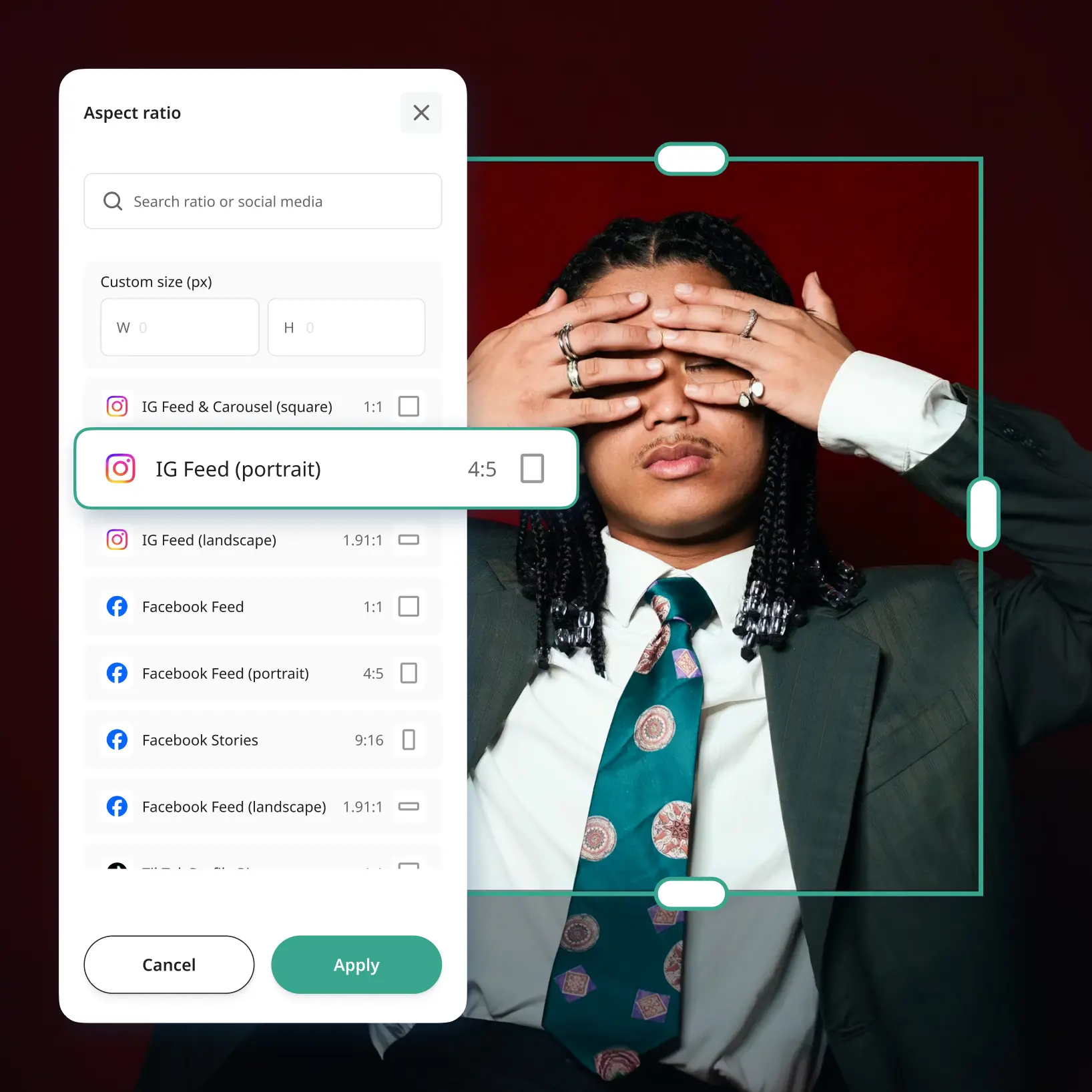
เครื่องมือปรับขนาดรูปภาพ Lift ช่วยให้คุณอัปโหลดรูปภาพใดก็ได้และเปลี่ยนขนาดในไม่กี่วินาที ใช้แถบเลื่อนลากเพื่อปรับขนาดสำหรับการปรับอย่างรวดเร็ว หรือป้อนขนาดความกว้างและความสูงที่แน่นอนด้วยตนเอง คุณยังสามารถเลือกอัตราส่วนภาพที่กำหนดไว้ล่วงหน้าเพื่อปรับขนาดรูปภาพสำหรับ Instagram ขนาดพาสปอร์ต หรือรูปแบบที่กำหนดเองใดๆ ไม่จำเป็นต้องใช้ซอฟต์แวร์ — ทุกอย่างเกิดขึ้นออนไลน์ในเบราว์เซอร์ของคุณ
ฉันสามารถปรับขนาดรูปภาพโดยไม่สูญเสียคุณภาพได้หรือไม่?
ใช่ Lift ใช้การประมวลผลอัจฉริยะเพื่อปรับขนาดรูปภาพในขณะที่รักษาคุณภาพไว้ให้มากที่สุดเท่าที่จะเป็นไปได้ ไม่ว่าคุณจะลดหรือเพิ่มขนาดรูปภาพ ผลลัพธ์ของคุณยังคงคมชัดและชัดเจน
ปลอดภัยหรือไม่ — คุณเก็บรูปภาพของฉันไว้หรือเปล่า?
ใช่ ปลอดภัยอย่างสมบูรณ์ รูปภาพของคุณถูกประมวลผลอย่างปลอดภัยและลบออกจากเซิร์ฟเวอร์ของเราโดยอัตโนมัติทันทีหลังจากการบีบอัด เราไม่เคยเก็บ แชร์ หรือเข้าถึงไฟล์ของคุณ — ความเป็นส่วนตัวของคุณคือสิ่งสำคัญที่สุดของเรา
ฉันจะยกเลิกการสมัครสมาชิก Lift Pro ได้อย่างไร
คุณสามารถยกเลิกช่วงทดลองใช้หรือการสมัครสมาชิกได้ที่การตั้งค่าบัญชีของคุณ หรือติดต่อ support@liftapp.ai การยกเลิกจะหยุดการต่ออายุอัตโนมัติ ในขณะที่คุณยังใช้งานได้จนถึงสิ้นรอบปัจจุบัน
ทำไมเครื่องมือปรับขนาดรูปภาพ Lift จึงโดดเด่น
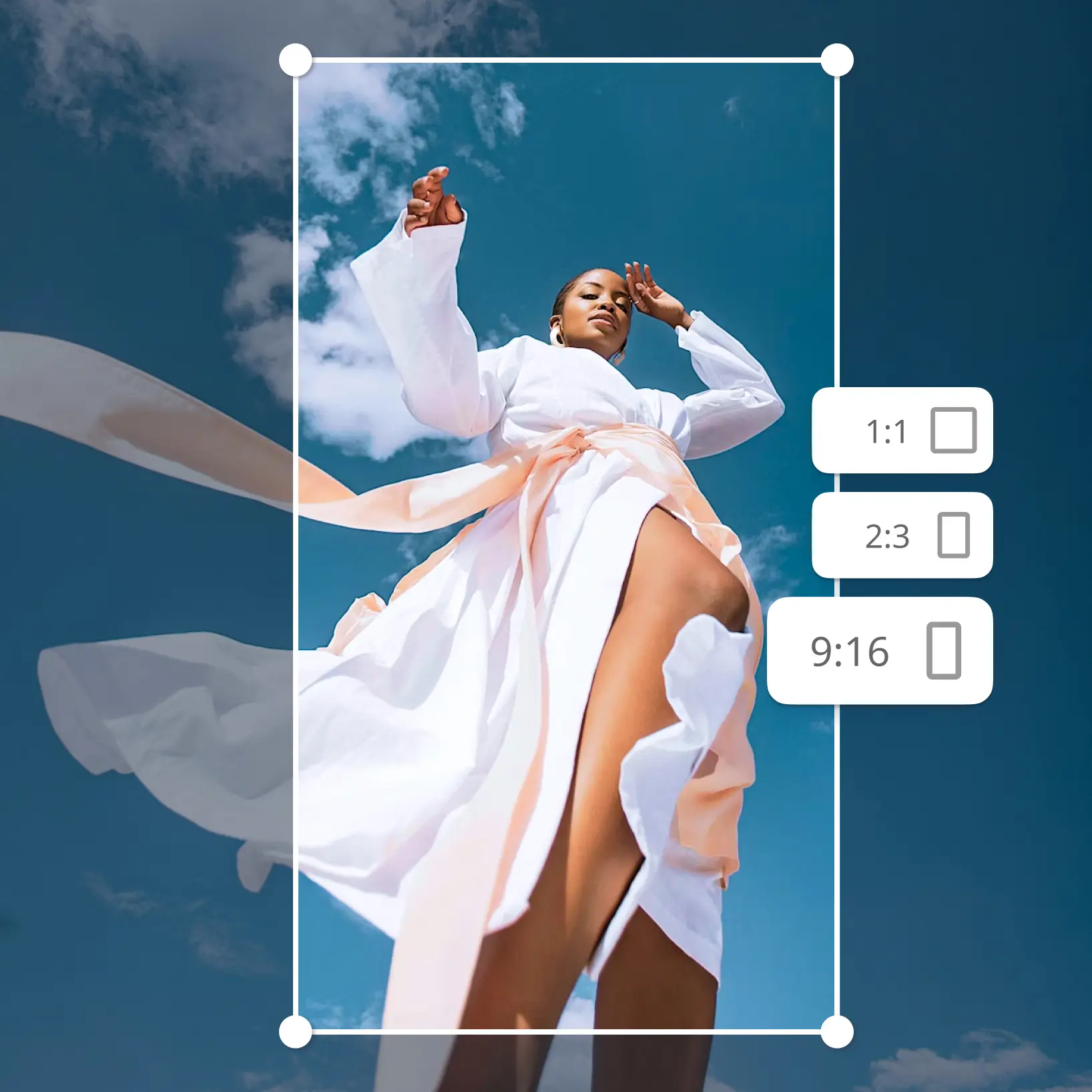
ผลลัพธ์คุณภาพสูง
เทคโนโลยีที่ขับเคลื่อนด้วย AI ให้ผลลัพธ์ระดับมืออาชีพทุกครั้ง
การเรนเดอร์อัจฉริยะ
AI ปรับแต่งเอฟเฟกต์ให้เหมาะกับฉากและวัตถุเพื่อผลลัพธ์ที่เหมาะสมที่สุด
รองรับหลายแพลตฟอร์ม
พร้อมใช้งานบน iOS, Android และ Web เพื่อการเข้าถึงที่ราบรื่น
ประหยัดงบประมาณ
ประหยัดค่าจ้างนักออกแบบที่แพงด้วยเครื่องมือที่ราคาไม่แพงและใช้งานง่าย