
Image Unblur Tool
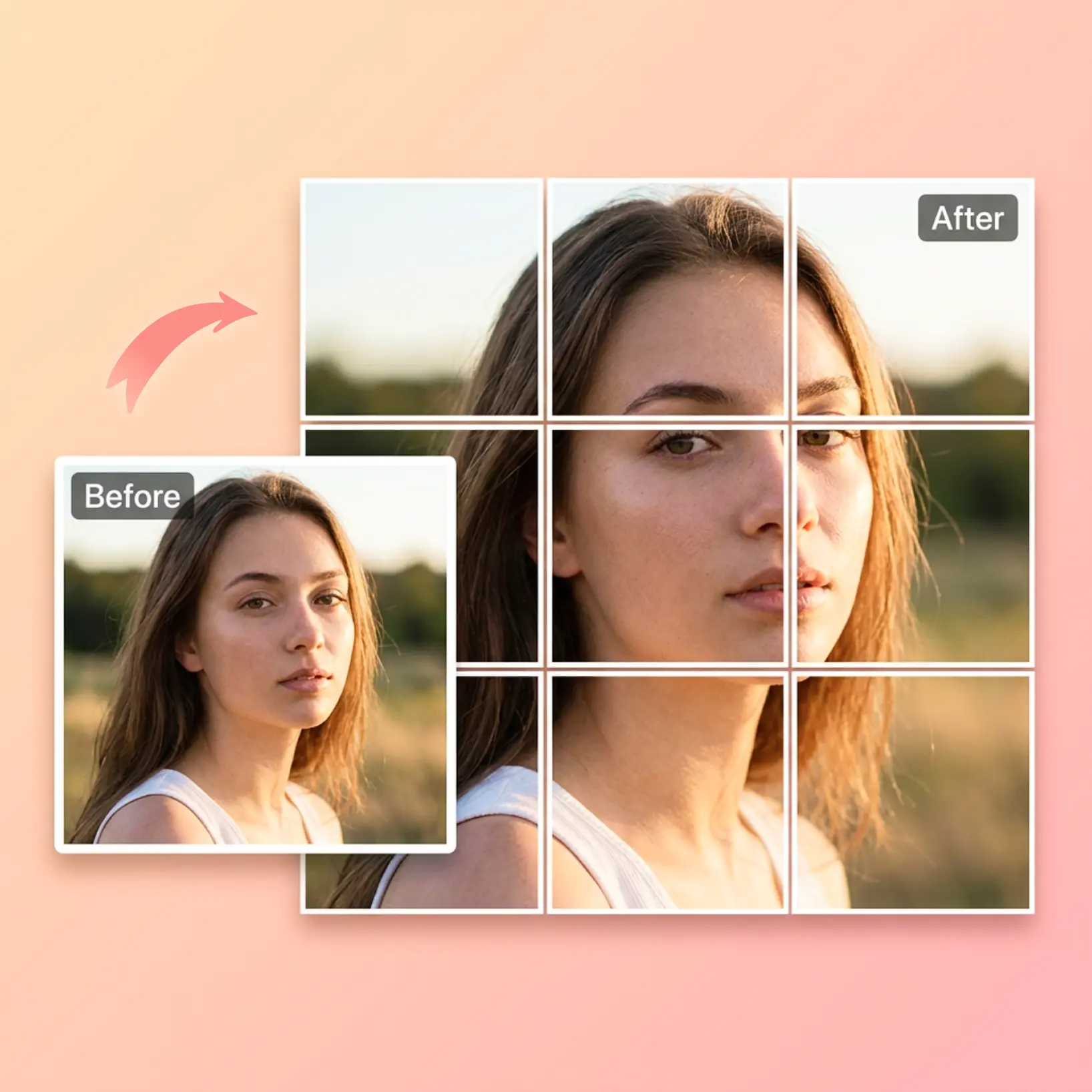
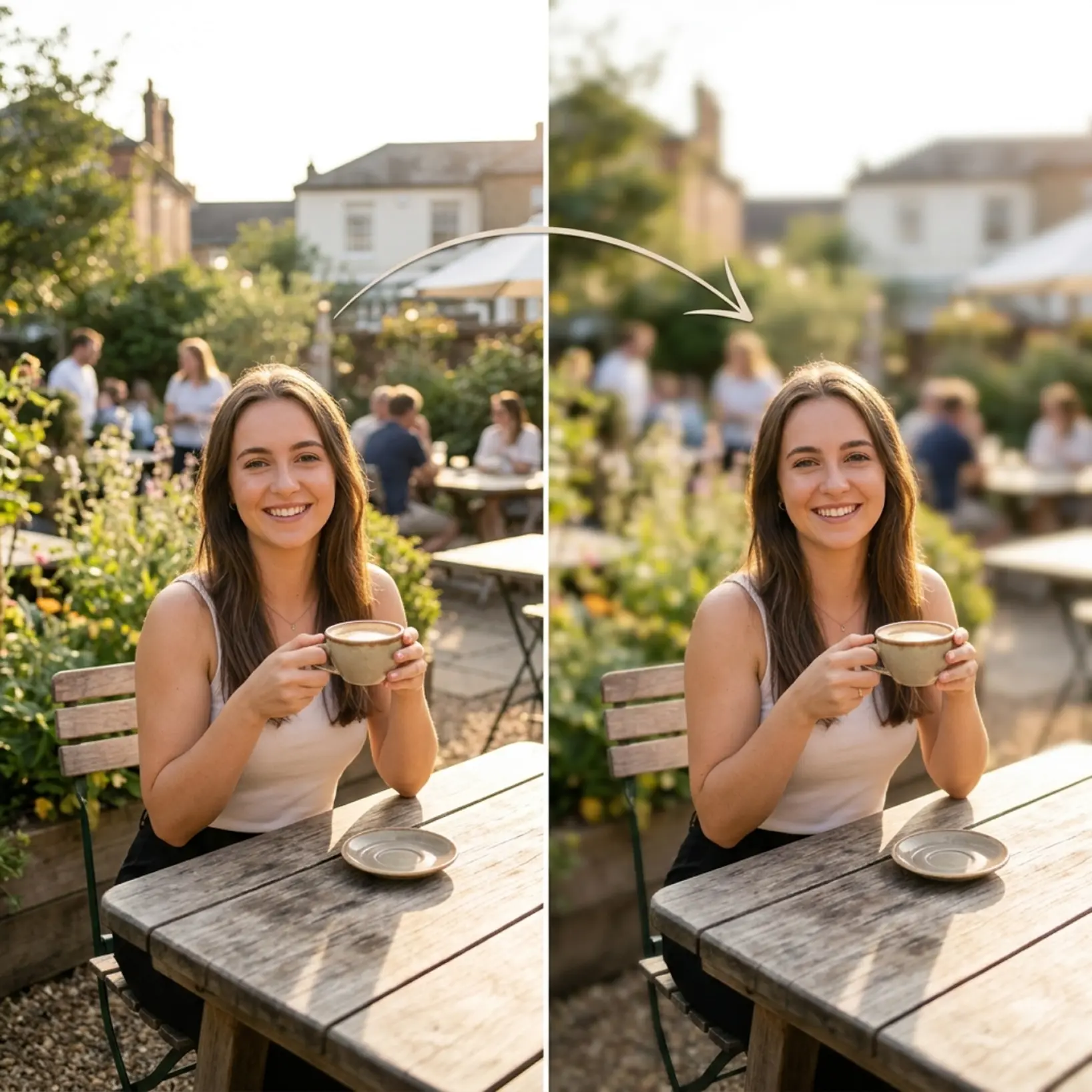
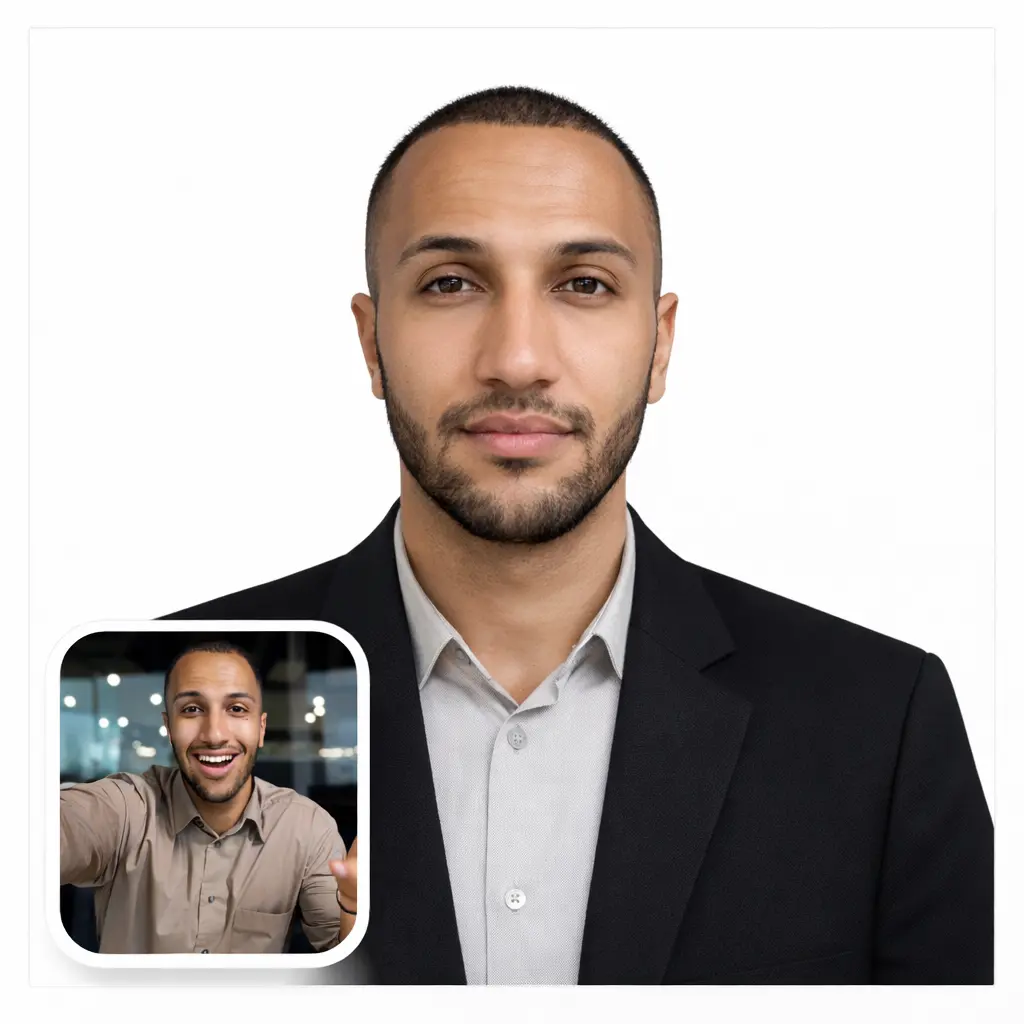
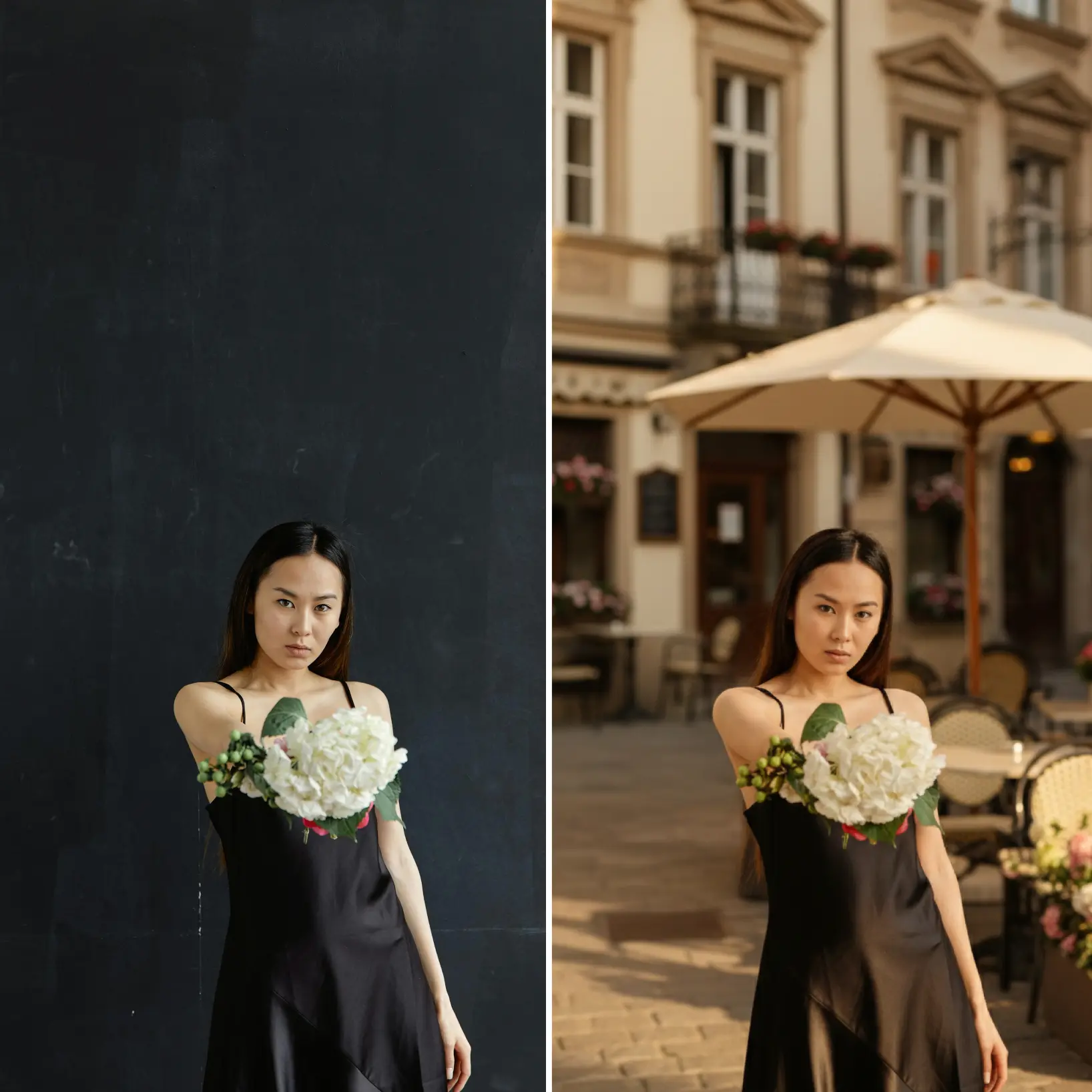
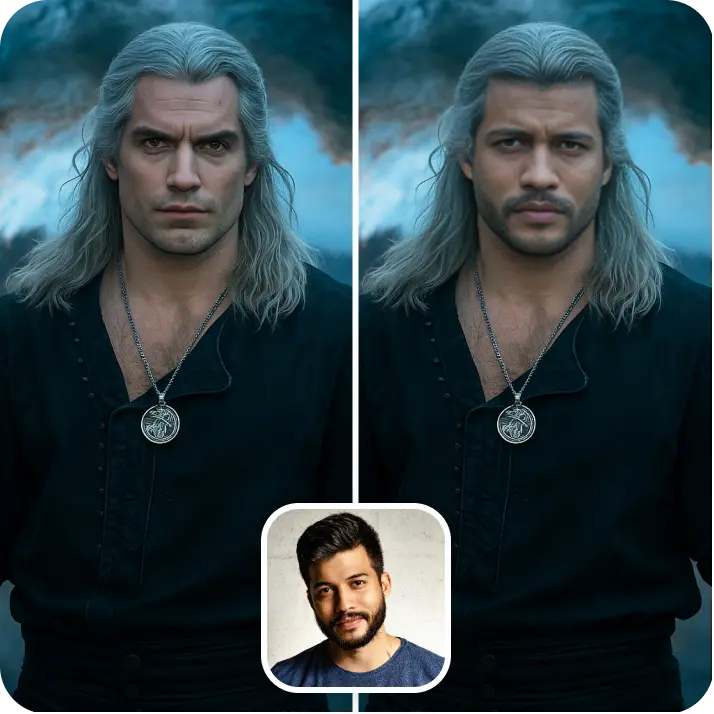
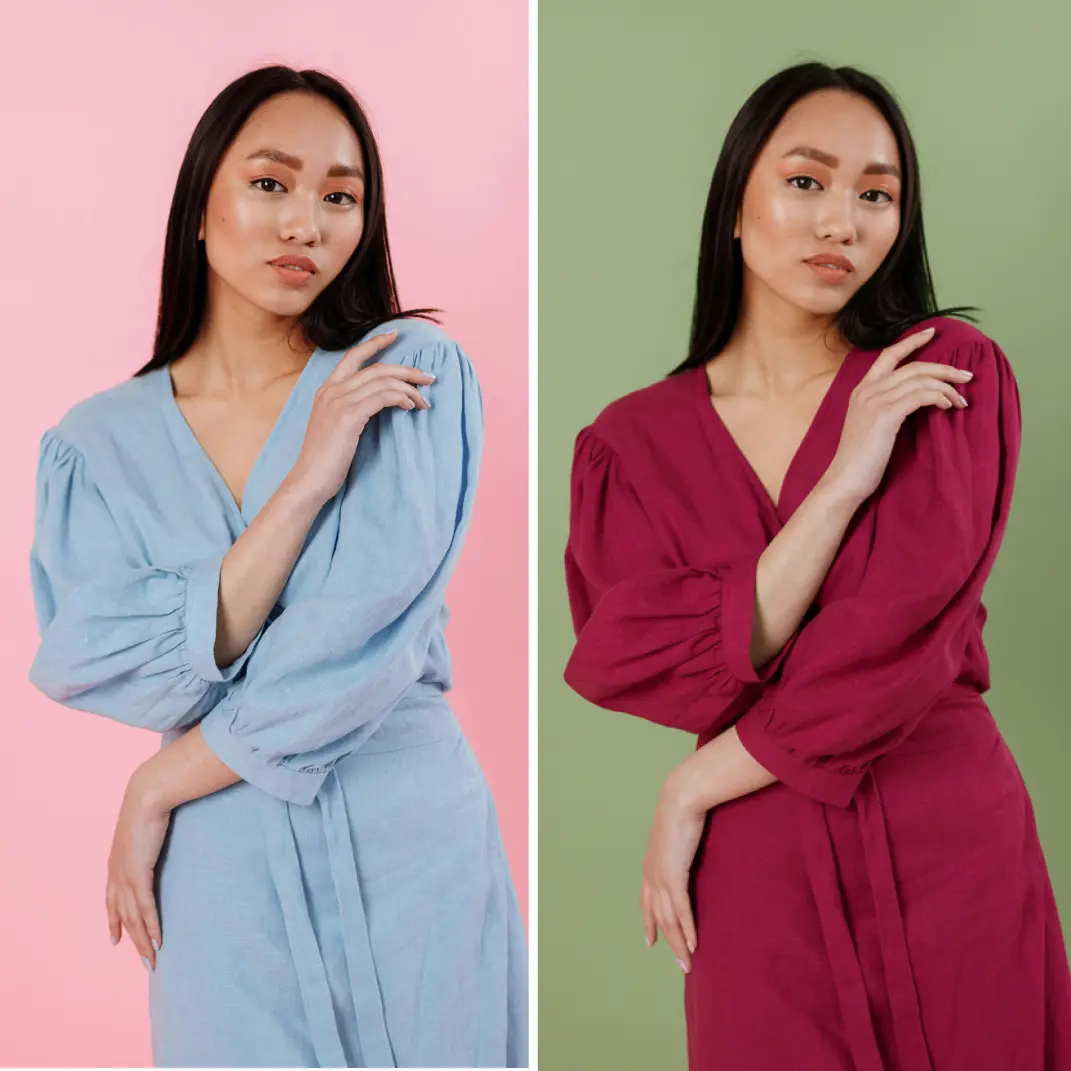
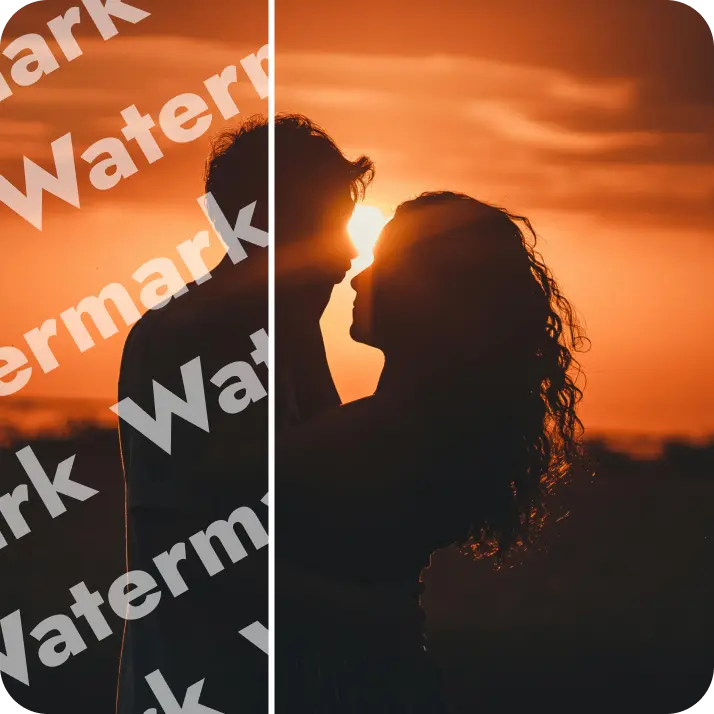
Unblur pictures online with AI. Fix blurry photos instantly, increase image quality, and improve photo clarity — no watermarks.
How it works
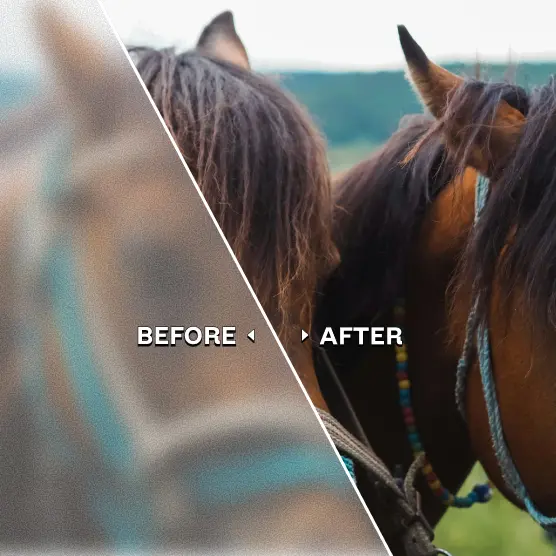
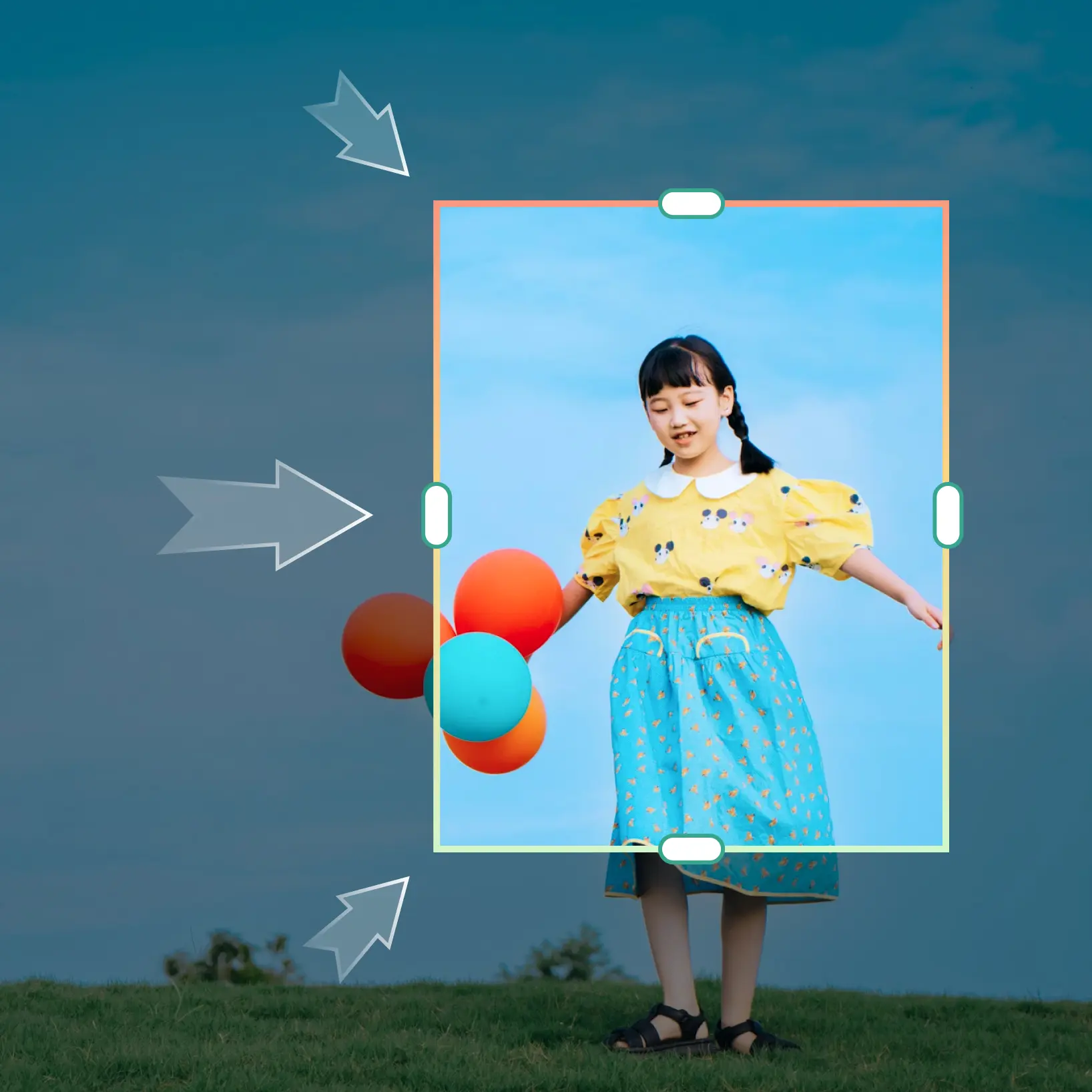
Upload your image
Choose a photo from your device or take one using Lift’s app
Let AI upscale it
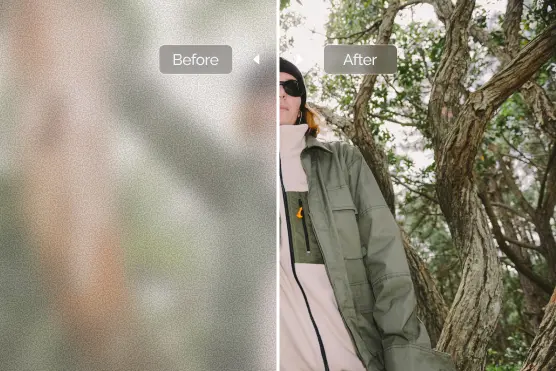
Lift’s AI removes blur, sharpens edges, and restores lost details
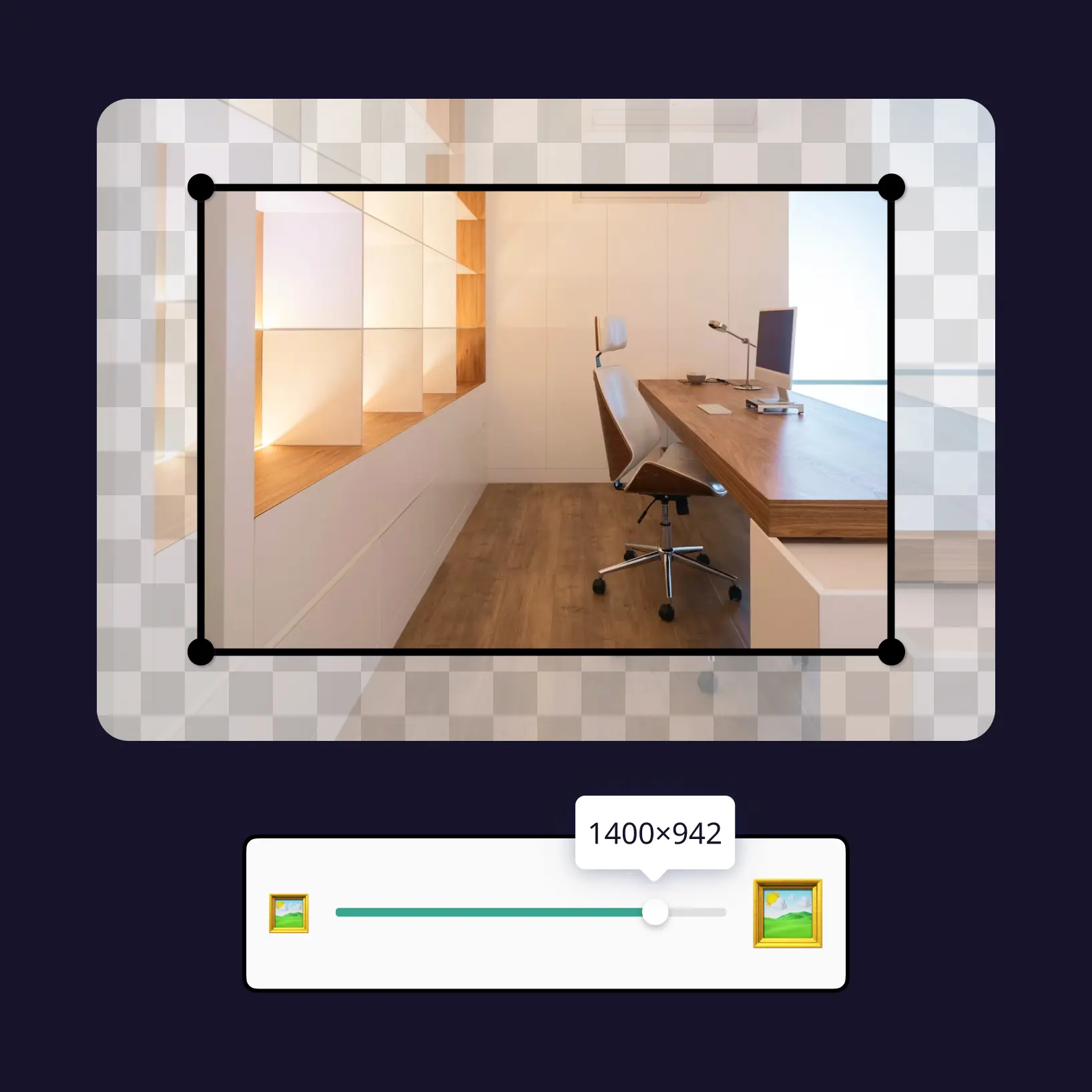
Customize adjustments
Fine-tune your image with easy-to-use editing tools
Download and use
Download your image or publish it straight to your social feeds

Join millions around the globe
Who can benefit from AI Unblur?
- 🔹
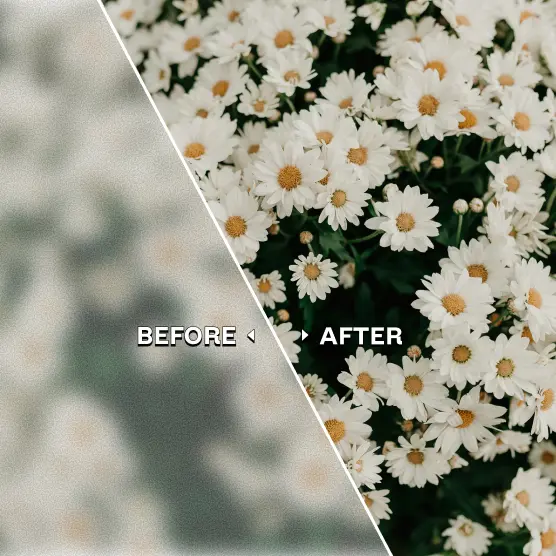
AI Unblur is ideal for anyone who need clearer, sharper photos instantly
- 🔹
Content creators and influencers for professional-looking posts
- 🔹
Businesses and e-commerce sellers improving product visuals
- 🔹
Event planners preserving memories in crisp detail
- 🔹
Students or professionals can clarify scanned documents, screenshots, or images
- 🔹
Photographers can restore older or low-quality images effortlessly
- 🔹
AI Unblur makes professional-quality restoration simple and accessible
Frequently asked questions
What is Lift AI Unblur?
Lift AI Unblur is a premium online tool that improves photo clarity, colour and resolution up to 4K in a single click.
How does Lift AI Unblur work?
AI Unblur uses a two-step deep-learning process: first, a smart denoiser cleans blur and noise; next, a super-resolution model rebuilds lost pixels, boosts colours and sharpens edges all the way up to crisp 4K. Everything runs in the cloud, so you get pro-level photo quality with one click.
Can it upscale an image to 4K?
Yes. Upload a photo up to 20MB, select the 4× option, and Lift will generate a crisp 4K PNG or JPG — ideal for high-resolution needs.
Can I download the results without a watermark?
Absolutely. All images generated or edited in Lift can be exported without watermark when you're on the Pro plan. Download them in high-res PNG or JPG — ready for social media, print, ads, or e-commerce.
Is Lift AI Unblur?
Lift is subscription-based (monthly or yearly) for unlimited exports. New users can preview the full workflow before purchasing. You’ll see a preview in the browser and pay only if you decide to download the high-res file.
Why Lift’s AI Unblur stands out?
Professional results
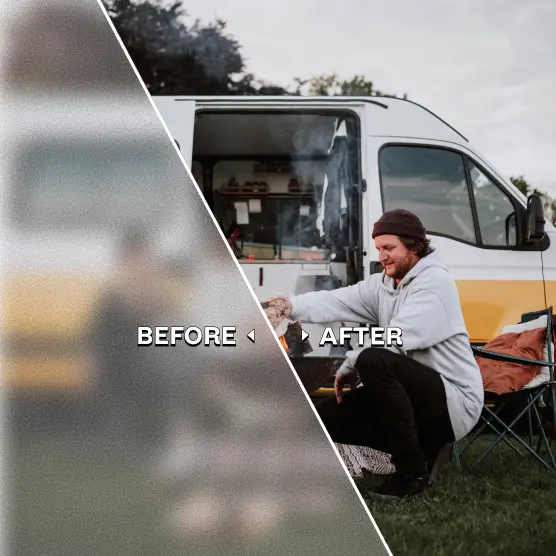
Achieve studio-quality images without the need for complex tools
AI accuracy
Smart algorithms deliver enhancements tailored to your specific image
Cross-platform support
Available on iOS, Android, and Web for seamless access
Budget-friendly
Save on costly editing services with Lift’s affordable solution