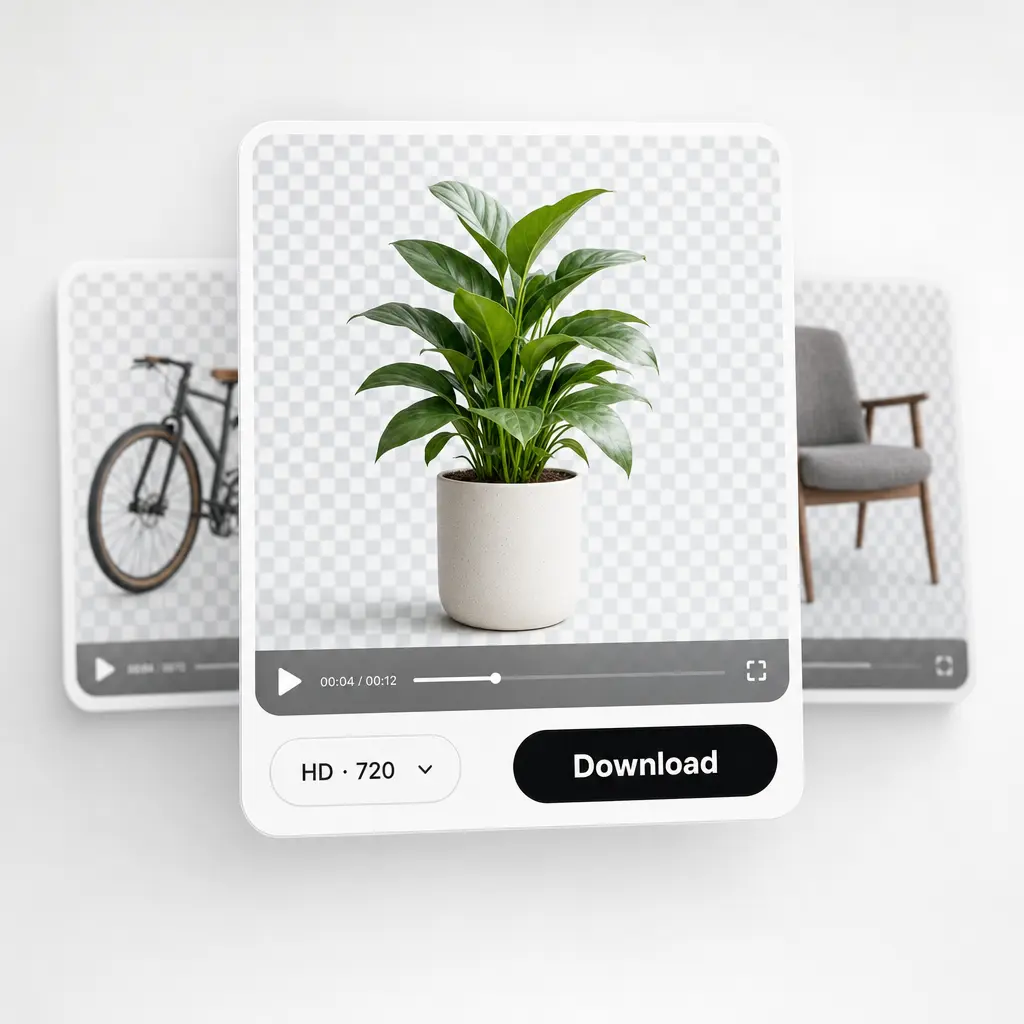

Công Cụ Cắt Ảnh Trực Tuyến
Cắt ảnh trong vài giây với công cụ cắt ảnh trực tuyến của chúng tôi. Nhận ảnh được đóng khung hoàn hảo cho bất kỳ nền tảng hoặc kích thước nào — không có watermark, không cần cài đặt.
hoặc kéo và thả vào đây
JPG, PNG, WEBPMax - 20MB
JPG, PNG, WEBPMax - 20MB
Cách hoạt động
Tải ảnh của bạn lên
Chọn ảnh từ thiết bị của bạn hoặc chụp bằng ứng dụng Lift
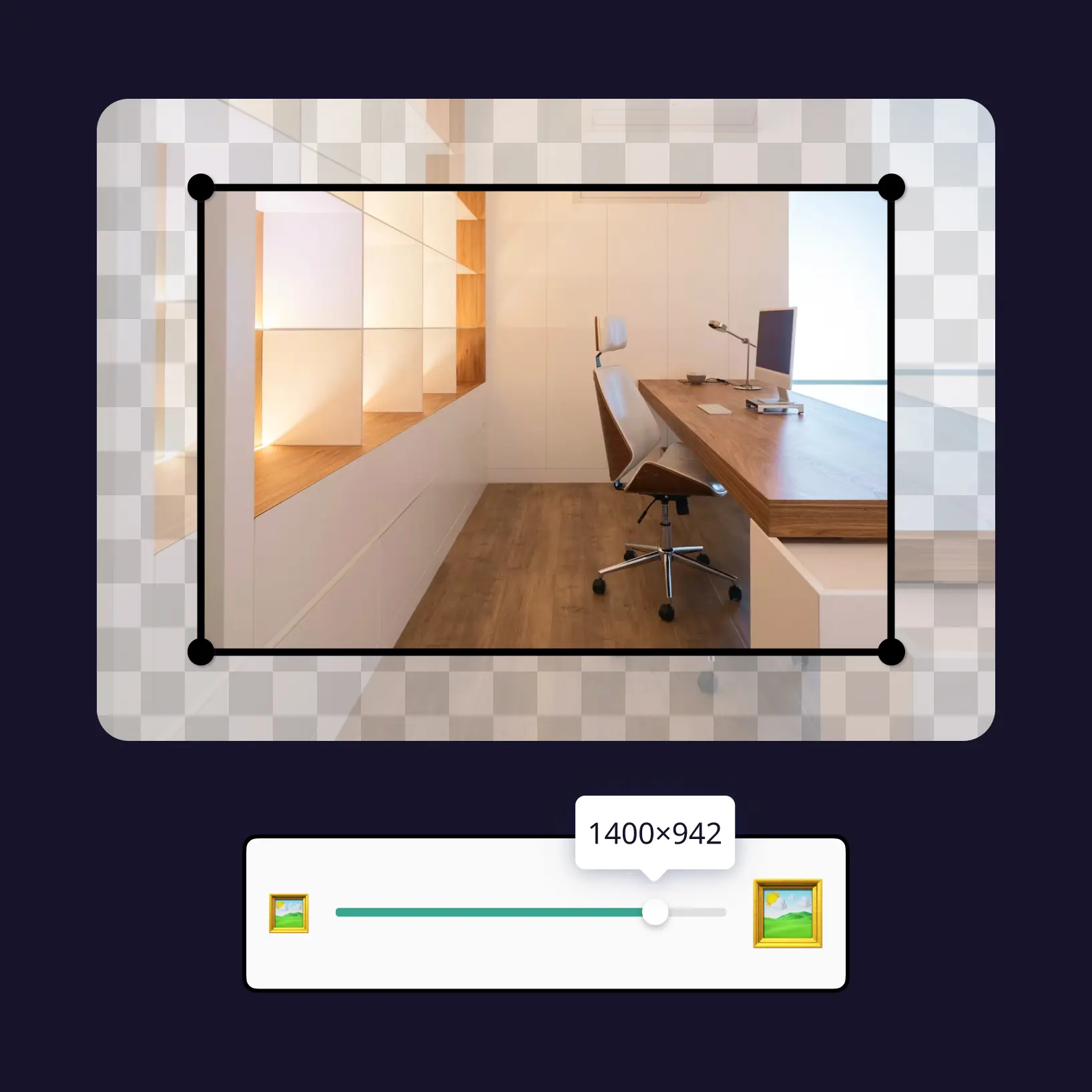
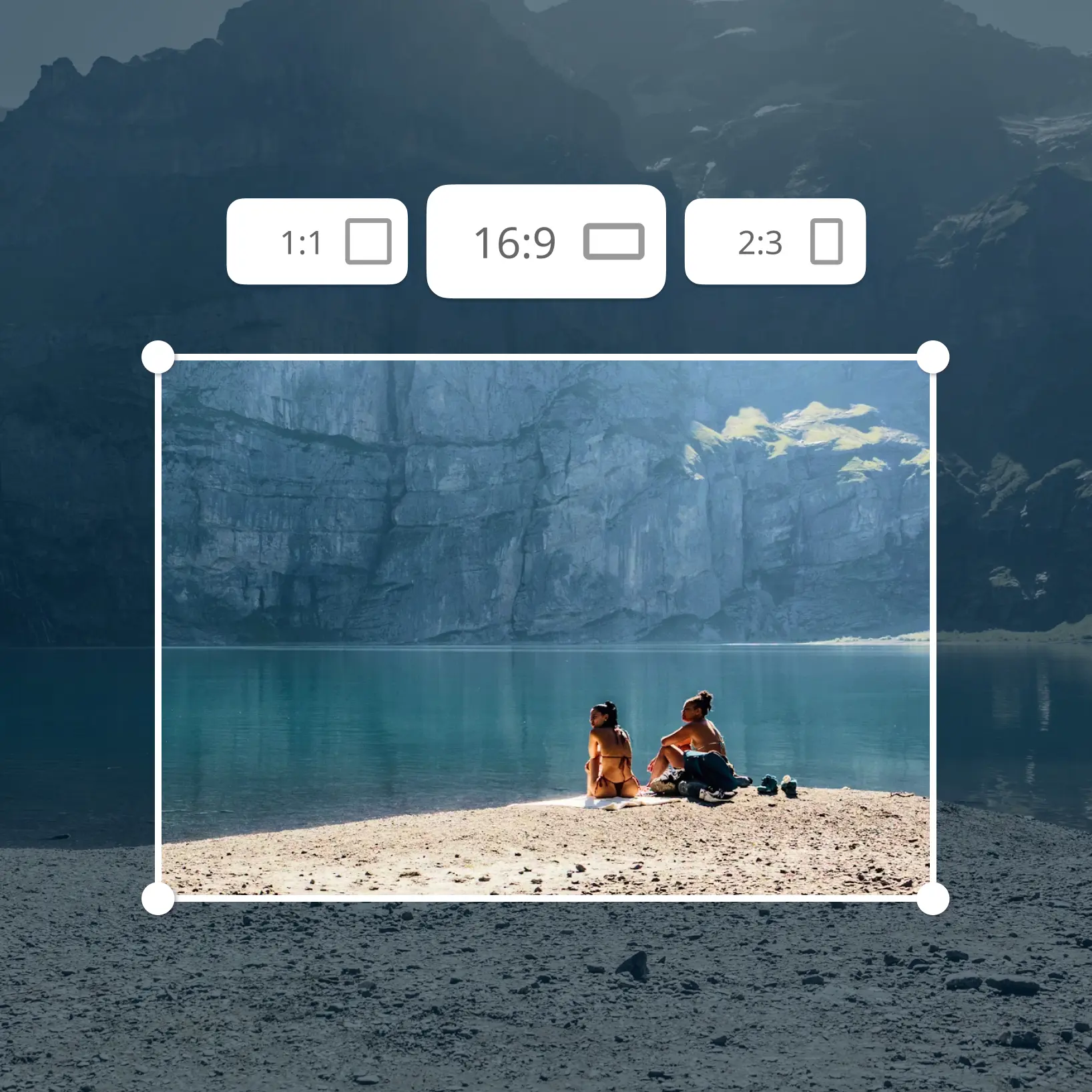
Cắt ảnh của bạn
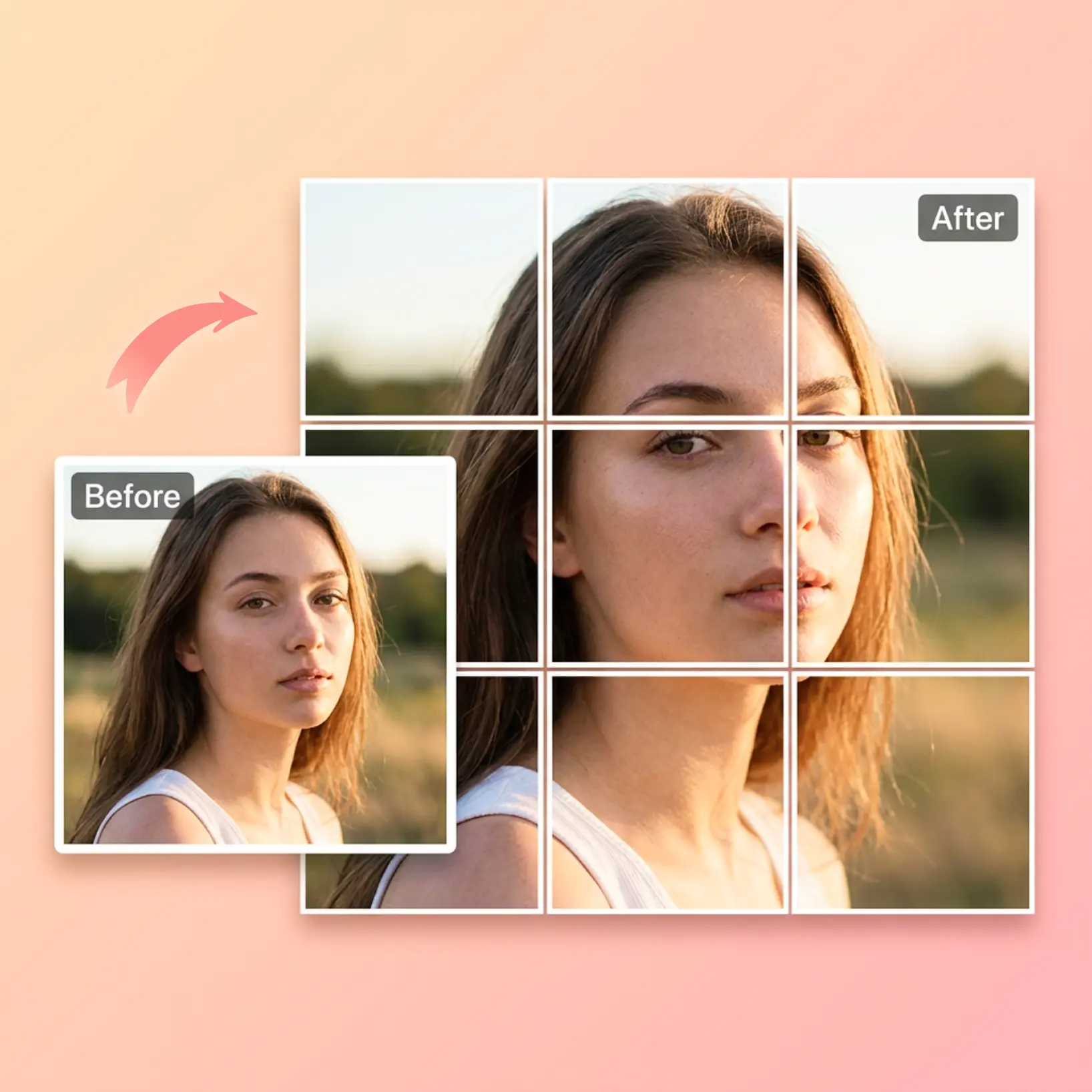
Kéo và di chuyển khung cắt để điều chỉnh ảnh của bạn.
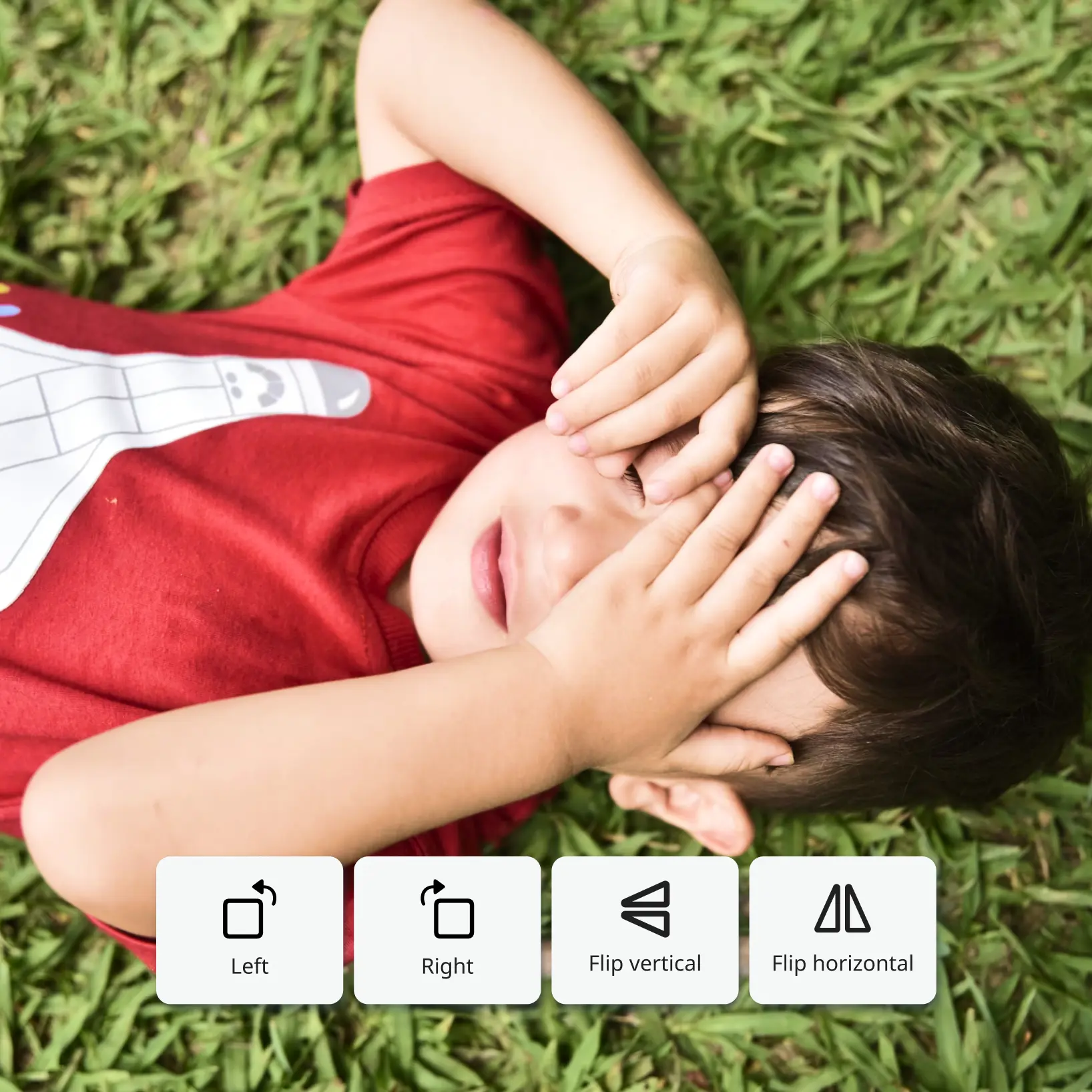
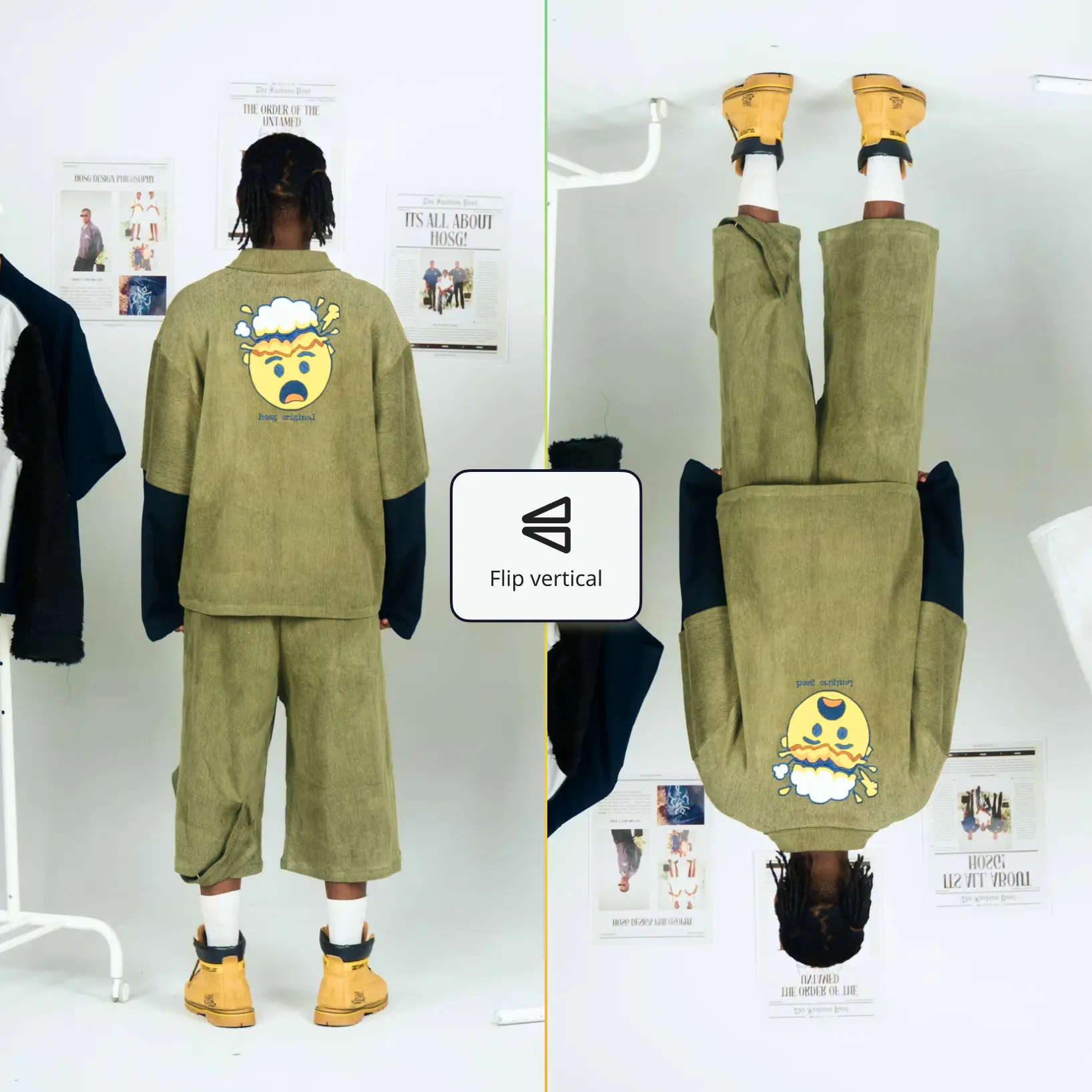
Tùy chỉnh điều chỉnh
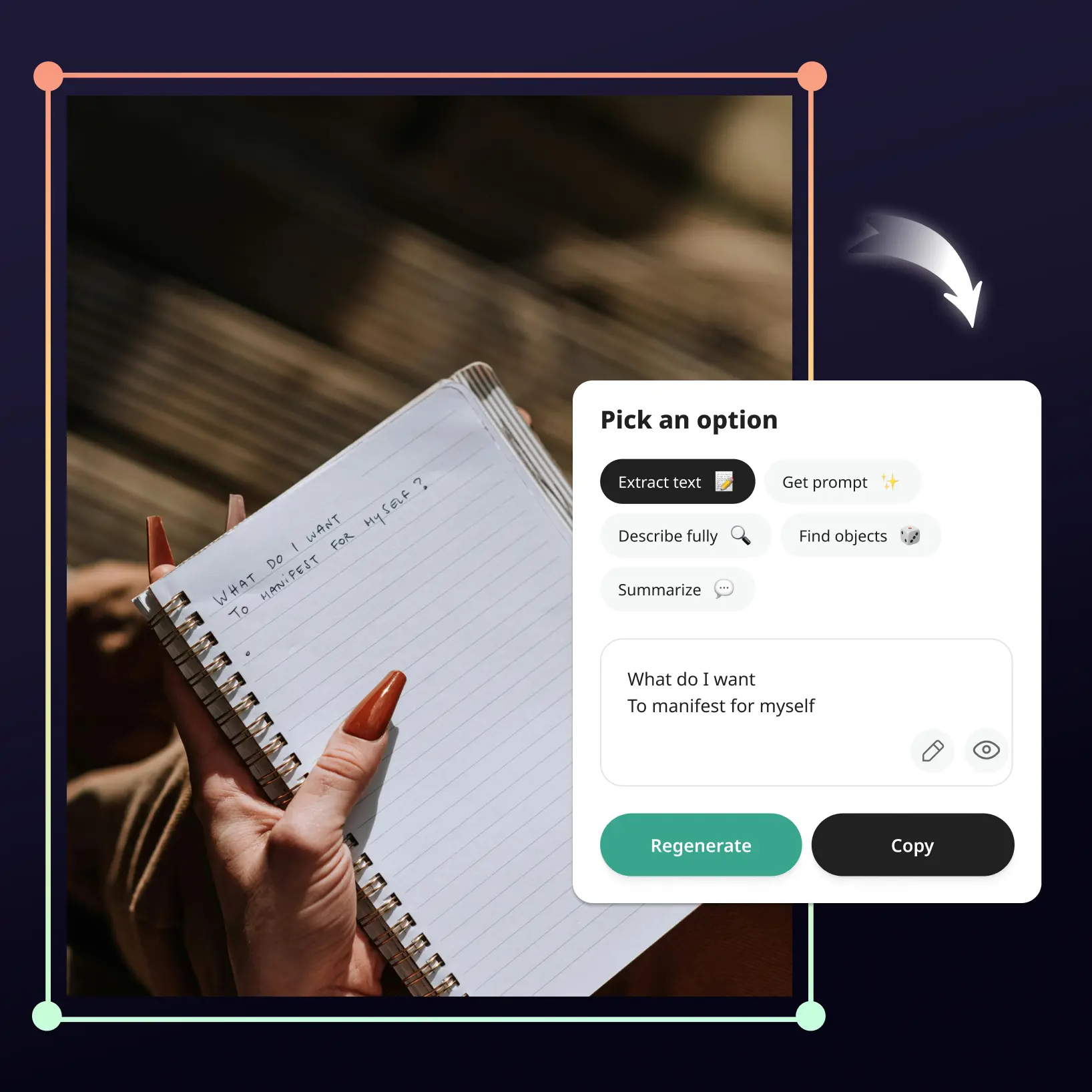
Tinh chỉnh ảnh của bạn với các công cụ chỉnh sửa dễ sử dụng
Tải xuống và sử dụng
Tải xuống ảnh của bạn hoặc xuất bản thẳng lên các nguồn cấp mạng xã hội

Tham gia cùng hàng triệu người trên toàn thế giới
Ai có thể hưởng lợi từ Công Cụ Cắt Ảnh?
- 🔹
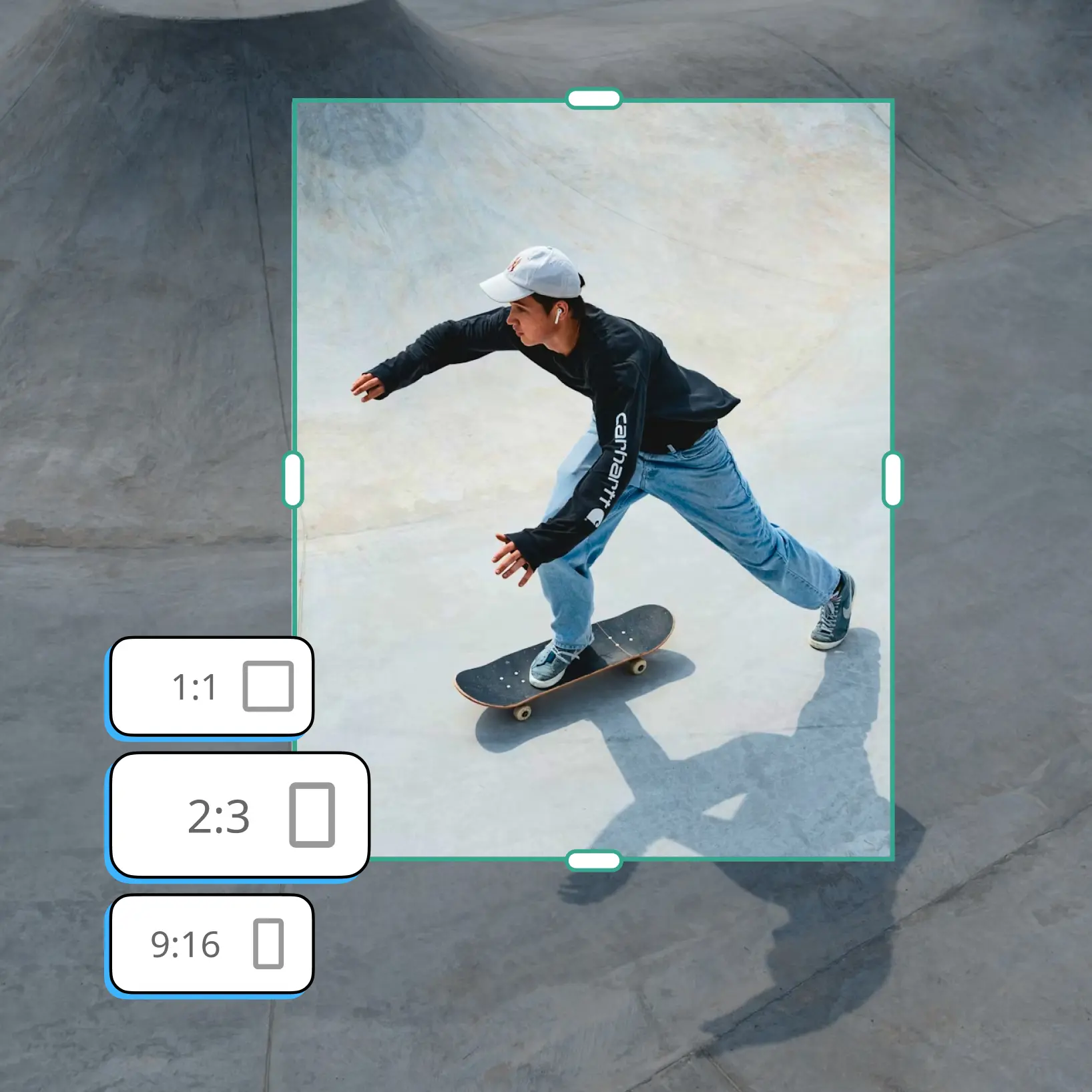
Người dùng Mạng xã hội — Cắt ảnh cho Instagram, TikTok hoặc bất kỳ nền tảng nào trong vài giây với tỷ lệ khung hình chính xác bạn cần. Nhận ảnh có kích thước hoàn hảo cho câu chuyện, quảng cáo và ảnh đại diện mà không cần kỹ năng thiết kế.
- 🔹
Chủ doanh nghiệp nhỏ — Cắt và thay đổi kích thước ảnh cho quảng cáo, biểu ngữ và tài liệu tiếp thị mà không cần thuê nhà thiết kế. Tiết kiệm thời gian và ngân sách với công cụ cắt ảnh nhanh, trực quan mang lại kết quả chuyên nghiệp trực tuyến.
- 🔹
Người bán E-commerce — Cắt ảnh sản phẩm thành kích thước vuông hoặc tùy chỉnh sẵn sàng cho Amazon, Etsy hoặc cửa hàng trực tuyến của bạn. Đảm bảo kích thước ảnh nhất quán trên toàn bộ danh mục để tăng sự tin tưởng và chuyển đổi.
- 🔹
Sinh viên và Chuyên gia — Nhanh chóng cắt ảnh cho bài thuyết trình, báo cáo, CV hoặc ảnh cỡ hộ chiếu. Công cụ cắt ảnh trực tuyến của chúng tôi không cần tải phần mềm và hoạt động trên mọi thiết bị.
- 🔹
Người sáng tạo nội dung — Đóng khung lại các cảnh quay, cắt ảnh thành hình dạng hoặc thay đổi kích thước ảnh theo kích thước tùy chỉnh với độ chính xác đến pixel. Sử dụng Lift như trình chỉnh sửa cắt ảnh chính cho kết quả nhanh, chất lượng cao mà không cần phần mềm nặng.
Các câu hỏi thường gặp
Lift Photo Cropper là gì?
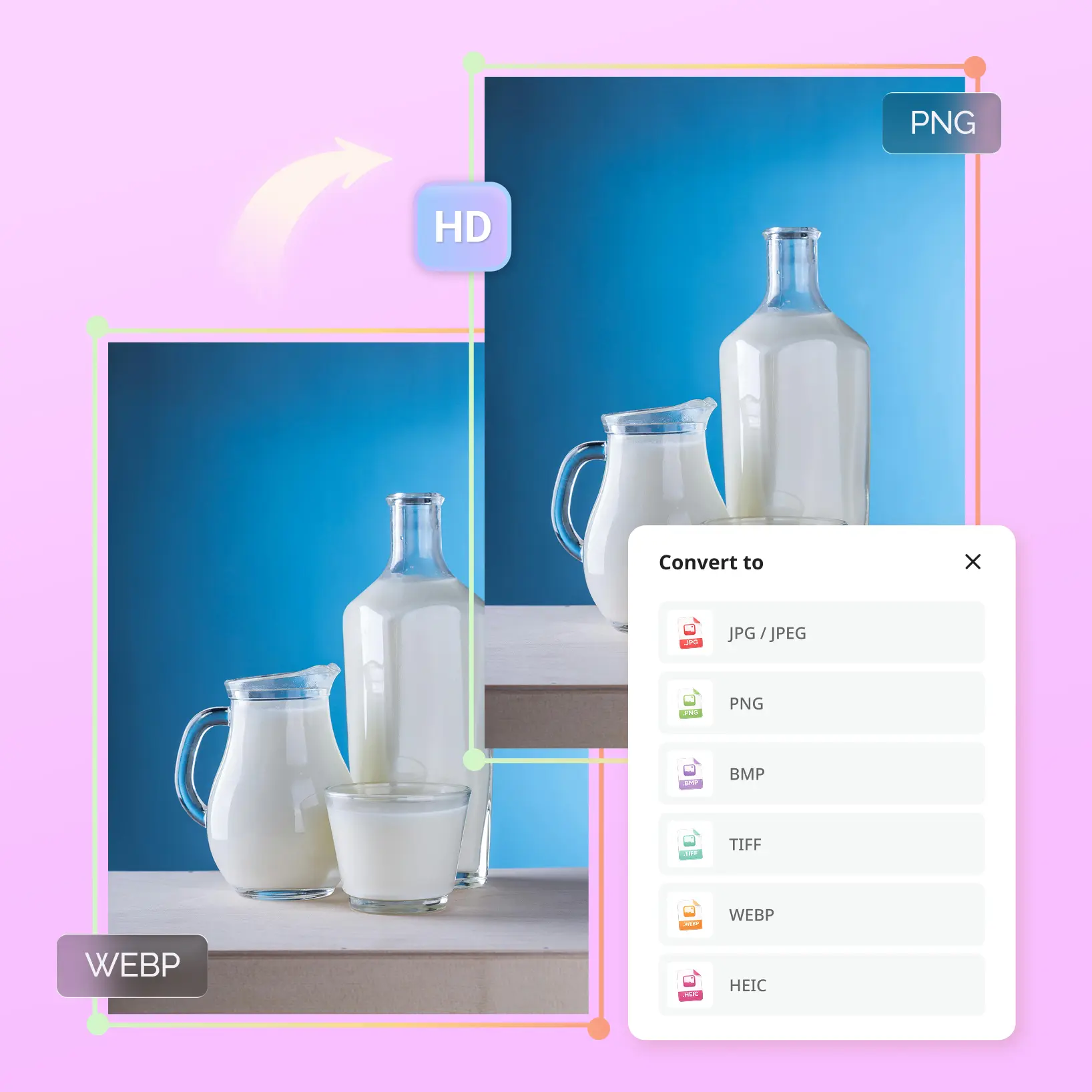
Lift Photo Cropper là công cụ cắt trực tuyến cho phép bạn cắt ảnh, cắt ảnh theo bất kỳ kích thước nào và chọn tỷ lệ khung hình tùy chỉnh — tất cả trong trình duyệt của bạn. Nó hoạt động với JPEG, PNG và các định dạng khác, và không cần tải phần mềm. Dù bạn cần cắt ảnh cho Instagram, thay đổi kích thước ảnh theo kích thước tùy chỉnh hay đóng khung cảnh quay để in, Lift làm cho nó nhanh chóng và dễ dàng.
Lift Photo Cropper hoạt động như thế nào?
Chỉ cần tải ảnh của bạn từ thiết bị, chọn tỷ lệ khung hình đặt sẵn hoặc đặt kích thước cắt tùy chỉnh, sau đó kéo khung cắt để đóng khung lại ảnh của bạn. Khi bạn hài lòng với kết quả, xem trước ảnh đã cắt trong trình duyệt và tải xuống tệp độ phân giải cao — không thêm watermark.
Tôi có thể cắt và thay đổi kích thước ảnh mà không mất chất lượng không?
Có. Công cụ cắt ảnh trực tuyến của Lift được thiết kế để bảo toàn độ phân giải gốc của ảnh trong vùng đã cắt. Bạn có thể cắt và thay đổi kích thước ảnh theo kích thước tùy chỉnh hoặc tỷ lệ khung hình chuẩn mà không có bất kỳ sự suy giảm chất lượng nào. Kết quả là tệp độ phân giải cao sắc nét, sẵn sàng cho mạng xã hội, in ấn hoặc sử dụng chuyên nghiệp.
Có an toàn không — bạn có lưu trữ ảnh của tôi không?
Có, hoàn toàn an toàn. Ảnh của bạn được xử lý an toàn và tự động xóa khỏi máy chủ ngay sau khi nén. Chúng tôi không bao giờ lưu trữ, chia sẻ hoặc truy cập các tệp của bạn — quyền riêng tư của bạn là ưu tiên của chúng tôi.
Làm thế nào để hủy đăng ký Lift Pro của tôi?
Bạn có thể hủy bản dùng thử hoặc gói đăng ký trong cài đặt tài khoản của bạn hoặc bằng cách liên hệ support@liftapp.ai. Việc hủy sẽ dừng gia hạn tự động, còn quyền truy cập vẫn hoạt động đến hết kỳ hiện tại.
Tại sao chọn Lift Photo Cropper
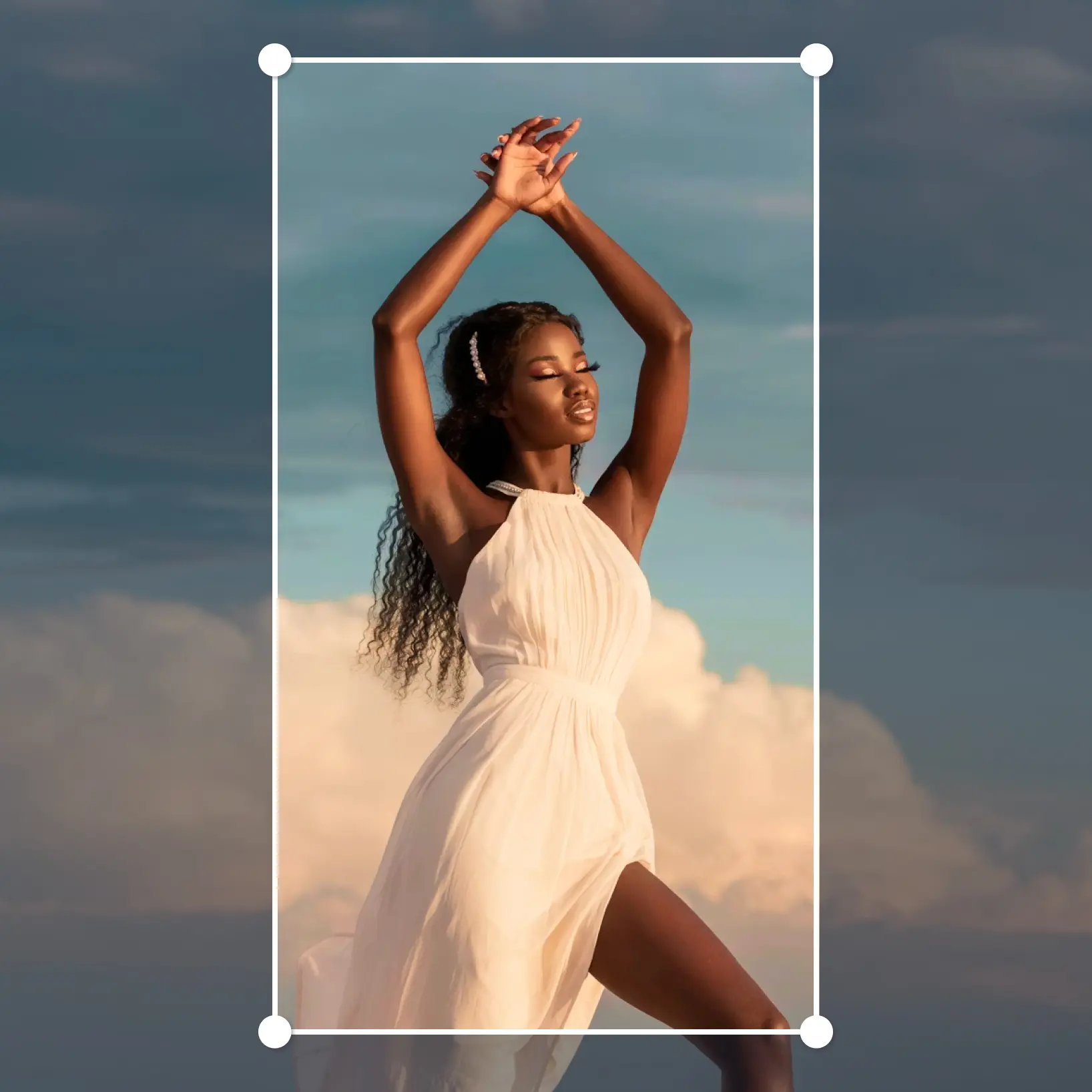
Kết quả chất lượng cao
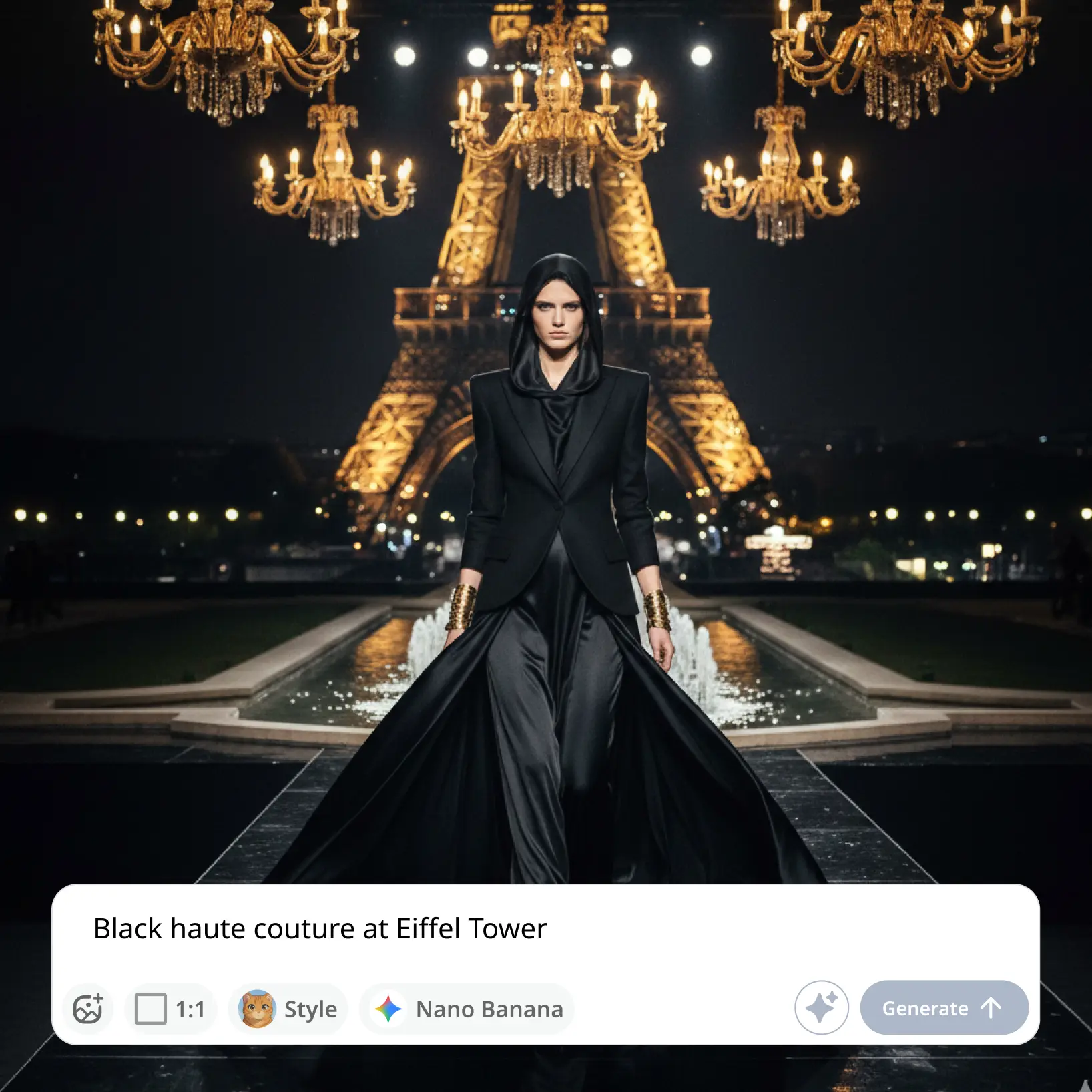
Công nghệ AI mang lại hình ảnh chất lượng chuyên nghiệp mỗi lần
Kết xuất thông minh
AI điều chỉnh hiệu ứng theo cảnh và chủ thể để có kết quả tối ưu
Hỗ trợ đa nền tảng
Có sẵn trên iOS, Android và Web để truy cập liền mạch
Thân thiện với ngân sách
Tiết kiệm chi phí nhà thiết kế đắt tiền với công cụ giá cả phải chăng và trực quan