
AI Watermark Remover
Upload a photo or video and let AI do the rest — Lift finds every watermark on its own and wipes it clean in seconds, with nothing to select or trace by hand. Try Lift now!
or drag and drop here
Photo or VideoMax - 20MB photo / 2GB video
Photo or VideoMax - 20MB photo / 2GB video
How it works

Upload Your Photo Or Video
Drop in an image or a clip from your device — all common photo and video formats are supported.
Let AI Detect And Remove
Removal starts automatically: Lift locates every watermark, logo, or stamp and rebuilds the background behind it.
Review The Result
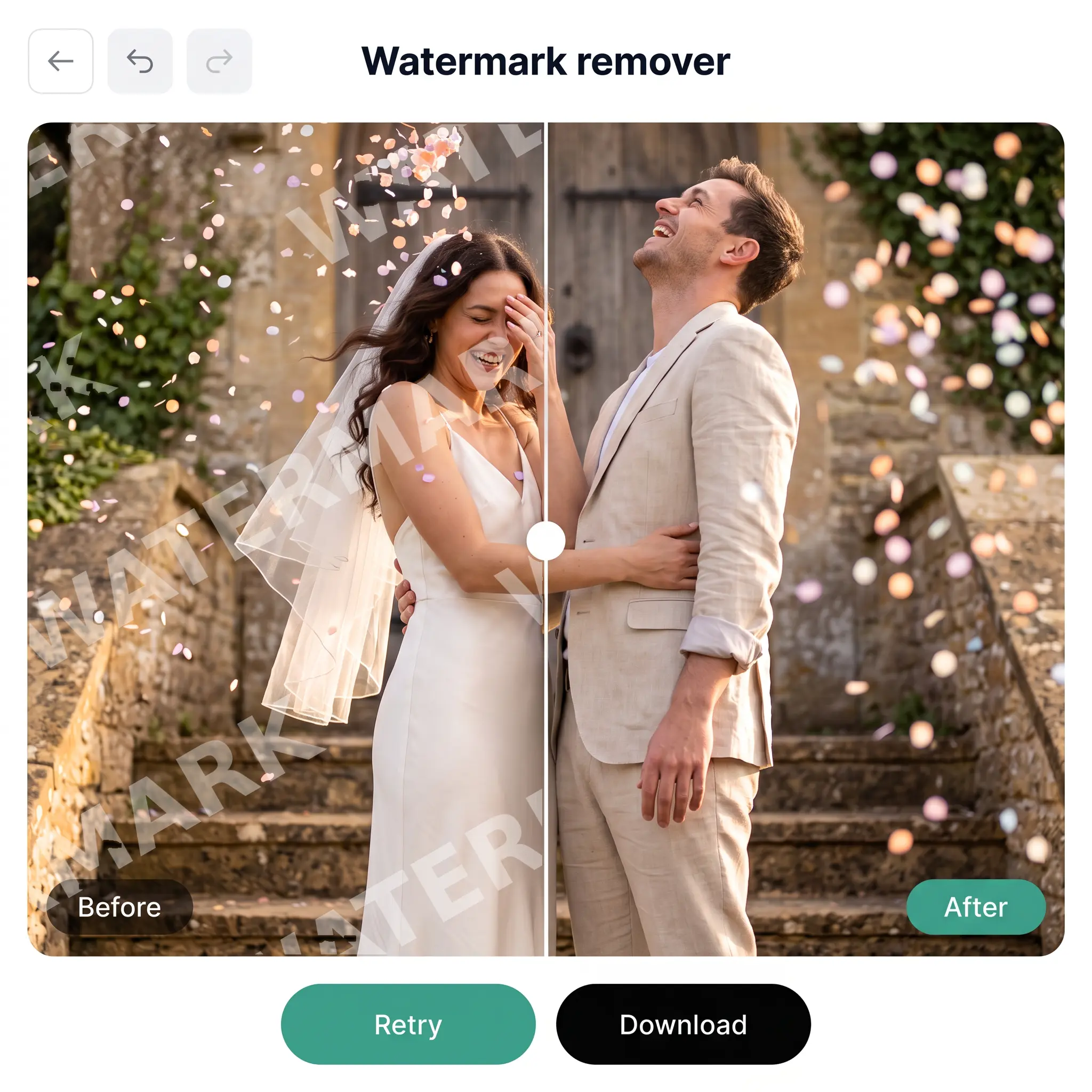
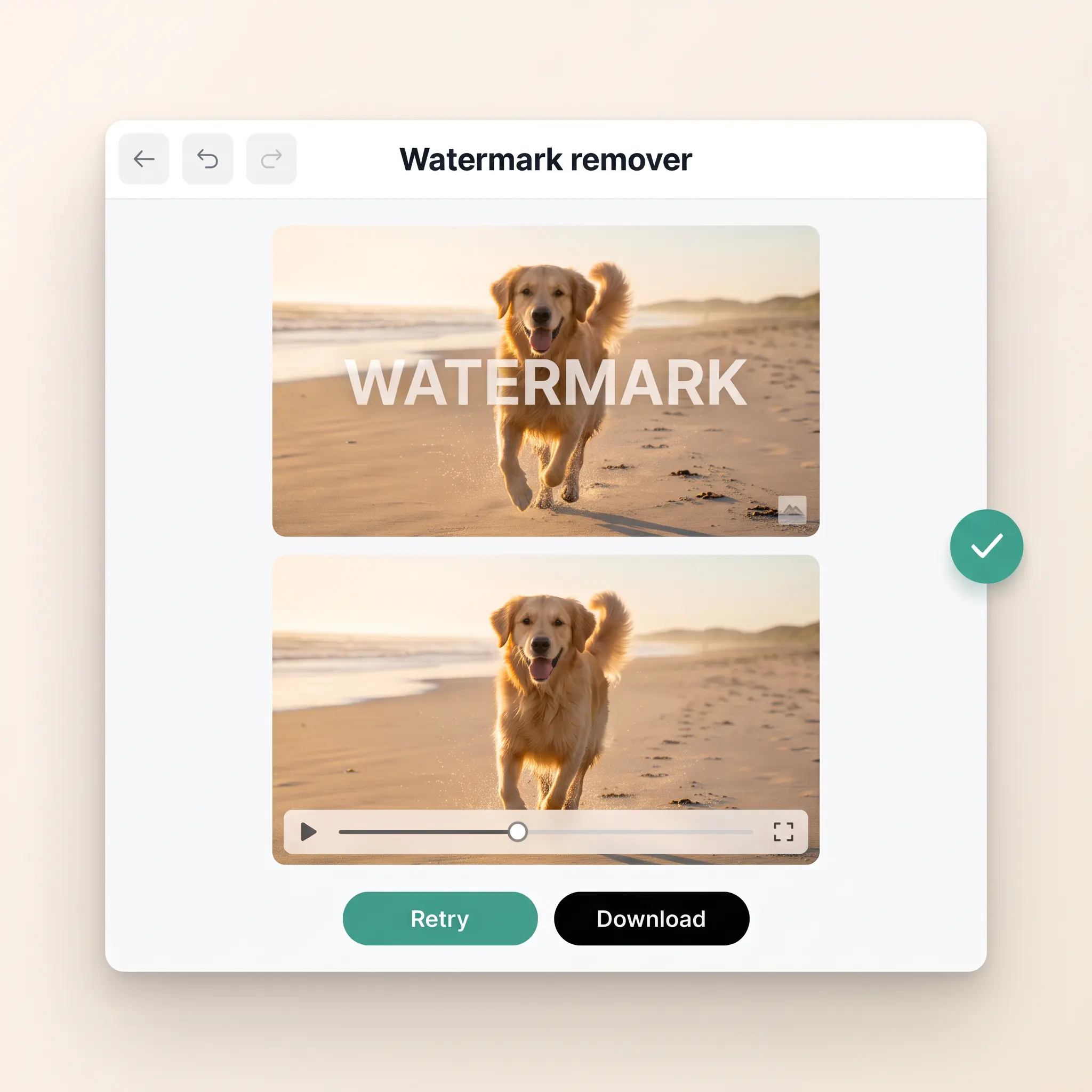
Compare photos with the before-and-after slider or play the cleaned video in the built-in player, and tap Retry for a fresh pass.
Download Your Result
Save the clean file to your device in its original format, ready to post or share.

Join millions around the globe
Who can benefit from AI Watermark Remover?
- 🔹
Content creators — Old channel stamps and app logos on your own footage and photos make a feed look inconsistent. Clear them before posting so every reel, story, and thumbnail looks polished.
- 🔹
Online sellers and marketers — Product visuals from supplier catalogs often arrive with a logo in the corner. Lift removes it in one pass, leaving clean images and clips ready for listings, ads, and campaigns.
- 🔹
Photographers and videographers — Proofs go out with a studio mark, but clients need the final version clean. Skip manual cloning and let AI restore the background behind the mark in seconds.
- 🔹
Designers and editors — Review copies and drafts usually carry an approval stamp. Once the version is signed off, Lift clears the mark so the asset drops straight into the layout or edit.
- 🔹
Everyday users — A date stamp or a camera app logo can spoil a great memory. Wipe it away from any photo or video and keep the moment exactly as you remember it.
Frequently asked questions
What is the Lift AI Watermark Remover?
AI Watermark Remover is Lift's tool for deleting watermarks, logos, and stamps from both photos and videos. You upload a file, the AI detects every mark on its own, removes it, and reconstructs the background so the result looks as if the watermark was never there.
How do I remove a watermark from a photo or video?
Upload your file to Lift and the removal begins automatically — there is nothing to select or outline. When the AI finishes, check the result, tap Retry if you want another pass, and download the clean version.
Will the quality of my photo or video stay the same?
Yes. Lift only rebuilds the area under the watermark and leaves the rest of the picture or clip untouched, so colors, sharpness, and detail stay exactly as they were. The AI fills the cleared spot with matching texture and lighting, so there are no smudges or patches.
Can Lift remove more than one watermark from the same photo or video?
Yes. The AI scans the whole photo or video and picks up every watermark, logo, or stamp it finds — not just the largest one. All of them are removed in a single pass, and the background behind each is rebuilt separately so the result stays seamless.
Is it safe to upload my photos and videos to Lift?
Yes — Lift processes your files securely and uses them only to generate your results.
How can I cancel my Lift Pro Subscription?
You can cancel your trial or subscription through your account settings or by contacting support@liftapp.ai. Cancellation stops automatic renewal, while access remains active until the end of the current period.
Why Lift AI Watermark Remover
High-quality results
AI-powered technology delivers professional-grade visuals every time
Intelligent rendering
AI tailors the effect to the scene and subject for optimal results
Cross-platform support
Available on iOS, Android, and Web for seamless access
Budget-friendly
Save on costly designers with an affordable and intuitive tool