
AI Background Blur Online
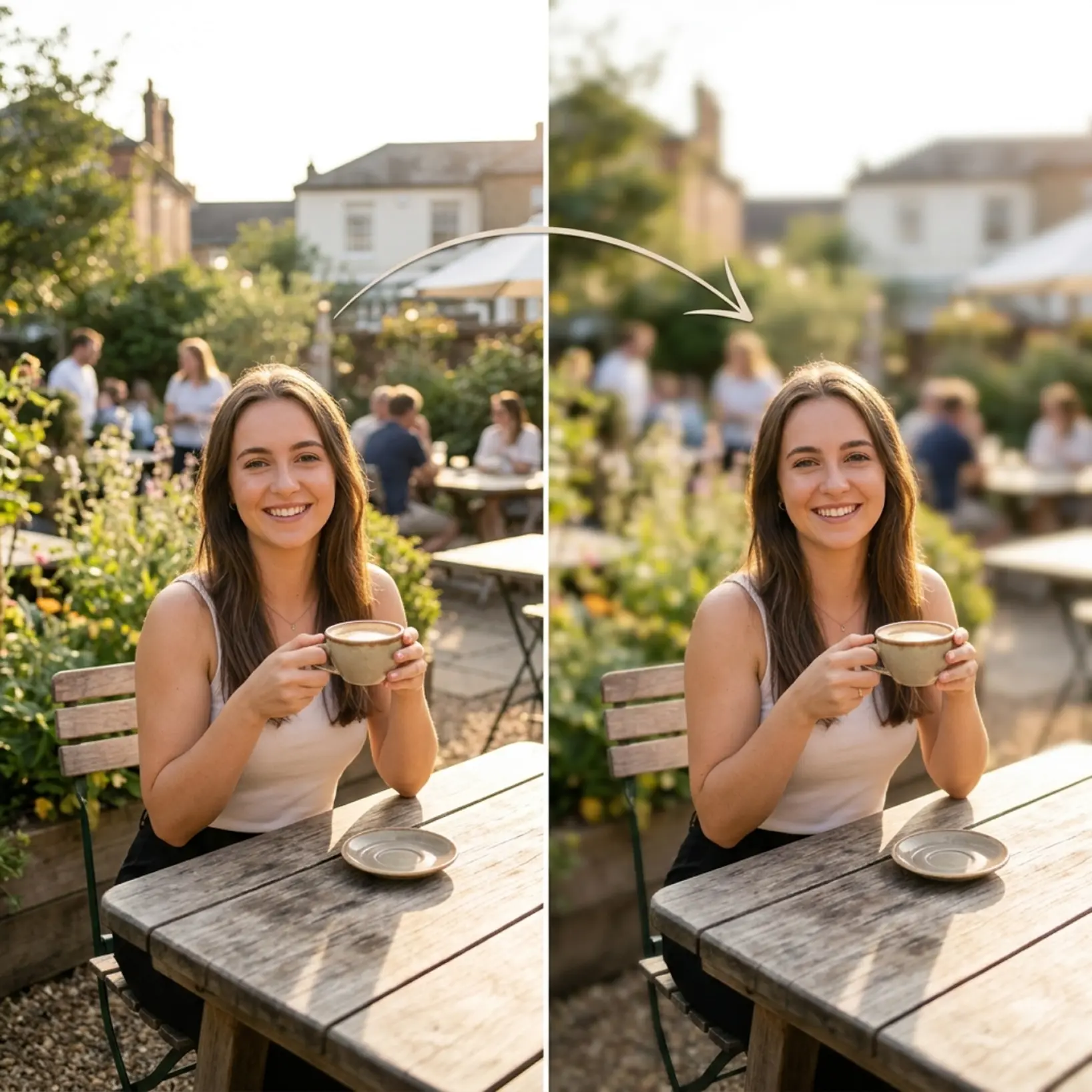
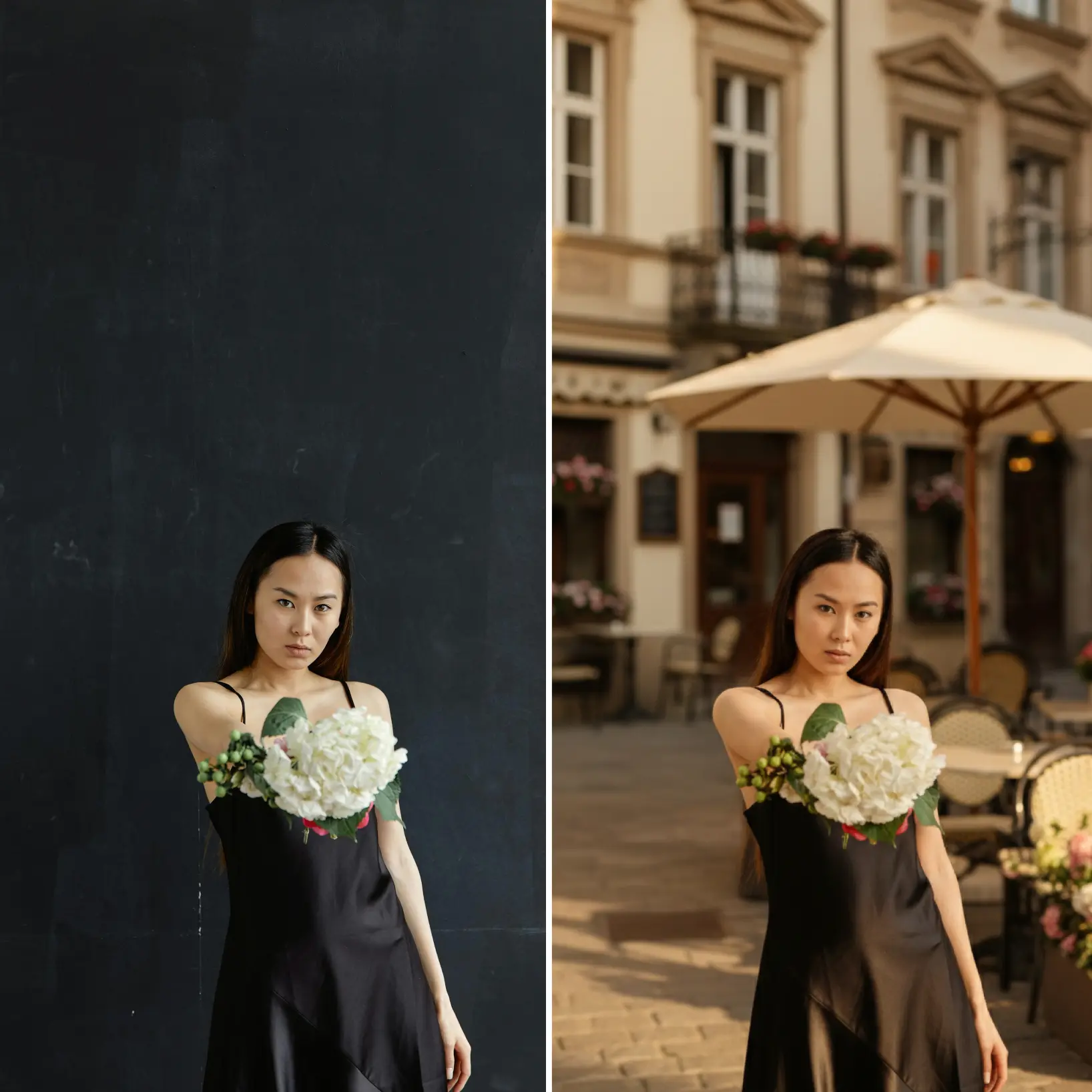
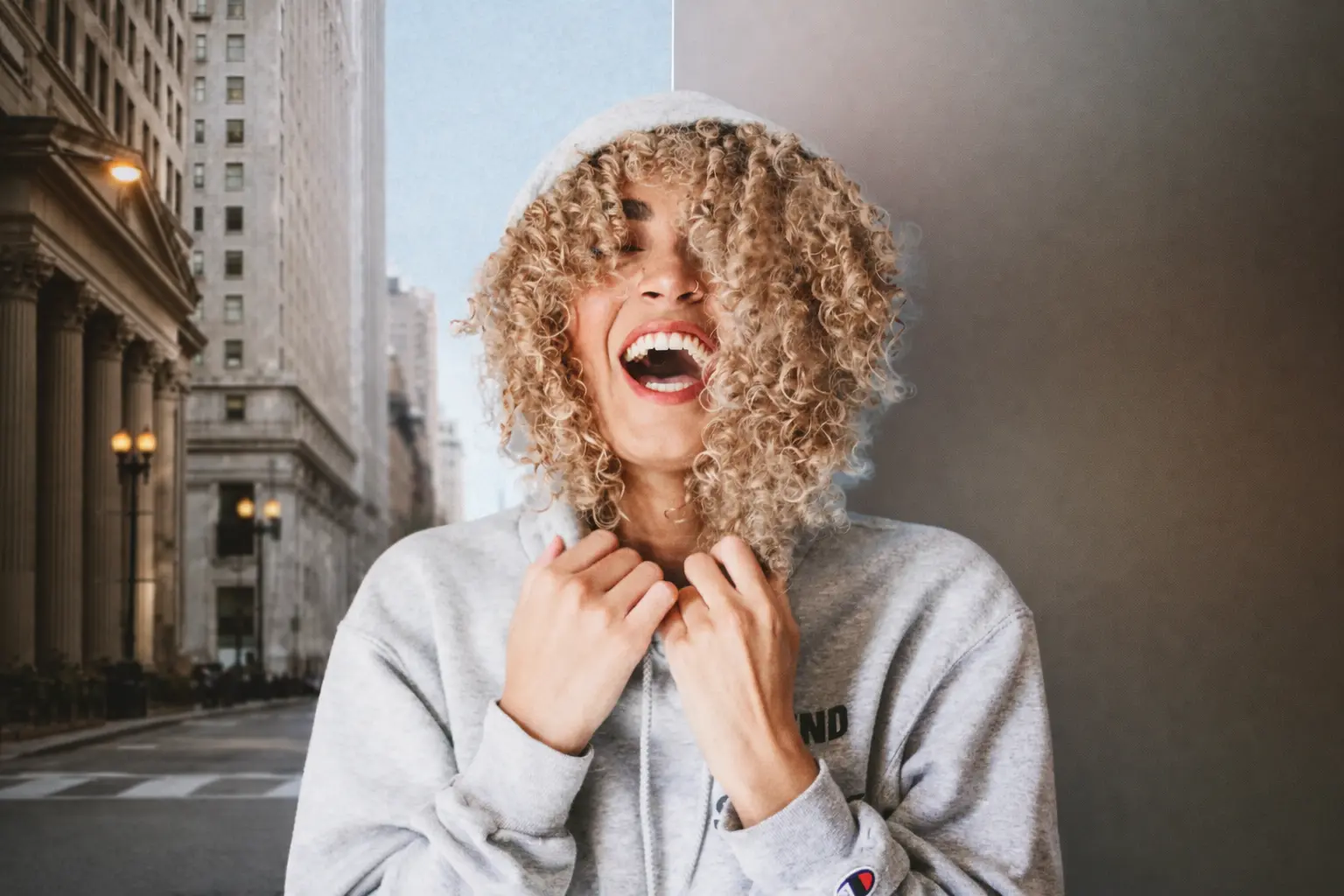
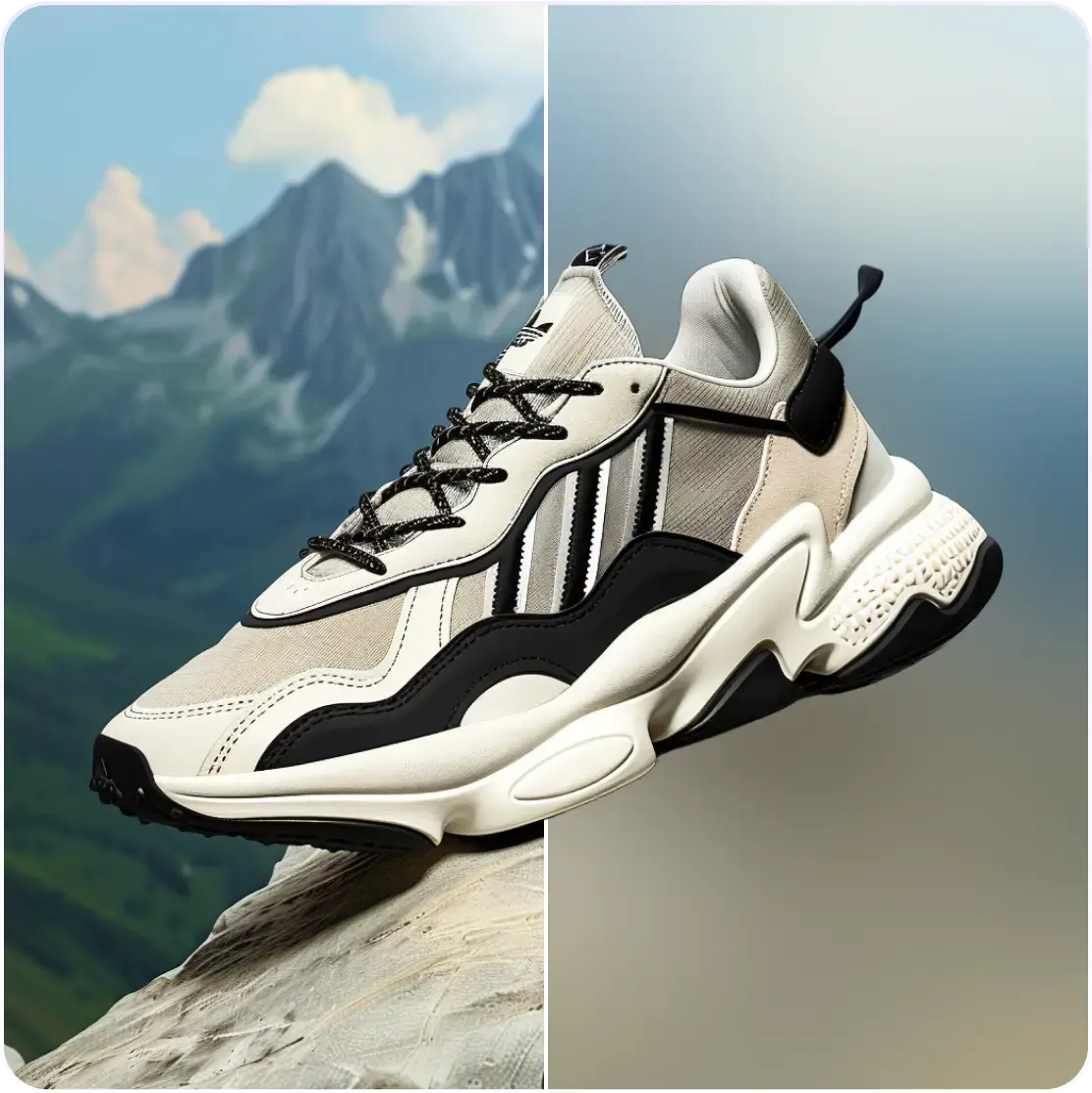
Blur photo backgrounds to create stunning depth in seconds. Get professional portrait-style focus with AI-powered background blur — no watermarks.
How it works
Upload your image
Choose a photo from your device or take one using Lift's app
Let the AI do the work
Watch as Lift blurs the background and adds professional depth automatically
Customize adjustments
Fine-tune your image with easy-to-use editing tools
Download and use
Download your image or publish it straight to your social feeds

Schließe dich Millionen auf der ganzen Welt an
Who can benefit from Background Blur?
- 🔹
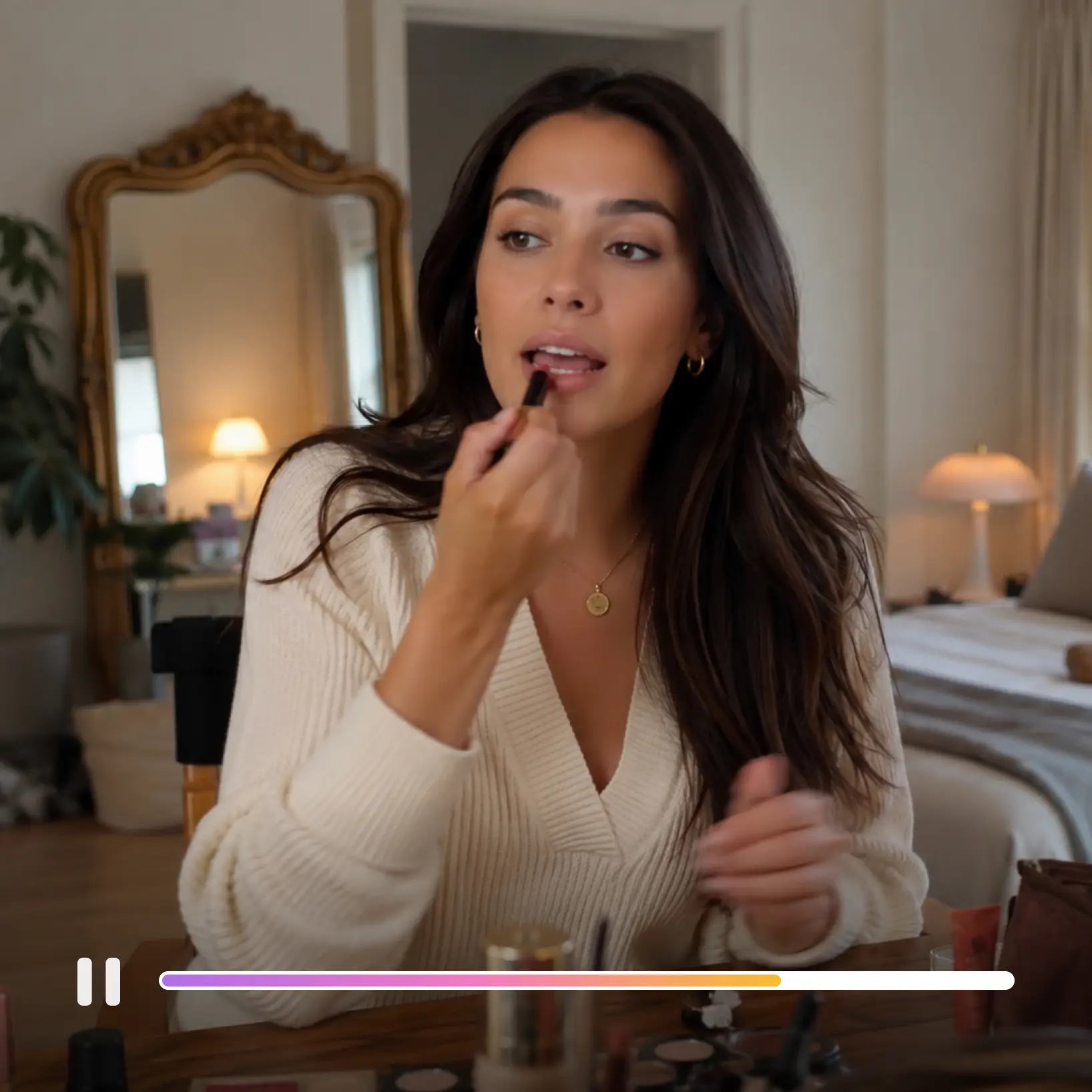
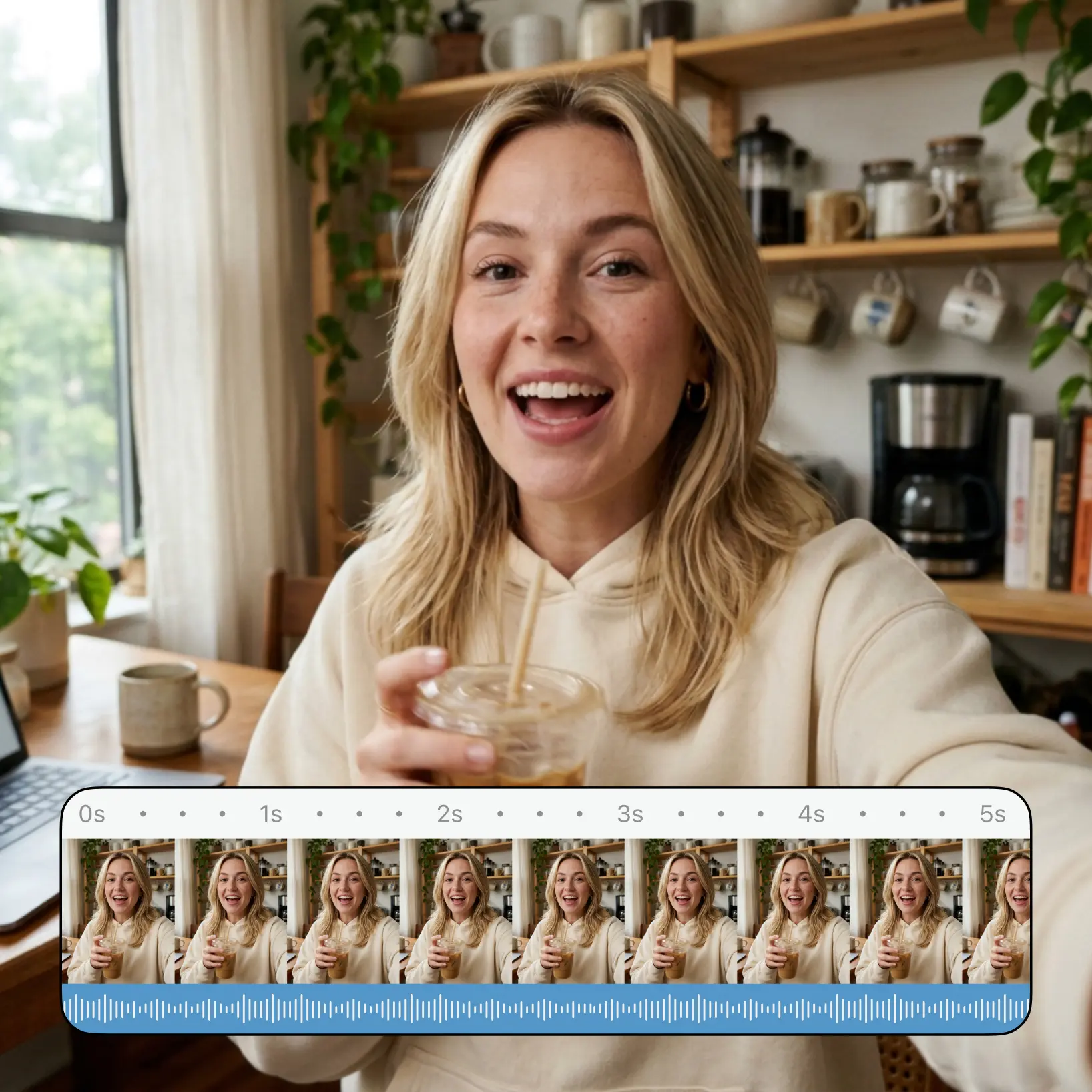
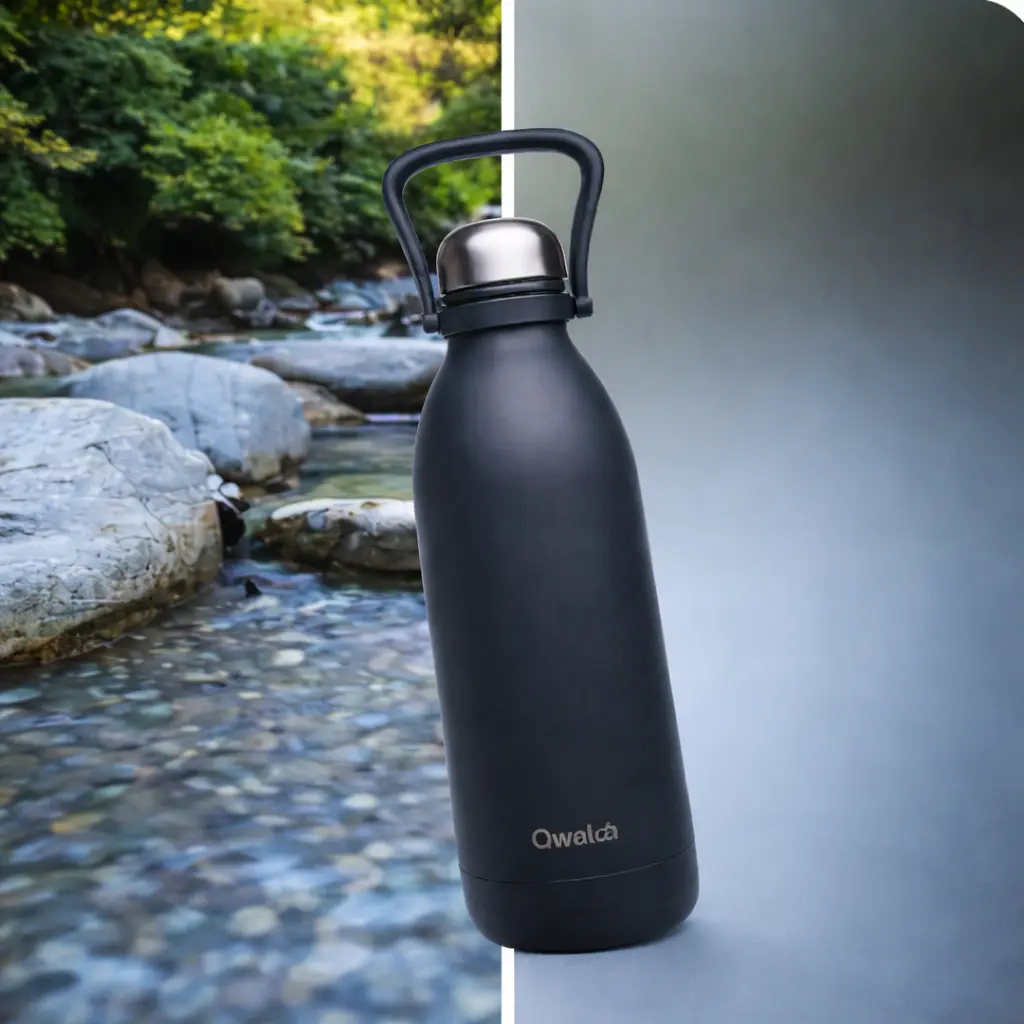
Content creators — Create eye-catching Instagram posts, TikTok videos, and YouTube thumbnails with professional portrait-style blur. Make your subject pop and achieve DSLR-quality depth without expensive cameras or editing skills.
- 🔹
Marketers & SMM managers — Design scroll-stopping ads and social posts that direct attention to your message. Blurred backgrounds eliminate distractions, highlight products or CTAs, and boost engagement rates instantly.
- 🔹
Small business owners — Create professional product photos and promotional materials without hiring photographers. Background blur makes items stand out, builds trust, and increases conversions on marketplaces and social ads.
- 🔹
Casual users — Turn everyday snapshots into polished portraits with one-click background blur. Get dreamy, professional-looking photos instantly and rescue imperfect shots without mastering complex photo editing tools.
- 🔹
Students & educators — Enhance presentation slides, educational posters, and project visuals with focused, distraction-free images. Background blur keeps attention on key subjects and creates clear, professional materials with minimal effort.
Frequently asked questions
What is Lift AI Background Blur?
Lift AI Background Blur is a premium online tool that instantly blurs photo backgrounds with intelligent depth control — ideal for portraits, product shots, or creating professional-looking social media content.
How does Lift AI Background Blur work?
Simply upload your photo to Lift's background blur tool. Our AI automatically detects the main subject and blurs the background in seconds — no photo editing experience needed. Download up to 20 blurred images with professional depth-of-field effects.
Will it keep hair, edges, and fine details?
Yes. Lift AI Background Blur uses advanced edge detection to preserve delicate elements like hair, fur, shadows, and soft textures — so you get clean, natural-looking results without manual touch-ups.
Can I download the results without a watermark?
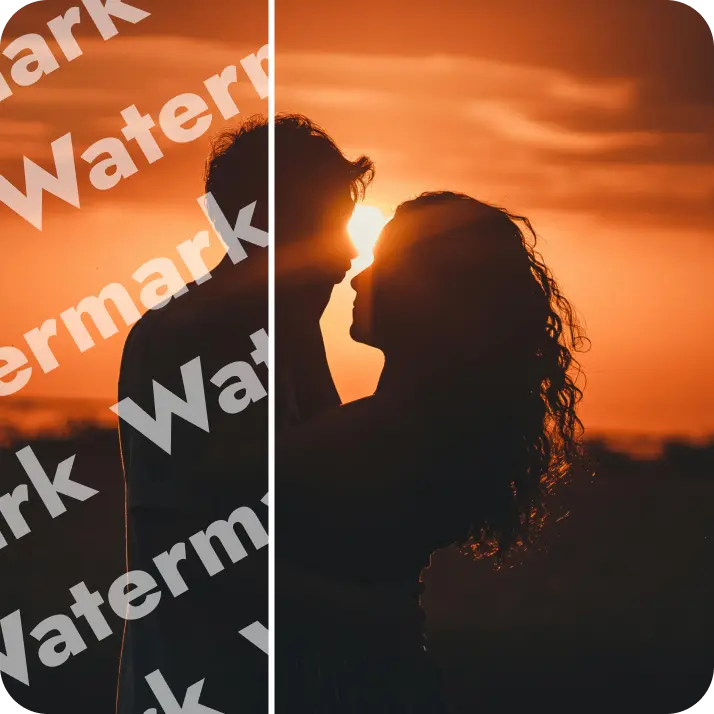
Absolutely. All images generated or edited in Lift can be exported without watermark when you're on the Pro plan. Download them in high-res PNG or JPG — ready for social media, print, ads, or e-commerce.
Wie kann ich mein Lift Pro-Abo kündigen?
Du kannst deine Testphase oder dein Abo in deinen Kontoeinstellungen kündigen oder support@liftapp.ai kontaktieren. Die Kündigung beendet die automatische Verlängerung, der Zugang bleibt bis zum Ende der laufenden Periode aktiv.
Why Lift's AI Background Blur stands out
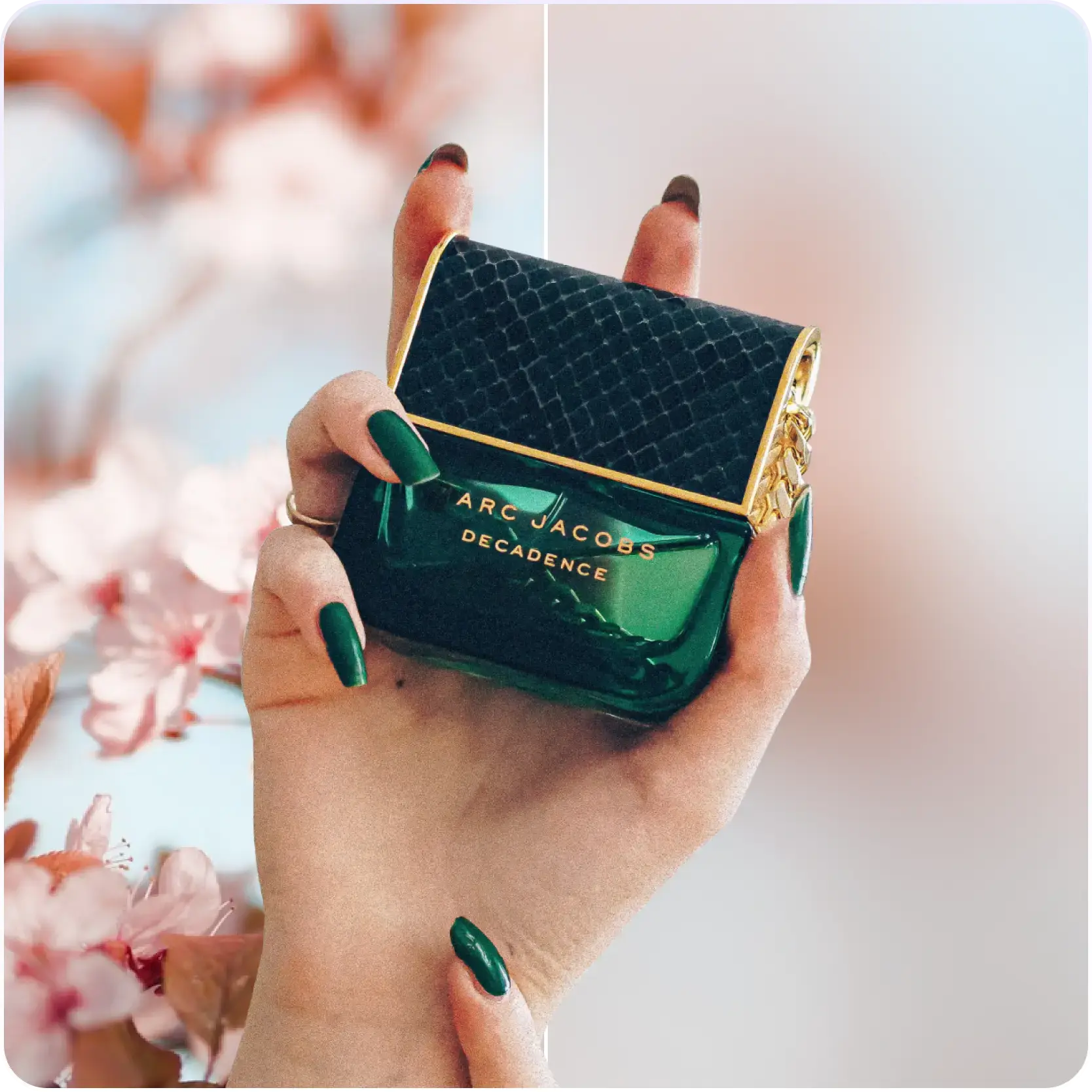
High-quality results
AI-powered technology delivers professional-grade visuals every time
Intelligent rendering
AI tailors the effect to the scene and subject for optimal results
Cross-platform support
Available on iOS, Android, and Web for seamless access
Budget-friendly
Save on costly designers with an affordable and intuitive tool