
Image Sharpener — Sharpen Images with AI
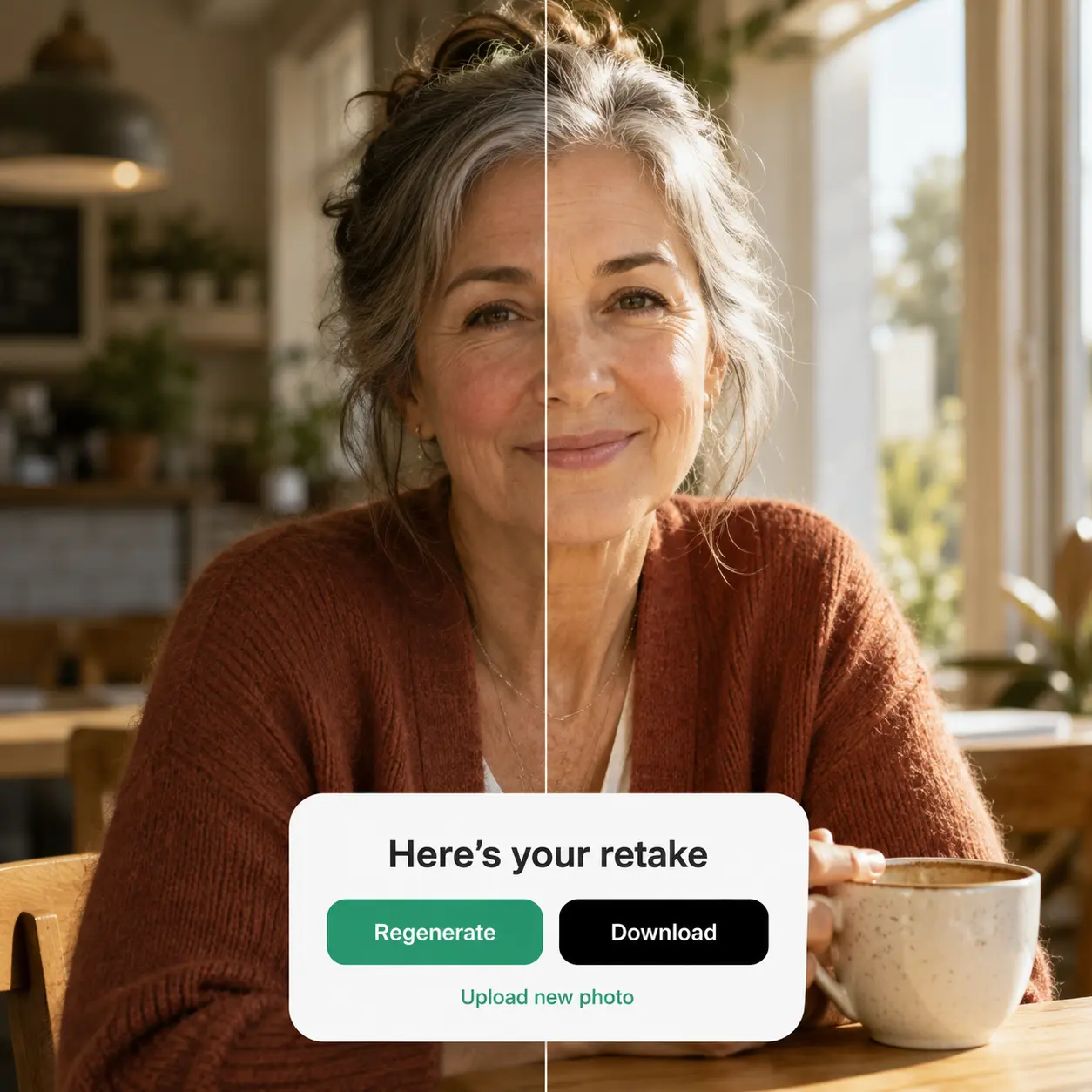
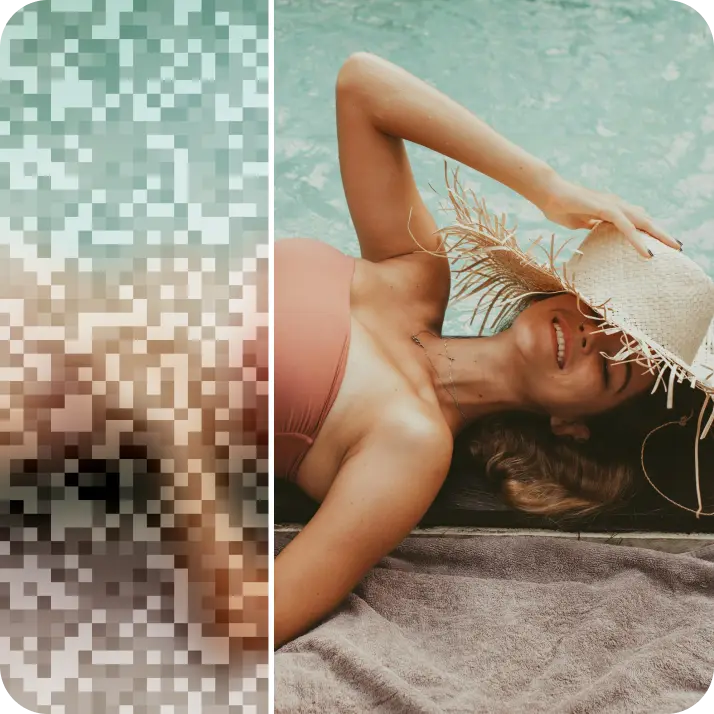
AI image sharpener online — sharpen blurry photos instantly, increase image quality, and improve picture clarity. No watermarks.

How it works

Upload your image
Choose a photo from your device or take one using Lift’s app
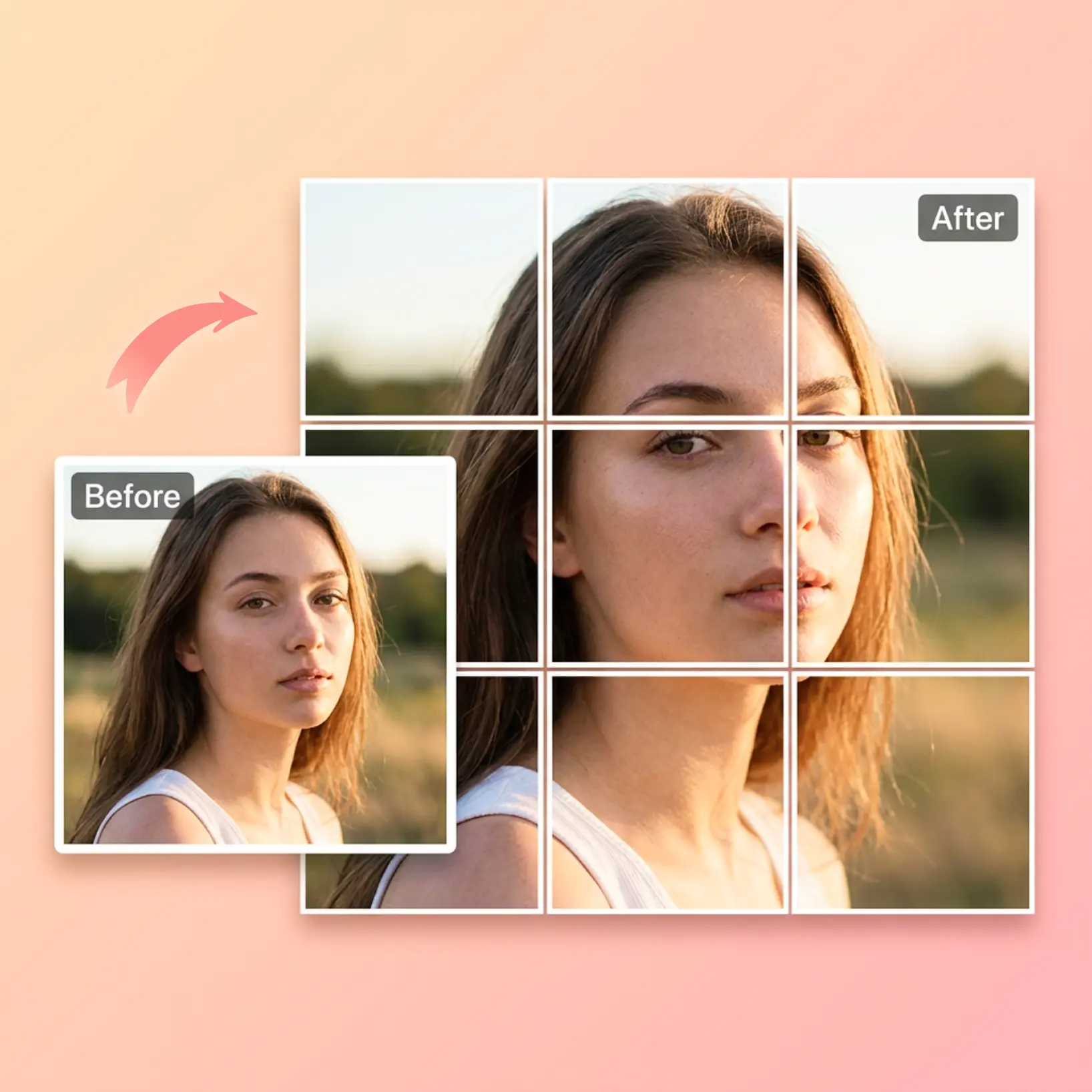
Apply AI sharpening
Let Lift's AI sharpen image details, enhance edges, and restore clarity automatically
Customize adjustments
Fine-tune your image with easy-to-use editing tools
Download and use
Download your image or publish it straight to your social feeds

Join millions around the globe
Who can benefit from AI Image Sharpener?

- 🔹
AI Image Sharpener is a tool for anyone who needs sharp, professional-quality photos
- 🔹
Content creators and influencers for professional-looking posts
- 🔹
Businesses and e-commerce sellers improving product visuals
- 🔹
Event planners preserving memories in crisp detail
- 🔹
Students or professionals can clarify scanned documents, screenshots, or images
- 🔹
Photographers can restore older or low-quality images effortlessly
- 🔹
AI Photo Sharpener bridges the gap between quick fixes and professional-quality results, making it indispensable for both personal and professional use
Frequently asked questions
What is Lift AI Image Sharpener?
Lift AI Image Sharpener is a premium online tool that improves photo clarity, colour and resolution up to 4K in a single click.
How does Lift AI Photo Sharpener work?
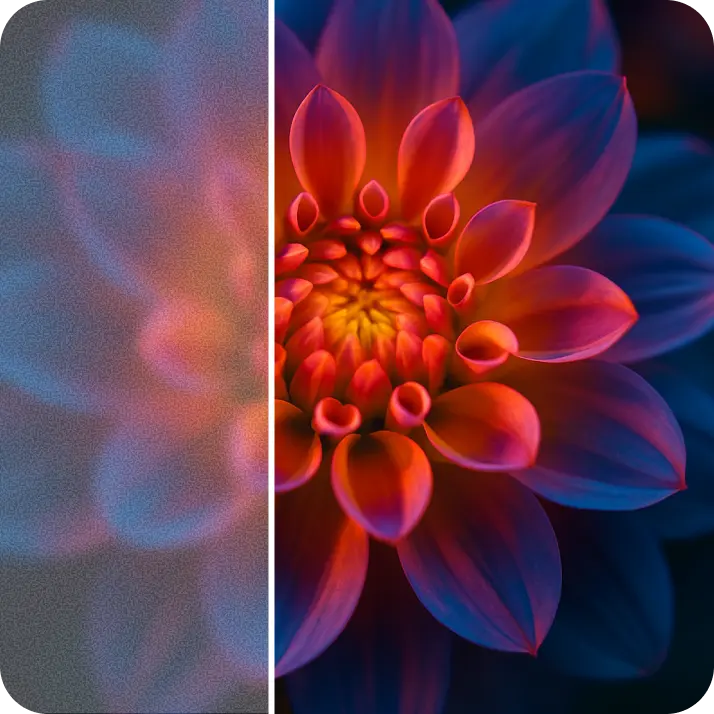
AI Photo Sharpener uses a two-step deep-learning process: first, a smart denoiser cleans blur and noise; next, a super-resolution model rebuilds lost pixels, boosts colours and sharpens edges all the way up to crisp 4K. Everything runs in the cloud, so you get pro-level photo quality with one click.
Can it sharpen very blurry or out-of-focus photos?
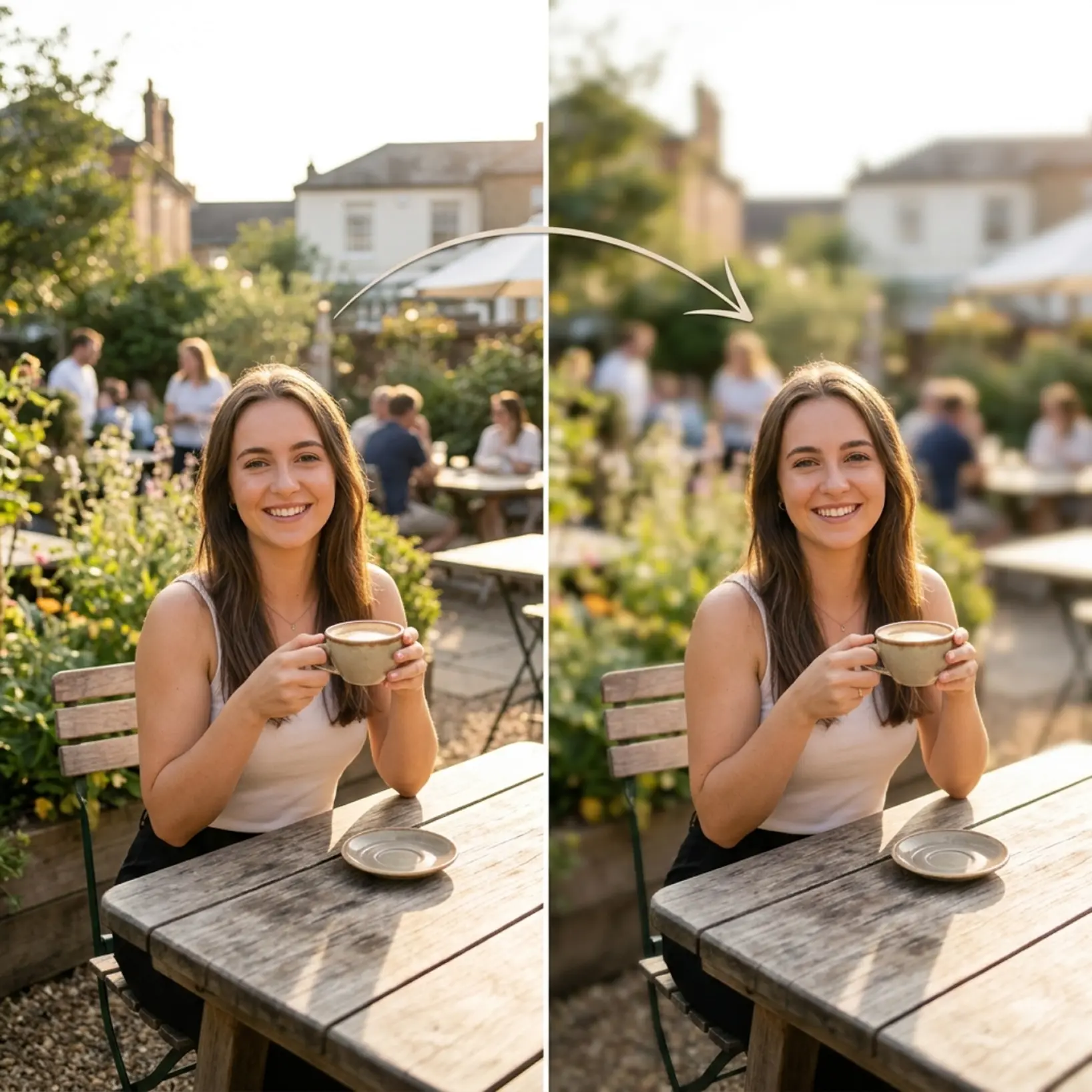
Yes. Lift AI Image Sharpener is trained to recover lost sharpness and improve image quality even in blurry, soft, or out-of-focus images — restoring clarity and detail to make them look crisp and professional with just one click.
Can I download sharpened images without a watermark?
Absolutely. All images generated or edited in Lift can be exported without watermark when you're on the Pro plan. Download them in high-res PNG or JPG — ready for social media, print, ads, or e-commerce.
How can I cancel my Lift Pro Subscription?
You can cancel your trial or subscription through your account settings or by contacting support@liftapp.ai. Cancellation stops automatic renewal, while access remains active until the end of the current period.
Why Lift's AI photo sharpener stands out?

Professional results
Achieve studio-quality images without the need for complex tools
AI accuracy
Smart algorithms deliver enhancements tailored to your specific image
Cross-platform support
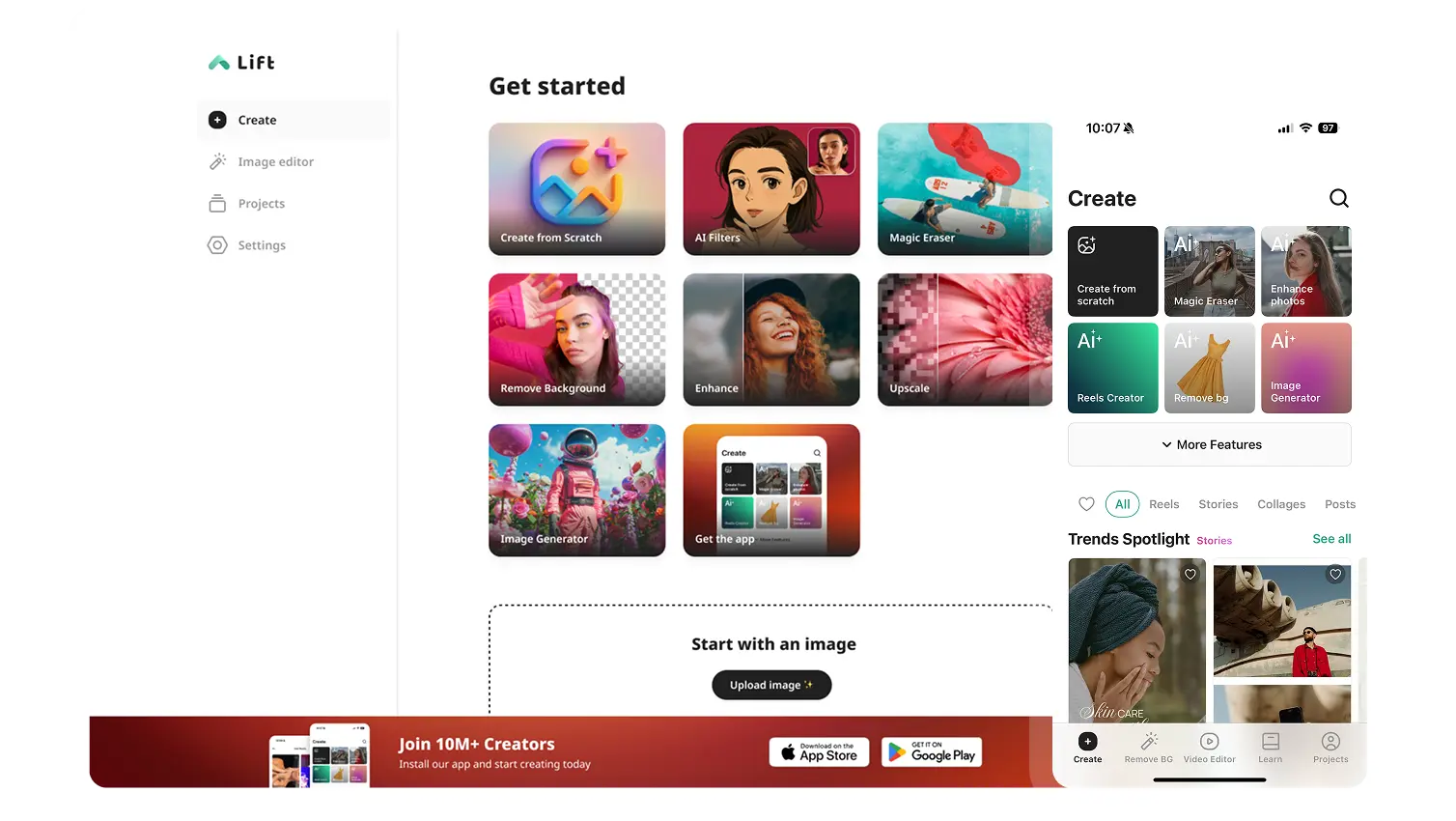
Available on iOS, Android, and Web for seamless access
Budget-friendly
Save on costly editing services with Lift’s affordable solution