Kling AI Video Generator
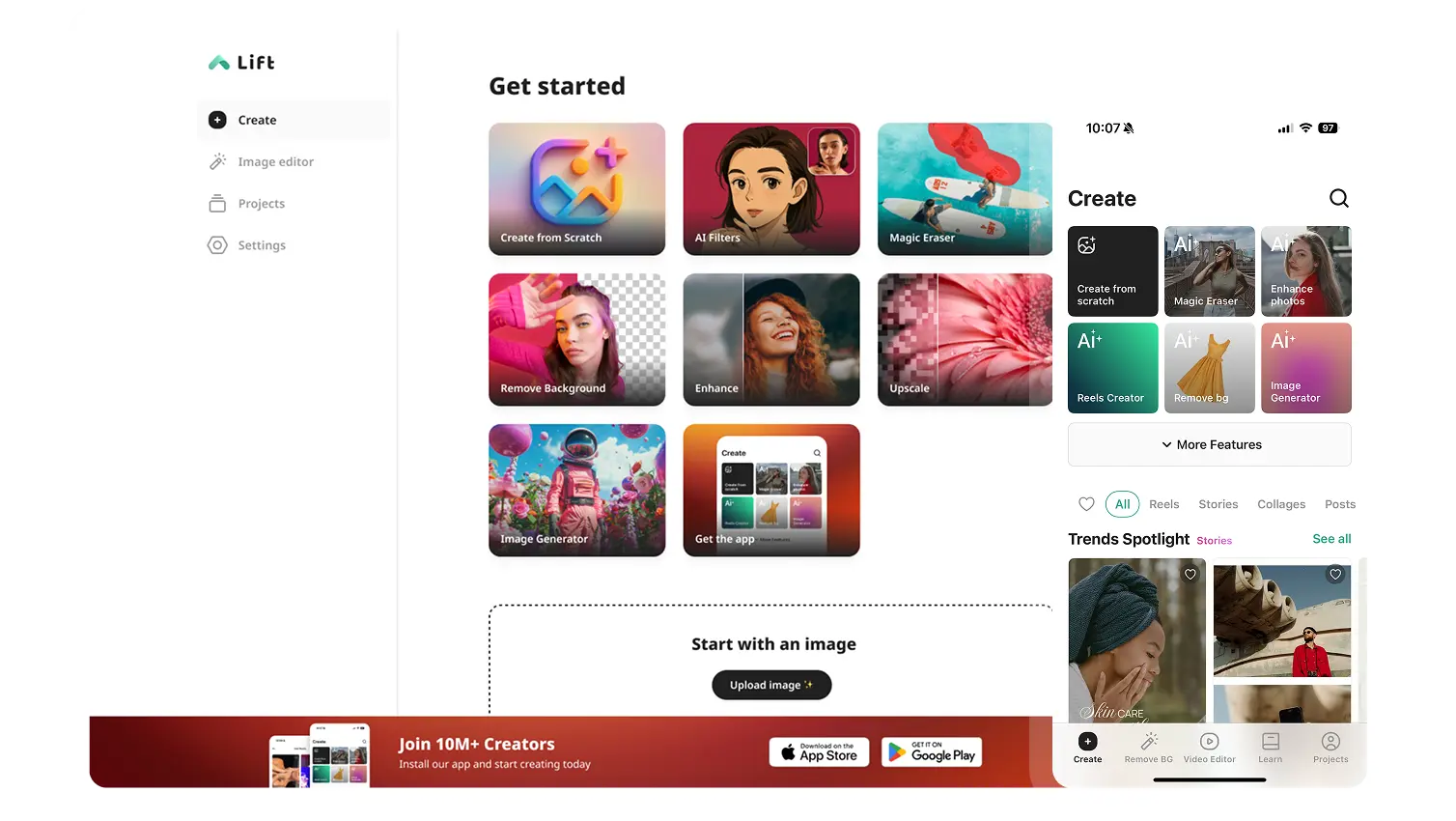
Describe your idea and Lift generates it using Kling's latest model — multi-shot camera work, consistent characters, and native multilingual sound. Try Lift today!
How it works
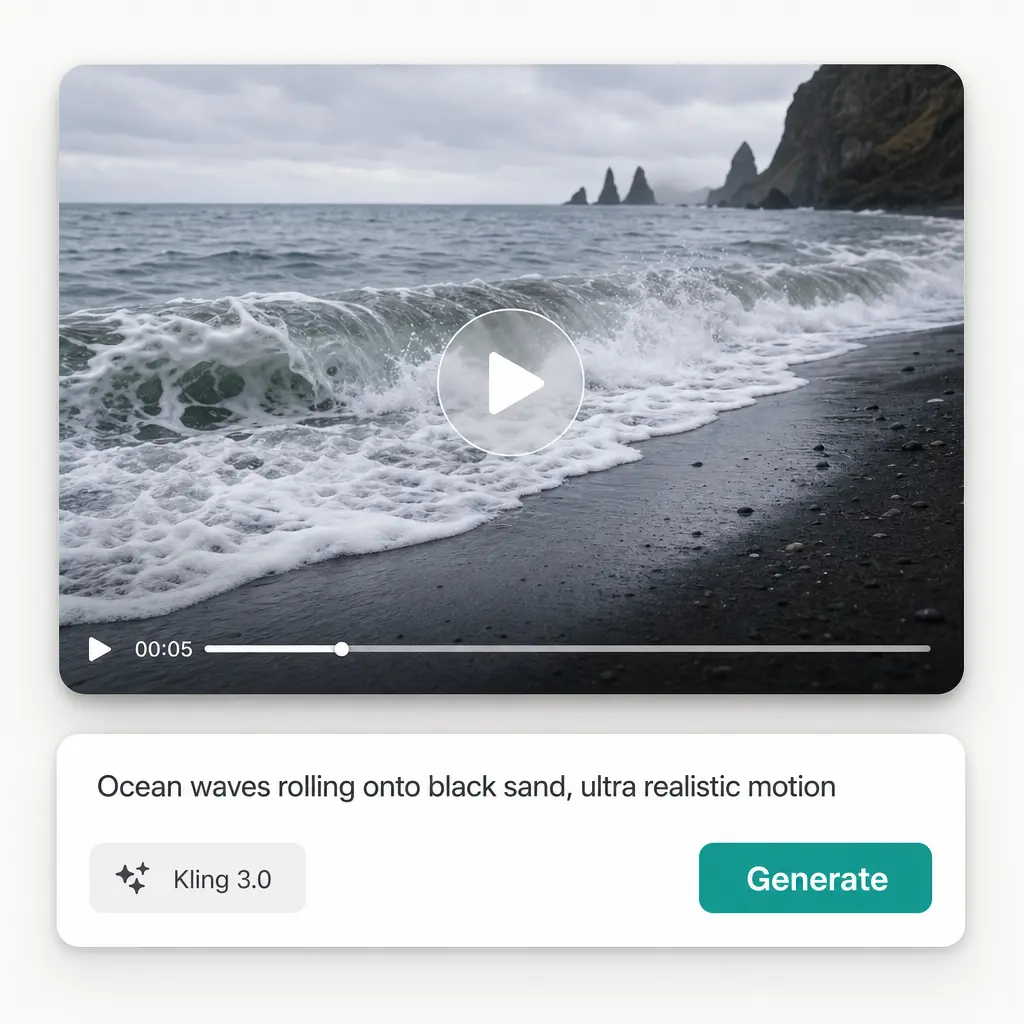
Describe Your Video
Type what you want to see — a scene, an ad concept, a short clip idea, anything you can put into words.
Pick A Model And Settings
Choose an AI model, then set your aspect ratio, resolution, and duration — or optionally add a start frame, end frame, or reference image to guide the generation.
Let The AI Do The Work
Watch as Kling transforms your text prompt into a unique, high-quality AI-generated video automatically.
Download And Use
Download your video or publish it straight to your social feeds.

Join millions around the globe
Who can benefit from the Kling AI Video Generator?
- 🔹
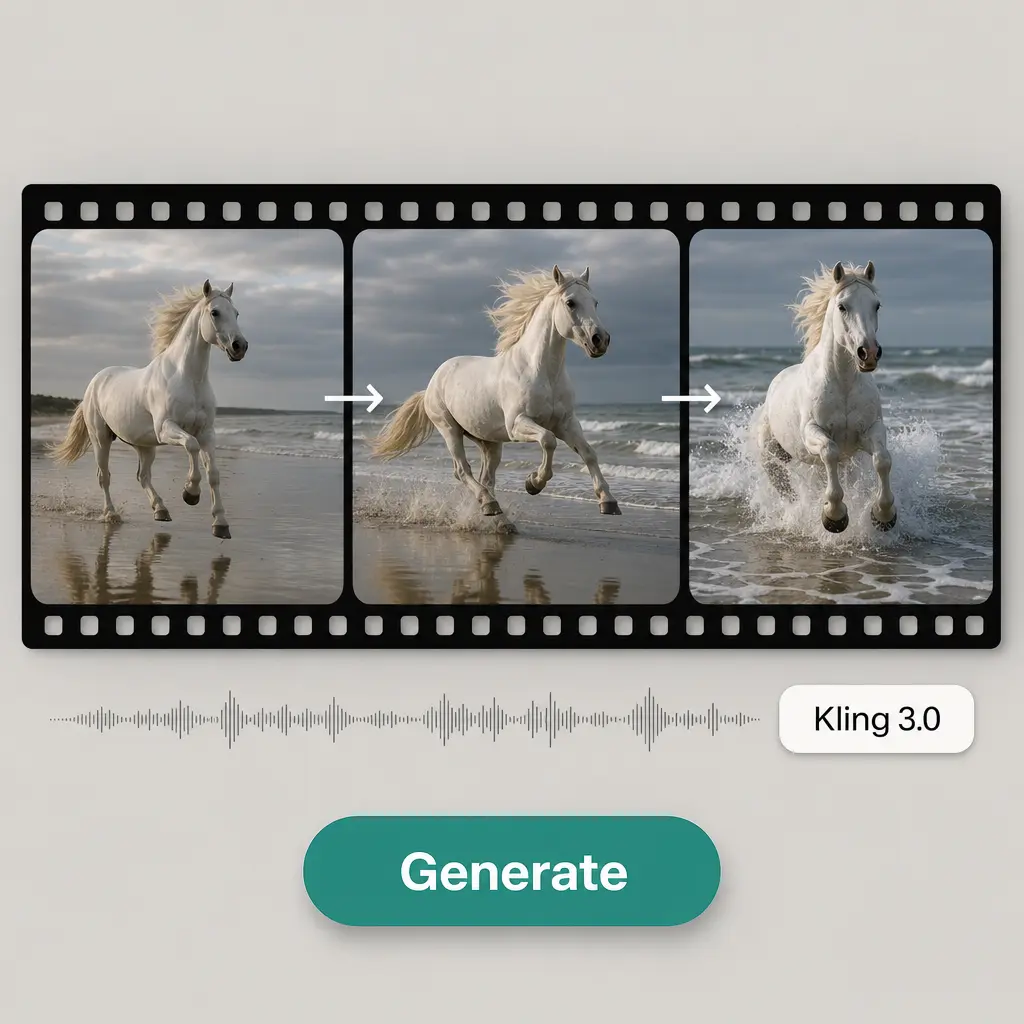
Episodic drama creators — A single static shot can feel flat for a real scene with dialogue. Kling can cut between angles inside one output, similar to a shot-reverse-shot conversation, from one description.
- 🔹
Global localization teams — Sound that doesn't match the audience's language limits reach. Kling generates native audio in several languages, matched to the video in the same pass.
- 🔹
Content creators & social media managers — Reels, TikToks, and Shorts need fresh clips fast. Describe the scene you want and get a finished vertical video without filming or editing.
- 🔹
Marketing teams & small business owners — Ad concepts and promo clips with your own product or message come together from a single description, no camera or studio required.
- 🔹
Educators & storytellers — Scenes, concepts, or scripts that would be hard or costly to film can be generated to match a specific description instead of stock footage.
Frequently asked questions
What is Kling?
Kling is Kuaishou's AI video model, known for multi-shot camera work — cutting between angles inside a single generated clip — and for keeping characters consistent across scenes. Lift uses it to turn a written prompt into a finished video, with Kling 3.0 Omni preselected by default.
How does Lift AI Video Generator work?
Simply enter your text prompt in Lift's AI video generator, then choose an AI model and adjust settings like ratio, resolution, and duration. Optionally add a start frame, end frame, or reference image to guide the generation. Hit Generate and receive a unique AI-created video in moments — no filming or editing experience needed.
Can I use a different AI model besides Kling?
Yes. Lift's video generator supports a range of AI models, so you can switch between them anytime and choose whichever fits your project best.
Can I download the results without a watermark?
Absolutely. All videos generated in Lift can be exported without watermark when you're on the Pro plan. Download them in high resolution — ready for social media, ads, or presentations.
Is it safe to upload my photos to Lift?
Yes — Lift processes your photos securely and uses them only to generate your results.
How can I cancel my Lift Pro Subscription?
You can cancel your trial or subscription through your account settings or by contacting support@liftapp.ai. Cancellation stops automatic renewal, while access remains active until the end of the current period.
Why Choose the Kling AI Video Generator by Lift
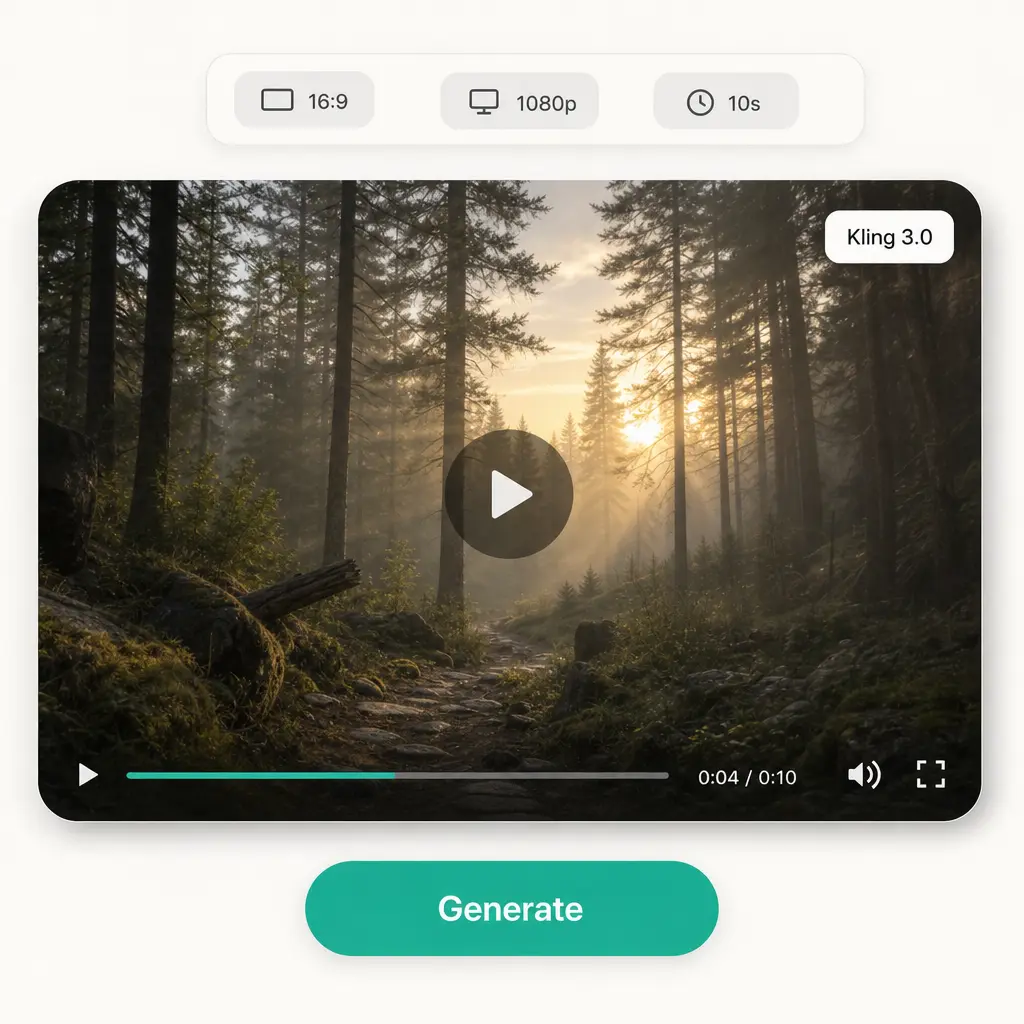
High-quality results
AI-powered technology delivers professional-grade visuals every time
Intelligent rendering
AI tailors the effect to the scene and subject for optimal results
Cross-platform support
Available on iOS, Android, and Web for seamless access
Budget-friendly
Save on costly designers with an affordable and intuitive tool