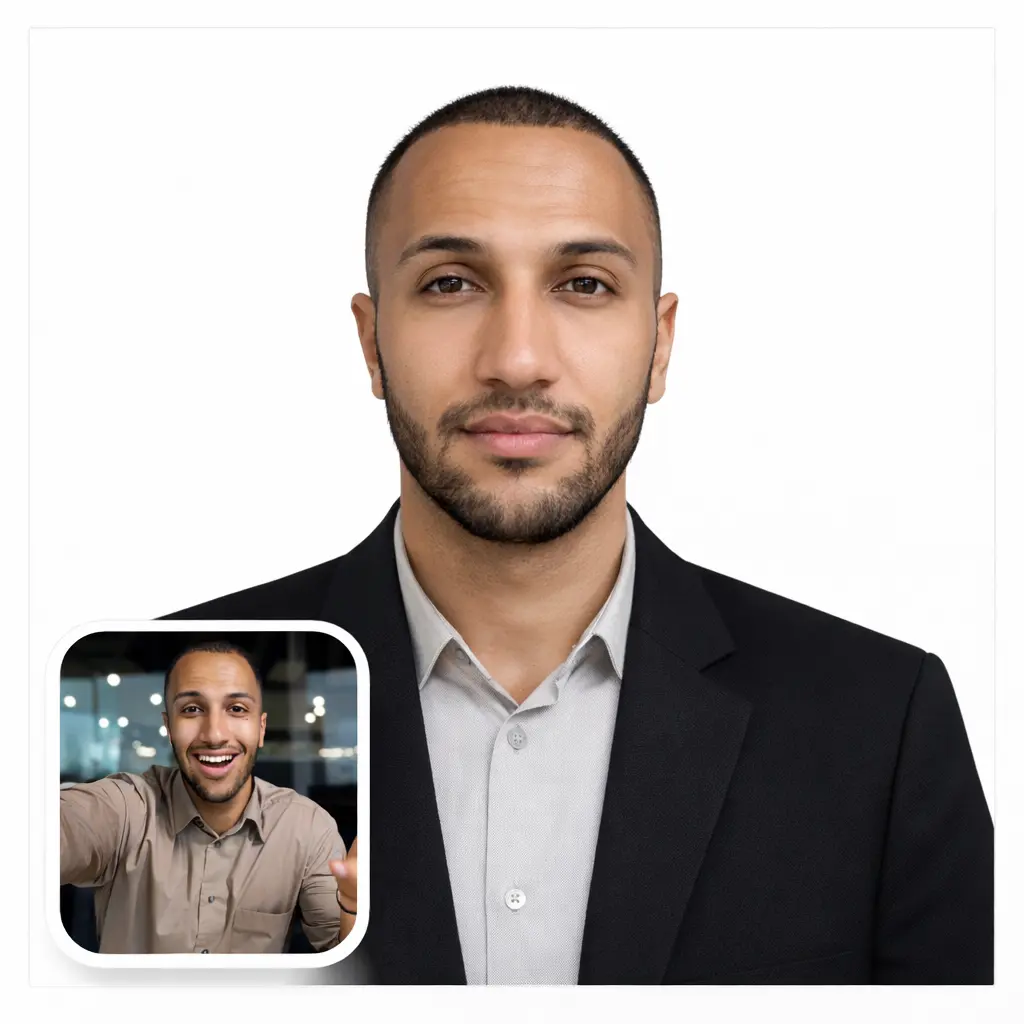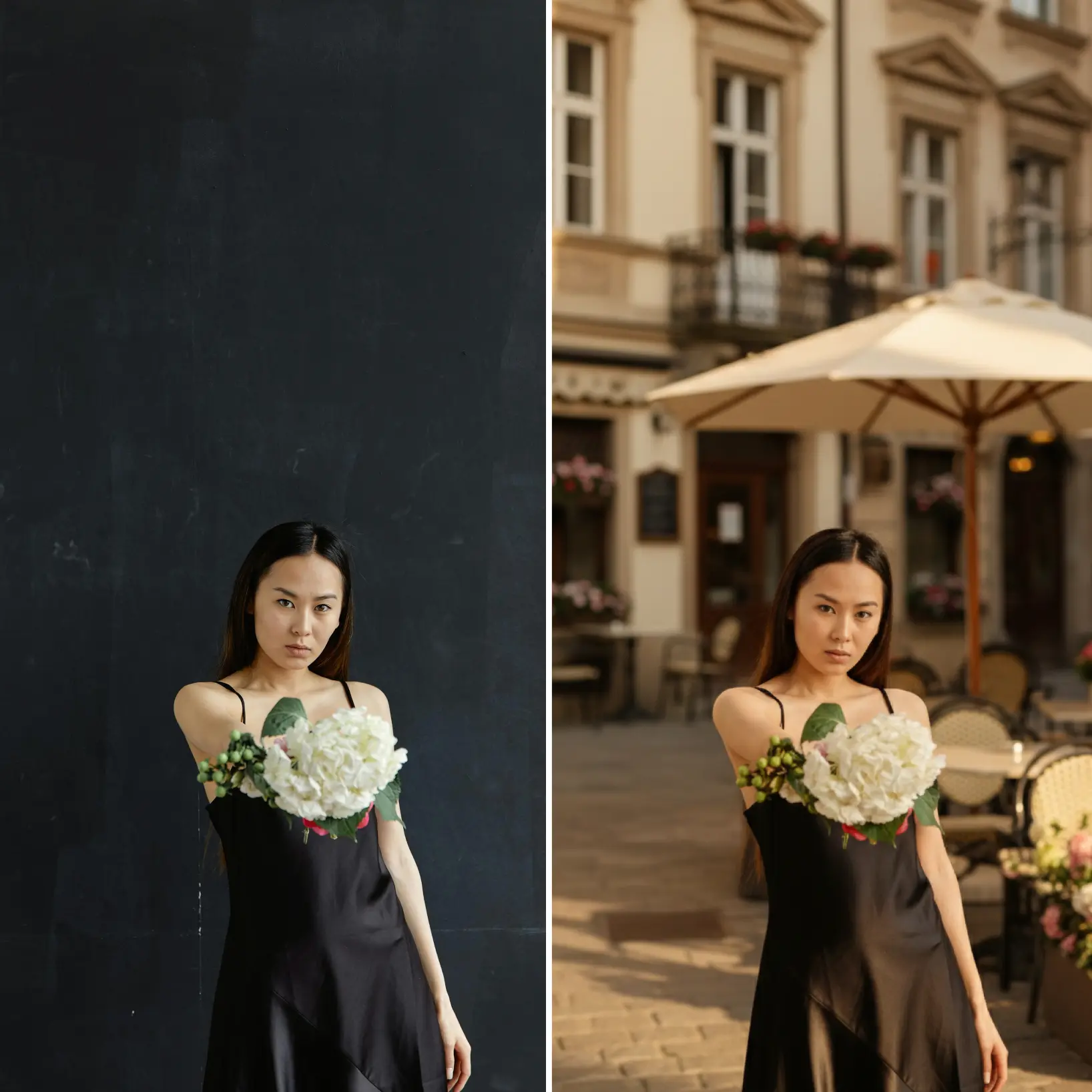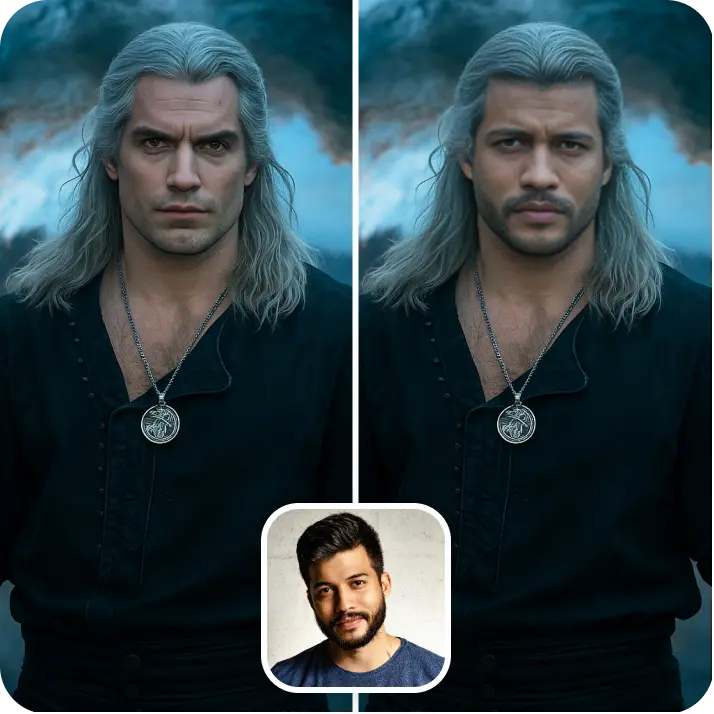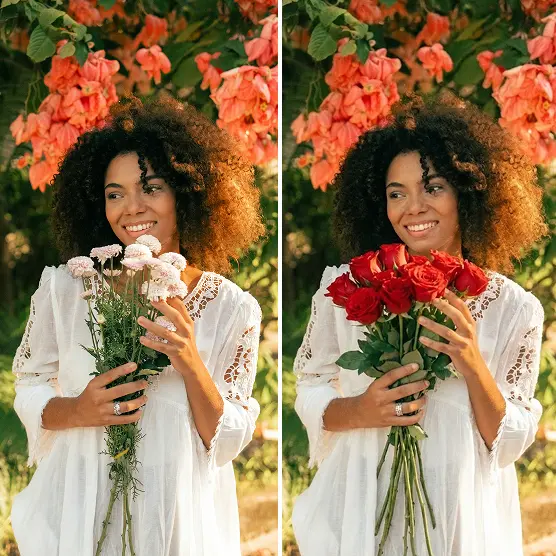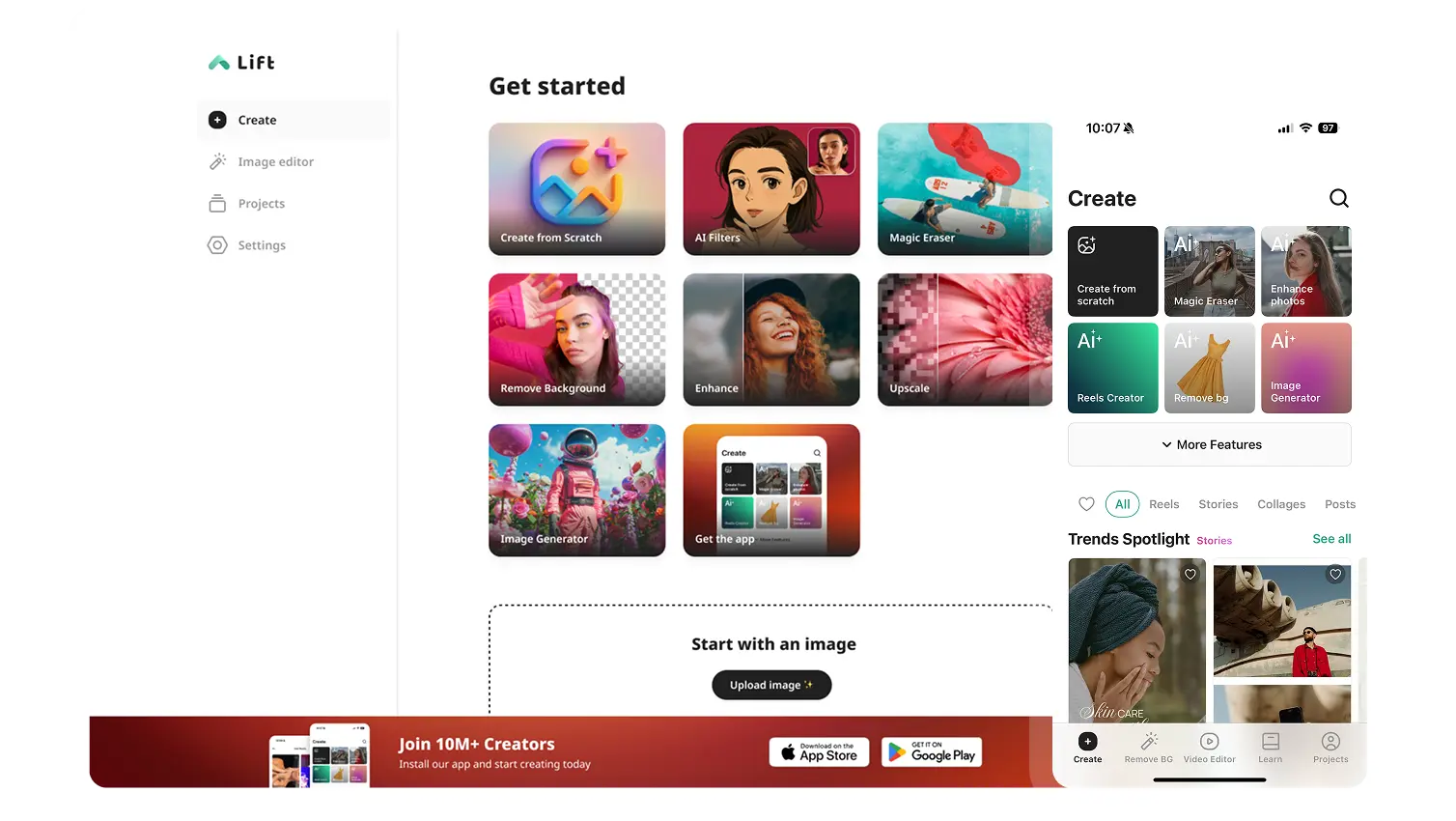

AI Image to Image Generator
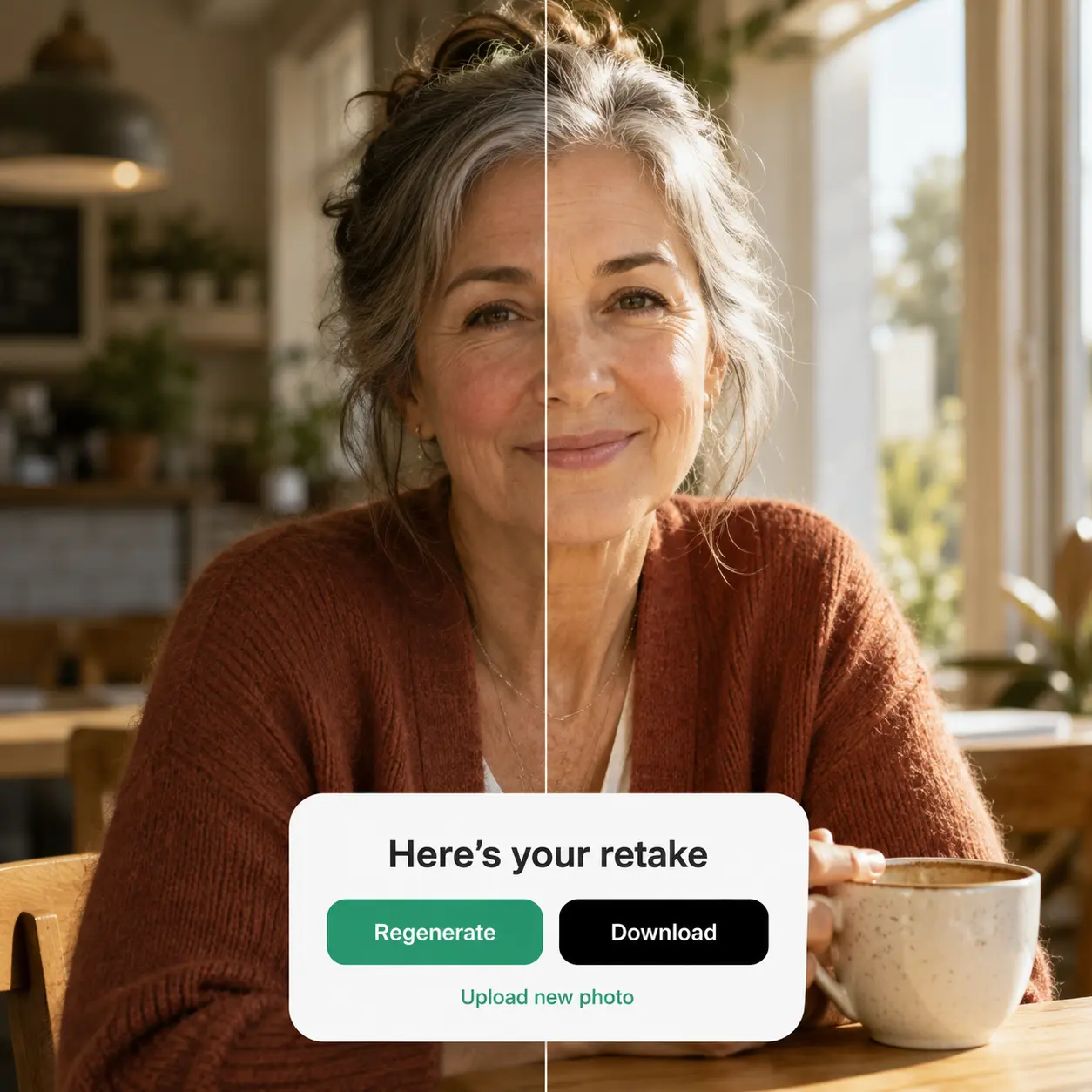
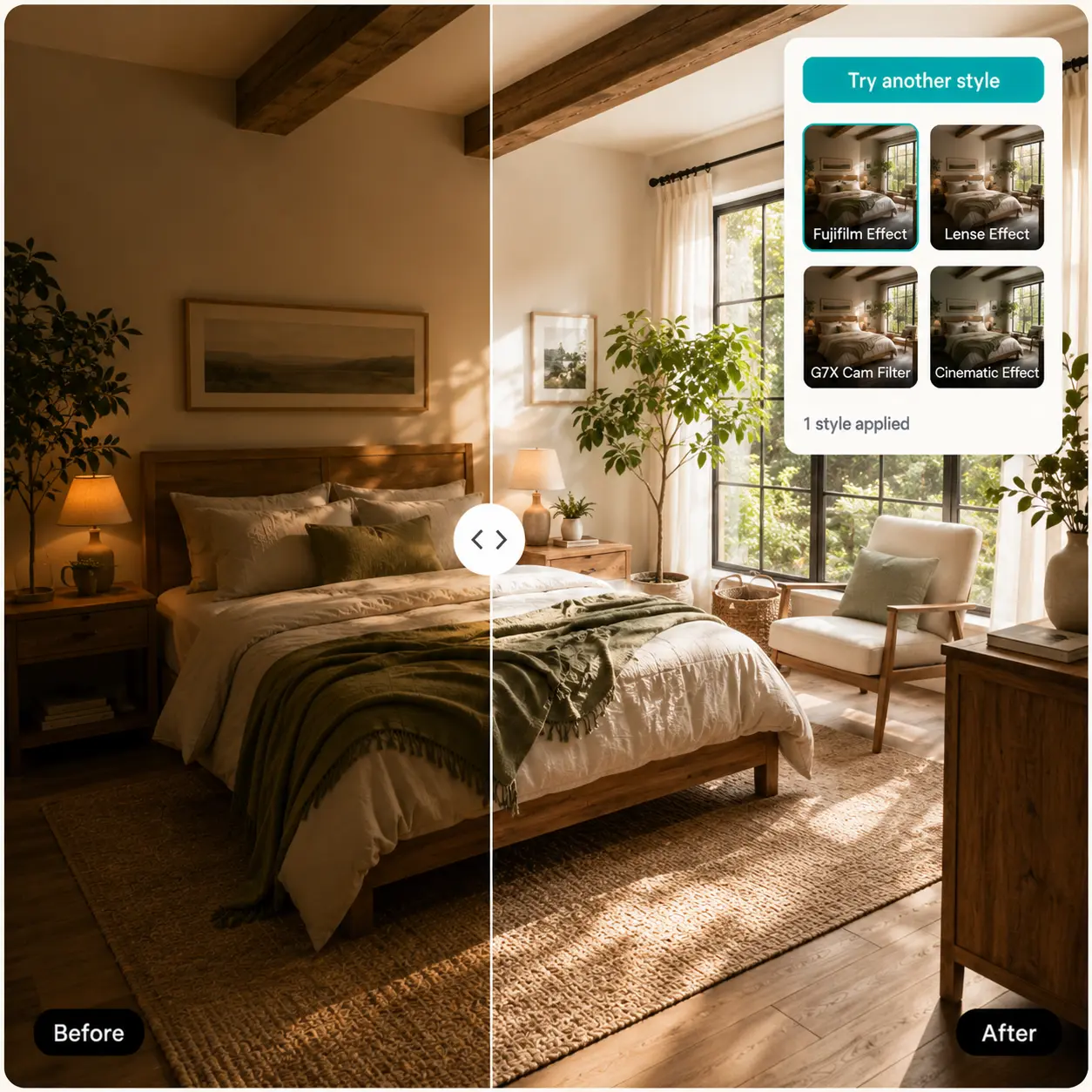
Upload a photo, describe what you want, and let AI reimagine it — change the style, scene, or mood while keeping what matters. Try Lift today!

How it works

Add Your Image
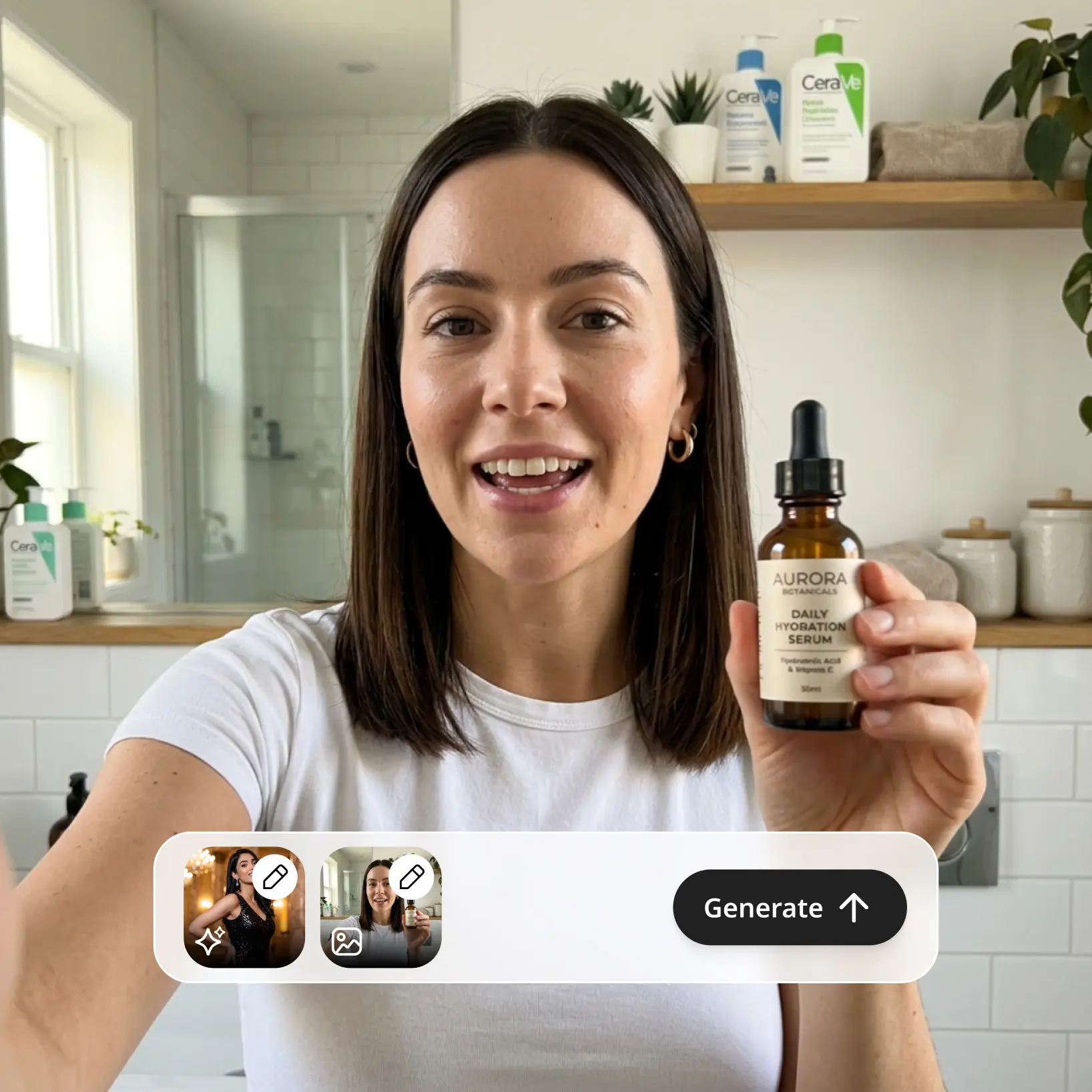
Upload the photo or picture you want to transform — it becomes the reference for your new generation.
Describe The Result
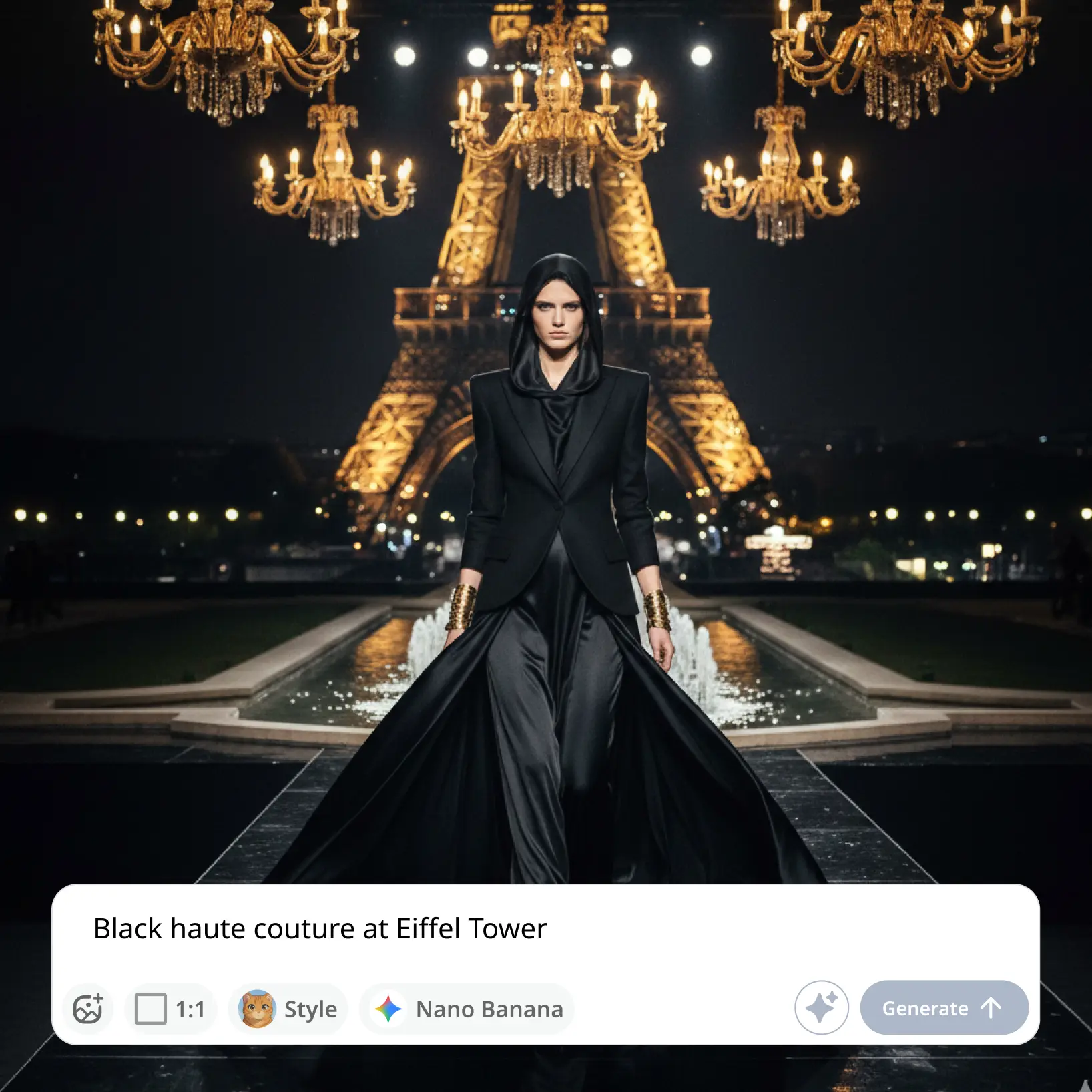
Write a prompt that tells the AI how to change your image, or tap Improve Prompt to make it more detailed.
Choose A Model, Style, And Ratio
Pick the AI model and visual style that fit your idea — with a reference image added, the aspect ratio can even match your original automatically.
Download And Use
Download your image or publish it straight to your social feeds.

Join millions around the globe
Who can benefit from AI Image to Image Generator?

- 🔹
Content creators — Give existing shots a second life. Turn one photo into fresh visuals for Instagram, TikTok, and YouTube — new style, new setting, no reshoots.
- 🔹
Marketers & SMM managers — Transform a single product photo into a whole set of campaign-ready variations. Test different looks and scenes without booking another shoot.
- 🔹
Designers & freelancers — Start from a sketch, draft, or reference picture and explore art directions fast. Remix any result to keep refining it step by step.
- 🔹
Online sellers & small businesses — Place plain catalog photos into lifestyle scenes that sell. Get polished product imagery without studios or design software.
- 🔹
AI art enthusiasts — Reimagine your photos as illustrations, paintings, or cinematic frames. Every generation lands in your gallery, ready to revisit or push further.
Frequently asked questions
What is an image to image AI generator?
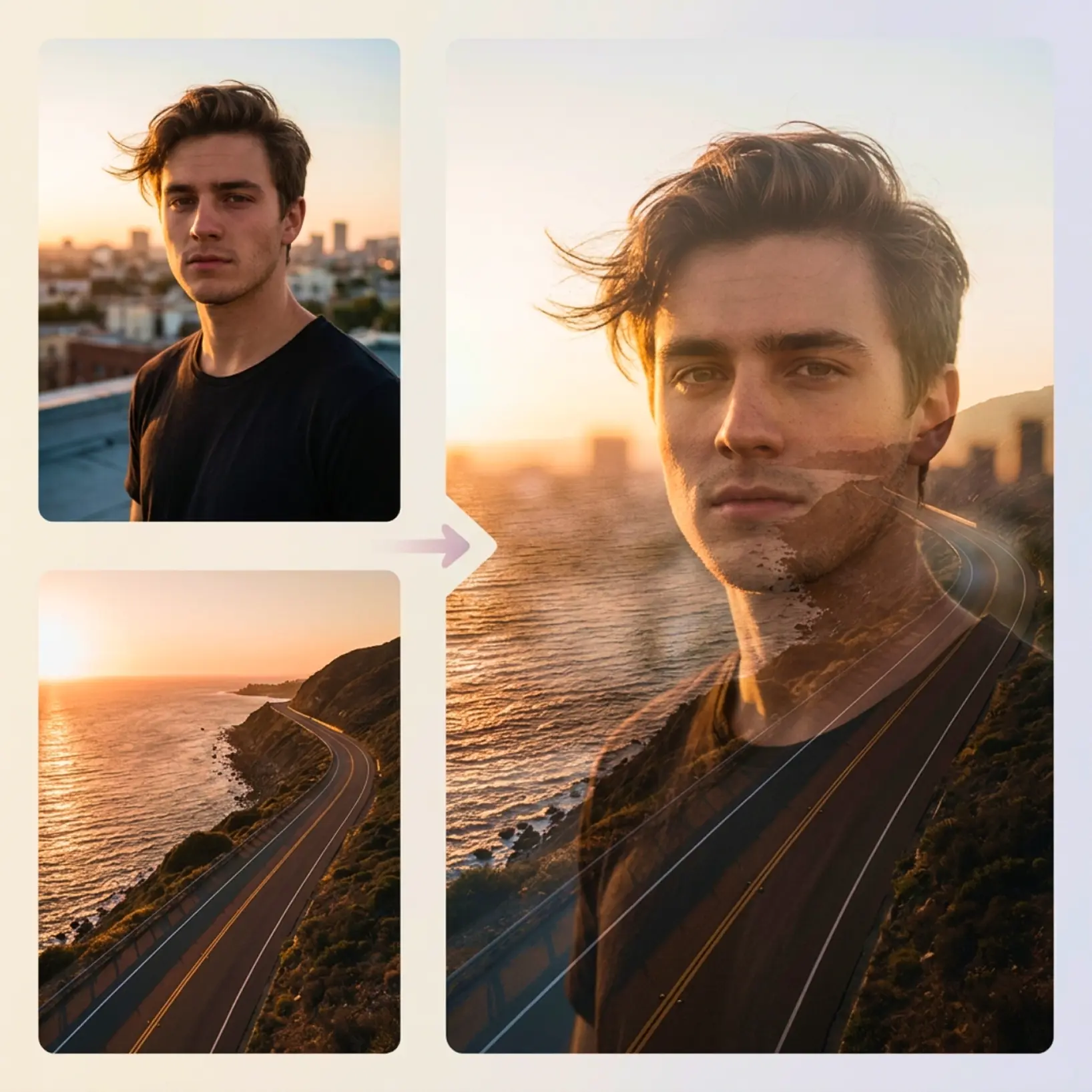
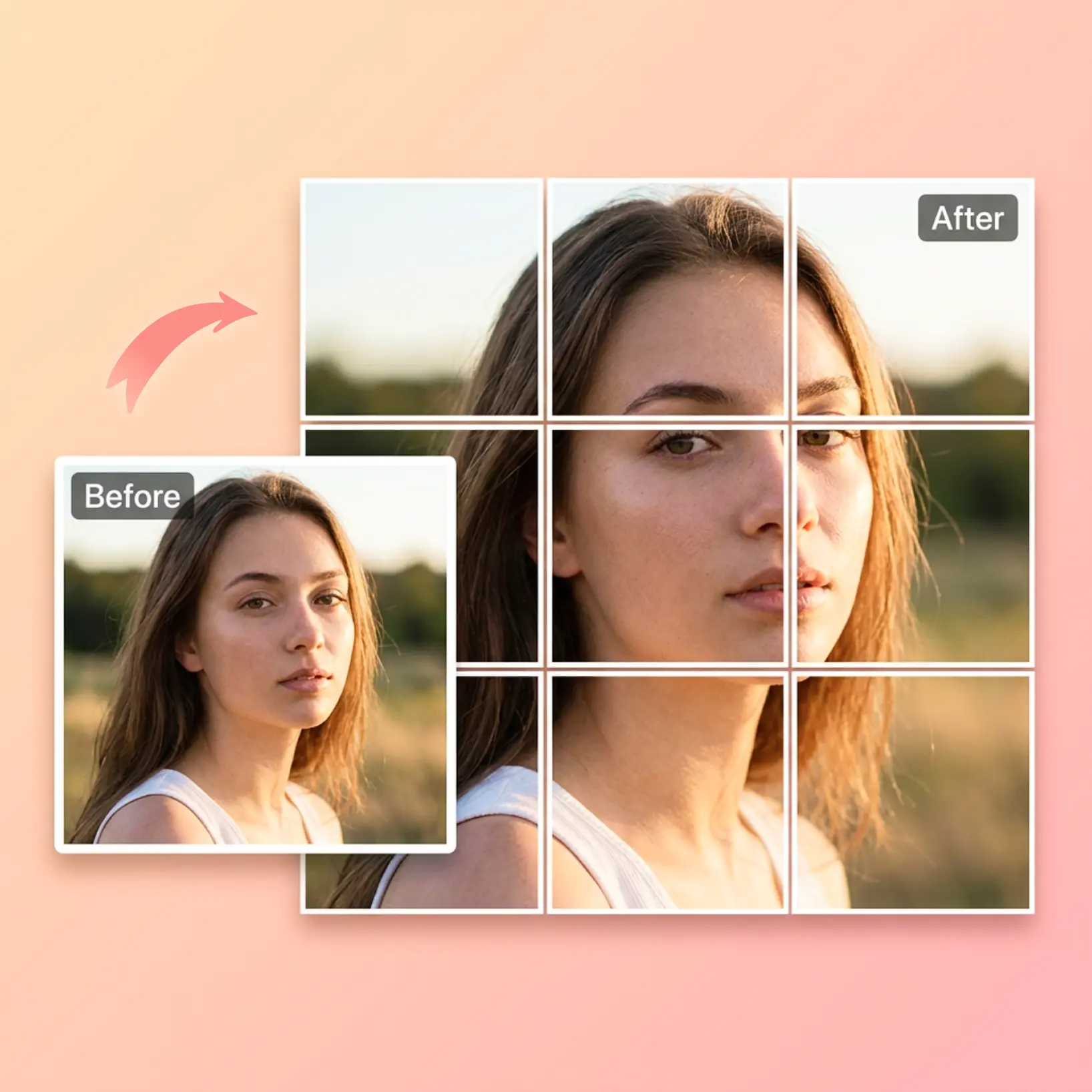
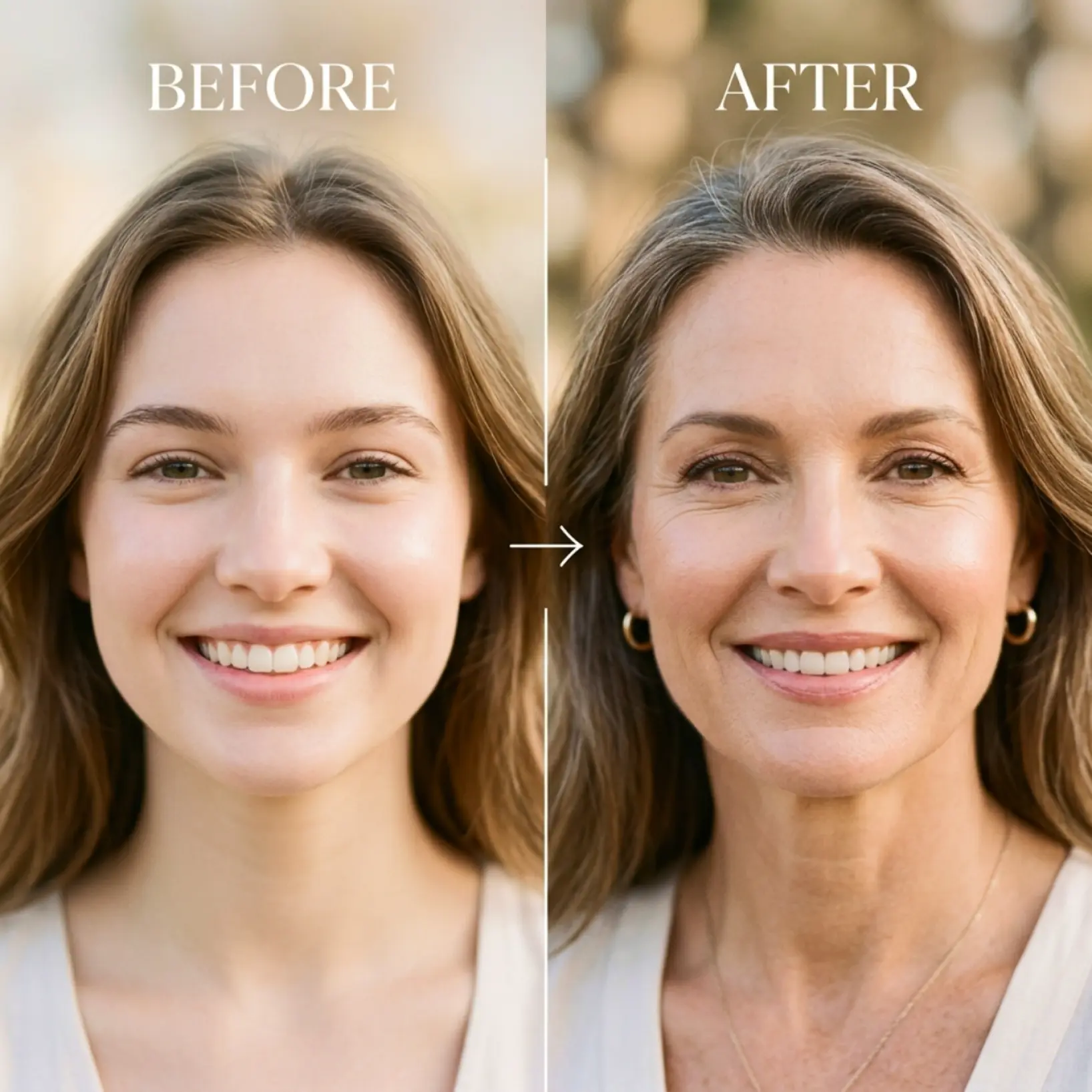
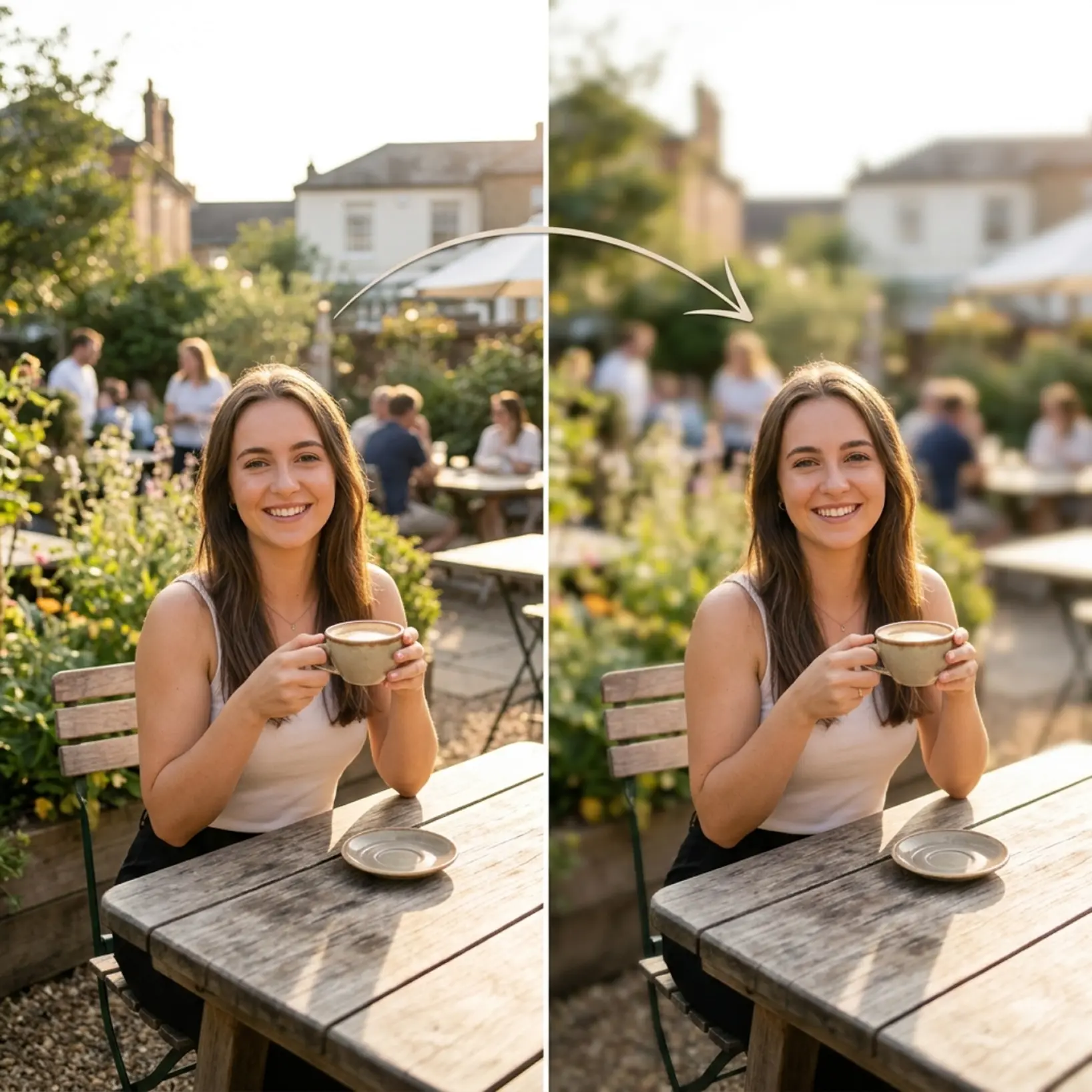
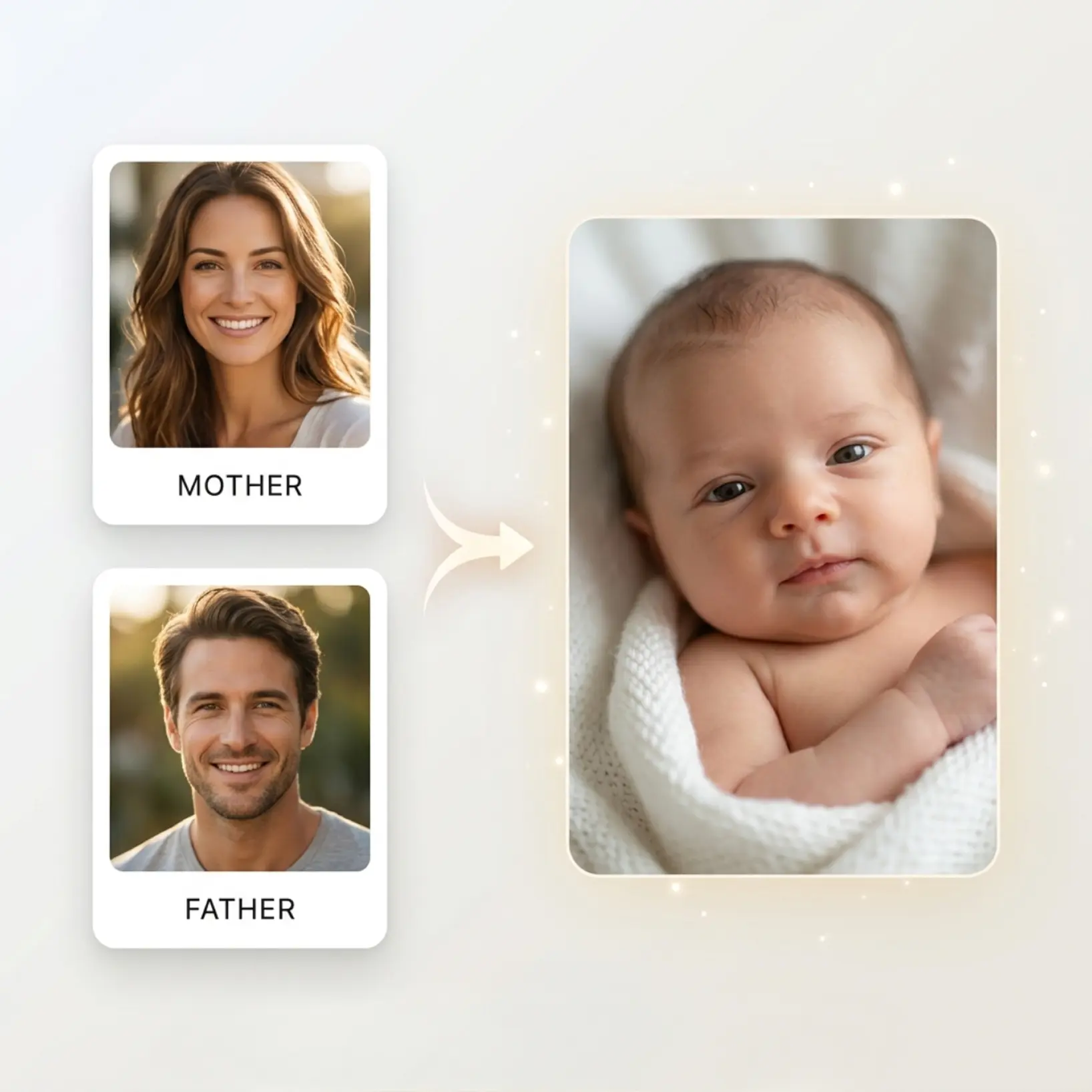
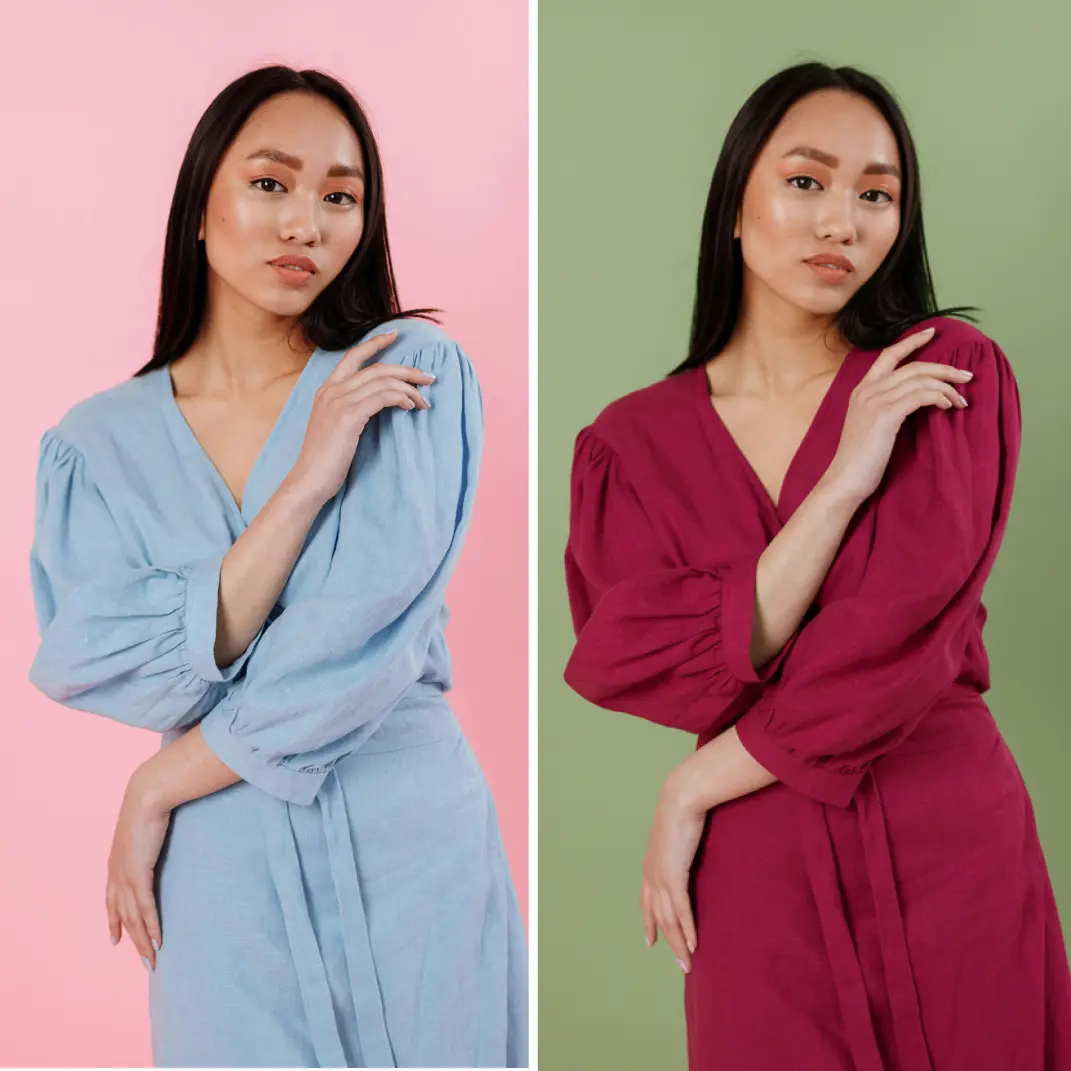
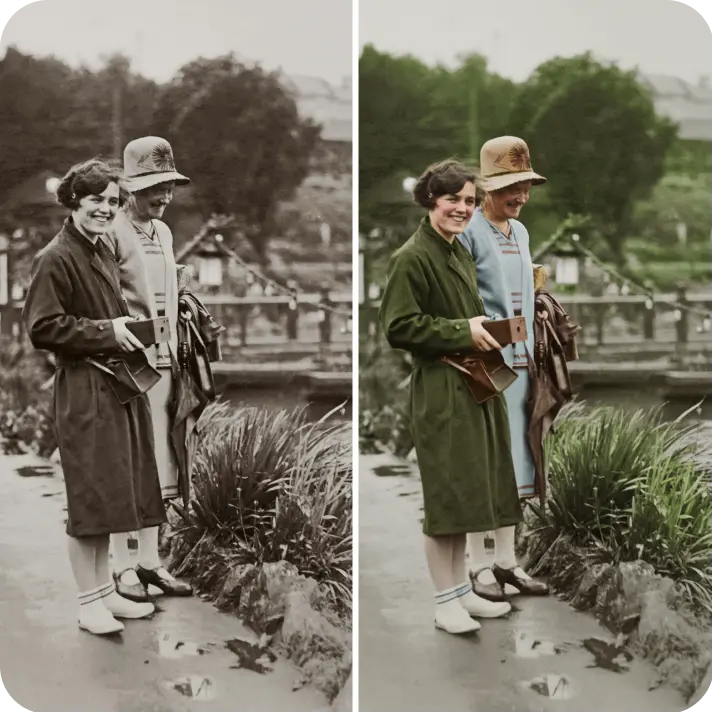
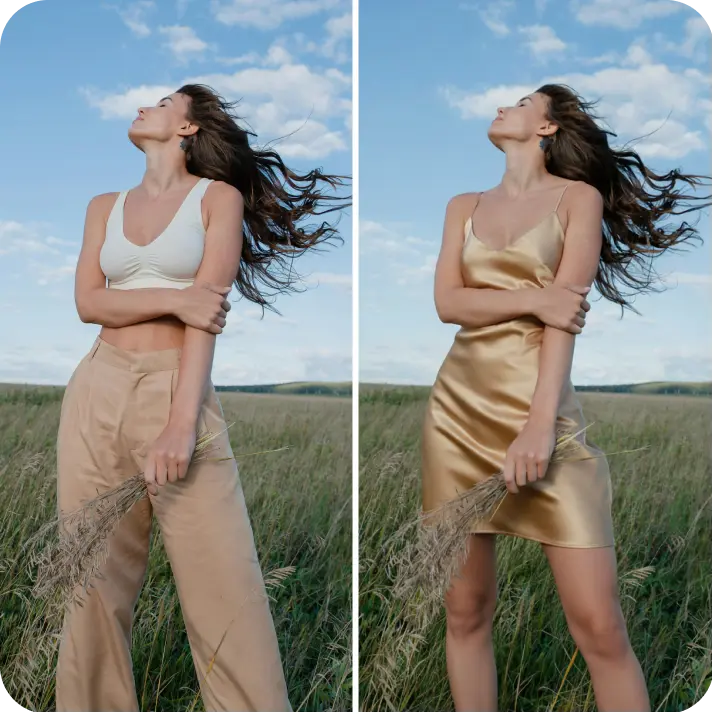
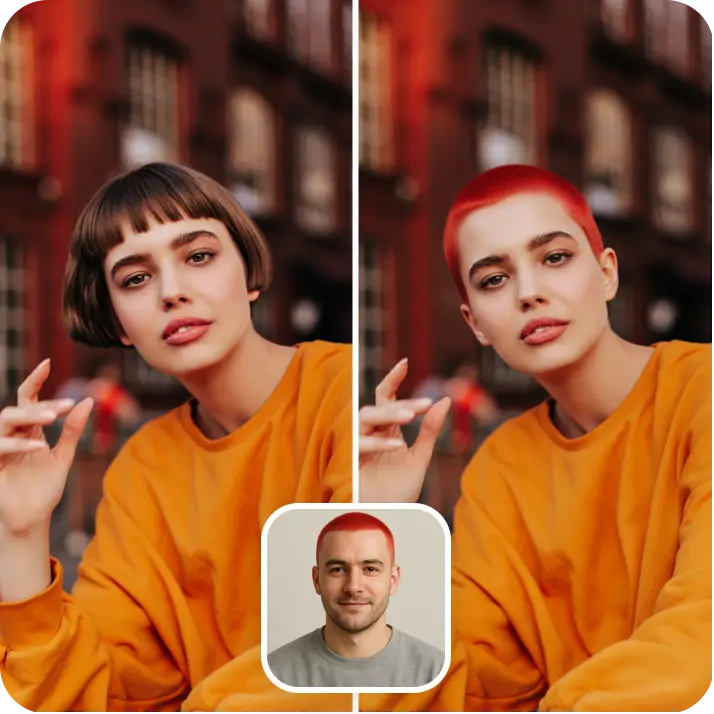
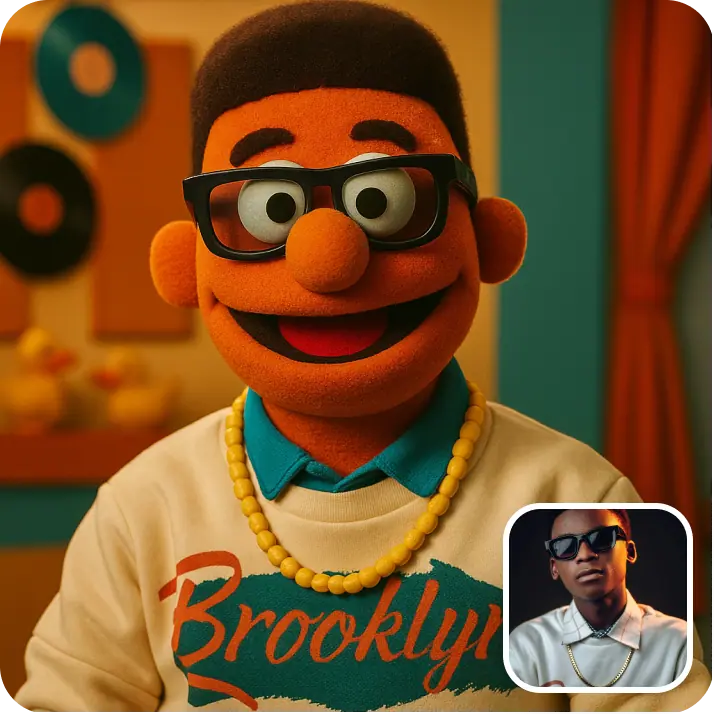
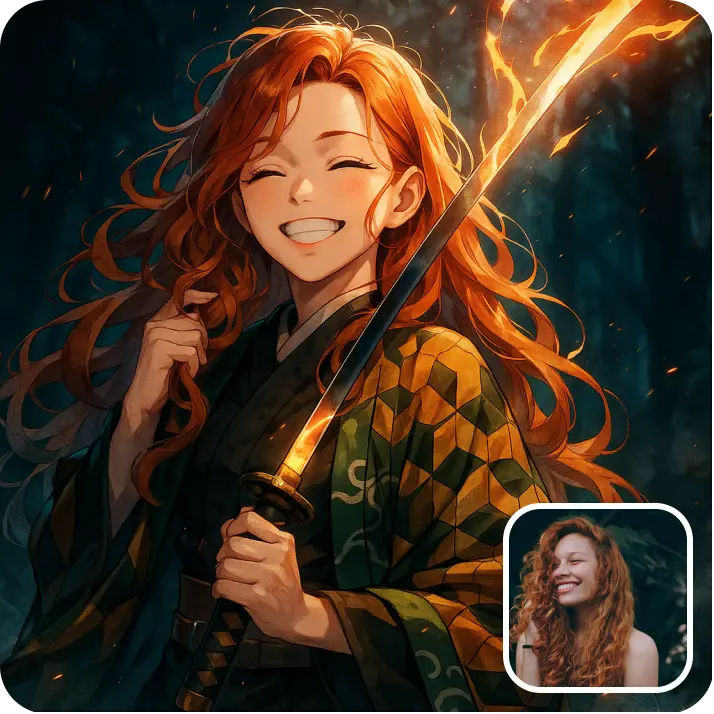
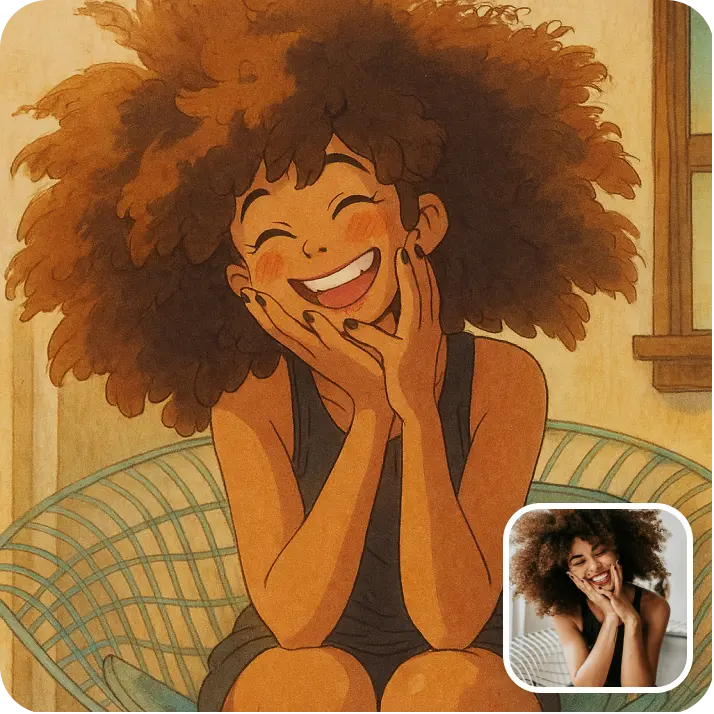
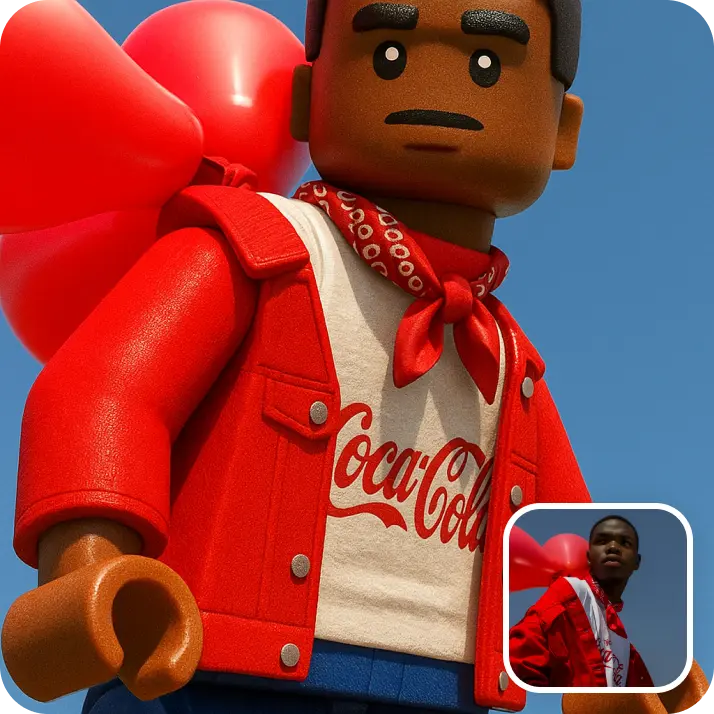
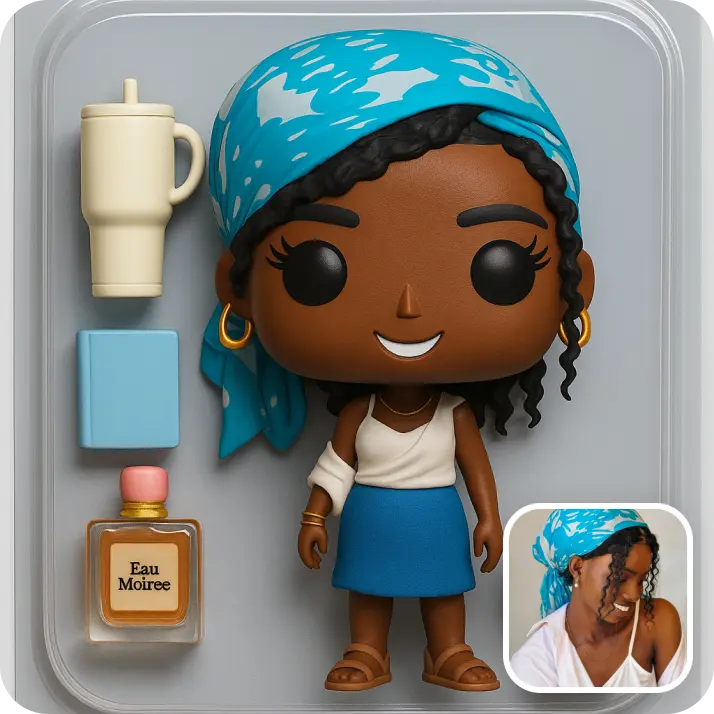
An image to image AI generator (also known as img2img) creates a new picture based on one you already have. Lift uses your uploaded image as a reference and your text prompt as the instruction, so the result keeps the essence of the original while changing its style, scene, or details.
How does Lift AI Image to Image Generator work?
Upload the picture you want to transform, describe the change you have in mind, and choose a model and style. Hit Generate and receive your reimagined image in seconds — no design experience needed.
Can I keep refining a generated image?
Yes. Use Remix to take any result as the base for your next generation and steer it with a new prompt, or Regenerate to rerun the same settings for a fresh take. You can repeat this as many times as it takes to land exactly the look you want.
Can I download the results without a watermark?
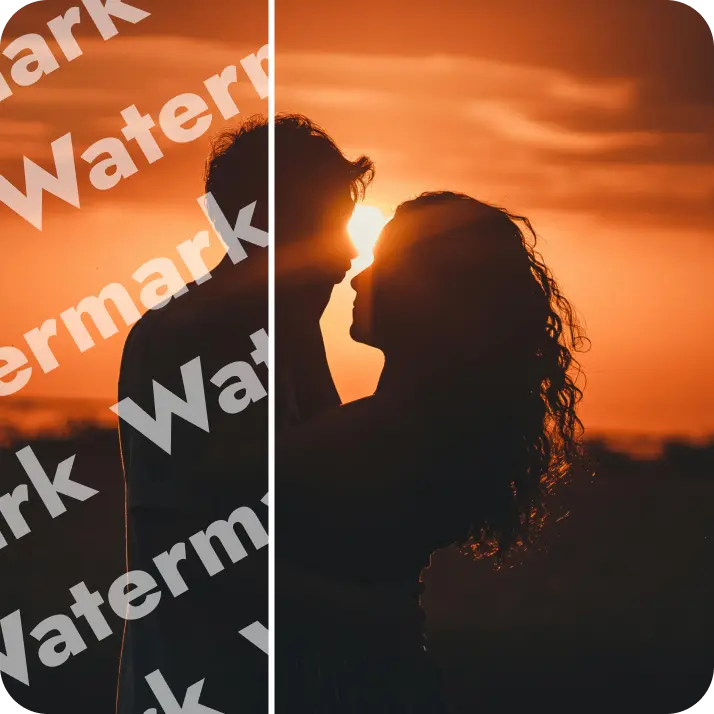
Absolutely. All images generated or edited in Lift can be exported without watermark when you're on the Pro plan. Download them in high-res PNG or JPG — ready for social media, print, ads, or e-commerce.
Is it safe to upload my photos to Lift?
Yes — Lift processes your photos securely and uses them only to generate your results.
How can I cancel my Lift Pro Subscription?
You can cancel your trial or subscription through your account settings or by contacting support@liftapp.ai. Cancellation stops automatic renewal, while access remains active until the end of the current period.
Why Choose the Image to Image AI Generator by Lift

High-quality results
AI-powered technology delivers professional-grade visuals every time
Intelligent rendering
AI tailors the effect to the scene and subject for optimal results
Cross-platform support
Available on iOS, Android, and Web for seamless access
Budget-friendly
Save on costly designers with an affordable and intuitive tool