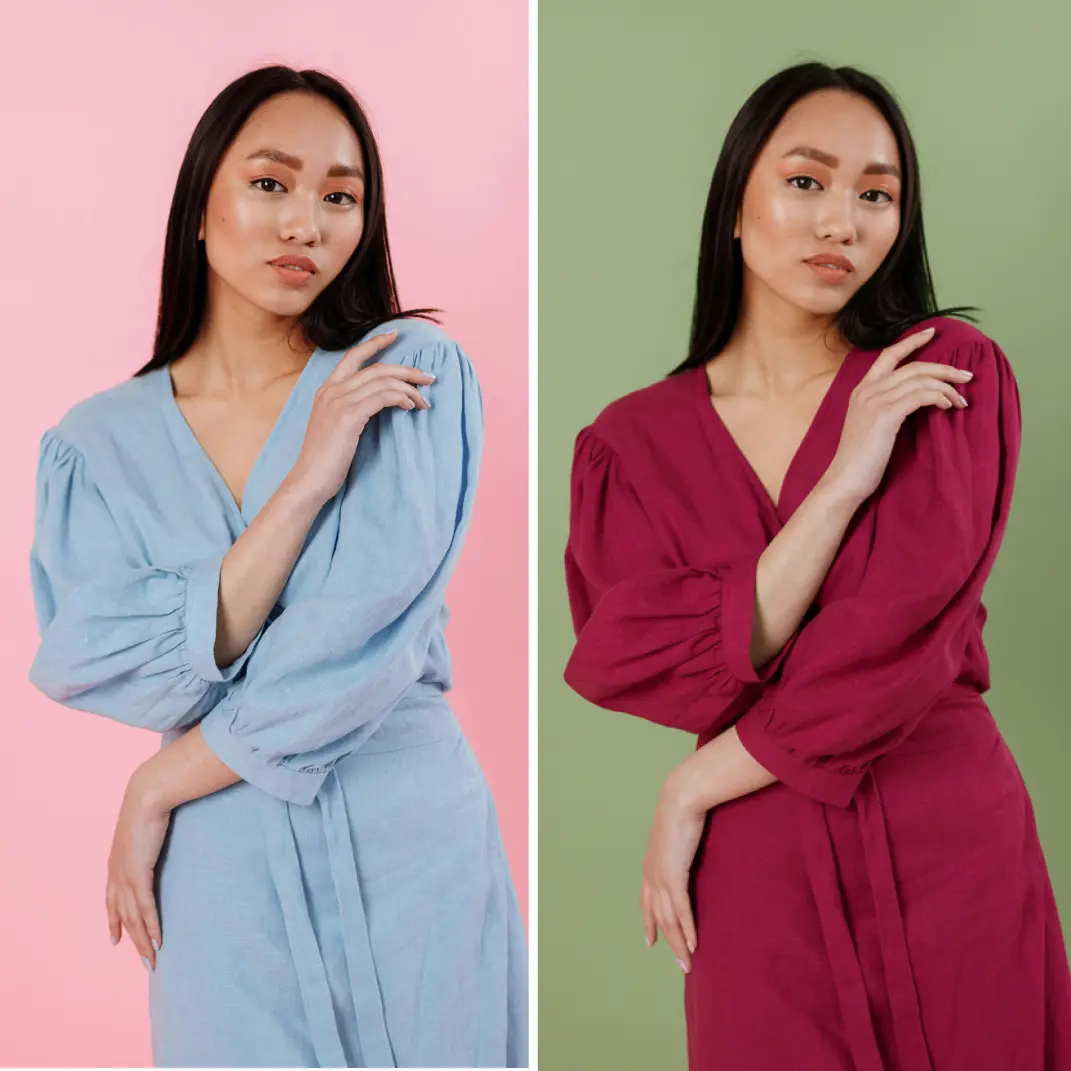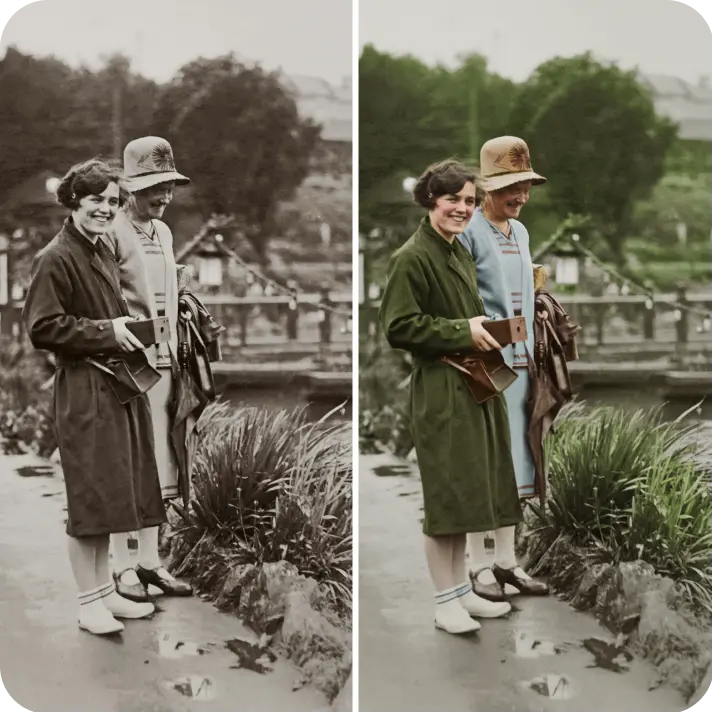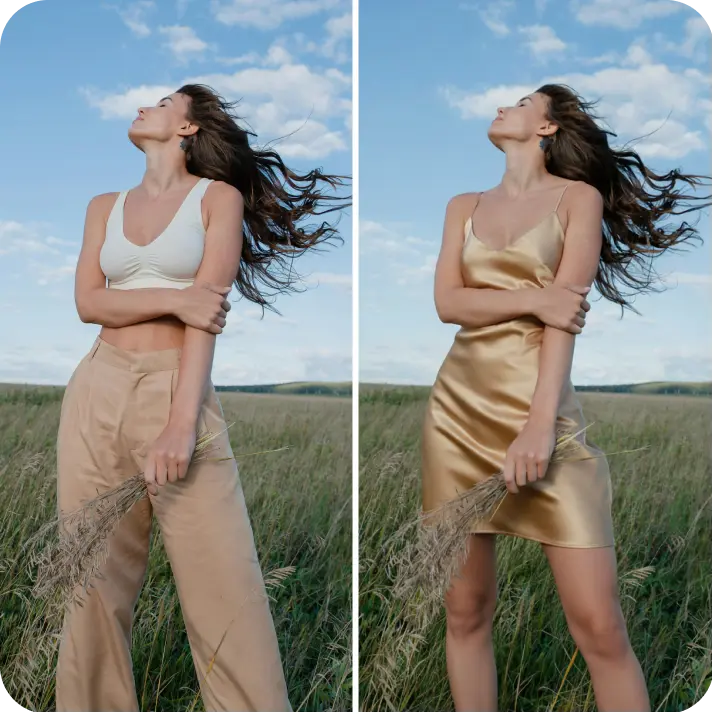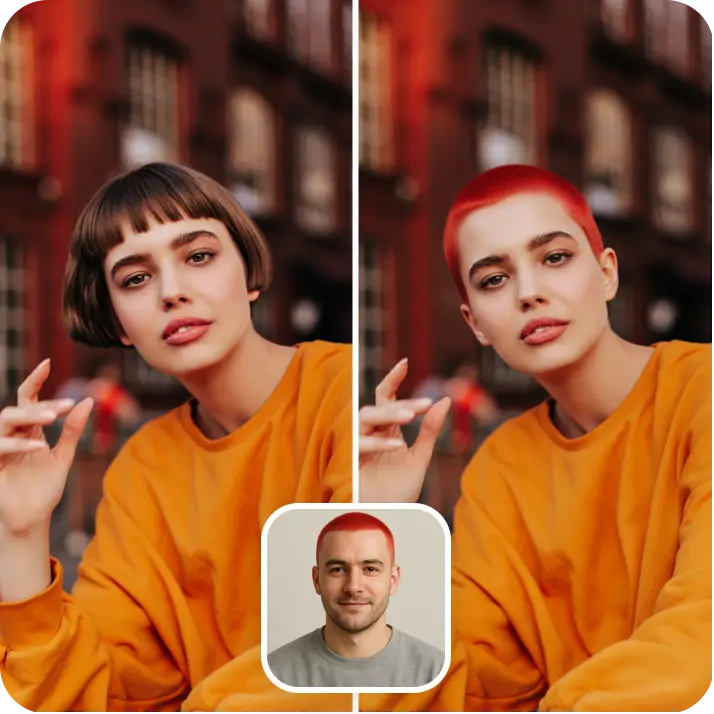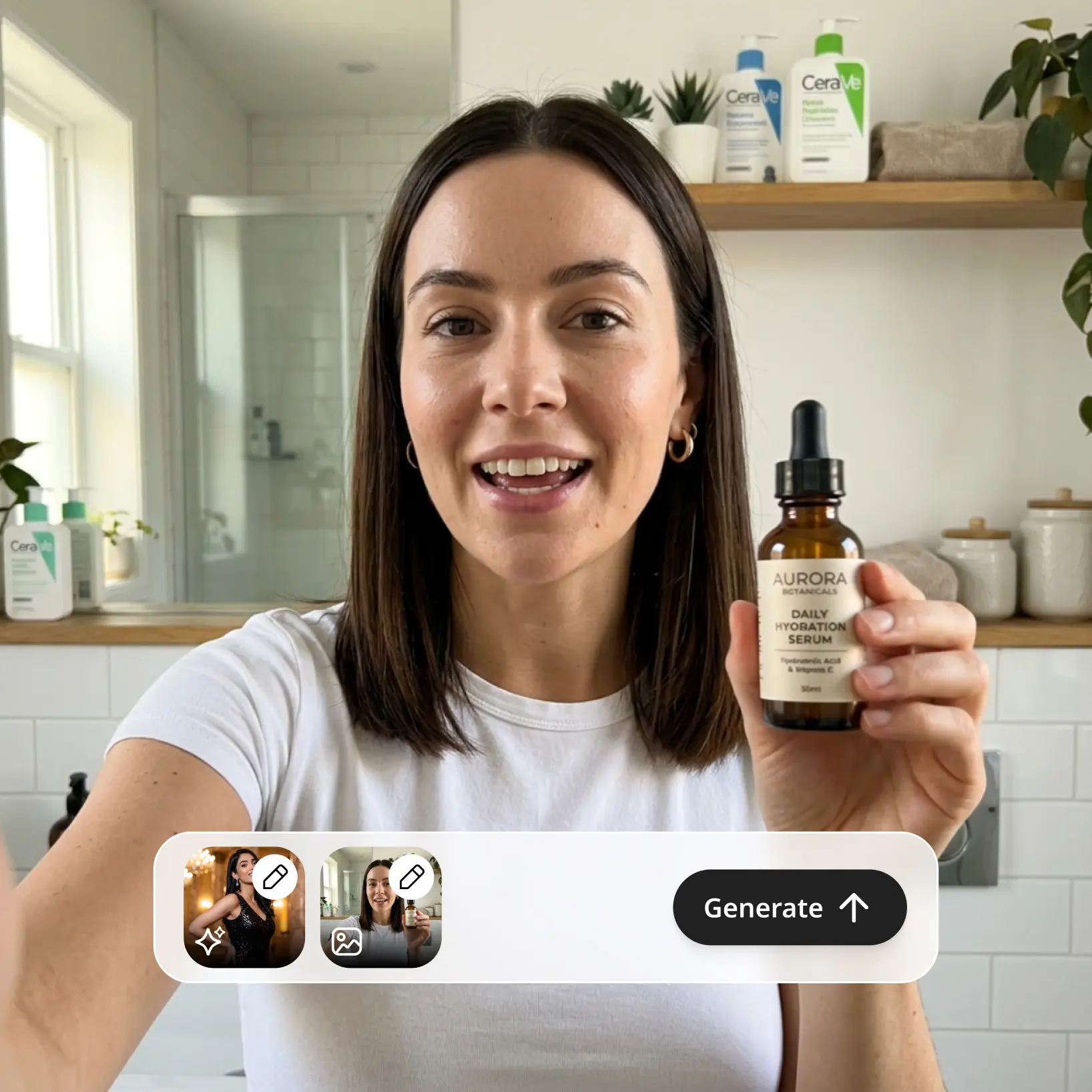

AI Video Generator — your idea, animated by Lift
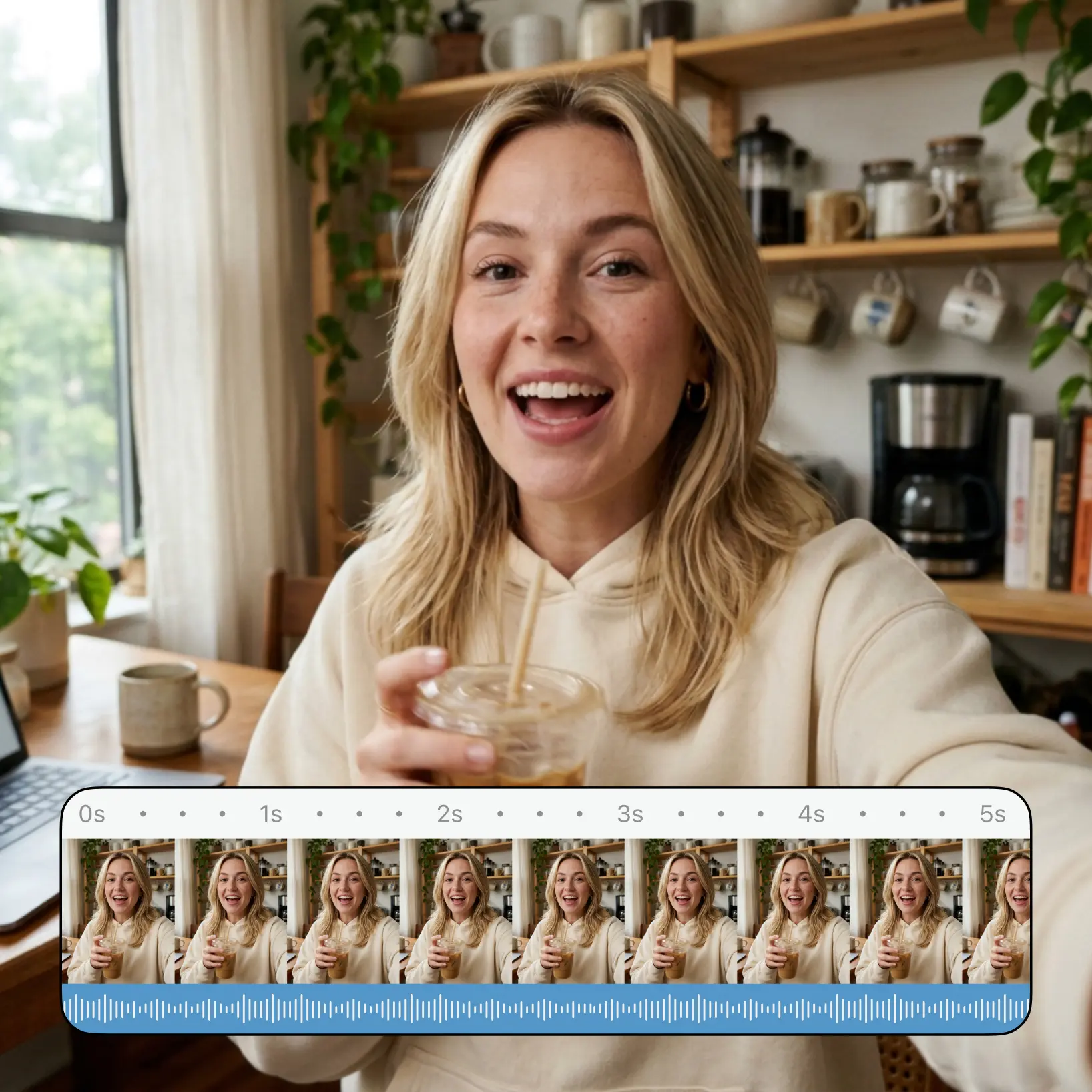
Describe a scene or bring in a reference image, pick your aspect ratio and duration, and let Lift's AI render a smooth, shareable clip. Try Lift now!


How it works
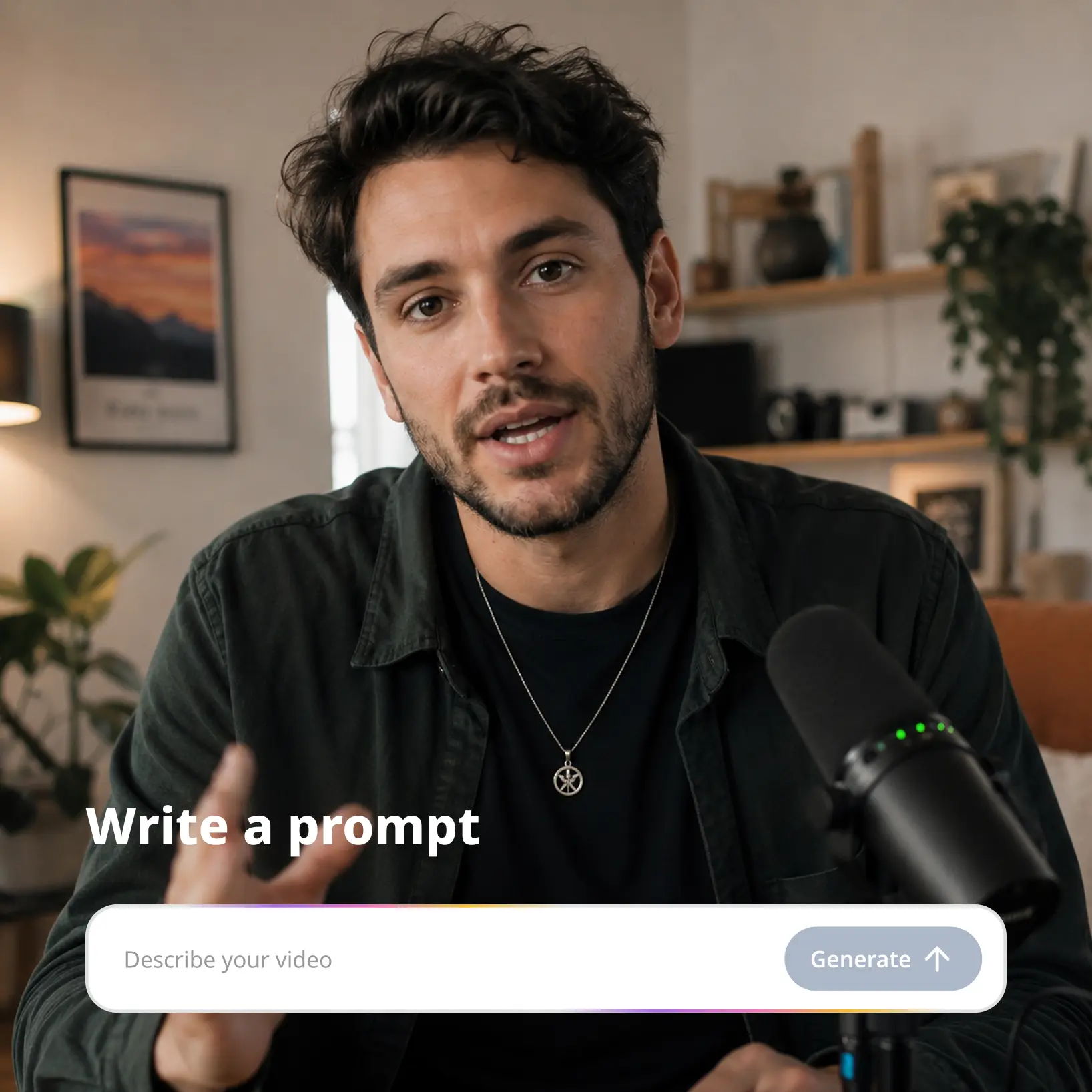
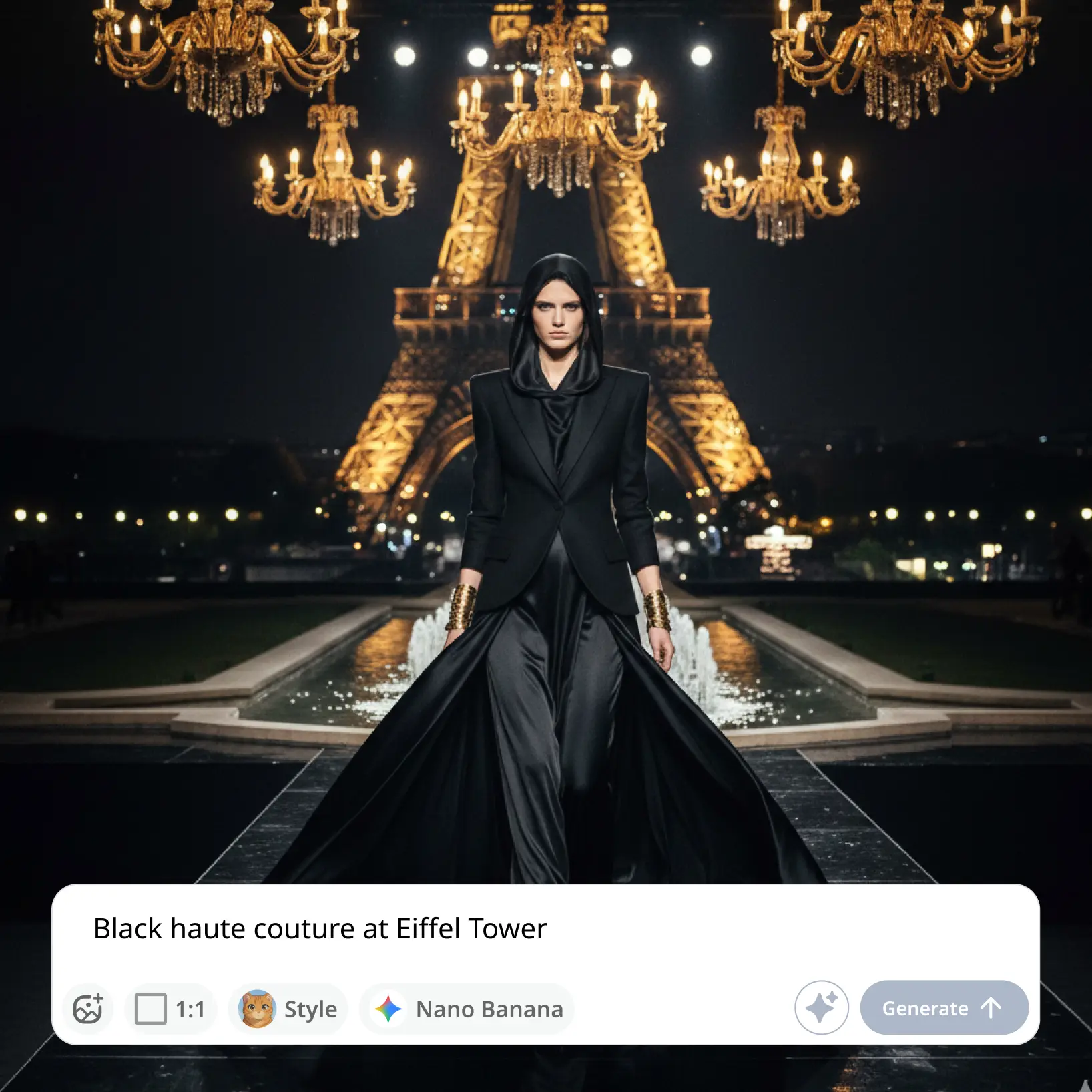
Write a prompt or pick a template
Open AI Video in Lift, write a short prompt or tap a template card to start your project.
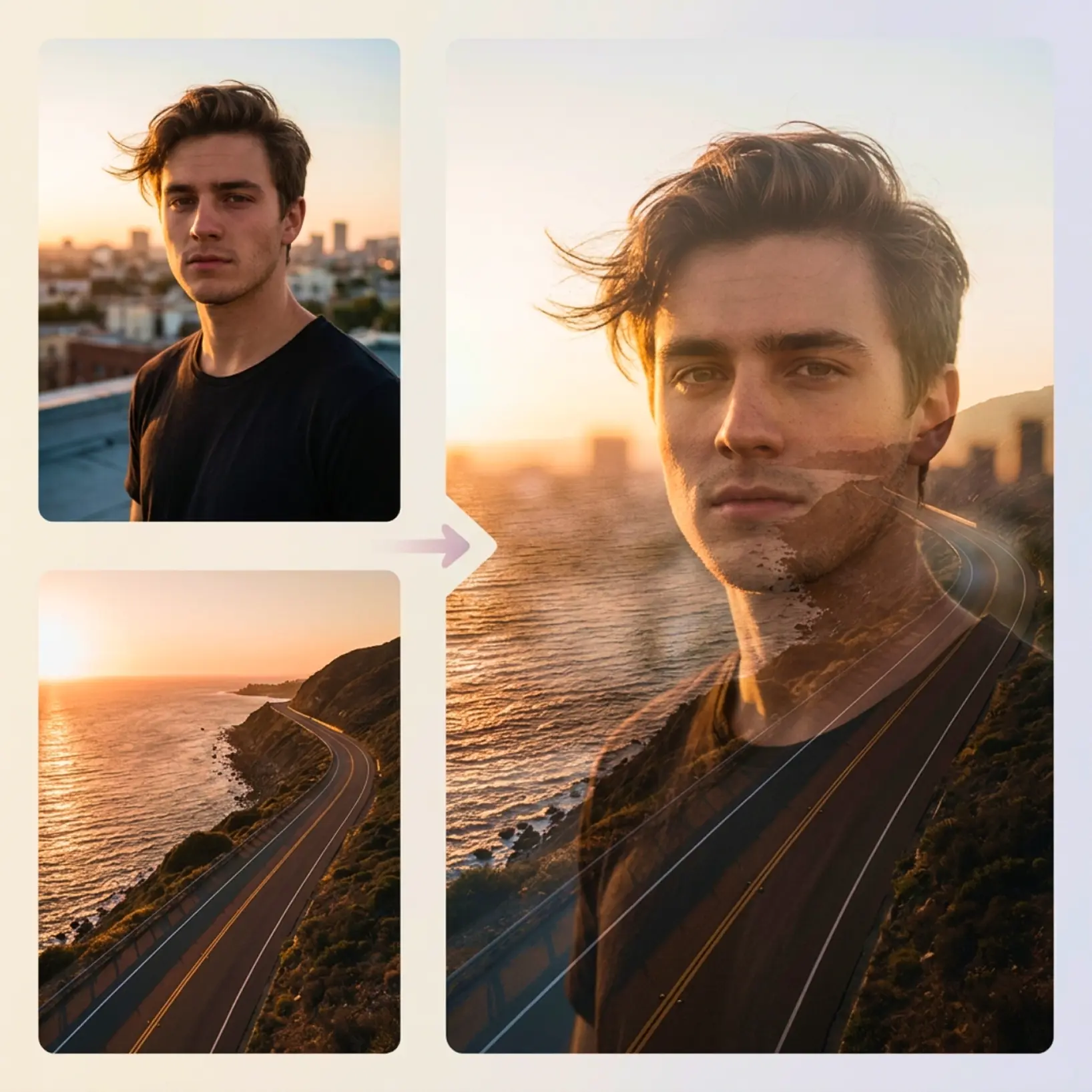
Add an image and set your ratio
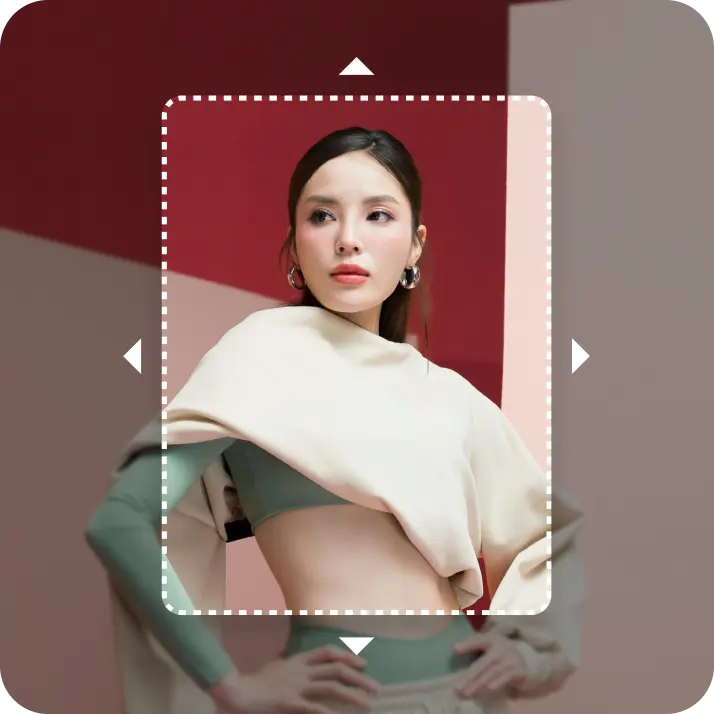
Drop in an optional reference image and choose 16:9, 9:16, or 1:1.
Generate, then download your video
Hit Generate, watch the progress bar fill, then download the finished video and share it anywhere.
Regenerate or refine your video
Rerun with the same setup, swap the image or ratio, or remove the clip from your library.

Trusted by millions around the globe
Join thousands of users who edit faster, create better visuals, and grow their content with AI
Who can benefit from the AI Video Generator?
- 🔹
Social media creators — Generate vertical clips for Reels, TikTok, and Shorts without setting up a camera. Lift renders ready-to-post video from a short brief in any aspect ratio.
- 🔹
E-commerce sellers — Animate product visuals for storefronts, ads, and email without booking a video shoot. Lift turns a still concept into a moving 16:9, 9:16, or 1:1 clip.
- 🔹
Marketing teams — Spin up creative variants for campaigns, paid social, and pitch decks at speed. Lift produces multiple AI video drafts so teams can A/B test before launch.
- 🔹
Course creators & educators — Illustrate concepts with short AI videos that hold attention longer than slides. Lift handles ratio and duration so clips fit any LMS or feed.
- 🔹
Casual creators & hobbyists — Bring everyday ideas — a meme, a birthday card, a story scene — to life as motion. Lift renders the clip from a single prompt in minutes.
Frequently asked questions
What is the Lift AI Video Generator?
The Lift AI Video Generator is a tool that turns prompts and reference images into short videos using AI. It outputs ready-to-share clips you can download in high resolution.
How does the Lift AI Video Generator work?
You open the AI Video tab in Lift, write a prompt or pick a template, then add an optional reference image and choose aspect ratio 16:9, 9:16, or 1:1 (optional). Hit Generate, and download the finished video or regenerate with the same setup.
Can I make AI videos in different aspect ratios?
Yes. Lift supports vertical 9:16, landscape 16:9, and square 1:1. Set the format before each generation so your video fits Reels, YouTube, TikTok, or any feed.
Can I download the results without a watermark?
Absolutely. All images generated or edited in Lift can be exported without watermark when you're on the Pro plan. Download them in high-res PNG or JPG — ready for social media, print, ads, or e-commerce.
How can I try the Lift AI Video Generator?
Lift includes a 7-day trial that gives new users full access to the workflow. After the trial, your plan continues on a regular subscription — manage or cancel it anytime from your account.
Why Lift AI Video Generator stands out
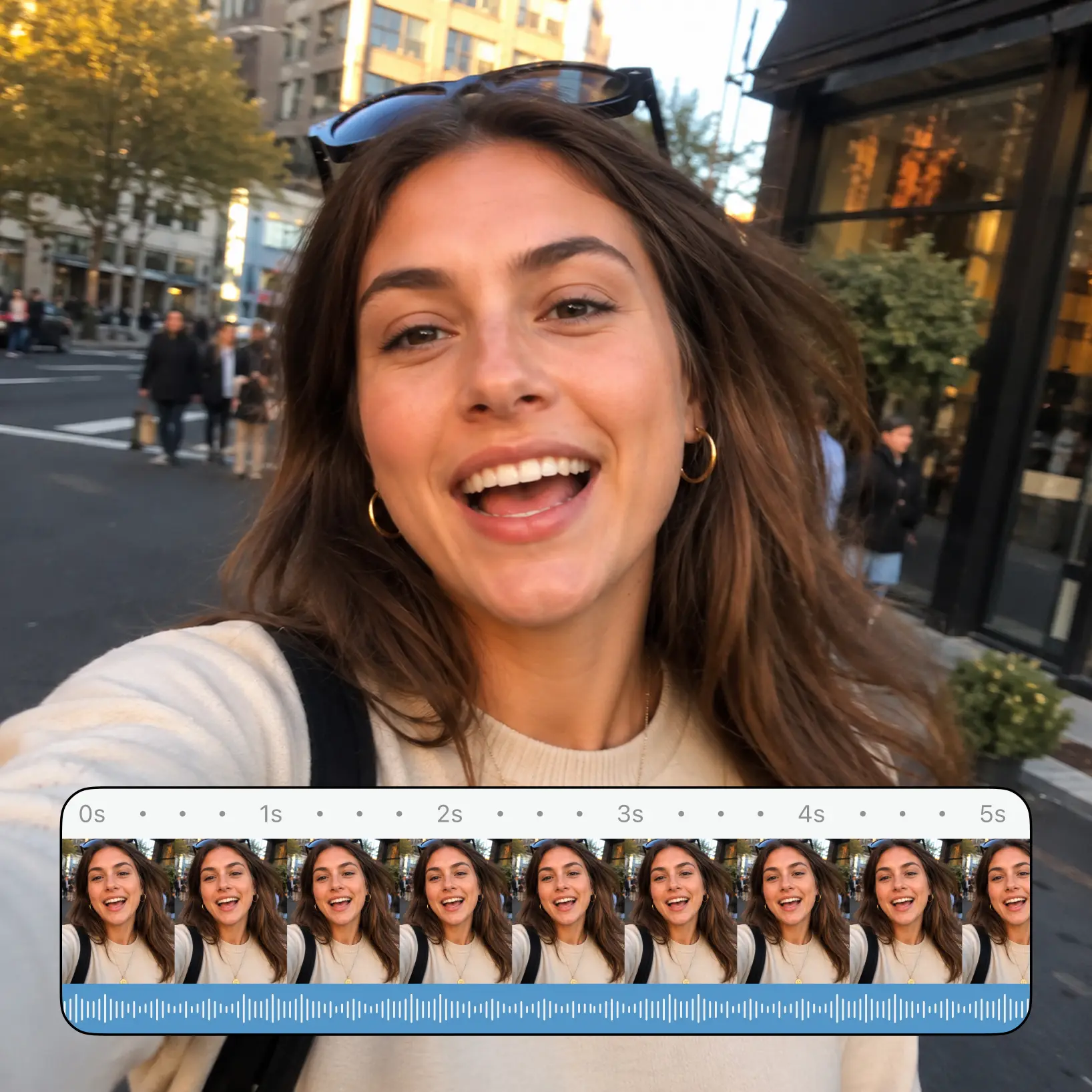
High-quality results
AI-powered technology delivers professional-grade visuals every time
Intelligent rendering
AI tailors the effect to the scene and subject for optimal results
Cross-platform support
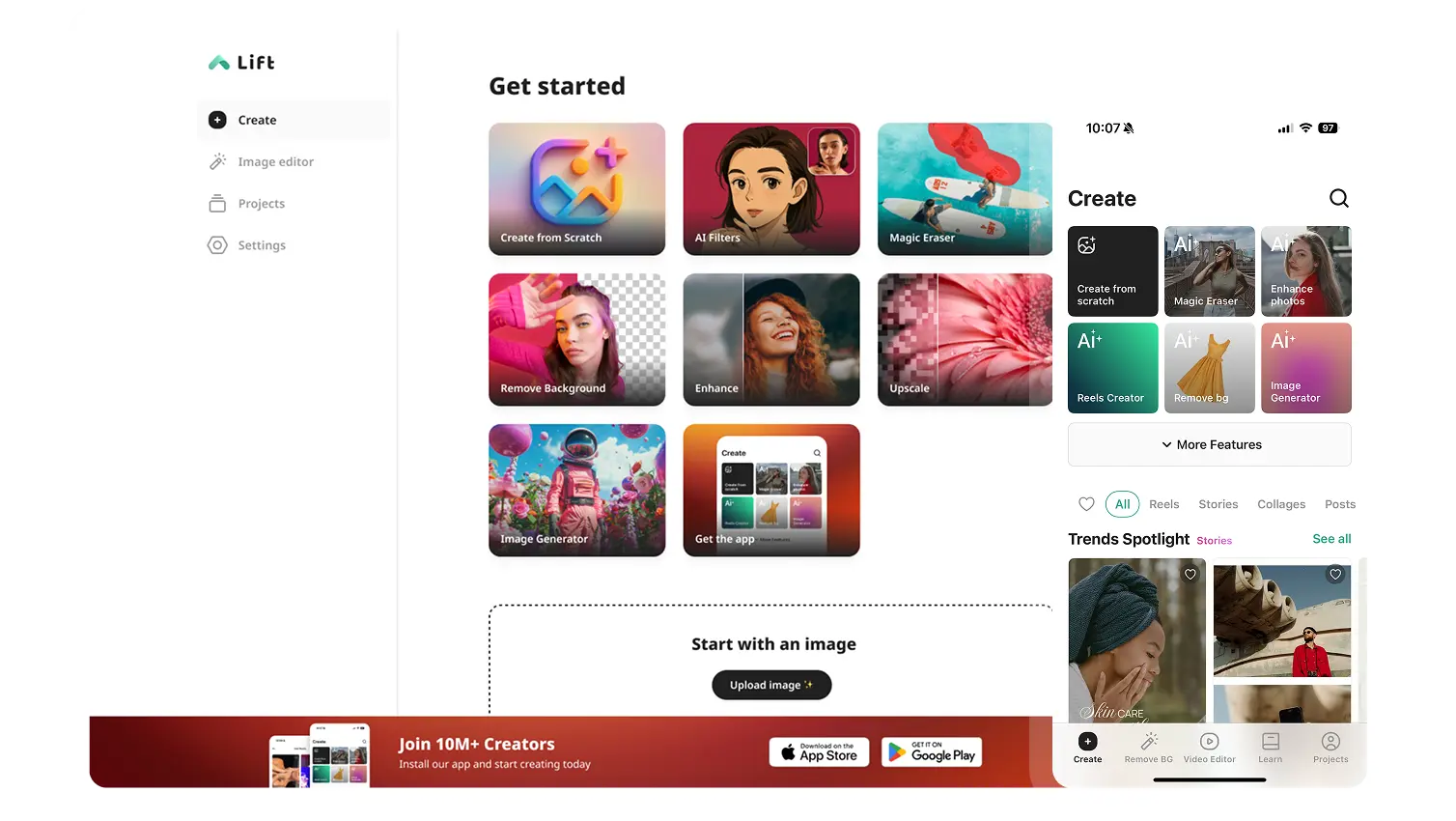
Available on iOS, Android, and Web for seamless access
Budget-friendly
Save on costly designers with an affordable and intuitive tool