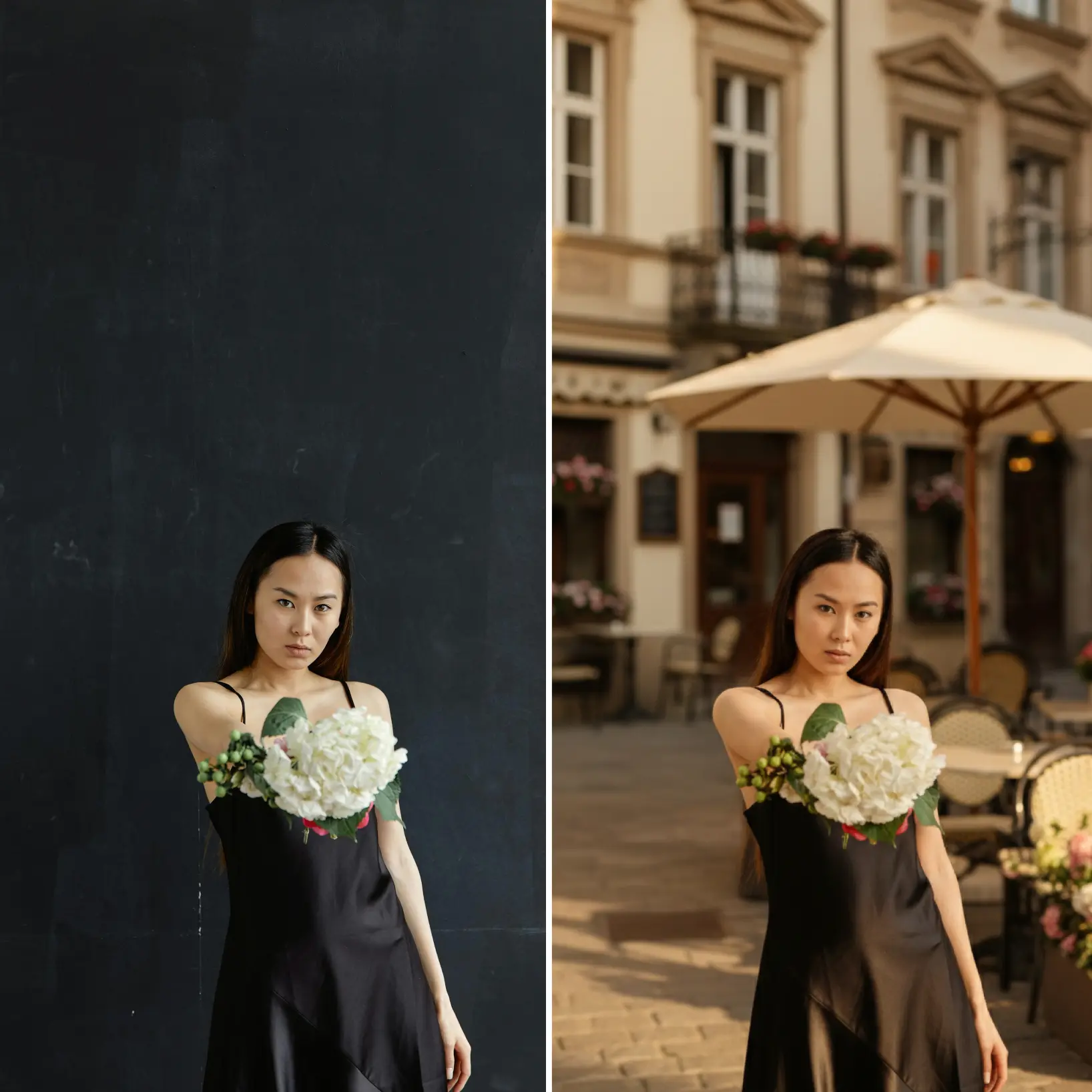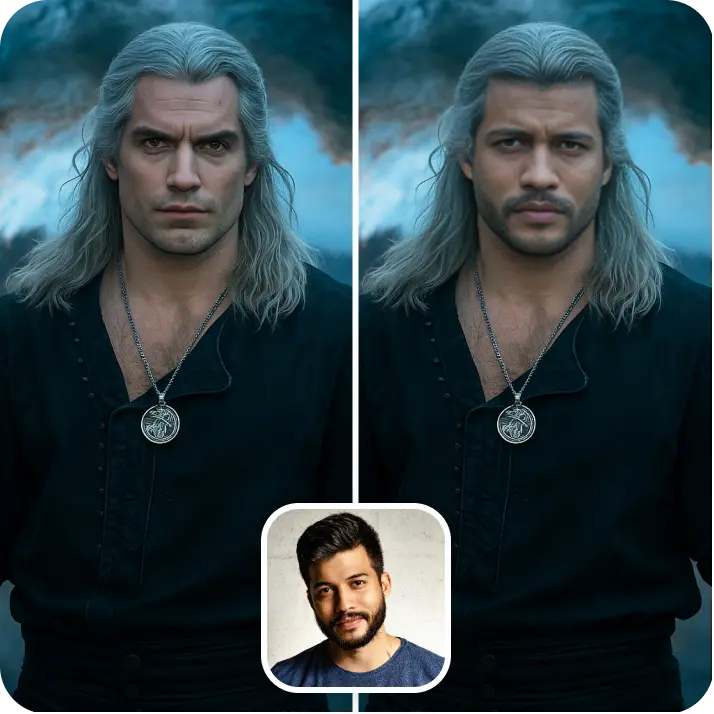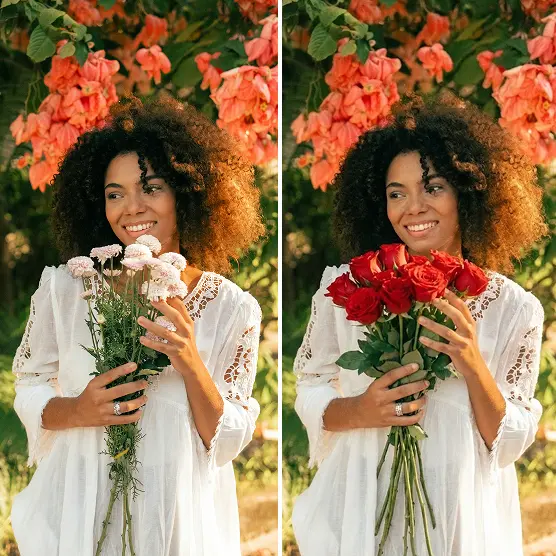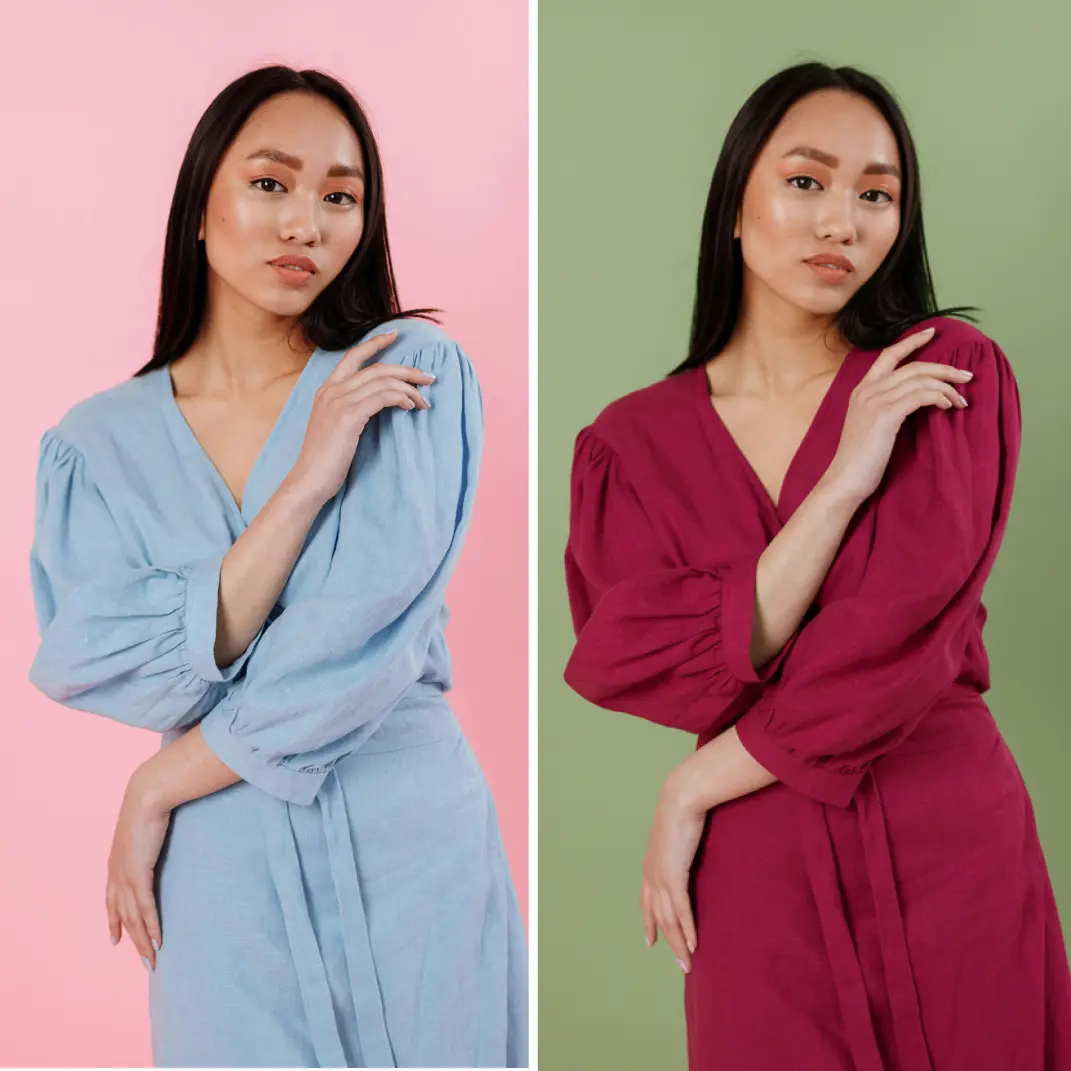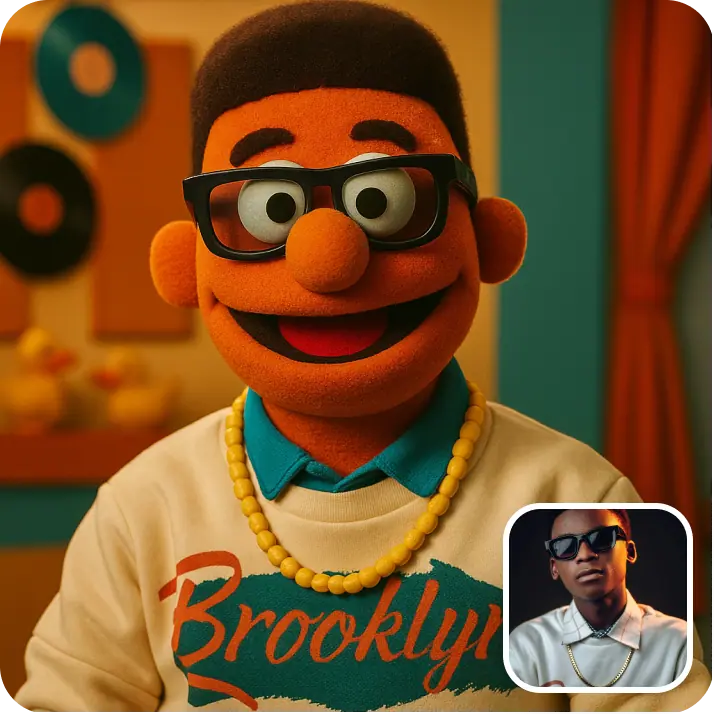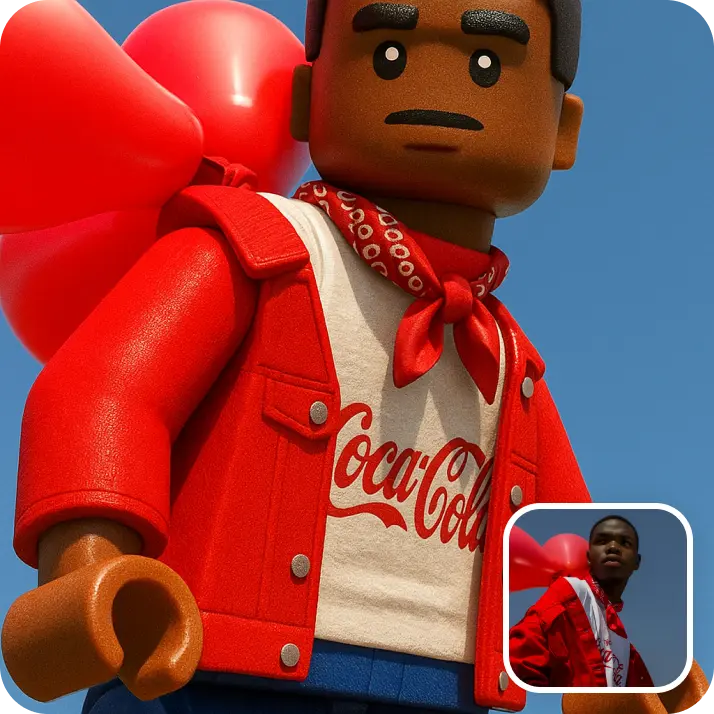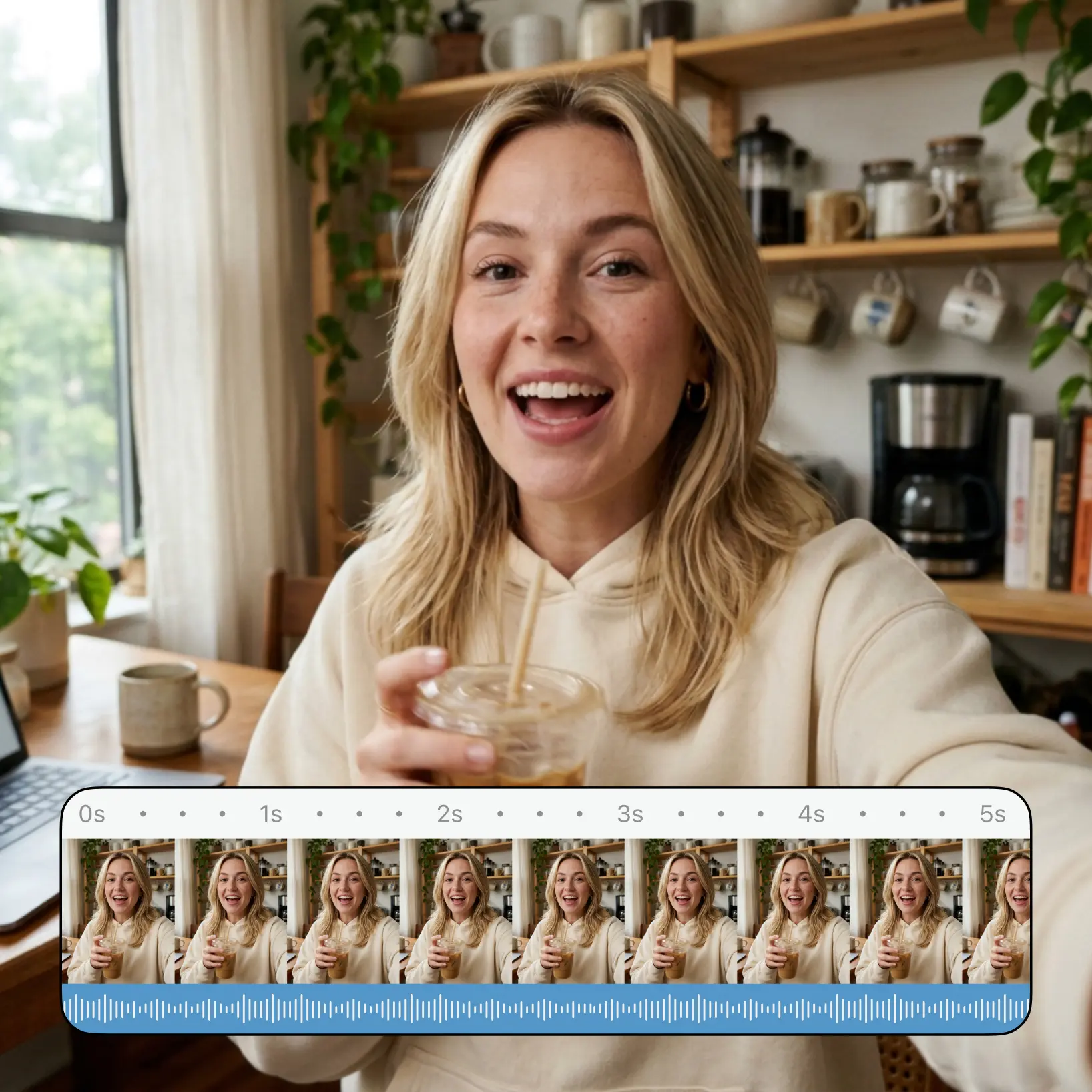

Image to Video AI by Lift — your photo, now in motion
Upload one or two photos in the AI Video tab, pick a style, and let Lift render a polished clip in your chosen ratio. Try Lift today.



How it works
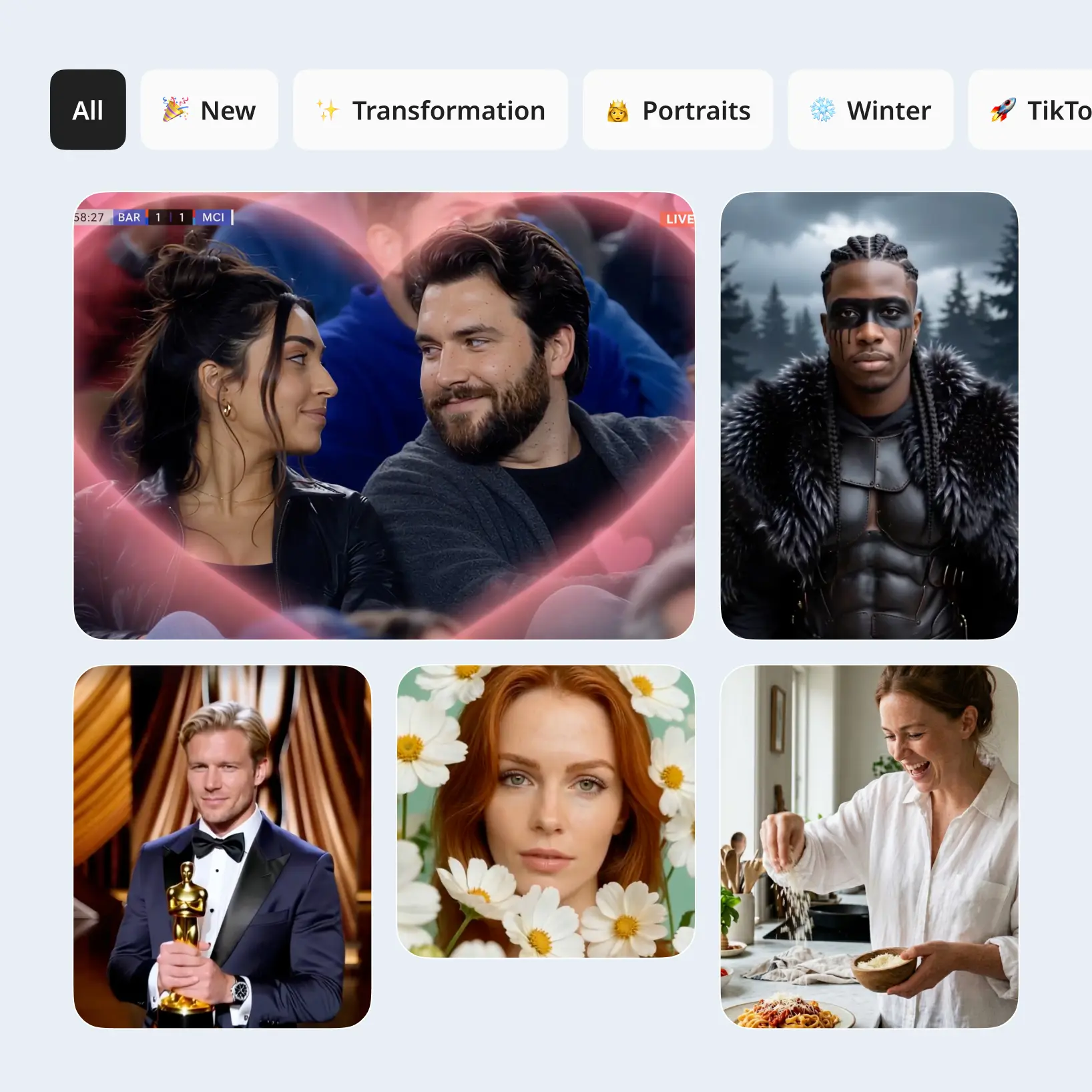
Open AI Video and pick a style
Open the AI Video tab, browse styles by category, and pick the look that fits your idea.
Upload one or two photos
Drop in the photos required by the style — Lift validates each image for quality before the next step.
Generate your AI video clip
Tap Generate and watch as Lift turns your photos into a moving clip.
Download or regenerate your video
Save the finished video in high quality, regenerate with the same settings, or remove it from your library.

Trusted by millions around the globe
Join thousands of users who edit faster, create better visuals, and grow their content with AI
Who can benefit from the Image to Video AI?

- 🔹
Social media creators — Spin phone photos into Reels, TikToks, and Shorts in minutes without filming a new clip. Lift turns one photo into a moving 9:16 video ready to post.
- 🔹
Couples & long-distance friends — Send a moving photo instead of a flat one for birthdays, anniversaries, or random surprises. Lift converts a single snapshot into a short clip with a personal touch.
- 🔹
E-commerce sellers — Convert product still shots into scroll-stopping video ads, storefront banners, and reels. Lift renders motion from a flat catalog photo so each listing earns extra attention.
- 🔹
Beauty & lifestyle creators — Turn polished selfies into video posts that hold the feed longer than static images. Lift adds movement to a single shot so a portfolio looks alive.
- 🔹
Travel & memory keepers — Build short clips from holiday photos for stories, recaps, and shareable albums. Lift turns one snapshot at a time into a moving moment to revisit.
Frequently asked questions
What is the Lift Image to Video AI?
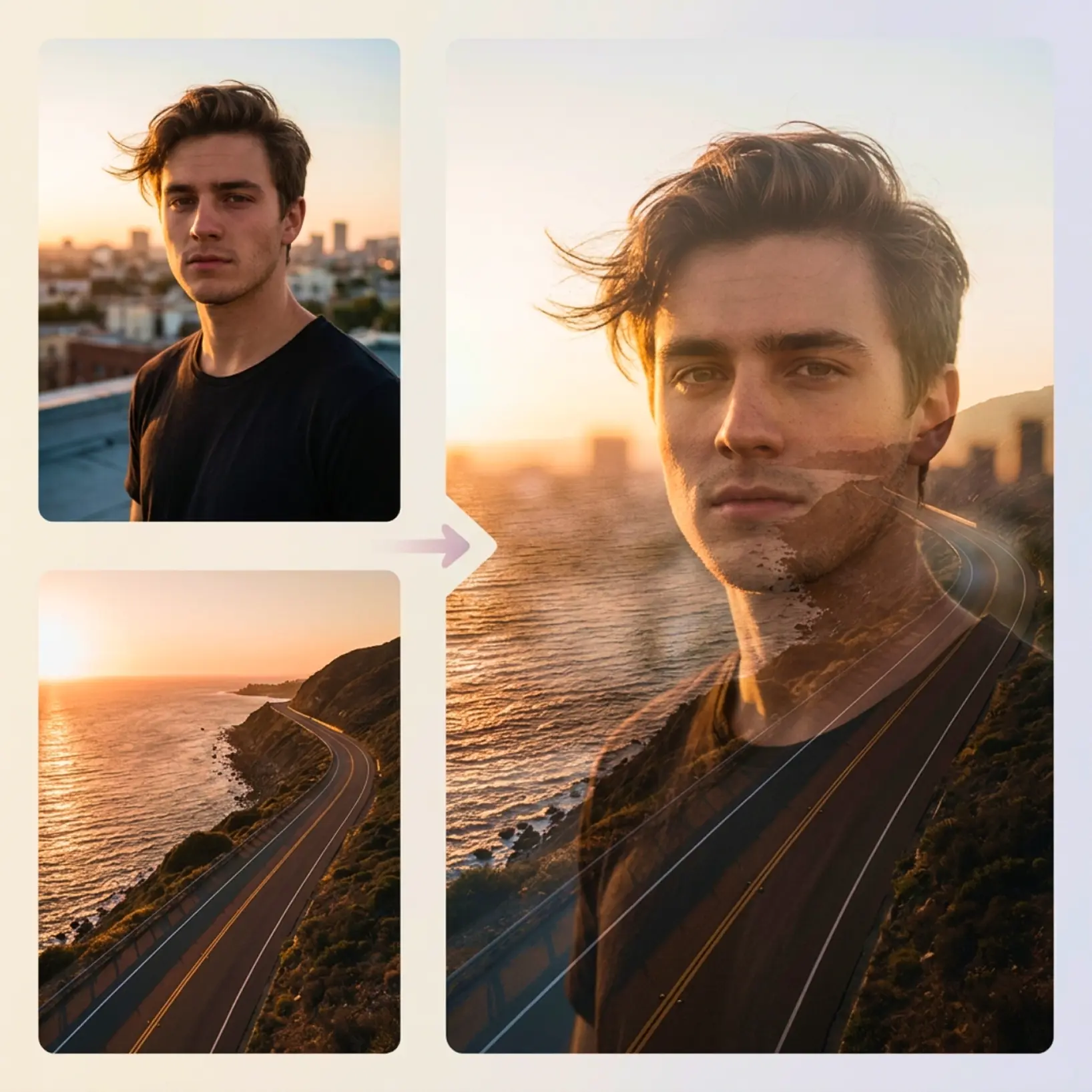
The Lift Image to Video AI is a tool inside Lift that turns one or two photos into a short video using AI. Pick a style in the AI Video tab, upload your photo, and download the finished clip in high resolution.
How does the Lift Image to Video AI work?
You open the AI Video tab in Lift, browse styles by category, and pick the look that fits your idea. Then you upload one or two photos, hit Generate, and download or regenerate the result.
How many photos can I upload as input?
It depends on the style — some styles take a single photo, others need two. Lift shows the requirement before you upload and validates each image so the generation runs cleanly.
Can I download the results without a watermark?
Absolutely. All images generated or edited in Lift can be exported without watermark when you're on the Pro plan. Download them in high-res PNG or JPG — ready for social media, print, ads, or e-commerce.
How can I try the Lift Image to Video AI?
Lift includes a 7-day trial that gives new users full access to the workflow. After the trial, your plan continues on a regular subscription — manage or cancel it anytime from your account.
Why Lift Image to Video AI stands out
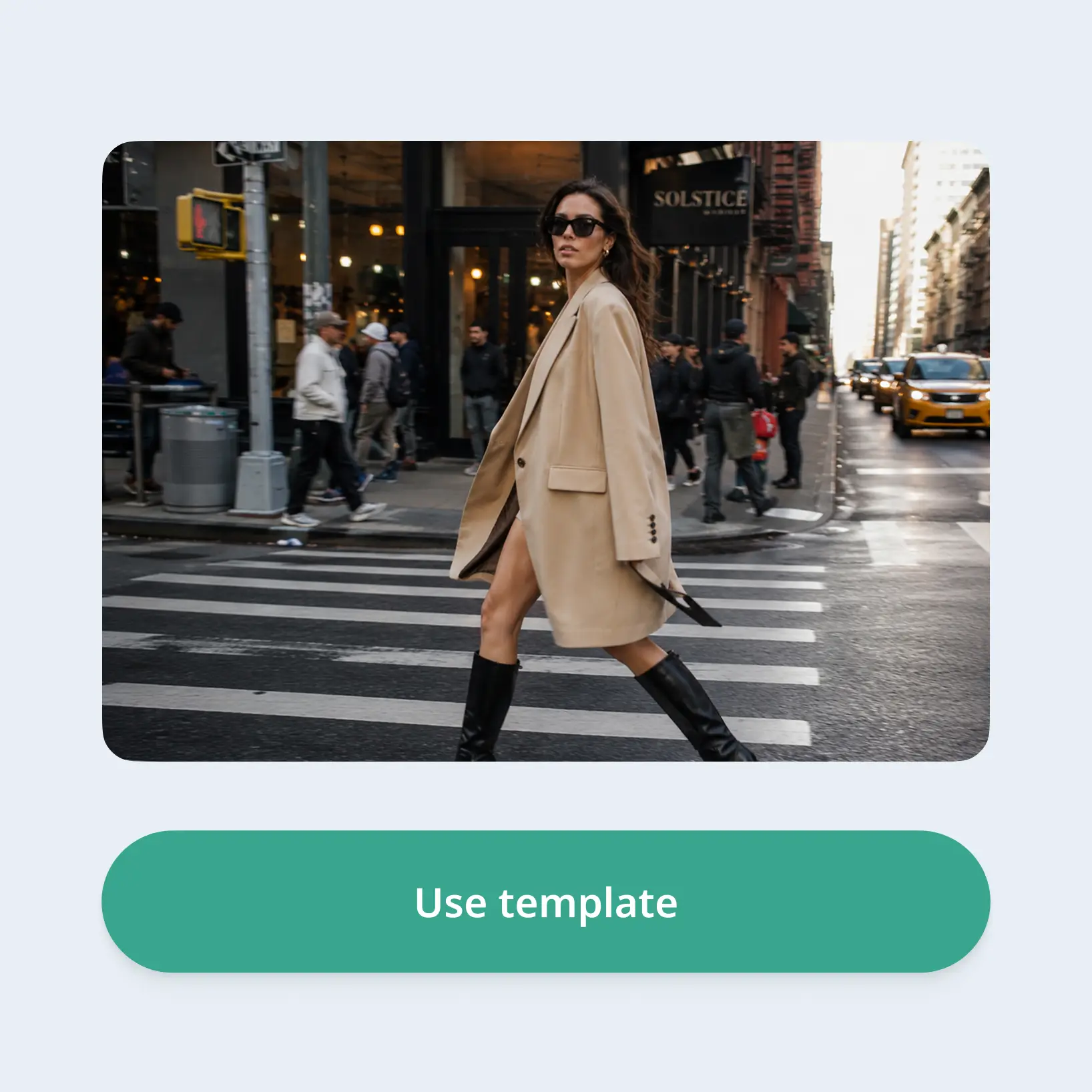
High-quality results
AI-powered technology delivers professional-grade visuals every time
Intelligent rendering
AI tailors the effect to the scene and subject for optimal results
Cross-platform support
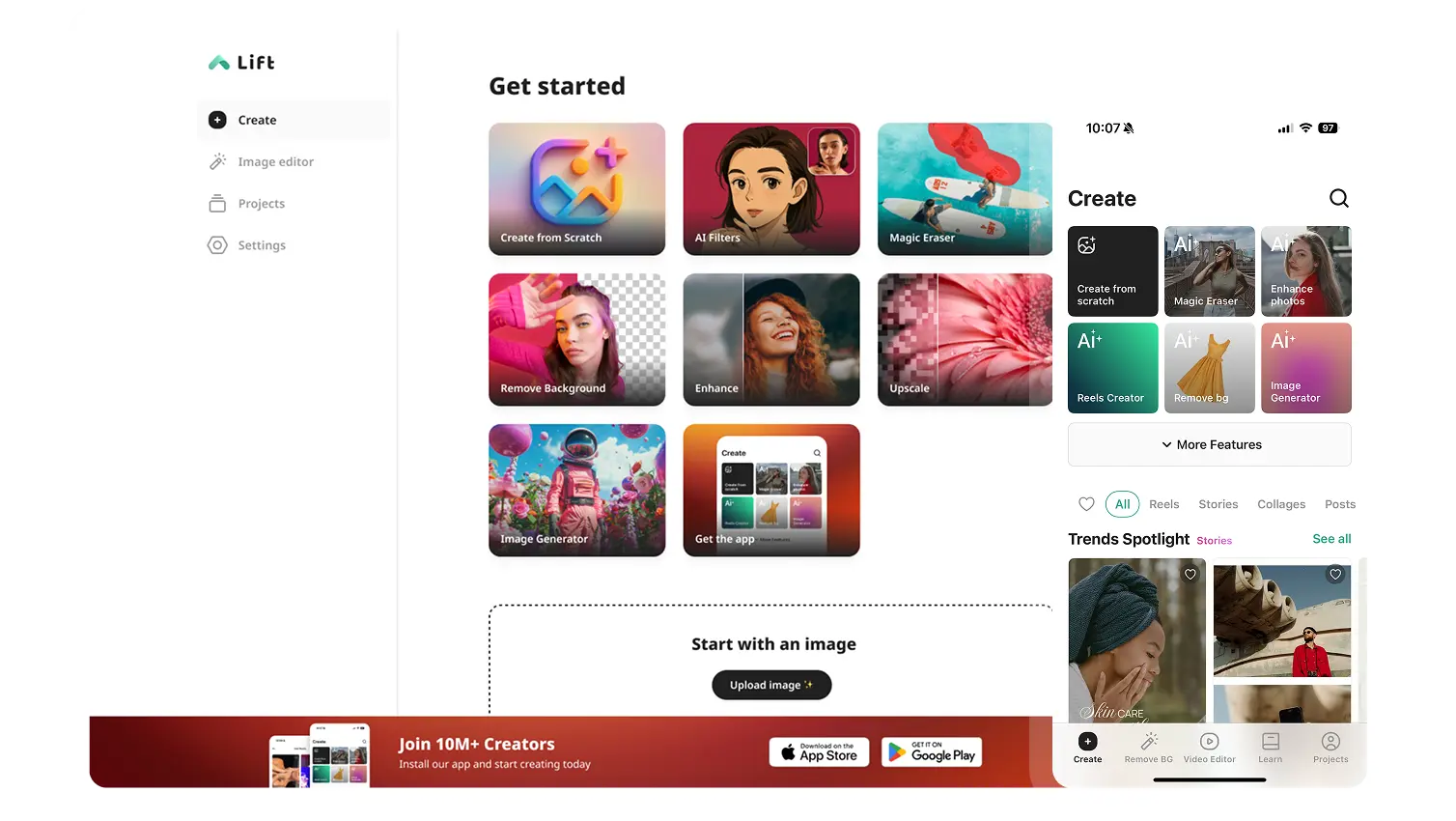
Available on iOS, Android, and Web for seamless access
Budget-friendly
Save on costly designers with an affordable and intuitive tool