
Text to Video AI by Lift — your prompt, now a clip
Type a prompt in the AI Video tab, polish it with one tap, pick a ratio, and let Lift render your video. Try Lift today.



How it works
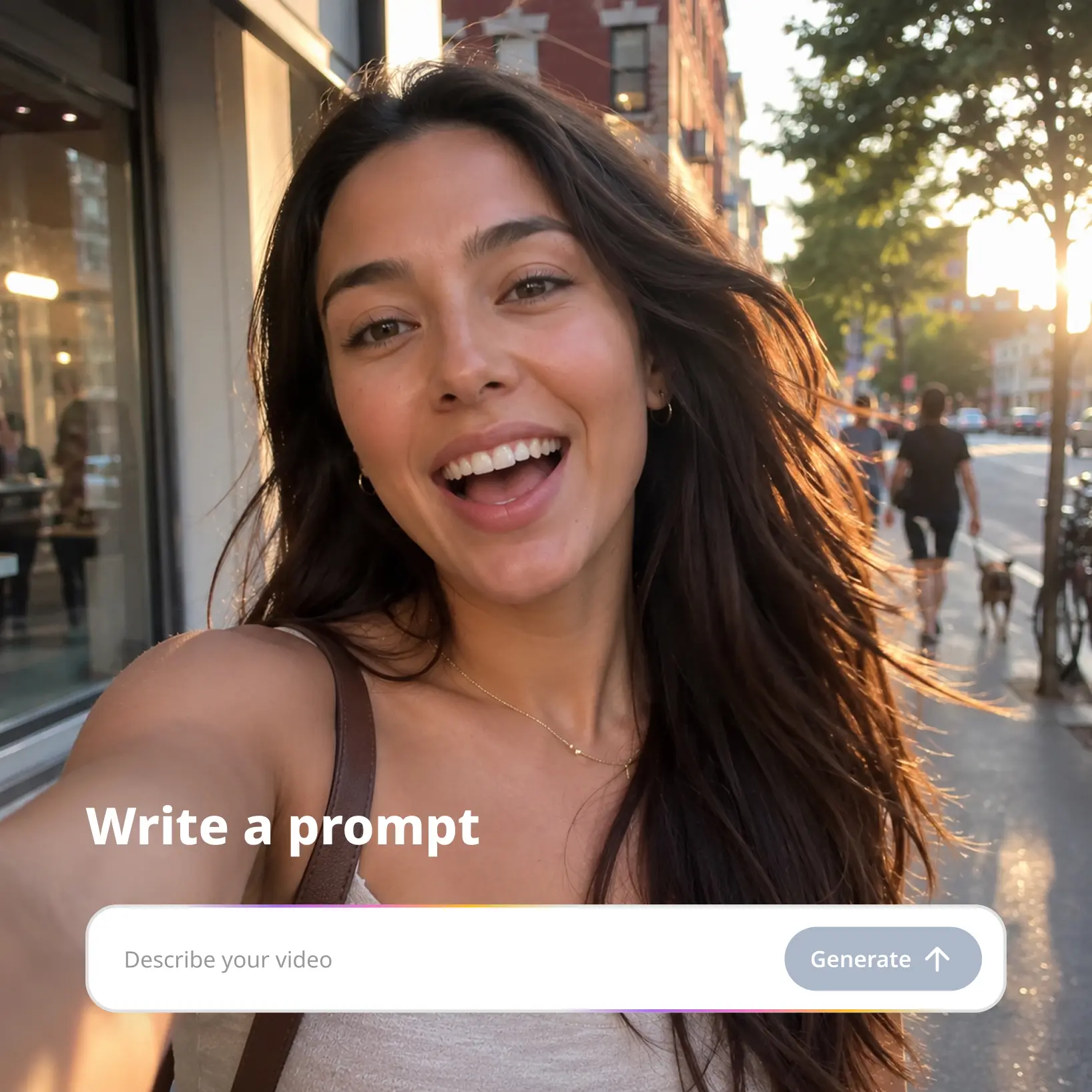
Write a prompt in the AI Video tab
Open AI Video in Lift and type your idea in any language.
Tap Improve prompt and pick a ratio
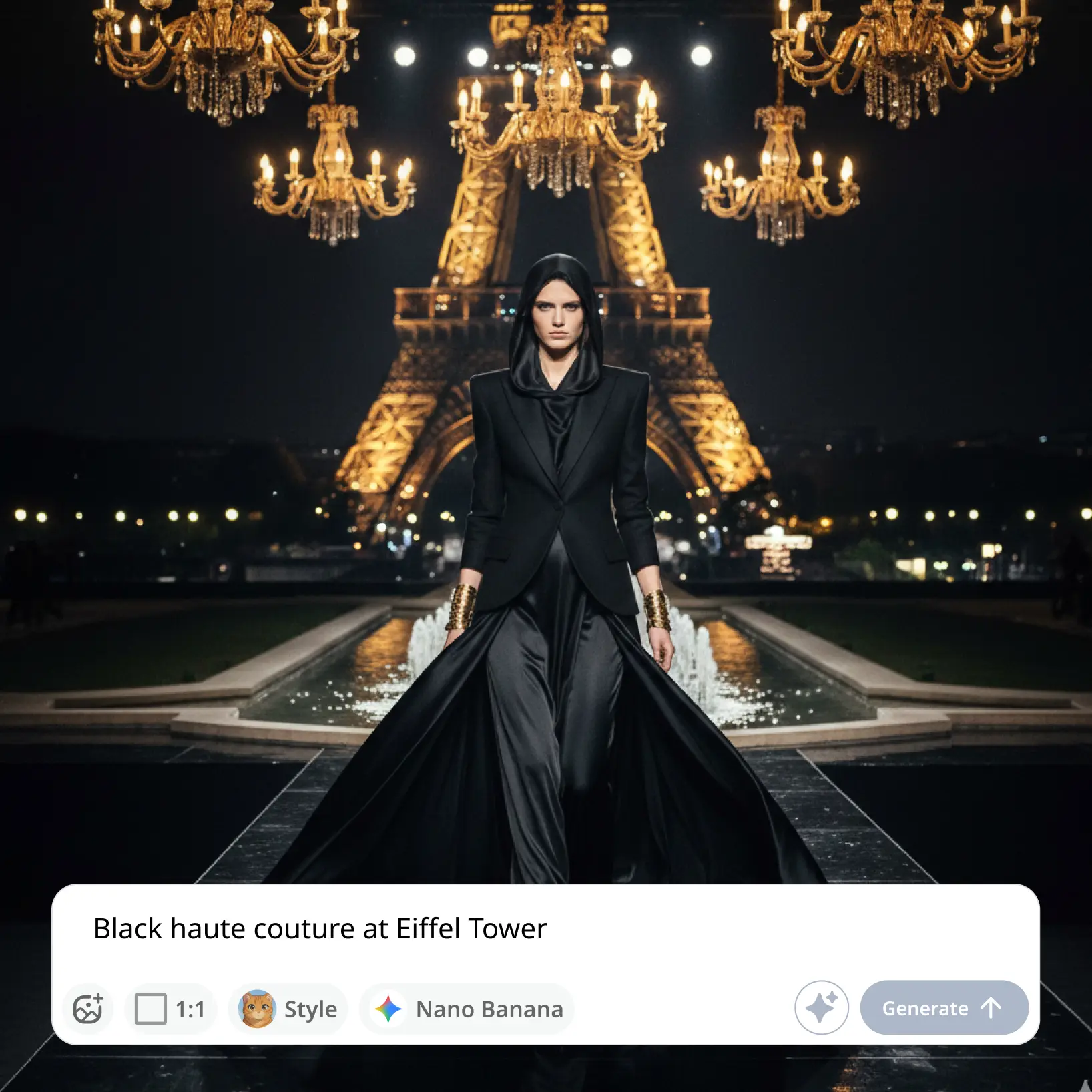
Polish your idea with Improve prompt, choose 16:9, 9:16, or 1:1, and add an optional reference image.
Generate your AI video
Hit Generate and watch as Lift renders your clip in the chosen ratio.
Download, copy, or regenerate
Save the result to your device, copy the prompt, or run the same setup again from your library.

Trusted by millions around the globe
Join thousands of users who edit faster, create better visuals, and grow their content with AI
Who can benefit from the Text to Video AI?
- 🔹
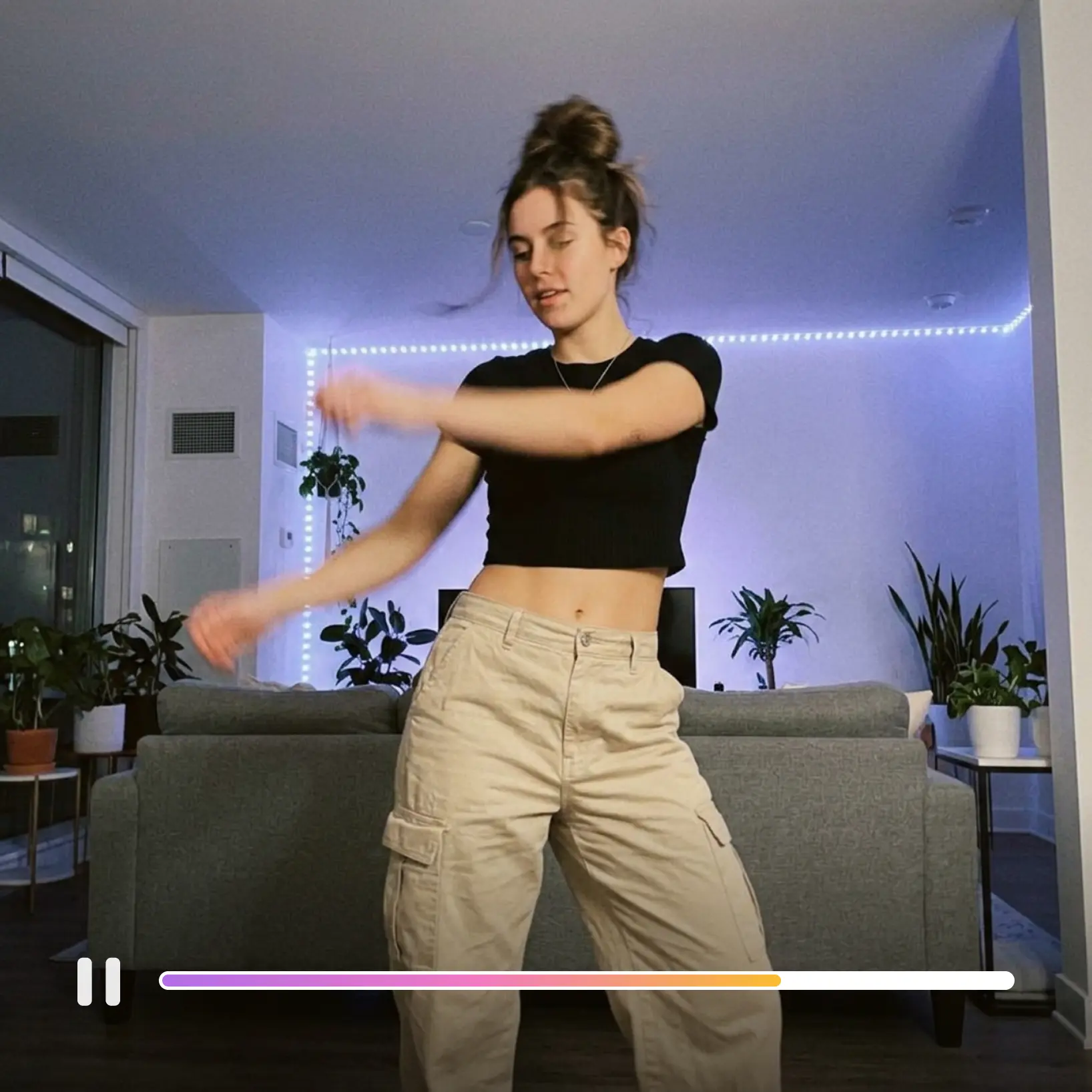
Social media creators — Drop a one-line idea into the prompt and get a vertical clip for Reels, TikTok, and Shorts. Lift's text to video AI turns words into ready-to-post 9:16 video.
- 🔹
Marketing teams — Test creative concepts before booking a shoot by describing the scene and generating it as video. Lift produces fast text to video drafts for ad reviews and pitch decks.
- 🔹
Writers & storytellers — Visualize scenes from a script, novel, or rough idea without renting a camera or studio. Lift turns a written description into a short cinematic clip in any aspect ratio.
- 🔹
Educators & explainers — Illustrate concepts that are hard to film, such as abstract ideas, historical scenes, or scientific moments. Lift renders the explanation as a short video from a single prompt.
- 🔹
Casual creators — Bring jokes, daydreams, and shower thoughts to life as motion in a couple of minutes. Lift turns any sentence into a video clip ready to share.
Frequently asked questions
What is the Lift Text to Video AI?
The Lift Text to Video AI is a tool inside Lift that turns a written prompt into a short video using AI. Type any idea in any language, generate, and download the finished clip from your library.
How does the Lift Text to Video AI work?
You open the AI Video tab in Lift, type a prompt, and pick 16:9, 9:16, or 1:1. Hit Generate, and download or regenerate the finished clip.
Can I improve my prompt before generating?
Yes. Tap Improve prompt and Lift rewrites your idea into a clearer brief for the AI to work from. You can edit the result or keep it before hitting Generate.
Can I download the results without a watermark?
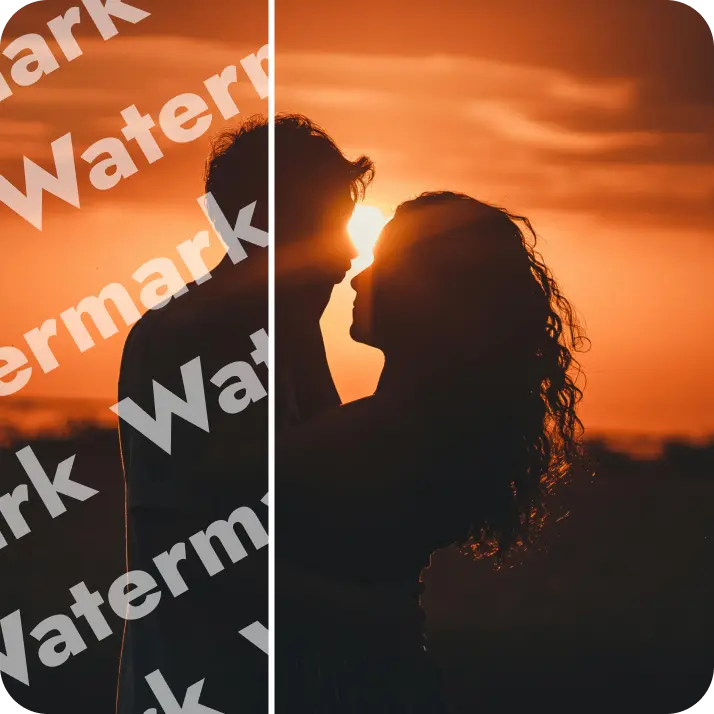
Absolutely. All images generated or edited in Lift can be exported without watermark when you're on the Pro plan. Download them in high-res PNG or JPG — ready for social media, print, ads, or e-commerce.
How can I try the Lift Text to Video AI?
Lift includes a 7-day trial that gives new users full access to the workflow. After the trial, your plan continues on a regular subscription — manage or cancel it anytime from your account.
Why Lift Text to Video AI stands out
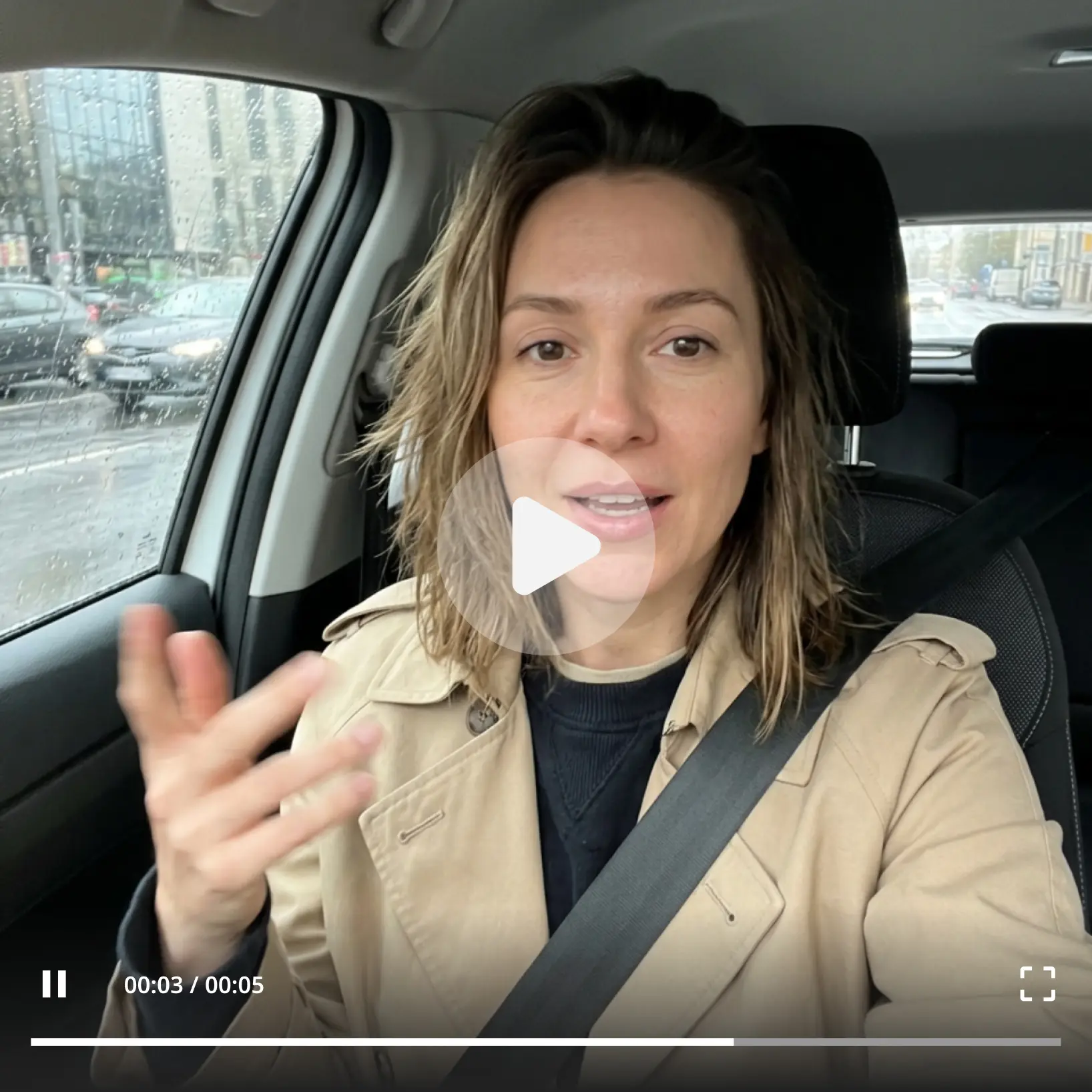
High-quality results
AI-powered technology delivers professional-grade visuals every time
Intelligent rendering
AI tailors the effect to the scene and subject for optimal results
Cross-platform support
Available on iOS, Android, and Web for seamless access
Budget-friendly
Save on costly designers with an affordable and intuitive tool