
Video Background Remover
Remove the background from your video in one tap — Lift's AI tracks your subject through the whole clip and cleanly wipes out the rest, no green screen or editing skills needed. Try Lift now!
or drag and drop here
AVI, FLV, GIF, HEVC, M4V, MKV, MOV, MP4, MPEG, MPG, SWF, TS, VOB, WEBM, WMVMax - 2.0GB
AVI, FLV, GIF, HEVC, M4V, MKV, MOV, MP4, MPEG, MPG, SWF, TS, VOB, WEBM, WMVMax - 2.0GB
How it works
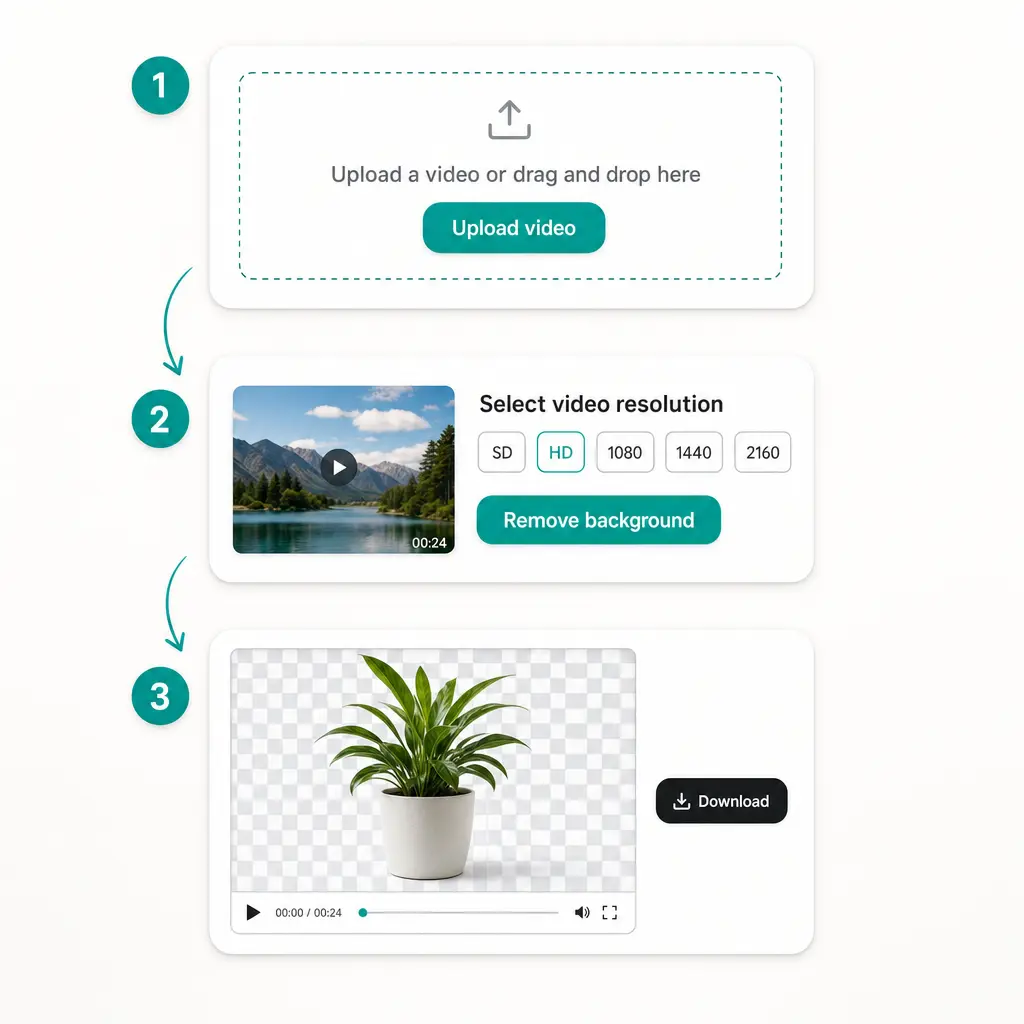
Upload Your Video
Drop in a clip from your device — MP4, MOV, MKV, WEBM, GIF, and more are supported.
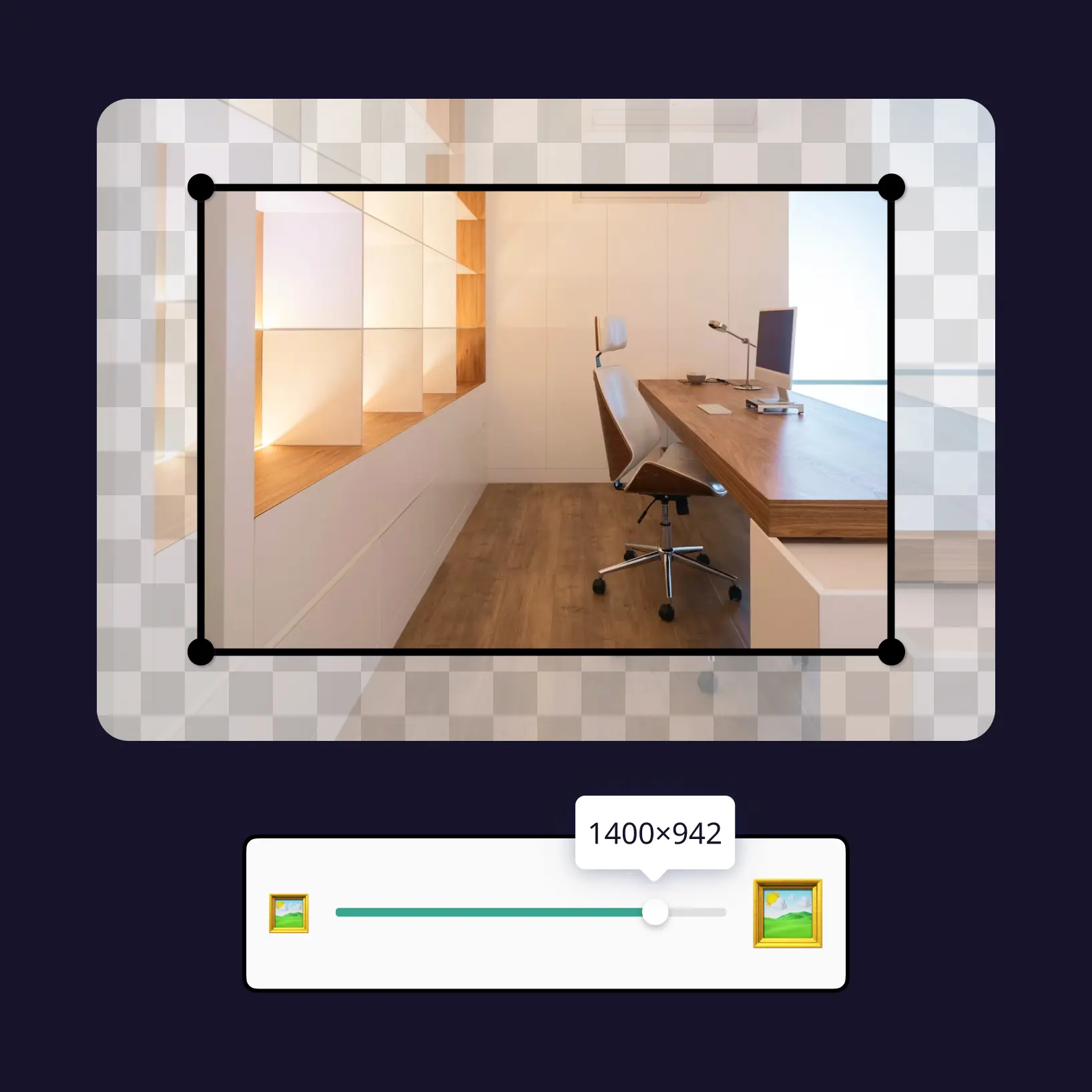
Select Video Resolution
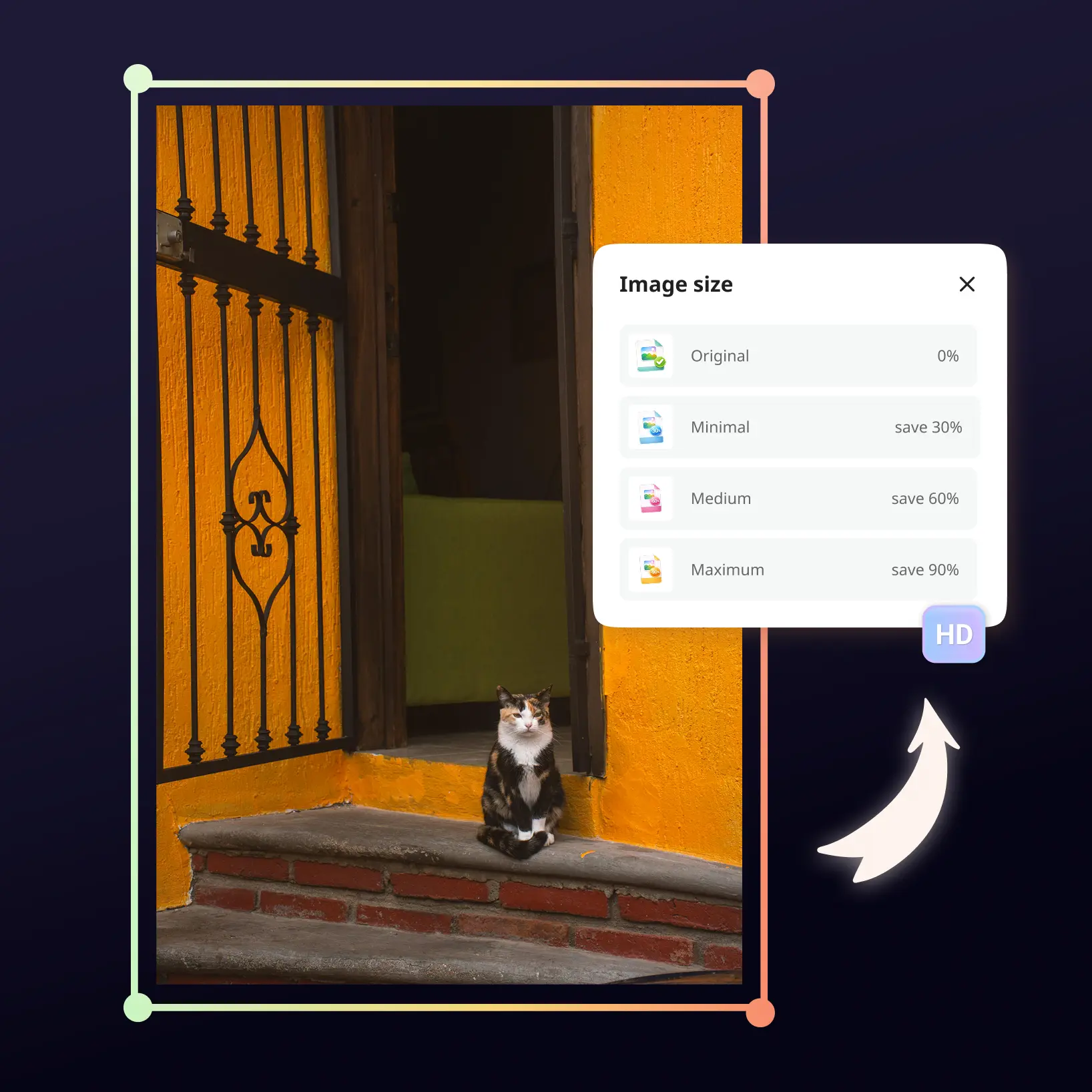
Pick the output quality you need, from SD up to Ultra HD.
Remove The Background
Tap Remove background and Lift's AI isolates your subject in every frame, clearing away the scenery automatically.
Download Your Result
Preview the finished clip and download it, or switch resolution to generate a new version.

Join millions around the globe
Frequently asked questions
What is the Lift Video Background Remover?
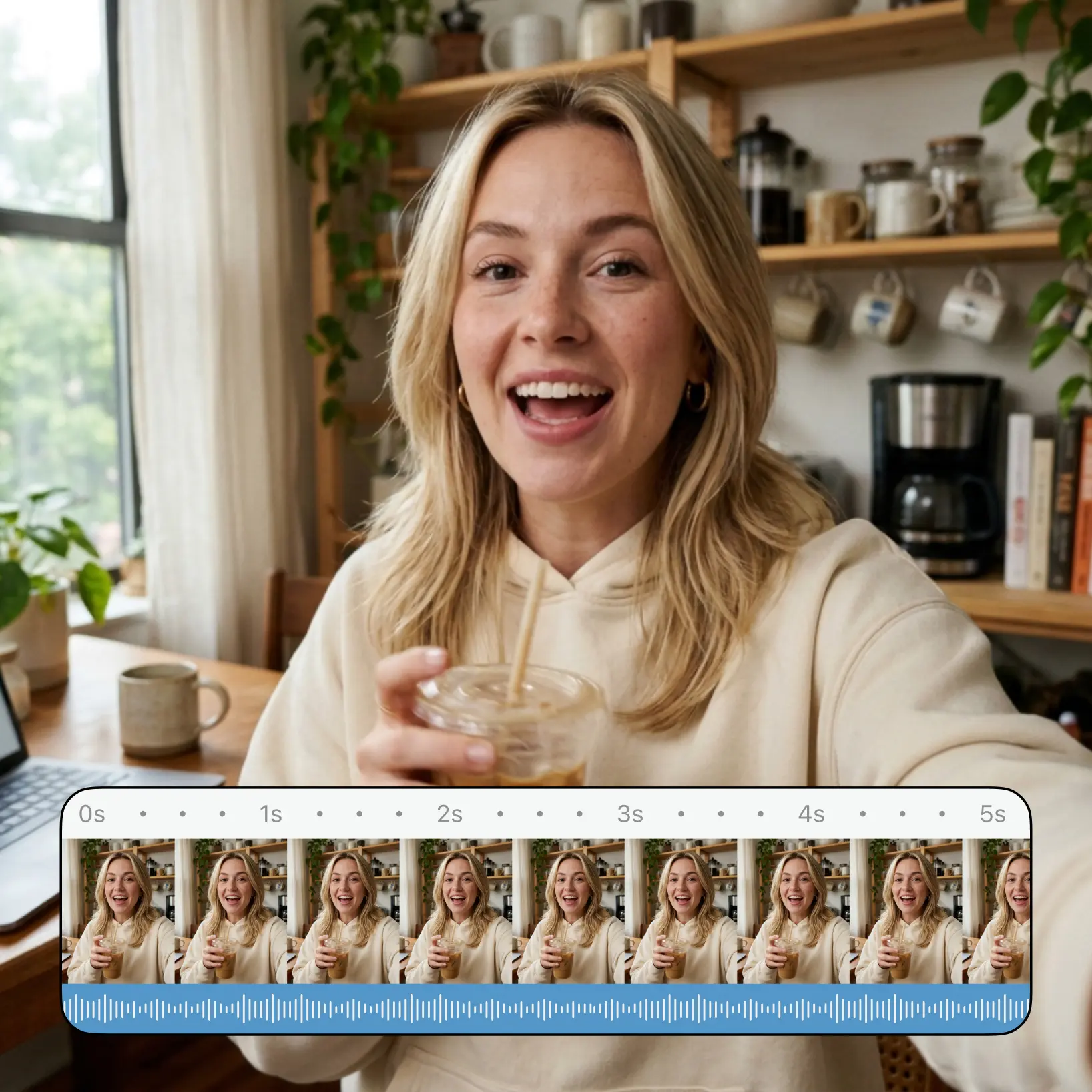
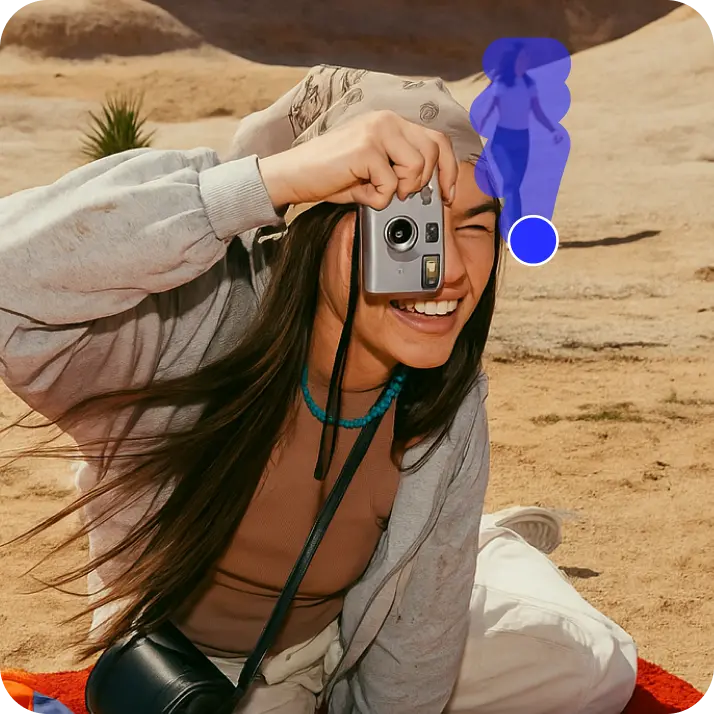
Video Background Remover is Lift's AI video tool that automatically removes the background from a clip. It detects people and objects in every frame and separates them from the scene behind them — keeping your subject sharp while the surroundings disappear.
How do I remove the background from a video?
Upload your clip to Lift, choose the video resolution you want, and tap Remove background. The AI processes each frame automatically and shows a preview you can download right away.
Do I need a green screen to remove a video background?
No. Lift's AI recognizes your subject in regular footage — no chroma key setup or manual masking required. It also works on clips filmed against a colored screen, erasing that backdrop just as cleanly. Steady footage with minimal camera movement produces the best cutout.
Can I choose the quality of the output video?
Yes. Before removing the background you select a video resolution, from SD up to Ultra HD. After processing, you can switch to a different resolution and generate a new result from the same original upload.
Is it safe to upload my videos to Lift?
Yes — Lift processes your videos securely and uses them only to generate your results.
How can I cancel my Lift Pro Subscription?
You can cancel your trial or subscription through your account settings or by contacting support@liftapp.ai. Cancellation stops automatic renewal, while access remains active until the end of the current period.
Why Lift Video Background Remover
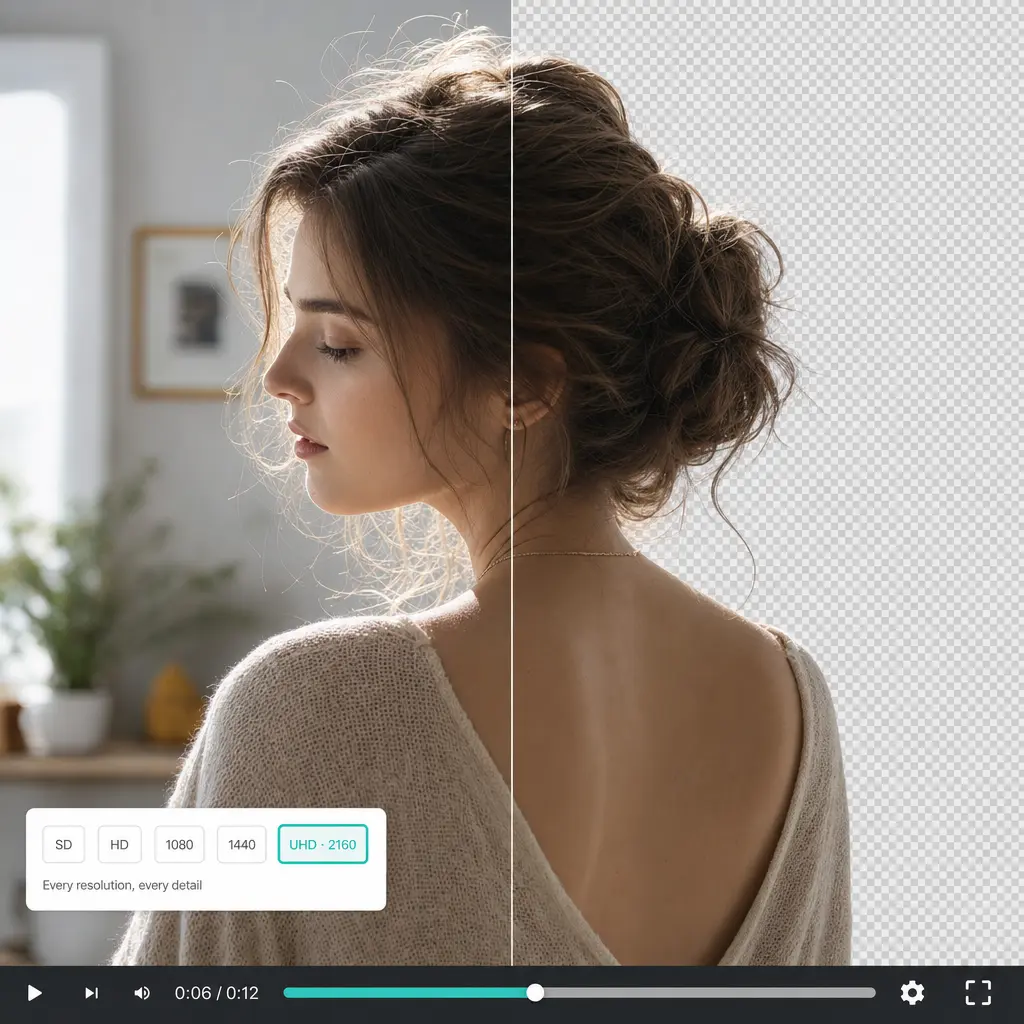
High-quality results
AI-powered technology delivers professional-grade visuals every time
Intelligent rendering
AI tailors the effect to the scene and subject for optimal results
Cross-platform support
Available on iOS, Android, and Web for seamless access
Budget-friendly
Save on costly designers with an affordable and intuitive tool