
Video Compressor
Upload a video, choose a compression level, and get a lighter file ready to download. Try Lift now!
or drag and drop here
AVI, FLV, GIF, HEVC, M4V, MKV, MOV, MP4, MPEG, MPG, SWF, TS, VOB, WEBM, WMVMax - 2.0GB
AVI, FLV, GIF, HEVC, M4V, MKV, MOV, MP4, MPEG, MPG, SWF, TS, VOB, WEBM, WMVMax - 2.0GB
How it works
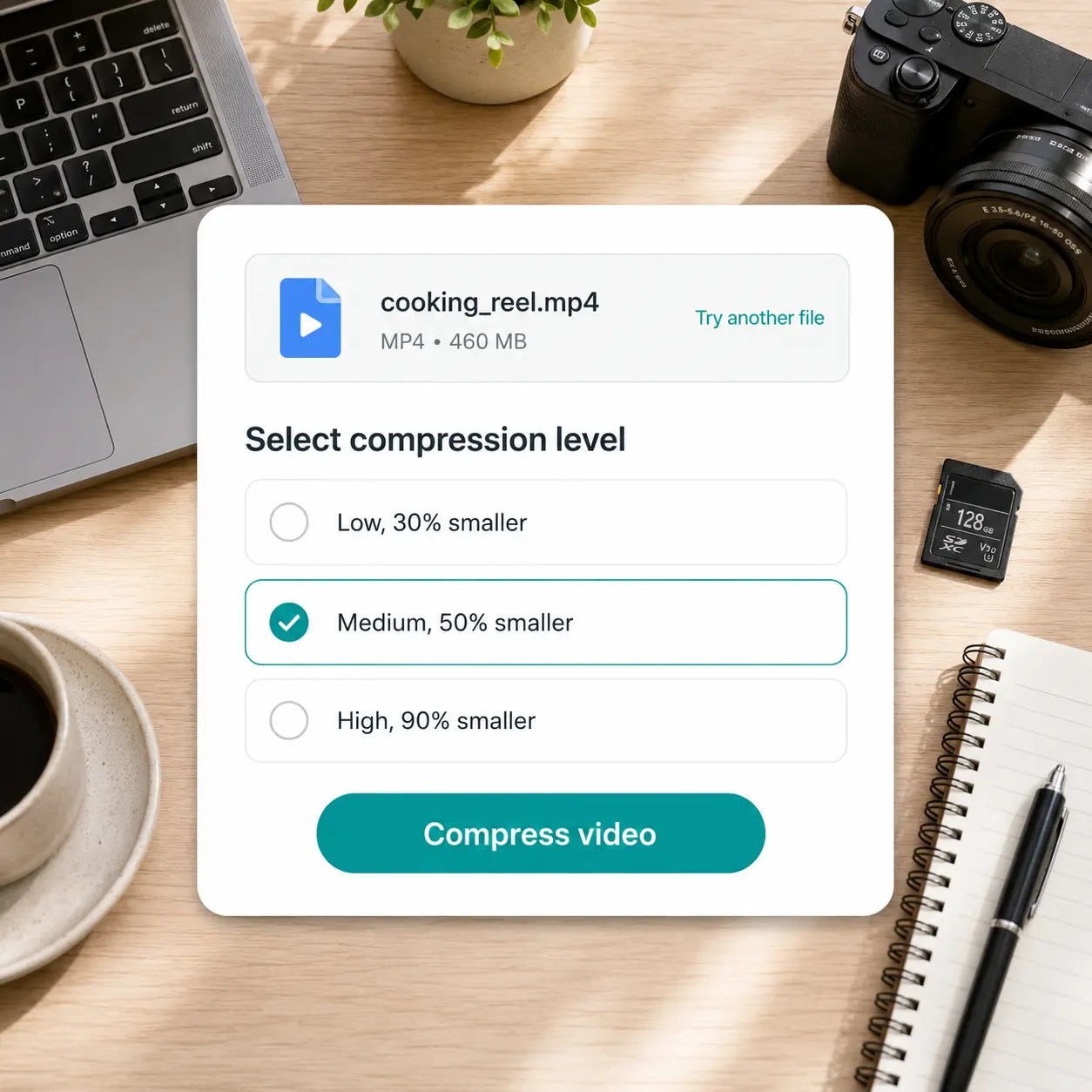
Upload your video
Add an MP4 or other video file from your device to start compressing.
Choose a compression level
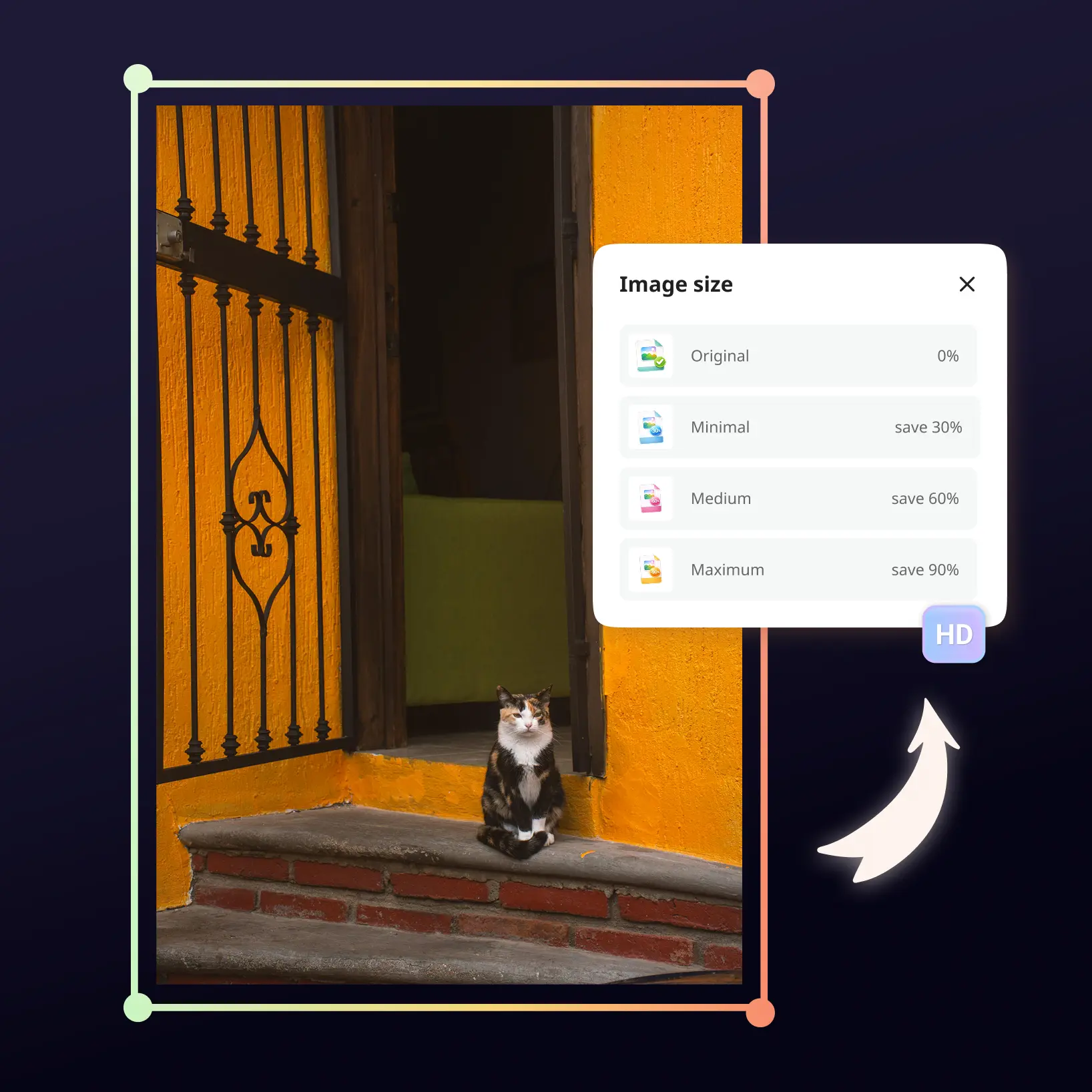
Pick Low, Medium, or High to balance file size against playback quality.
Compress your video
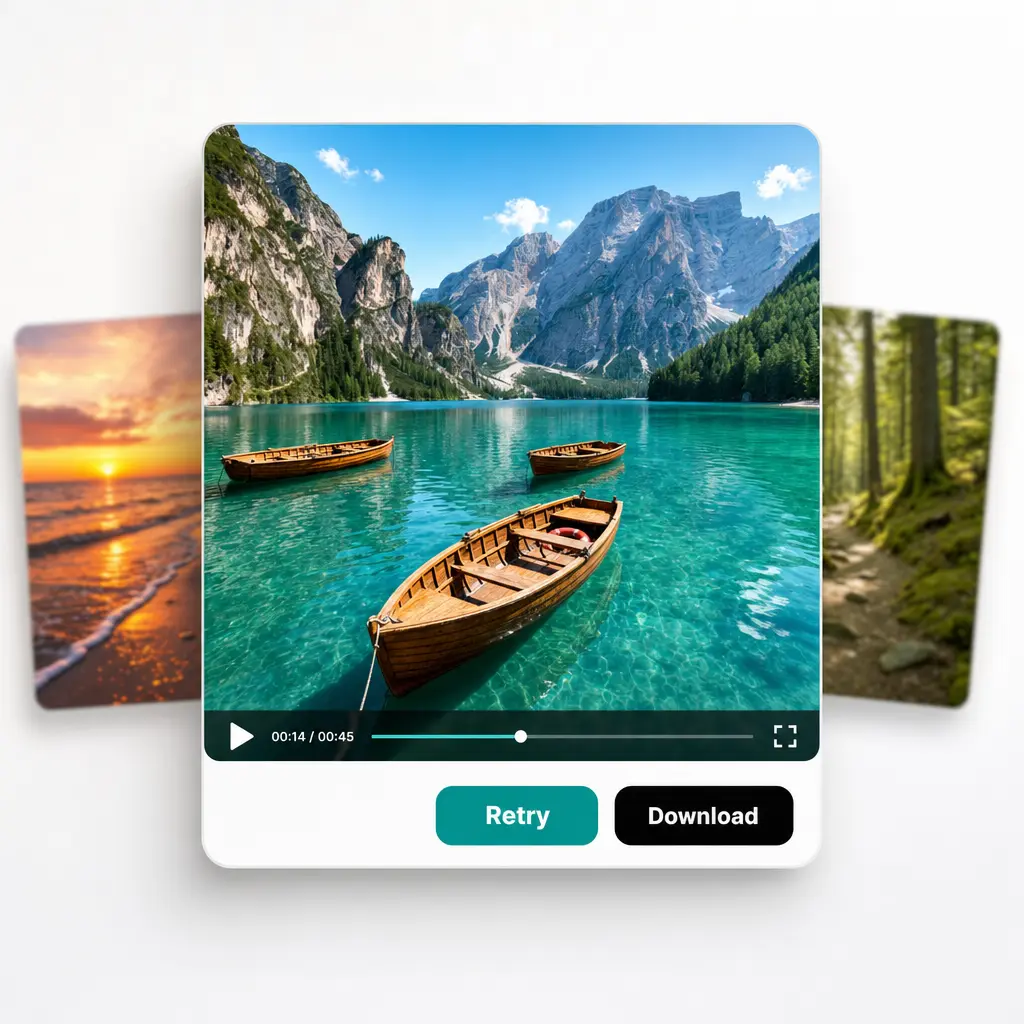
Lift processes the file and shows how much size it saved once it's done.
Download or try another file
Save the compressed file, or upload another one to try again.

Join millions around the globe
Frequently asked questions
What is the Lift Video Compressor?
The Lift Video Compressor makes a video file lighter while keeping it in the same format. Choose a compression level and download the result in seconds.
How does the Lift Video Compressor work?
Upload a video, pick a compression level — Low, Medium, or High — and Lift compresses the file in seconds. Download the lighter version straight from the result screen or try another file.
What video formats can I compress with Lift?
Lift compresses MP4 and other common video formats and exports the result in the same format you uploaded. No conversion step is needed.
Will compressing reduce my video's quality?
Some quality trade-off is normal with any compression — Lift is built to keep it minimal. Low and Medium levels barely touch visible quality, while High prioritizes the smallest possible file size.
Is it safe to upload my videos to Lift?
Yes — Lift processes your videos securely and uses them only to generate your results.
How can I cancel my Lift Pro Subscription?
You can cancel your trial or subscription through your account settings or by contacting support@liftapp.ai. Cancellation stops automatic renewal, while access remains active until the end of the current period.
Why Lift Video Compressor
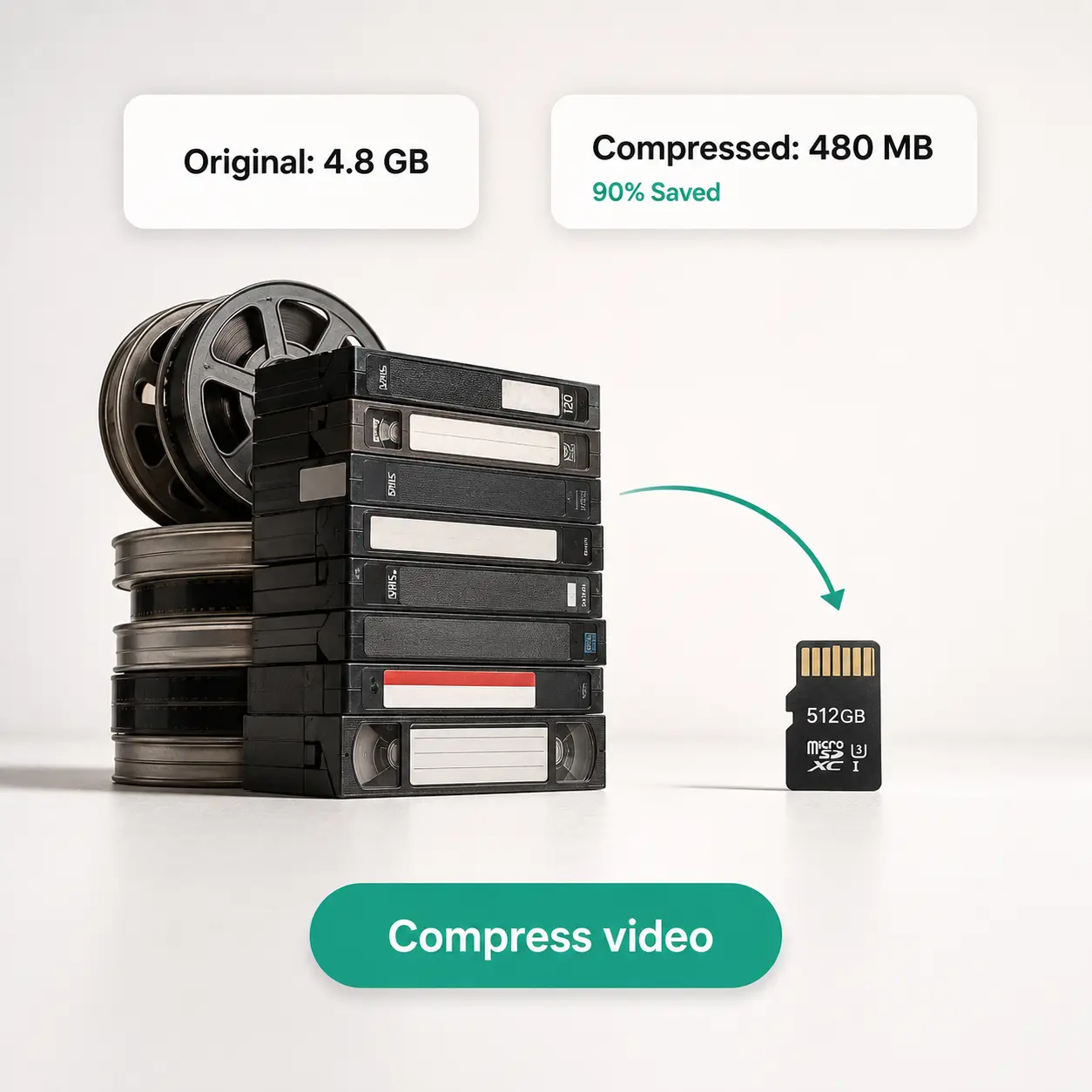
High-quality results
AI-powered technology delivers professional-grade visuals every time
Intelligent rendering
AI tailors the effect to the scene and subject for optimal results
Cross-platform support
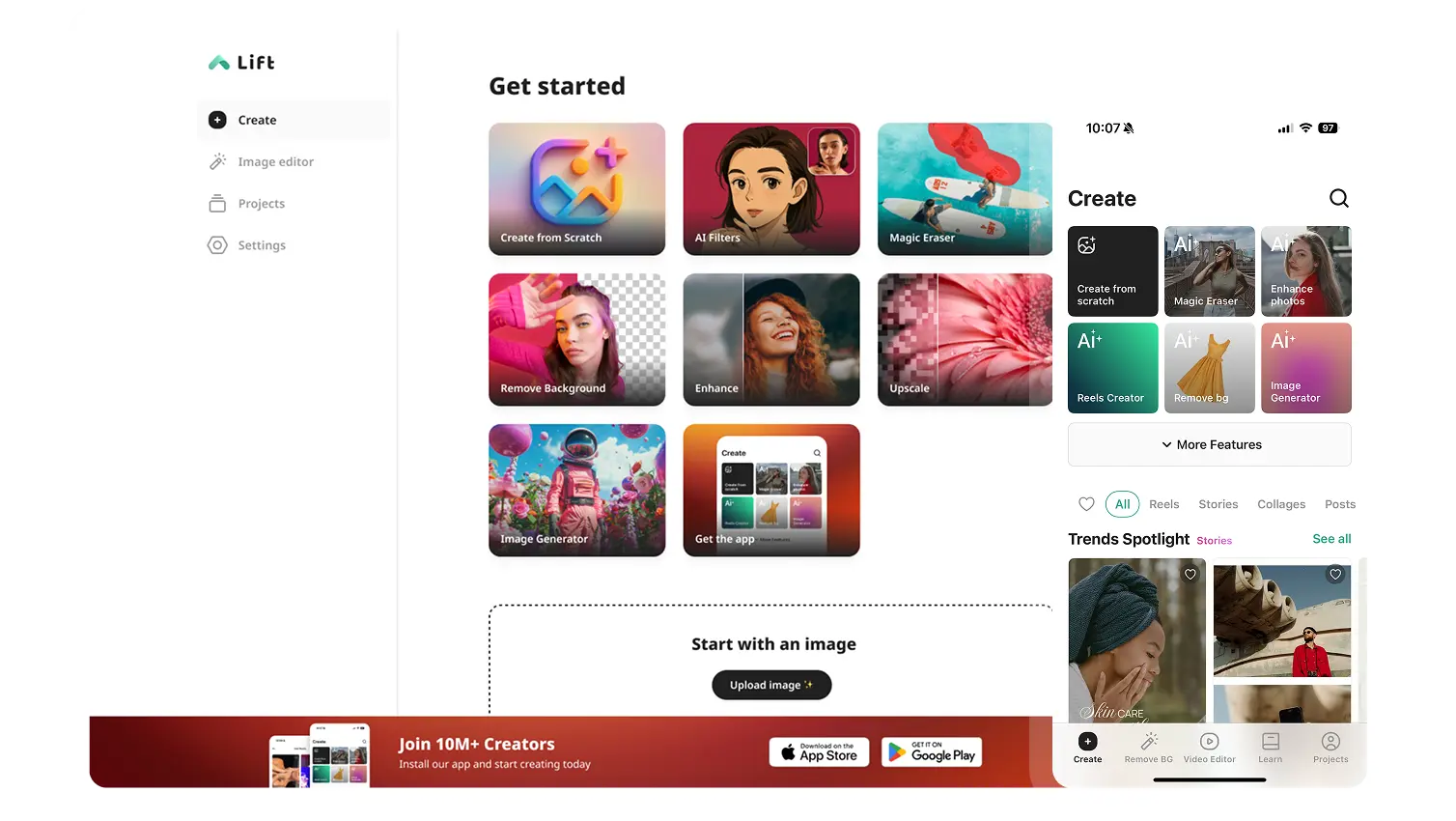
Available on iOS, Android, and Web for seamless access
Budget-friendly
Save on costly designers with an affordable and intuitive tool