
Video Enhancer
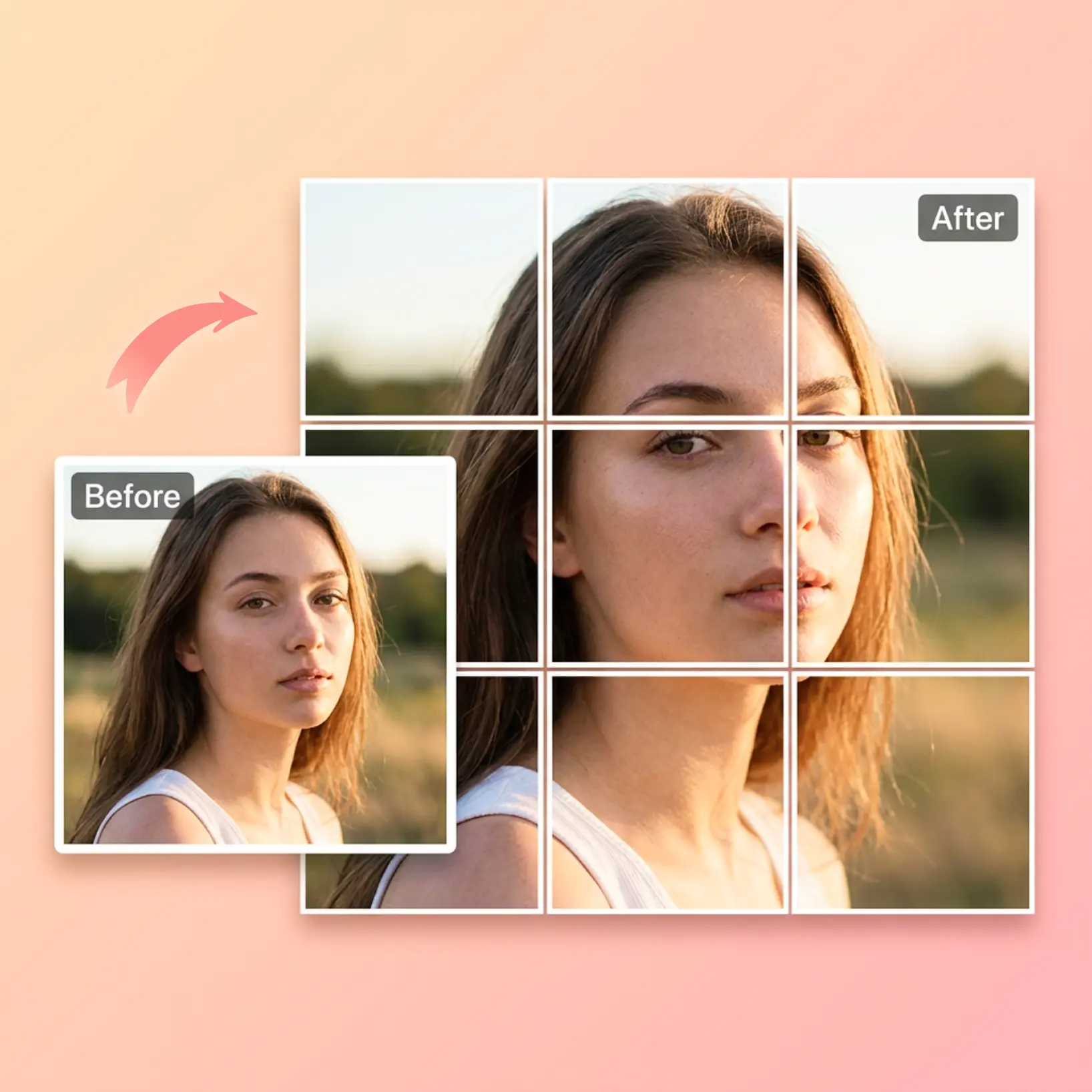
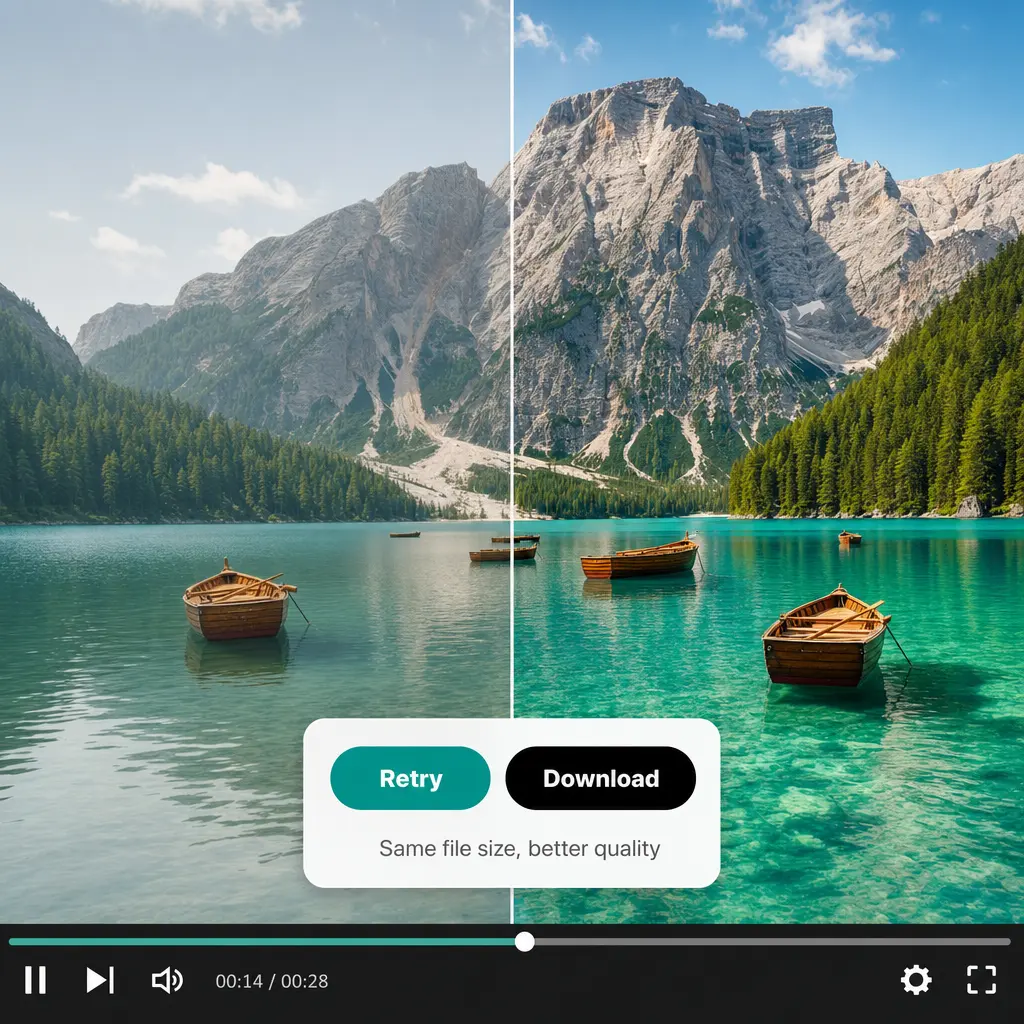
Fix blurry, dark, or washed-out footage in seconds — Lift's AI sharpens every frame and corrects the lighting automatically, so your video looks crisp and vivid while the file stays the same size. Try Lift now.
or drag and drop here
AVI, FLV, GIF, HEVC, M4V, MKV, MOV, MP4, MPEG, MPG, SWF, TS, VOB, WEBM, WMVMax - 2.0GB
AVI, FLV, GIF, HEVC, M4V, MKV, MOV, MP4, MPEG, MPG, SWF, TS, VOB, WEBM, WMVMax - 2.0GB
How it works
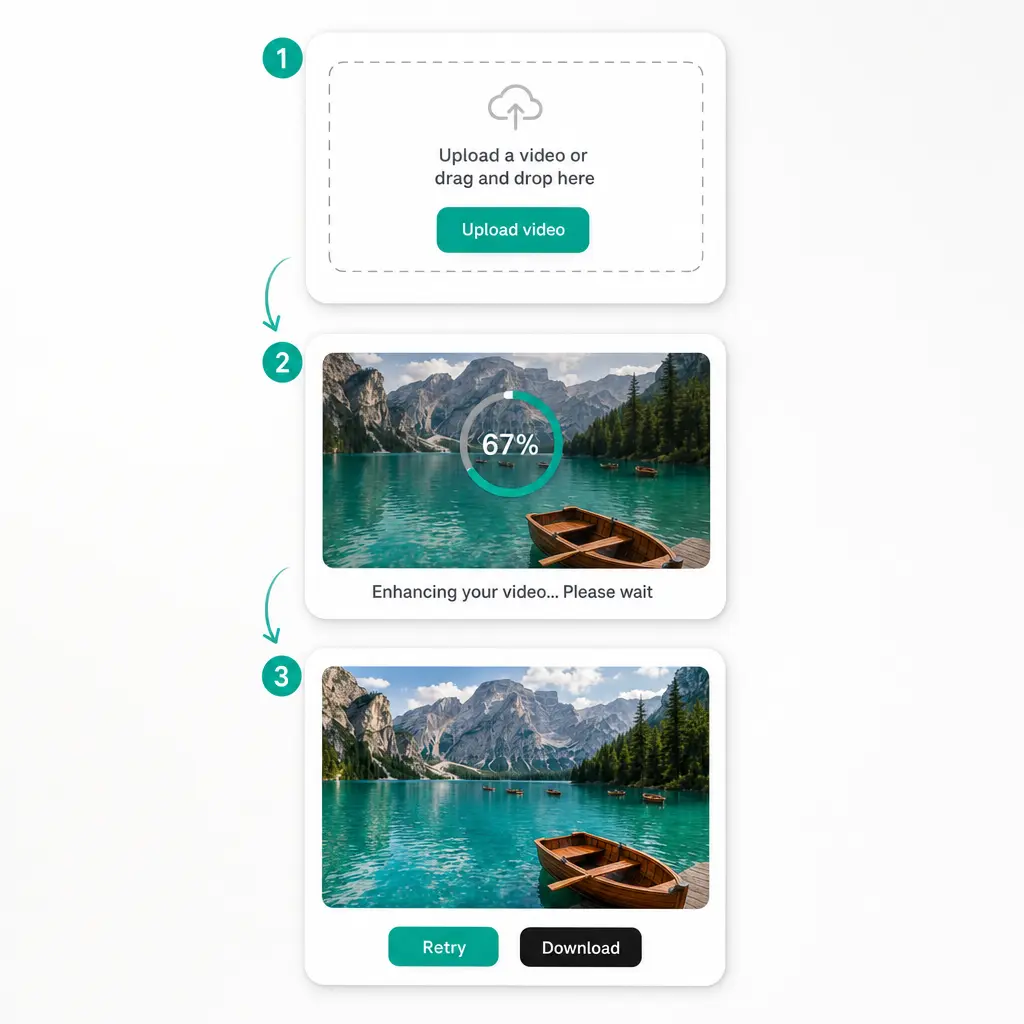
Upload Your Video
Drop in a clip from your device — MP4, MOV, AVI, MKV, WEBM, and many other formats are supported.
Let AI Enhance It
Enhancement starts automatically: Lift analyzes the footage, sharpens details, and balances brightness and color in every frame.
Compare And Retry
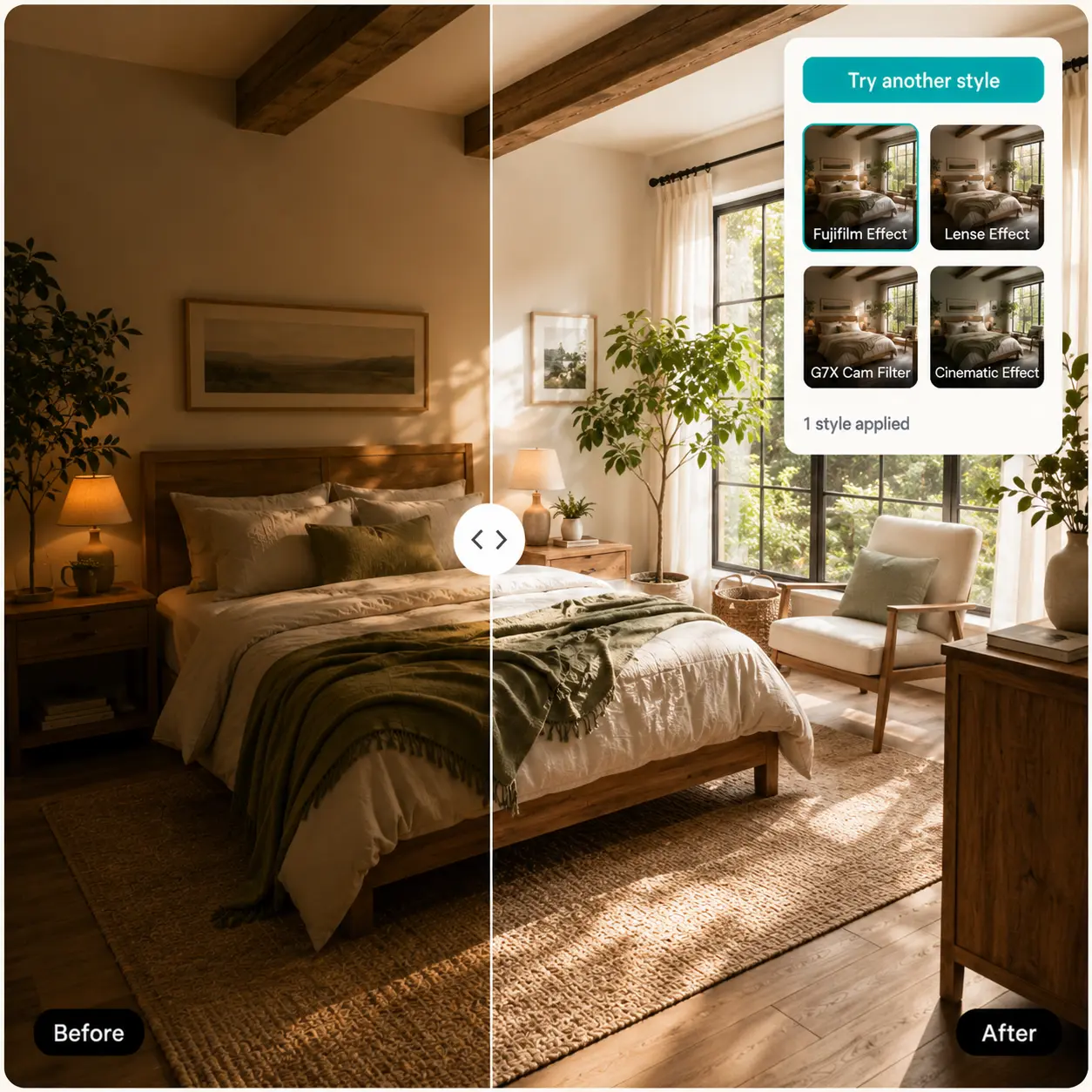
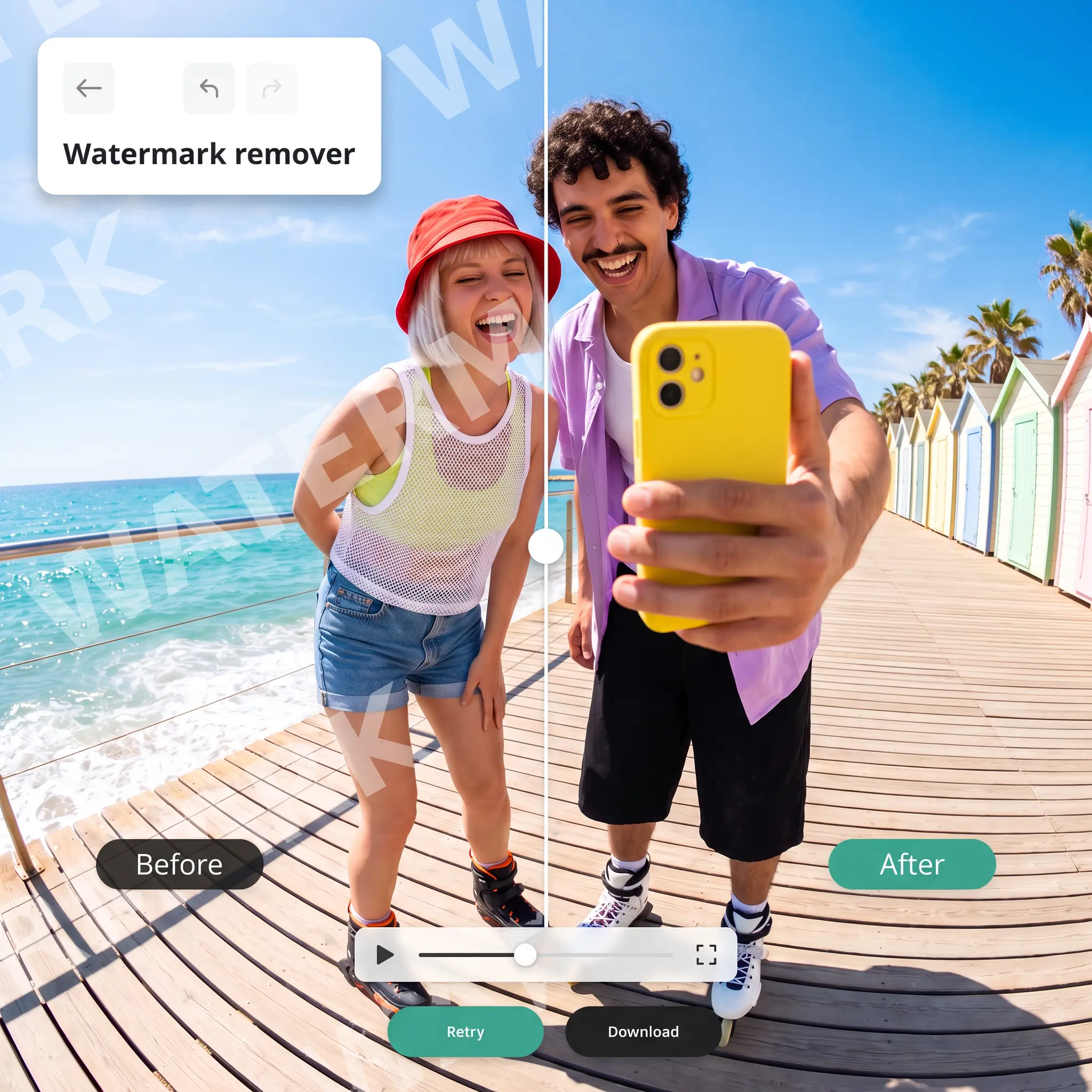
Play the result in the built-in player and flip between the original and enhanced version, or tap Retry for a fresh pass.
Download Your Result
Save the enhanced video to your device — same format, same file size, better picture.

Join millions around the globe
Who can benefit from Video Enhancer?
- 🔹
Content creators — Phone footage shot indoors or at dusk often comes out soft and dull. Increase video quality before posting so reels, shorts, and vlogs look polished on any feed.
- 🔹
Small businesses and marketers — Product demos and promo clips sell better when they are crisp and well lit. Lift works as a video sharpener and color corrector in one pass, no editing suite required.
- 🔹
Video editors — Fixing exposure and softness shot by shot eats up hours. Run raw clips through Lift first and start your edit from footage that already looks clean.
- 🔹
Teachers and course creators — Lessons recorded on a webcam or in a poorly lit room are hard to follow. Brighter, clearer video keeps students focused on the material, not the noise.
- 🔹
Families and travelers — Shaky hands and bad lighting should not ruin a memory. Unblur video from birthdays, trips, and family gatherings and keep the moments looking the way you remember them.
Frequently asked questions
What is the Lift Video Enhancer?
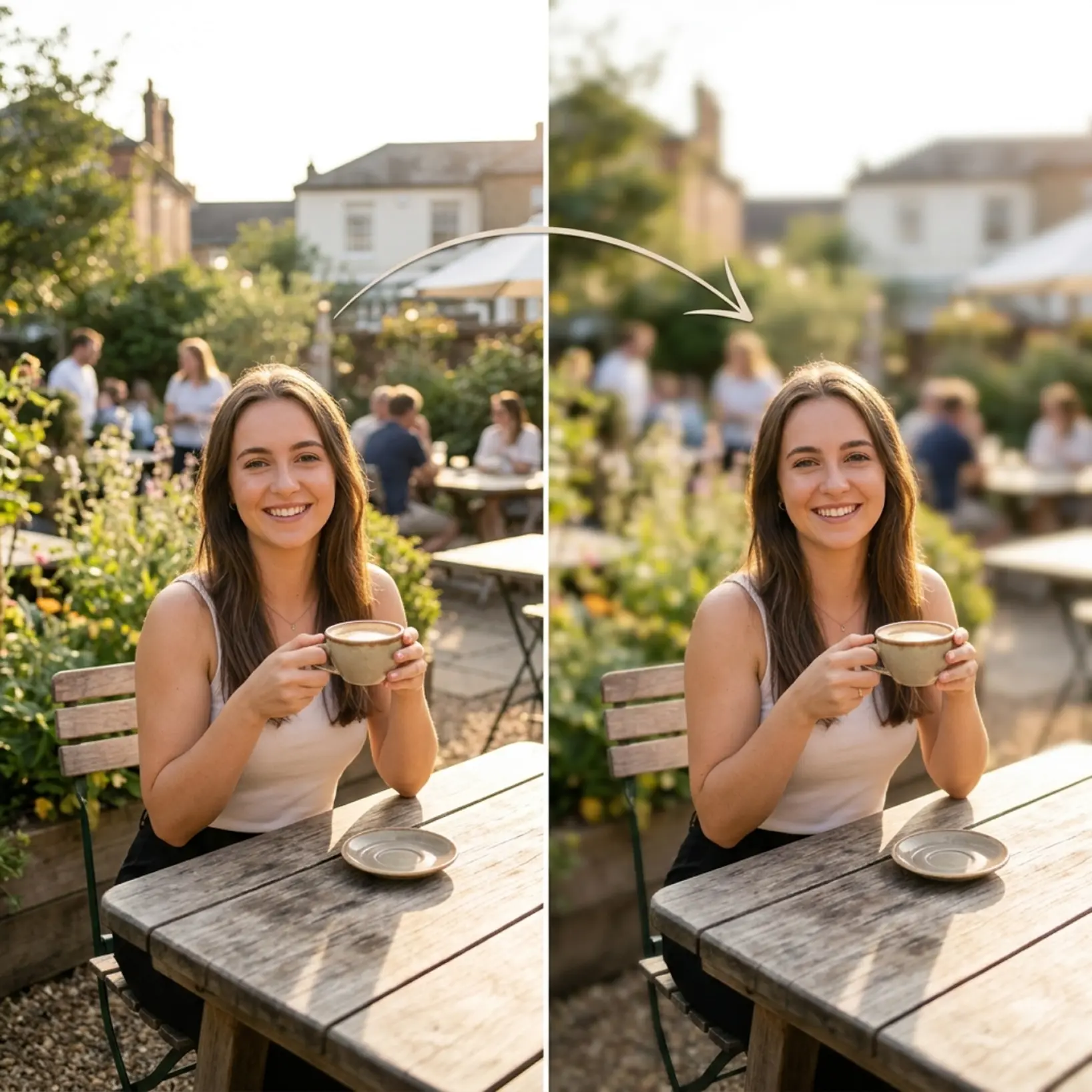
Video Enhancer is Lift's AI video tool that makes existing footage look better. It analyzes your clip frame by frame, sharpens fine detail, and corrects brightness, contrast, and color — turning dim or blurry video into a clear, natural-looking result without any manual adjustments.
How do I enhance video quality online?
Upload your video to Lift and the enhancement begins on its own — there are no settings to configure. Once the AI finishes, preview the clip in the player and download it, or tap Retry to generate a new version.
Does Video Enhancer increase my video's resolution or file size?
No. Video Enhancer improves how your footage looks — sharpness, lighting, and color — while keeping the original resolution and file size, so the result is just as easy to store and share. If you need to make a video larger or convert it to HD, Lift's Video Upscaler is built for that.
Can I download the results without a watermark?
Absolutely. All videos enhanced in Lift can be exported without a watermark when you're on the Pro plan. Download them in the original format — ready for social media, ads, or your next edit.
Is it safe to upload my videos to Lift?
Yes — Lift processes your videos securely and uses them only to generate your results.
How can I cancel my Lift Pro Subscription?
You can cancel your trial or subscription through your account settings or by contacting support@liftapp.ai. Cancellation stops automatic renewal, while access remains active until the end of the current period.
Why Lift Video Enhancer
High-quality results
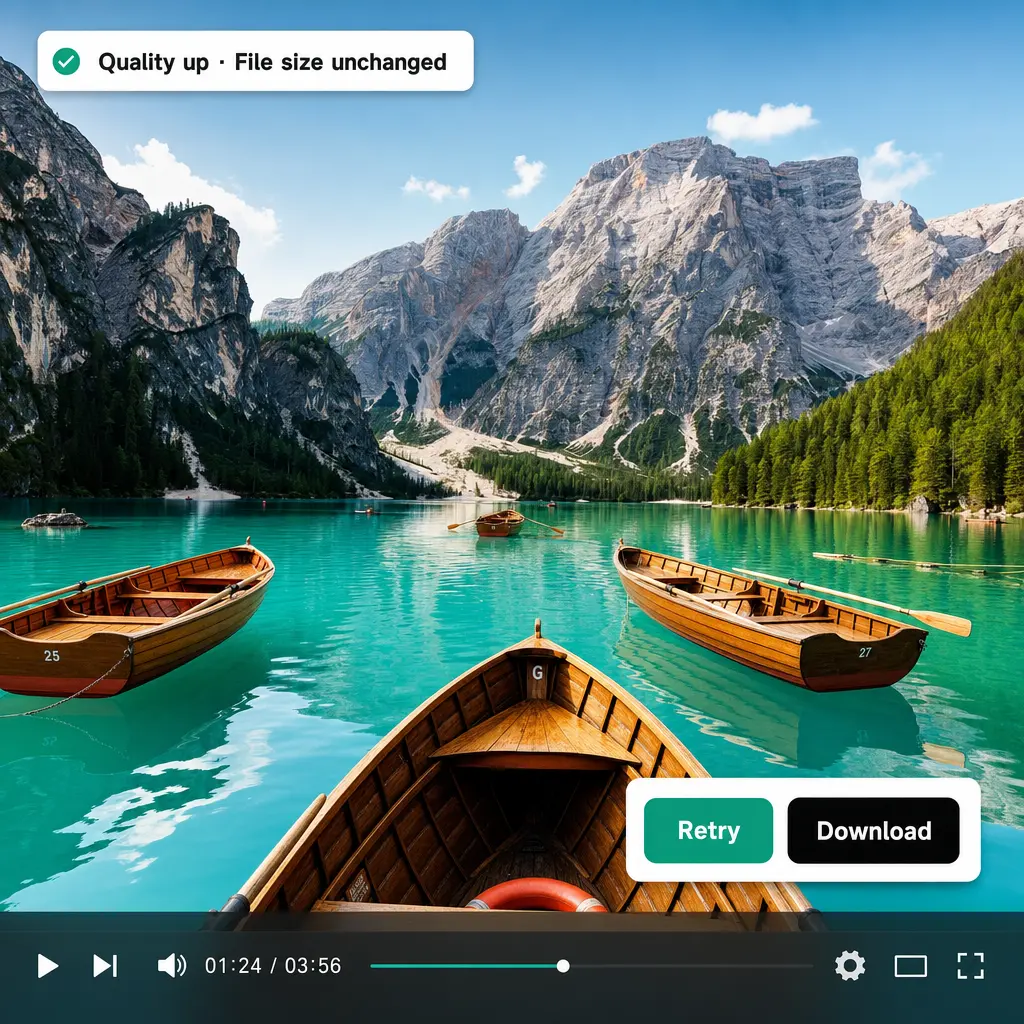
AI-powered technology delivers professional-grade visuals every time
Intelligent rendering
AI tailors the effect to the scene and subject for optimal results
Cross-platform support
Available on iOS, Android, and Web for seamless access
Budget-friendly
Save on costly designers with an affordable and intuitive tool