
AI Music Generator Online
Describe a genre and vibe, add lyrics or go instrumental, and get an original track to play and download. Start creating music with AI today.
How it works
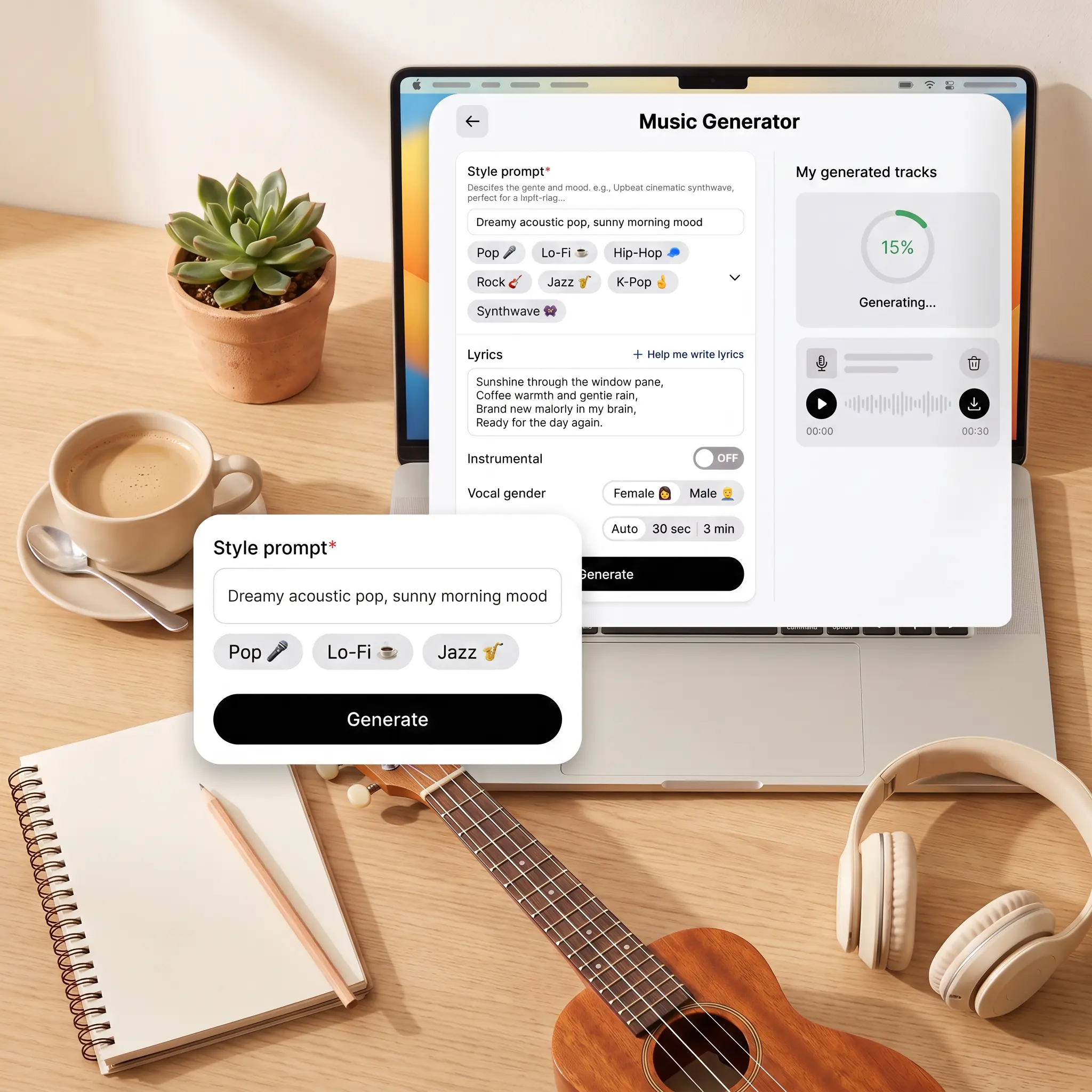
Describe the style of your track
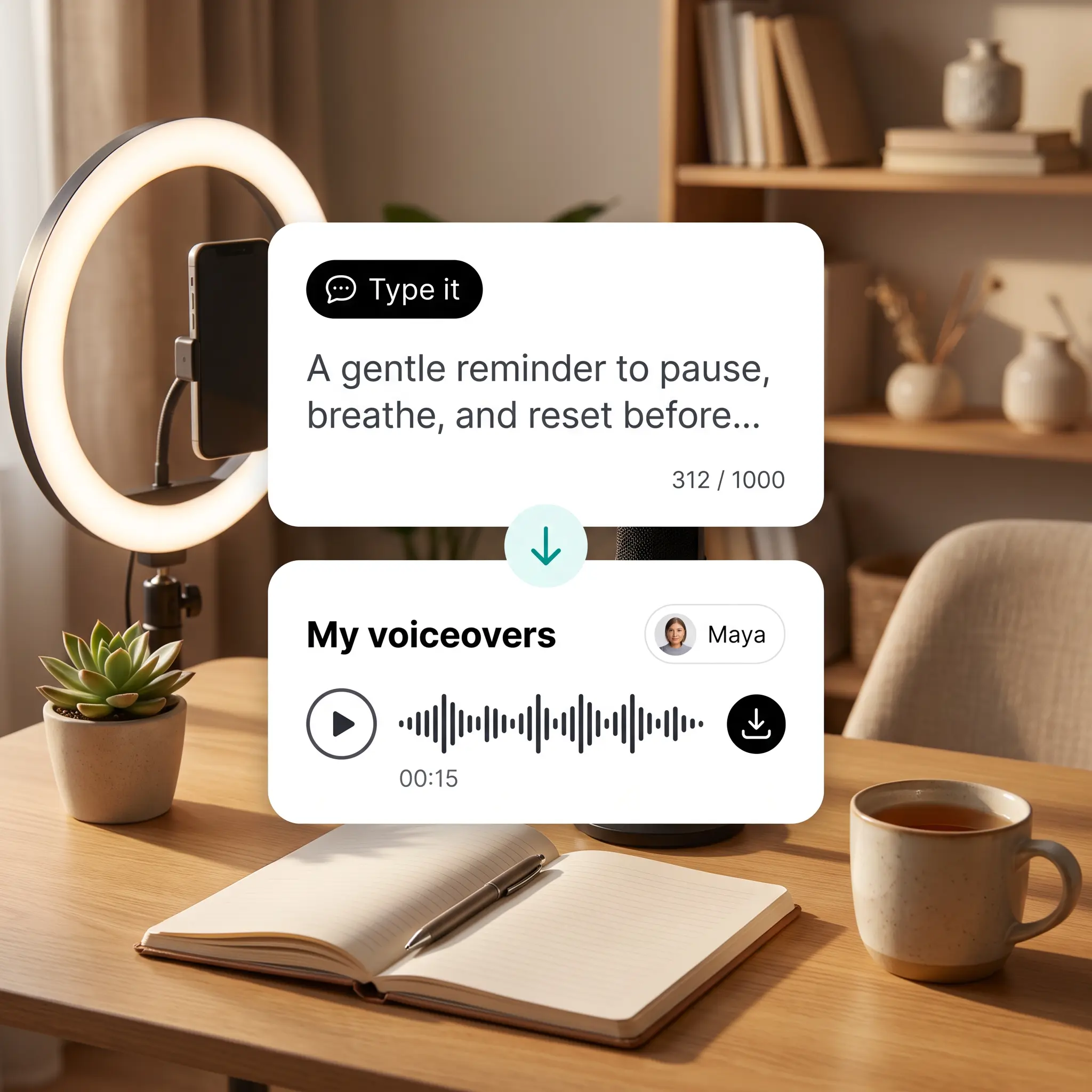
Type the genre, vibe, and instruments you want, or tap a genre tag to set the sound.
Add lyrics or keep it instrumental
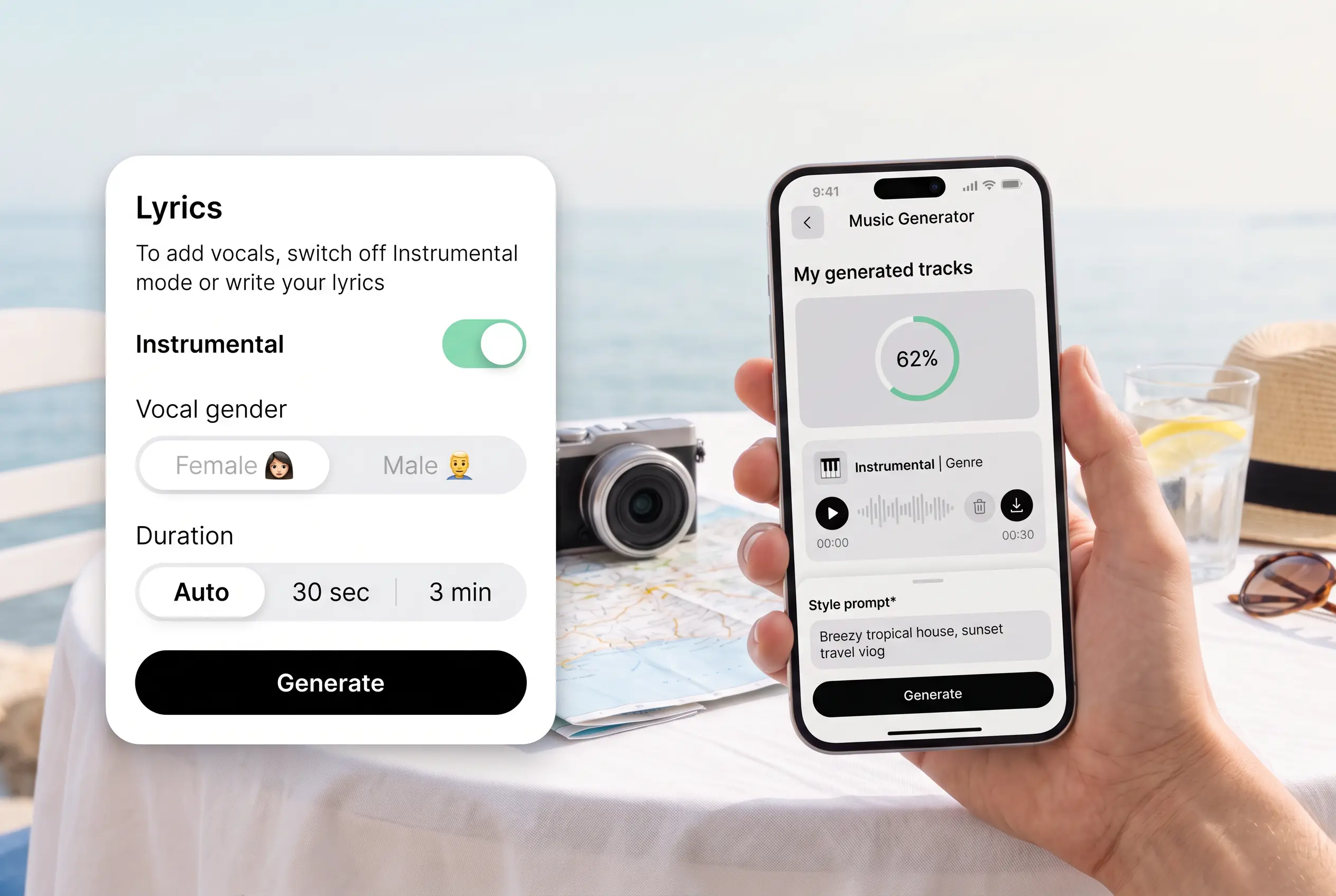
Write your own lyrics in any language, let AI draft them, or switch to an instrumental track.
Choose the voice and track length
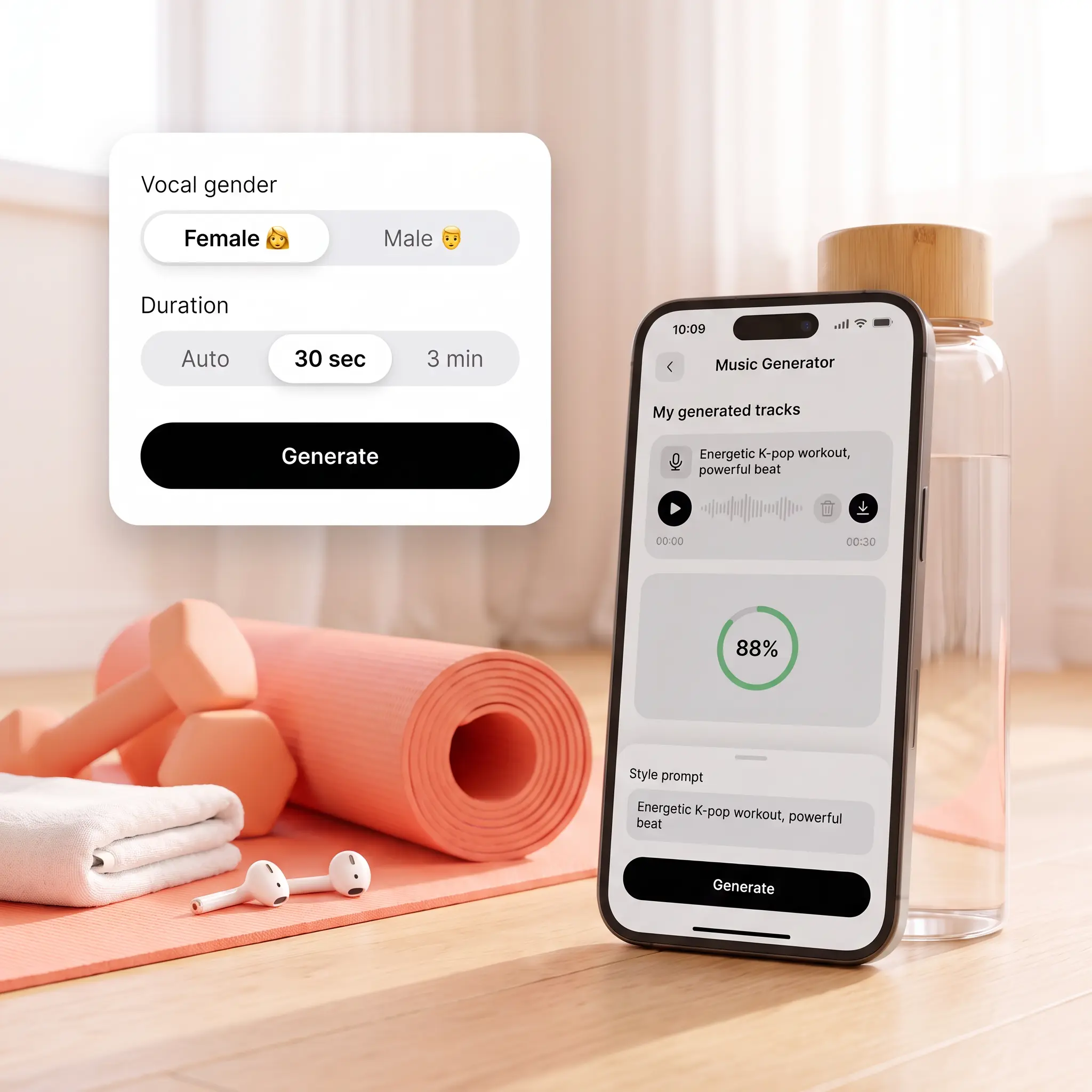
Pick a female or male voice for vocal tracks, then set the length or leave it on Auto.
Generate, play, and download your track
Generate the track, play it right away, and download it or regenerate with the same settings.

Join millions around the globe
Who can benefit from the AI Music Generator?
- 🔹
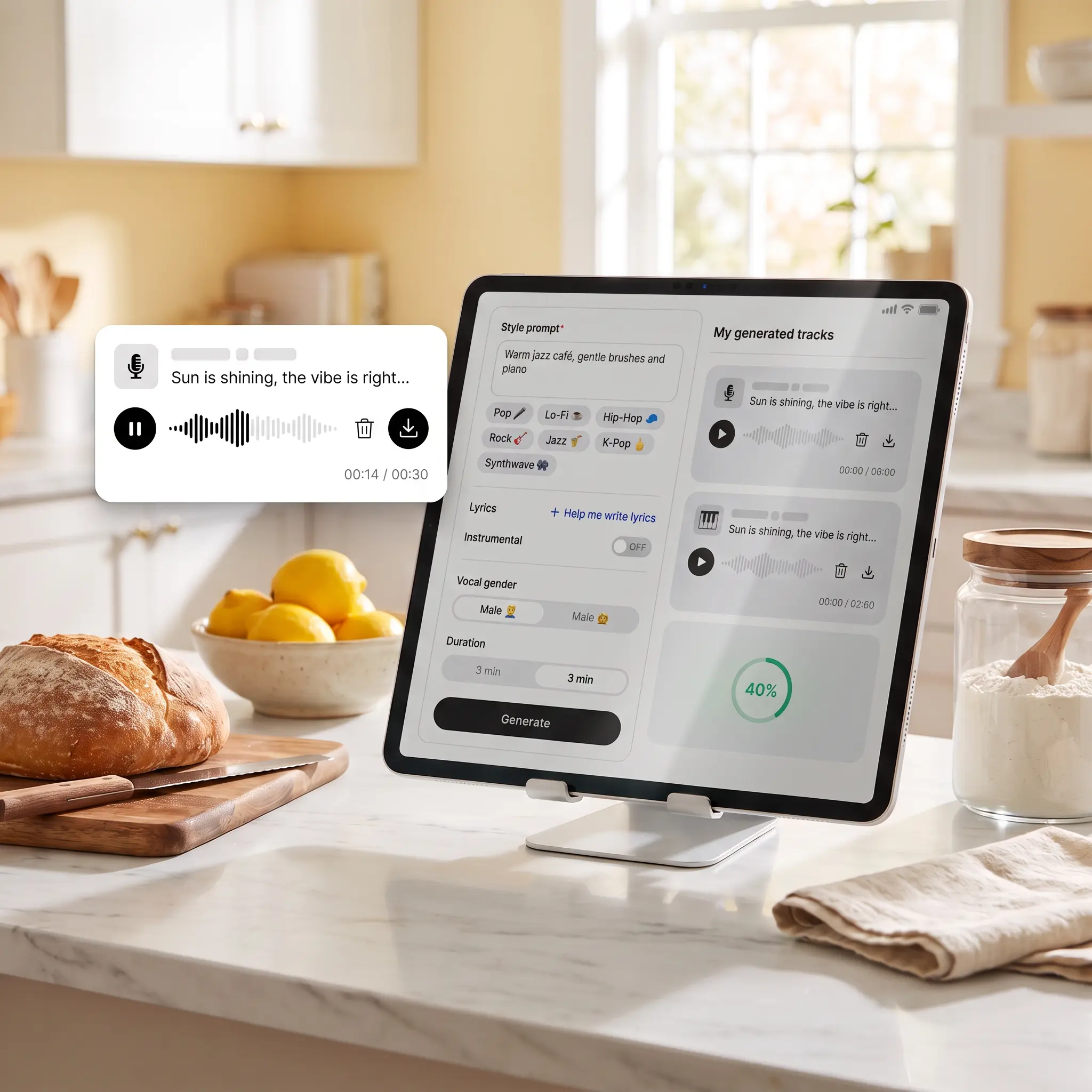
Content creators — Generate original background tracks that fit the pace of your vlogs, reels, and shorts.
- 🔹
Songwriters and hobby musicians — Turn lyrics or rough ideas into a full track with vocals to hear how they sound.
- 🔹
Gift givers — Write lyrics about a birthday, wedding, or anniversary and turn them into a personal song.
- 🔹
Small business owners — Create a short jingle or instrumental track for ads, promo videos, and social posts.
- 🔹
Podcasters — Generate an instrumental intro and outro that give each episode a recognizable sound.
Frequently asked questions
What is the Lift AI Music Generator?
The Lift AI Music Generator turns a text description of genre, tempo, and instruments into an original track. You can create instrumental music or full songs with vocals from your own lyrics.
How does the Lift AI Music Generator work?
Describe the style, add lyrics or turn on Instrumental, and choose the voice and track length. Tap Generate to get your track, then play it, download it, or regenerate it with the same settings.
Can I create a track without vocals or lyrics?
Yes. Turn on Instrumental to generate music without vocals, or leave the lyrics field empty and Lift creates an instrumental track automatically. To add singing, switch Instrumental off and write or generate your lyrics.
Can I write lyrics for my track in any language?
Yes. The lyrics field accepts text in any language, so you can write your words exactly the way you want them sung.
What if I don't have lyrics ready?
Tap Help me write lyrics, and AI drafts the text for you. Keep it as is or edit it before you generate the track.
How can I cancel my Lift Pro Subscription?
You can cancel your trial or subscription through your account settings or by contacting support@liftapp.ai. Cancellation stops automatic renewal, while access remains active until the end of the current period.
Why choose Lift for AI music
High-quality results
AI-powered technology delivers professional-grade visuals every time
Intelligent rendering
AI tailors the effect to the scene and subject for optimal results
Cross-platform support
Available on iOS, Android, and Web for seamless access
Budget-friendly
Save on costly designers with an affordable and intuitive tool