
Audio and Video Summary Generator
Add a webinar or meeting file, and Lift turns it into a full transcript plus a brief overview of the main ideas. Try Lift today!
Upload or drag and drop an audio or video file
Join millions around the globeAll-in-one tool for making content
How it works
Upload a video or audio file
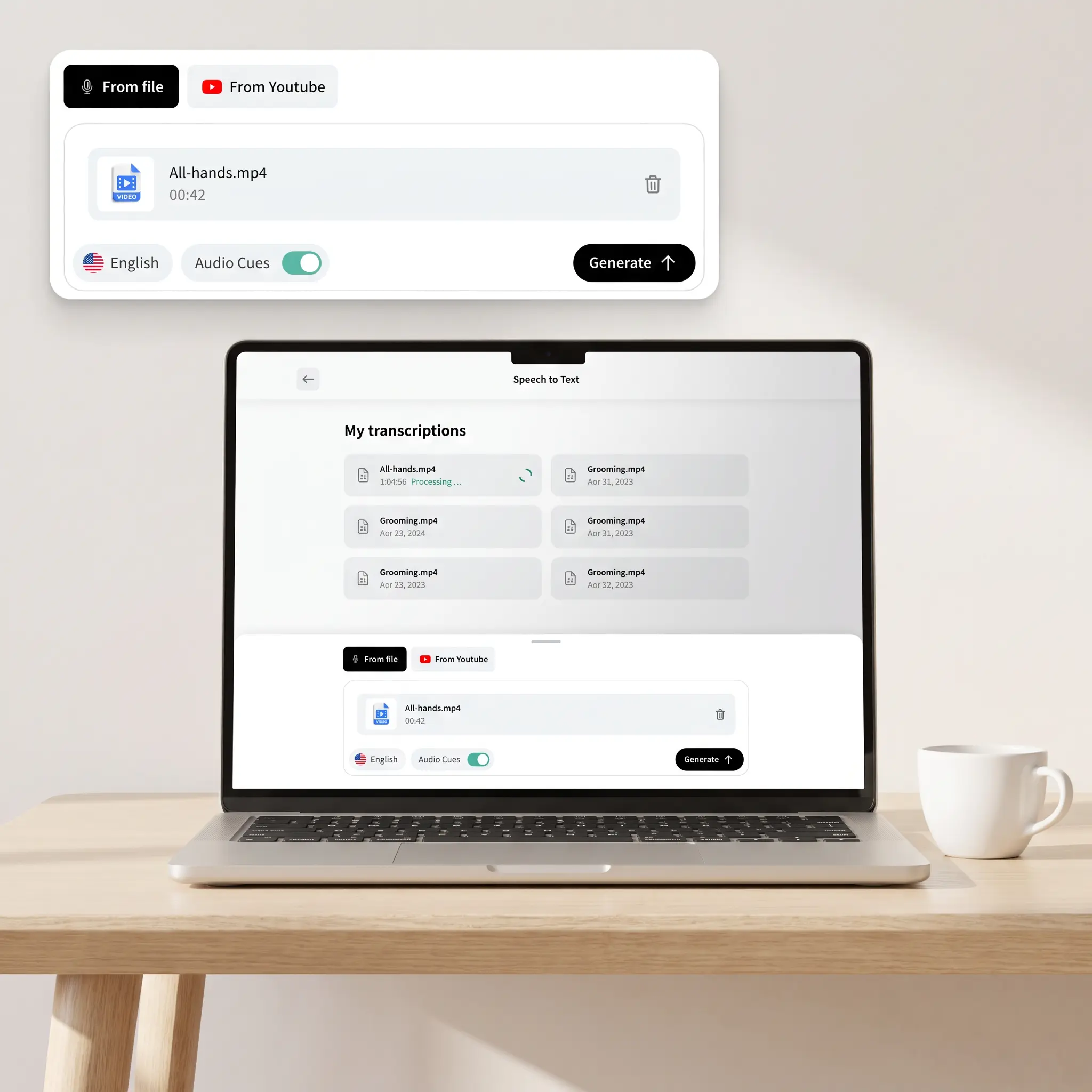
Add a lecture, podcast episode, webinar, or meeting recording straight from your device.
Check the language and audio cues
Keep Auto for detection, or set it yourself to give AI a clear hint.
Create the full transcript
Tap Generate, and Lift turns everything said in the file into text in My Transcriptions.
Get the key points in your language
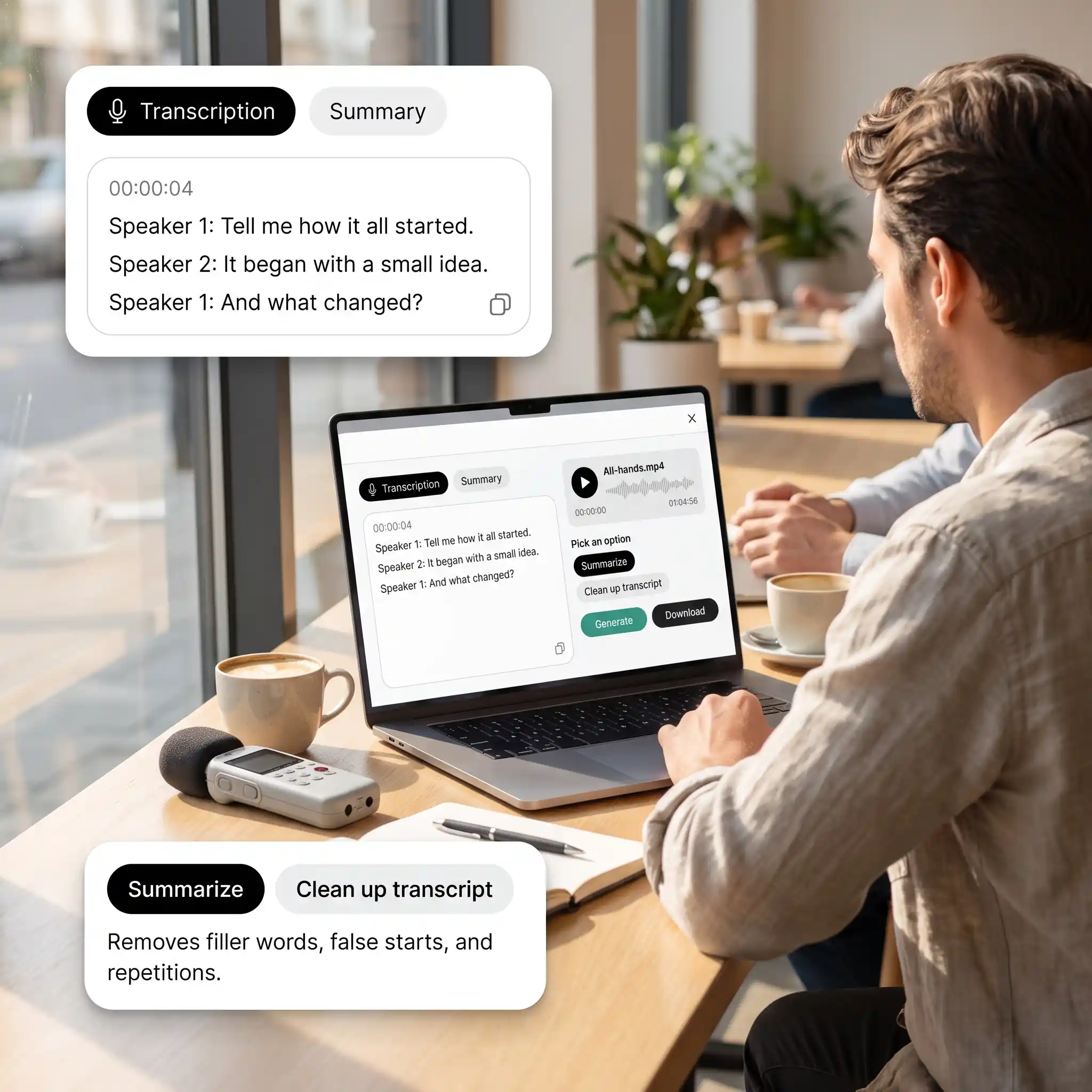
Open the result, tap Summarize, and pick a different option from the menu to get a translation.

Join millions around the globe
Who can benefit from the AI Summarizer?

- 🔹
Students — Summarize recorded lectures and online lessons into key points to review before class.
- 🔹
Researchers and analysts — Scan conference talks and expert interviews to decide which ones deserve a full watch.
- 🔹
Busy professionals — Get the main takeaways from webinars and industry talks without setting aside an hour.
- 🔹
Non-native speakers — Read a translated summary of recordings made in a language you don't speak.
- 🔹
Team leads — Turn long meeting recordings into a short recap everyone on the project can read in minutes.
Frequently asked questions
What is the Lift AI Summarizer?
The Lift AI Summarizer turns an uploaded video or audio file into a full transcript and a short summary of its main ideas. It works for lectures, webinars, podcasts, and meetings.
How does the Lift AI Summarizer work?
Upload a file and tap Generate to get the transcript. Then open it and choose Summarize to see the key points.
Can I get the summary in another language?
Yes. Lift first writes it in the recording's original language. Pick a different one from the menu and tap Regenerate to translate it.
Can I download the summary together with the transcript?
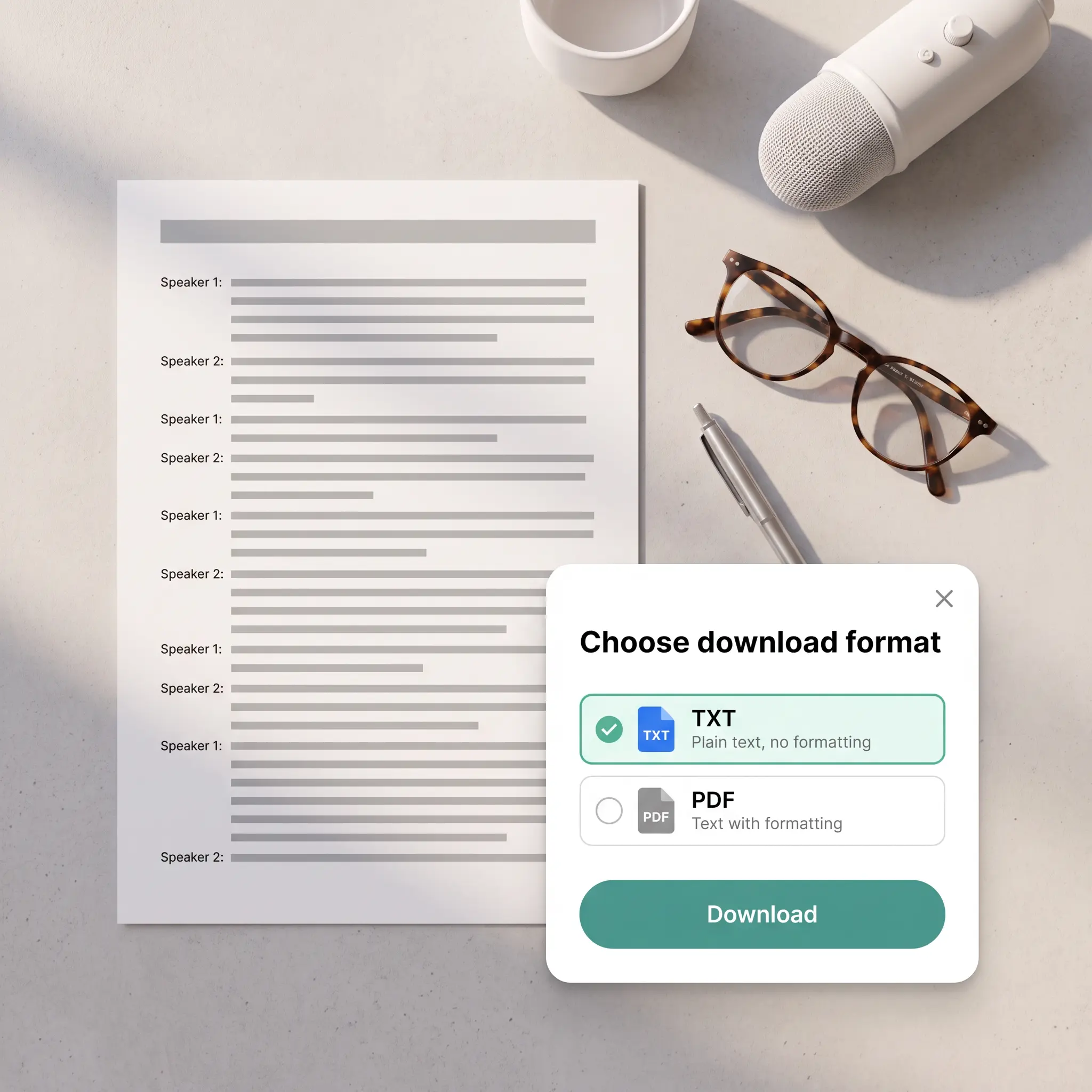
Yes. Download lets you export both texts at once or each one separately, as a TXT or PDF file. Copy also works for either tab.
Is it safe to upload my videos and audio to Lift?
Yes — Lift processes your files securely and uses them only to generate your results.
How can I cancel my Lift Pro Subscription?
You can cancel your trial or subscription through your account settings or by contacting support@liftapp.ai. Cancellation stops automatic renewal, while access remains active until the end of the current period.
Why choose Lift for AI summaries
High-quality results
AI-powered technology delivers professional-grade visuals every time
Intelligent rendering
AI tailors the effect to the scene and subject for optimal results
Cross-platform support
Available on iOS, Android, and Web for seamless access
Budget-friendly
Save on costly designers with an affordable and intuitive tool