
Transcribe Audio to Text Online
Upload a recording, let AI recognize what's said, and get a readable transcript in a few clicks. Try Lift today!
Upload or drag and drop an audio or video file
Join millions around the globeAll-in-one tool for making content
How it works
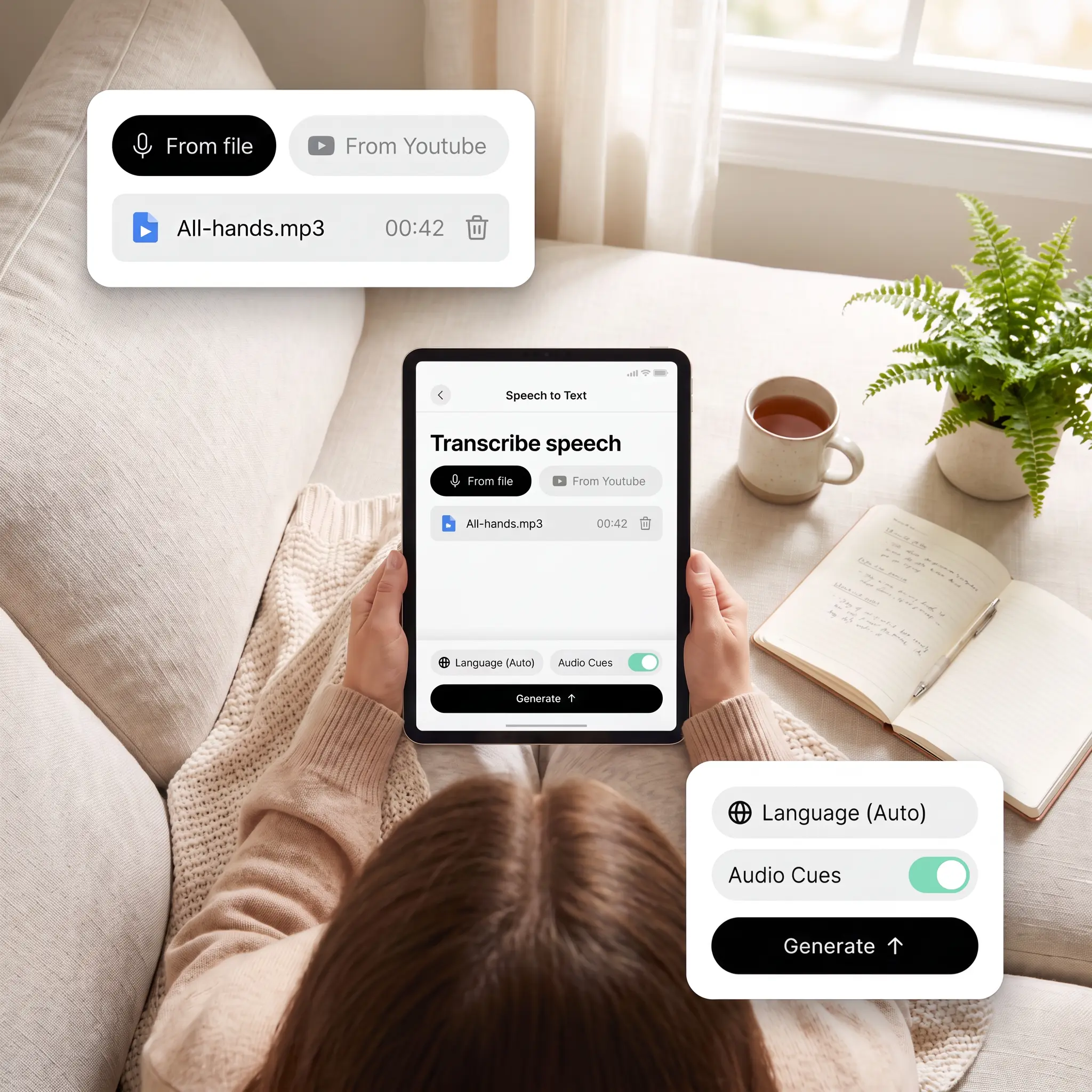
Upload your audio file
Add an MP3 or another common format straight from your device, from short clips to full episodes.
Set the spoken language
Leave it on Auto for detection, or pick one manually and toggle audio cues on or off.
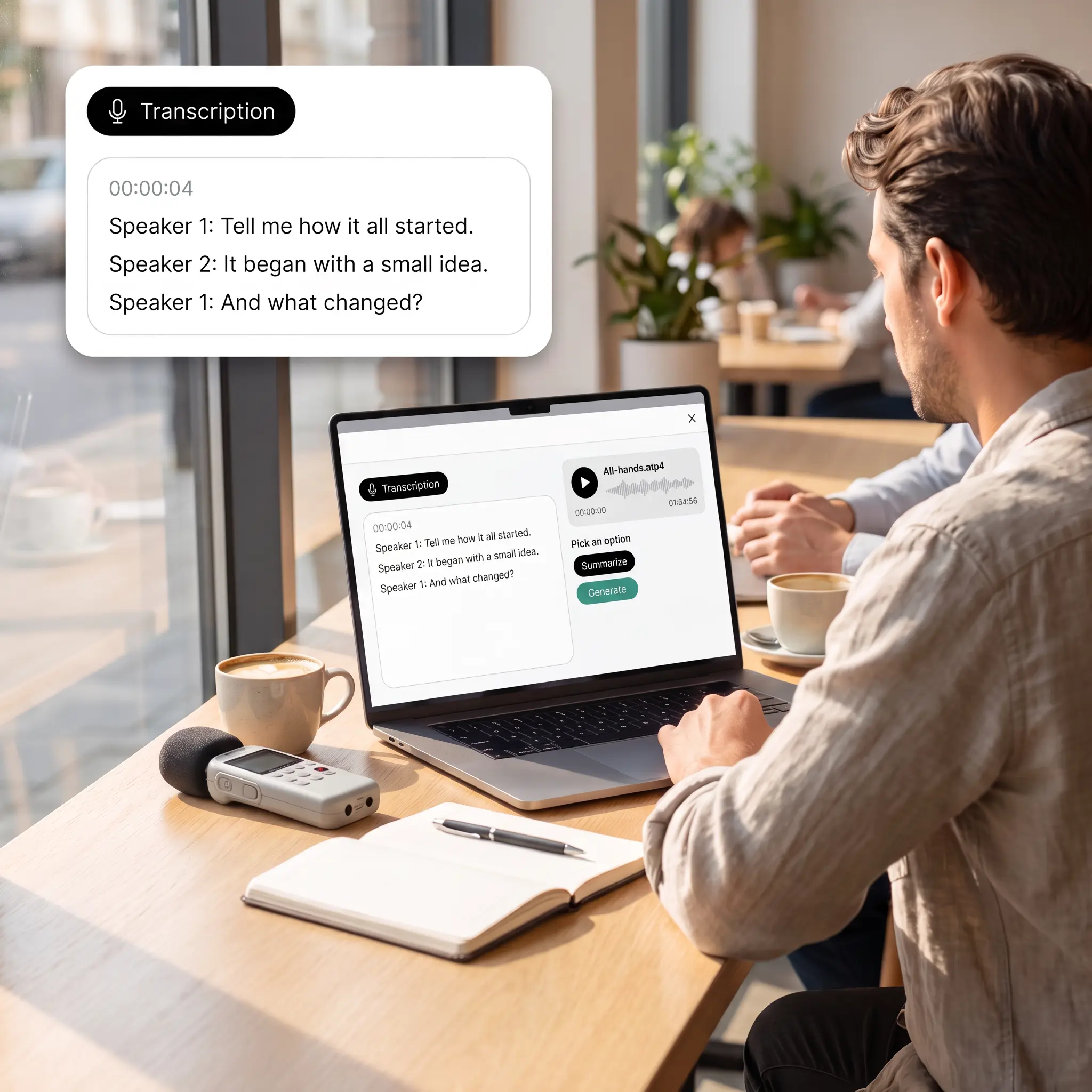
Let AI transcribe the recording
Tap Generate, and Lift writes out every line, keeping it in My Transcriptions for later.
Summarize or download the result
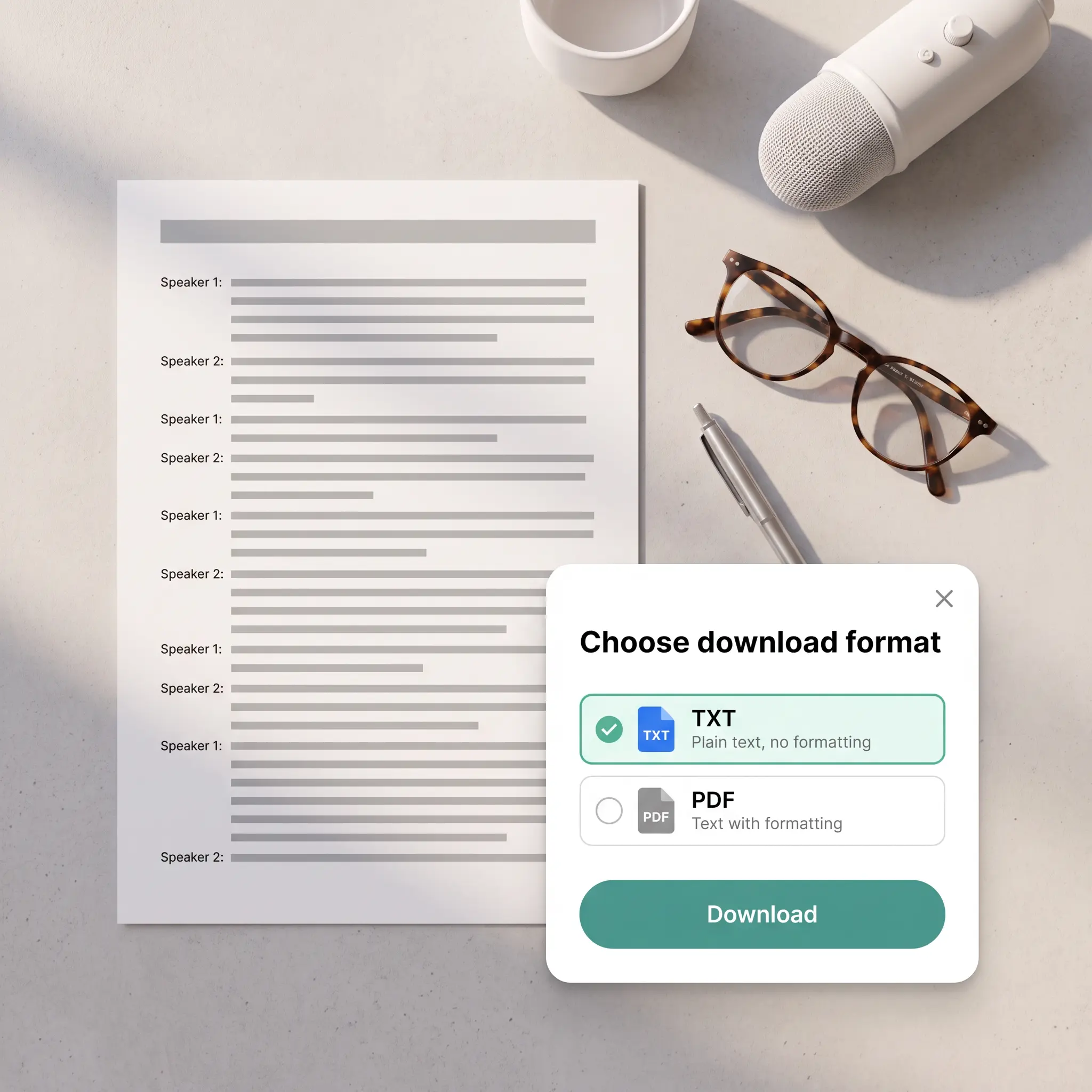
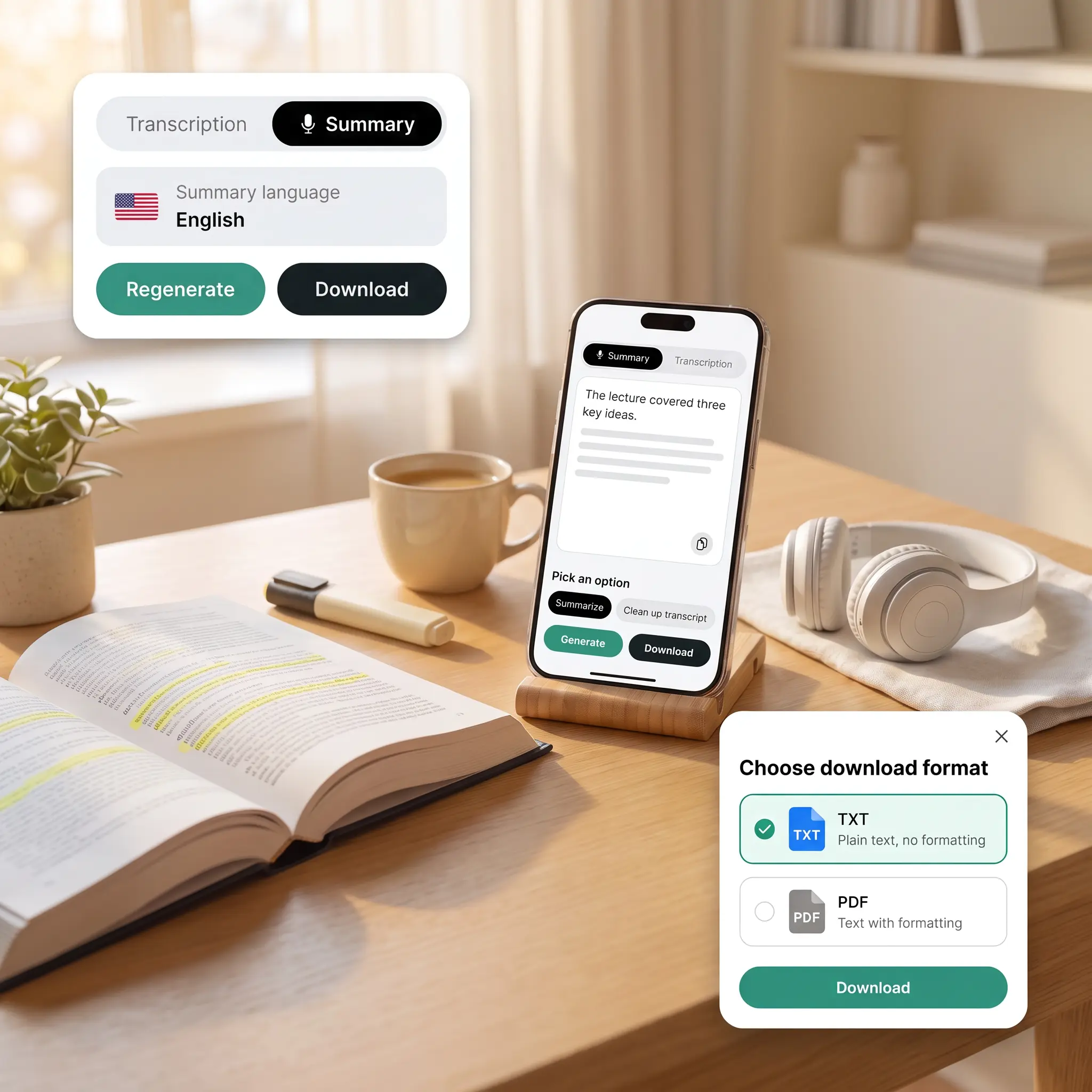
Copy the text, get a quick summary, or save everything as a TXT or PDF file.

Join millions around the globe
Who can benefit from the Audio to Text Converter?
- 🔹
Podcasters — Convert episode audio into text for show notes, blog posts, and searchable archives.
- 🔹
Radio and audiobook producers — Get a written version of recorded shows and chapters to check against the script.
- 🔹
Language learners — Read along with recorded lessons and podcasts to catch words you missed by ear.
- 🔹
Sales managers — Transcribe recorded client calls and summarize the key points before updating the CRM.
- 🔹
Deaf and hard-of-hearing users — Read the text of any audio clip, with background sounds marked when they matter.
Frequently asked questions
What is the Lift Audio to Text Converter?
The Lift Audio to Text Converter uses AI to transcribe speech from audio files into written text. It works with podcasts, calls, lectures, and other recordings.
How does the Lift Audio to Text Converter work?
Upload an audio file, keep the language on Auto or set it, and tap Generate. Open the transcript to copy it, summarize it, clean it up, or download it.
Which audio files can I convert to text?
You can upload MP3, WAV, M4A, and other common audio formats. Lift handles long recordings, so a full episode or lecture can be transcribed in one go.
How can I save the transcribed text?
Use Copy to send everything to your clipboard, or Download to get a TXT or PDF file. If you also created a summary, export it on its own or together with the transcription.
Is it safe to upload my audio files to Lift?
Yes — Lift processes your audio securely and uses it only to generate your transcript.
How can I cancel my Lift Pro Subscription?
You can cancel your trial or subscription through your account settings or by contacting support@liftapp.ai. Cancellation stops automatic renewal, while access remains active until the end of the current period.
Why choose Lift to convert audio to text
High-quality results
AI-powered technology delivers professional-grade visuals every time
Intelligent rendering
AI tailors the effect to the scene and subject for optimal results
Cross-platform support
Available on iOS, Android, and Web for seamless access
Budget-friendly
Save on costly designers with an affordable and intuitive tool