
Difuminar un Rostro en una Imagen con Precision de IA
Oculta identidades, elimina transeuntes o protege contenido sensible con el difuminado de rostros impulsado por IA para cualquier foto.

Como funciona
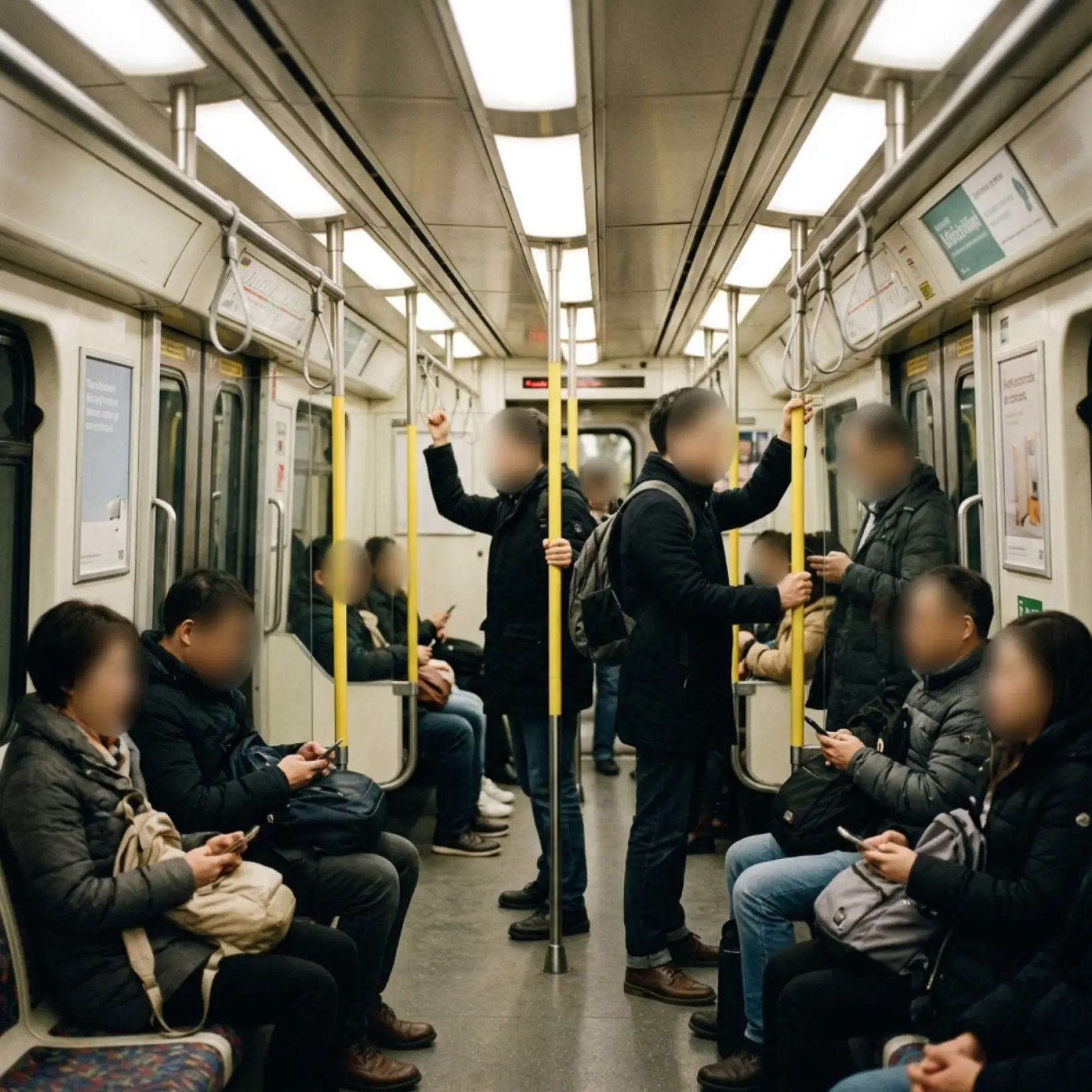
Sube tu imagen
Elige una foto de tu dispositivo o tomala usando la app de Lift
Selecciona el rostro o la persona
Toca un rostro, perfila a una persona o usa el pincel manual para marcar el area exacta que deseas ocultar
Ajusta la intensidad
Controla la fuerza del desenfoque facial y previsualiza el resultado antes de guardar
Descarga y usa
Descarga tu imagen o publIcala directamente en tus redes sociales

Únete a millones en todo el mundo
Quien puede beneficiarse de la herramienta de desenfoque facial de Lift?

- 🔹
Creadores de contenido — Dirige la atencion visual ocultando los rostros de sujetos no deseados en tus fotos y videos
- 🔹
Especialistas en marketing y SMM — Publica fotos de eventos y contenido generado por usuarios sin exponer rostros identificables
- 🔹
Pequenos empresarios — Protege la privacidad de los clientes en las fotos compartidas en tu web y redes sociales
- 🔹
Usuarios preocupados por la privacidad — Difumina a alguien en una imagen antes de publicarla para mantener los datos personales fuera de feeds publicos
- 🔹
Usuarios casuales — No se necesitan habilidades de edicion — selecciona un rostro, ajusta la fuerza y descarga un resultado limpio
Preguntas frecuentes
Que es la herramienta de desenfoque facial de Lift?
La herramienta de desenfoque facial de Lift te permite difuminar un rostro en una imagen con control preciso. Sube tu foto, selecciona el rostro o la persona, ajusta la intensidad y descarga.
Como funciona la herramienta de desenfoque facial de Lift?
Sube tu foto y elige el metodo — deteccion facial, contorno de persona o pincel manual. La IA de Lift aisla el area seleccionada, aplica el desenfoque y muestra una vista previa en tiempo real.
Conservara el cabello, los bordes y los detalles finos?
Si. La herramienta usa deteccion de bordes avanzada para preservar elementos delicados como cabello, pelaje y texturas suaves.
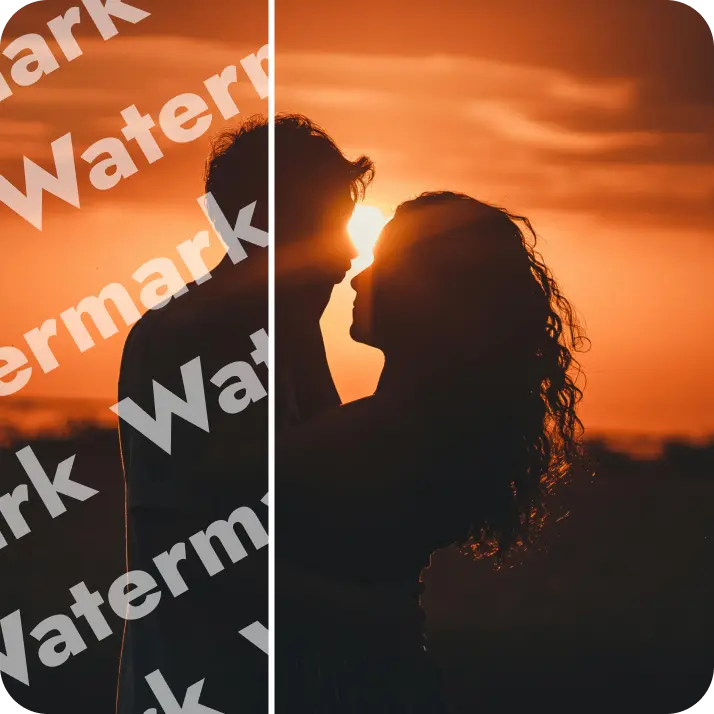
Puedo descargar los resultados sin marca de agua?
Por supuesto. Todas las imagenes editadas en Lift se pueden exportar sin marca de agua en el plan Pro en PNG o JPG de alta resolucion.
¿Cómo puedo cancelar mi suscripción a Lift Pro?
Puedes cancelar tu prueba o suscripción desde tu configuración de la cuenta o escribiendo a support@liftapp.ai. La cancelación detiene la renovación automática, y el acceso se mantiene activo hasta el final del período actual.
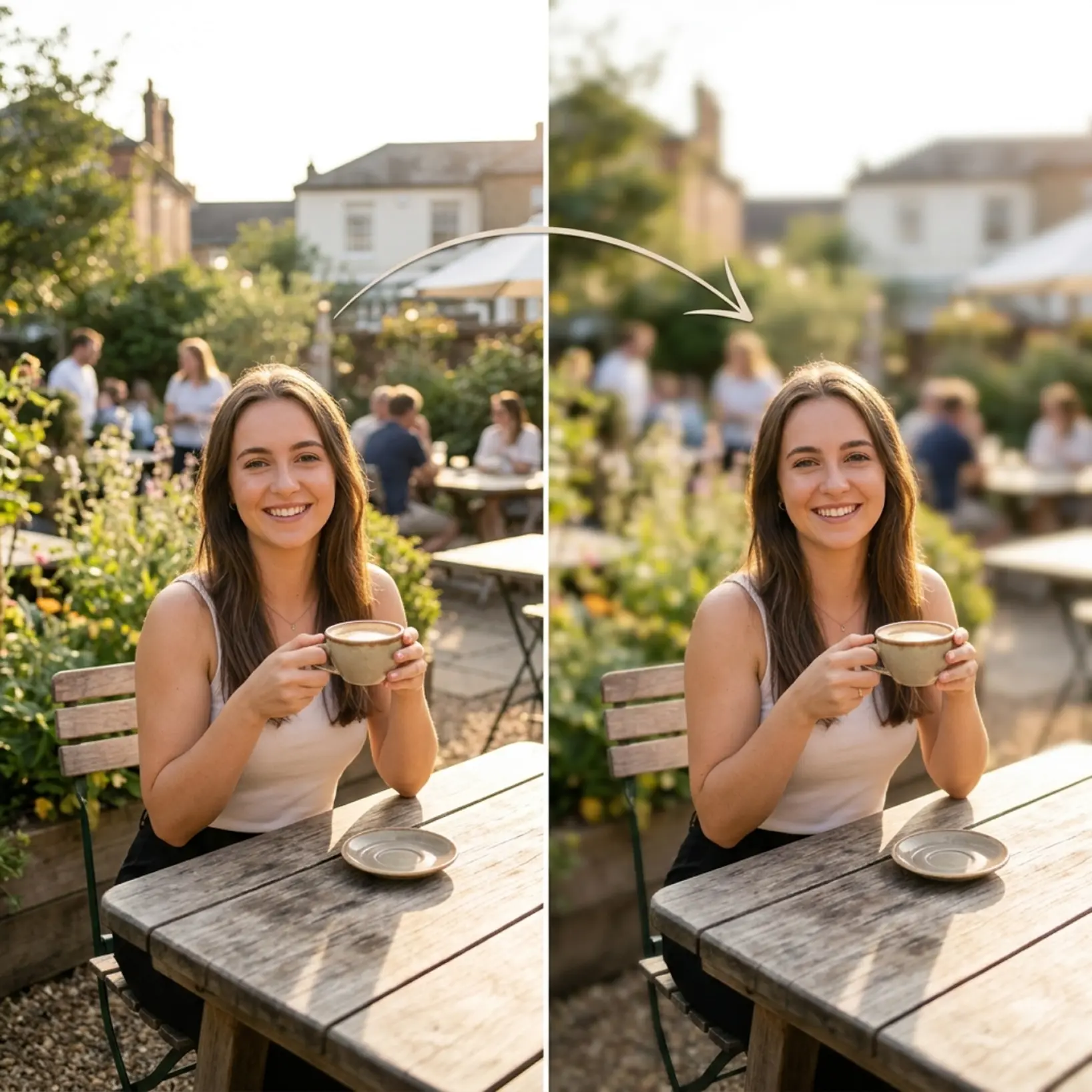
Por que destaca el efecto de desenfoque de Lift
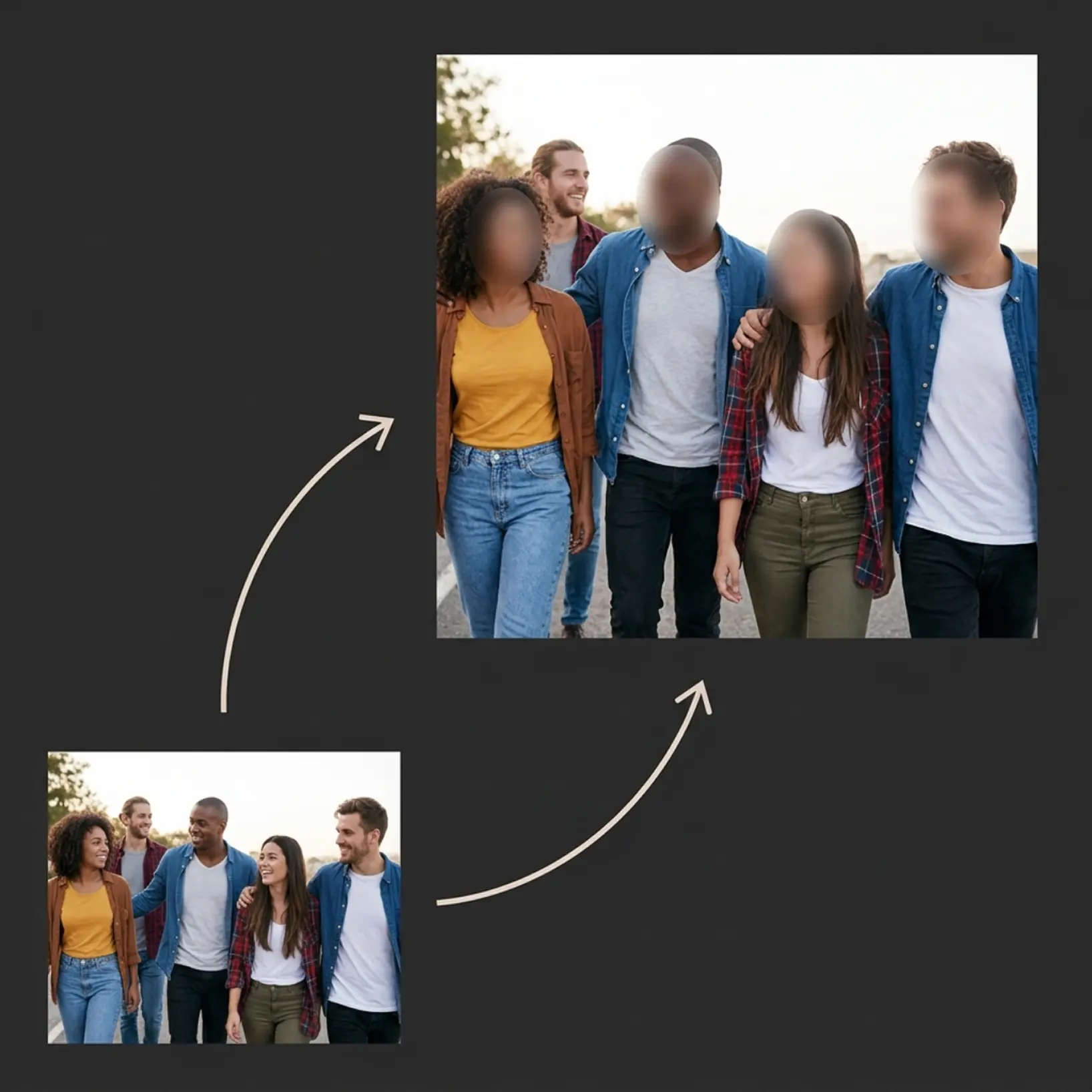
Resultados de alta calidad
La tecnologia con IA ofrece visuales de nivel profesional en cada uso
Renderizado inteligente
La IA adapta el efecto a la escena y al sujeto para obtener resultados optimos
Soporte multiplataforma
Disponible en iOS, Android y Web para un acceso sin interrupciones
Economico
Ahorra en disenadores costosos con una herramienta asequible e intuitiva