
Blur Text in Any Image Instantly
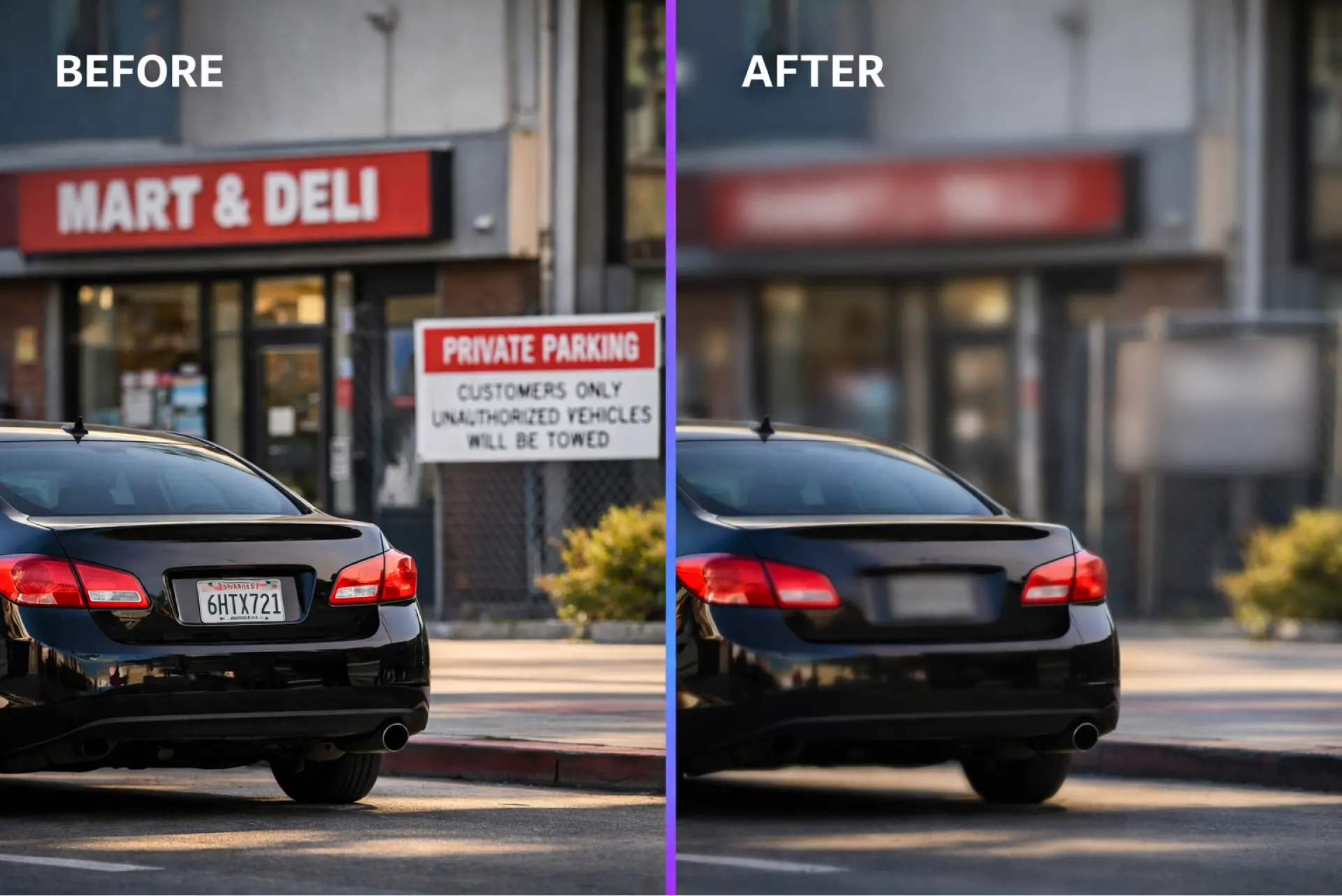
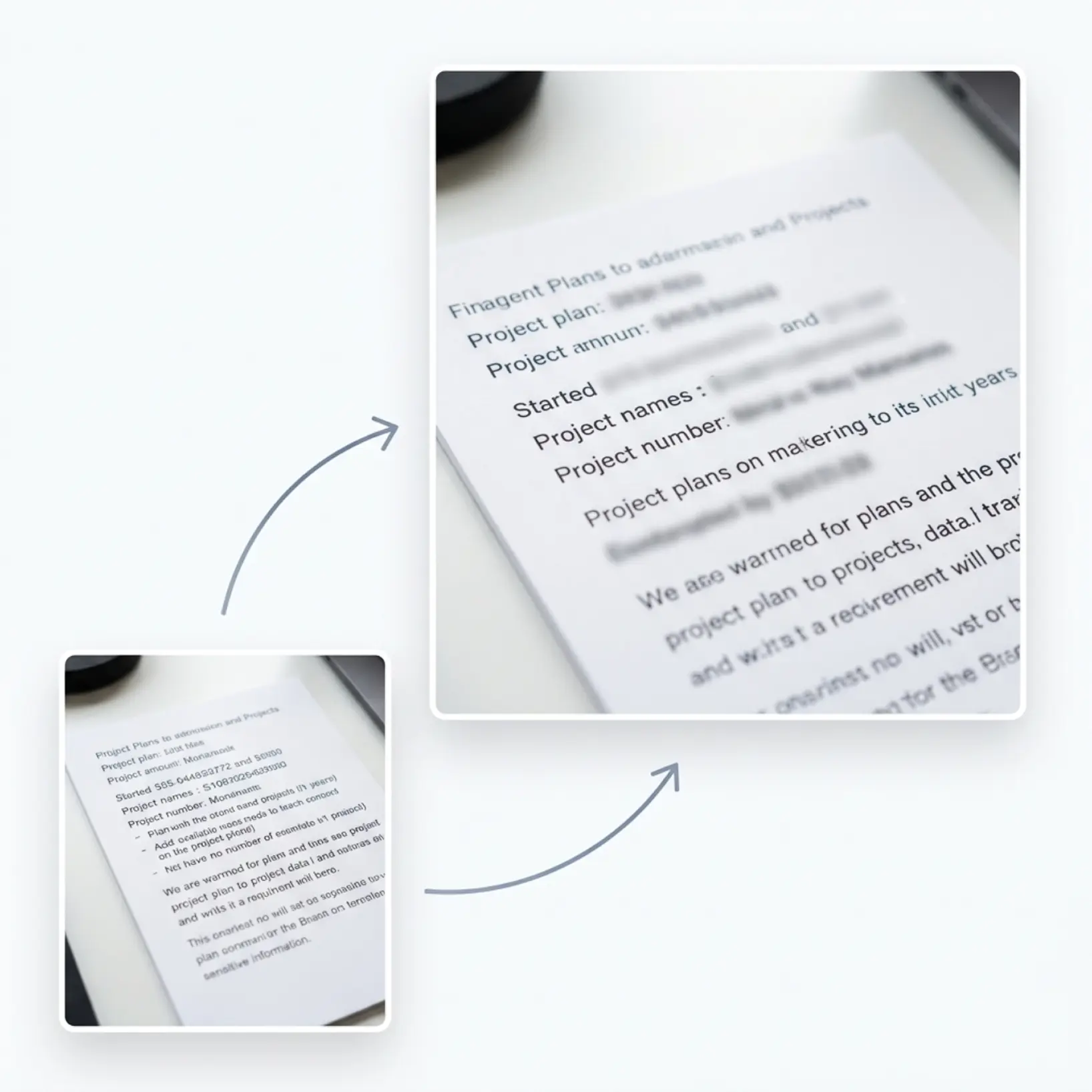
Select any visible text or writing in your photo and apply a precise blur. Protect sensitive information without editing experience.
How it works
Upload your image
Choose a photo from your device or take one using Lift's app
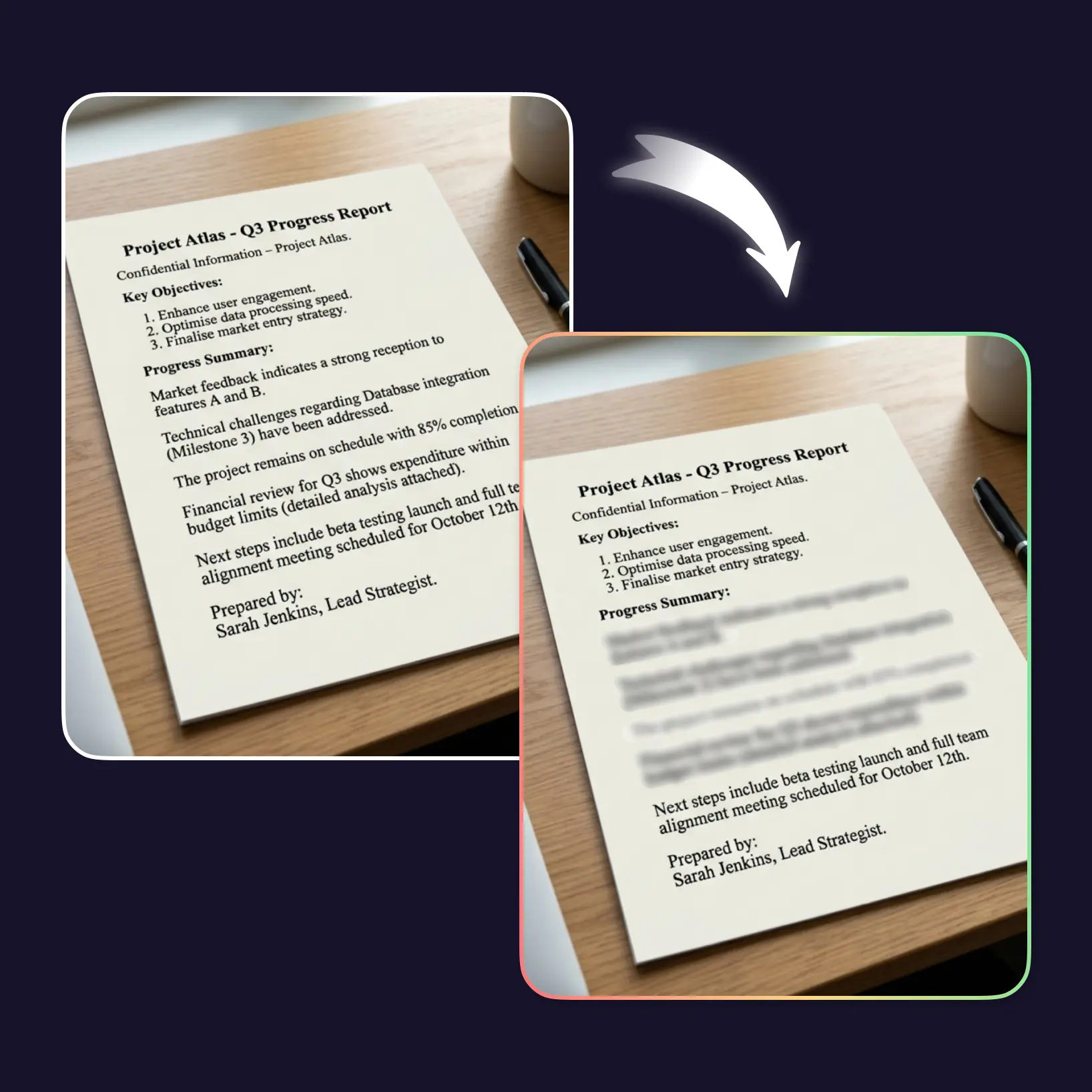
Select the text to blur
Use the manual brush or area selector to highlight any text or writing you want to obscure
Adjust the blur intensity
Set how strong the blur appears — from a light haze to a fully unreadable mask
Download and use
Download your image or publish it straight to your social feeds

Join millions around the globe
Who can benefit from Blur Text in Image Tool?
- 🔹
Content creators — Blur distracting text overlays to direct visual focus where it matters.
- 🔹
Marketers & SMM managers — Remove visible text from product photos to create cleaner, brand-ready visuals.
- 🔹
Small business owners — Blur confidential text in screenshots or documents before sharing externally.
- 🔹
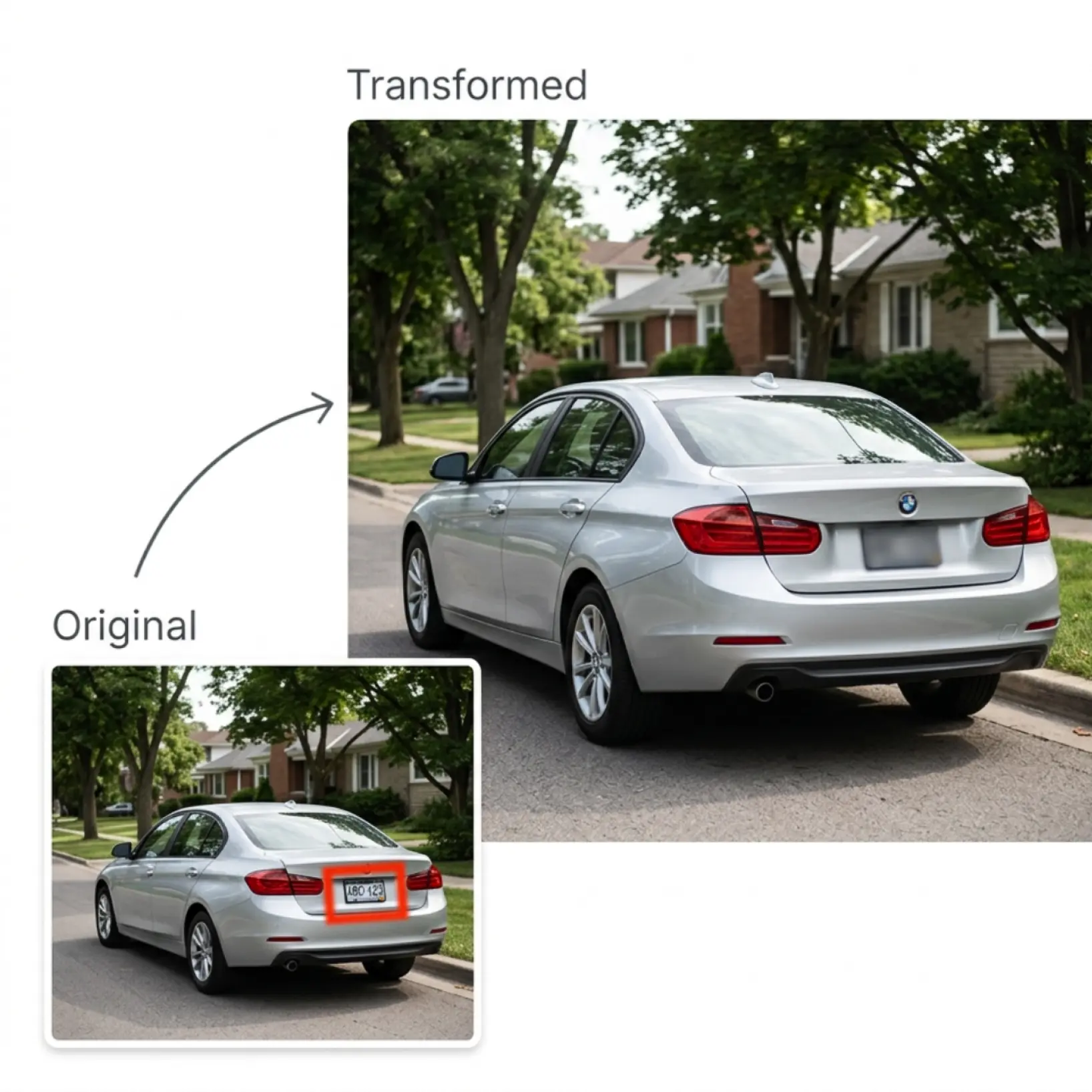
Privacy-Conscious Users — Hide addresses, names, or sensitive writing in photos before posting online.
- 🔹
Casual Users — Blur words in any photo directly in the browser, no software or skills required.
Frequently asked questions
What is Lift Blur Text in Image Tool?
Lift's Blur Text in Image Tool lets you selectively blur any text, words, or writing visible in a photo. It runs entirely in your browser — no installation needed. Use it to hide sensitive information, blur image text before sharing, or clean up screenshots for professional use.
How does Lift Blur text in images tool work?
Upload your photo and use the brush or selection tool to mark the text you want to obscure. Adjust the intensity slider to control how unreadable the text becomes, then download the finished image. The entire process takes under a minute.
Will it keep hair, edges, and fine details?
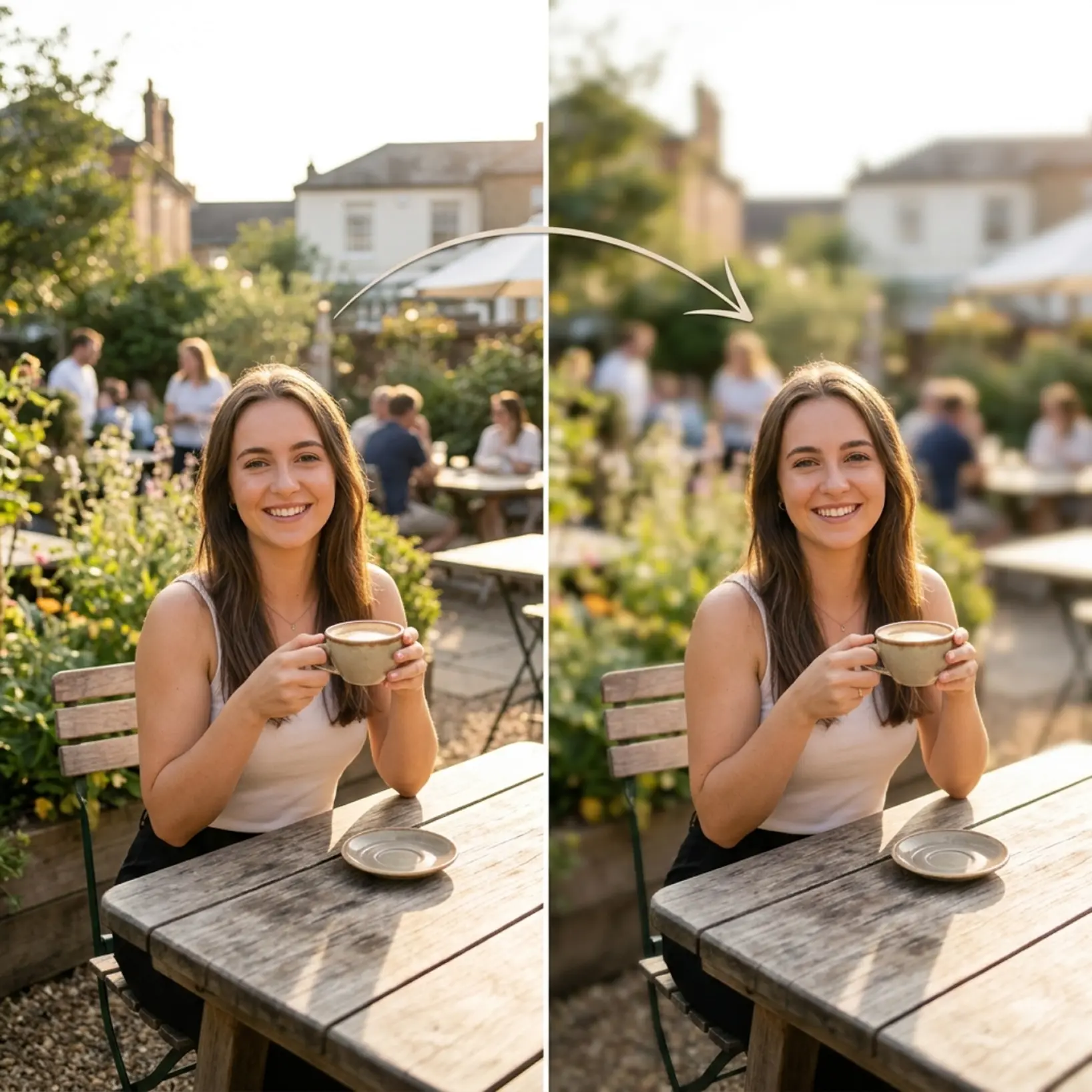
Yes. Lift Blur Text in Image Tool uses advanced edge detection to preserve delicate elements like hair, fur, shadows, and soft textures — so you get clean, natural-looking results without manual touch-ups.
Can I download the results without a watermark?
Absolutely. All images generated or edited in Lift can be exported without watermark when you're on the Pro plan. Download them in high-res PNG or JPG — ready for social media, print, ads, or e-commerce.
How can I cancel my Lift Pro Subscription?
You can cancel your trial or subscription through your account settings or by contacting support@liftapp.ai. Cancellation stops automatic renewal, while access remains active until the end of the current period.
Why Lift's blur text tool stands out
High-quality results
AI-powered technology delivers professional-grade visuals every time
Intelligent rendering
AI tailors the effect to the scene and subject for optimal results
Cross-platform support
Available on iOS, Android, and Web for seamless access
Budget-friendly
Save on costly designers with an affordable and intuitive tool