
RGB Color Picker from Image
Upload a photo, hover the eyedropper over any pixel, and get the exact RGB value instantly — along with HEX and HSL codes ready to copy. Try Lift today.
or drag and drop here
JPG, PNG, WEBPMax - 20MB
JPG, PNG, WEBPMax - 20MB
How it works
Upload your photo
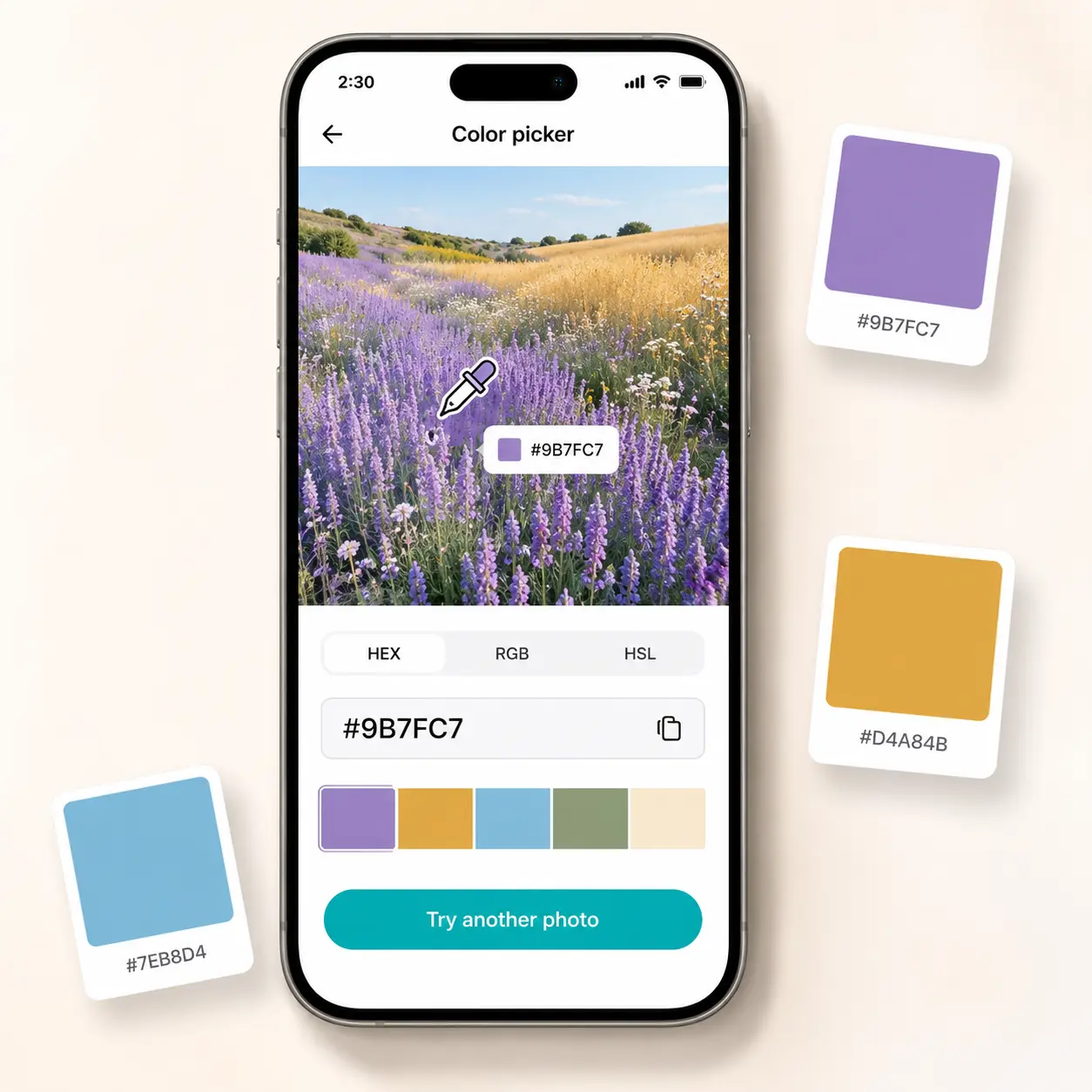
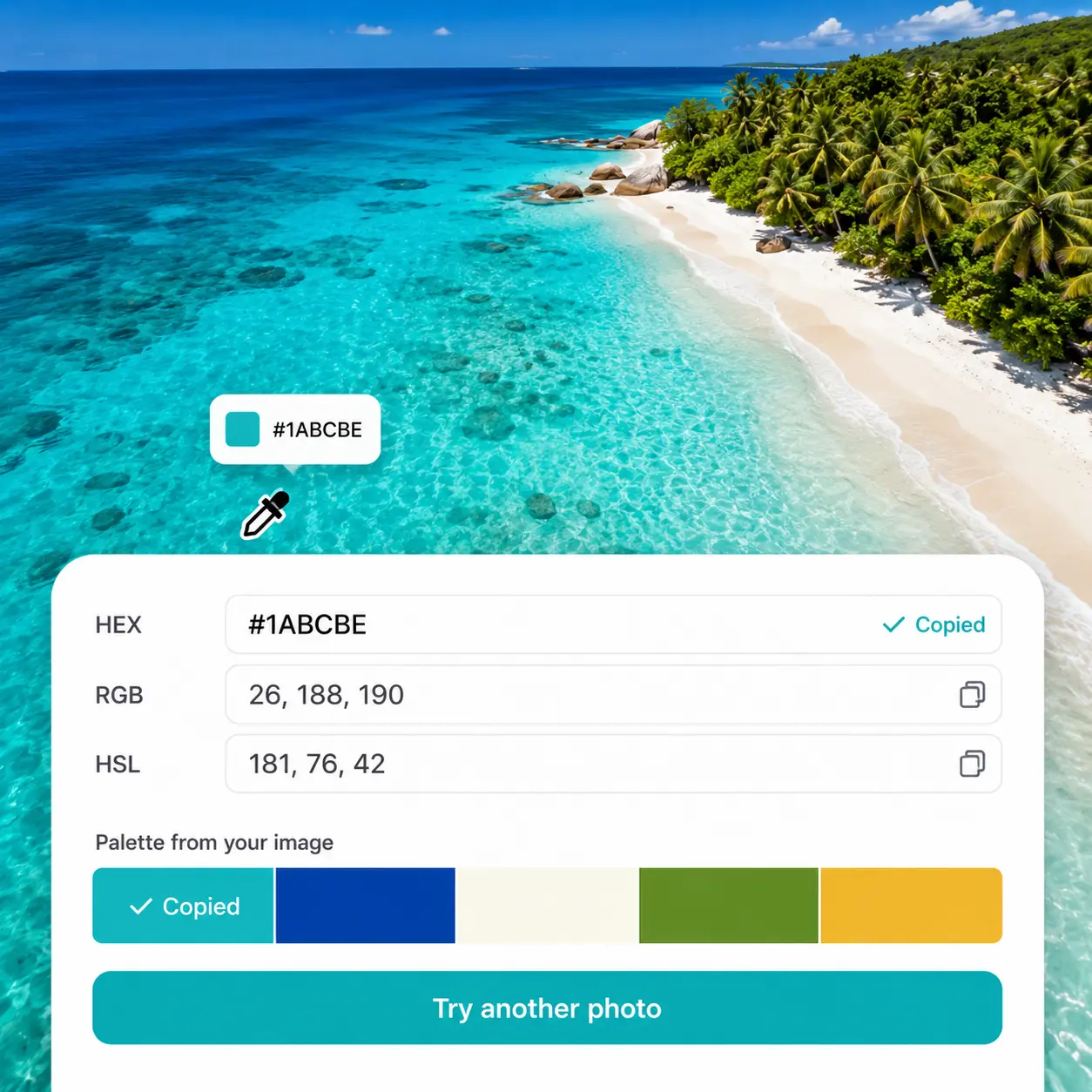
Add any image to the editor and the live eyedropper activates instantly on the canvas.
Hover to preview the RGB value
The eyedropper tracks every pixel and displays the RGB value in real time as you move across the image.
Click to lock your color
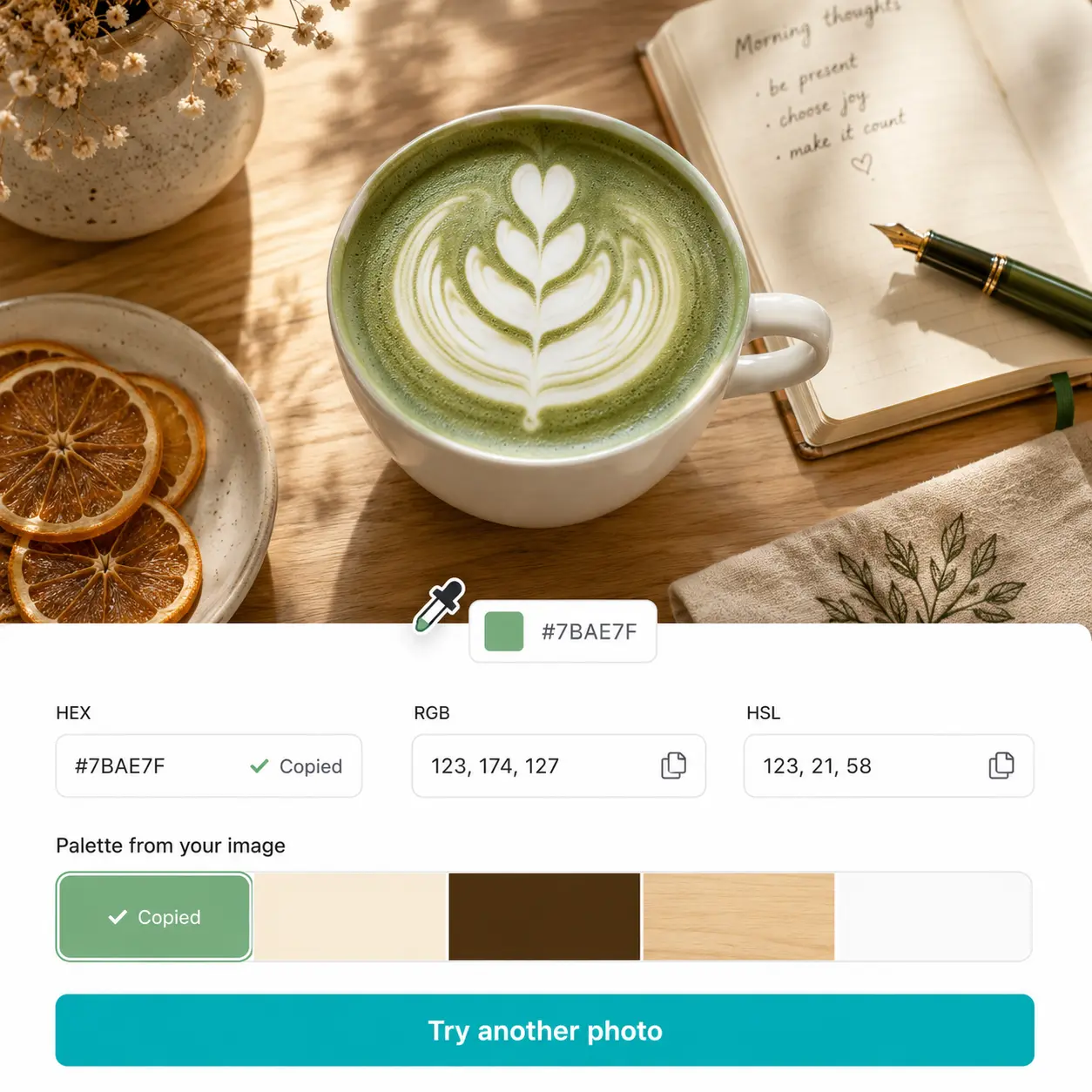
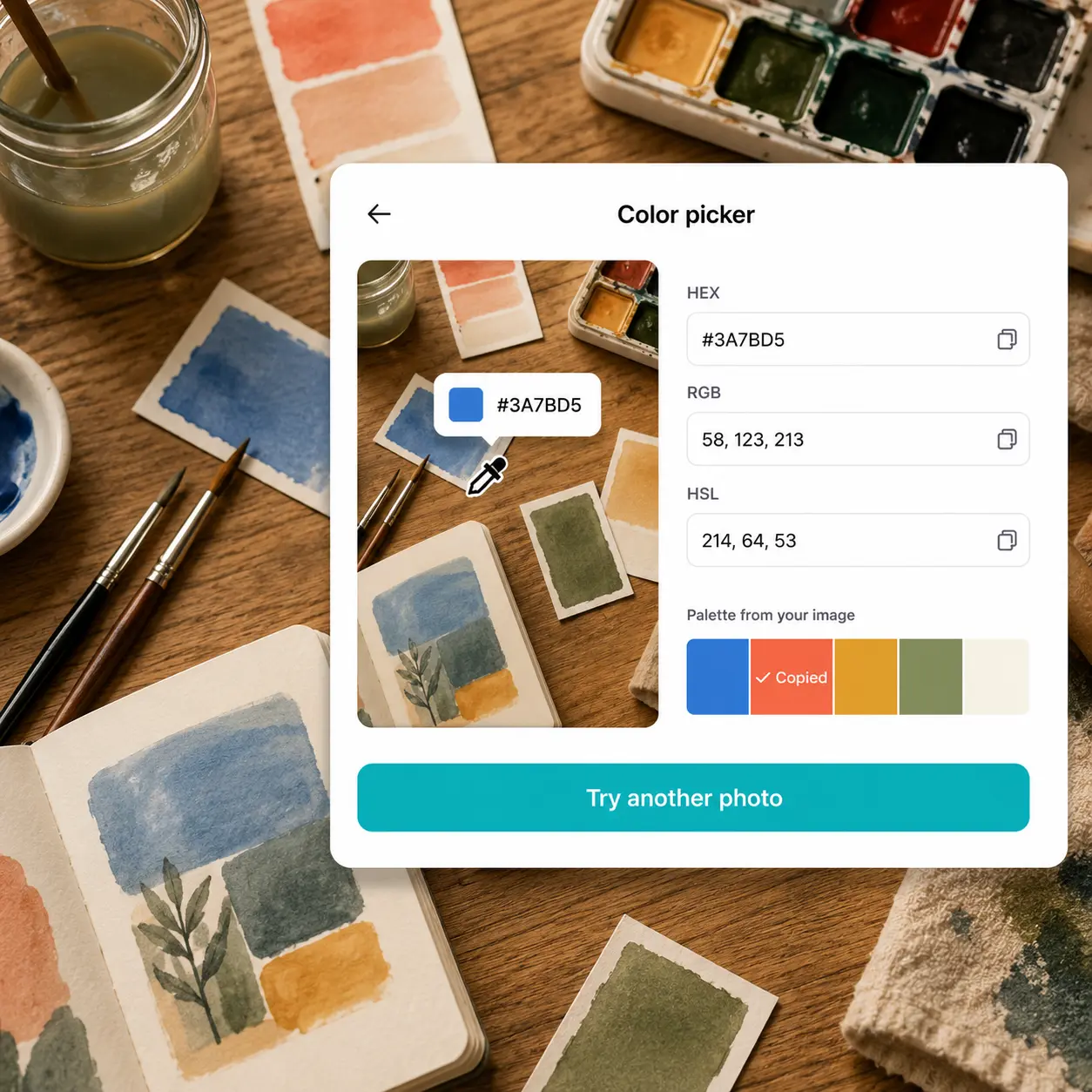
Tap any spot to fix the selection; the exact RGB, HEX, and HSL values appear instantly in the side panel.
Copy and use anywhere
Copy the RGB code with one click and use it directly in CSS, Figma, Krita, or any creative tool.

Join millions around the globe
Who can benefit from the Lift RGB Color Picker?
- 🔹
Web & front-end developers — Pick precise RGB values from any screenshot or mockup to use directly in CSS rgb() declarations. Lift's eyedropper reads any pixel and returns the exact RGB tuple without switching tools.
- 🔹
Game designers — Match colors from reference art or concept imagery with pixel-accurate RGB values for Unity, Godot, or any game engine. The live eyedropper identifies any shade from any photo in seconds.
- 🔹
Digital illustrators — Source exact RGB values from reference photos to replicate in Procreate, Krita, or Affinity without manual guesswork. The eyedropper locks onto any pixel and returns the precise code instantly.
- 🔹
UI/UX designers — Pull accurate RGB codes from brand photography to apply directly in Figma or Sketch color palettes. Lift surfaces the exact value of any color in your image with one click.
- 🔹
Content creators & social media managers — Maintain visual consistency across posts by identifying exact RGB values from signature imagery. Extract colors from any photo in seconds to replicate across every piece of content.
Frequently asked questions
What is the Lift RGB Color Picker?
The Lift RGB Color Picker is an image-based tool that identifies the exact RGB value of any color in your photo using a live eyedropper. It also returns the same color in HEX and HSL, and generates a palette of the image's dominant colors.
How does the Lift RGB Color Picker work?
Upload a photo and hover the eyedropper over any area to preview the RGB value in real time. Click to lock your selection and instantly copy the RGB, HEX, or HSL code from the side panel.
Does the Lift RGB Color Picker also show HEX and HSL values?
Yes — every color you pick is displayed in RGB, HEX, and HSL simultaneously in the panel. Each format has its own copy button, so you grab exactly the value your workflow needs.
What image formats does the Lift RGB Color Picker support?
You can upload JPG, PNG, WEBP, and HEIC files in any size or resolution. The tool works equally well with product shots, screenshots, landscapes, and scanned artwork.
How can I cancel my Lift Pro Subscription?
You can cancel your trial or subscription through your account settings or by contacting support@liftapp.ai. Cancellation stops automatic renewal, while access remains active until the end of the current period.
Why Lift RGB Color Picker
High-quality results
AI-powered technology delivers professional-grade visuals every time
Intelligent rendering
AI tailors the effect to the scene and subject for optimal results
Cross-platform support
Available on iOS, Android, and Web for seamless access
Budget-friendly
Save on costly designers with an affordable and intuitive tool