
imza arka plan kaldırıcı çevrimiçi
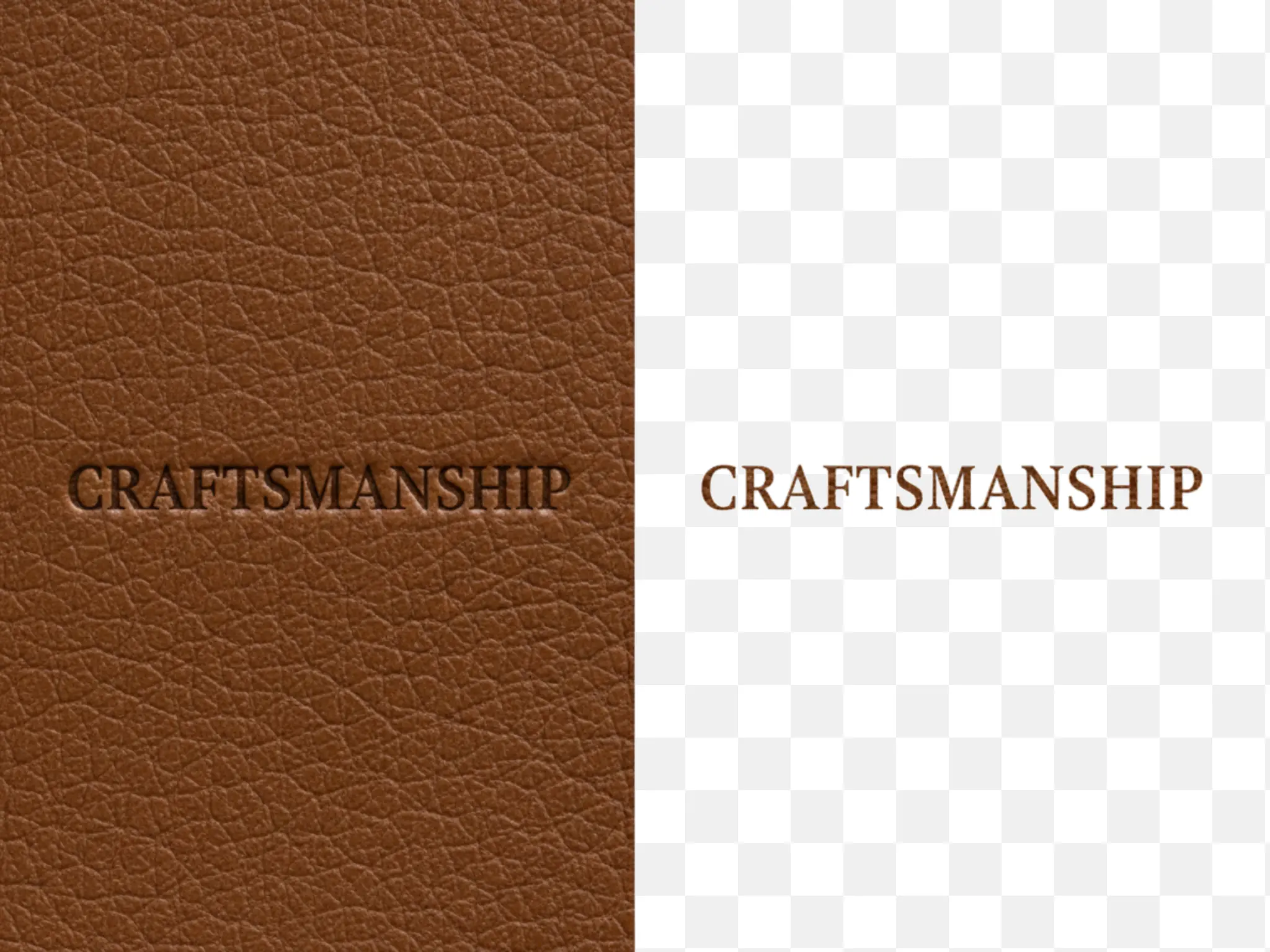
İmzanın arka planını kaldırın ve saniyeler içinde şeffaf PNG oluşturun. İmzayı görselden çıkarın ve PNG'ye dönüştürün, filigran yok. Lift Signature Extractor'ı şimdi deneyin.
Nasıl çalışır

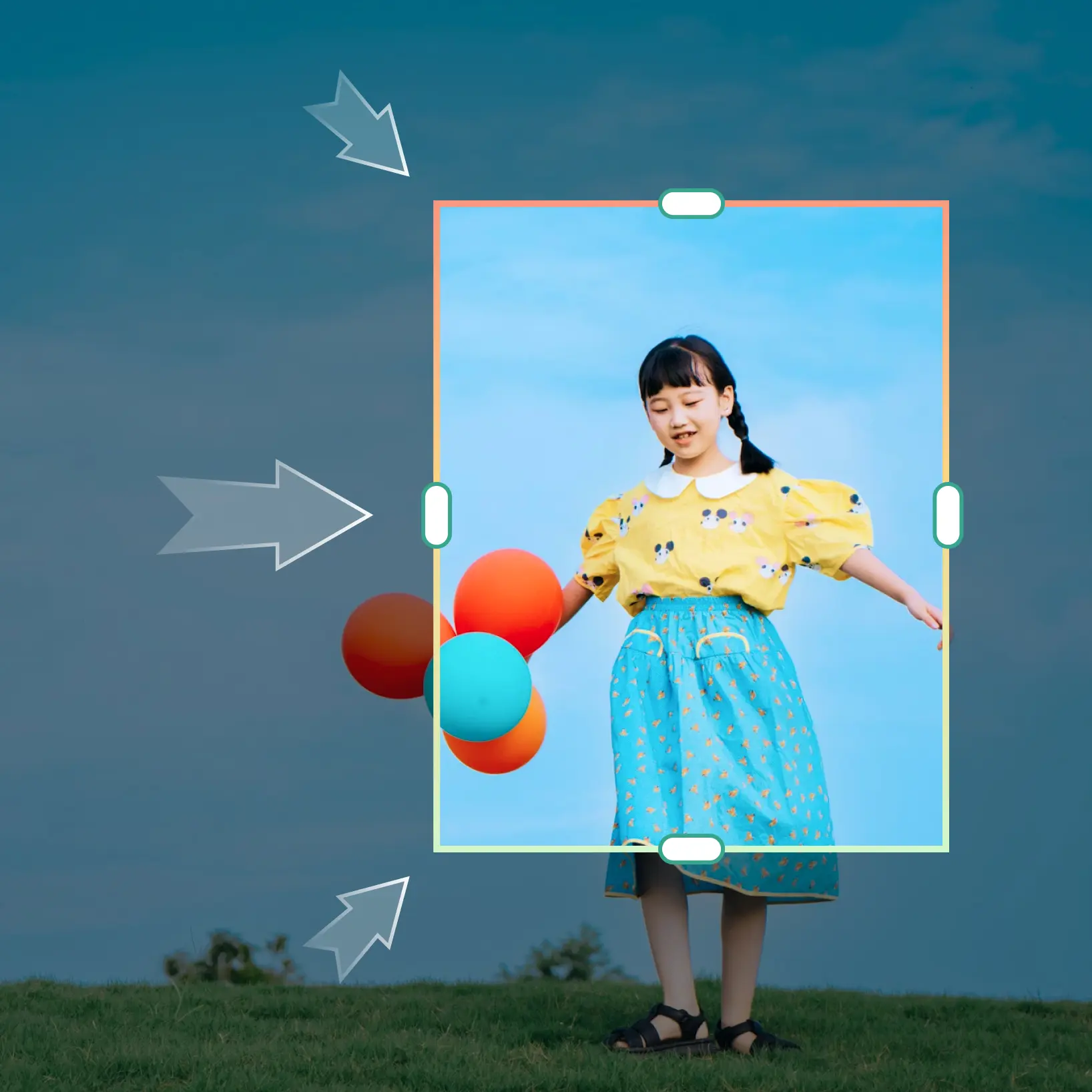
Fotoğraflarınızı yükleyin
Cihazınızdan bir fotoğraf seçin veya Lift uygulamasını kullanarak çekin
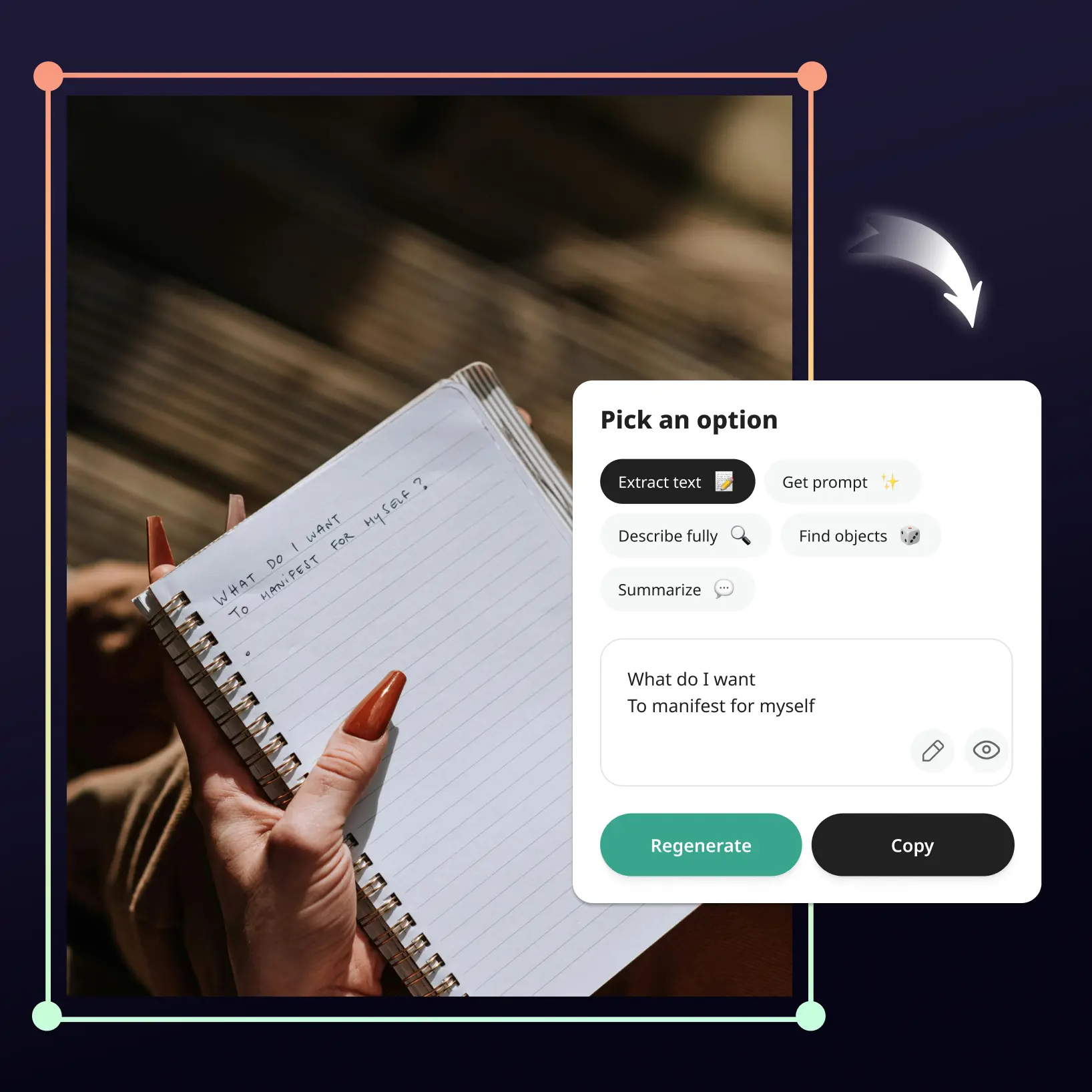
AI'nın işi yapmasına izin verin
Lift'in imzanızı otomatik olarak çıkarmasını ve arka planı kaldırmasını izleyin
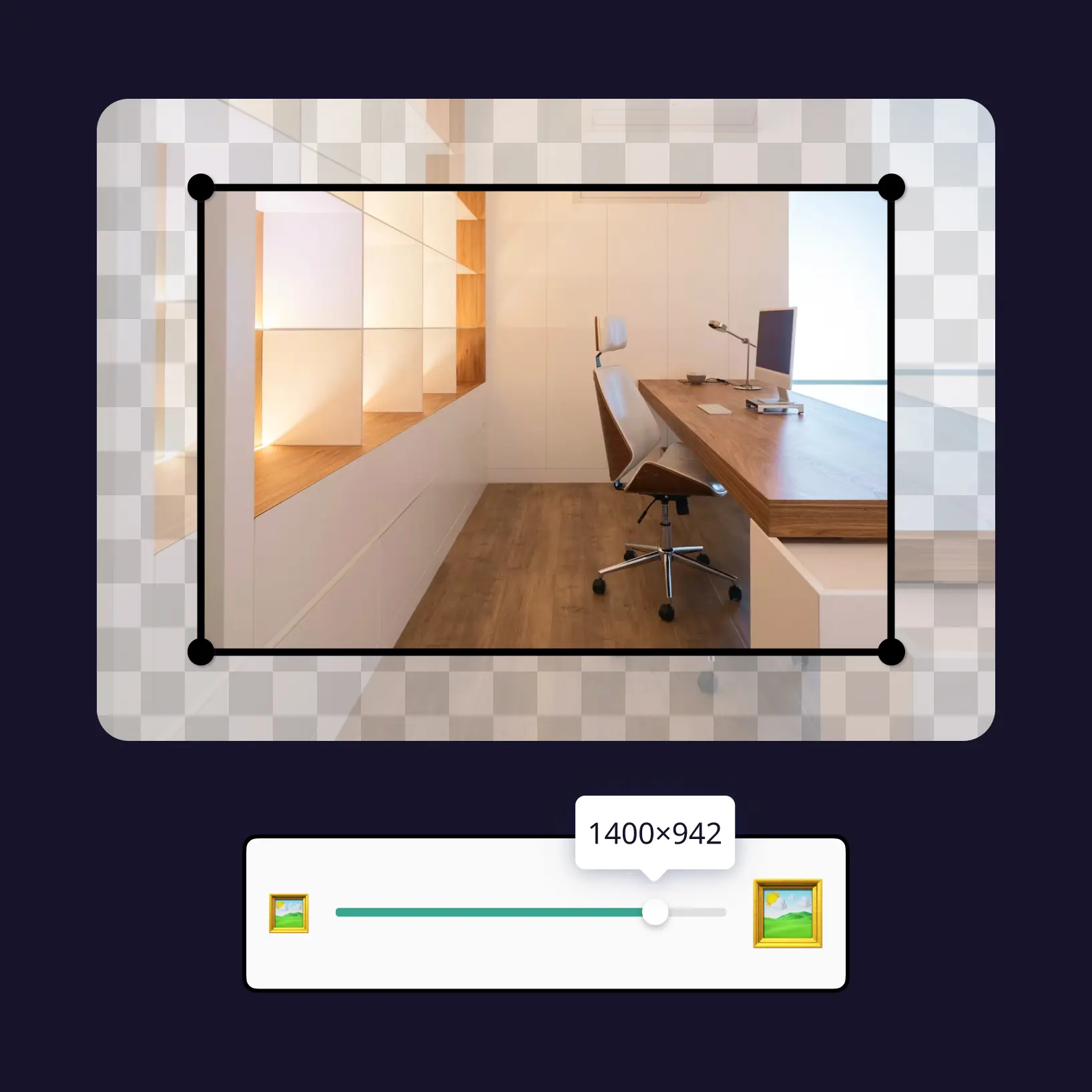
Ayarları özelleştirin
Kullanımı kolay düzenleme araçlarıyla görselinizi ince ayar yapın
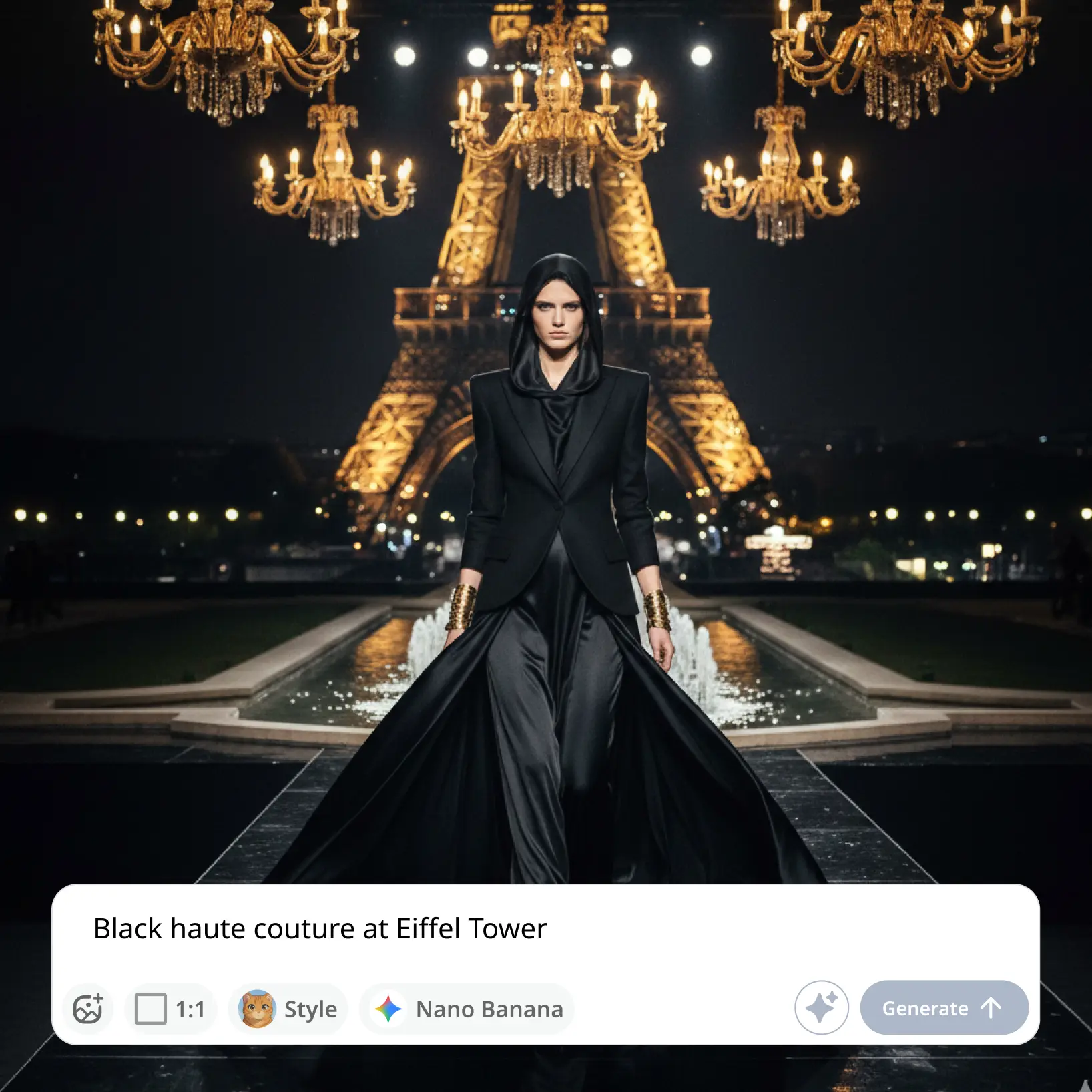
İndirin ve kullanın
Görselinizi indirin veya doğrudan sosyal medya akışlarınıza yayınlayın

Dünya genelinde milyonlarca kişiye katılın
İmza Arka Plan Kaldırıcıdan Kimler Yararlanır?
- 🔹
E-ticaret satıcıları — El yazısı imzalardan, logolardan veya marka damgalarından arka plan gürültüsünü kaldırın ve bunları ürün görsellerine veya promosyon materyallerine düzgün bir şekilde yerleştirin.
- 🔹
İçerik oluşturucular — Sanat eserlerine, sertifikalara ve dijital içeriğe otantik imza katmanları ekleyin. Sosyal medya gönderileri ve YouTube videoları için kişiselleştirilmiş marka öğeleri oluşturmak üzere fotoğraflardan anında imza çıkarın.
- 🔹
Tasarımcılar ve serbest çalışanlar — Müşteri sözleşmeleri ve mockup'lar için hazır temiz PNG imzalarla belge tasarımını hızlandırın. Marka projeleri için yeniden kullanılabilir imza kütüphaneleri oluşturmak üzere imza arka planlarını toplu olarak kaldırın.
- 🔹
Küçük işletme sahipleri — Tarama ekipmanı olmadan sözleşmeler, teklifler ve resmi yazışmalar için imzanızı dijitalleştirin. Profesyonel antetli kağıtlar, e-posta imzaları ve pazarlama materyalleri için imzayı şeffaf yapın.
- 🔹
Öğrenciler ve eğitimciler — Dijital ödevler, izin formları ve akademik sertifikalar için şeffaf imzalar oluşturun. Profesyonel görünümlü belgeler ve portföyler oluşturmak için imza taramalarından beyaz arka planı kaldırın.
Sık sorulan sorular
Lift İmza Arka Plan Kaldırıcı nedir?
Lift İmza Arka Plan Kaldırıcı, görüntülerden anında imza çıkaran ve arka planı piksel mükemmel hassasiyetle kaldıran premium bir çevrimiçi araçtır — sözleşmeler, belgeler, sertifikalar veya dijital marka için ideal.
Lift Signature Extractor nasıl çalışır?
İmza fotoğrafınızı Lift'in imza arka plan kaldırıcı aracına yükleyin. AI'mız otomatik olarak imzayı algılar ve arka planı saniyeler içinde kaldırır — fotoğraf düzenleme deneyimi gerekmez. Görünmez arka planlarla 20'ye kadar şeffaf imza PNG'sini indirin.
Kenarlar ve ince detayları koruyacak mı?
Evet. Lift İmza Arka Plan Kaldırıcı, çizgiler, gölgeler ve yumuşak dokular gibi hassas öğeleri korumak için gelişmiş kenar algılama kullanır — böylece manuel rötuş olmadan temiz, doğal görünümlü kesimler elde edersiniz.
Sonuçları filigransız indirebilir miyim?
Kesinlikle. Lift'te oluşturulan veya düzenlenen tüm görüntüler Pro planındayken filigransız dışa aktarılabilir. Bunları yüksek çözünürlüklü PNG veya JPG olarak indirin — sosyal medya, baskı, reklamlar veya e-ticaret için hazır.
Lift Pro aboneliğimi nasıl iptal ederim?
Deneme sürenizi veya aboneliğinizi hesap ayarları bölümünden ya da support@liftapp.ai adresine yazarak iptal edebilirsiniz. İptal otomatik yenilemeyi durdurur, erişiminiz ise mevcut dönemin sonuna kadar devam eder.
Lift'in AI İmza Arka Plan Kaldırıcısının neden öne çıktığı
Yüksek kaliteli sonuçlar
AI destekli teknoloji her seferinde profesyonel düzeyde görsel sonuçlar sunar
Akıllı render
AI, optimal sonuçlar için efekti sahneye ve konuya göre uyarlar
Çapraz platform desteği
Sorunsuz erişim için iOS, Android ve Web'de mevcuttur
Bütçe dostu
Uygun fiyatlı ve sezgisel bir araçla pahalı tasarımcılardan tasarruf edin