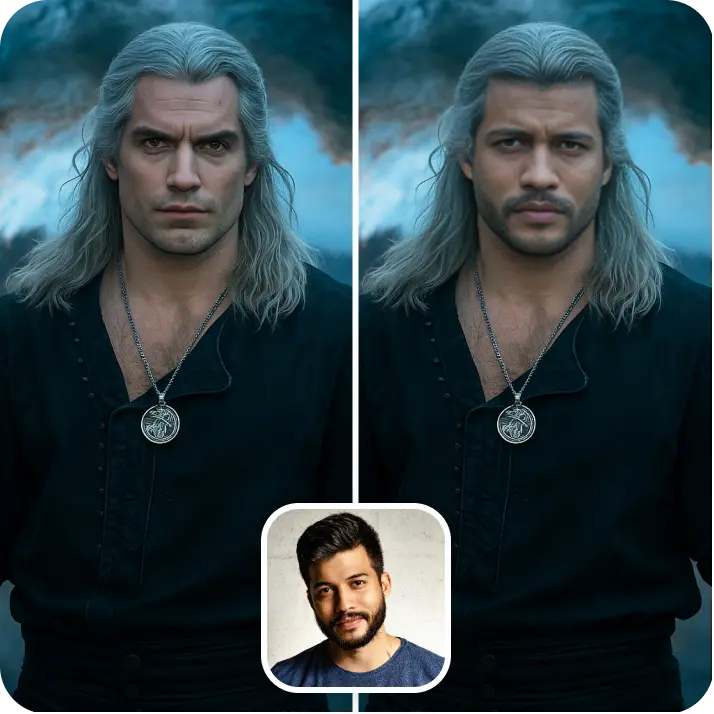

Yaşlandığında Nasıl Görüneceğini Keşfet
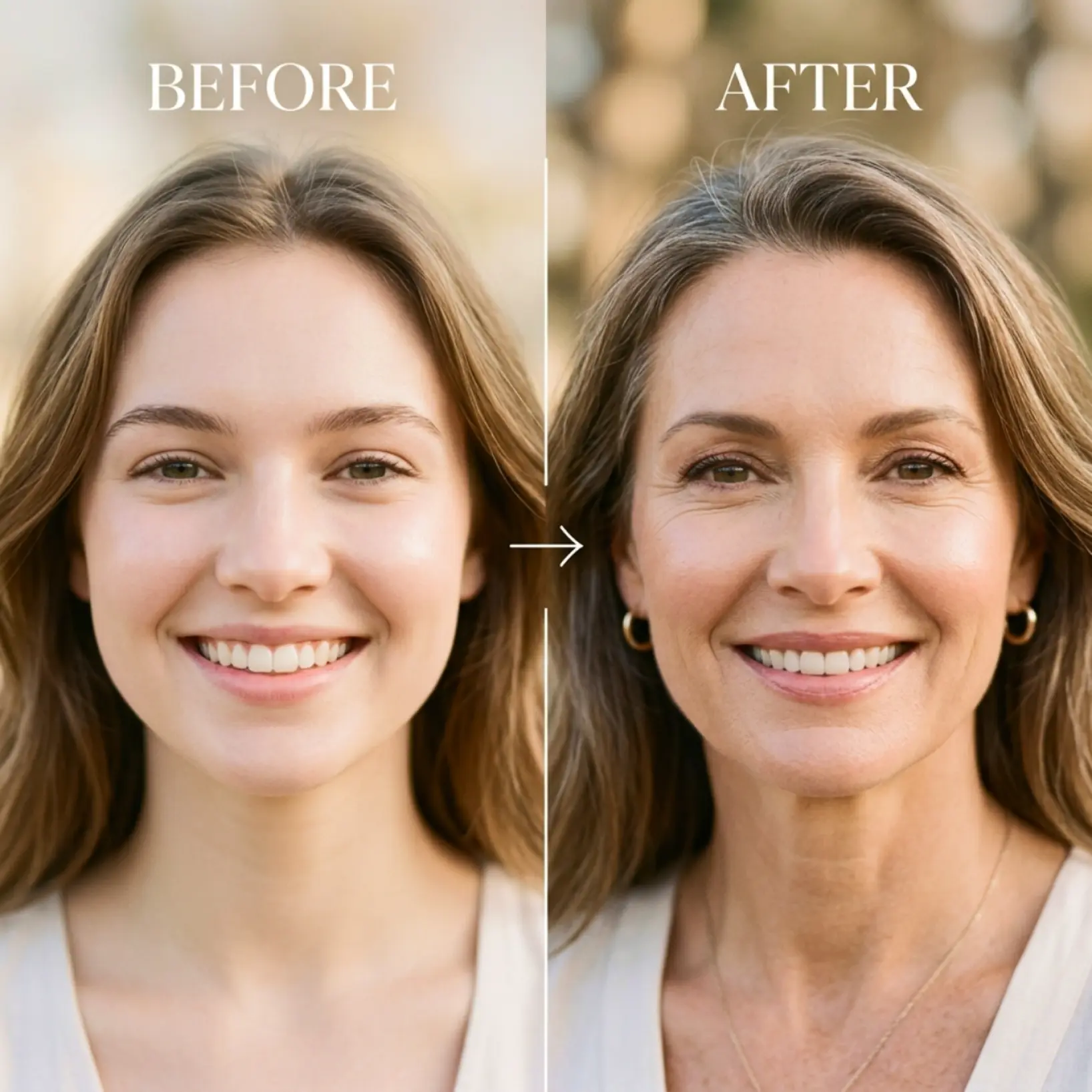
Bir portre yükle ve farklı yaşlarda nasıl görüneceğini gör. Bir yaş seç ve yaşlanmış yüzünün gerçekçi önizlemesini al — Deneyin
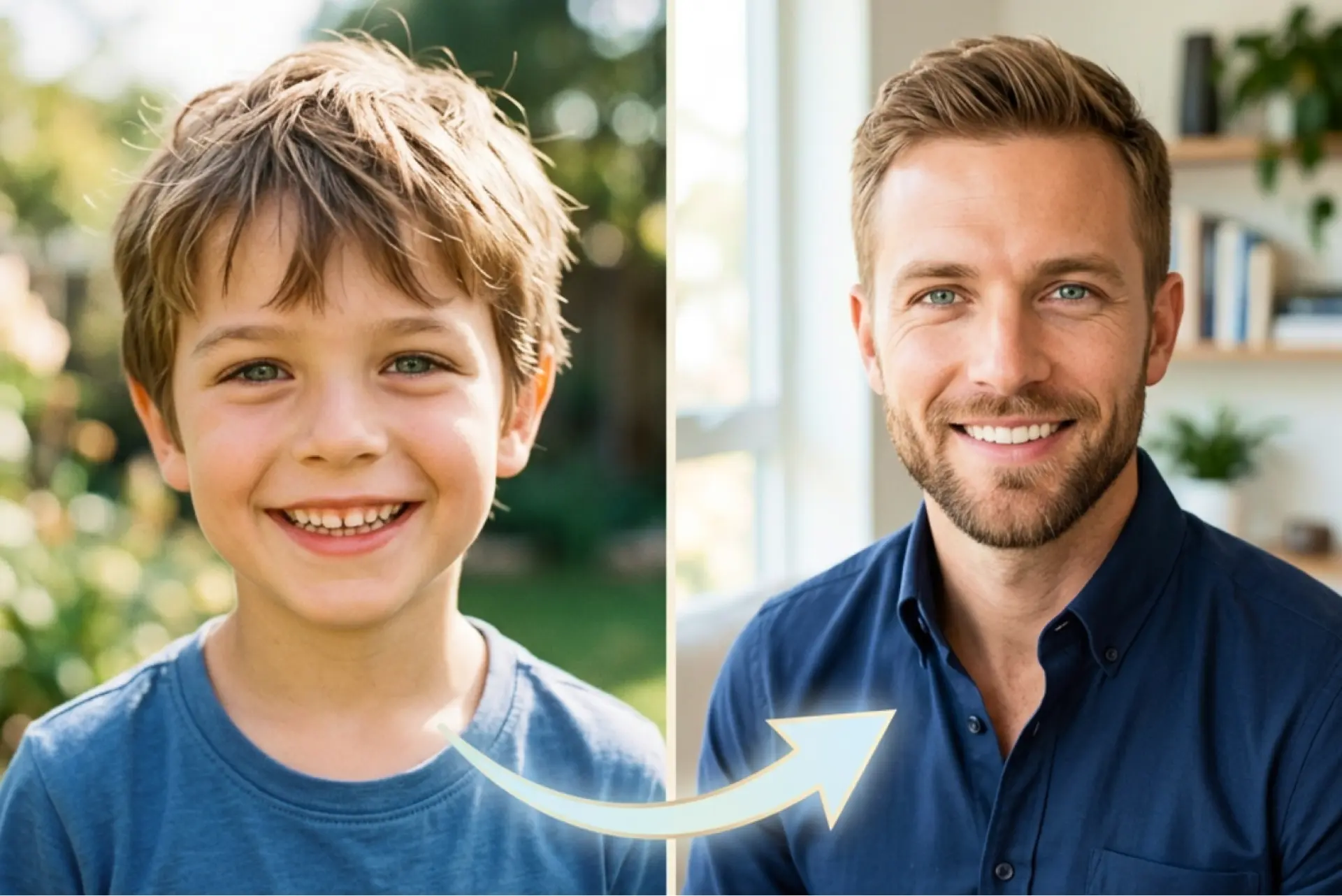
Nasıl çalışır
Fotoğrafını yükle
Yaş ilerleme önizlemesini başlatmak için cihazından net bir portre seç
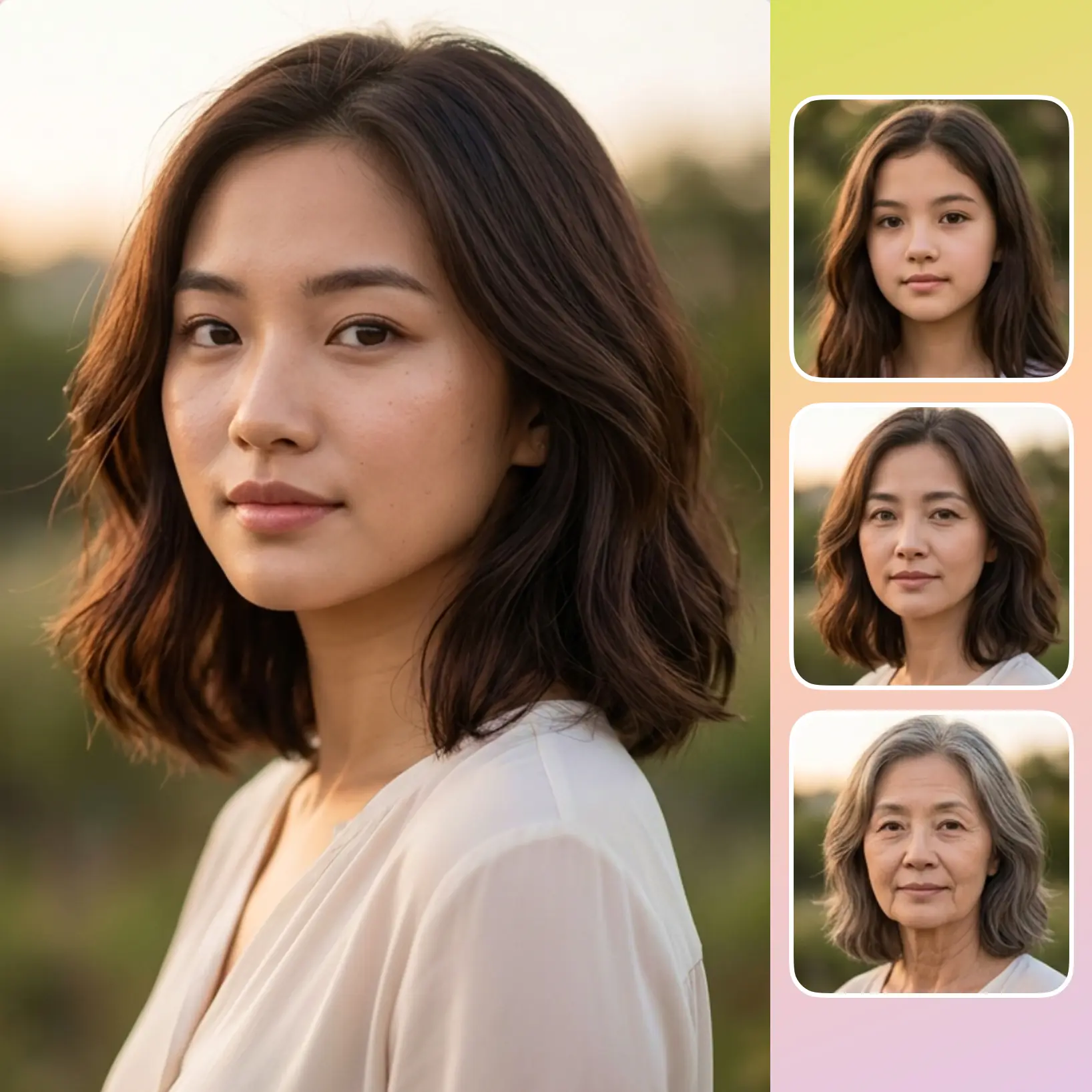
Bir yaş seç
Yüzünün zaman içinde nasıl değiştiğini görmek için 6 yaş seçeneğinden birini seç
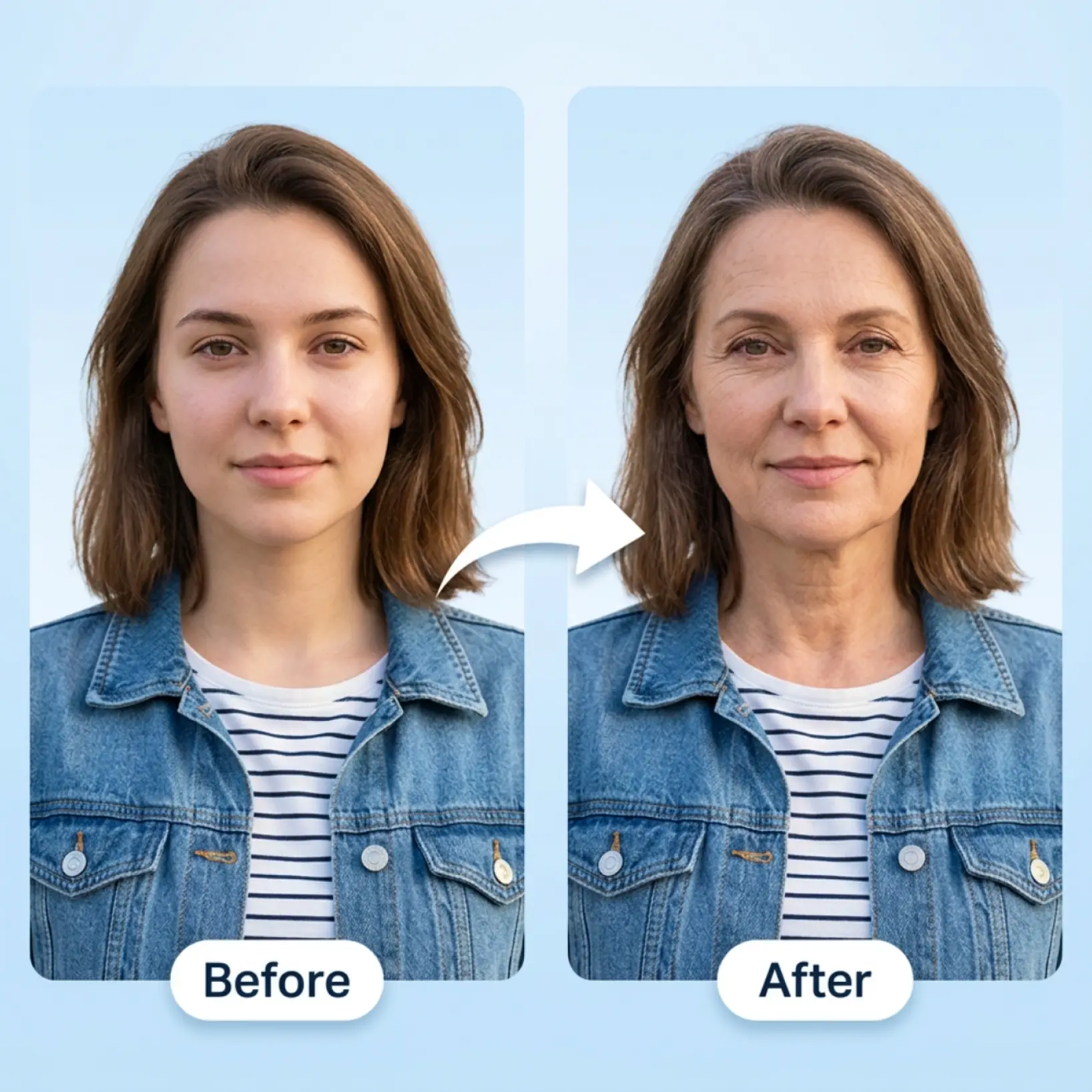
Sonucu karşılaştır
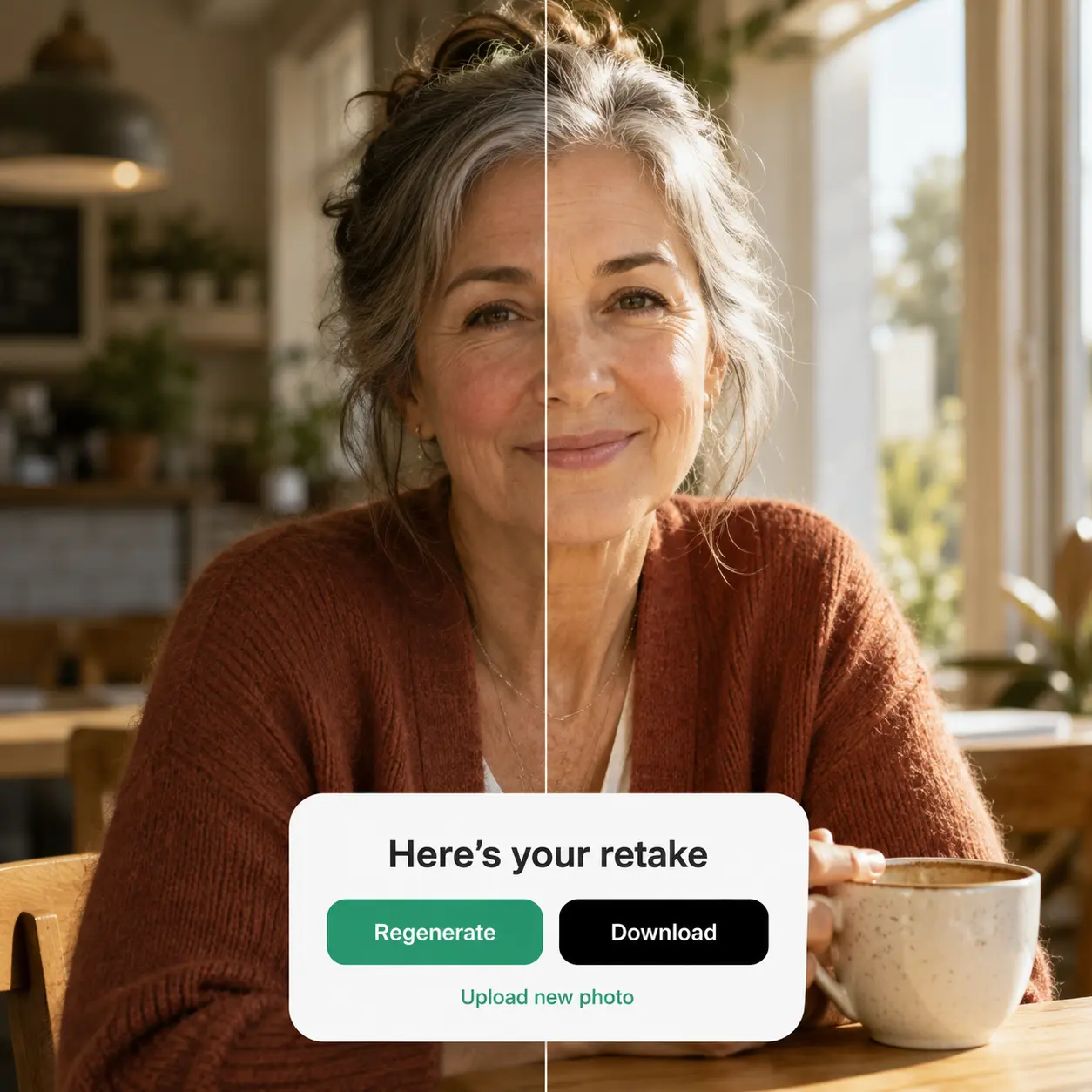
Orijinal görüntünü yapay zeka tarafından oluşturulan yaş ilerleme sonucunun yanında gör
İstediğin zaman yeniden oluştur
Başka bir yaş seçeneği dene ve tek dokunuşla yeni bir versiyon oluştur

Dünya genelinde milyonlarca kişiye katılın
Yapay Zeka Yüz Önizlemesinden Kim Faydalanabilir?
- 🔹
Sosyal medya kullanıcıları — Çarpıcı bir önce/sonra görseli oluştur ve doğrudan sonuç ekranından paylaş. Yapay zeka tarafından dönüştürülen portreler ilgi çekici içerik olarak iyi performans gösterir.
- 🔹
Meraklı kullanıcılar — Yalnızca bir fotoğrafla 40, 60 yaşında veya daha ileri yaşlarda nasıl görünebileceğini keşfet. Herhangi bir taahhüt olmadan deney yapmak için yaş seçenekleri arasında serbestçe geçiş yap.
- 🔹
Arkadaşlar ve eğlence arayanlar — Aynı fotoğrafı birden fazla yaş seçeneğinden geçir ve sonuçları birlikte karşılaştır. Bu, tanıdığın insanlarla unutulmaz anlar yaratmanın kolay bir yoludur.
- 🔹
İçerik oluşturucular — Tasarım becerisi olmadan saniyeler içinde göz alıcı yüz dönüşüm görselleri üret. Zorlayıcı önce/sonra gönderileri oluşturmak için yan yana karşılaştırma görünümünü kullan.
- 🔹
Mobil kullanıcılar — Doğrudan kamera rulundan yükle, tek dokunuşla yaş seç ve ilk sonuç aklındaki gibi değilse anında yeniden oluştur.
Sık sorulan sorular
Lift Yapay Zeka Yüz Önizlemesi nedir?
Lift Yapay Zeka Yüz Önizlemesi, tek bir portresi aynı yüzün gerçekçi yaşlı versiyonlarına dönüştüren yaratıcı bir araçtır. Bir fotoğraf yükle, bir yaş aşaması seç ve orijinal görüntünle oluşturulan sonuç arasında yan yana karşılaştırma gör.
Lift Yapay Zeka Yüz Önizlemesi nasıl çalışır?
Net bir portre yükle, ardından ekrandaki kontrolden 6 yaş seçeneğinden birini seç. Lift fotoğrafını işler ve saniyeler içinde yüzünün yaşlı bir versiyonunu oluşturur. Sonuç görününce her iki görüntüyü de birlikte görebilir ve farklı bir sonuç denemek için Yeniden Oluştur'a dokunabilirsin.
Farklı yaş seçenekleri seçebilir miyim?
Evet. Lift Yapay Zeka Yüz Önizlemesi 6 yaş seçeneği içerir, böylece aynı portrenin farklı yaşlı versiyonlarını önizleyebilir ve sonuçları kolayca karşılaştırabilirsin.
Sonuçları filigran olmadan indirebilir miyim?
Kesinlikle. Lift'te oluşturulan veya düzenlenen tüm görüntüler, Pro plandayken filigran olmadan dışa aktarılabilir. Yüksek çözünürlüklü PNG veya JPG olarak indir — sosyal medya, baskı, reklamlar veya e-ticaret için hazır.
Lift Pro aboneliğimi nasıl iptal ederim?
Deneme sürenizi veya aboneliğinizi hesap ayarları bölümünden ya da support@liftapp.ai adresine yazarak iptal edebilirsiniz. İptal otomatik yenilemeyi durdurur, erişiminiz ise mevcut dönemin sonuna kadar devam eder.
Lift Yapay Zeka Yüz Önizlemesi neden öne çıkıyor

Yüksek kaliteli sonuçlar
Yapay zeka destekli teknoloji her seferinde profesyonel kalitede görseller sunar
Akıllı işleme
Yapay zeka, optimum sonuçlar için efekti sahneye ve konuya göre uyarlar
Çoklu platform desteği
Kesintisiz erişim için iOS, Android ve Web'de kullanılabilir
Bütçe dostu
Uygun fiyatlı ve sezgisel bir araçla pahalı tasarımcılardan tasarruf et